
Key Takeaways

- Custom projects in ChatGPT and Claude are powerful but create complete vendor dependency
- If you switch AI services or lose access, your workflows disappear entirely
- A better strategy: use AI chatbots to help you build standalone tools you control
The Hidden Cost of AI-Dependent Workflows
AI chatbots like ChatGPT and Claude have become genuinely useful for building custom workflows. You can create projects with specific instructions, upload reference documents, and run commands that pull together information in ways that would take hours manually.
Adam Davidson, writing for How-To Geek, describes a project he built inside Claude: a system that stores his favorite musical artists, TV shows, movies, and video games. Each morning, he runs a command that searches for news on everything in those documents. It alerts him when a band he likes releases a new album or when a game he wants goes on sale.
It's clever. It works. And it's completely trapped inside one platform.
What Happens When You Need to Leave
The problem with building your tools inside a chatbot is straightforward: your tools exist only as long as you have access to that specific service. Several things can break that access.
- The AI service raises prices beyond what you're willing to pay
- Features you rely on move behind higher-tier paywalls
- A competitor launches something better and you want to switch
- You become uncomfortable with the company's direction on privacy, safety, or other concerns
- The service changes its terms of service or discontinues features
In any of these scenarios, your tool is gone. You lose the prompts you refined over months. You lose the context documents you assembled. You lose the specific behaviors you tuned through trial and error. If you switch to a new platform, you start from scratch.
For simple tools, rebuilding is annoying but manageable. For complex workflows with multiple documents, custom instructions, and refined prompts, it's a significant time investment. And there's no guarantee the new platform will work the same way.
The Alternative: Build With AI, Not Inside AI
There's a different approach. Instead of asking AI to be the tool, ask it to help you make the tool.
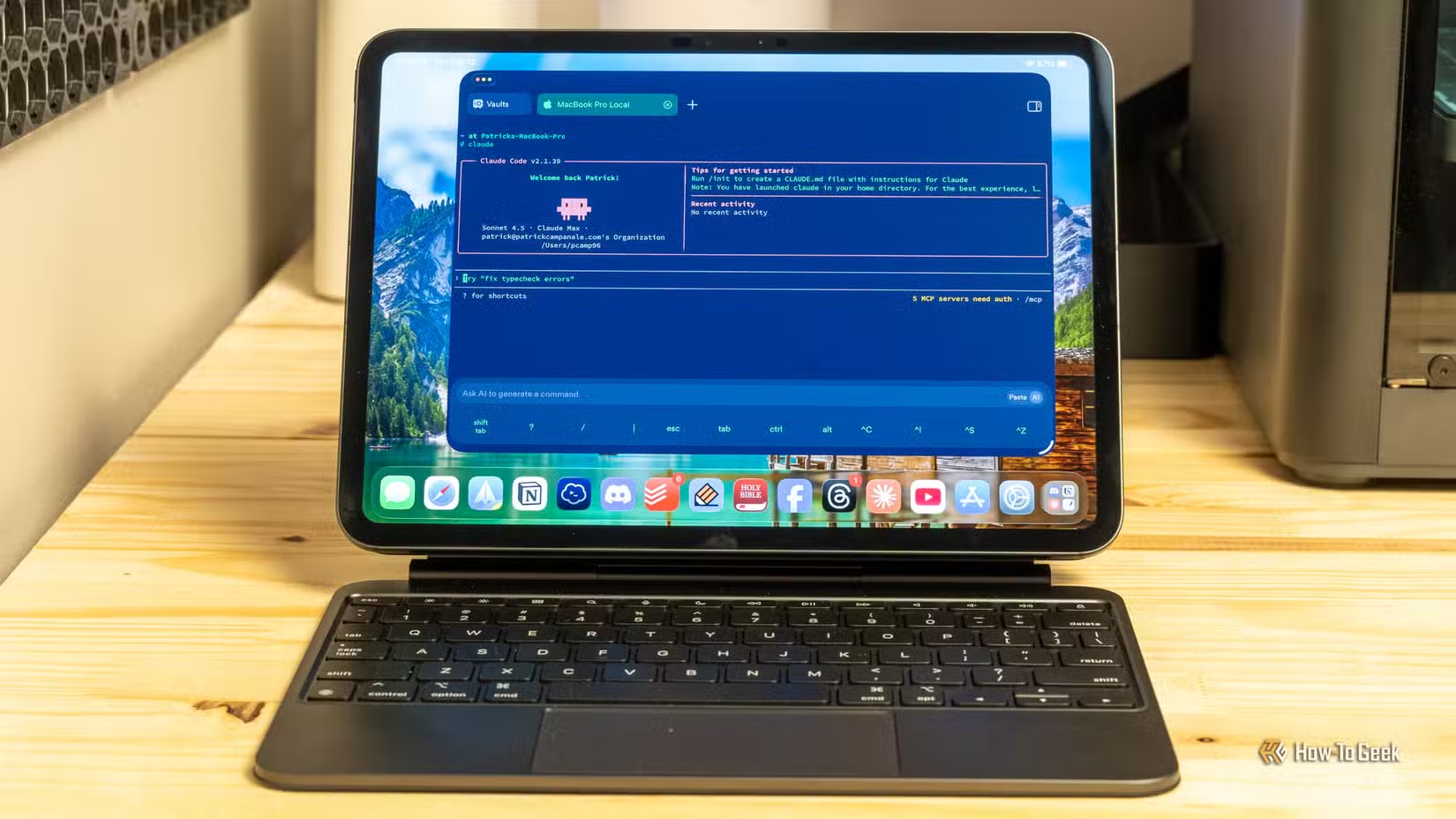
Modern AI chatbots are capable enough to help you build actual software. Not complex enterprise applications, but simple scripts and automations that run on your own hardware or in your own cloud accounts. The AI does the development work. You keep the result.
Take Davidson's morning news alert system. Instead of running it inside Claude every day, he could ask Claude to build a Python script that does the same thing. That script could run on a Raspberry Pi, a home server, or a cheap cloud instance. If Claude doubled its prices tomorrow, the script would still work.

What This Looks Like in Practice
The practical version of this approach is simpler than it sounds. You describe what you want to a chatbot. The chatbot writes code. You run that code somewhere you control.
For Davidson's use case, a Python script could read a JSON file containing his favorite artists, shows, and games. It could check RSS feeds, APIs, or even run web scrapes on a schedule. When it finds something relevant, it sends a notification to his phone or email. The whole thing might be 100 lines of code that Claude writes in minutes.
The script lives on his hardware. He can modify it. He can share it. He can run it forever without paying any AI subscription. And if he wants to improve it later, he can ask any AI chatbot to help. He's not locked into the one that originally wrote it.
Where to Run Your Own Tools
You don't need expensive infrastructure to run simple automations. A Raspberry Pi costs under $100 and can run dozens of lightweight scripts. Home Assistant servers, which many people already have for smart home automation, can execute Python scripts on schedules.
Cloud options work too. A basic virtual private server costs $5 to $10 per month and can run your scripts 24/7. Some workflows can even run on free tiers from providers like Oracle Cloud or Google Cloud.
Practical examples of running your own automations on inexpensive hardware
When to Keep Tools Inside AI
This isn't an argument to never use ChatGPT projects or Claude's custom instructions. Some workflows genuinely benefit from staying inside the chatbot.
If you need the AI's reasoning capabilities as part of the workflow, keeping it inside makes sense. A research assistant that synthesizes information across multiple documents, for instance, needs the AI's understanding to function. You can't easily extract that into a standalone script.
The question to ask: does this tool need AI to run, or did I just use AI to set it up? If your morning news alert could work with simple keyword matching and RSS feeds, it doesn't need to live inside Claude. If your tool requires nuanced understanding of context, maybe it does.
Automation platforms that can run your AI-built tools independently
The Ownership Mindset
The broader principle here extends beyond AI tools. Any time you build something valuable inside a platform you don't control, you're taking a risk. That applies to Notion databases, Airtable workflows, and yes, ChatGPT projects.
The convenience of these platforms is real. But so is the dependency. Before investing hours refining a workflow inside someone else's service, ask whether you could build something portable instead.
AI chatbots are powerful enough now to help you do exactly that. Use them as builders, not just hosts.

Logicity's Take
Frequently Asked Questions
Can I export my ChatGPT or Claude projects?
Not in a portable format that works on other platforms. You can copy your prompts and download your documents, but the project structure and fine-tuned behaviors don't transfer. You'd need to rebuild from scratch on a new service.
Do I need to know how to code to build standalone tools?
Not necessarily. AI chatbots can write functional scripts for you. You'll need basic comfort with running commands in a terminal and editing text files, but the AI handles the actual programming.
What if my workflow needs to call an AI API?
You can build tools that use AI APIs without being locked into one provider. A script can call OpenAI's API today and switch to Anthropic's tomorrow with minor changes. You control the code, so you control the dependencies.
Is it more expensive to run my own tools?
Often it's cheaper. A Raspberry Pi is a one-time $50-100 cost. A basic cloud server runs $5-10 per month. Compare that to $20 per month for ChatGPT Plus or Claude Pro, especially if you only need the AI for occasional development help rather than daily usage.
Need Help Implementing This?
Source: How-To Geek
Manaal Khan
Tech & Innovation Writer
Produced with AI assistance and reviewed by the Logicity editorial team. Learn more in our Editorial Policy.






