Key Takeaways
- A Raspberry Pi 4 paired with a touchscreen can show what's playing on every smart speaker in your home
- Home Assistant integration unlocks automation potential for all three projects
- The LED status tower project provides visual alerts for any smart home event
Most Raspberry Pi tutorials stop at "make an LED blink" or "build a retro gaming console." These are fine starting points. But after your third RetroPie setup, you start wondering if that $35 computer could do something genuinely useful around the house.
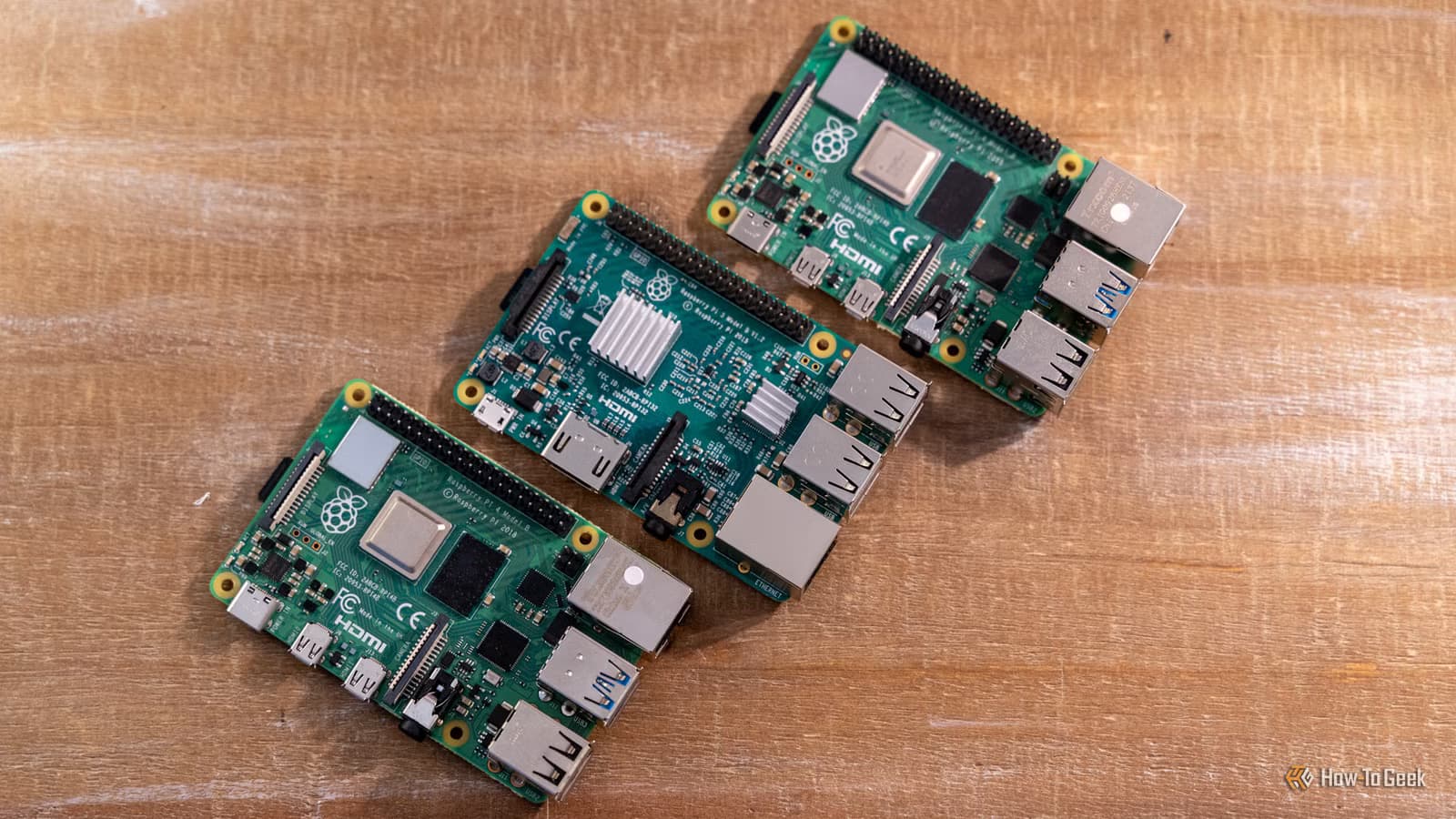
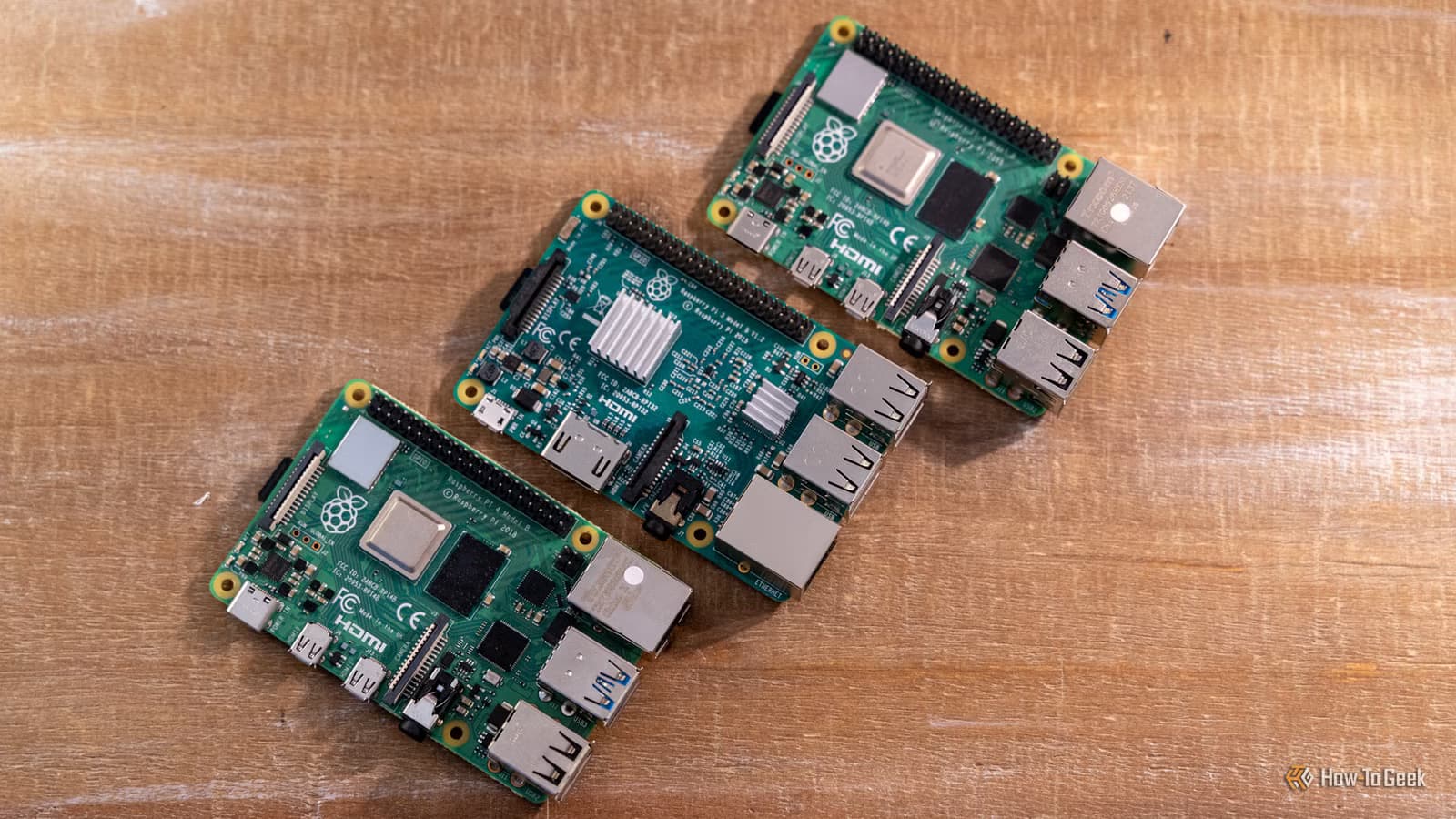
How-To Geek's Patrick Campanale put together three projects for the May 15-17 weekend that tackle real problems. Each one requires a Raspberry Pi 4 Model B (around $38 at CanaKit) and some patience. None require a computer science degree.
Project 1: Whole-Home Now Playing Display
If your household has multiple smart speakers, you know the chaos. The kitchen plays a podcast. The living room streams jazz. Someone's office blasts a video call. Figuring out what's playing where usually means walking room to room or shouting.
This project creates a central display showing what's playing on every speaker in your home. The build relies on Home Assistant, the open-source automation platform, running either on the same Pi or a separate device.
The setup works like this: Install Home Assistant. Connect your smart speakers using Music Assistant, an integration that pulls in Sonos, Google Home, Amazon Echo, and other platforms. Plug your Pi into a touchscreen. Mount it on a wall or leave it on a desk.
From there, you can view the Music Assistant now playing screen or build a custom Home Assistant dashboard. Tap the screen to pause, skip tracks, or adjust volume across any room.
Project 2: LED Status Light Tower
Campanale calls this one his favorite from the roundup. The LED status tower gives you visual alerts for anything your smart home can detect. Think of it as a physical notification system.
The tower lights up different colors based on triggers you define. Green when your garage door is closed. Red when it's open. Blue when the washing machine finishes. Yellow when someone rings the doorbell. The possibilities depend entirely on what sensors and devices you've connected to Home Assistant.
For people who work from home or keep their phones on silent, this kind of ambient awareness beats constant phone notifications. You glance at the tower. You know the house status. No app required.
Why Home Assistant Keeps Showing Up
All three projects lean on Home Assistant as the backbone. This isn't coincidence. The platform has become the default hub for DIY smart home builders because it connects devices that otherwise wouldn't talk to each other.
A Raspberry Pi 4 runs Home Assistant comfortably for most households. You get local control (no cloud dependency), privacy (your data stays home), and flexibility (thousands of integrations). The tradeoff is setup time. Expect a learning curve if you're new to the platform.
Expand your automation toolkit beyond Home Assistant
Hardware You'll Need
- Raspberry Pi 4 Model B (2GB minimum, 4GB recommended) at $38-55
- MicroSD card (32GB or larger) for the operating system
- USB-C power supply rated for the Pi 4
- Touchscreen display for the now playing project
- LED strip or tower lights for the status project
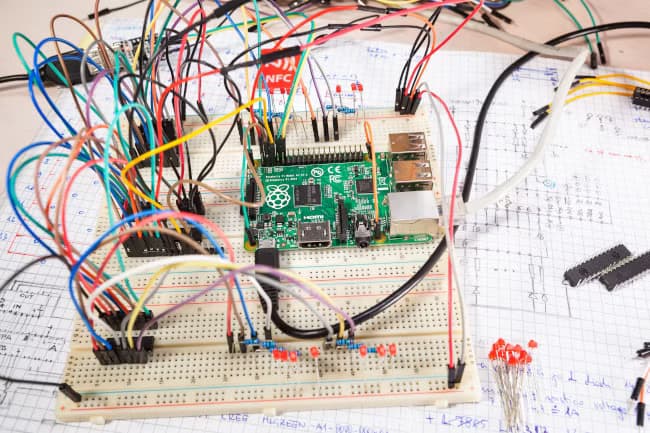
- Breadboard and jumper wires for prototyping
Total cost runs $60-150 depending on which projects you tackle and what components you already own. The Pi itself works across multiple projects, so the initial investment pays off over time.
Weekend Timeline
Campanale frames these as weekend projects, which is accurate if you already have Home Assistant running. If you're starting from scratch, add a few hours for the initial setup and configuration.
The now playing display is the most straightforward. Hardware assembly plus software configuration takes an afternoon. The LED tower requires more wiring knowledge but still fits within a weekend.
Logicity's Take
Frequently Asked Questions
Do I need coding experience for these Raspberry Pi projects?
No. All three projects rely primarily on configuration through Home Assistant's visual interface. Some terminal commands are required during initial setup, but you'll copy and paste them from guides.
Can I use a Raspberry Pi 5 instead of the Pi 4?
Yes. The Pi 5 offers more power and runs these projects easily. However, the Pi 4 at $38 is sufficient and more cost-effective for dedicated smart home tasks.
Does Home Assistant require a subscription?
The core platform is free and open-source. Home Assistant Cloud (Nabu Casa) costs $6.50/month for remote access and voice assistant integration, but it's optional.
What happens if my Raspberry Pi loses power?
Home Assistant restarts automatically when power returns. Your automations and configurations are stored on the SD card and persist through power cycles.
Need Help Implementing This?
Source: How-To Geek
Huma Shazia
Senior AI & Tech Writer
Produced with AI assistance and reviewed by the Logicity editorial team. Learn more in our Editorial Policy.






