Key Takeaways
- Kobo eReaders can install KOReader without any jailbreaking, just by unzipping files and running an installer
- Devices running firmware 4.17 or newer qualify, including models from 2013
- KOReader offers more customization than stock Kobo or Kindle software
The Android of eReaders
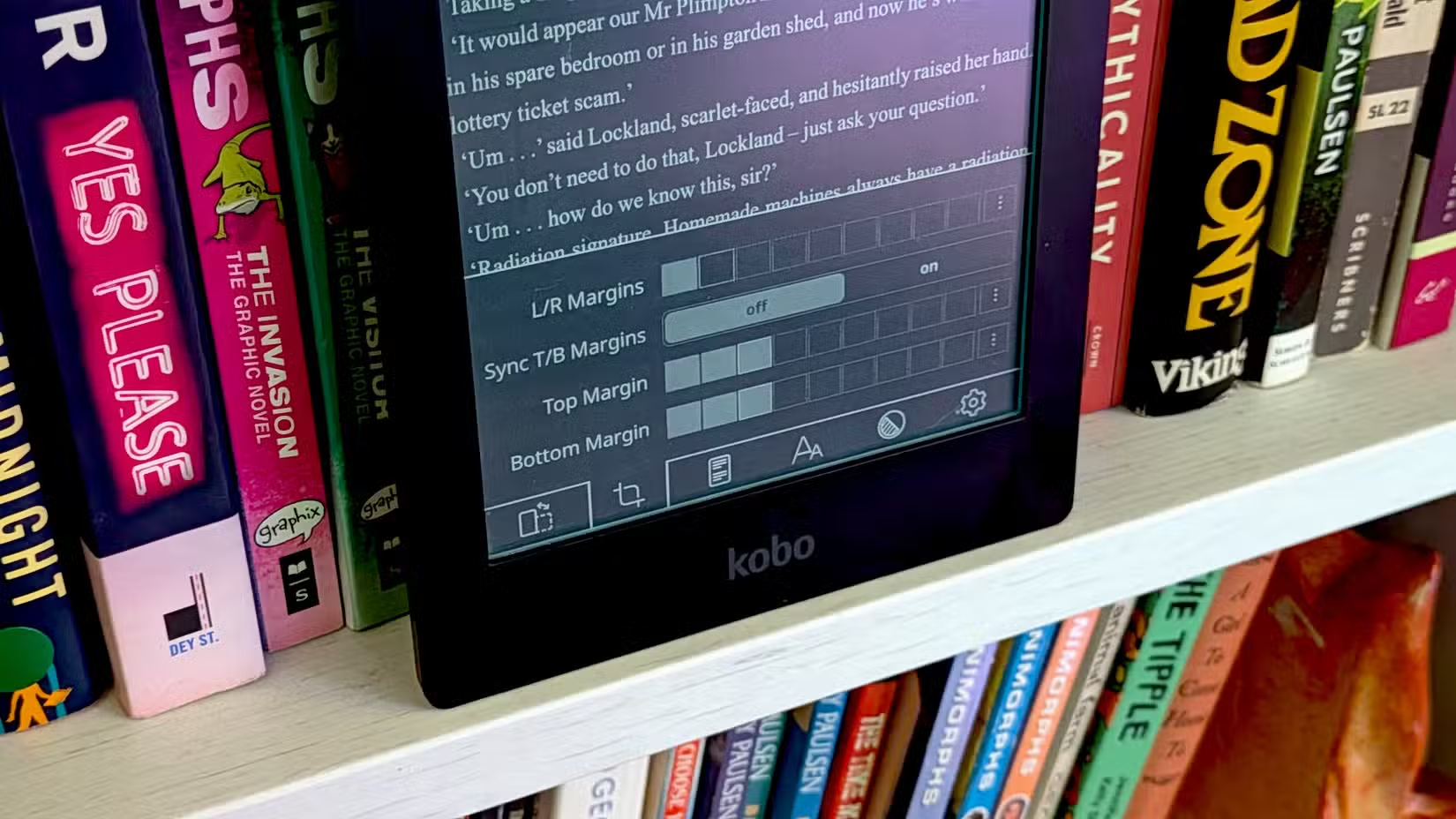
If Kindle is the iPhone of eReaders, Kobo is Android. That's how Joe Fedewa of How-To Geek frames it, and the comparison holds up. Kobo devices are far easier to customize than their Amazon counterparts. When Fedewa dusted off his 13-year-old Kobo Aura HD, he discovered just how easy.
The Aura HD dates back to 2013. It predates the Galaxy Note 4. Yet Kobo still pushes firmware updates to it. Fedewa's unit was running version 4.38 when he powered it up after six years in a drawer.
No Jailbreaking Required
Last year, Fedewa jailbroke a 10-year-old Kindle Paperwhite to install KOReader, a custom launcher that replaces the stock reading interface. That process required genuine effort. On the Kobo? He unzipped a couple of files and ran an installer. Done in minutes.
This isn't really jailbreaking at all. Kobo doesn't lock down its devices the way Amazon does. If your Kobo runs firmware 4.17 or newer, you can install KOReader with no hacks, no exploits, no risk of bricking your device.
Fedewa found the experience more user-friendly on Kobo than on his jailbroken Kindle. The installation process is documented in KOReader's official instructions. Most Kobo devices from the past decade should qualify.
What KOReader Actually Does
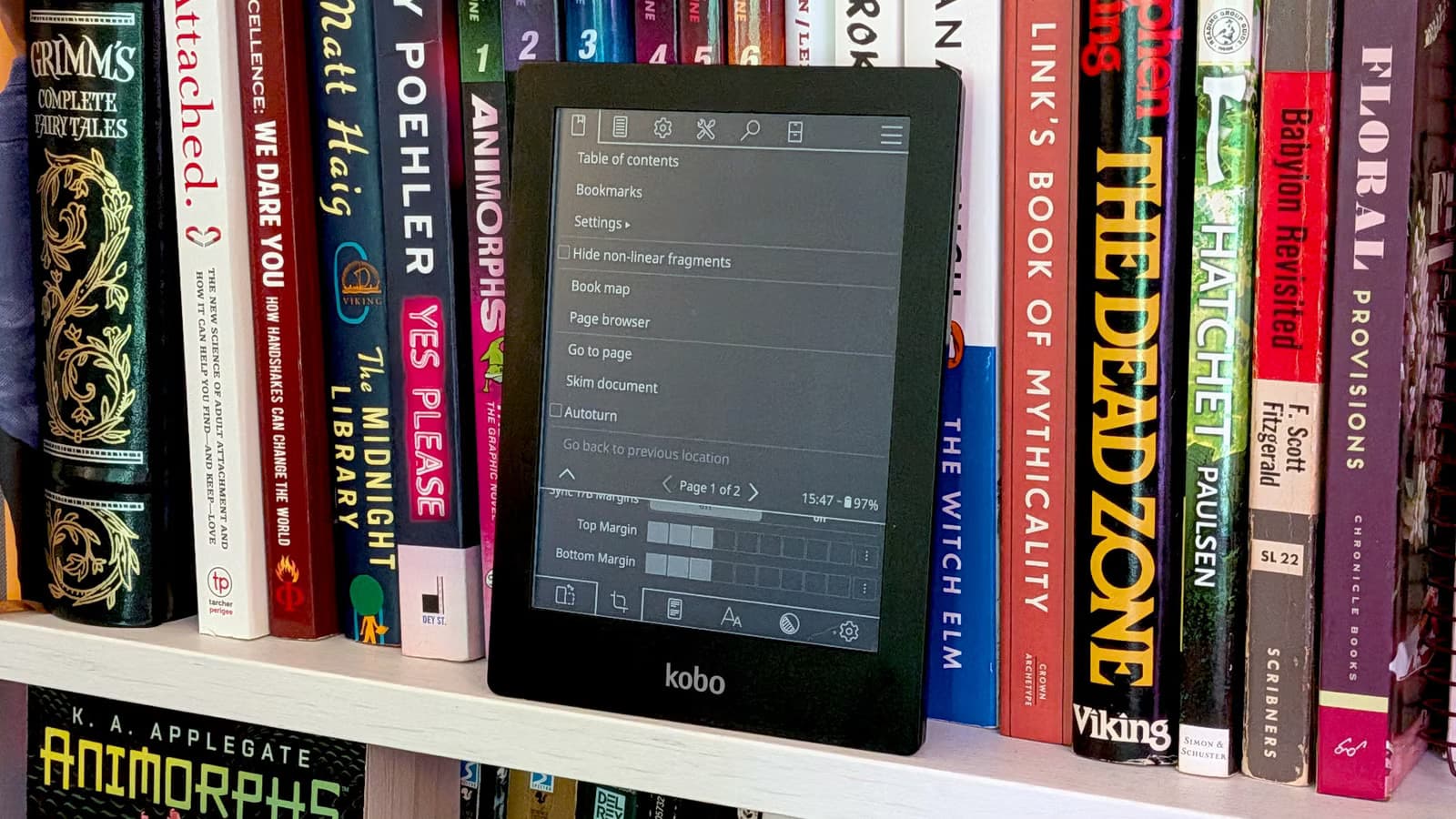
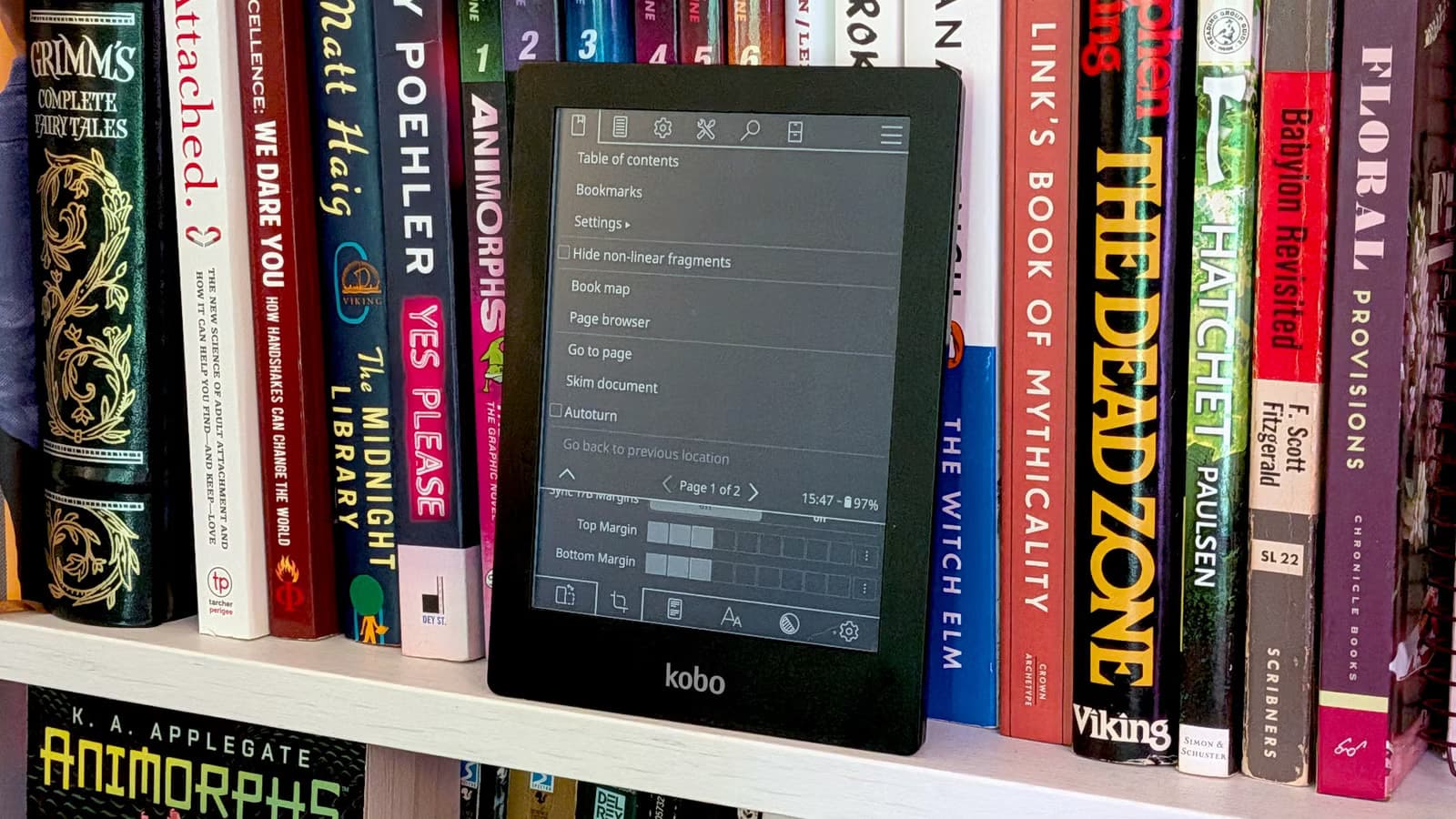
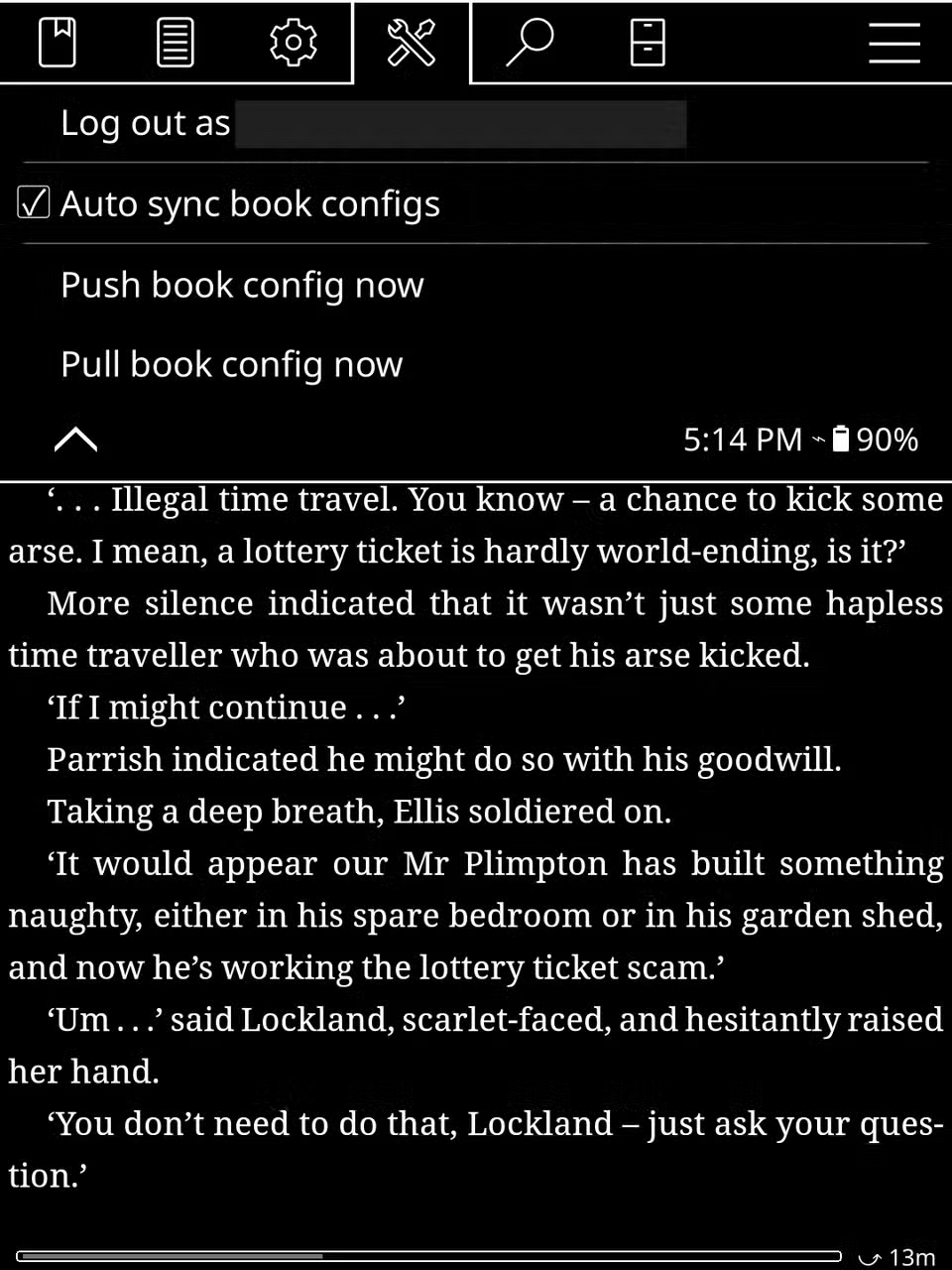
KOReader is an open-source document reader built for e-ink devices. It replaces the stock Kobo interface with something more flexible. You get granular control over fonts, margins, line spacing, and page layout. You can read EPUBs, PDFs, and other formats without converting them first.
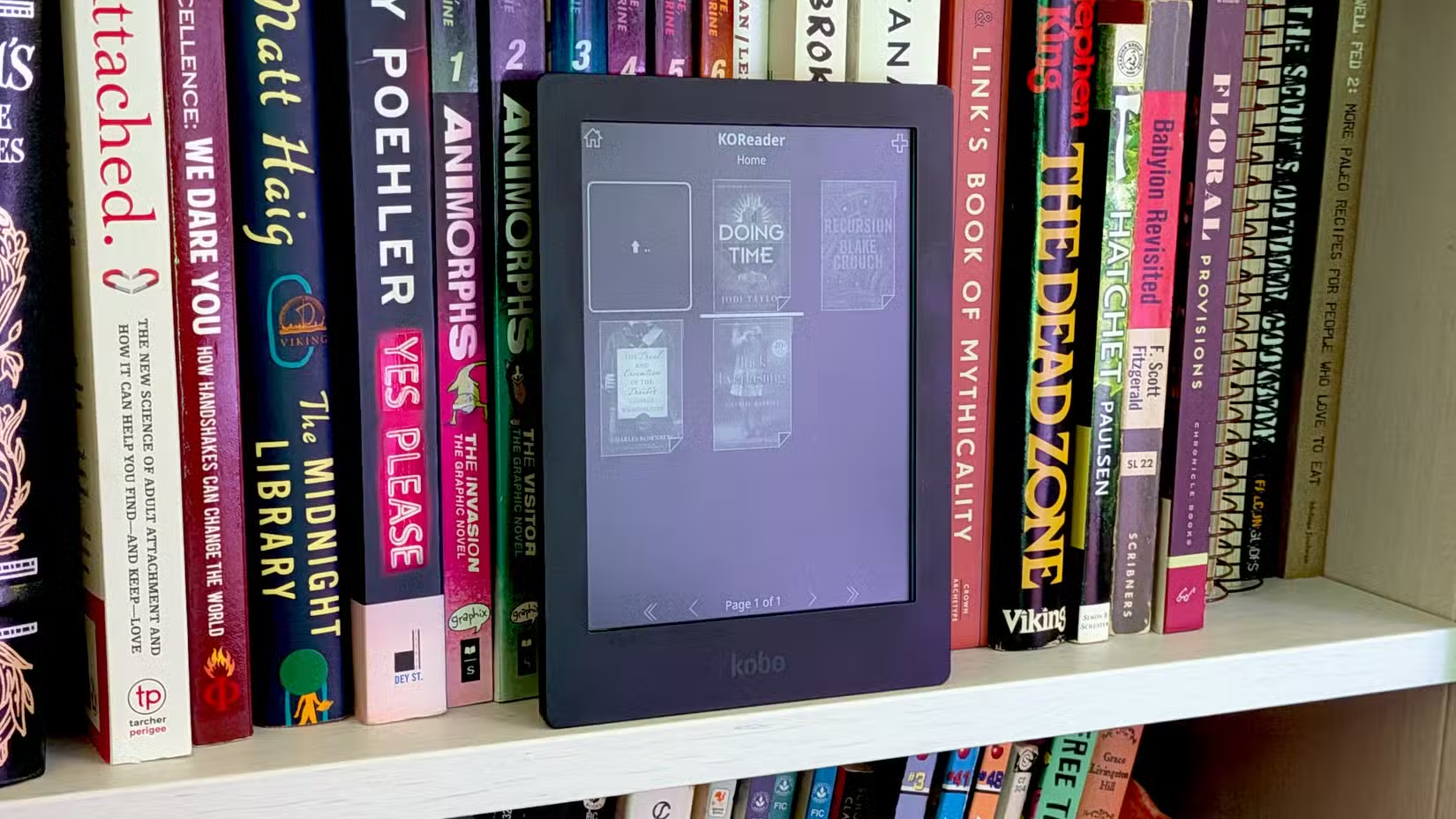
The software is designed specifically for e-ink displays. That means it handles screen refreshes intelligently and works within the hardware constraints of older devices. A 2013 Kobo with KOReader doesn't feel like a 2013 device.
Why This Matters for Device Longevity
Fedewa's point isn't just that you can customize a Kobo. It's that his ancient device now outperforms a new Kindle in the ways he cares about. He's not stuck with Kobo's proprietary software or Amazon's walled garden. He's running the reading software he wants on hardware he already owns.
This is the difference between products designed to lock you in and products designed to last. Kobo's openness means a 13-year-old device can receive a meaningful upgrade through third-party software. Amazon's approach means a 10-year-old Kindle requires actual jailbreaking to achieve the same result.
The Installation Process
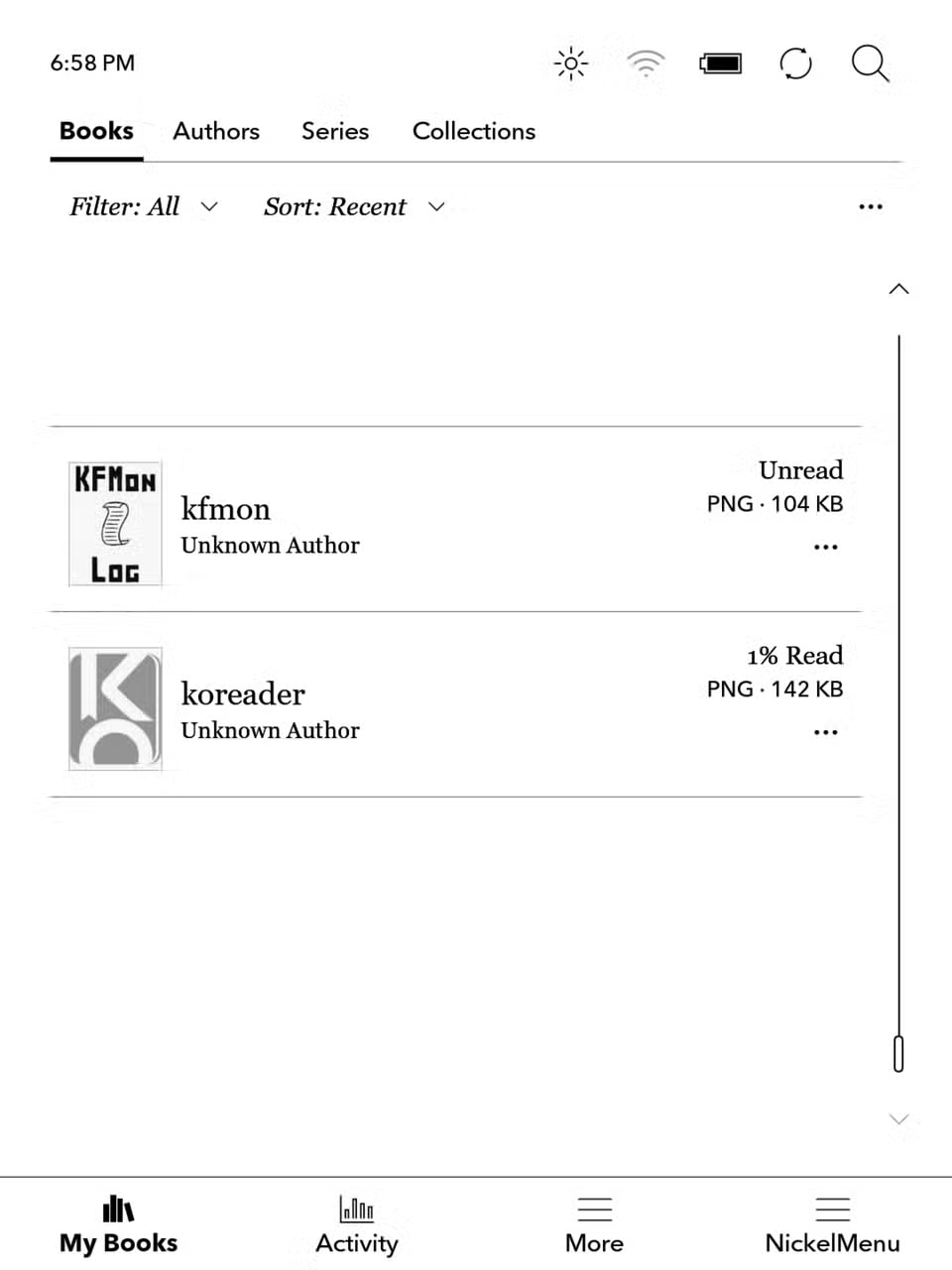
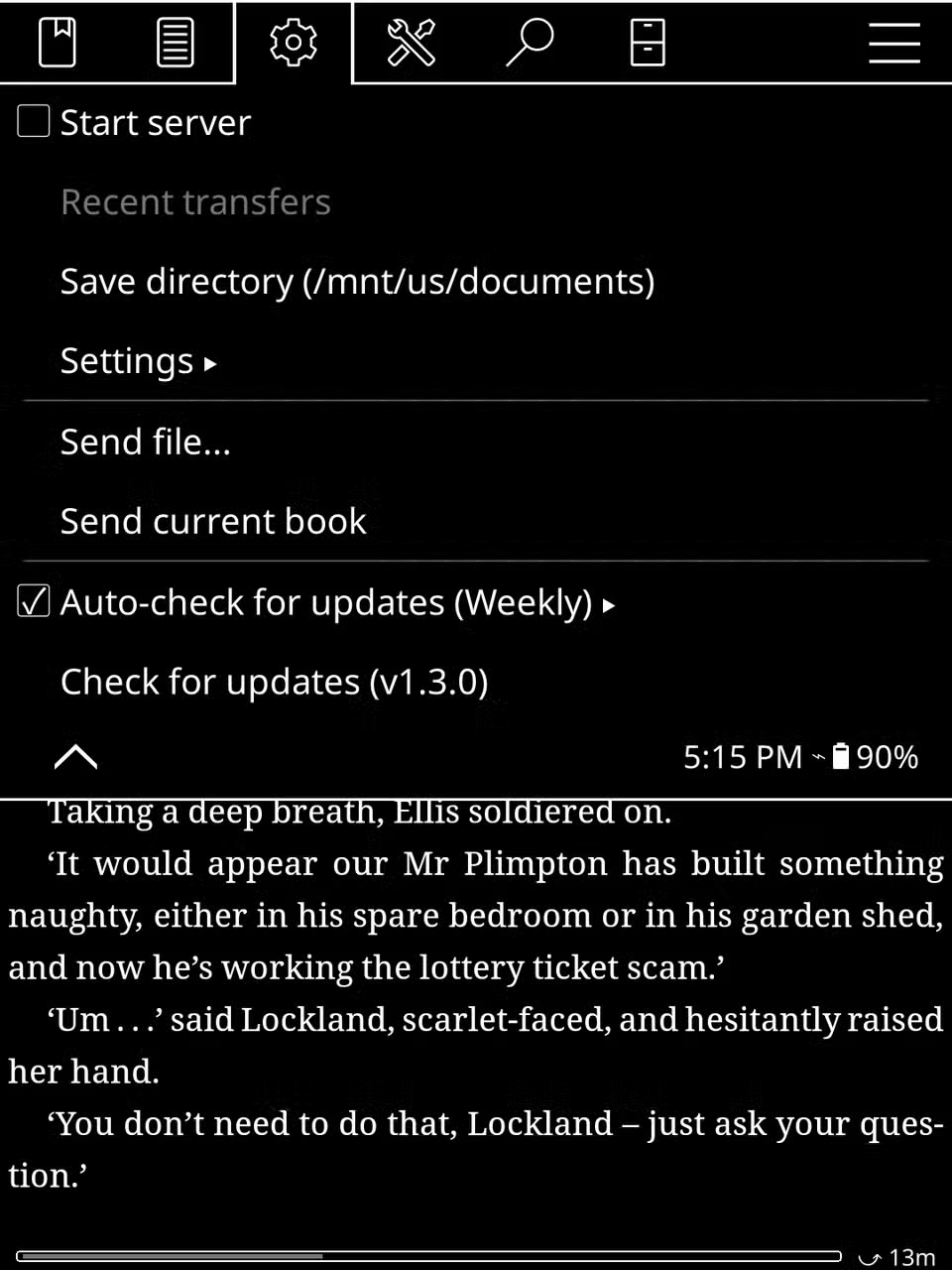
For Kobo devices on firmware 4.17 or later, the process is straightforward. Download the KOReader package, unzip the files to your Kobo's internal storage, and run the installer. The KOReader documentation walks through each step.
You're not replacing the stock Kobo software. KOReader runs alongside it. You can switch between them. This makes experimentation low-risk. If you don't like KOReader, just delete the files.
More DIY tech projects that extend hardware life
Logicity's Take
Frequently Asked Questions
Does installing KOReader void my Kobo warranty?
Installing KOReader doesn't require modifying system files or exploiting vulnerabilities. However, check your specific warranty terms. Most older devices like the 2013 Aura HD are well past their warranty period anyway.
Can I still use the Kobo store after installing KOReader?
Yes. KOReader runs alongside the stock Kobo software, not instead of it. You can switch between them and continue purchasing books through Kobo's store.
What firmware version does my Kobo need for KOReader?
Version 4.17 or newer. You can check your firmware version in your Kobo's settings menu. Most devices from the past decade qualify.
Is KOReader available for Kindle devices?
Yes, but it requires jailbreaking. The process is more involved and carries more risk than the simple file-copy installation on Kobo devices.
What file formats does KOReader support?
KOReader supports EPUB, PDF, MOBI, DjVu, and several other document formats. It handles most ebook files without requiring conversion.
Need Help Implementing This?
Source: How-To Geek
Manaal Khan
Tech & Innovation Writer
Produced with AI assistance and reviewed by the Logicity editorial team. Learn more in our Editorial Policy.






