Key Takeaways
- OpenClaw can replace multiple paid productivity apps, cutting software costs
- Natural language task management eliminates friction in daily workflows
- Open-source foundation means no vendor lock-in and full customization
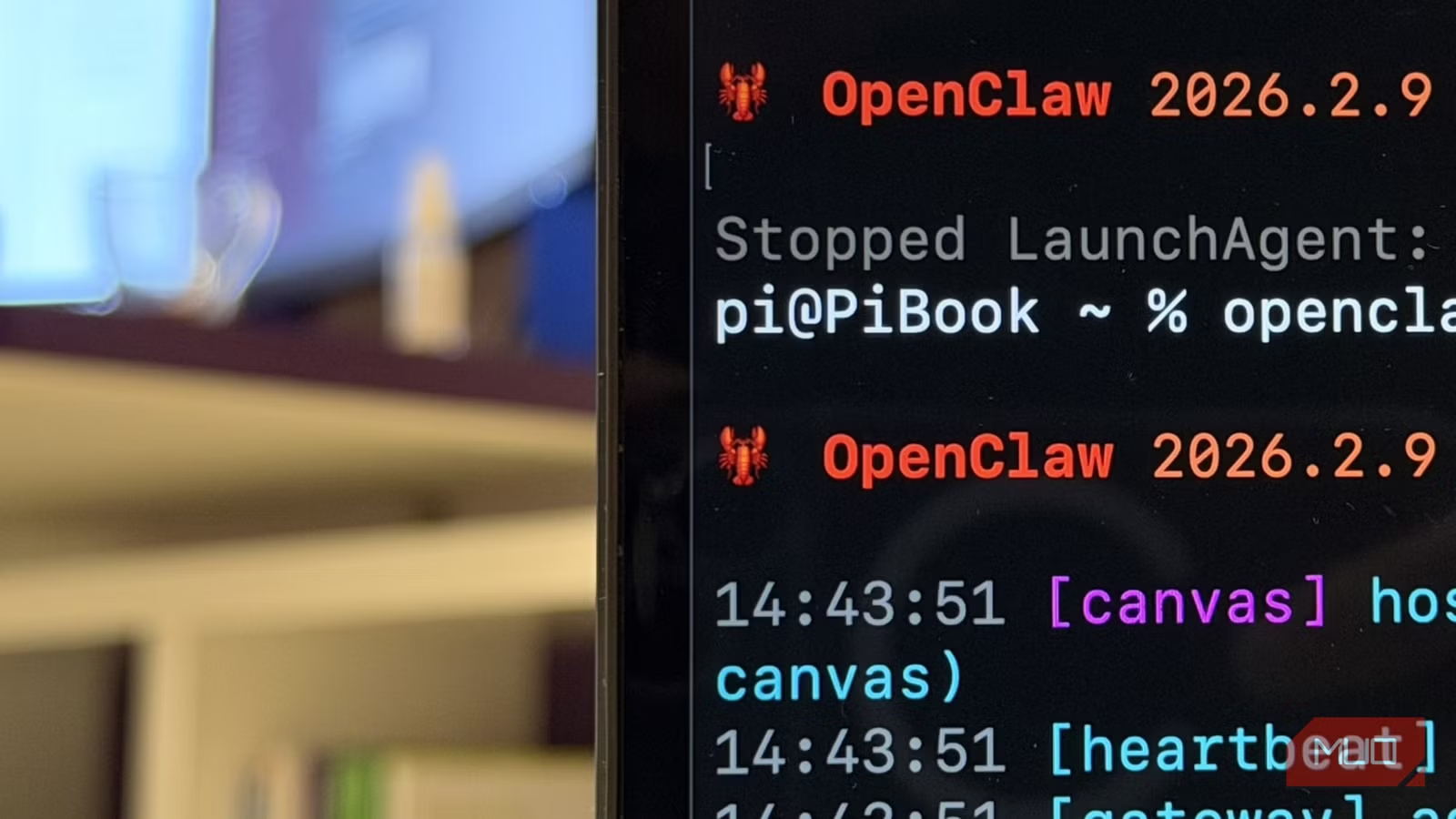
According to [MakeUseOf](https://www.makeuseof.com/everyday-tasks-i-handed-to-openclaw-and-instantly-stopped-doing-myself/), OpenClaw has become a surprisingly effective personal automation tool that can replace paid apps and eliminate daily workflow friction once properly configured.
While most tech coverage focuses on OpenClaw's enterprise applications, the real story for business leaders is simpler: this open-source AI agent can eliminate the small, repetitive tasks that steal hours from your week. The setup requires some initial investment, but the payoff is replacing subscription apps you're already paying for while removing friction you've stopped noticing.
Why Should CEOs Care About OpenClaw Automation?
The average knowledge worker spends 2.5 hours daily on administrative tasks. For a leadership team of 10, that's 25 hours of collective productivity lost every single day. OpenClaw represents a new category of AI agents that can handle natural language instructions and execute them across multiple applications.
But here's what makes this interesting from a business perspective: it's open-source. No vendor lock-in. No per-seat licensing. No surprise price increases when the VC funding runs out. Your team can customize it for your specific workflows, and the skills marketplace (ClawHub) means you're not starting from scratch.

Executive Summary
OpenClaw is an open-source AI agent that executes tasks through natural language commands. It integrates with existing apps through terminal commands and community-built skills. Initial setup takes several evenings, but ongoing use requires zero technical knowledge.
How Does OpenClaw Handle Task and Reminder Management?
The most immediately useful application is something deceptively simple: reminders. Every business leader has tried multiple reminder apps. Most have settled on something that's "good enough" while still missing tasks that slip through the cracks.
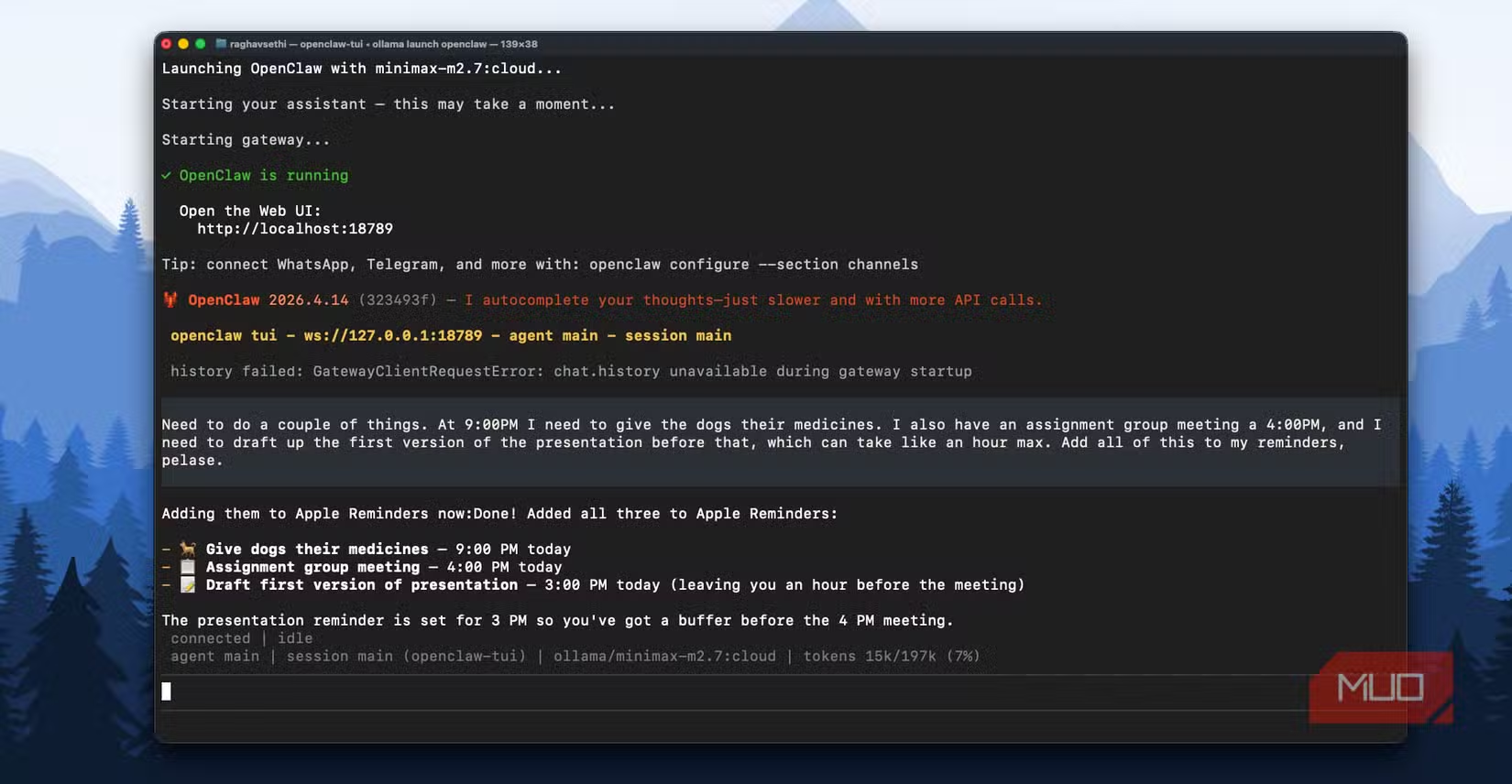
OpenClaw's approach is different. Instead of learning another app's interface, you simply talk to it naturally. "Remind me to follow up with the Singapore team after their morning standup" becomes an actual reminder, scheduled correctly for their timezone, without you touching a calendar or calculating time differences.
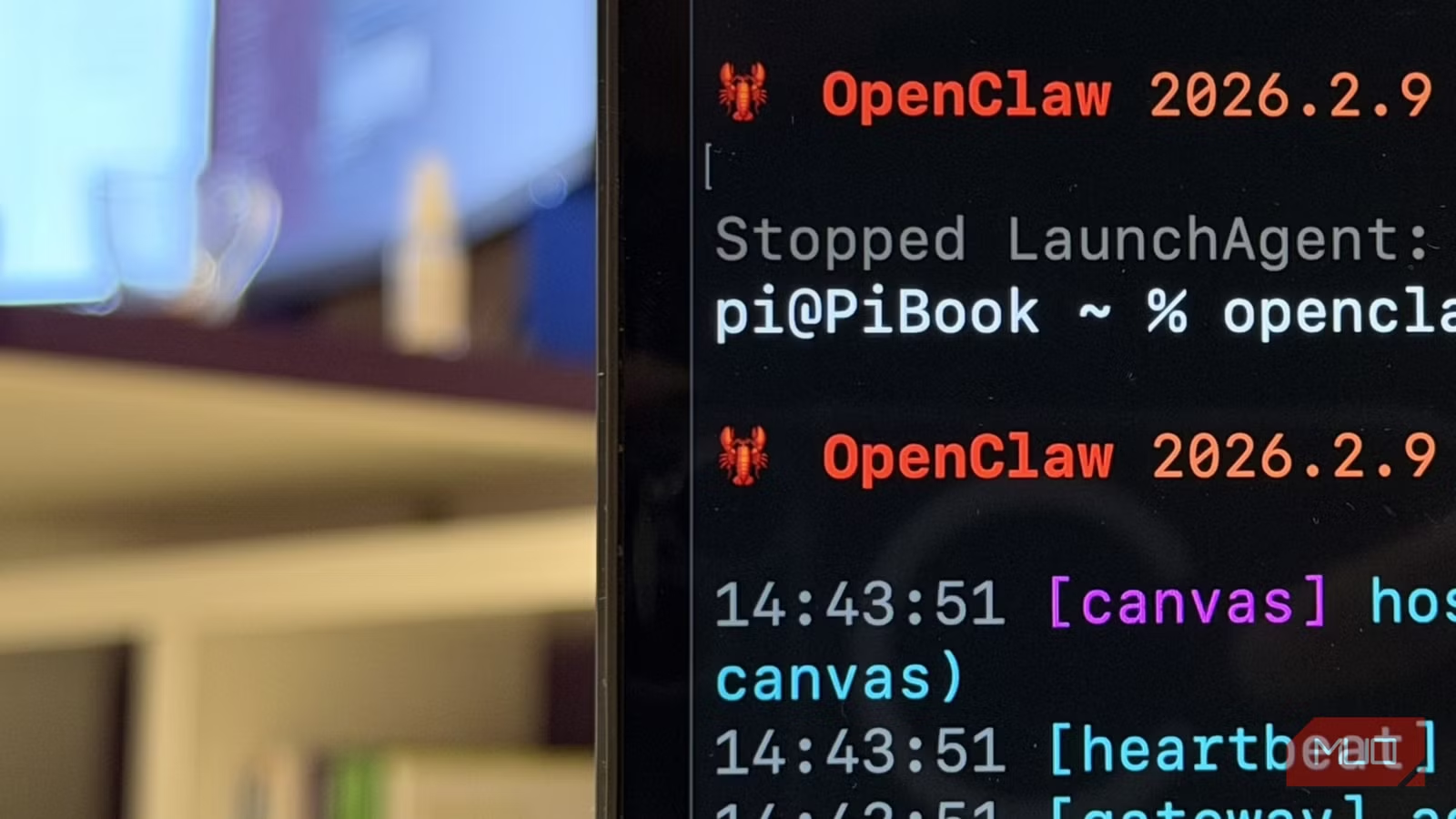
The technical integration works through utilities like remindctl (for Apple Reminders) that allow terminal-based control. OpenClaw can execute terminal commands, which means it becomes a natural language interface for apps that were never designed for voice or text input.
✅ Pros
- • Natural language input eliminates interface friction
- • Integrates with existing reminder apps (no migration needed)
- • Can generate daily task prioritization automatically
- • Open-source means full customization potential
❌ Cons
- • Initial setup requires technical comfort
- • Primarily Mac-focused for some integrations
- • Community skills vary in quality and maintenance
What's the Real Cost of OpenClaw vs Paid Productivity Apps?
Let's talk numbers. A typical productivity stack for a business professional includes task management ($10-15/month), calendar scheduling ($15-20/month), and various automation tools ($20-50/month). That's potentially $45-85 per user, per month.
OpenClaw is free. The catch? Your time investment upfront. The MakeUseOf report describes "more than a few evenings spent down rabbit holes" before everything worked smoothly. For a busy executive, that's probably 6-10 hours of setup and learning.
| Factor | Paid App Stack | OpenClaw |
|---|---|---|
| Monthly Cost | $45-85/user | $0 |
| Setup Time | 1-2 hours | 6-10 hours |
| Customization | Limited to features | Unlimited |
| Vendor Lock-in | High (data export issues) | None |
| Learning Curve | Per-app interfaces | Natural language |
| Integration Depth | API-dependent | Terminal-level control |
The ROI calculation depends on your time valuation. If you bill at $200/hour, that 10-hour setup costs $2,000 in opportunity cost. But if OpenClaw saves you 30 minutes daily and replaces $50/month in subscriptions, you break even in about 3 months and save $600+ annually thereafter.
If you're evaluating automation and integration tools, this comparison covers enterprise-grade options
OpenClaw as Remote Desktop Replacement: What IT Leaders Need to Know
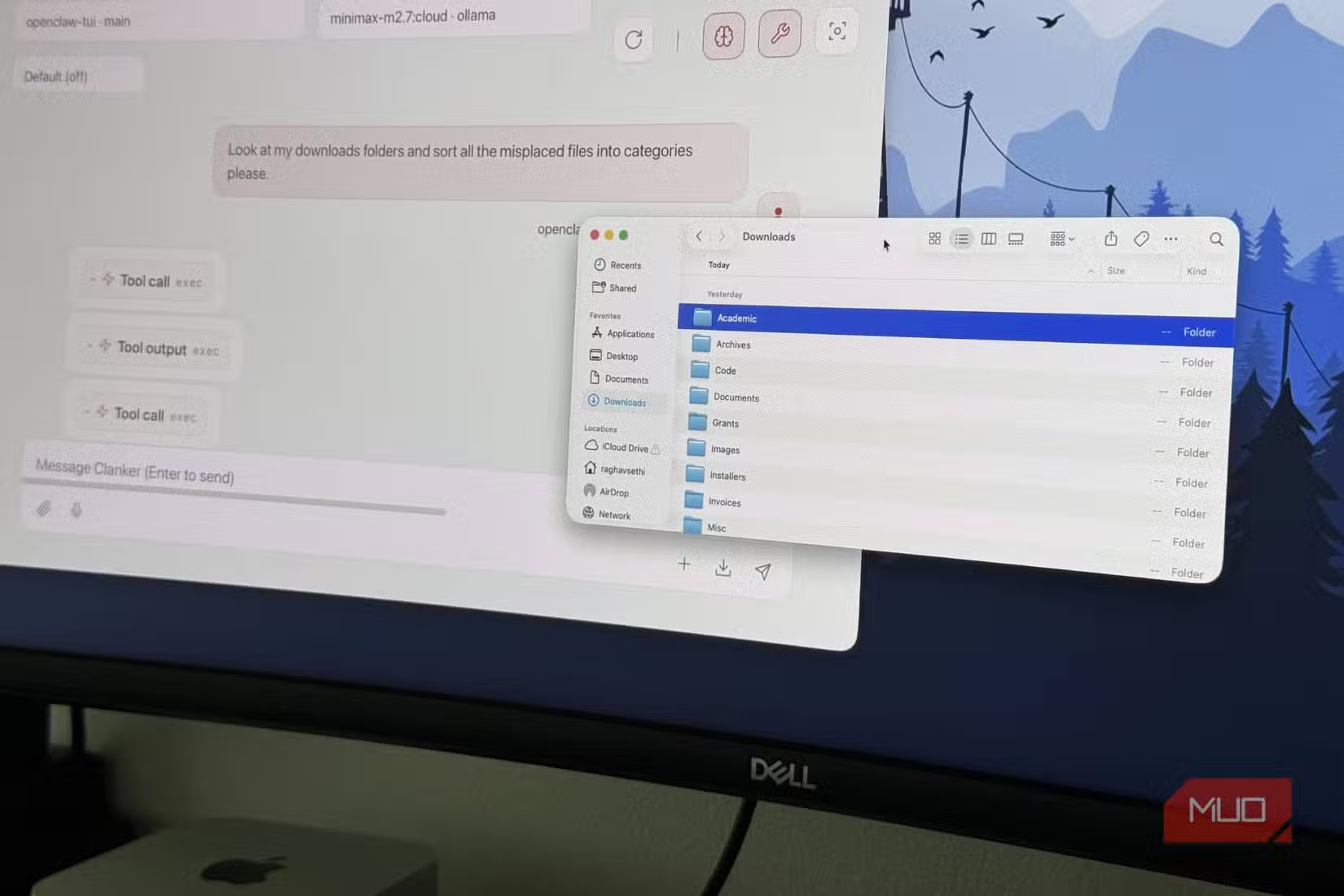
One of the more unexpected use cases emerging from early adopters is using OpenClaw as a lightweight remote desktop solution. Rather than running full remote desktop protocols, OpenClaw can execute specific commands on remote machines through secure connections.
For IT leaders, this has interesting implications. Traditional remote desktop solutions like TeamViewer or AnyDesk charge per-seat licensing and require significant bandwidth. OpenClaw's command-based approach uses minimal bandwidth and has no licensing costs.
The tradeoff is flexibility. You're not getting a full visual interface to a remote machine. You're getting the ability to execute specific, predefined tasks. For many business scenarios (server restarts, log retrieval, scheduled maintenance), that's exactly what you need without the overhead of full remote access.
Is OpenClaw Secure Enough for Business Use?
Security is the question every CTO will ask. OpenClaw runs locally on your machine, which is both good and bad news. Good: your data isn't going to a third-party cloud. Bad: the security depends on your local setup.
The open-source nature means the code is auditable. Community skills from ClawHub should be reviewed before installation, just like any third-party code. For enterprise deployment, IT teams can fork the project and implement their own security policies.
If your organization already has strict security requirements around AI tools, OpenClaw's local-first architecture may actually be easier to approve than cloud-based alternatives. There's no data leaving your network unless you explicitly configure external integrations.
Security considerations for any new tool deployment in your organization
How Long Does OpenClaw Take to Implement?
Based on early adopter reports, expect this timeline for a single-user implementation:
For team deployment, multiply accordingly and add time for documentation and training. A realistic estimate for a 10-person pilot would be 40-60 hours of total effort, including IT setup and user onboarding.
Should Your Company Adopt OpenClaw?
The honest answer: it depends on your team's technical comfort and your tolerance for some initial friction. OpenClaw isn't a polished SaaS product with 24/7 support. It's a powerful open-source tool that rewards investment.
Best Fit For
Tech-forward teams comfortable with command-line basics. Companies frustrated by per-seat SaaS pricing. Organizations with specific automation needs that off-the-shelf tools don't address. Leaders who want AI assistance without sending data to third-party clouds.
Not Ideal For
Teams that need turnkey solutions with minimal setup. Organizations without any technical staff. Companies requiring enterprise support and SLAs. Users who need visual remote desktop access.
Similar build vs buy considerations for open-source tools in your stack
Frequently Asked Questions About OpenClaw Automation
Frequently Asked Questions
How much does OpenClaw cost for business use?
OpenClaw is completely free and open-source. There are no per-seat licenses, no enterprise tiers, and no usage limits. Your only cost is the time investment for setup and customization. For most teams, expect 6-10 hours per user for initial implementation.
Is OpenClaw worth the investment for a small team?
For teams with technical comfort, yes. If you're currently paying $50+/month per person for productivity tools, OpenClaw can eliminate those costs after a modest time investment. The breakeven point is typically 2-4 months. However, teams without any technical staff may find the learning curve too steep.
Can OpenClaw replace enterprise automation tools like Zapier?
Partially. OpenClaw excels at local automation and natural language task management. It can replace many Zapier workflows that involve your local machine or apps with terminal access. For pure cloud-to-cloud integrations, you'll still need dedicated integration platforms.
Does OpenClaw work on Windows or just Mac?
OpenClaw runs on Mac, Windows, and Linux. However, some community skills (like the Apple Reminders integration) are platform-specific. Windows users should verify skill compatibility before planning their implementation.
How does OpenClaw compare to Apple Intelligence or Microsoft Copilot?
OpenClaw is more flexible but requires more setup. Apple Intelligence and Copilot are integrated into their ecosystems but limited to those ecosystems' capabilities. OpenClaw can integrate with any app that has terminal access or APIs, making it more powerful for custom workflows but less polished out of the box.
Logicity's Take
At Logicity, we've been building AI agents using Claude's SDK and integrating automation into client workflows for over two years. OpenClaw represents an interesting shift in how personal automation tools are evolving. The approach of using terminal commands as the integration layer is clever. It bypasses the API limitations that frustrate most automation tools. We've seen similar patterns in our n8n implementations where direct system access often beats official APIs for reliability. That said, we'd caution business leaders about one thing: the 'few evenings' setup time mentioned in the source article is optimistic for non-technical users. In our experience deploying similar tools for clients in Hyderabad and across India, expect to triple that estimate for team-wide rollouts. The real value proposition here isn't just cost savings. It's the natural language interface that actually works. Most AI assistants promise this but deliver disappointing results. If OpenClaw genuinely handles reminder management through conversational input, that's a meaningful step forward. For Indian businesses specifically, the local-first architecture is appealing given data localization concerns. No data leaving your network means simpler compliance for regulated industries. We'd recommend a small pilot before any significant rollout.
Need Help Implementing This?
Logicity specializes in AI agent development and workflow automation for businesses. Whether you're evaluating OpenClaw, building custom automation with Claude's SDK, or integrating AI into your existing stack, our team can help you move from concept to deployment. Get in touch for a consultation.
Source: MakeUseOf
Manaal Khan
Tech & Innovation Writer
Produced with AI assistance and reviewed by the Logicity editorial team. Learn more in our Editorial Policy.