Key Takeaways
- The global cybersecurity market hits $298 billion by 2028, but open source tools can slash initial security costs by 60-80%
- Building internal security expertise using educational tools creates long-term competitive advantage
- The real cost isn't the tool—it's the talent and processes around it
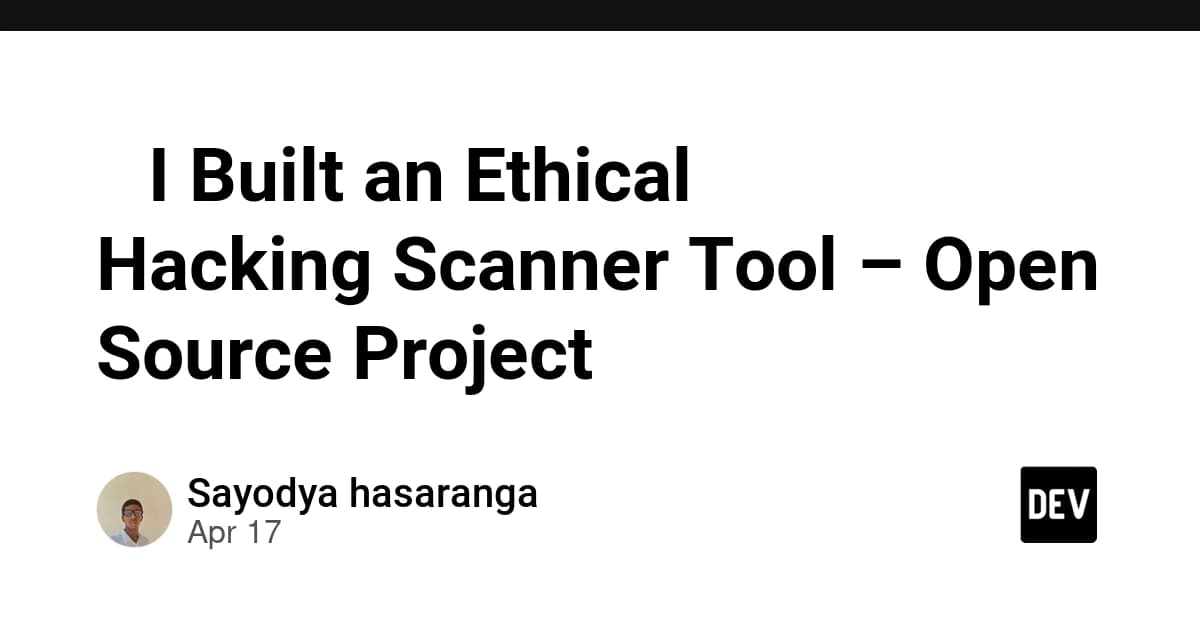
According to [DEV Community](https://dev.to/sayodya_hasaranga_8250504/i-built-an-ethical-hacking-scanner-tool-open-source-project-26bi), a student developer has released an open-source ethical hacking scanner designed to help beginners understand vulnerability discovery through legal, responsible testing. While the tool itself is basic, it represents something bigger: the democratization of security testing that every startup CTO should understand.
Read in Short
Open source security tools like vulnerability scanners can reduce your initial security investment by 60-80%. But the real strategic question isn't free vs. paid—it's whether you're building security capacity or just checking compliance boxes. For startups under $10M ARR, a hybrid approach using open source tools plus targeted commercial solutions offers the best ROI.
Why Should CEOs Care About Open Source Security Tools?
Here's the uncomfortable truth: 43% of cyberattacks target small businesses, and 60% of those companies close within six months of a breach. Yet most startups treat security as an afterthought, waiting until their first enterprise customer demands a SOC 2 audit.
The project mentioned above is educational, designed for students learning penetration testing basics. But it points to a larger ecosystem of open source security tools that can form the backbone of your startup's security program. Tools like OWASP ZAP, Nmap, and OpenVAS offer enterprise-grade scanning capabilities at zero license cost.
The business case is straightforward: commercial vulnerability scanners like Qualys, Nessus, or Rapid7 run $2,000 to $15,000 annually for small deployments. Open source alternatives cost nothing in licensing, though they require more technical expertise to configure and maintain.
Open Source vs Commercial Security Tools: The Real Cost Comparison
When evaluating security tools, most CTOs focus on the wrong metric. They compare license costs when they should be calculating total cost of ownership including implementation, training, and ongoing maintenance.
| Factor | Open Source Tools | Commercial Tools |
|---|---|---|
| License Cost | $0 | $2,000-$50,000/year |
| Implementation Time | 40-80 hours | 8-20 hours |
| Required Expertise | High (security engineer) | Medium (trained staff) |
| Support | Community forums | 24/7 vendor support |
| Compliance Reports | Manual creation | Auto-generated |
| Update Frequency | Variable | Regular, scheduled |
| Integration Effort | High (custom) | Low (built-in connectors) |
For a 20-person startup, the math often favors open source. Hiring a security-aware engineer who can manage open source tools serves double duty. For a 200-person company approaching Series C, the math flips. Time-to-compliance and audit-ready reporting become more valuable than license savings.
Learn why building vs. buying decisions can make or break your startup's runway
What Features Do Startups Actually Need in Security Scanners?
The student project mentioned includes basic vulnerability scanning, a beginner-friendly structure, and educational documentation. These features align with what early-stage startups actually need: simplicity over comprehensiveness.
Most startups don't need to scan 10,000 assets across hybrid cloud infrastructure. They need to catch the OWASP Top 10 vulnerabilities in their web application before launching. They need to know if their AWS S3 buckets are accidentally public. They need basic network scanning before a penetration test.
- Web application scanning: SQL injection, XSS, authentication flaws
- Network scanning: open ports, misconfigured services, outdated software
- Cloud configuration: IAM policies, storage permissions, encryption status
- Dependency scanning: vulnerable packages in your codebase
- Basic compliance checks: password policies, TLS configuration
Tools like the educational scanner in question won't cover all these bases. But combining multiple open source tools—OWASP ZAP for web apps, Nmap for networks, Trivy for containers—creates a comprehensive security stack at minimal cost.
How Long Does It Take to Implement Open Source Security Testing?
Implementation timelines vary dramatically based on your team's security maturity. A team with DevOps experience can have basic scanning running in a week. A team starting from scratch should budget 4-6 weeks for a production-ready setup.
The roadmap mentioned in the original project—adding advanced scanning techniques, better UI/CLI experience, and AI-based vulnerability insights—mirrors what commercial tools offer out of the box. This is the hidden cost of open source: you're trading license fees for development time.
AI tools are transforming developer productivity, including security workflows
The Strategic Case for Building Security Expertise Internally
Here's what most security vendors won't tell you: the tool matters less than the expertise using it. A skilled security engineer with free tools will outperform an untrained team with a $50,000 platform every time.
This talent shortage creates a strategic opportunity. Companies that build internal security expertise—even using educational tools and open source scanners—develop a competitive moat. They can respond faster to incidents, build security into products from the start, and avoid the 6-month scramble when enterprise customers demand security documentation.
The student developer's approach—building to learn, sharing openly, inviting contributions—represents the mindset you want in your security team. Curiosity beats credentials when you're defending against novel attacks.
When Should Startups Switch to Commercial Security Tools?
Open source isn't forever. There are clear inflection points where commercial tools deliver better ROI.
✅ Pros
- • Preparing for SOC 2 or ISO 27001 certification
- • First enterprise customer requiring security questionnaires
- • Security engineer leaving and knowledge transfer is incomplete
- • Scaling past 50 employees or 100+ cloud assets
- • Processing sensitive data (healthcare, finance, PII)
❌ Cons
- • Seed stage with less than $1M raised
- • Product-market fit not yet validated
- • Technical co-founder can manage security part-time
- • Simple architecture (single app, minimal integrations)
- • No immediate compliance requirements
The transition doesn't have to be all-or-nothing. Many mature security programs use open source tools for development environments and internal scanning, while commercial tools handle production monitoring and compliance reporting.
Another example of open source alternatives reducing enterprise software costs
Building Your Security Stack: A Practical Framework
For startups evaluating open source security tools, here's a framework that balances cost, capability, and compliance readiness.
- Start with dependency scanning (free, automated, high ROI): Tools like Dependabot or Snyk's free tier catch vulnerable packages before they hit production
- Add web application scanning in CI/CD: OWASP ZAP has a GitHub Action that runs automatically on pull requests
- Implement cloud security posture management: Prowler for AWS, ScoutSuite for multi-cloud environments
- Establish basic monitoring and alerting: Open source SIEM alternatives like Wazuh provide log analysis and threat detection
- Document everything for future compliance: Good documentation now saves months during certification
This stack costs nothing in licensing but requires 10-15 hours monthly to maintain. Compare that to commercial alternatives at $500-2,000 monthly with 2-3 hours of maintenance. The right choice depends entirely on your team's composition and priorities.
Logicity's Take
At Logicity, we've implemented security scanning workflows for clients ranging from early-stage startups to established businesses handling sensitive data. Here's what we've learned: the open source vs. commercial debate misses the point. Security isn't a tool problem—it's a process problem. For our own internal projects and client work, we use a hybrid approach. Open source scanners like Trivy run in our CI/CD pipelines, catching vulnerable dependencies before they merge. For client projects with compliance requirements, we integrate commercial tools that generate the audit-ready reports their customers demand. The educational scanner that inspired this article represents something we encourage: building security awareness through hands-on practice. We've seen too many startups treat security as a checkbox exercise, buying expensive tools that sit unused. A team that understands *why* vulnerabilities matter—even through basic educational tools—builds more secure products than a team with enterprise scanners they don't understand. If you're a startup founder reading this, start simple. Run a free vulnerability scan on your production URL today. The findings will tell you more about your security posture than any vendor demo.
Frequently Asked Questions
Frequently Asked Questions
How much do open source security tools actually cost to implement?
While license costs are zero, expect to invest 40-80 hours of engineering time for initial setup and 10-15 hours monthly for maintenance. At average engineering rates, that's $4,000-8,000 for implementation plus $1,000-1,500 monthly—often still cheaper than commercial alternatives but not 'free' in any meaningful sense.
Can open source security tools satisfy SOC 2 compliance requirements?
Yes, but with significant additional work. SOC 2 doesn't mandate specific tools—it requires demonstrable security controls. Open source tools can provide the scanning and monitoring, but you'll need to manually generate compliance reports and maintain extensive documentation that commercial tools create automatically.
Is it legal to use vulnerability scanning tools on our own systems?
Yes, scanning systems you own or have explicit written permission to test is legal and encouraged. The key is authorization. Never scan third-party systems without documented permission—this includes vendors, partners, or services you use but don't own.
When should a startup hire a dedicated security engineer vs using tools?
Consider dedicated security headcount when you're processing sensitive customer data, approaching Series A or beyond, or when your first enterprise customer requires security documentation. Until then, a security-aware senior engineer using automated tools provides better ROI than a specialist.
What's the biggest mistake startups make with security tools?
Buying tools they don't use. We've seen startups pay $20,000 annually for scanners that run once during the sales demo, then sit idle. Start with free tools you'll actually use weekly. Upgrade when you've outgrown them, not before.
Need Help Implementing This?
Logicity helps startups and growing businesses implement security scanning workflows that balance cost, compliance, and capability. Whether you're setting up your first vulnerability scanner or preparing for SOC 2 certification, we bring practical experience from dozens of implementations. Contact us to discuss your security requirements.
Source: DEV Community
Manaal Khan
Tech & Innovation Writer
Produced with AI assistance and reviewed by the Logicity editorial team. Learn more in our Editorial Policy.