Key Takeaways
- GitHub Copilot CLI translates natural language into terminal commands, reducing developer friction
- At $19/user/month for business plans, ROI depends on your team's command line usage patterns
- Early adopters report 30-50% faster terminal workflows for complex operations
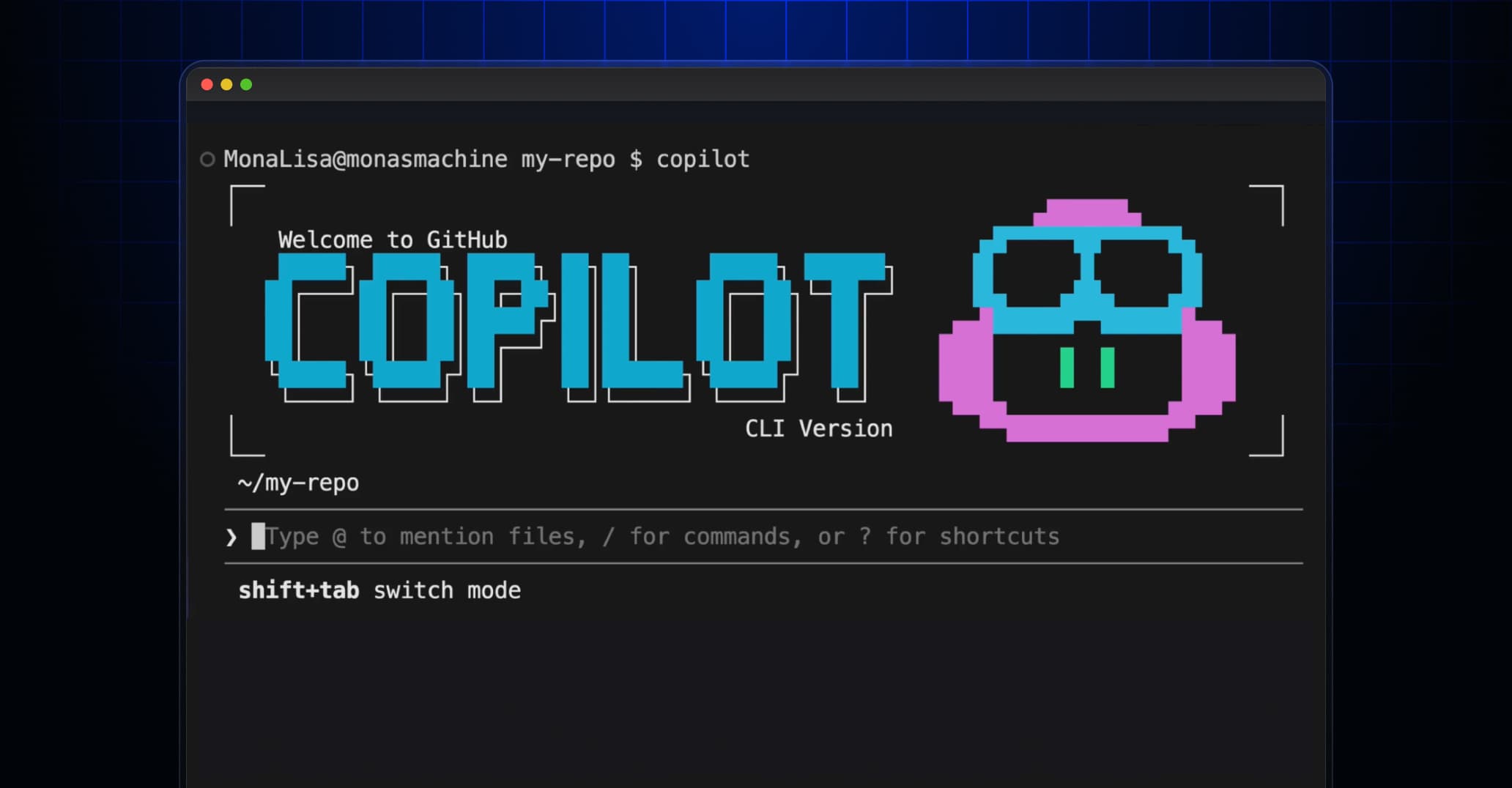
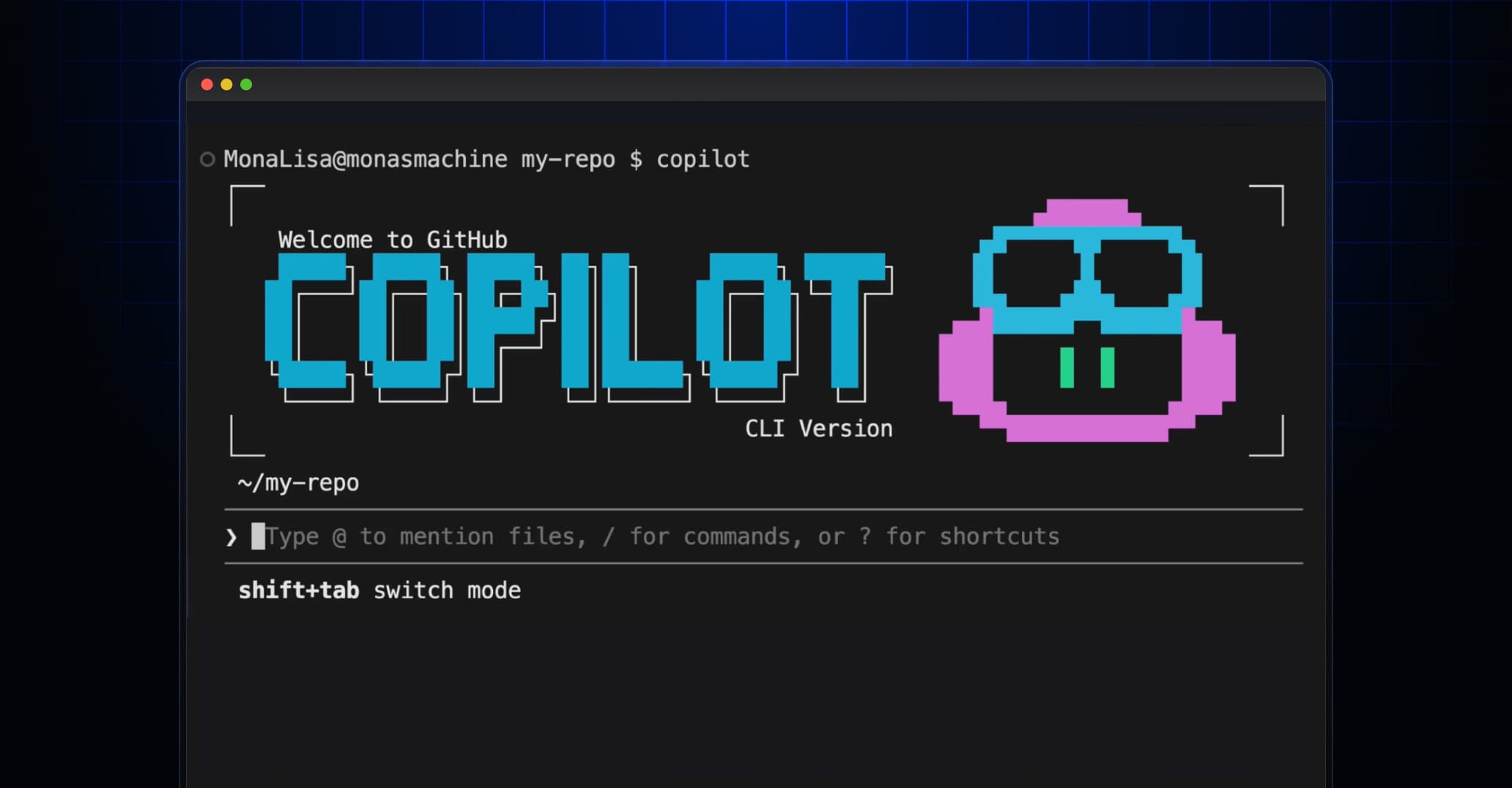
According to [The GitHub Blog](https://github.blog/ai-and-ml/github-copilot/building-an-emoji-list-generator-with-the-github-copilot-cli/), GitHub Copilot CLI allows developers to generate terminal commands using natural language prompts, demonstrated through a practical example of building an emoji list generator. This capability represents GitHub's push to embed AI assistance across the entire developer workflow, not just code editing.
Your developers spend more time in the terminal than you might realize. Between git operations, server management, file manipulation, and debugging, the command line remains central to software development. GitHub Copilot CLI aims to eliminate the friction of remembering obscure commands and syntax. But is it worth adding to your tech stack?
What Is GitHub Copilot CLI and Why Should CTOs Care?
GitHub Copilot CLI extends the AI pair programming experience beyond your code editor. Instead of memorizing complex terminal commands or searching Stack Overflow, developers describe what they want in plain English. The AI generates the command, explains what it does, and lets them execute it with a single confirmation.
Think about your engineering team's daily workflow. How often do they pause to look up the right syntax for a git rebase? Or search for the correct flags for a Docker command? These micro-interruptions add up. Copilot CLI targets exactly this friction.

Executive Summary
GitHub Copilot CLI is an AI assistant for terminal commands, included in GitHub Copilot subscriptions. It translates natural language requests into executable commands. Best suited for teams with heavy command line usage, complex DevOps workflows, or junior developers ramping up on unfamiliar systems.
How Much Does GitHub Copilot CLI Cost?
GitHub Copilot CLI isn't sold separately. It's bundled into the standard GitHub Copilot subscription. Here's the current pricing structure:
| Plan | Price | Best For | CLI Included |
|---|---|---|---|
| Individual | $10/month | Freelancers, solo developers | Yes |
| Business | $19/user/month | Teams, startups, SMBs | Yes |
| Enterprise | $39/user/month | Large orgs with compliance needs | Yes |
| Free Tier | $0 | Students, open source maintainers | Limited |
For a 20-person engineering team on the Business plan, you're looking at $4,560 annually. The question isn't whether the CLI alone justifies this cost. It's whether the full Copilot suite delivers enough productivity gains to offset the investment.
Real-World ROI: Does GitHub Copilot CLI Save Money?
Let's run the numbers. Assume your average developer costs $150,000/year fully loaded. That's roughly $72/hour. If Copilot saves each developer just 15 minutes per day on terminal tasks, that's $4,500/year per developer in recovered productivity.
The math works in most scenarios. But here's the nuance: not every team will see the same gains. Teams working primarily in IDEs with minimal terminal usage won't benefit as much. DevOps-heavy teams, platform engineers, and developers managing complex infrastructure see the highest returns.
Another tool helping engineering teams work faster
How GitHub Copilot CLI Works in Practice
The GitHub Blog post demonstrates building an emoji list generator. While that's a lighthearted example, it shows the core workflow. A developer types what they want in natural language, like 'find all files modified in the last 24 hours containing the word error.' Copilot CLI generates the appropriate command, explains each part, and asks for confirmation before executing.
- Natural language input: Describe what you want, not how to do it
- Command explanation: Understand what you're running before executing
- Context awareness: Copilot considers your current directory and shell type
- Safety prompts: Destructive operations require explicit confirmation
This workflow matters for risk management. Junior developers or anyone working in unfamiliar systems can get expert-level commands without the danger of blindly copying from the internet. The explanation step creates a teaching moment every time.
GitHub Copilot CLI vs. Traditional Developer Workflows
How does this compare to how your team works today? Most developers rely on a combination of memory, documentation, Stack Overflow, and ChatGPT for command line help. Each approach has tradeoffs.
✅ Pros
- • Integrated directly into terminal workflow, no context switching
- • Commands are tailored to your specific environment
- • Explanations help junior developers learn faster
- • Reduces copy-paste errors from web searches
❌ Cons
- • Requires active internet connection
- • Monthly subscription adds to tooling costs
- • Not all commands are generated correctly on first try
- • Some developers prefer to build command line muscle memory
The integration advantage is significant. When a developer can stay in their terminal instead of switching to a browser, they maintain focus. That context-switching cost is invisible but real.
Is GitHub Copilot CLI Worth It for Your Team?
This depends on your team's profile. Here's a quick assessment framework:
High-Value Scenarios
DevOps and platform engineering teams managing infrastructure through CLI. Startups where developers wear multiple hats and work across unfamiliar systems. Teams onboarding junior developers who need to ramp up quickly. Organizations with complex, proprietary toolchains that require specialized commands.
If your team already uses GitHub Copilot for code completion, the CLI is essentially free. You're already paying for it. The question becomes adoption. Will your developers actually use it?
The AI tools market is getting crowded. As we covered in our analysis of [Claude AI's traffic surge](claude-ai-growth-3x-traffic-surge-reshapes-enterprise-ai), developers are increasingly comfortable with AI assistance. GitHub's advantage is integration. Copilot is already where developers work.
Implementation Timeline: Getting Started with Copilot CLI
Unlike enterprise software that requires months of implementation, Copilot CLI can be deployed in a single day. Here's a realistic timeline:
The low implementation friction is a selling point. There's no infrastructure to deploy, no training required beyond basic orientation. Developers either find it useful or they don't. You'll know within weeks.
Security and Compliance Considerations
For regulated industries, AI tool adoption requires careful evaluation. GitHub Copilot Business and Enterprise plans include important safeguards:
- Your code and prompts are not used to train GitHub's models
- SOC 2 compliance available on Enterprise tier
- Content exclusion policies to prevent sensitive data exposure
- Audit logs for compliance reporting
The command line presents unique risks. A carelessly generated command could expose credentials, delete files, or modify production systems. Copilot's confirmation prompts help, but your team still needs clear policies about what's appropriate to run.
The Bigger Picture: AI Developer Tools Strategy
GitHub Copilot CLI is one piece of a larger shift. AI assistance is becoming standard across the software development lifecycle. The question isn't whether to adopt AI tools. It's which ones, and how to maximize their value.
Smart technology leaders are thinking about AI tooling as a portfolio. Code completion, documentation generation, testing assistance, and command line help each address different friction points. The winners will be teams that integrate these tools thoughtfully, not just the ones that buy the most subscriptions.
Logicity's Take
At Logicity, we've been hands-on with AI coding assistants since GitHub Copilot's early beta. Our experience building AI agents with Claude and integrating n8n workflows has shown us where these tools shine and where they fall short. For Indian startups and SMBs, the ROI calculation differs from US-based teams. At $19/user/month, you're looking at roughly ₹1,600 per developer. That's meaningful budget for early-stage companies. Our recommendation: start with a small pilot. Pick your most terminal-heavy developers, DevOps engineers or platform team members, and measure actual time savings over 30 days. Don't trust vendor productivity claims. Track your own numbers. The teams we've seen succeed with AI developer tools share one trait: they treat these as augmentation, not replacement. Your senior engineers should still understand the commands being generated. The goal is speed, not abdication of understanding. For teams considering Copilot CLI specifically, remember it's bundled. If you're already paying for Copilot, activate the CLI and let your team experiment. If you're not yet a Copilot customer, evaluate the full suite, not just the CLI feature.
Frequently Asked Questions
How much does GitHub Copilot CLI cost per developer?
GitHub Copilot CLI is included in all Copilot plans. Individual costs $10/month, Business is $19/user/month, and Enterprise is $39/user/month. There's no separate CLI pricing.
Is GitHub Copilot CLI worth the investment for small teams?
For teams of 5-20 developers with significant command line usage, yes. At $19/user/month on Business, you need roughly 15-20 minutes of saved time per developer daily to break even. DevOps-heavy teams typically exceed this.
How long does it take to implement GitHub Copilot CLI?
Technical implementation takes less than a day. Enable Copilot for your org, install the CLI extension, and developers can start immediately. Full adoption with team guidelines typically takes 2-4 weeks.
Can GitHub Copilot CLI access my production systems?
Copilot CLI generates commands but doesn't execute them automatically. Developers must confirm each command. Your existing access controls and permissions still apply to what gets executed.
Does GitHub Copilot CLI work with all terminal environments?
It supports bash, zsh, PowerShell, and most common shells. Some proprietary CLIs or highly customized environments may have limited support. Test with your specific toolchain during a pilot phase.
Need Help Implementing This?
Logicity helps startups and enterprises build AI-powered developer workflows. From GitHub Copilot rollouts to custom AI agent development, we bring hands-on experience to your implementation. Based in Hyderabad, we work with teams across India and globally. Reach out at logicity.in to discuss your AI developer tools strategy.
Understanding the broader AI tools market for business leaders
Source: The GitHub Blog / Cassidy Williams
Huma Shazia
Senior AI & Tech Writer
Produced with AI assistance and reviewed by the Logicity editorial team. Learn more in our Editorial Policy.