Key Takeaways
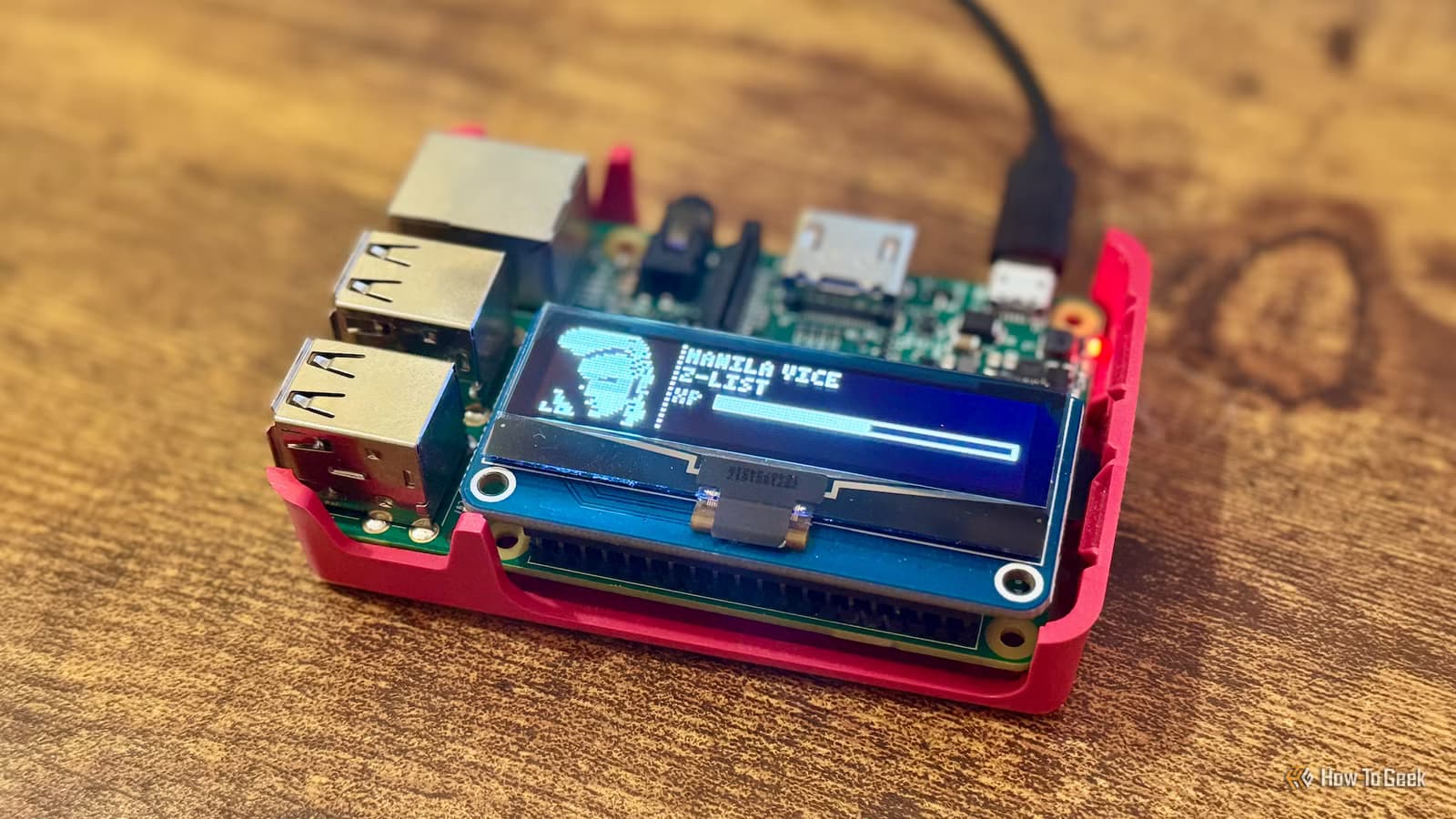
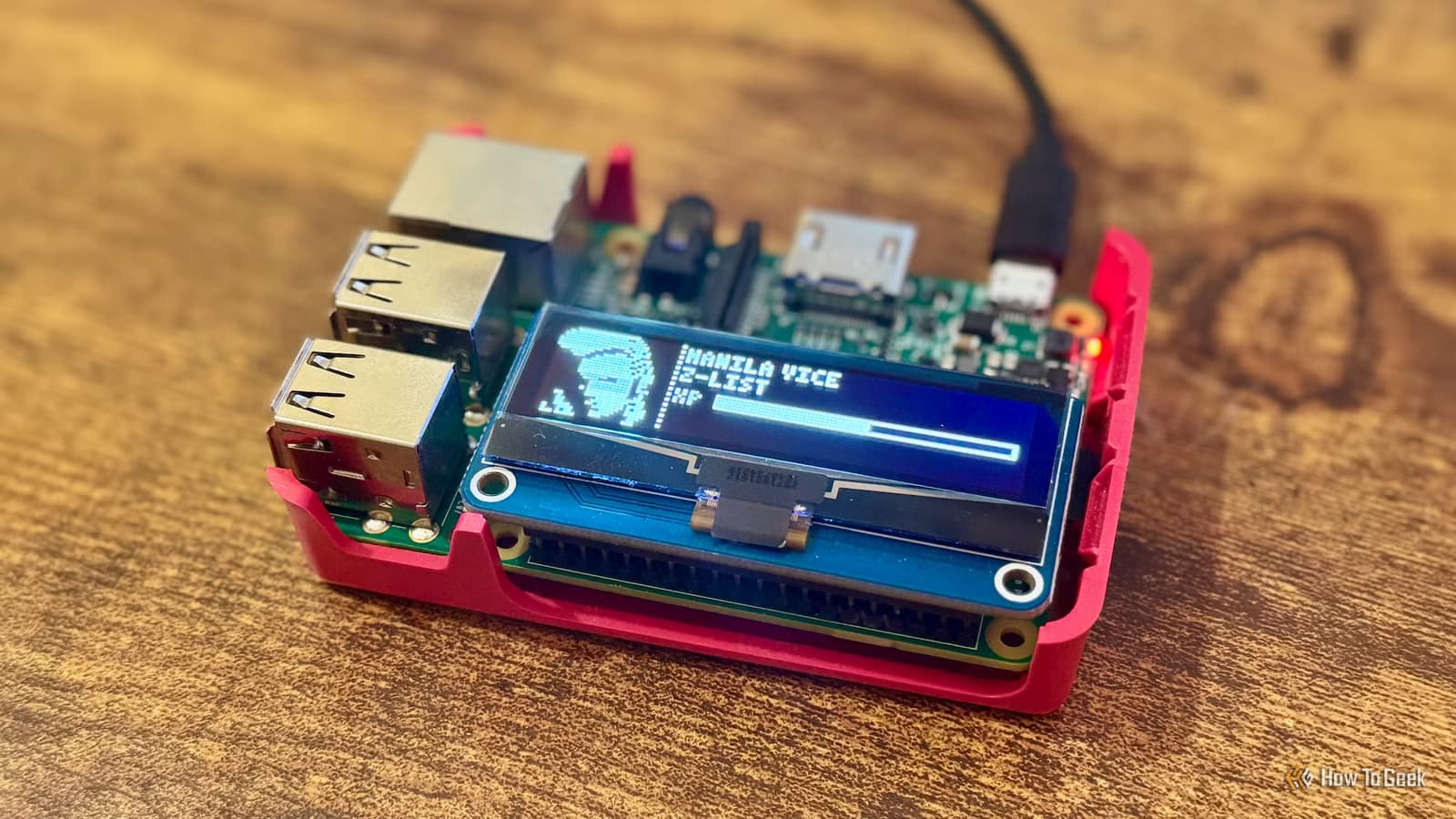
- Claude generated working proof-of-concept code for a 128x32 pixel OLED display within the first prompt
- The project gamifies productivity by earning XP for completing tasks, with the Tamagotchi evolving at milestones
- AI coding assistants can dramatically shorten the time from vague idea to functional hardware prototype
An Impulse Buy With No Plan
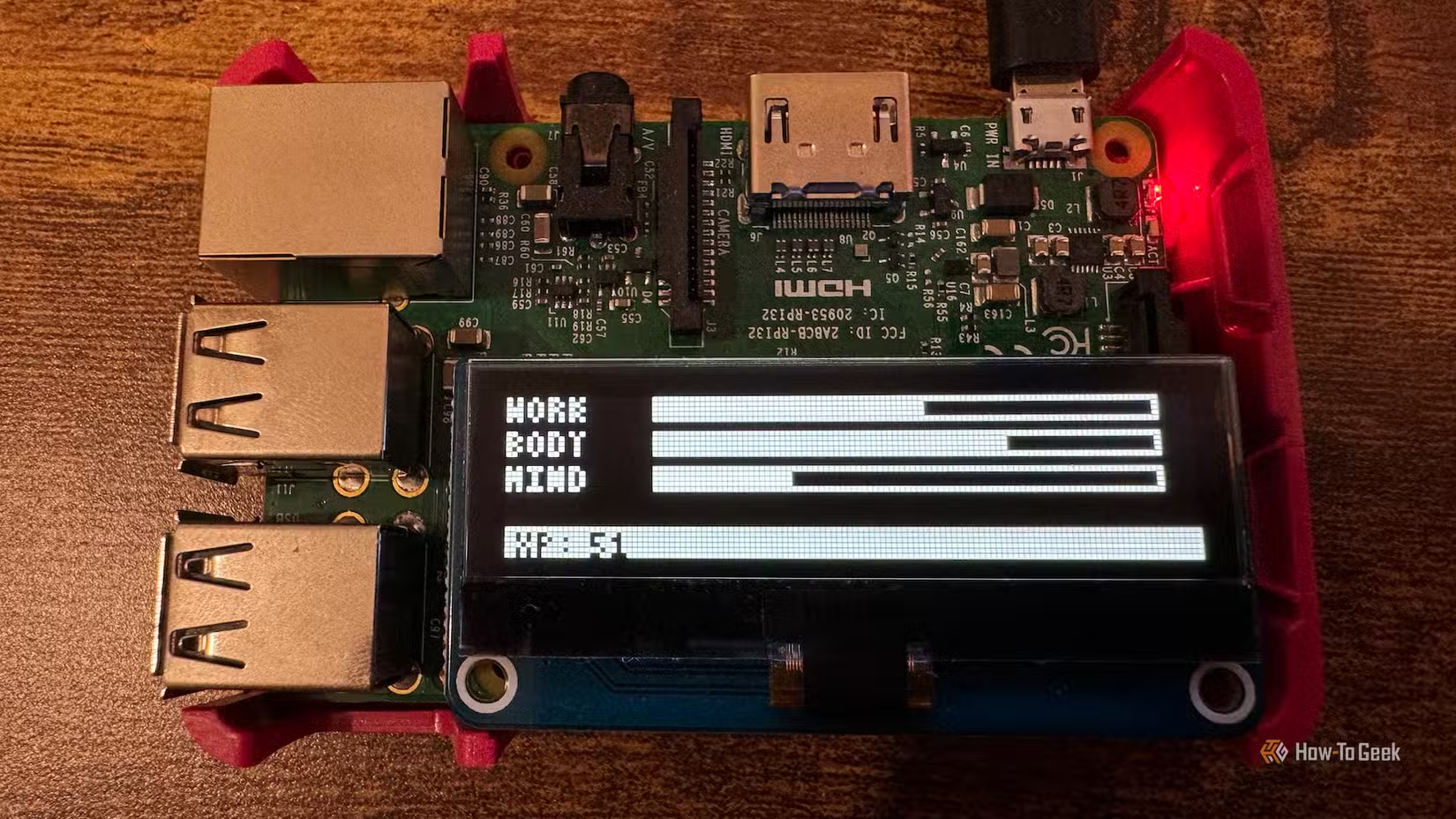
Adam Davidson, a writer at How-To Geek, found himself with a small problem. He needed to bump up an online order to qualify for free shipping. His solution? A cheap OLED display for his Raspberry Pi. The screen cost just enough to hit the threshold. What he would actually do with it remained unclear.
When the display arrived, connecting it to the Pi was straightforward. The harder part was finding a use for it. Davidson considered the obvious options: visual feedback for a Pi-hole instance, smart home notifications. Both felt uninspired.
Then he noticed one of his kids' Tamagotchis sitting on his desk, waiting for a battery change. The low-resolution aesthetic of the OLED screen matched the Tamagotchi's display almost perfectly. An idea formed.
The Concept: Gamified Productivity
Davidson wanted to build a productivity Tamagotchi. The creature would earn XP when he completed work tasks and checked items off his to-do list. At certain XP thresholds, the Tamagotchi would evolve into a new form. It was a clever way to make progress visible and rewarding.
The problem: Davidson had no idea how to code this. He knew what he wanted the end result to look like. He did not know how to make a Raspberry Pi drive an OLED display, render pixel art, or track evolving game state.
Claude Takes Over
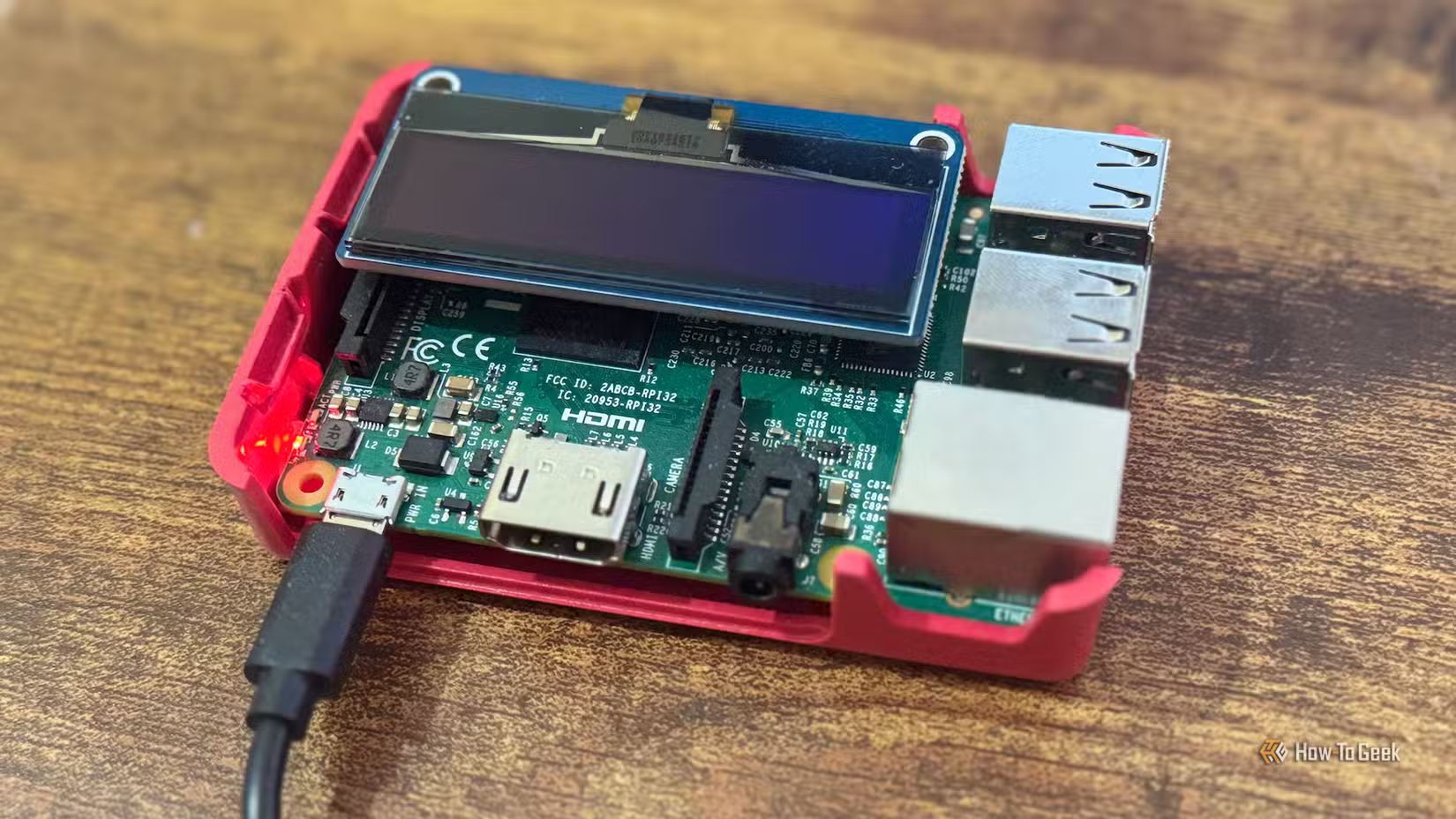
This is where Claude entered the picture. Davidson described his project to the AI assistant and asked whether the display would even work for his idea. The screen is only 32 pixels high and 128 pixels wide. Could you render a recognizable Tamagotchi creature on something that small?
Claude confirmed the concept was viable and generated working proof-of-concept code. Not pseudocode. Not vague instructions. Actual code that ran on the Pi and drove the display.
The speed surprised Davidson. A project that could have taken days of research, trial, and error was producing visible results within hours. Claude handled the technical details he did not know, from display libraries to game logic, while he focused on the creative direction.
Why This Matters for Hobbyists and Pros Alike
Hardware projects have always had a steep learning curve. You need to understand the physical connections, the software libraries, the quirks of specific components. Each new piece of hardware means another round of documentation diving and forum searching.
AI coding assistants compress that cycle. Someone with a clear vision but fuzzy technical knowledge can get to a working prototype faster than ever. The AI handles the boilerplate and the gotchas. The human steers.
This does not mean AI replaces learning. Davidson still had to understand the code well enough to modify it and fix issues. But the barrier to starting dropped dramatically. An afternoon project that might have stalled at 'I don't even know where to begin' instead ended with a working Tamagotchi.
The Hardware
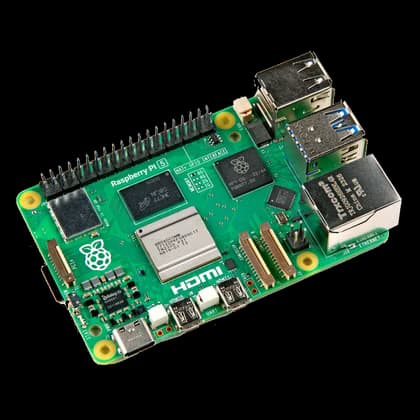
Davidson used a Raspberry Pi 3B for this project, though a Raspberry Pi 5 would work equally well. The Raspberry Pi 5 runs around $130 to $175 depending on the retailer and configuration. It ships with a Cortex A7 CPU, 8GB of RAM, and four USB-A ports.
The OLED display was an inexpensive add-on. These small I2C screens cost between $5 and $15. They connect to the Pi's GPIO pins and draw minimal power.
If you're running Raspberry Pi projects, your backup strategy matters
Lessons for Your Next Project
Davidson's experience highlights a useful workflow for hardware hobbyists. Start with the idea, not the technical research. Describe the end state to an AI assistant. Let it generate the initial code. Then iterate.
This approach works best when you have a clear mental picture of what you want. The AI cannot read your mind. Specific prompts like 'I have a 128x32 pixel OLED display and I want to render an evolving Tamagotchi character' get better results than vague requests.
It also helps to test incrementally. Get the display working first. Then add the game logic. Then connect it to your task list. Each step gives you a checkpoint where the project actually runs.
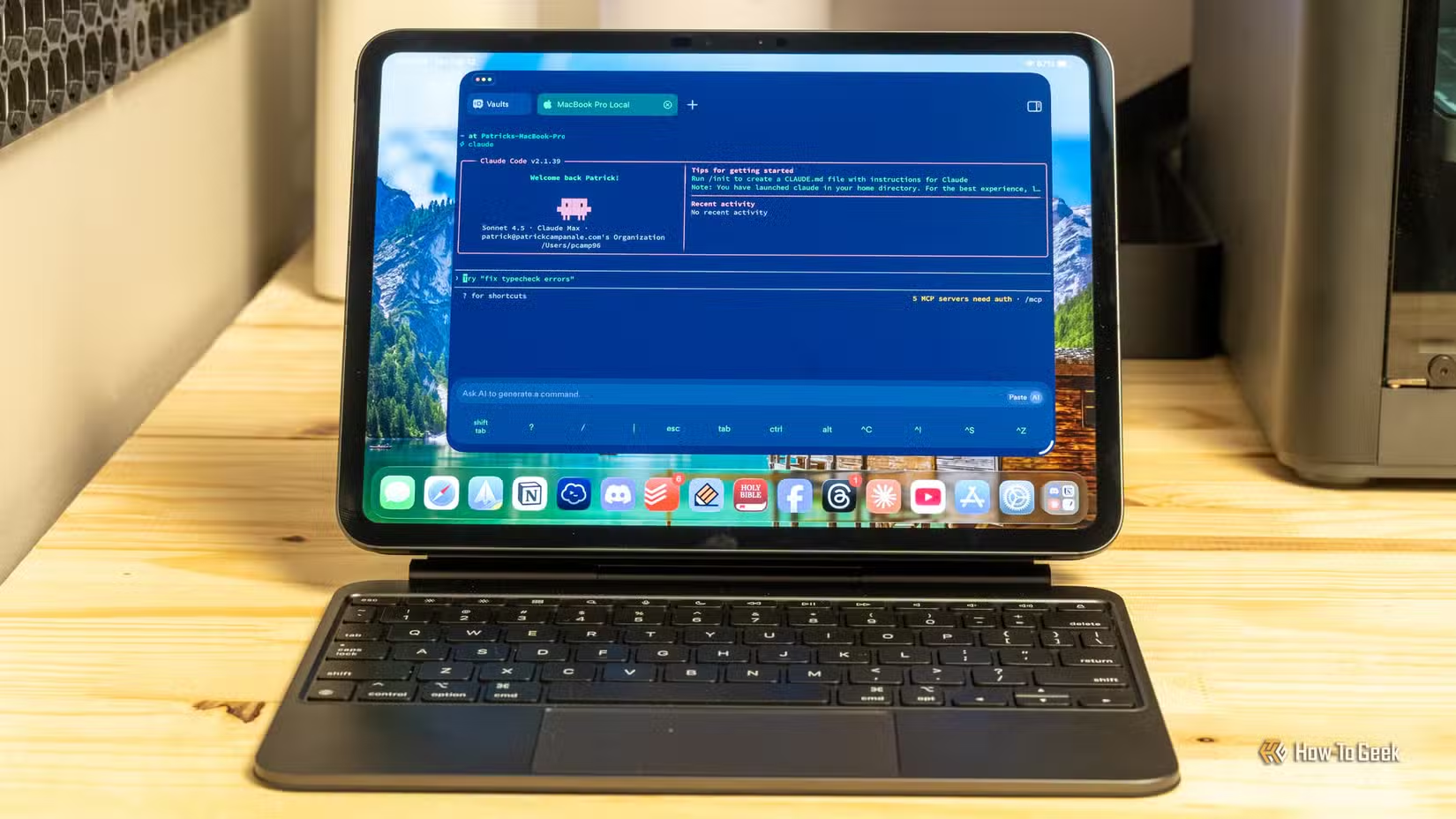
If Claude is generating code for you, a well-configured editor makes iteration faster
Logicity's Take
Frequently Asked Questions
Can Claude write code for Raspberry Pi hardware projects?
Yes. Claude can generate Python code for Raspberry Pi projects, including code that interfaces with displays, sensors, and other hardware via GPIO pins. You describe what you want, and it produces working code you can run directly.
What size OLED display works for a Raspberry Pi Tamagotchi?
A 128x32 pixel I2C OLED display works well. These screens cost $5 to $15 and connect to the Pi's GPIO pins. The low resolution matches the retro Tamagotchi aesthetic.
How long does it take to build a Raspberry Pi project with AI help?
Simple projects can go from idea to working prototype in a few hours. Davidson's Tamagotchi project produced proof-of-concept code quickly because Claude handled the display libraries and game logic.
Do I need coding experience to build Raspberry Pi projects with Claude?
Some familiarity helps. You need to understand the code well enough to modify it, troubleshoot errors, and adapt it to your specific hardware. But you can start projects without knowing the technical details upfront.
Which Raspberry Pi model should I use for OLED display projects?
A Raspberry Pi 3B or newer works fine. The Pi 5 offers more power but costs more. For a simple display project, even older models have plenty of capacity.
Need Help Implementing This?
Source: How-To Geek
Huma Shazia
Senior AI & Tech Writer
Produced with AI assistance and reviewed by the Logicity editorial team. Learn more in our Editorial Policy.






