Key Takeaways
- Evernote's free plan restricts users to a single notebook, making organization difficult as notes grow
- Notion offers unlimited pages and databases on its free tier, providing more flexibility
- The switch highlights a broader trend: productivity apps losing users over aggressive freemium restrictions
A Decade of Notes, Then a Breaking Point
Nate Pangaro started using Evernote in 2016 as a high school junior. For nearly a decade, it served as his digital filing cabinet for notes, ideas, and journal entries. It worked well enough. But 'well enough' has a shelf life.
After recommitting to serious note-taking recently, Pangaro hit a wall. The free plan that once felt generous now felt like a cage. He switched to Notion, and he's not looking back.
The One-Notebook Problem
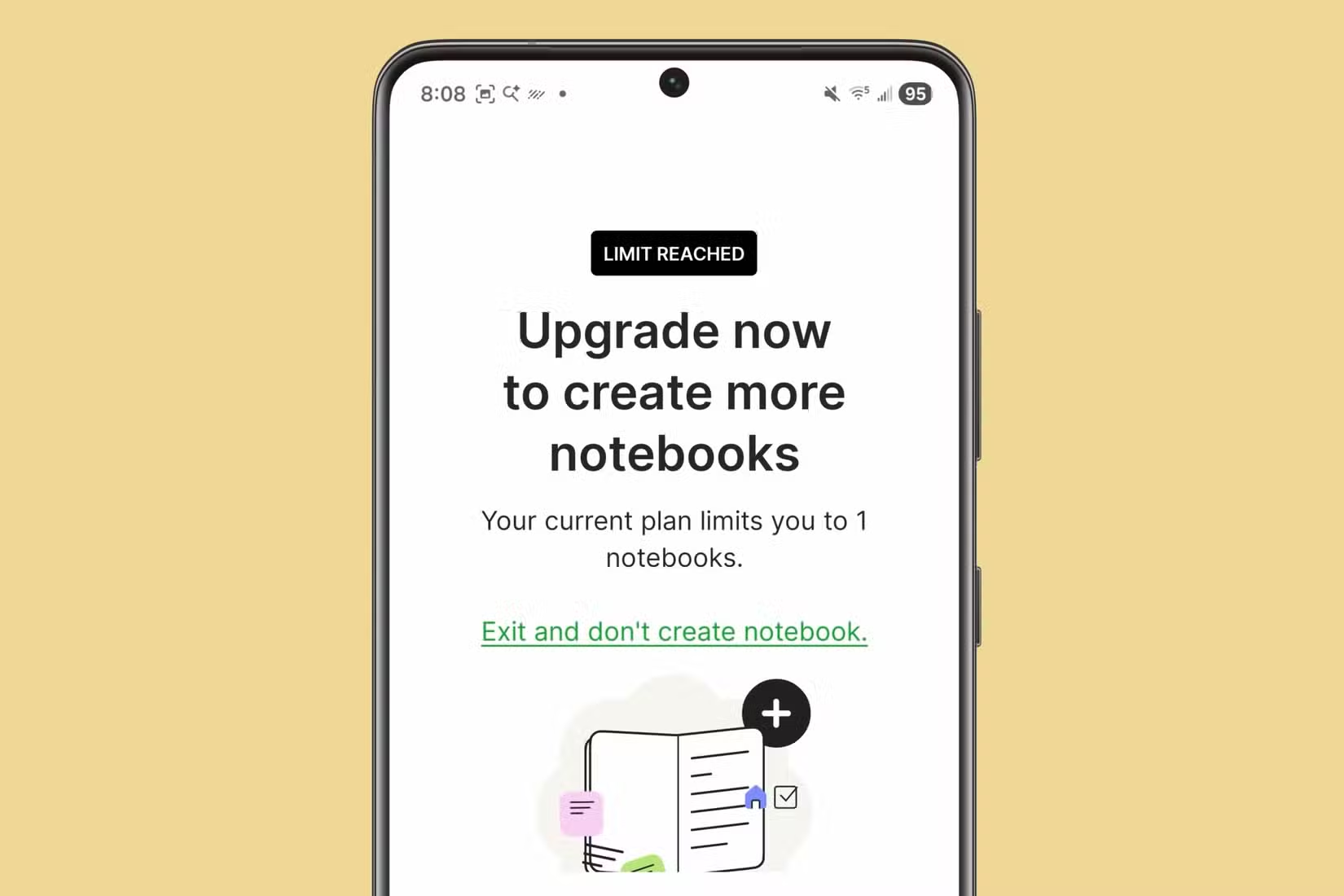
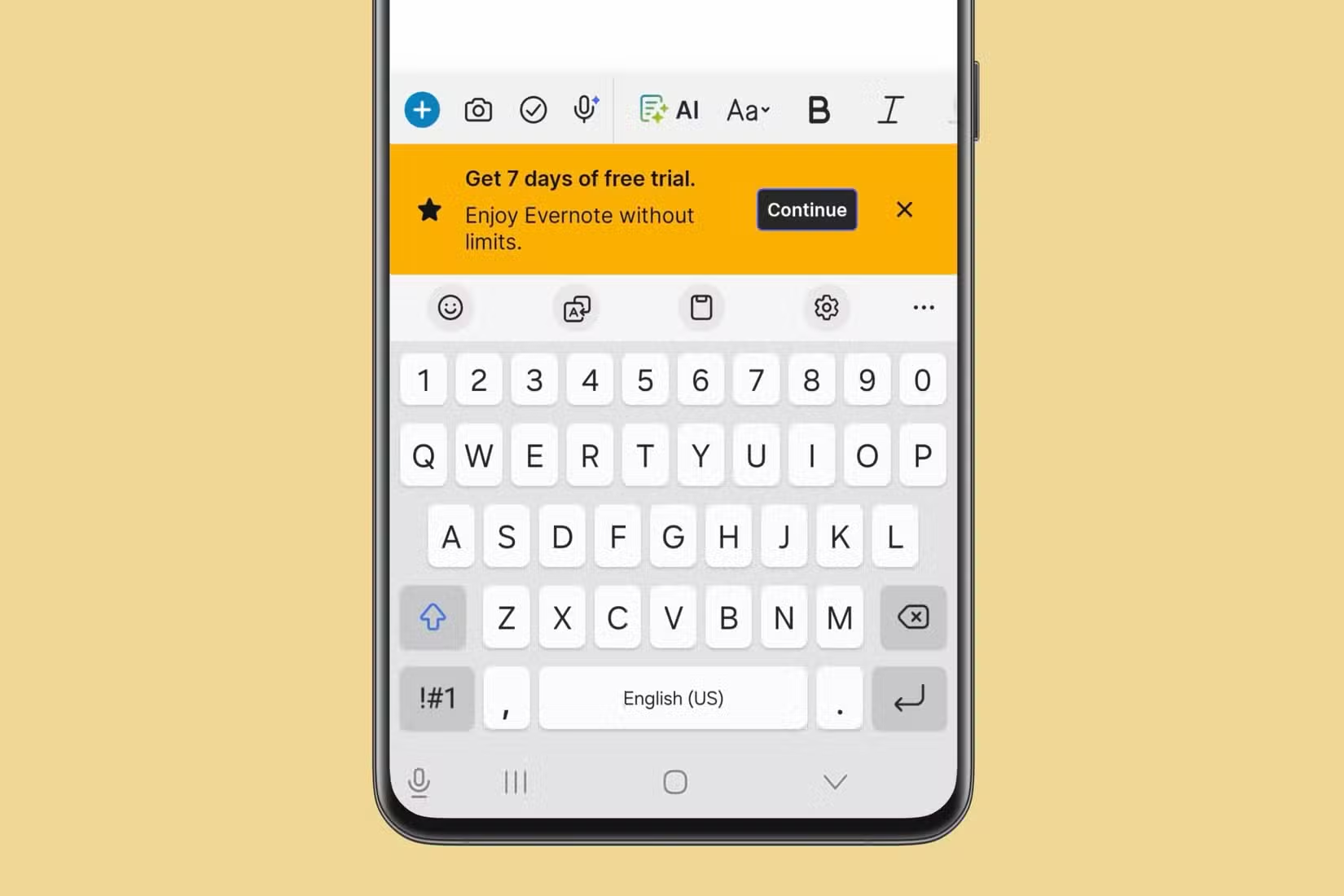
The core frustration is simple: Evernote's free tier limits you to a single notebook. That restriction sounds minor until your notes grow beyond a single topic.
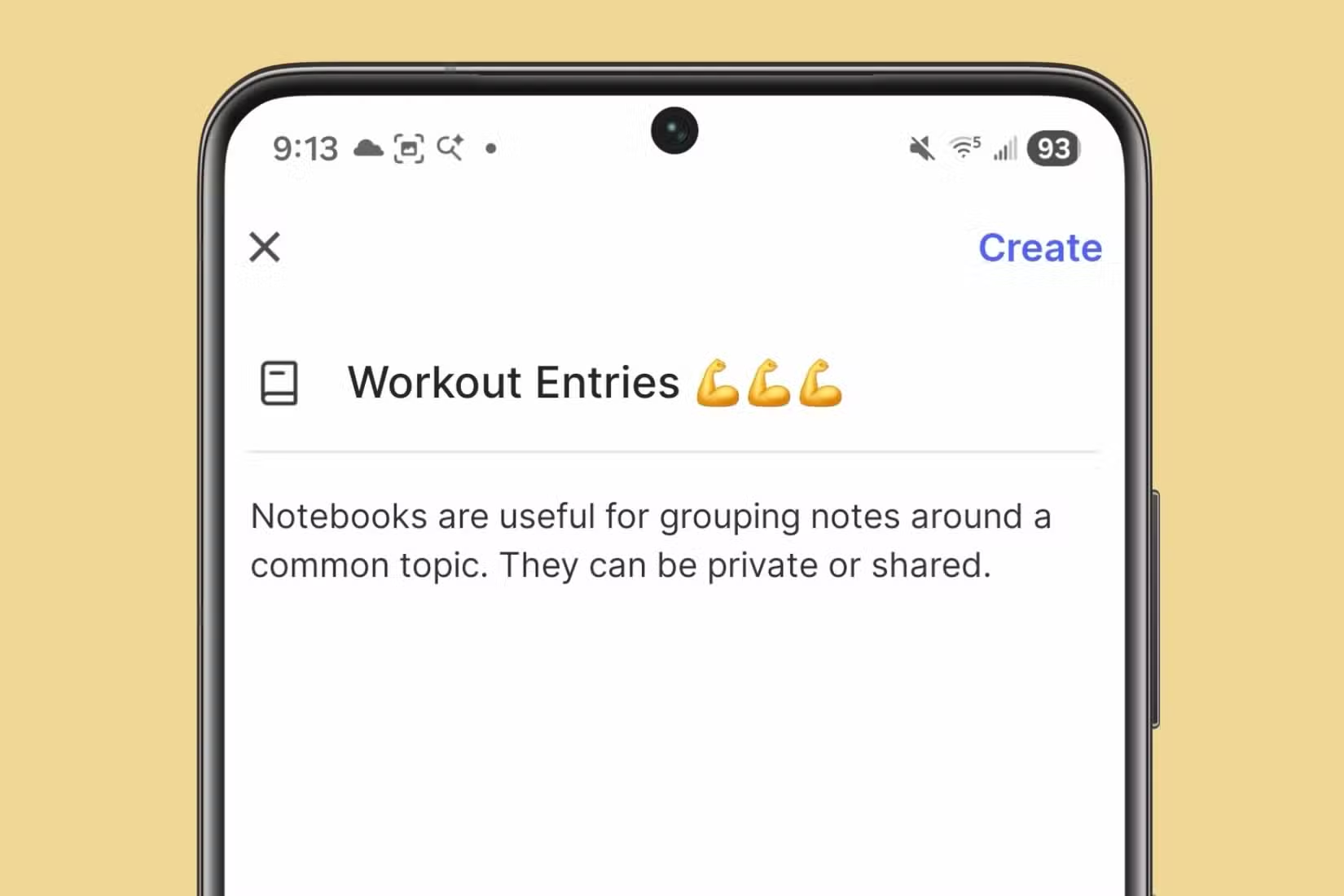
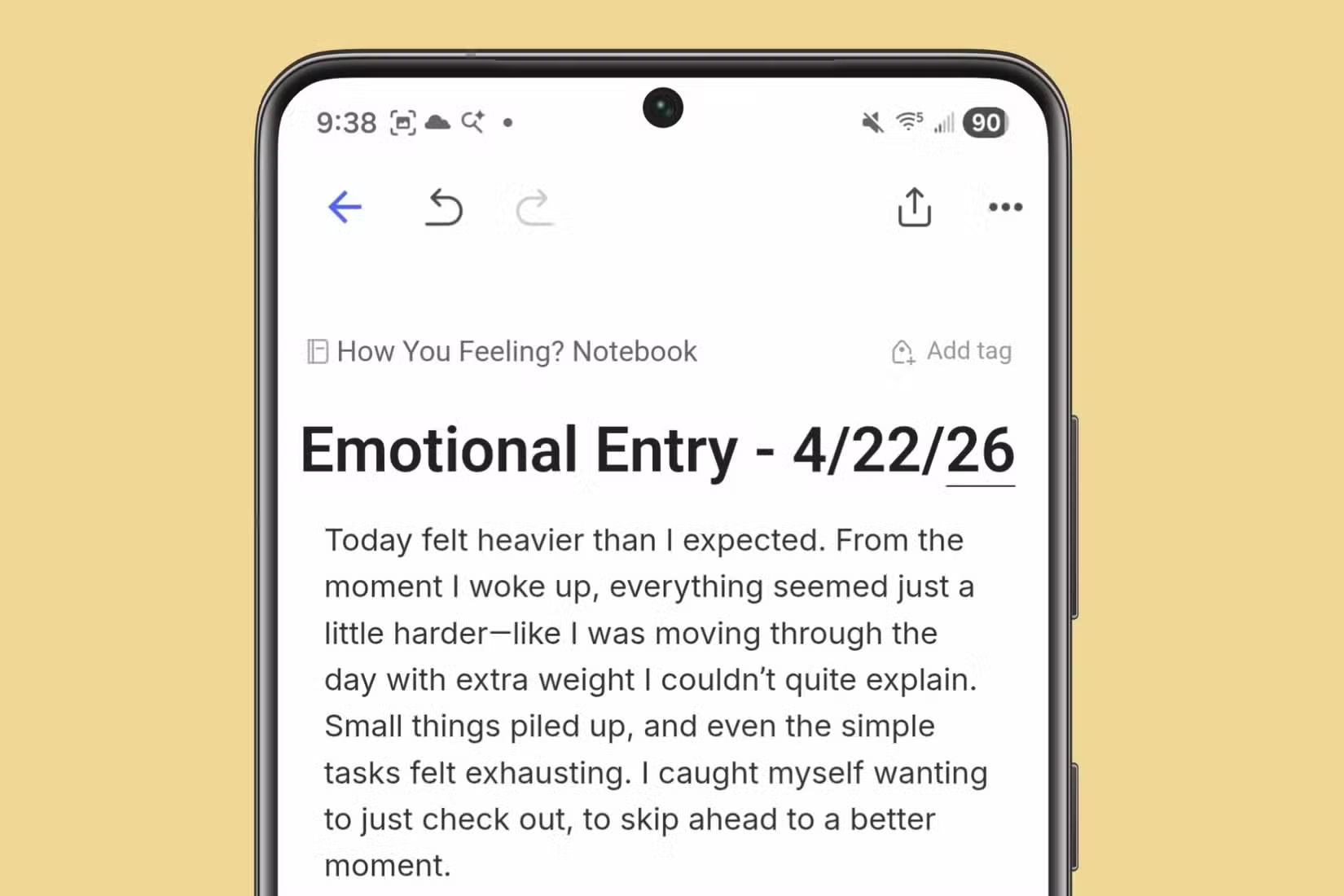
Pangaro started with one notebook for creative writing. Over the years, his interests expanded. He wanted separate notebooks for different subjects, the same way you'd have separate physical notebooks for work, personal projects, and hobbies. Evernote's free plan doesn't allow that.
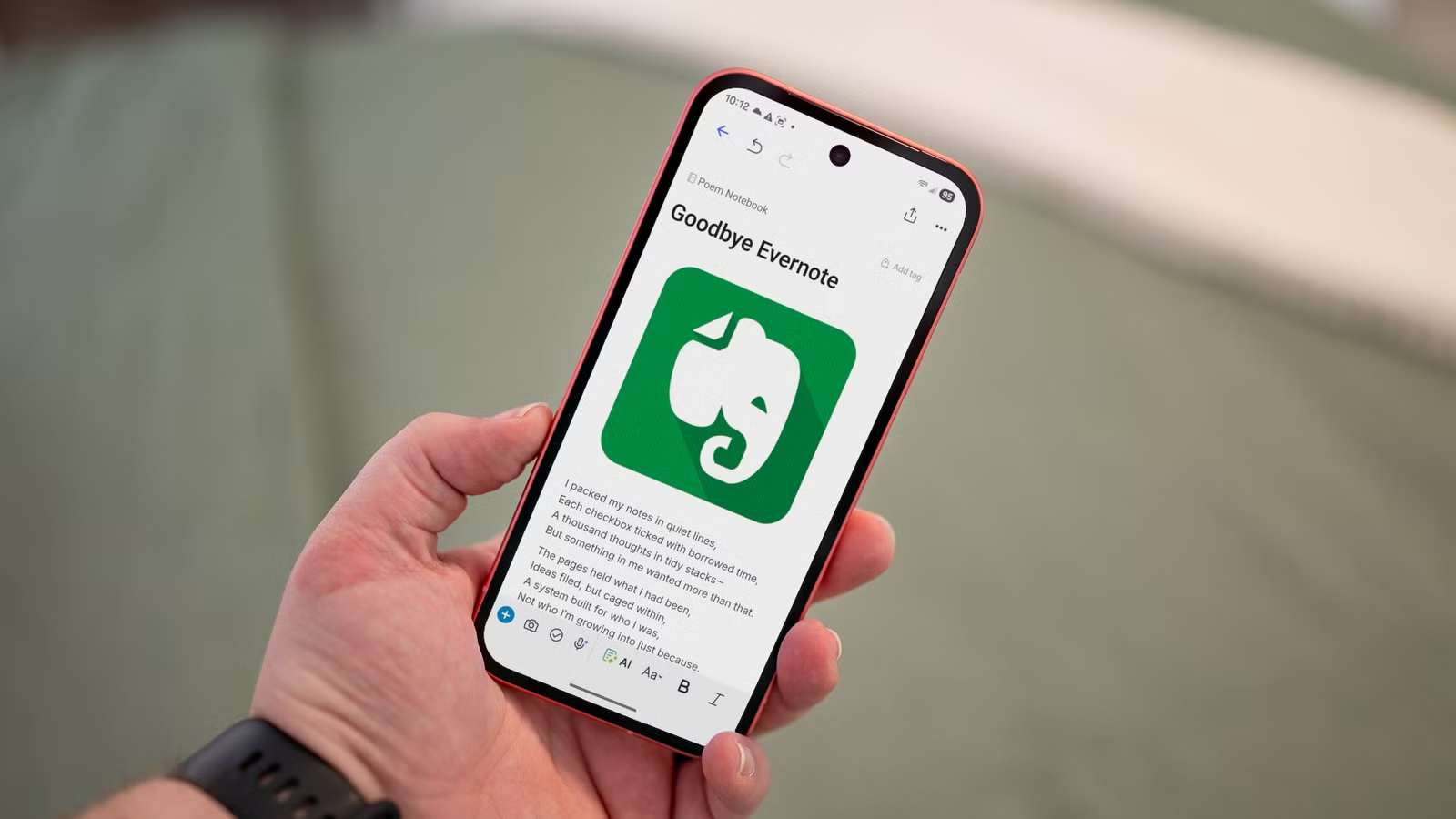
He tried workarounds. Using specific title conventions. Building structure within a single notebook through tagging and naming schemes. It works, but only to a point. The cognitive overhead of managing everything in one space adds friction to what should be a simple task: writing things down.
The Paid Alternative: Not Worth It for Basic Needs
Evernote offers paid plans that remove these restrictions. But Pangaro, like many users, balked at paying for note-taking when every device ships with a built-in app. The original appeal of Evernote was better organization than Apple Notes or Samsung Notes. If the free version no longer delivers that, why not look elsewhere?
This is the freemium trap that productivity apps often fall into. Restrict the free tier too much, and users leave for competitors. Restrict it too little, and nobody pays. Evernote appears to have landed on the wrong side of that balance for users like Pangaro.
Why Notion Filled the Gap
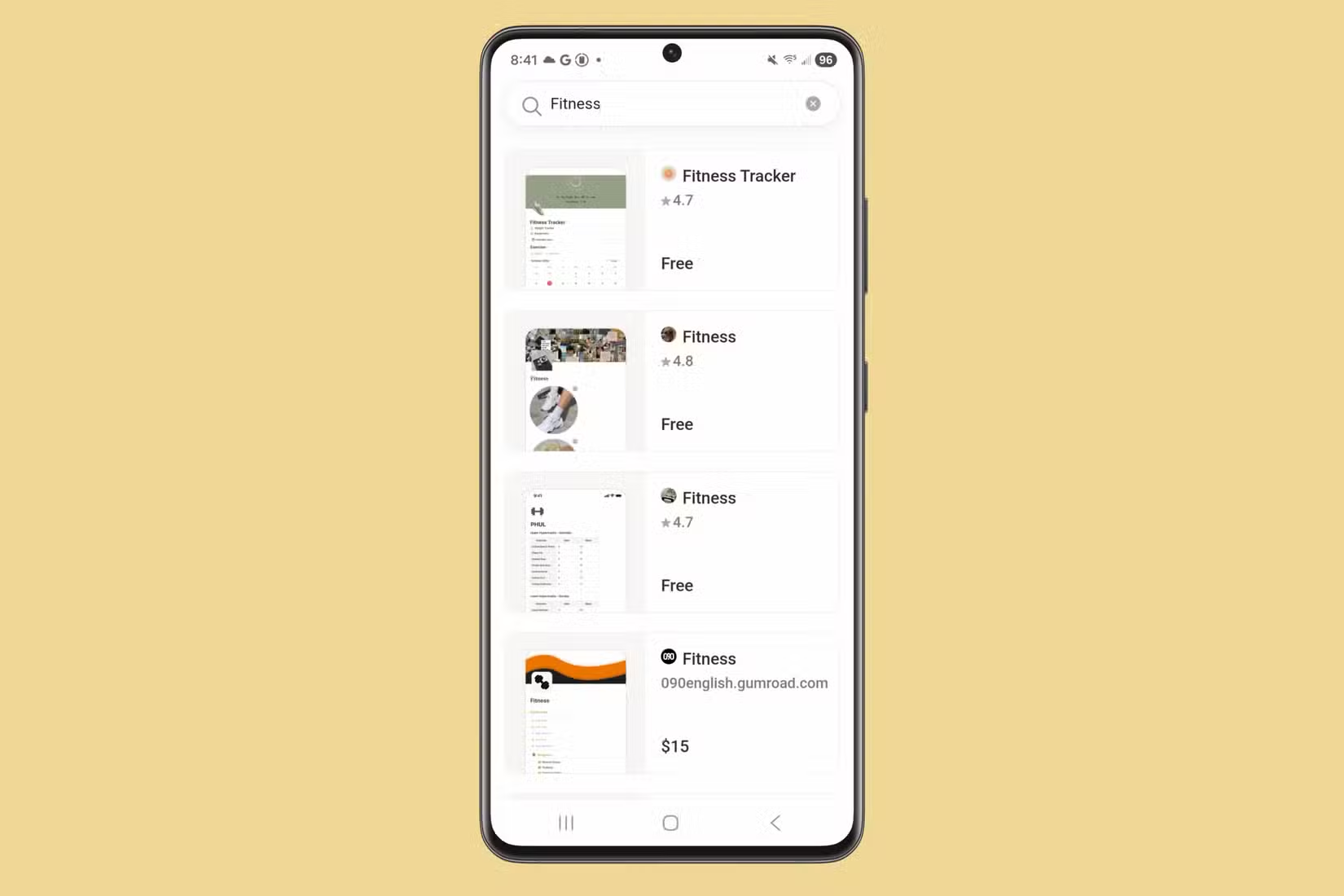
Notion's free tier takes a different approach. You get unlimited pages and blocks. You can create as many 'notebooks' (Notion calls them pages or databases) as you want. The free plan limits sharing and collaboration features, not core functionality.
For a solo user who just wants to organize notes across multiple topics, that trade-off makes sense. You don't pay until you need team features or advanced permissions. The basic act of note-taking stays free.
A Broader Pattern in Productivity Software
Pangaro's story echoes a common complaint. Productivity tools that grew popular on generous free tiers have gradually tightened restrictions. Evernote, Todoist, and others have all pushed more features behind paywalls over time.
The business logic is straightforward: convert free users to paying customers. But the execution matters. When core functionality feels artificially limited, users start looking for alternatives. Notion, Obsidian, and even built-in apps like Apple Notes have all benefited from this dynamic.
Logicity's Take
Should You Make the Same Switch?
The answer depends on how you use notes. If you're a solo user who wants multiple notebooks without paying, Notion or Obsidian are better options. If you're already paying for Evernote and it works, there's no reason to switch.
For teams, the calculation differs. Evernote still has strong features for shared workspaces and business use. Notion's collaboration features require paid plans too. Neither is free for serious team use.
✅ Pros
- • Notion offers unlimited pages on free tier
- • Better flexibility for multi-topic organization
- • Modern interface with databases and linked content
❌ Cons
- • Learning curve is steeper than Evernote
- • Offline access is limited on Notion's free plan
- • Migrating years of Evernote notes takes effort
If you're rethinking productivity tools, AI-powered automation is the next layer worth evaluating
Frequently Asked Questions
Can I import my Evernote notes into Notion?
Yes. Notion has a built-in Evernote importer that transfers notes, notebooks, and tags. The process can take time for large libraries, and some formatting may need cleanup.
Is Notion really free?
Notion's free plan includes unlimited pages and blocks for individual use. Team features, advanced permissions, and larger file uploads require paid plans starting at $10 per user per month.
What are the main limitations of Evernote's free plan?
Evernote's free tier limits you to one notebook, restricts monthly uploads, and caps the number of devices you can sync. These restrictions have tightened over time.
Is Obsidian better than Notion for note-taking?
Obsidian stores notes locally as markdown files, giving you full ownership of your data. It's better for privacy-focused users and those who want offline-first access. Notion offers more built-in structure and collaboration features.
Need Help Implementing This?
Source: How-To Geek
Manaal Khan
Tech & Innovation Writer
Produced with AI assistance and reviewed by the Logicity editorial team. Learn more in our Editorial Policy.






