Key Takeaways
- Claude successfully updated an outdated Niri config file with new features like blur support
- The AI adapted Sway-specific WOB instructions to Niri's different configuration syntax
- Tiling window manager customization, once a time sink, becomes viable for busy users
The Problem With Tiling Window Managers
Tiling window managers like Niri promise efficiency. They also demand patience. Unlike full desktop environments like KDE Plasma, these minimal setups require manual configuration for basics: volume indicators, brightness controls, status bars. The payoff is a snappy, distraction-free workspace. The cost is hours spent editing config files.
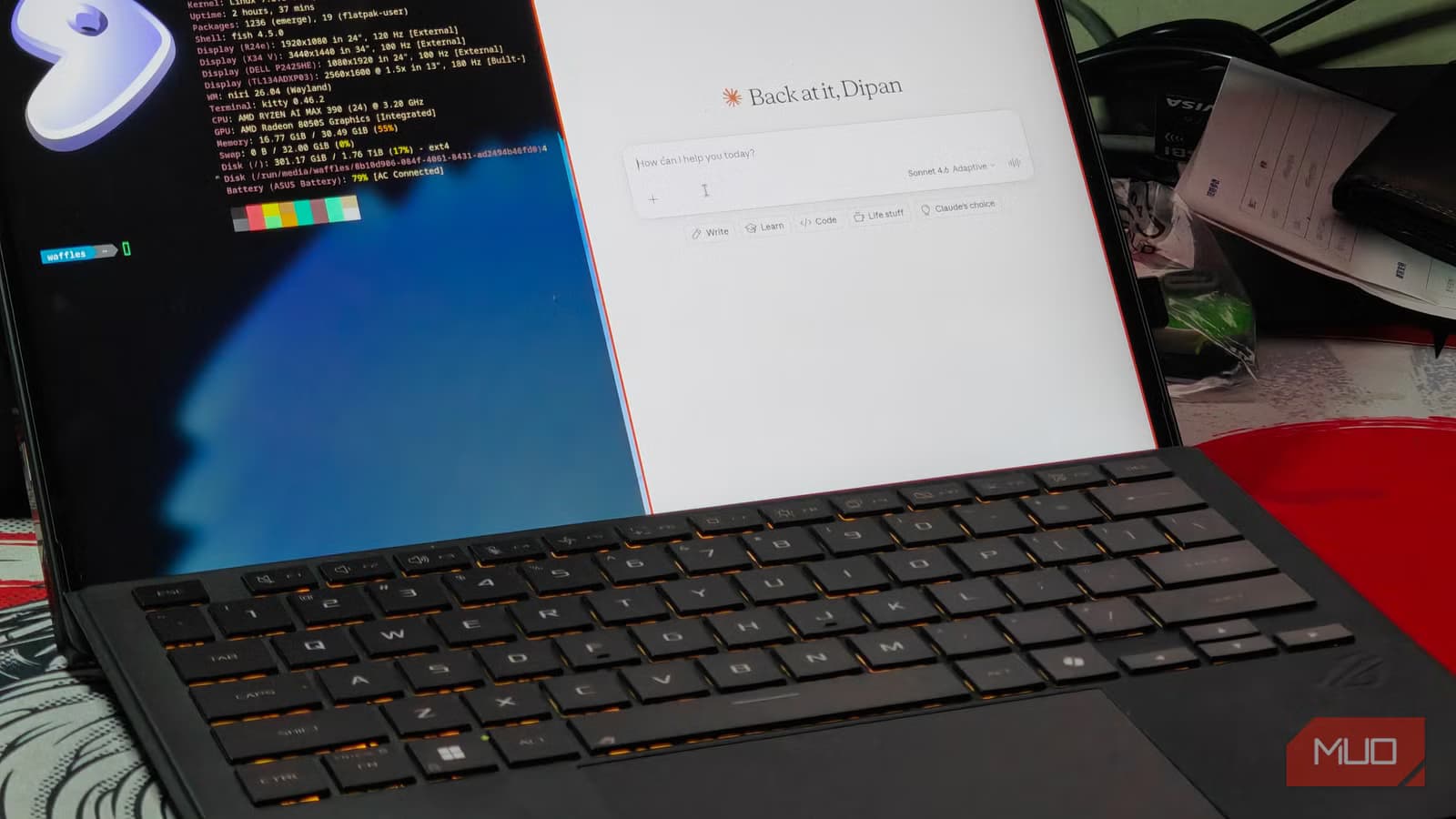
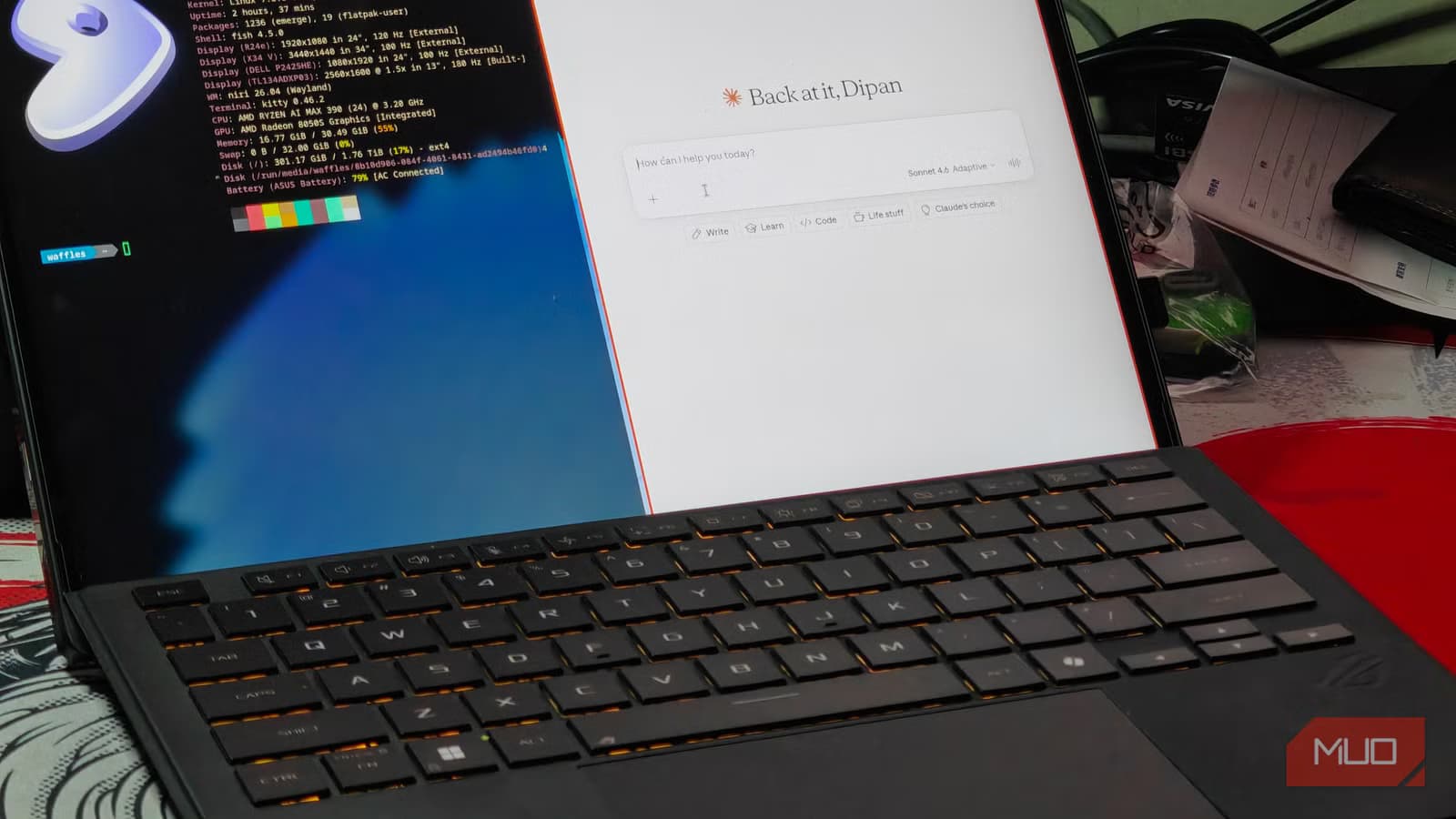
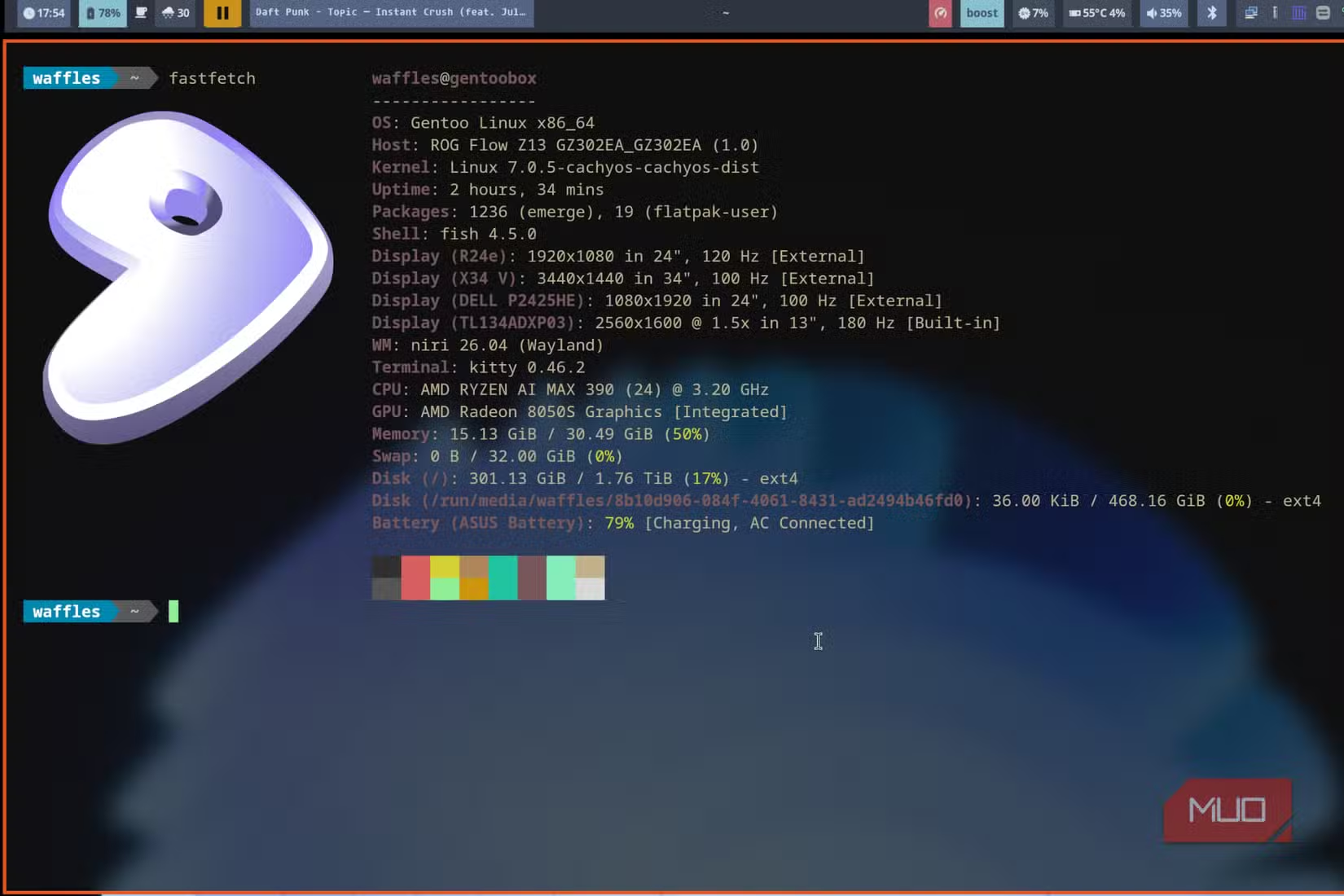
MakeUseOf's Dipan Saha ran into this friction after switching to Gentoo Linux with Niri. Steam games wouldn't launch without Gamescope. There was no built-in on-screen display for volume. His config file, based on an older Niri build, missed recent features like blur effects. Rather than spend another weekend tweaking, he outsourced the work to Claude.
What Claude Actually Did
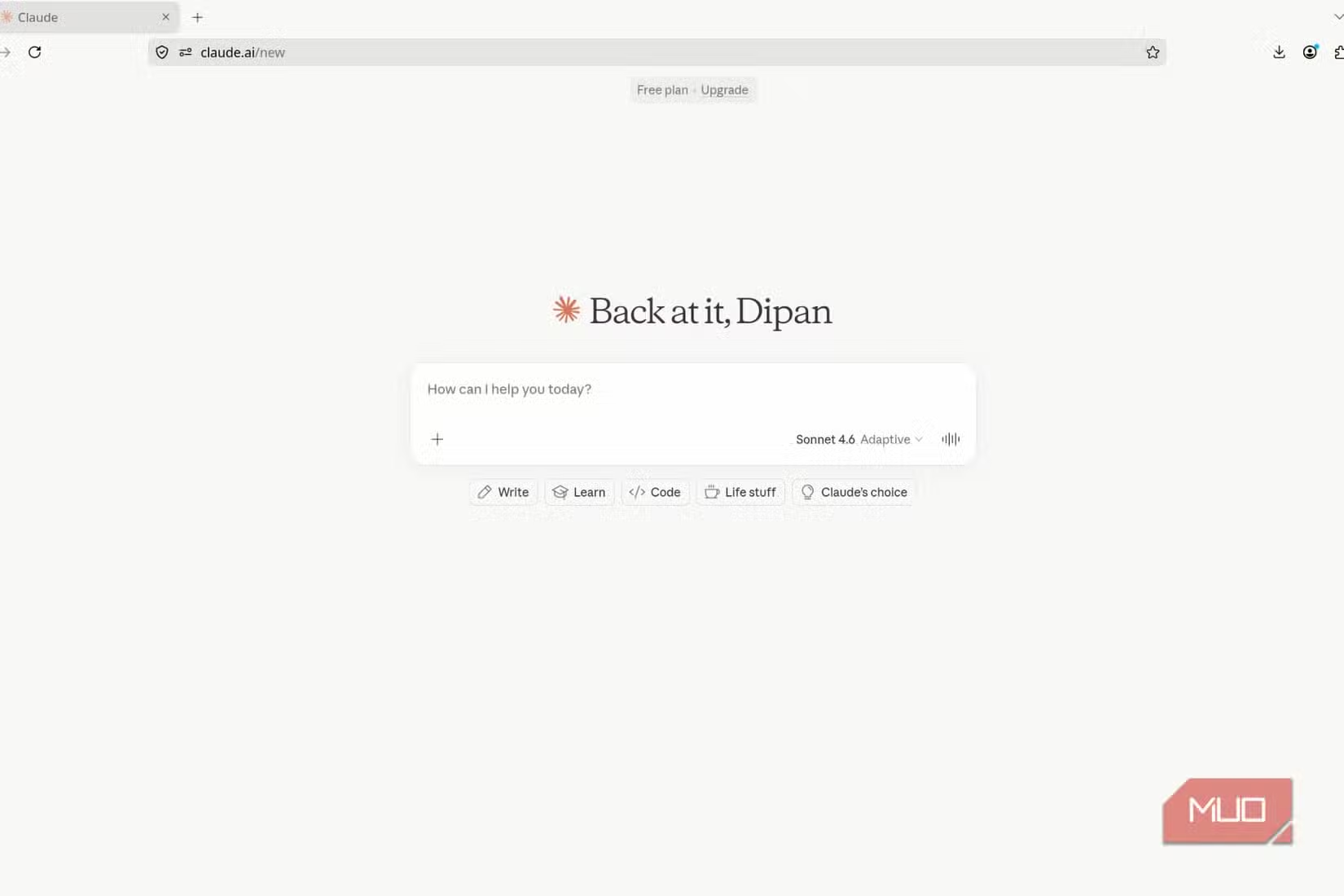
Saha fed Claude his existing config.kdl file and asked for improvements. The AI updated the configuration to include recent Niri additions, most notably blur support. It also integrated WOB (Wayland Overlay Bar), which provides on-screen volume and brightness indicators.
WOB presented a specific challenge. The official setup instructions target Sway, a different window manager with its own configuration syntax. Claude translated those Sway-specific commands into Niri's .kdl format without Saha having to manually debug the differences.
After terminal blur adjustments and minor tweaks, Saha had a working config that matched his preferences. Next target: Waybar, the customizable status bar common in tiling setups.
The Waybar Upgrade
Saha's Waybar config was outdated, originally built for Sway. He chose Waybar over more powerful alternatives like Quickshell because it's simpler to maintain. The tradeoff: fewer features, less configuration headache.
The source article cuts off before detailing Claude's Waybar work, but the pattern holds. Feed the AI your existing config, describe what you want, let it handle the syntax. For users comfortable reviewing output before applying it, this workflow compresses hours into minutes.
Why This Works Now
Claude's training data includes documentation for obscure tools like Niri and WOB. It can read configuration file syntax and translate instructions across similar but incompatible formats. That's the gap it fills here: not creative design decisions, but mechanical translation between systems.
This matters for anyone managing custom development environments. The principle extends beyond Linux desktops to Vim configurations, shell scripts, CI/CD pipelines. Any setup where documentation exists but adaptation requires tedious manual work.
Compare how different AI models handle coding and configuration tasks
Limitations to Know
AI-generated configs still need human review. Claude doesn't know your hardware quirks, your keybinding preferences, or whether that blur effect will tank performance on your GPU. The workflow is: generate, review, test, adjust. Not: paste and forget.
There's also a knowledge cutoff issue. Niri and similar projects update frequently. Claude's training data lags behind the latest releases. For bleeding-edge features, you may need to supplement AI output with manual checks against current documentation.

Logicity's Take
Practical Takeaways
- Start with your existing config file, not a blank slate. Claude works better with context.
- Be specific about what you want: 'Add blur to terminal windows' beats 'make it look better.'
- Review all output before applying. AI doesn't know your system constraints.
- For tools with Sway documentation but no native guides, Claude can often translate.
Another example of extending developer tools with minimal configuration overhead
Frequently Asked Questions
Can Claude configure any Linux window manager?
Claude can handle configuration for most documented window managers, including Sway, Niri, i3, and Hyprland. Quality depends on how much documentation exists in its training data.
Is AI-generated Linux configuration safe to use?
Yes, but review before applying. Config files don't run arbitrary code, but incorrect settings can break your desktop session. Always keep a backup of working configs.
How does this compare to using dotfile templates?
Templates give you someone else's preferences. AI can adapt your existing setup to add specific features you request, preserving your customizations.
Does this work with other AI models like ChatGPT?
GPT-4 and Gemini can also handle config file work. Results vary by model. Claude's long context window helps when processing large config files.
Need Help Implementing This?
Source: MakeUseOf
Huma Shazia
Senior AI & Tech Writer
Produced with AI assistance and reviewed by the Logicity editorial team. Learn more in our Editorial Policy.






