Key Takeaways
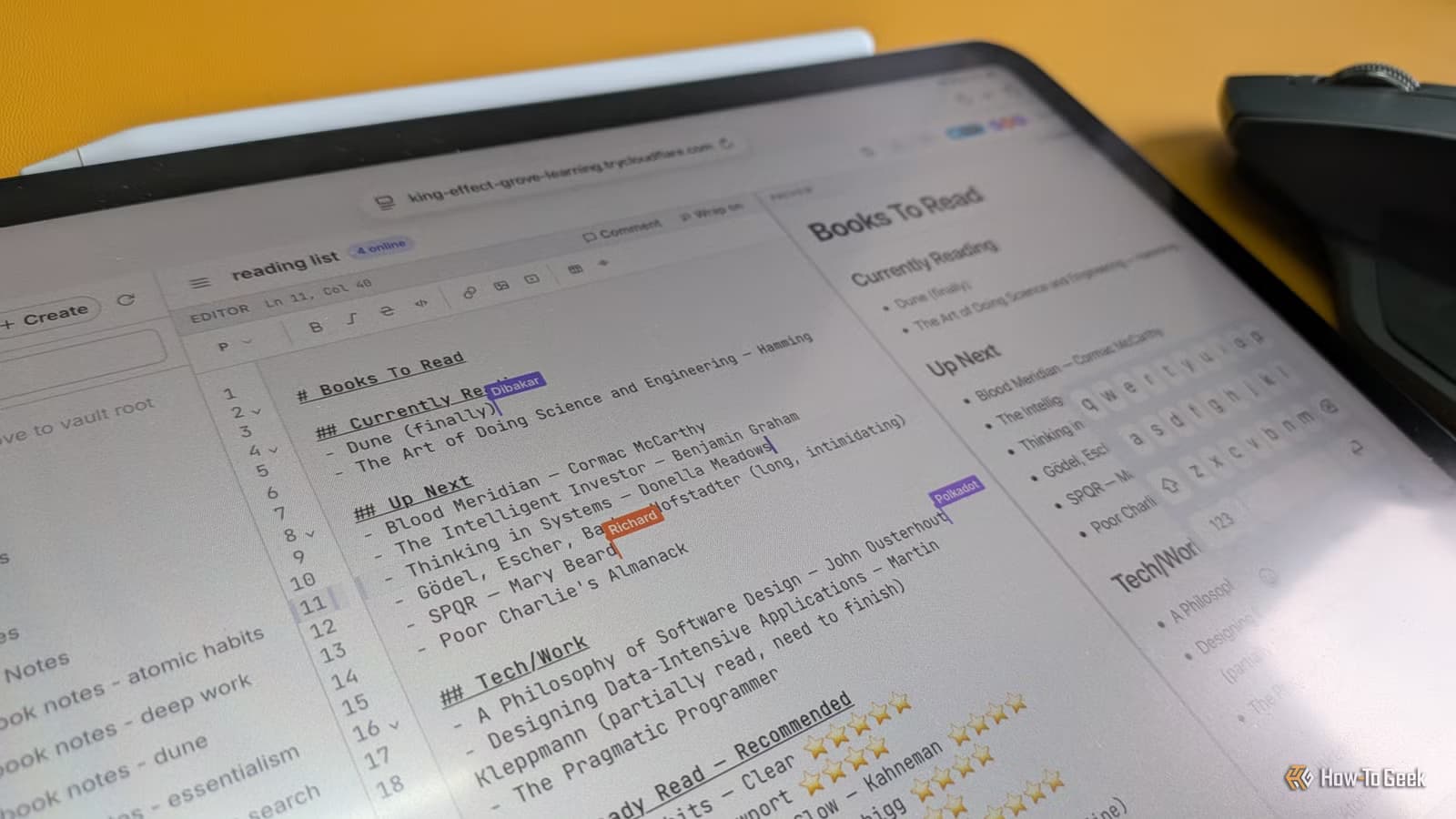
- CollabMD is a free Node.js server that enables real-time collaborative editing on Obsidian vaults
- The tool uses Yjs CRDT technology to merge edits without conflicts when multiple people type simultaneously
- Setup takes about five minutes and generates a shareable URL for browser-based access
Obsidian's Single-Player Problem
Obsidian has earned a loyal following as a powerful note-taking app that keeps your files local. No cloud sync. No subscription. Just markdown files on your machine. That local-first approach is a feature for privacy-conscious users. It's also a limitation when you need to work with someone else.
The workarounds aren't great. You can zip your vault and email it. You can upload it to Google Drive or Dropbox. But the first is clunky, and the second defeats the purpose of keeping notes off third-party servers. Obsidian's official Sync service costs $8 per month and still doesn't offer true simultaneous editing.
What CollabMD Does
CollabMD is an open-source Node.js server available on GitHub. You run it locally, point it at your Obsidian vault folder, and it generates a URL. Anyone with that URL can open your vault in their browser and start editing.
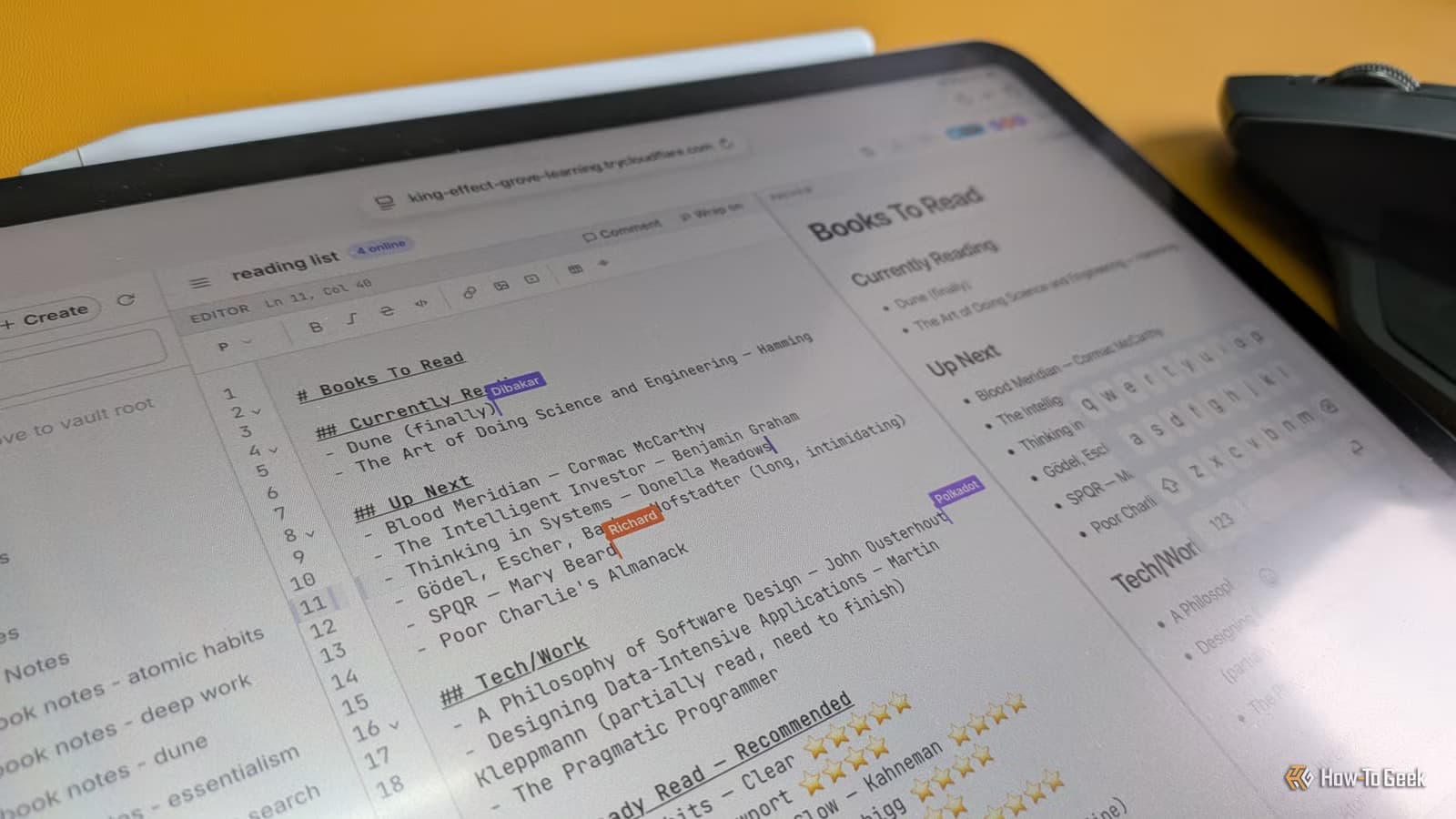
The magic is in the sync. CollabMD uses Yjs, a library that implements something called Conflict-free Replicated Data Types (CRDTs). In plain terms: multiple people can type in the same file at the same time, and their changes merge automatically. No one's edits overwrite anyone else's. It's the same technology that powers collaborative features in tools like Notion and Google Docs.
Changes made through the browser reflect instantly in your local Obsidian vault. Your collaborators don't need Obsidian installed. They just need a web browser.
How to Set It Up
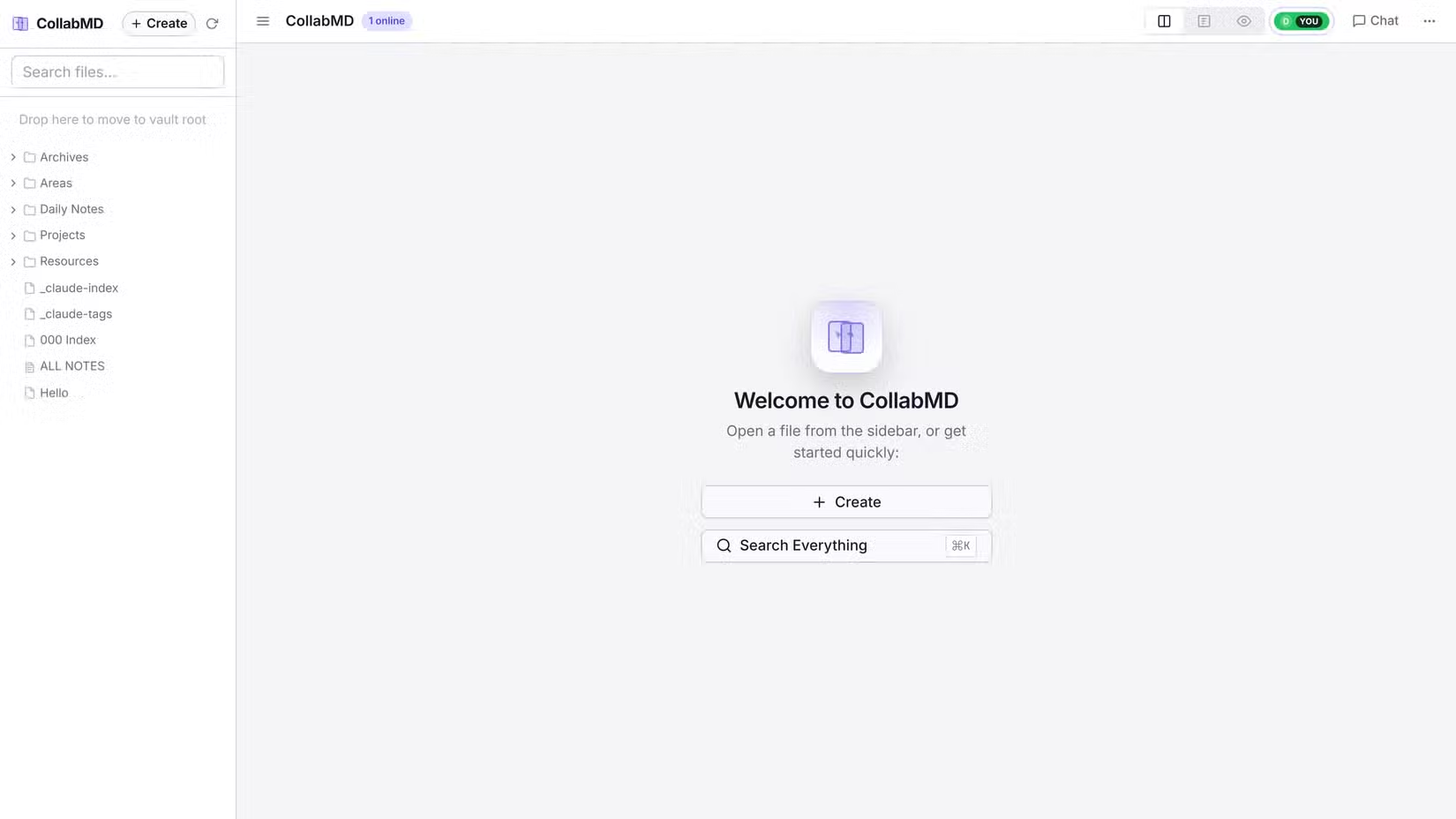
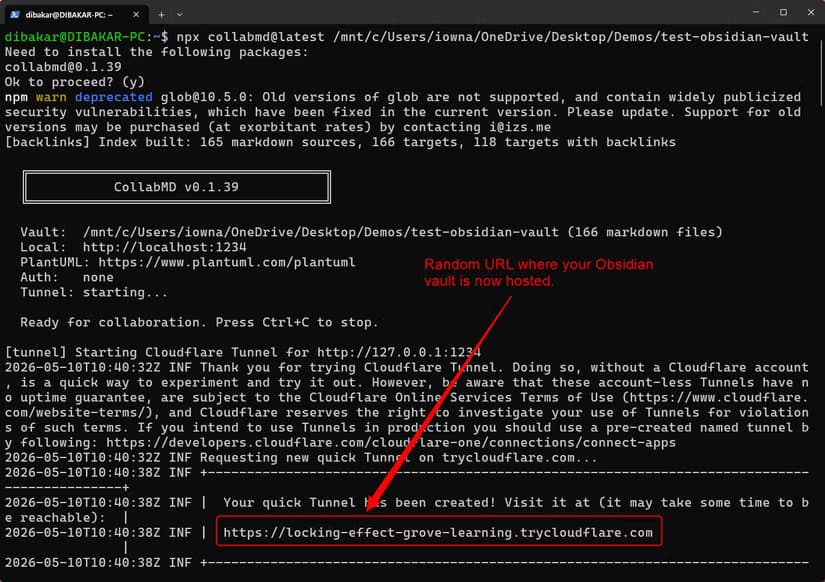
The setup process takes about five minutes if you have Node.js installed. You run a single command that starts the CollabMD server and points it to your vault directory. The tool then generates a Cloudflare Quick Tunnel URL that makes your local server accessible over the internet.
Share that URL with your collaborators. They open it in any browser. They see your vault's files. They can edit. You see the changes appear in Obsidian on your machine.
The server runs as long as you keep the terminal window open. Close it and the URL stops working. This is actually a security feature. You control exactly when your vault is accessible and when it isn't.
Who This Is For
CollabMD makes sense for small teams that have standardized on Obsidian but need occasional collaboration. Think two cofounders building a shared knowledge base. A writing partnership. A research team that wants the organizational power of Obsidian's linking and graph features without paying for multiple Notion seats.
It's also useful for anyone who wants to share specific notes temporarily without giving someone access to their entire digital life. The URL only works while you're running the server. You're not handing over credentials to a cloud service.
The Tradeoffs
This isn't a polished commercial product. It's an open-source project that requires some comfort with the command line. You need Node.js installed. You need to understand what a terminal command does.
The browser-based editor won't have all of Obsidian's features. Plugins won't work for your collaborators. The graph view, canvas, and community themes stay on your local machine. Your collaborators get a clean markdown editor with real-time sync. That's it.
There's also the question of what happens to your vault if two people make conflicting structural changes, like moving or renaming files. The CRDT handles text conflicts well. File system changes are trickier. This tool works best when collaborators are editing content, not reorganizing the vault structure.
Logicity's Take
If you're building a second brain, AI assistants can help fill the gaps
Frequently Asked Questions
Does CollabMD require an Obsidian subscription?
No. CollabMD is completely free and works with Obsidian's free tier. It's an independent open-source project that runs separately from Obsidian's official sync service.
Do my collaborators need to install Obsidian?
No. CollabMD serves a browser-based editor. Your collaborators only need a web browser and the URL you share with them.
Is CollabMD secure for sensitive notes?
The URL is generated through a Cloudflare tunnel, which provides some protection. However, anyone with the URL can access your vault while the server is running. Don't share notes you wouldn't want exposed if the URL leaked.
Can I use Obsidian plugins with CollabMD?
Only on your local machine. Collaborators using the browser editor see a basic markdown editor without access to your installed plugins, themes, or Obsidian-specific features like the graph view.
What happens if two people edit the same paragraph simultaneously?
CollabMD uses Yjs, a CRDT library that merges simultaneous edits automatically. Both people's changes are preserved without overwriting each other.
Need Help Implementing This?
Source: How-To Geek
Manaal Khan
Tech & Innovation Writer
Produced with AI assistance and reviewed by the Logicity editorial team. Learn more in our Editorial Policy.






