Key Takeaways
- Immich offers Google Photos features including AI tagging without cloud storage limits
- Audiobookshelf beats Audible with DRM-free playback and multi-device sync
- Jellyfin provides Netflix-style streaming from your own media library
Why Self-Hosting Makes Sense Now
Subscription fatigue is real. Google One storage, Audible credits, Netflix, Spotify, social media scheduling tools. The monthly charges add up to hundreds of dollars per year. But a growing set of open-source projects now match or exceed what these paid services offer.
The catch? You need to run them yourself. That means a NAS, an old PC, or a Raspberry Pi. If you already have hardware sitting around, the barrier is lower than you think. Here are five apps worth setting up.
Immich: Google Photos Without the Storage Limits
Google Photos used to offer free unlimited storage at reduced quality. Those days are gone. Now every photo counts against your Google account quota, the same pool Gmail uses. Hit your limit and you stop receiving email.
Immich replicates the Google Photos experience on your own server. The interface looks similar. The automatic backup from your phone works the same way. But there's no 15GB ceiling, no annual storage fees, and no company scanning your pictures.
The app includes machine learning for face recognition and object tagging. Critically, it uses local AI models. Your photos never leave your network for processing. Search for "beach" or "dog" and it finds matching images without sending data to external servers.
One important caveat: Immich is not a backup by itself. Google Photos stores your images across multiple data centers. If your NAS dies, your Immich library dies with it. Use a service like Backblaze B2 to replicate your library off-site. The storage costs pennies per gigabyte and turns self-hosting into a real backup solution.
Audiobookshelf: Audible Without DRM
Audible locks you in. Books you buy work only in the Audible app. Cancel your subscription and your library stays accessible, but good luck moving it elsewhere. The DRM ensures your "purchases" remain tethered to Amazon's ecosystem.
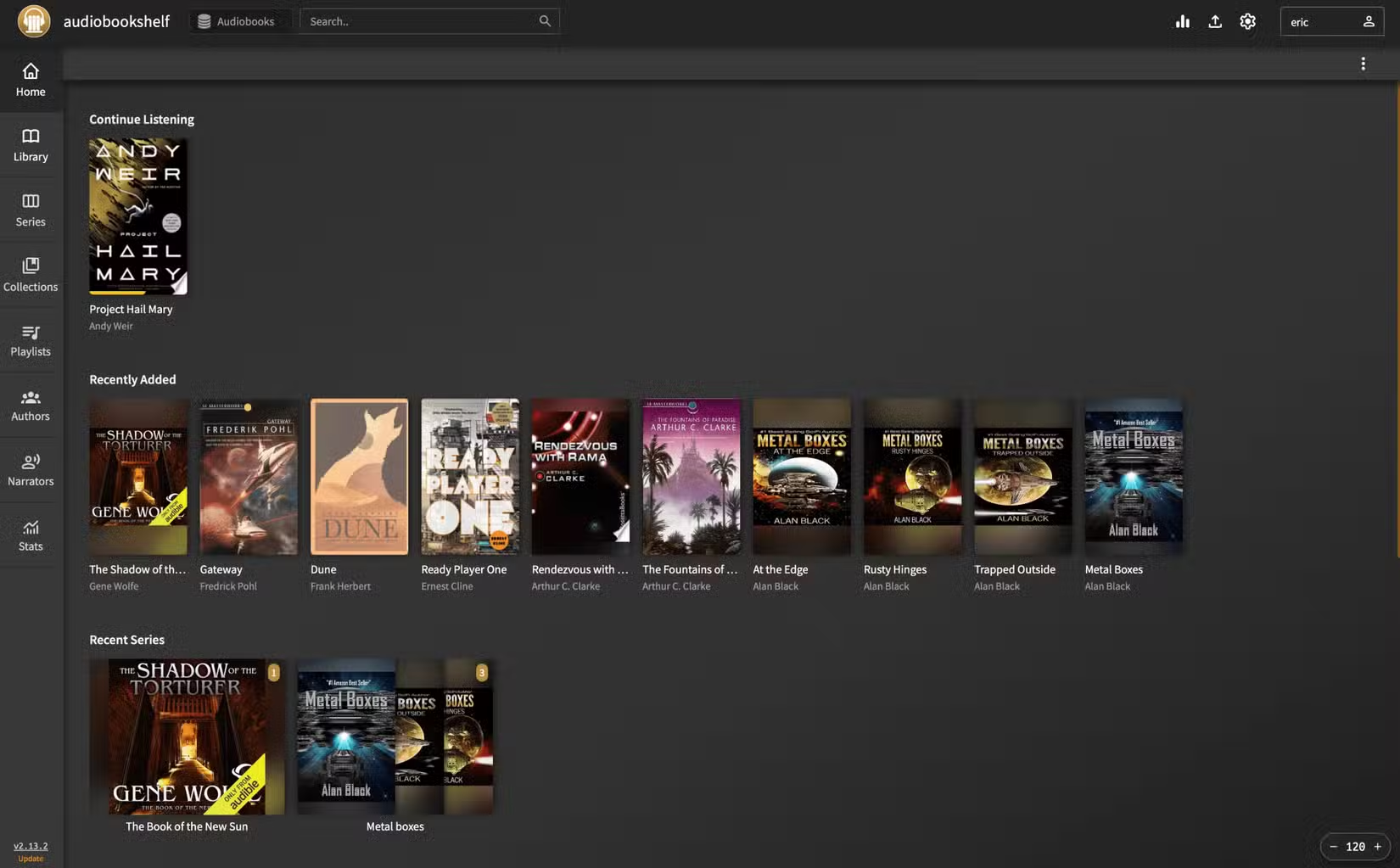
Audiobookshelf takes a different approach. Point it at a folder of audiobook files and it builds a polished library with cover art, metadata, and chapter markers. The mobile apps sync your playback position across devices. Fall asleep listening on your phone, pick up where you left off on your tablet.
Where do the audiobooks come from? Your local library likely offers free digital loans through services like Libby. Many publishers sell DRM-free files directly. The point is you control the files, not a subscription service.
A Pi Zero makes an excellent low-power server for Audiobookshelf
Jellyfin: Your Own Netflix
Plex pioneered self-hosted media streaming but has drifted toward ads, paid features, and questionable data practices. Jellyfin is the open-source alternative with no corporate strings attached.
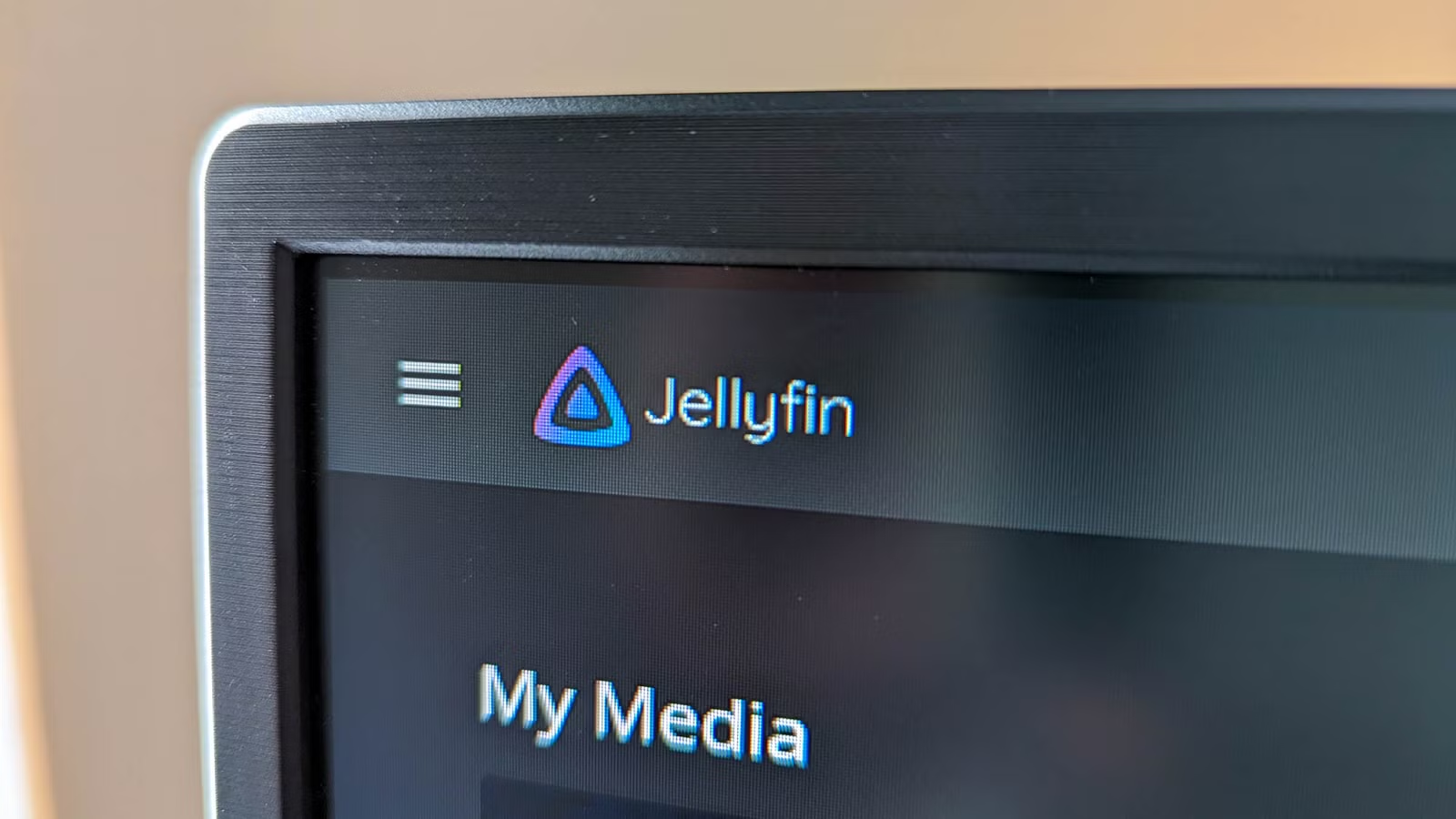
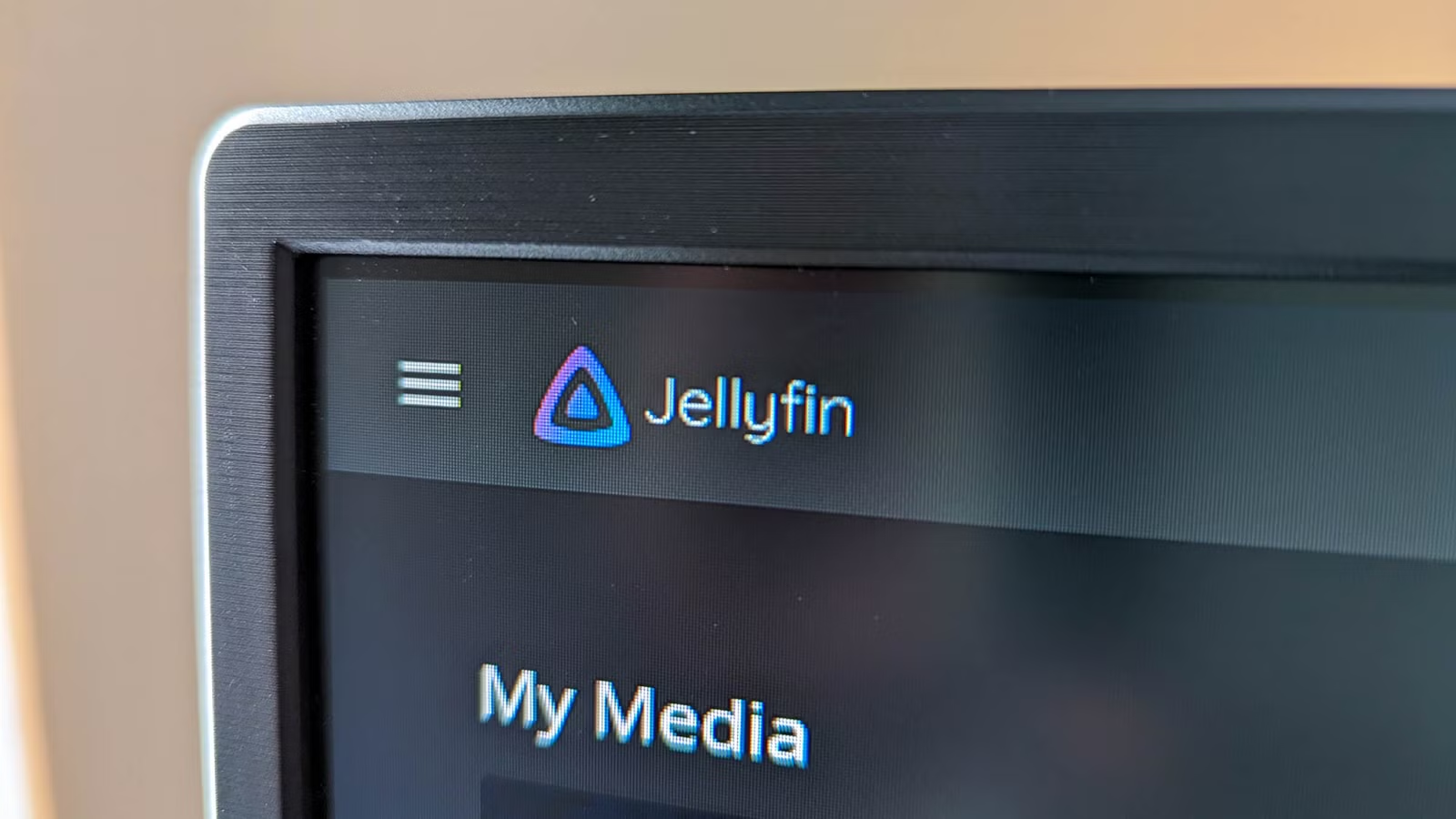
The setup is straightforward. Point Jellyfin at folders containing your movies and TV shows. It downloads metadata, artwork, and descriptions automatically. The result looks like Netflix but streams from your own drives.
Jellyfin handles transcoding on the fly. Have a 4K file but watching on a phone over cellular? The server converts it to a lower bitrate in real time. Hardware acceleration support means even modest machines can handle multiple simultaneous streams.
Apps exist for Roku, Apple TV, Android TV, iOS, and Android. Family members get their own profiles with watch history and recommendations. No subscription fees, no content rotating off the platform because licensing deals expired.
Postiz: Social Media Scheduling Without the Monthly Fee
Buffer, Hootsuite, and Later charge monthly fees to schedule social media posts. The pricing scales with the number of accounts and team members. For small businesses and creators, these costs add up quickly.
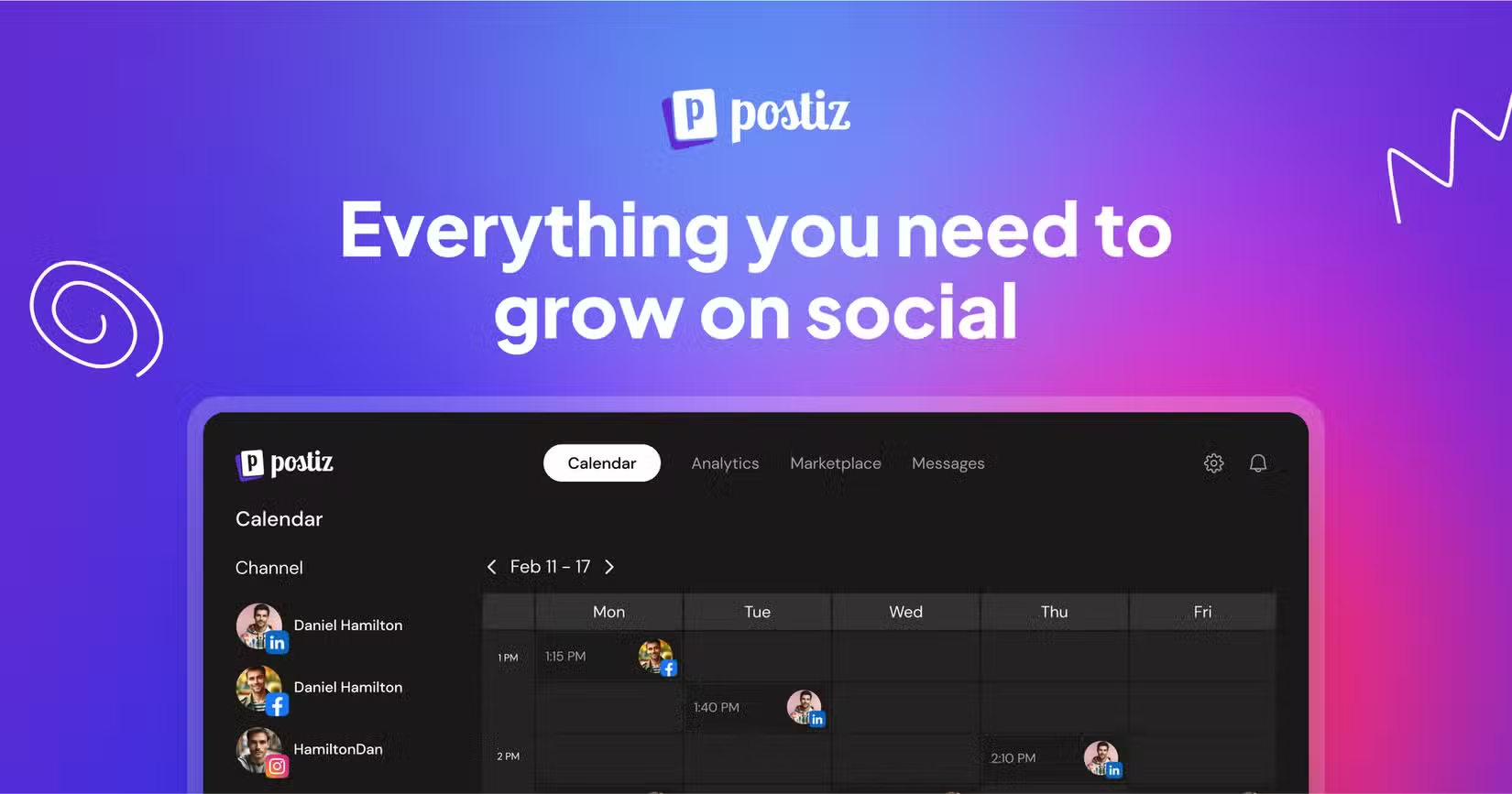
Postiz is an open-source alternative you can self-host. Connect your social accounts, schedule posts with a calendar interface, and track engagement. The feature set covers what most small teams need without per-seat pricing.
The tradeoff is setup complexity. Paid services handle OAuth authentication, API changes, and rate limits for you. With Postiz, you manage the infrastructure. For teams with technical capability, the savings justify the effort.
Similar self-service automation approach for community management
What You Need to Get Started
Self-hosting requires hardware. The good news: requirements are modest. An old laptop, a Raspberry Pi 4, or an entry-level NAS handles most of these applications. Synology and QNAP devices run Docker containers, which simplifies installation significantly.
- A device that can run Docker or Linux (NAS, old PC, Raspberry Pi)
- Enough storage for your media and photos
- A backup solution for critical data
- Basic comfort with command-line tools or container managers
The learning curve is steeper than signing up for a cloud service. But the payoff is substantial: lower costs, full data ownership, and features that sometimes exceed the paid alternatives.
The Real Cost Calculation
Self-hosting is not free. Hardware costs money upfront. Electricity adds up over time. Your hours have value. But compare it to ongoing subscriptions: Google One 2TB runs $100 per year. Audible Premium Plus costs $180 annually. Social scheduling tools charge $60 to $200 per year depending on tier.
A $200 used mini PC running all these services pays for itself within a year. After that, the only ongoing cost is electricity and off-site backup storage. For people already running a NAS or home server, the marginal cost is nearly zero.
Related guide on taking control of your data and privacy
Logicity's Take
Frequently Asked Questions
Do I need technical skills to self-host these apps?
Basic familiarity with Docker containers or Linux helps significantly. Many NAS devices like Synology offer point-and-click container installation, lowering the barrier for beginners.
Is self-hosted storage safe for important photos?
Only if you implement proper backups. A single NAS is not a backup. Use services like Backblaze B2 to replicate data off-site. With proper setup, self-hosted storage can be more reliable than trusting a single cloud provider.
Can I access these services outside my home network?
Yes. Options include VPN access to your home network, reverse proxy setups with services like Cloudflare Tunnels, or Tailscale for secure remote connections without exposing ports.
How much does self-hosting hardware cost?
A Raspberry Pi 4 costs around $75 and handles light workloads. Used mini PCs run $150 to $300. Entry-level NAS devices start around $200 before drives. Most of these apps can share a single machine.
What happens if one of these open-source projects stops development?
Open-source projects can be forked and continued by the community. Your data remains on your hardware regardless. This is actually safer than commercial services, which can shut down and take your data with them.
Need Help Implementing This?
Source: How-To Geek
Huma Shazia
Senior AI & Tech Writer
Produced with AI assistance and reviewed by the Logicity editorial team. Learn more in our Editorial Policy.






