Key Takeaways
- Pi-hole on a Pi Zero 2 W can filter ads and malware for your entire home network with minimal maintenance
- A WireGuard VPN server runs well on the Zero 2 W, giving you remote access to self-hosted services
- The board's low power draw makes it ideal for 24/7 services, even on battery backup
Why the Pi Zero 2 W Works for These Projects
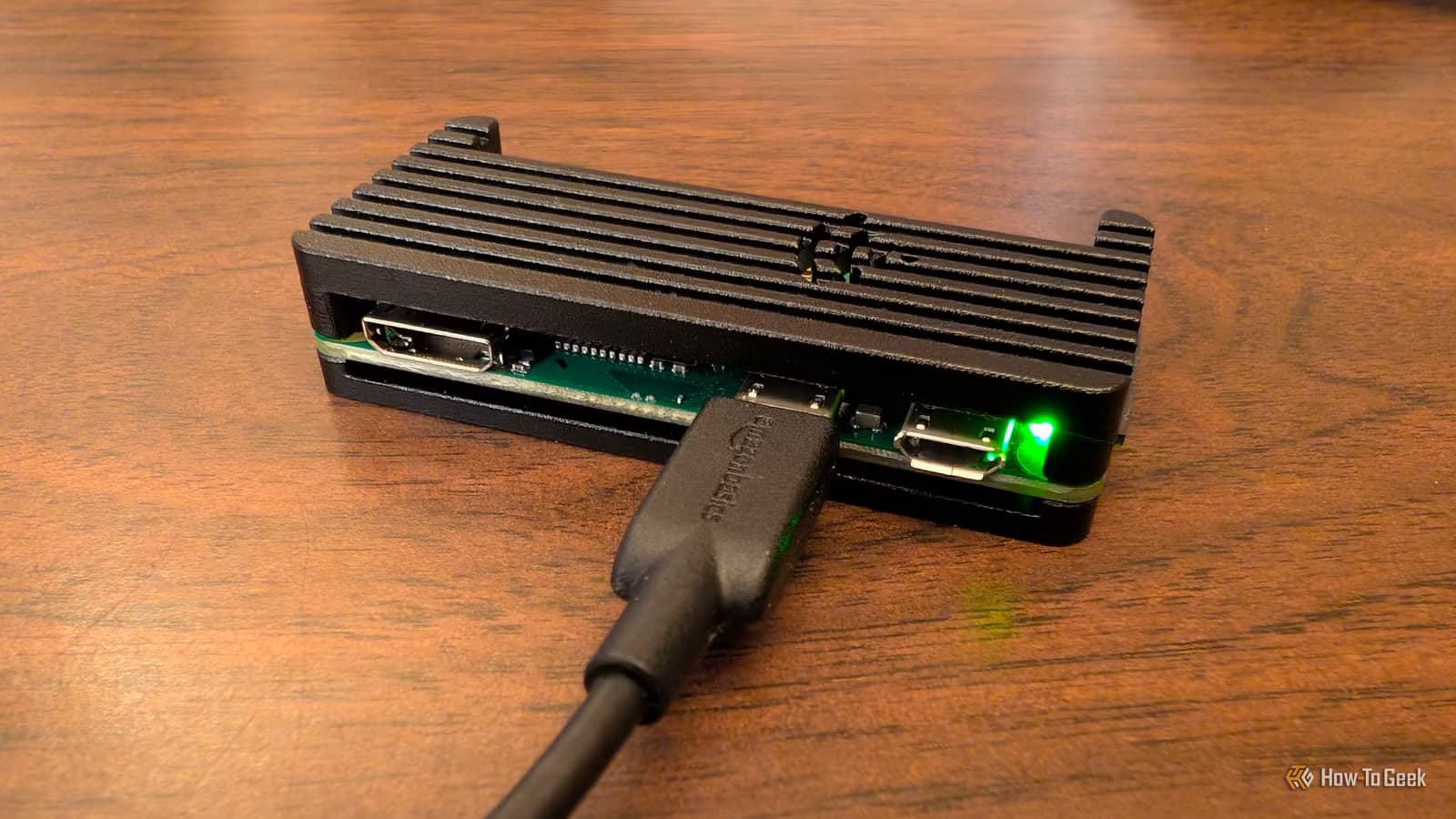
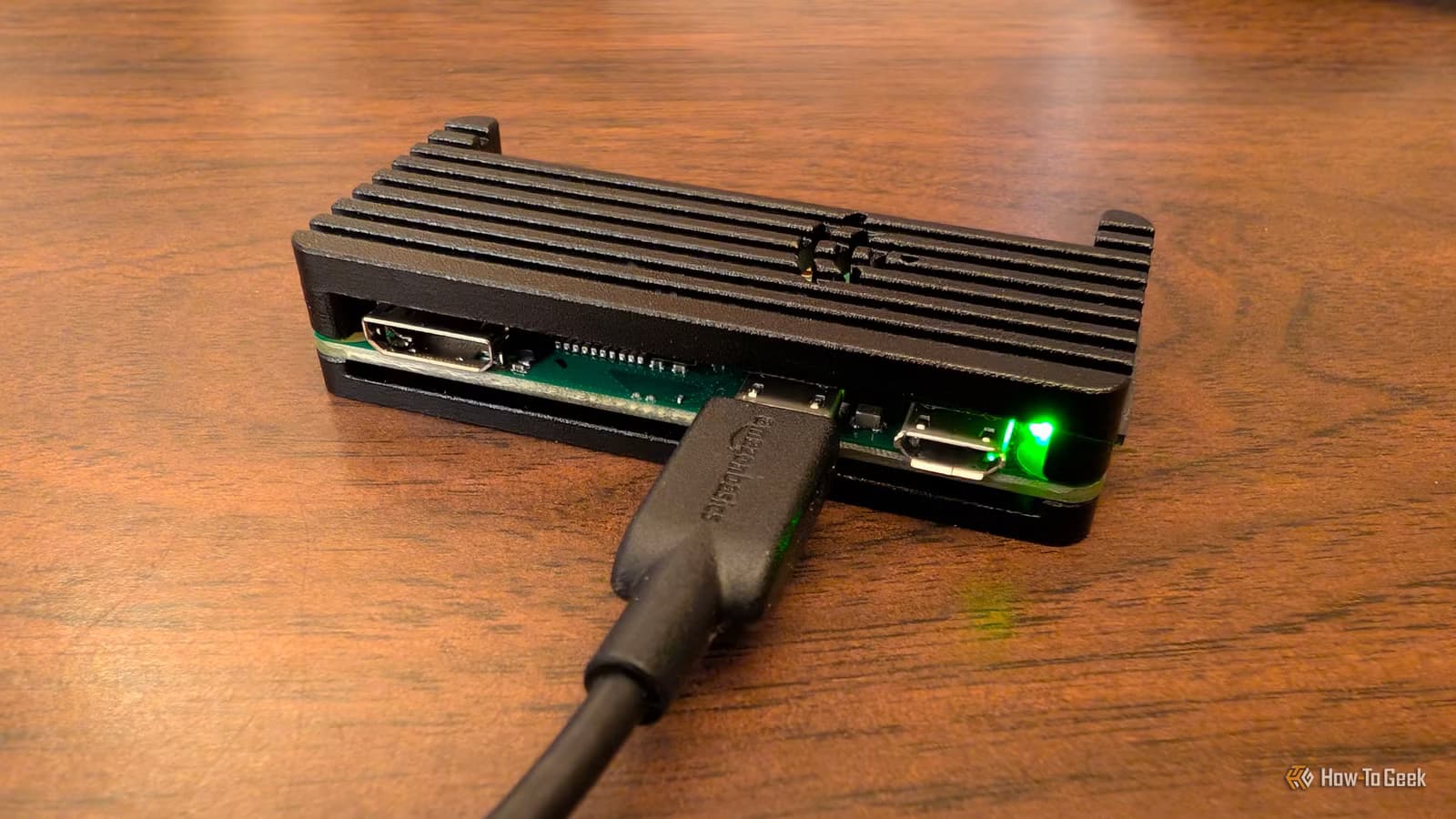
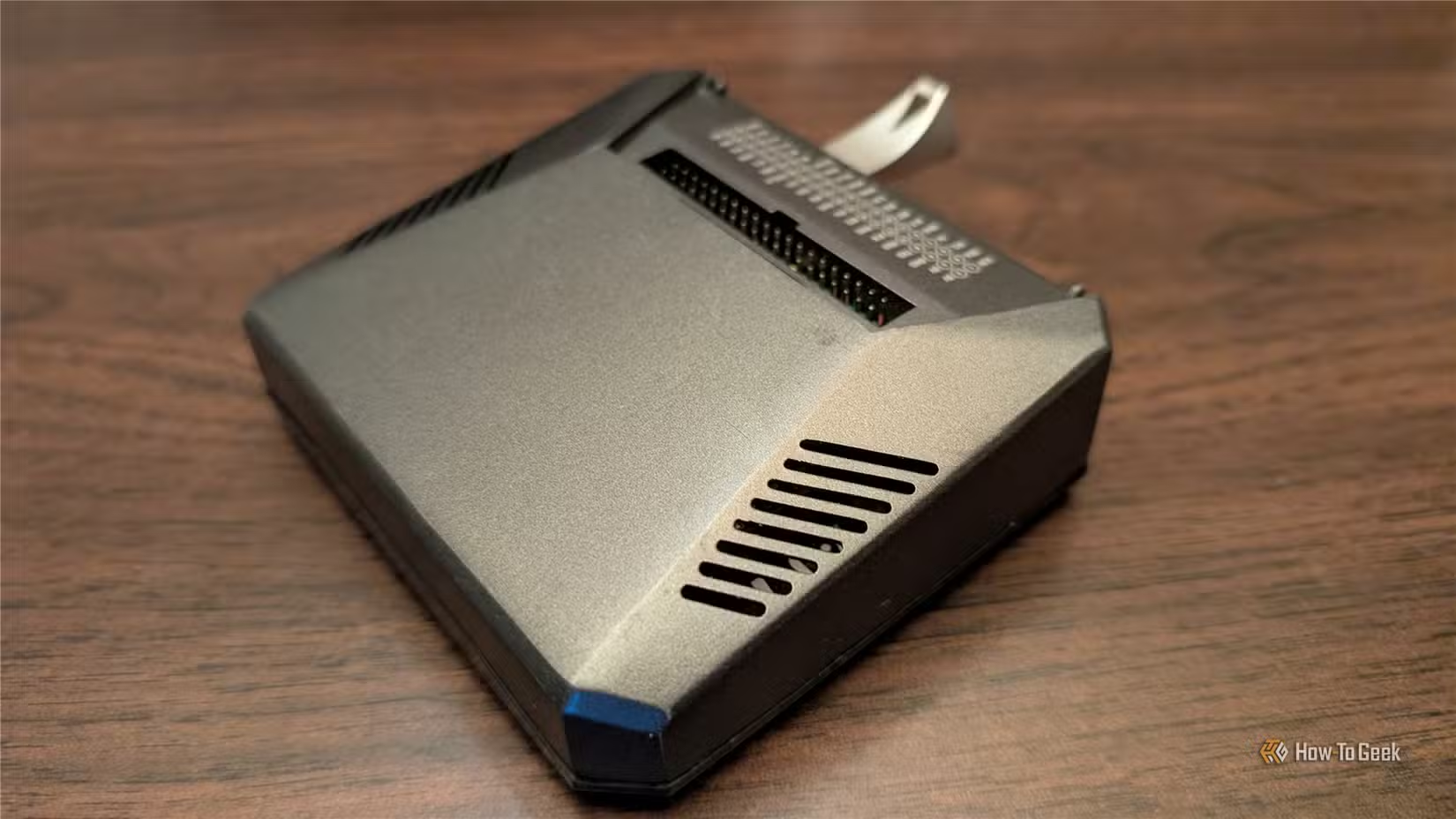
The Raspberry Pi Zero 2 W is not a powerful computer. It won't replace a full home server running Proxmox or handle compute-heavy workloads. But that's the point. With the right lightweight operating system and carefully chosen services, this $15 board becomes a valuable part of a self-hosted setup.
The key advantage is power efficiency. The Zero 2 W draws so little electricity that it can run 24/7 on battery backup during outages. That makes it perfect for services you never want to go down: DNS filtering, VPN access, password management.
1. Network-Wide Ad Blocking With Pi-hole
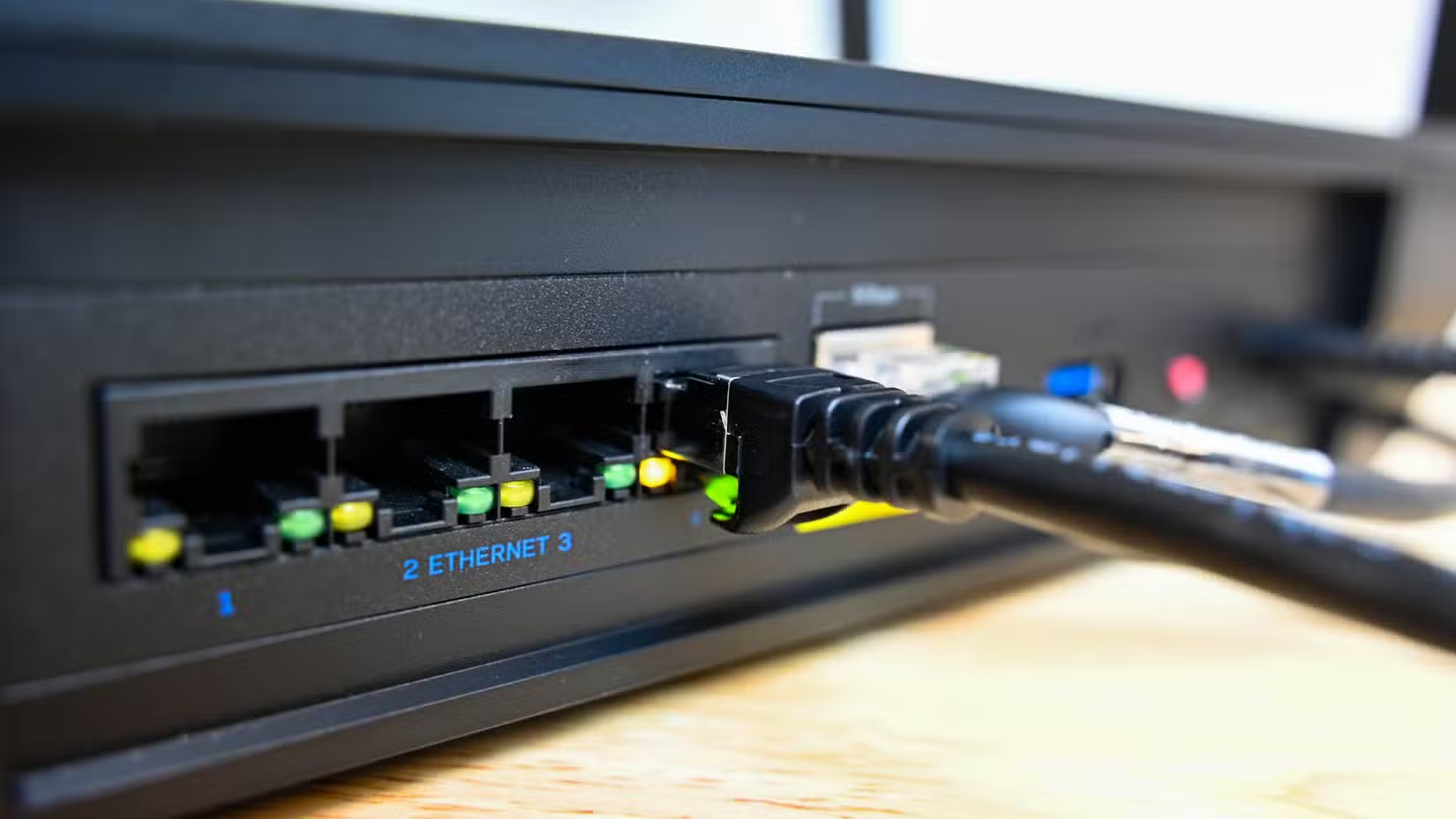
Instead of installing ad blockers on every laptop, phone, and smart TV in your house, you can point your router's DNS server at a Pi-hole running on the Zero 2 W. The board acts as a DNS sinkhole, filtering requests before they reach your devices.
Once configured, Pi-hole blocks ads, trackers, and known malicious domains at the network level. This is especially useful for devices that don't support browser extensions or antivirus software, like smart TVs, IoT gadgets, and game consoles.
The setup requires almost no maintenance after initial configuration. One caveat: Pi-hole can't block ads served from the same domains as legitimate content. YouTube ads, for example, often slip through. And aggressive block lists sometimes break legitimate website functions. If something stops working, temporarily bypassing Pi-hole is the first troubleshooting step.

Getting Started With Pi-hole
2. A Tiny Backup VPN Server
If you rely on self-hosted services, remote access is not optional. Running a WireGuard VPN server on a Pi Zero 2 W gives you a way to reach your home network from anywhere. WireGuard is lightweight enough that the Zero 2 W handles it without breaking a sweat.
This setup shines as a backup. Your primary VPN might run on a NAS or a more powerful server. But if that goes down, a Pi Zero 2 W on battery backup keeps you connected. The board's low power draw means a small UPS can keep it running for hours during an outage.
WireGuard's configuration is simpler than older VPN protocols like OpenVPN. A typical home user can get it running in under an hour, including setting up port forwarding on the router.
3. Password Manager Server
Self-hosting a password manager like Vaultwarden (a lightweight Bitwarden-compatible server) keeps your credentials under your control. The Pi Zero 2 W has enough power to run Vaultwarden for a household, serving passwords to browsers and mobile apps.
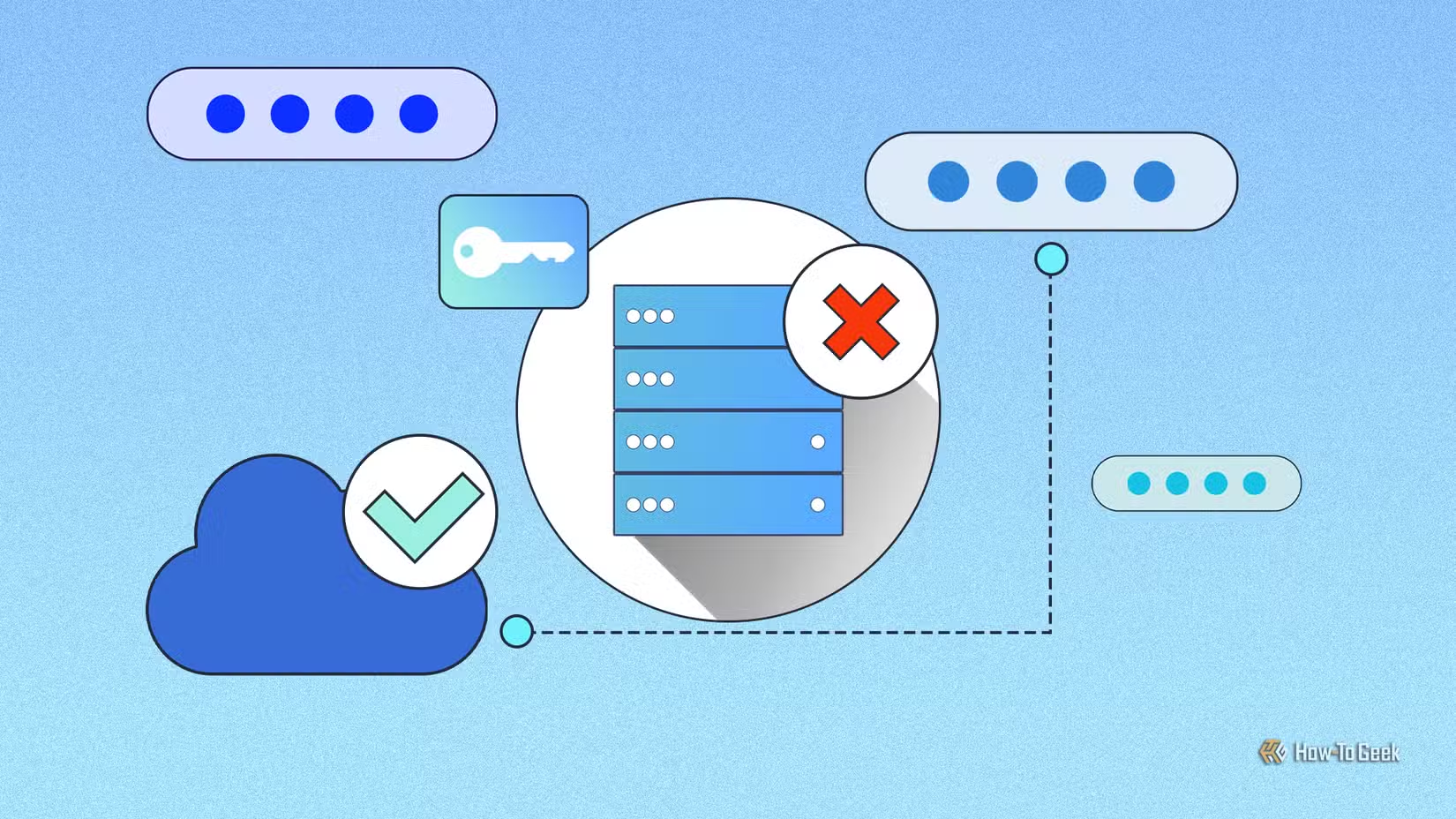
Running your own password server means no monthly subscription fees and no reliance on a third-party service. If LastPass gets breached again, your vault is sitting safely on a $15 computer in your closet.
The tradeoff is responsibility. You need to handle backups, updates, and uptime. But for users already comfortable with self-hosting, Vaultwarden on a Pi Zero 2 W is a practical setup.
4. Lightweight Music Server
The Zero 2 W can run music server software like Airsonic or Navidrome, streaming your personal music collection to any device on your network. It won't transcode large libraries on the fly, but for serving pre-encoded files, it works fine.
This is a good use case for music libraries where you want Spotify-like access without the subscription. Point the server at an external USB drive full of MP3s or FLACs, and you have a personal streaming service.
5. Low-Power Home Automation Hub
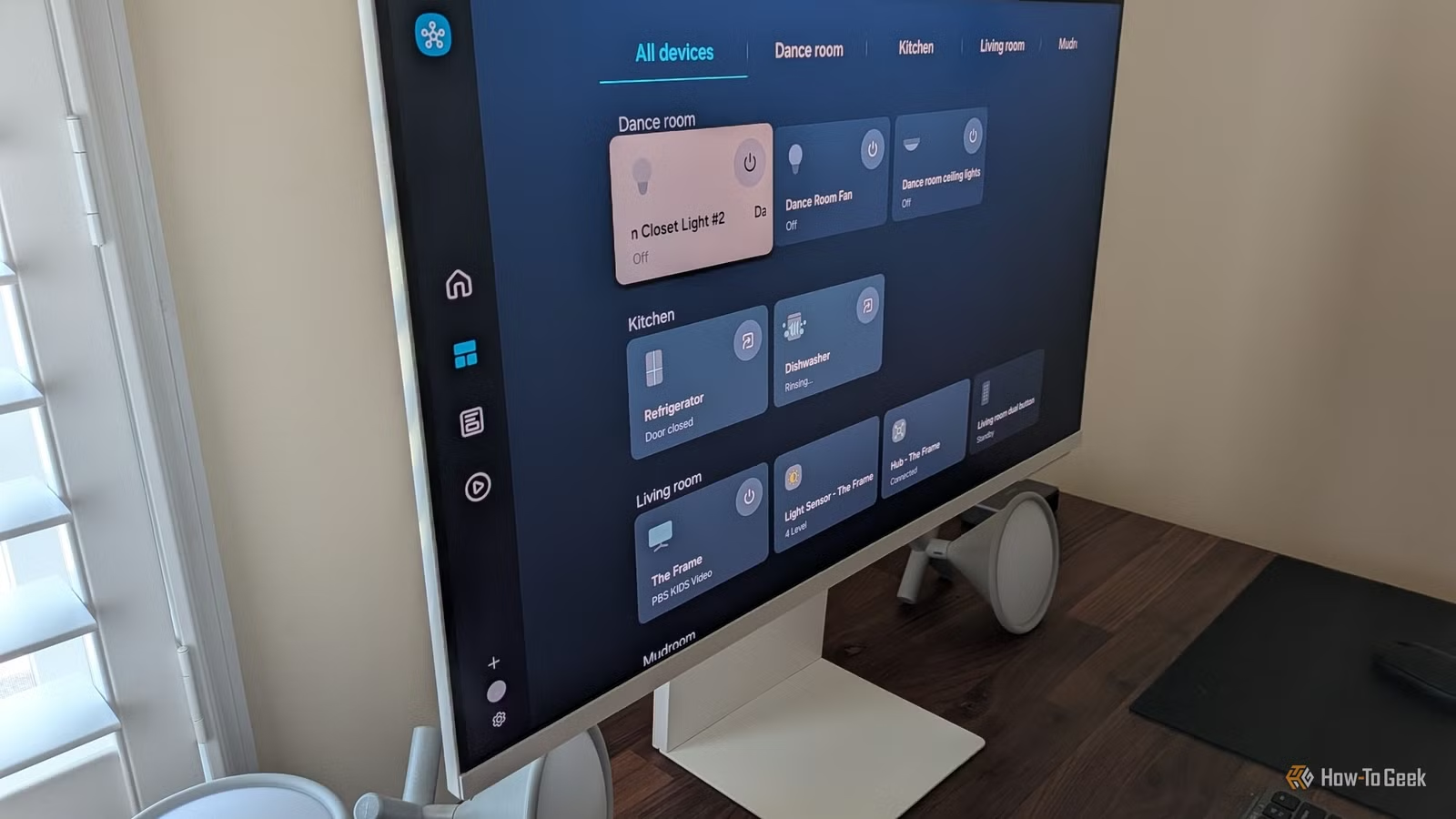
Home Assistant can run on a Pi Zero 2 W for small smart home setups. It won't handle dozens of devices or complex automations, but for a few lights, sensors, and switches, it's adequate.
The real advantage is the always-on nature. Home automation needs to respond instantly. A Pi Zero 2 W on battery backup ensures your automations keep running even during brief power outages. Lights still respond. Sensors still trigger.
Security-focused readers might also want to secure their self-hosted setups
What the Zero 2 W Can't Do
Setting expectations matters. The Pi Zero 2 W won't replace a proper home server. Video transcoding is out. Running multiple containers simultaneously will slow things down. Anything requiring significant CPU or RAM needs beefier hardware.
Think of the Zero 2 W as a specialist, not a generalist. Pick one or two lightweight services that benefit from low power draw and 24/7 uptime. Let your main server handle the heavy lifting.
- Don't run: Plex/Jellyfin with transcoding, databases with heavy queries, AI models
- Do run: DNS filtering, VPN endpoints, password managers, lightweight web servers
- Sweet spot: Services that need to stay up during outages
Logicity's Take
Getting Started
The Pi Zero 2 W costs around $15 for the board alone. Add a microSD card, a power supply, and optionally a case. Total investment is typically under $30. Raspberry Pi OS Lite (the headless version) keeps resource usage low.
For most projects, you'll SSH into the board rather than connecting a monitor. Flash the OS using Raspberry Pi Imager, enable SSH during setup, and configure over the network. Once running, these services need little attention.
Frequently Asked Questions
Can the Pi Zero 2 W run multiple services at once?
It can run two or three lightweight services, but performance degrades with heavy loads. For best results, dedicate each Zero 2 W to a single purpose.
How much power does the Pi Zero 2 W use?
Under typical loads, it draws around 0.5 to 1 watt. This makes it practical to run on battery backup for extended periods during power outages.
Is the Pi Zero 2 W better than the original Pi Zero W?
Yes. The Zero 2 W has a quad-core processor compared to the original's single core. Performance is roughly four to five times better for multi-threaded tasks.
Can Pi-hole block YouTube ads?
Not reliably. YouTube serves ads from the same domains as video content, so DNS-based blocking can't distinguish between them without breaking playback.
Do I need to buy the Pi Zero 2 WH variant?
The WH has pre-soldered GPIO headers. If you're not connecting HATs or sensors, the standard Zero 2 W is cheaper and works identically for software-only projects.
Need Help Implementing This?
Source: How-To Geek
Manaal Khan
Tech & Innovation Writer
Produced with AI assistance and reviewed by the Logicity editorial team. Learn more in our Editorial Policy.