Key Takeaways
- Deleting your Advertising ID prevents ad networks from building a profile tied to your device
- Samsung's Customization Service and diagnostic data settings can be disabled with minimal impact
- These changes may improve device performance by reducing background data transmission
Your Samsung phone tracks more than you probably realize. From the apps you install to when you use your device, Samsung collects data that feeds into the advertising economy. The good news: you can turn most of it off without breaking anything.
Brandon Miniman, a tech journalist at MakeUseOf, identified four Samsung features that send excessive data to Samsung and third parties. He disabled all of them and reports no meaningful downsides. In some cases, reducing background data transmission may even speed up your device.
Delete Your Advertising ID
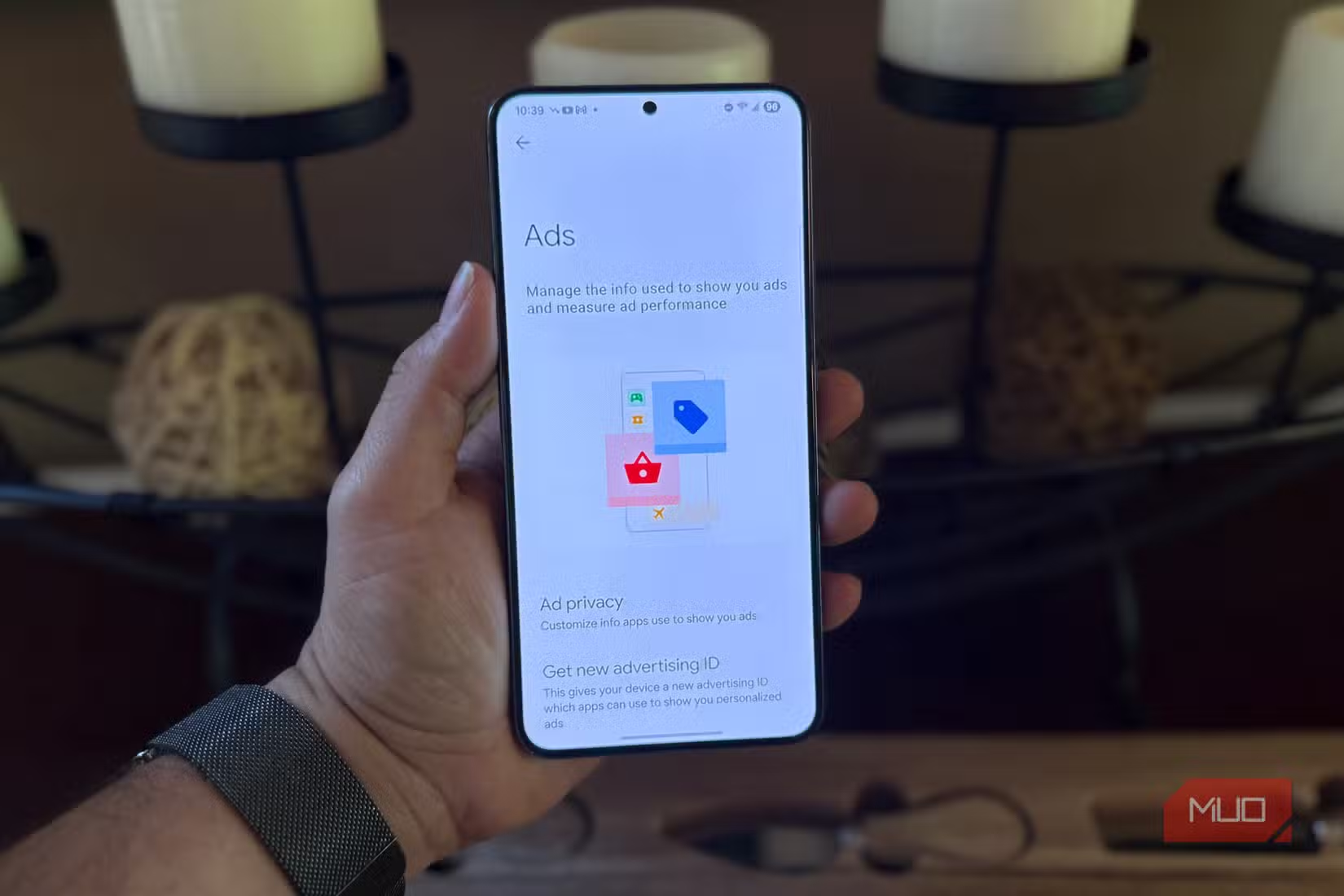
The Advertising ID is the foundation of mobile ad tracking. It's a unique identifier that connects your usage patterns to the broader ad-tech ecosystem. Every ad-supported app can query this ID to serve targeted ads.
What does Samsung collect through this ID? According to Miniman, the list includes which apps you have installed, how often you use each app, ad views and clicks across every ad-supported app, your device model, your general location, and the patterns of when you use your phone.
The data itself isn't personally identifiable in the traditional sense. If Spotify uses your Advertising ID to serve ads, it doesn't know your name. But the profile built against that ID can be remarkably detailed.
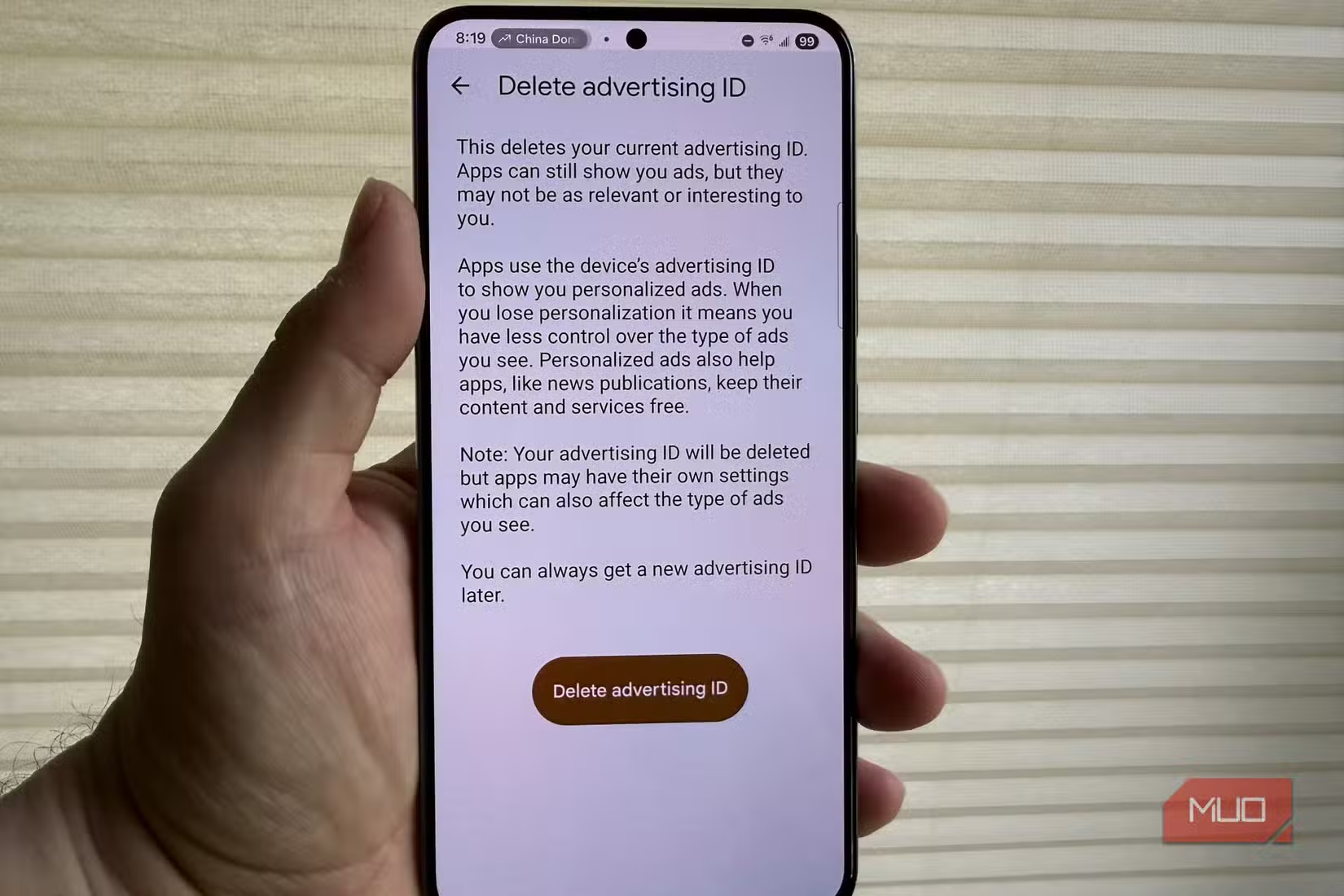
To delete your Advertising ID: Settings > Security and Privacy > More Privacy Settings > Ads > Delete ID.
Reset vs Delete: Which Should You Choose?
You have two options. Resetting generates a new random ID, forcing ad networks to start fresh. But the ID remains active, and a new profile starts accumulating immediately. If you go this route, Miniman recommends resetting every 30 to 90 days.
Deleting is more permanent. Apps that query your ID receive a string of zeros instead. There's no profile to build because there's no ID to tie it to. It stays deleted until you manually generate a new one.
Logicity's Take
Disable Customization Service
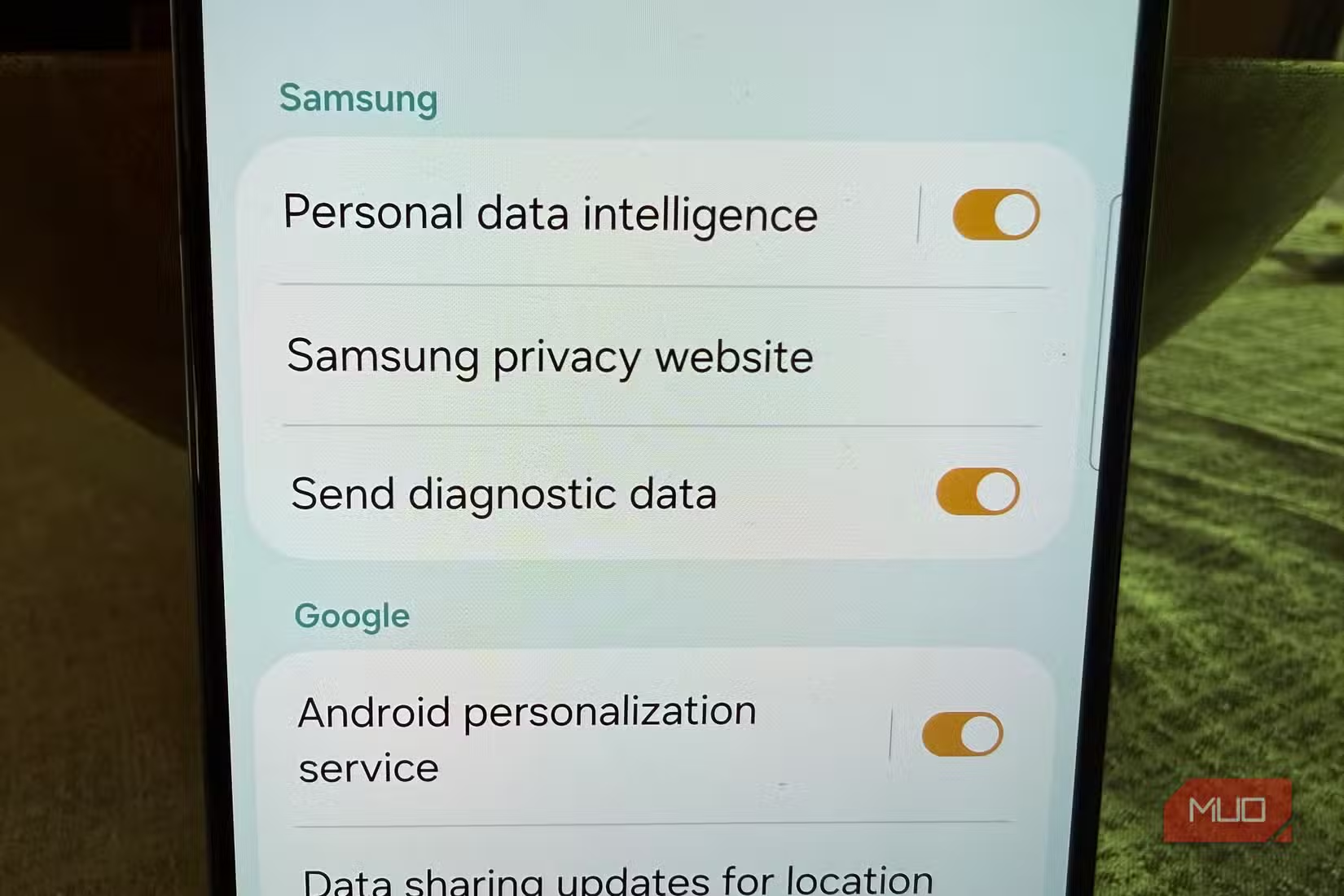
Samsung's Customization Service analyzes your usage to personalize content and ads across Samsung apps and services. It's separate from the Advertising ID and feeds Samsung's own ad network rather than third parties.
Turning this off means Samsung stops collecting usage data for personalization purposes. You'll still be able to use all Samsung apps normally. The recommendations just won't be tailored to your behavior.
Turn Off Diagnostic Data Sharing
Samsung collects diagnostic data to improve its products. This includes information about crashes, performance issues, and general device usage. While this data helps Samsung fix bugs, it also means your phone is regularly uploading information about how you use it.
Disabling diagnostic data sharing reduces background uploads without affecting your phone's functionality. Samsung won't get your crash reports, but your phone will work exactly the same.
Disable Nearby Device Scanning
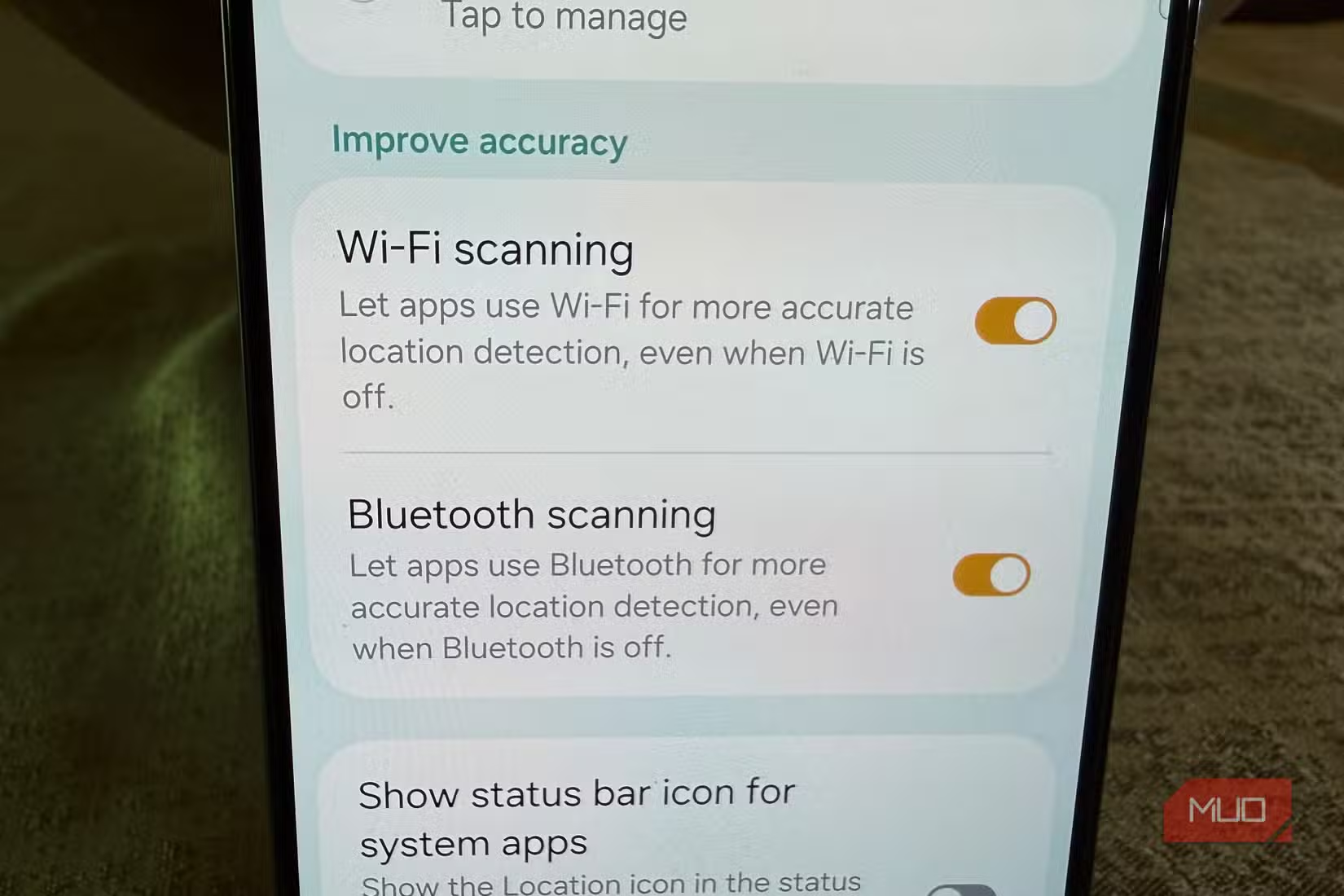
Samsung phones can scan for nearby devices like Bluetooth accessories and SmartThings gadgets. This makes setup convenient when you buy new accessories. It also means your phone is constantly scanning its environment.
If you rarely connect new devices, turning this off reduces battery usage and background activity. When you do need to pair something new, you can manually enable it temporarily.
What You Give Up
Disabling these features comes with minor trade-offs. Ads in free apps become less relevant (though not less frequent). Samsung's apps won't personalize recommendations. You'll need to manually pair new Bluetooth devices instead of relying on automatic detection.
For most people, these are acceptable losses. The core functionality of your phone remains unchanged. You can still use every app, feature, and service Samsung offers.
More on security vulnerabilities in everyday tools
The Broader Picture
Samsung isn't unique here. Most smartphone manufacturers and app developers collect similar data. Android itself has system-level tracking that operates independently of Samsung's additions. But Samsung's One UI layer adds extra collection on top.
These settings give you control over the Samsung-specific tracking. For broader Android privacy, you'd need to adjust Google's data collection settings separately in your Google account.
Frequently Asked Questions
Will disabling Samsung tracking break any apps?
No. All apps will continue to function normally. Ad-supported apps will still show ads, but they won't be personalized to your usage patterns.
Can I re-enable these features if I change my mind?
Yes. All four settings can be toggled back on at any time through the same menus. The Advertising ID can be regenerated if you delete it.
Does this stop all tracking on my Samsung phone?
No. Google's Android-level tracking operates separately. Individual apps may also collect data through their own systems. These settings only affect Samsung's additional tracking layer.
Will disabling these features make my phone faster?
Possibly. Reducing background data transmission frees up system resources. The improvement varies by device and usage patterns.
Need Help Implementing This?
Source: MakeUseOf
Manaal Khan
Tech & Innovation Writer
Produced with AI assistance and reviewed by the Logicity editorial team. Learn more in our Editorial Policy.






