Key Takeaways
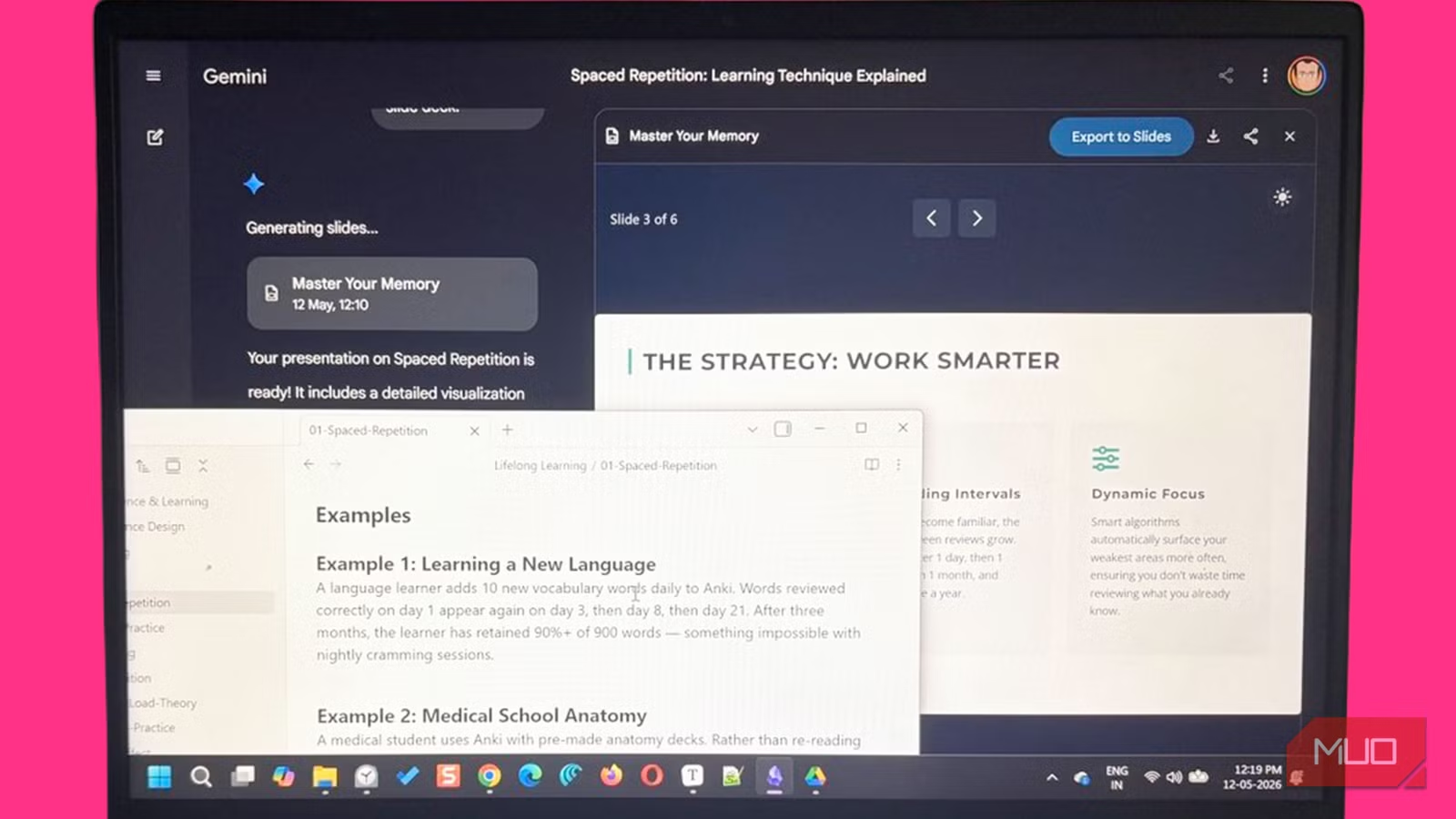
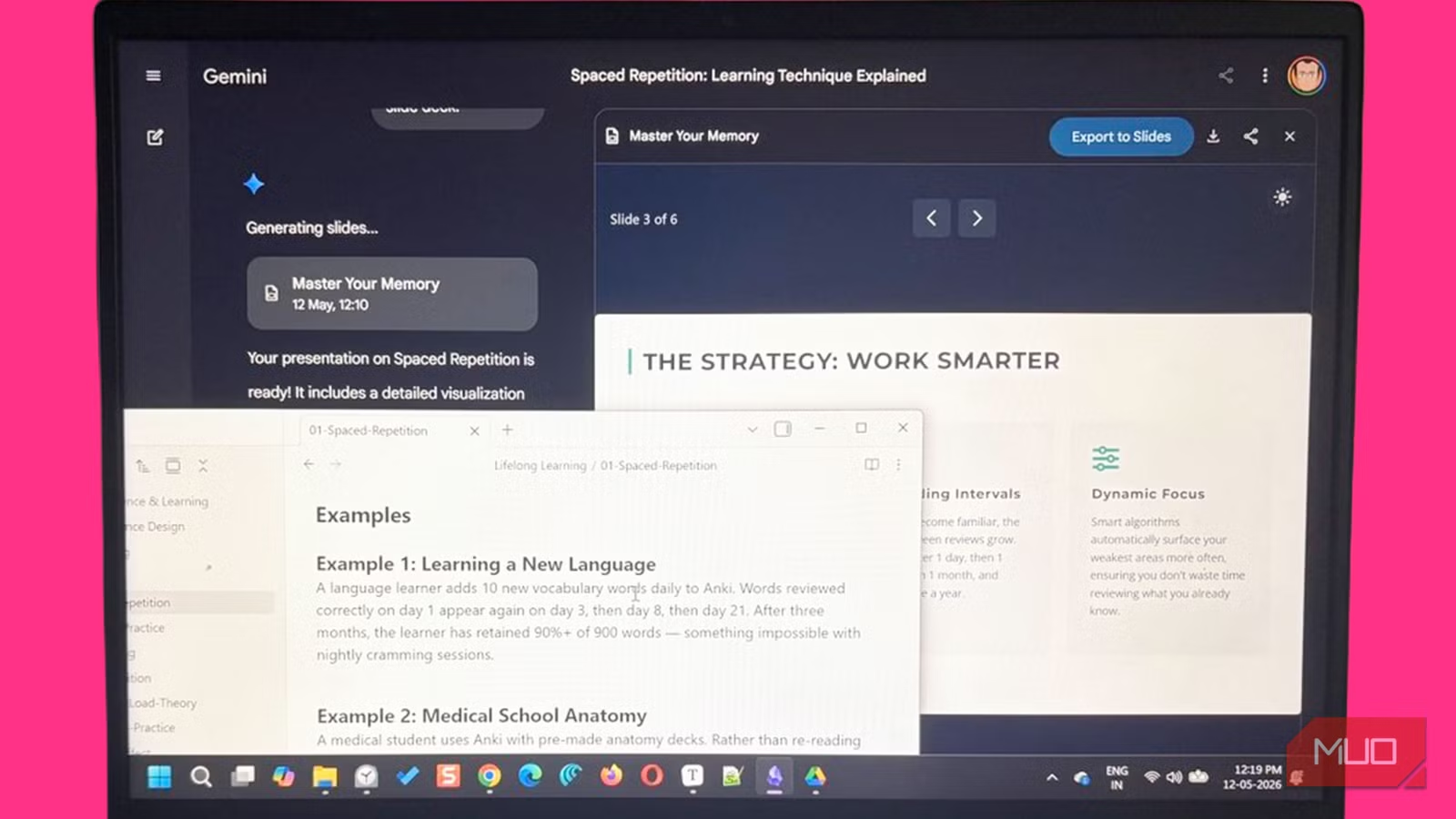
- Markdown headers become slide titles; bullet points become talking points
- Obsidian notes carry weeks of context that a blank Gemini prompt cannot
- Even messy brainstorming notes with basic headings produce usable slide outlines
The Problem With Starting From a Blank Slide
Google Slides has Gemini built in for Pro tier users. You type a prompt, Gemini generates a deck, and you adjust from there. But that approach has a limitation: the AI only knows what you tell it in that moment.
If you've spent weeks collecting research, connecting ideas, and building context in a note-taking app, starting fresh in Slides throws all that away. You end up re-explaining your own thoughts to an AI that could have just read them.
This is where Obsidian changes the workflow. The app stores everything in plain Markdown files. That format happens to be exactly what AI models like Gemini process well. Headers look like slide titles. Bullet points look like talking points. The structure is already there.
Why Markdown Notes Work as Presentation Drafts
Obsidian's Markdown format removes the guesswork for AI. When Gemini sees a note with clear headings and short summaries, it doesn't have to figure out what's important. The hierarchy is explicit.
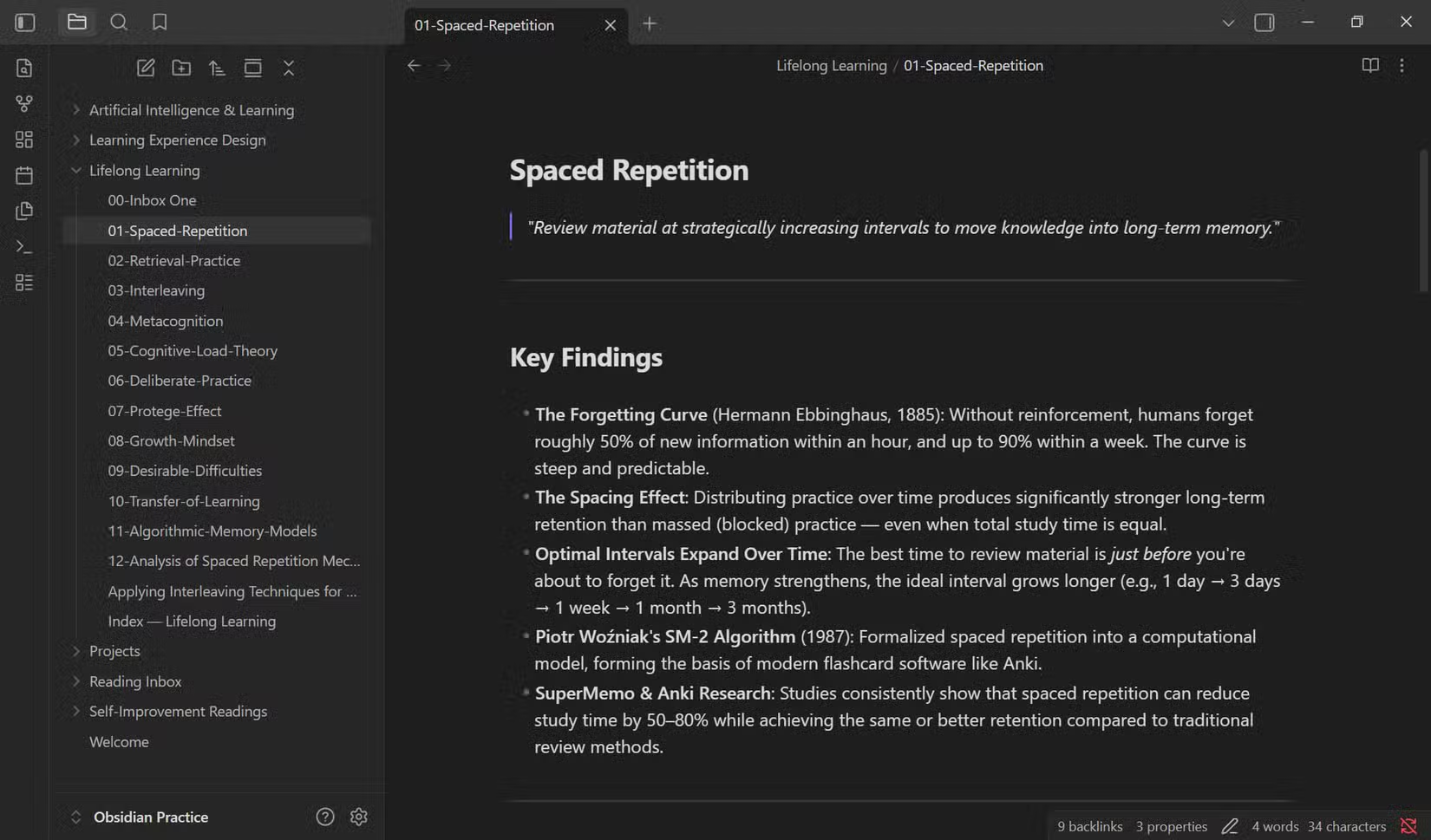
A well-formatted Obsidian note essentially looks like a text-only slide deck already. Headers map to slide titles. Bullet lists map to key points. Bold text suggests emphasis. The translation is almost mechanical.
This changes how you think about note-taking. When you know a note might become a presentation, you format it with that end in mind. A few headings and short summaries turn a brainstorming dump into a first draft.
The Workflow: Notes to Slides
The process is straightforward. You take an Obsidian note with your research or ideas. You copy that content into Gemini, either through the web interface or by syncing the file to Google Drive. Then you prompt Gemini to convert it into a slide outline.
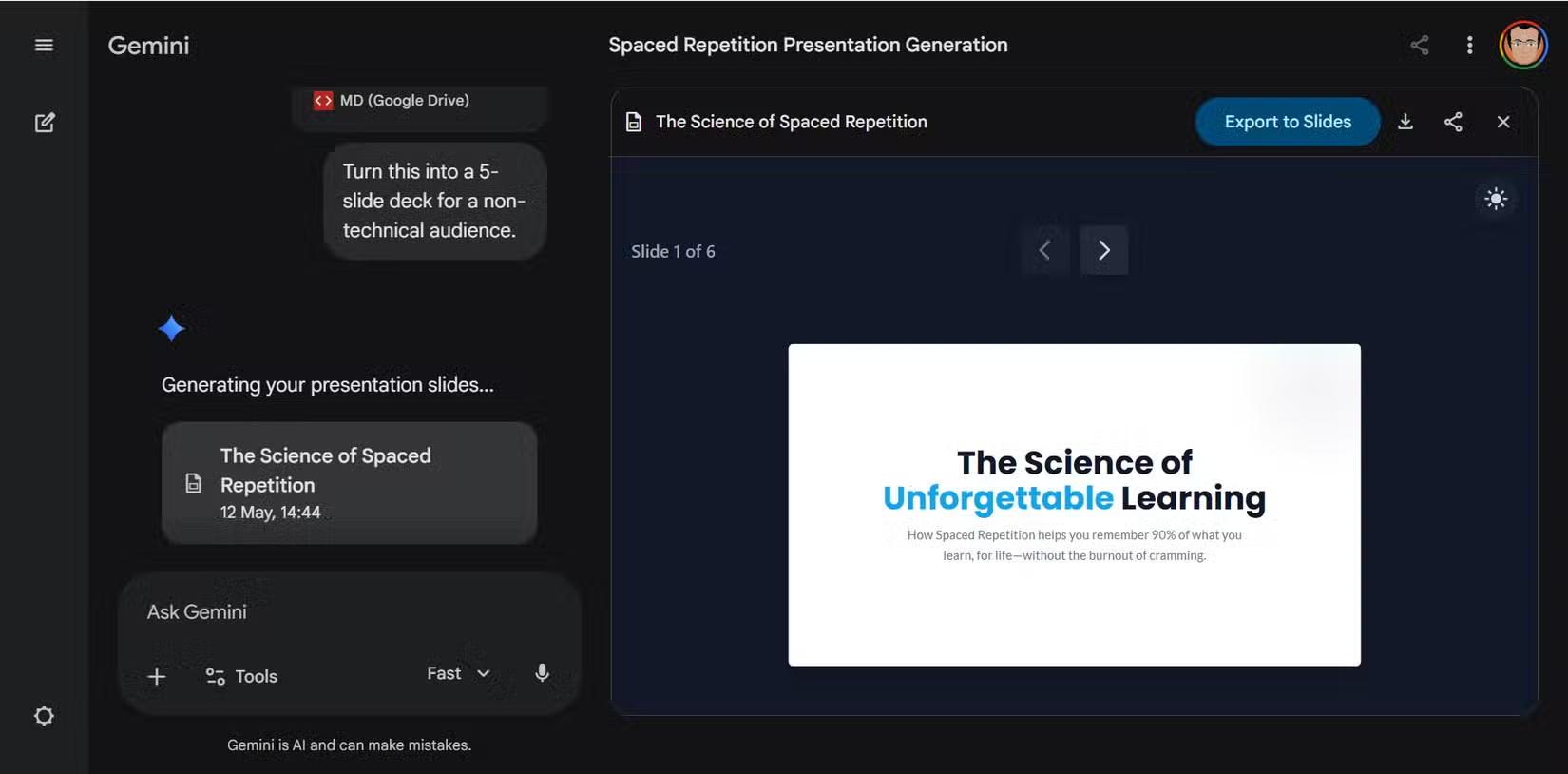
Even loosely organized notes work. Headings and short summaries are enough for Gemini to produce a usable outline. In some cases, this approach generates better slide structures faster than manually building from scratch.
The key is that Gemini handles the rough thinking. Your notes don't need to be polished. They just need enough structure for the AI to understand the hierarchy of ideas.
What You Need
- Obsidian (free for personal use, available on Windows, macOS, Linux, iOS, Android)
- Google Gemini access (free tier works for the conversion step)
- Google Workspace with Gemini Pro if you want AI inside Slides directly
Note that Gemini inside Google Slides is not free for personal Google accounts. You need a Workspace subscription with the Pro tier. But you can still use the free Gemini web interface to generate slide outlines from your notes, then manually create the deck.
Better Prompts, Better Slides
The quality of your output depends on how you prompt Gemini. A raw note dump will produce generic results. A note with clear headings, a few formatting cues, and context about the audience will produce slides that need less editing.
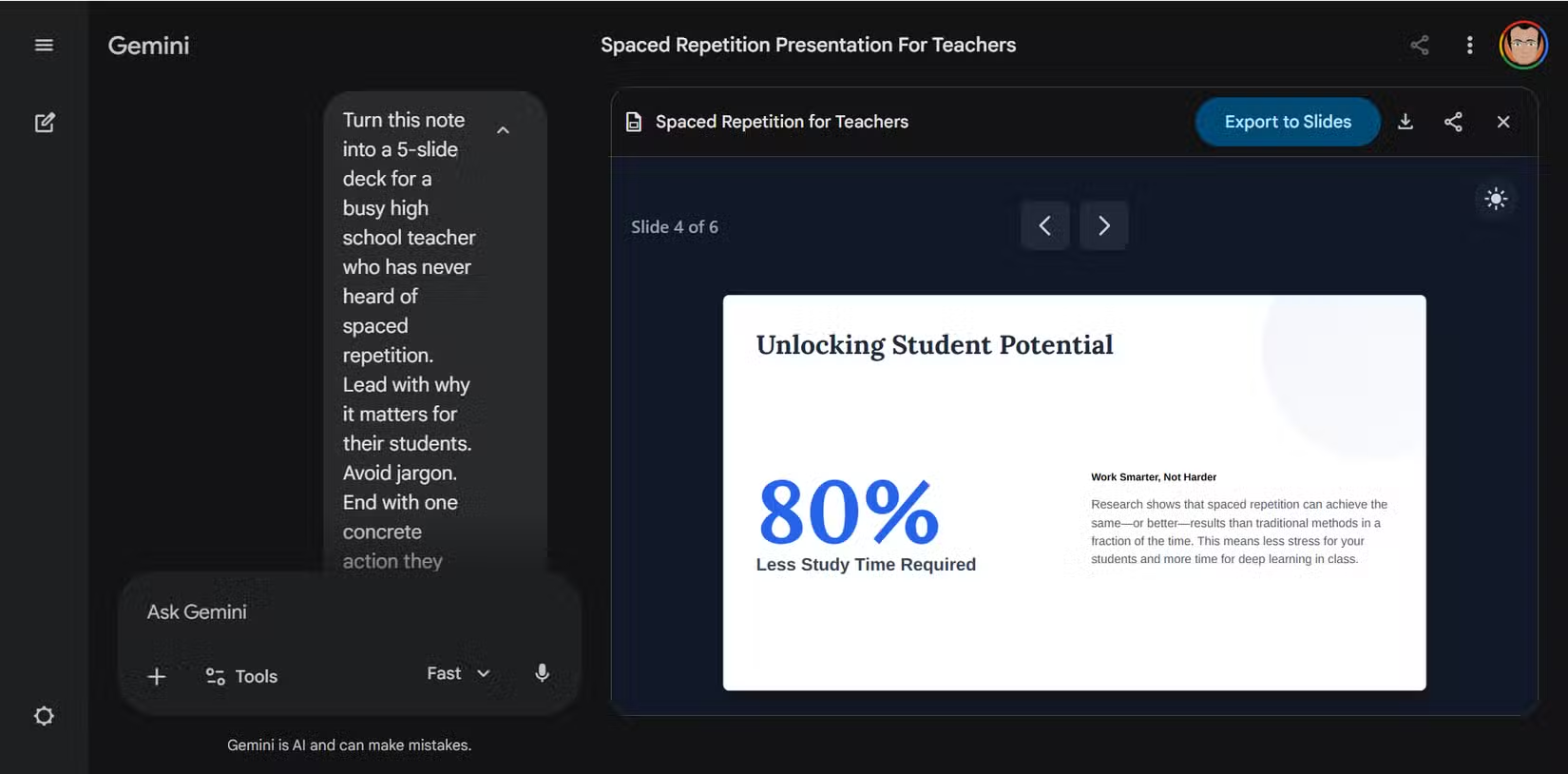
This mirrors what works with other AI writing tools. Specificity wins. Tell Gemini the presentation length you want, the audience, and which sections matter most. The Markdown structure handles the rest.
Logicity's Take
More ways to integrate AI into your existing workflows
Another AI productivity tool aimed at business users
Frequently Asked Questions
Is Obsidian free to use?
Yes. Obsidian is free for personal use across Windows, macOS, Linux, iOS, and Android. Paid plans exist for commercial use and optional sync features.
Do I need Google Workspace to use this workflow?
Not entirely. You can use free Gemini to generate slide outlines from your notes. But using Gemini directly inside Google Slides requires a Workspace subscription with the Pro tier.
What makes Markdown notes better for AI than regular text?
Markdown uses explicit formatting like headers (#, ##) and bullet points. This structure tells Gemini what's a title, what's a subpoint, and what's supporting detail without ambiguity.
Can I use this with note apps other than Obsidian?
Yes. Any app that exports plain Markdown works. Logseq, Notion (with export), and even basic text editors can produce Markdown files that Gemini processes the same way.
Need Help Implementing This?
Source: MakeUseOf
Huma Shazia
Senior AI & Tech Writer
Produced with AI assistance and reviewed by the Logicity editorial team. Learn more in our Editorial Policy.






