Key Takeaways
- MCP servers act as universal connectors between AI tools and business apps, eliminating the need for custom integrations
- Most MCP servers are community-built open-source packages, though companies like Slack and Vercel now offer first-party support
- Top picks include Zapier for cross-platform workflows, GitHub for code repos, and Kubernetes for container orchestration
If you've tried connecting an AI assistant to your actual work tools, you know the pain. Every app needs its own integration. Every integration breaks differently. Every update requires maintenance. Model Context Protocol servers aim to fix this by creating a standard language between AI models and business software.
Think of MCP as USB-C for AI. Before USB-C, you needed different cables for every device. Now one cord handles phones, laptops, and tablets. MCP does the same for AI integrations. Instead of building custom connections between Claude and each app in your stack, you install an MCP server that speaks a universal protocol.
How MCP servers actually work
MCP servers sit between your AI tool and your software. Instead of switching between Claude and Slack to check messages, you stay in Claude and describe what you need. The MCP server handles the actual API call to Slack and returns the result.
There's an important limitation: MCP can only expose features the connected app already has. If Slack doesn't support a function natively, the MCP server can't invent it. These servers surface existing capabilities through a standardized interface. They don't add new ones.
Two types of MCP servers exist today. Most are community-built, open-source packages hosted on GitHub. You install and run them yourself, either locally or on your own infrastructure. The second type is first-party: native MCP servers built by software companies themselves. Slack and Vercel now ship official MCP support directly.
The 8 best MCP servers for 2026
After researching available options and talking to builders actively using MCP, Zapier compiled a list of eight servers worth considering. Your specific needs will depend on your tech stack, but these cover the most common use cases.
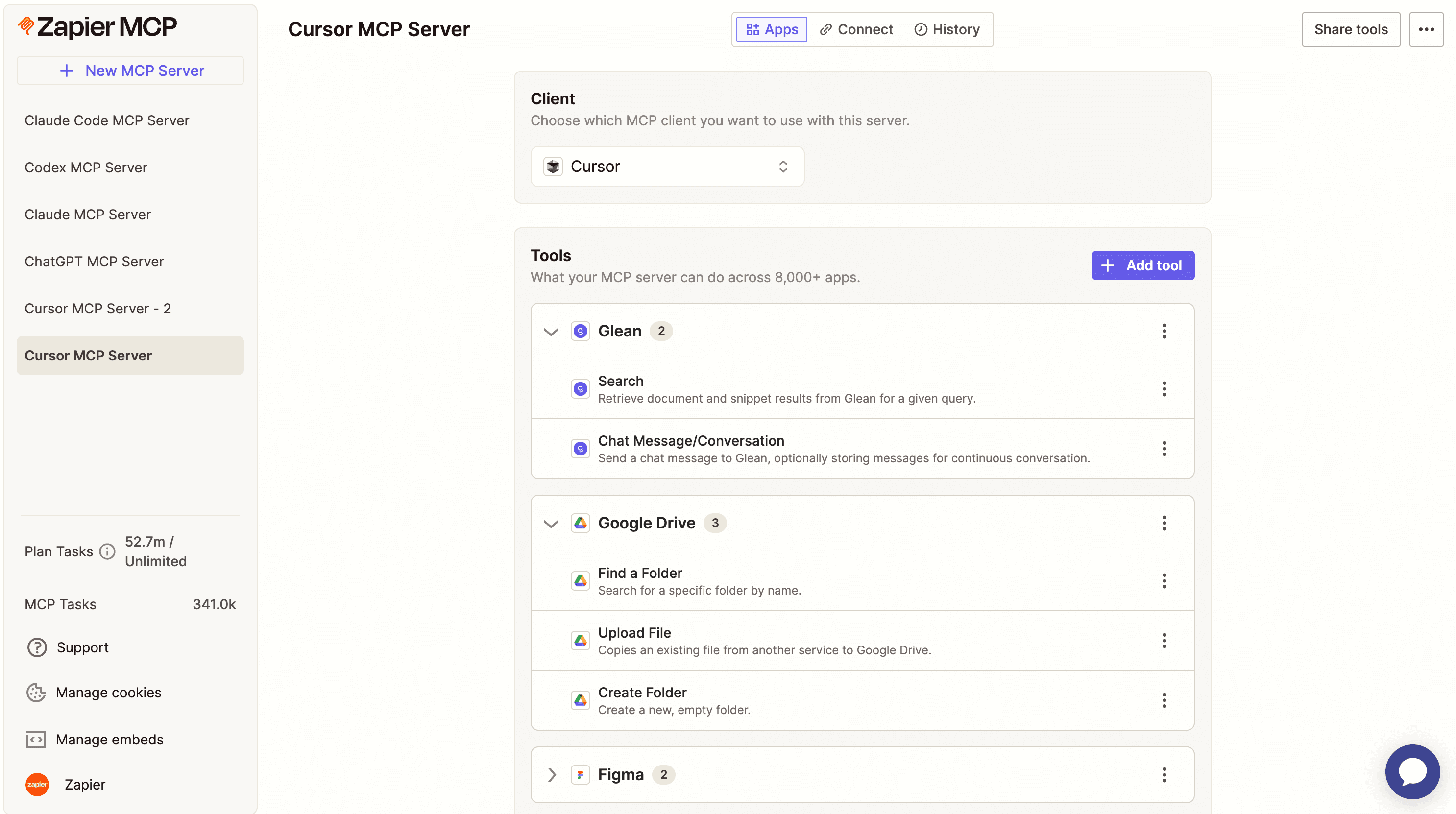
1. Zapier: Cross-platform automation
Zapier's MCP server lets you build automations across your tech stack while staying inside your AI tool. It's designed for users who need to connect multiple apps without managing separate integrations for each one. The emphasis is on safe, controlled automation rather than raw API access.
2. GitHub: Repository management
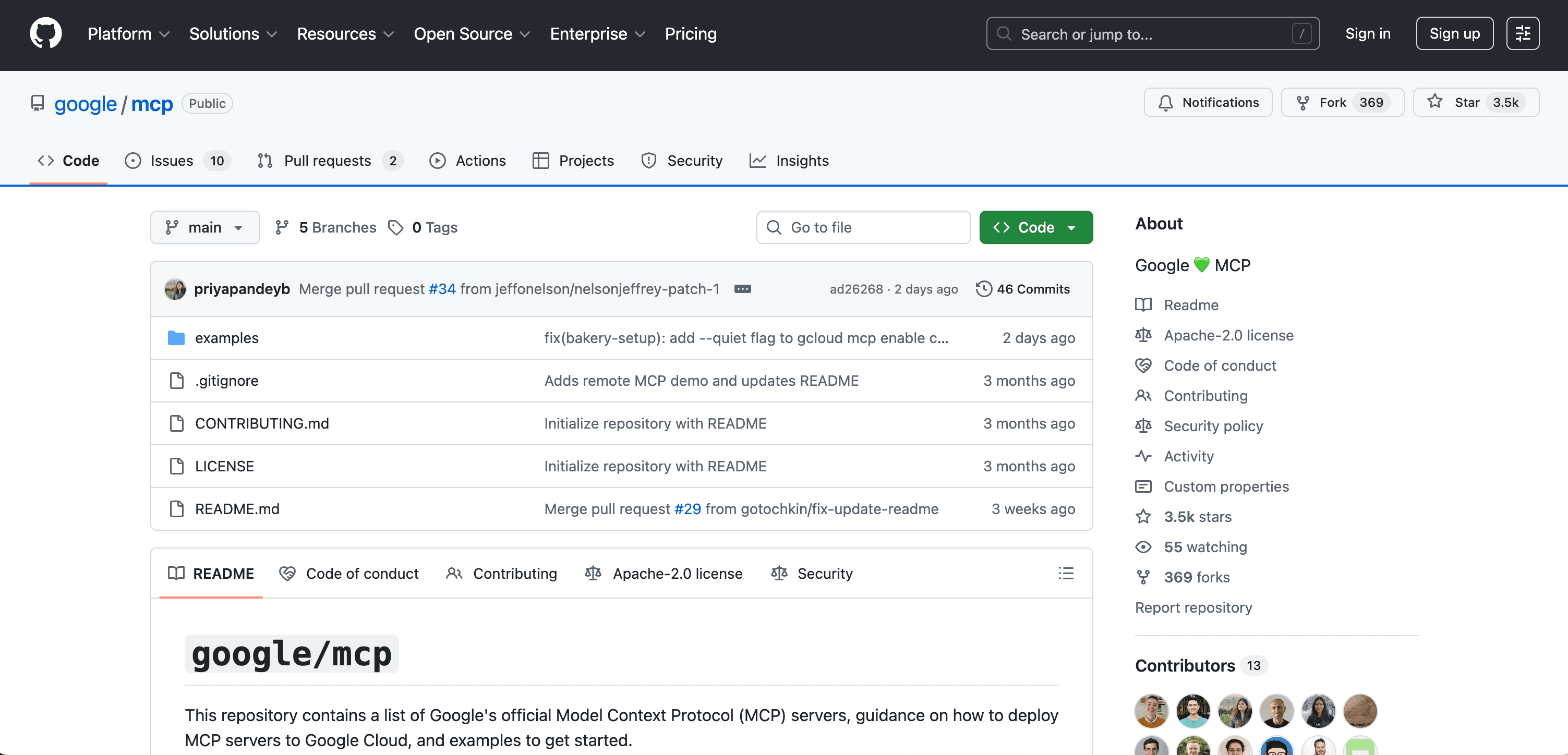
The GitHub MCP server handles repository operations directly from your AI assistant. You can browse code, check issues, review pull requests, and manage branches without switching contexts. For engineering teams, this removes constant tab-switching during code review sessions.
3. Kubernetes: Container orchestration
For teams running containerized workloads, the Kubernetes MCP server exposes cluster management through natural language. You can check pod status, scale deployments, and troubleshoot issues without memorizing kubectl commands. This is especially useful for on-call engineers handling incidents.
4. Google: Google Workspace users
If your organization runs on Google Workspace, this MCP server connects your AI tool to Gmail, Calendar, Drive, and Docs. You can search emails, create calendar events, and access documents without leaving your AI interface.
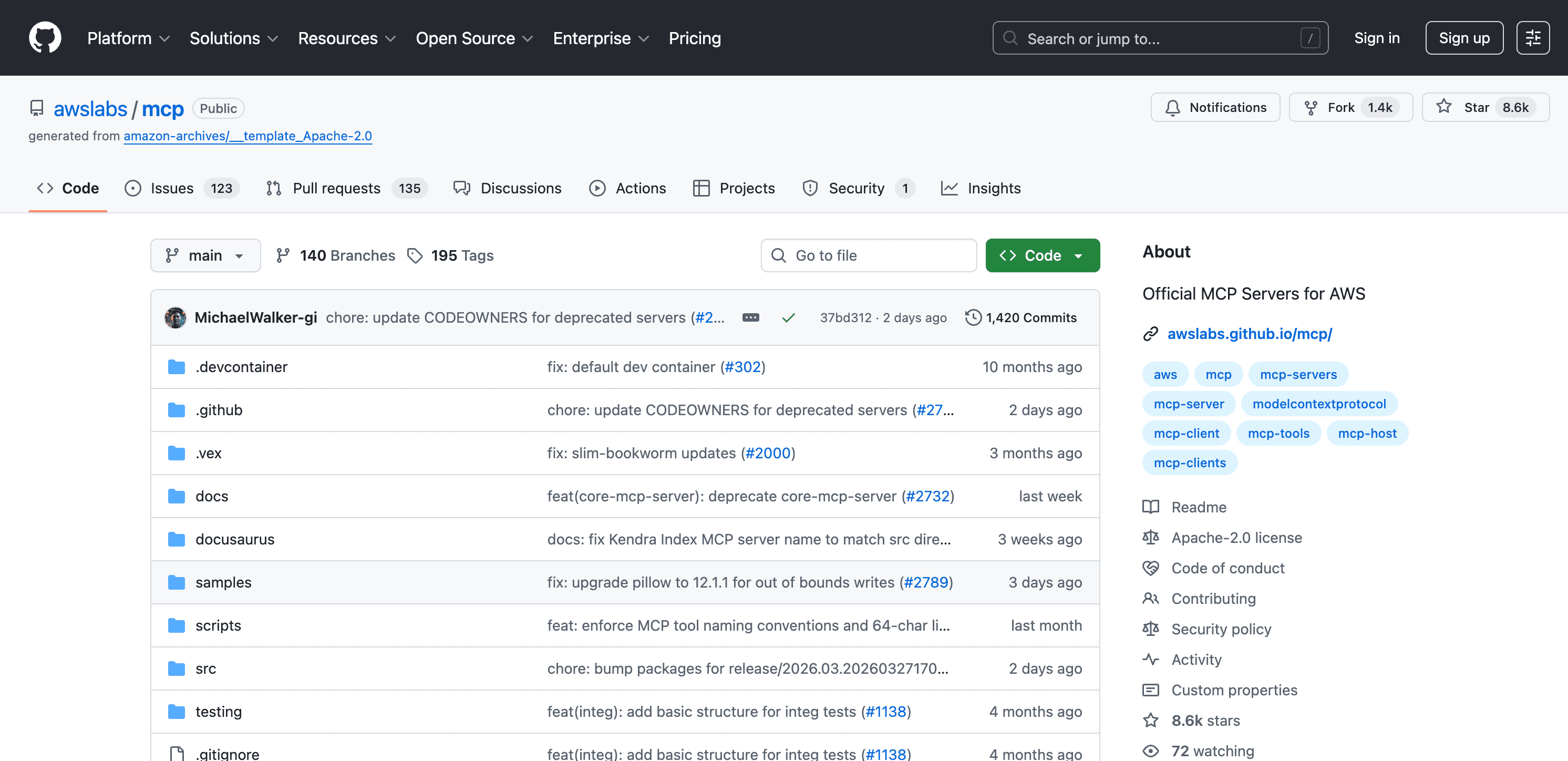
5. AWS: Amazon Web Services
The AWS MCP server gives AI tools access to Amazon's cloud infrastructure. You can query services, check resource status, and manage configurations. For AWS-heavy shops, this reduces the friction of jumping between the console and your development environment.
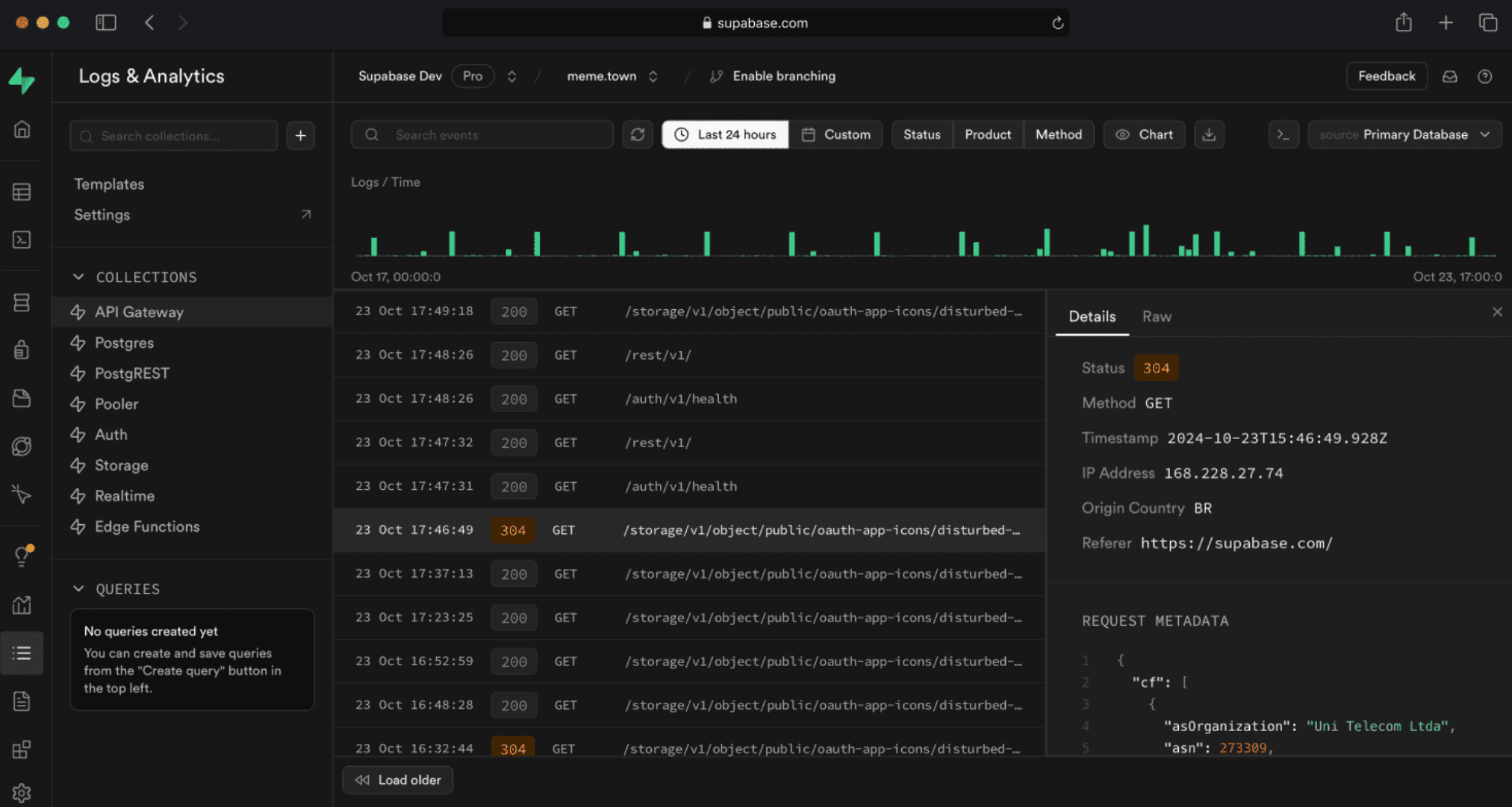
6. Supabase: App development
Supabase users can connect their backend directly to AI assistants. This MCP server handles database queries, authentication flows, and storage operations. It's particularly useful for rapid prototyping when you want AI help iterating on your data layer.
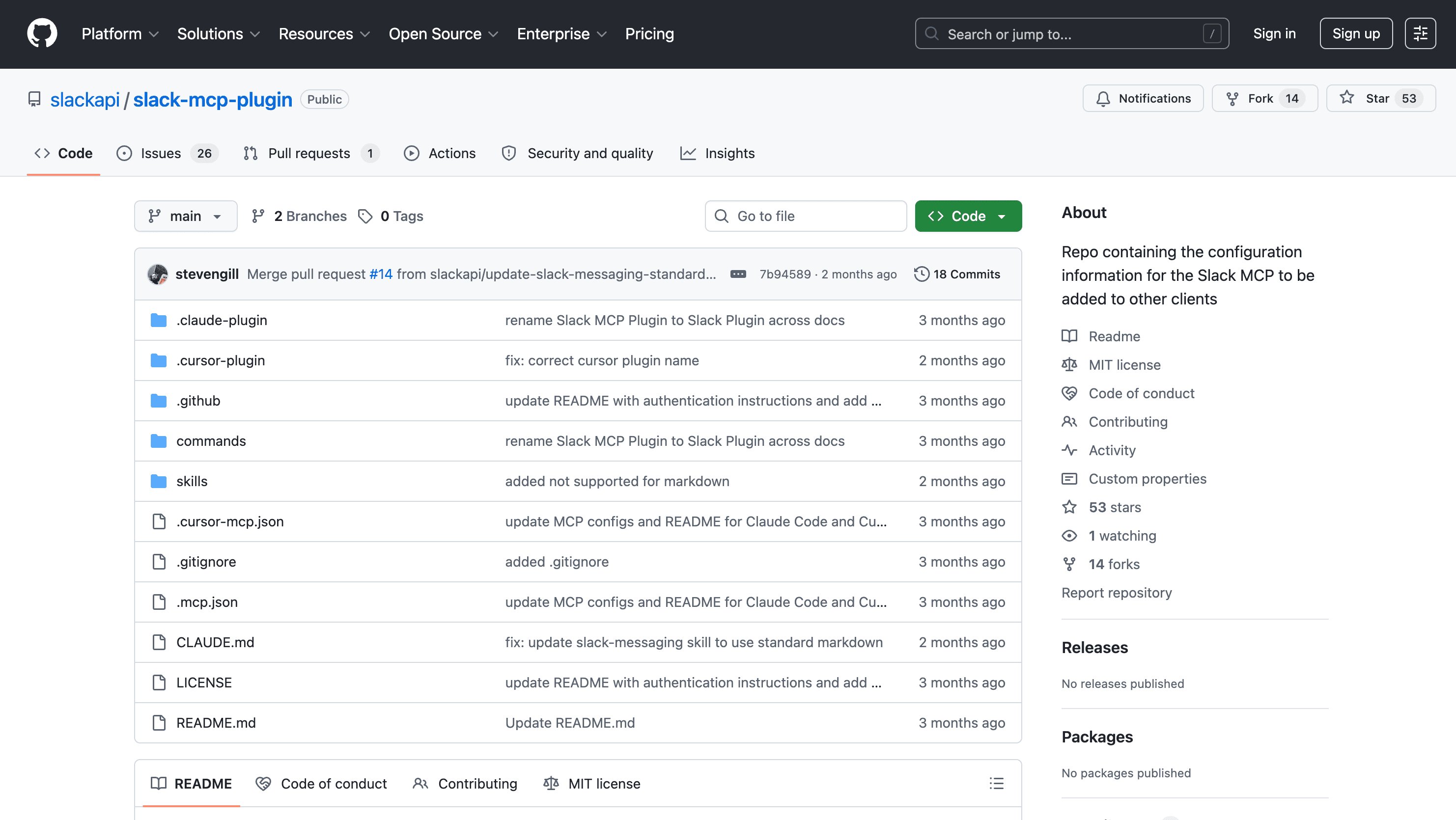
7. Slack: Team communication
Slack's first-party MCP server lets AI tools read channels, send messages, and search conversation history. Since this comes directly from Slack, it gets updates alongside the main product. You can monitor specific channels, summarize threads, or draft responses without opening the Slack app.
8. Vercel: Web deployment
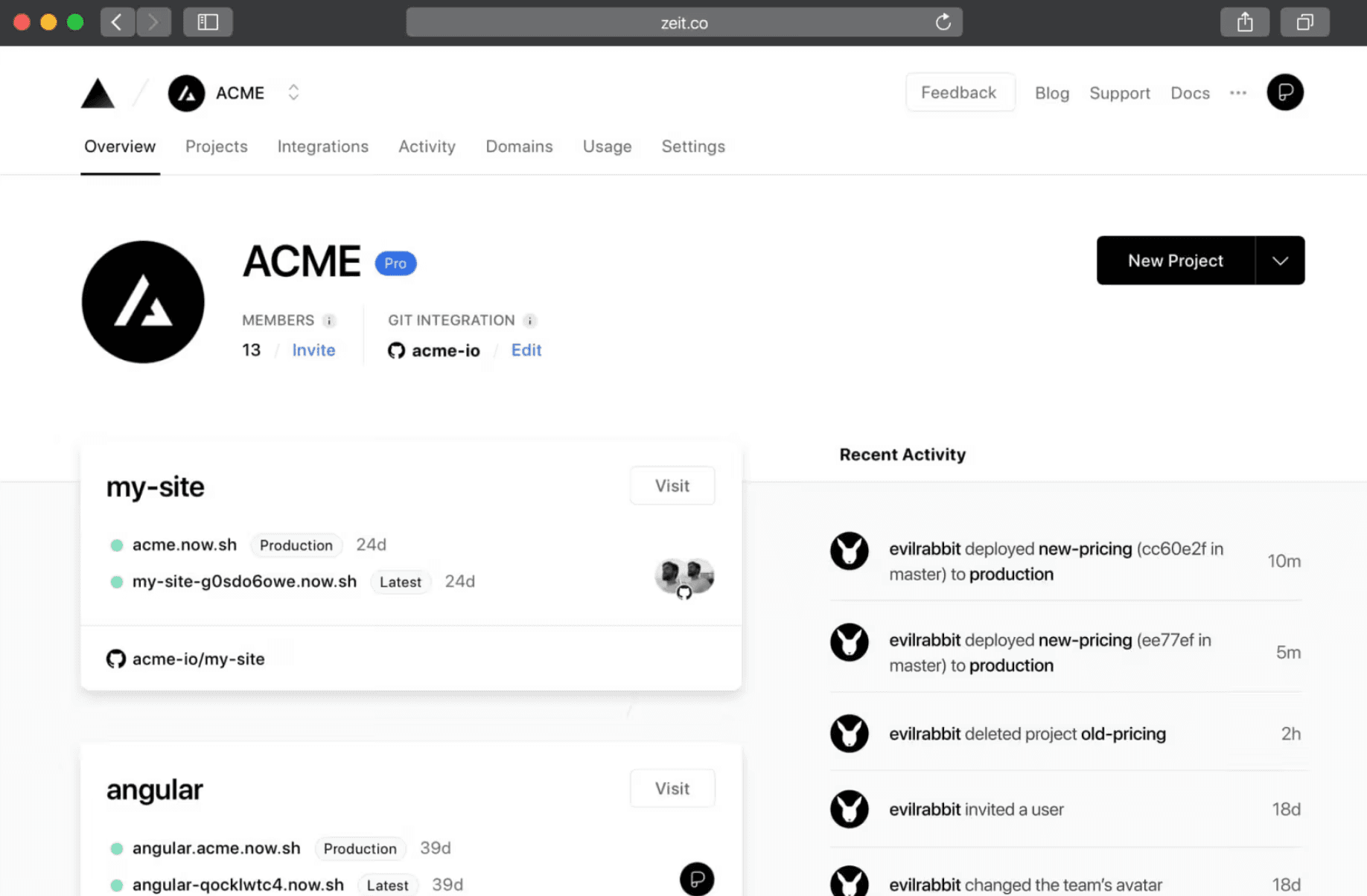
Vercel's official MCP server handles deployment workflows. You can check build status, manage environment variables, and deploy projects. Like Slack, this is first-party software, so compatibility and updates are handled by the Vercel team.
Community vs. first-party servers
The MCP ecosystem is mostly community-driven right now. Open-source developers build and maintain most servers, hosting them on GitHub for anyone to install. This creates variety, but also risk. Community servers may lag behind API changes or lack security reviews.
First-party servers from companies like Slack and Vercel are the exception. These get official support and timely updates. As MCP adoption grows, expect more software vendors to ship native support. Until then, evaluate community servers carefully before connecting them to sensitive systems.
Choosing the right MCP servers
Your picks depend entirely on your existing stack. There's no point installing the Kubernetes MCP server if you don't run containers. Start with the tools you use daily and check whether MCP support exists.
- Map your critical workflows first. Which apps do you switch between most often?
- Prioritize first-party servers when available. They're more likely to stay current.
- Test community servers in staging before production. Check their GitHub activity and issue history.
- Consider security implications. MCP servers get access to your app data.
Logicity's Take
Frequently Asked Questions
What is an MCP server?
A Model Context Protocol server connects AI tools like Claude to business software. It translates natural language requests into API calls, so you can interact with apps like Slack or GitHub without leaving your AI interface.
Are MCP servers secure?
Security varies. First-party servers from companies like Slack and Vercel are maintained by professional teams. Community-built servers require more scrutiny. Always review the source code and check update frequency before connecting to sensitive systems.
Do I need to code to use MCP servers?
Basic setup usually requires running commands in a terminal. Some servers need configuration files. If you can follow installation docs for developer tools, you can set up most MCP servers.
Which AI tools support MCP?
Claude from Anthropic has native MCP support. Other AI tools are adding compatibility as the protocol gains adoption. Check your specific AI assistant's documentation for current MCP support.
Can MCP servers add features to my apps?
No. MCP servers only expose features that already exist in the connected app. They provide a standardized interface to existing capabilities. They cannot create new functions.
Related AI assistant capabilities
Need Help Implementing This?
Source: The Zapier Blog
Huma Shazia
Senior AI & Tech Writer
Produced with AI assistance and reviewed by the Logicity editorial team. Learn more in our Editorial Policy.






