Key Takeaways
- TV USB ports deliver roughly 50% less power than Fire Stick needs, causing crashes and failed updates
- Direct HDMI connection traps the device in hot air pockets, leading to thermal throttling and shorter lifespan
- Using the included power adapter and HDMI extender prevents most performance and longevity issues
Amazon's Fire TV Stick is one of the most popular streaming devices around. It's small, affordable, and can replace an entire entertainment setup. But that simplicity hides some setup traps that slowly damage your device over months or years.
According to MakeUseOf, several common habits are "secretly destroying" Fire TV Sticks. The good news: all of them are easy to fix once you know what to look for.
Using Your TV's USB Port for Power
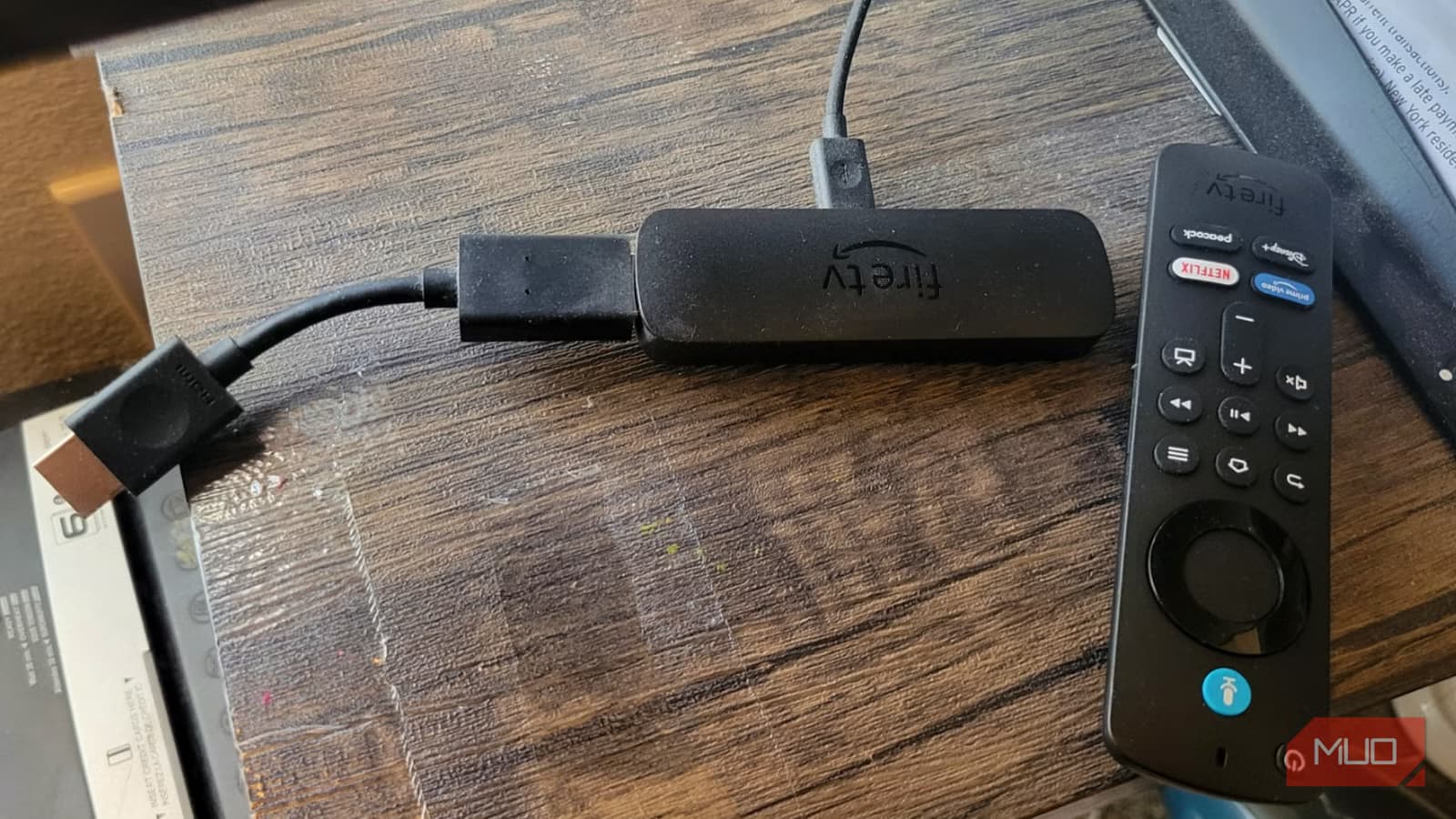
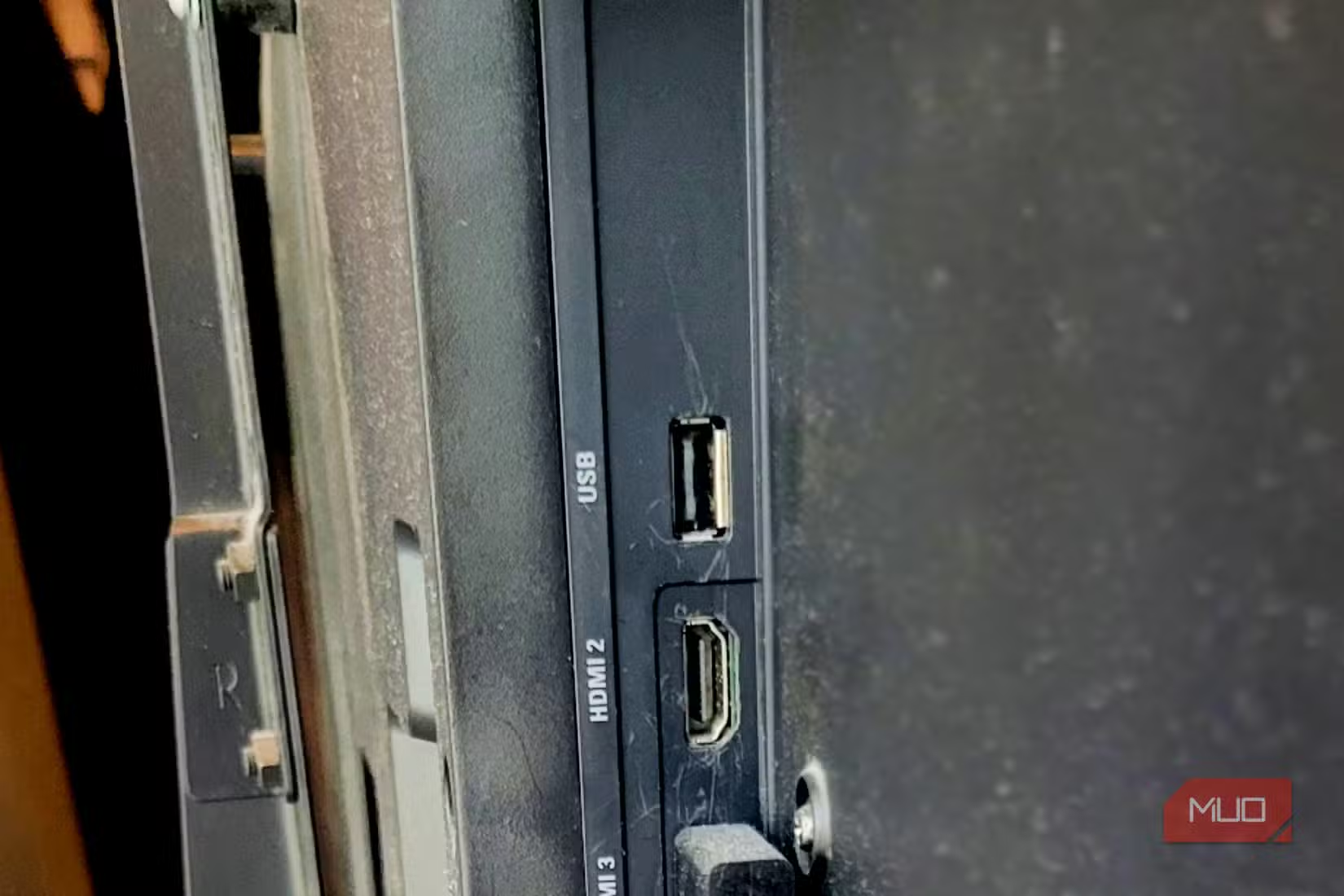
This is the most common mistake. It looks clean. No extra cables running to a wall outlet. Just plug the Fire Stick into HDMI and power it from the TV's USB port.
The problem: TV USB ports weren't designed for high-performance streaming hardware. Most televisions have standard USB 2.0 ports that output far less power than modern Fire Sticks need. According to the source, this shortfall can be as high as 50%.
When a Fire TV Stick tries to draw more current than the port provides, voltage drops suddenly. This causes what's essentially a brownout inside the device. You'll notice random crashes, buffering that isn't related to your internet speed, and software updates that fail or corrupt.
The fix is simple: use the power adapter that came in the box and plug it into a wall outlet. This gives the stick stable, consistent power regardless of what your TV is doing.
Plugging Directly Into the HDMI Port
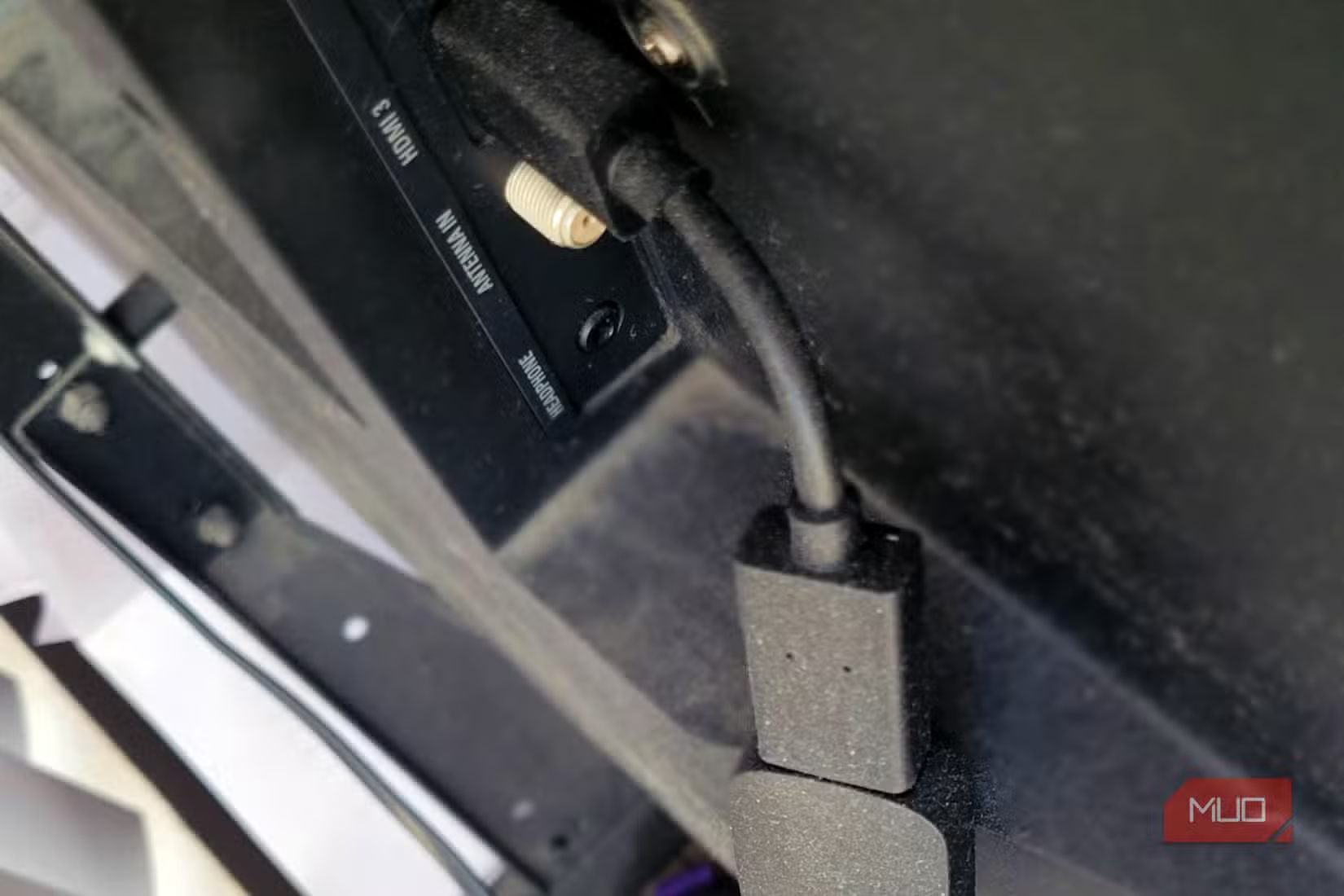
This one surprises people. Plugging the stick straight into your TV's HDMI port seems like the obvious choice. It's what the form factor suggests. But it creates a heat problem.
Modern large-screen TVs generate significant waste heat from LED backlighting and internal power boards. That heat typically vents through the back panel, exactly where your Fire Stick sits when plugged in directly.
The Fire TV Stick has no fans. It relies entirely on passive cooling, which means it needs airflow around it to shed heat. Jammed against a hot TV back panel, it gets trapped in a pocket of stagnant heated air. Over time, this causes thermal throttling (the device slows down to avoid damage) and shortens the hardware's lifespan.
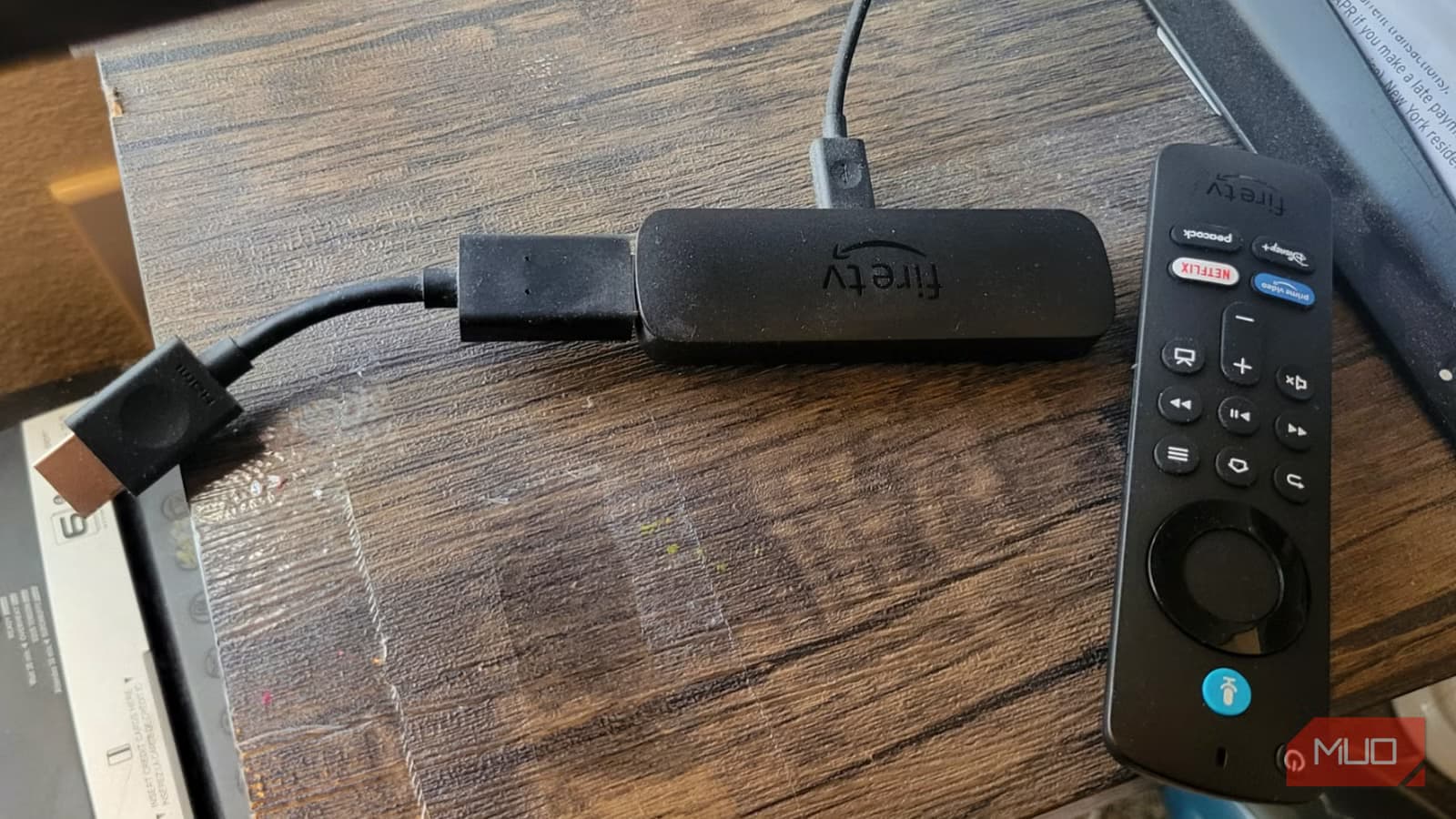
Amazon includes an HDMI extender cable in the box for exactly this reason. The short cable moves the stick a few inches away from the TV, letting air circulate around it. Use it.
Skipping Sleep Mode
Fire TV Sticks don't have a power button in the traditional sense. Many people just turn off their TV and assume the stick goes to sleep automatically. Sometimes it does. Sometimes it doesn't.
When the device stays active while your TV is off, it continues running, generating heat, and wearing down components. It also uses power unnecessarily.
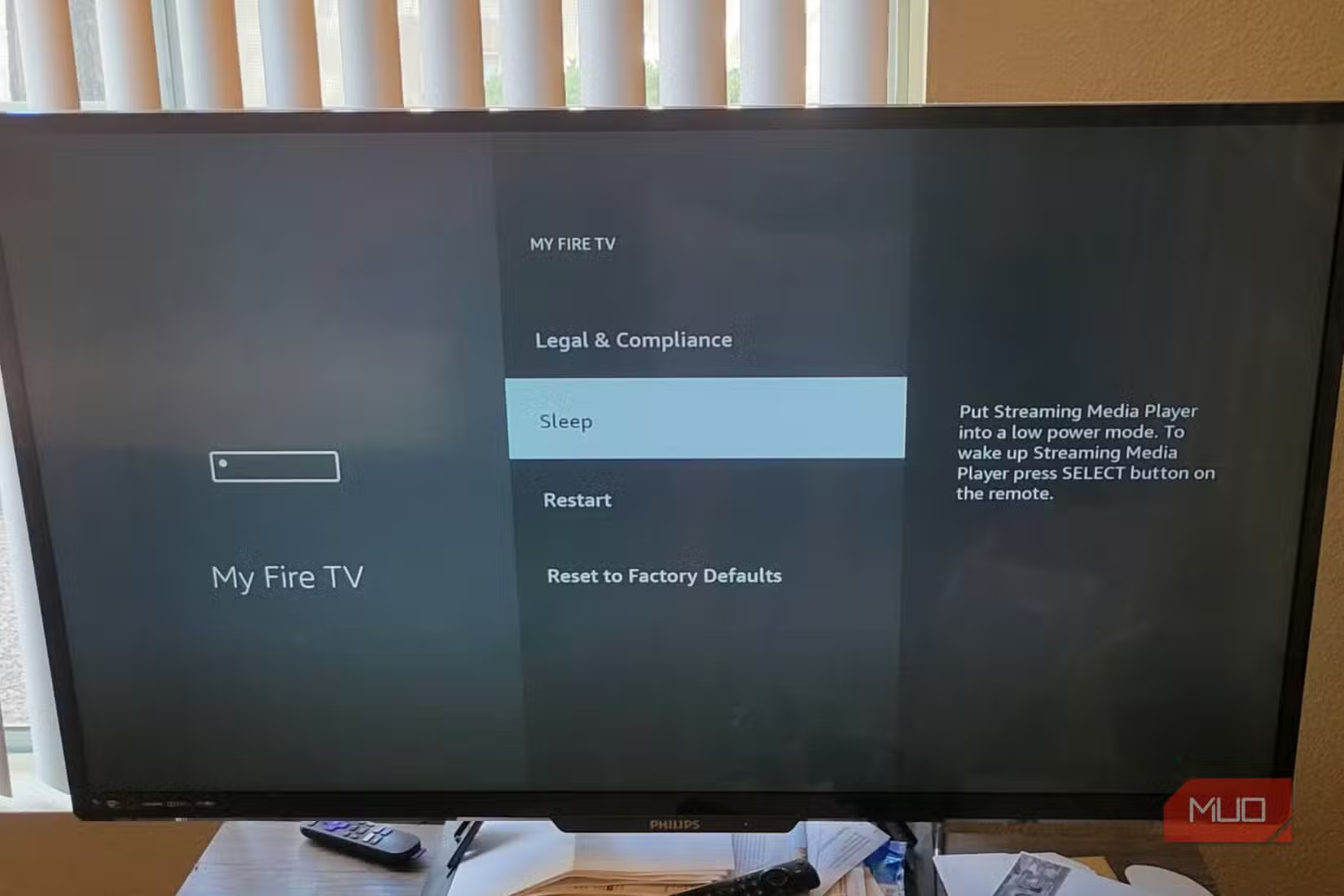
You can manually put your Fire Stick to sleep through the settings menu. Some users set up routines to automate this. Either way, making sure the device actually sleeps when you're not using it extends its working life.
Ignoring Software Updates
Fire TV Sticks update automatically in most cases, but the process can fail silently if the device loses power during an update or if storage is too full.
Outdated firmware can cause performance issues, security vulnerabilities, and compatibility problems with streaming apps. It's worth periodically checking Settings > My Fire TV > About > Check for Updates to make sure you're current.
This is another reason to use the wall adapter instead of TV USB power. A stable power supply means updates install cleanly without the risk of corruption from sudden voltage drops.
Physical Damage From Rough Handling
The USB connector on Fire Sticks is small and not designed for frequent plugging and unplugging. Yanking the power cable, moving the stick between TVs regularly, or letting it dangle by its cables can damage the ports over time.
If you need to move your Fire Stick often, disconnect cables gently and avoid putting stress on the connector ends. The device is durable enough for normal use, but the physical connections are its weak point.
The Common Thread: Use What's in the Box
Most of these problems come down to one thing: ignoring the accessories Amazon includes. The power adapter exists because TV USB ports aren't reliable. The HDMI extender exists because direct connection causes overheating. Both are there for a reason.
A proper setup takes an extra minute and uses one more outlet. In exchange, you get fewer crashes, faster performance, and a device that lasts years instead of months.
Logicity's Take
Frequently Asked Questions
Can I use any USB charger with my Fire TV Stick?
You can use most 5V/1A USB adapters, but the included adapter is rated for the device's exact power needs. Third-party chargers that deliver less current can cause the same problems as TV USB ports.
Does the Fire TV Stick 4K need more power than older models?
Yes. The 4K and 4K Max versions require more power for video decoding. They're more likely to have issues with underpowered USB sources than basic HD models.
How do I know if my Fire Stick is overheating?
Symptoms include random restarts, sluggish navigation, video stuttering that isn't related to your internet, and the device feeling hot to the touch. The system may also display an overheating warning.
Should I unplug my Fire Stick when not in use?
You don't need to unplug it if you use sleep mode properly. However, unplugging does ensure it's completely off and not generating any heat or using power.
Why does Amazon include an HDMI extender if direct connection is bad?
Some TVs have recessed HDMI ports that require the extender for physical clearance. Amazon includes it for compatibility, but it also solves the heat problem, which they don't prominently explain.
More ways to get the most from your devices
Need Help Implementing This?
Source: MakeUseOf
Manaal Khan
Tech & Innovation Writer
Produced with AI assistance and reviewed by the Logicity editorial team. Learn more in our Editorial Policy.






