Key Takeaways
- Android 17 shifts from an operating system to what Google calls an 'intelligence system' with deep Gemini AI integration
- The Create My Widget feature lets users describe custom widgets in natural language and have Gemini build them instantly
- New Pause Point feature forces a 10-second delay before opening distracting apps, designed to curb compulsive phone use
Google announced Android 17 on May 12, 2026, and it's not just another version bump. The company is rebranding Android from an operating system to an "intelligence system." The distinction isn't just marketing. Android 17 embeds Gemini AI so deeply that your phone can now perform multi-step tasks across different apps without you touching the screen.
"Android is no longer just an operating system; it is an intelligence system that works ahead of you, not just for you," said Sameer Samat, President of Android Ecosystem at Google.
The update, codenamed "Cinnamon Bun," arrives as Android powers an estimated 4.5 billion devices globally with 73% market share. Here are the seven features worth paying attention to, ranked by how much they'll actually change daily phone use.
7. App Automation: Let Gemini Handle the Boring Stuff
App automation is Google's headline feature. Gemini can now handle multi-step tasks like ordering food, booking rides, and filling shopping carts across apps and websites through Chrome. The phone navigates interfaces on your behalf.
The promise is appealing. Some apps have terrible interfaces, and having AI navigate them for you would save genuine frustration. But there's a catch: AI models still struggle with poorly designed UIs. If a website is confusing to humans, it's often confusing to AI too.

The bigger limitation is judgment. When booking a flight, most people want to compare timings, evaluate routes, and weigh trade-offs. Gemini can execute tasks, but it can't make the decisions that matter to you. This feature will work best for repetitive, low-stakes tasks where you genuinely don't care how it gets done.
6. Liquid Glass: A Visual Overhaul with 4,000+ Redesigned Emojis
Google redesigned over 4,000 emojis in a new 3D "Liquid Glass" style. The aesthetic extends beyond emojis to system-wide UI elements. Early reactions on Reddit's r/Android community call it the most beautiful update since Material You.
Not everyone is thrilled. Some users find the glossy, translucent look a departure from Android's traditionally flat design language. Whether you love it or hate it, the visual identity of Android is changing significantly.
5. Pause Point: A 10-Second Speed Bump for Distracting Apps
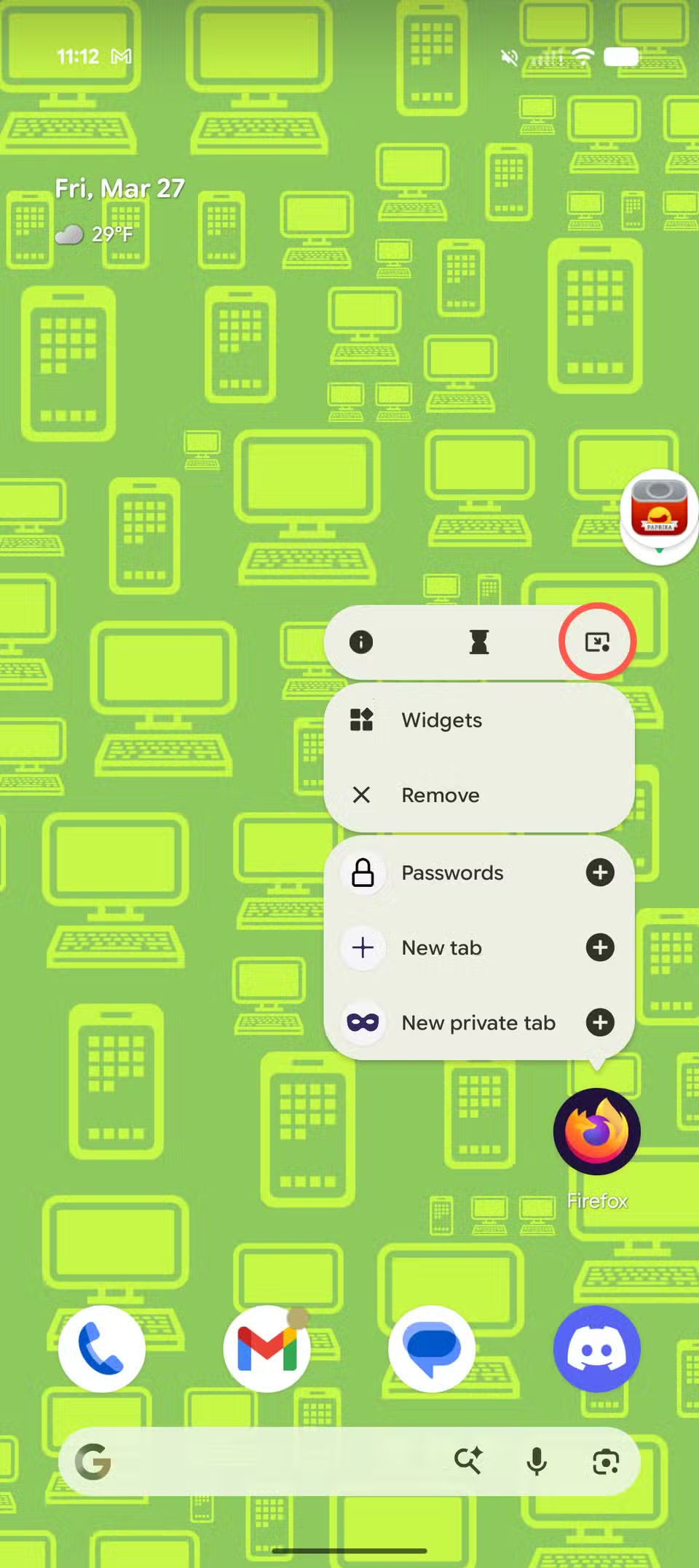
Pause Point is a new digital wellbeing feature that forces a mandatory 10-second delay before opening apps you've flagged as distracting. The idea is to create "breathing room" between impulse and action.
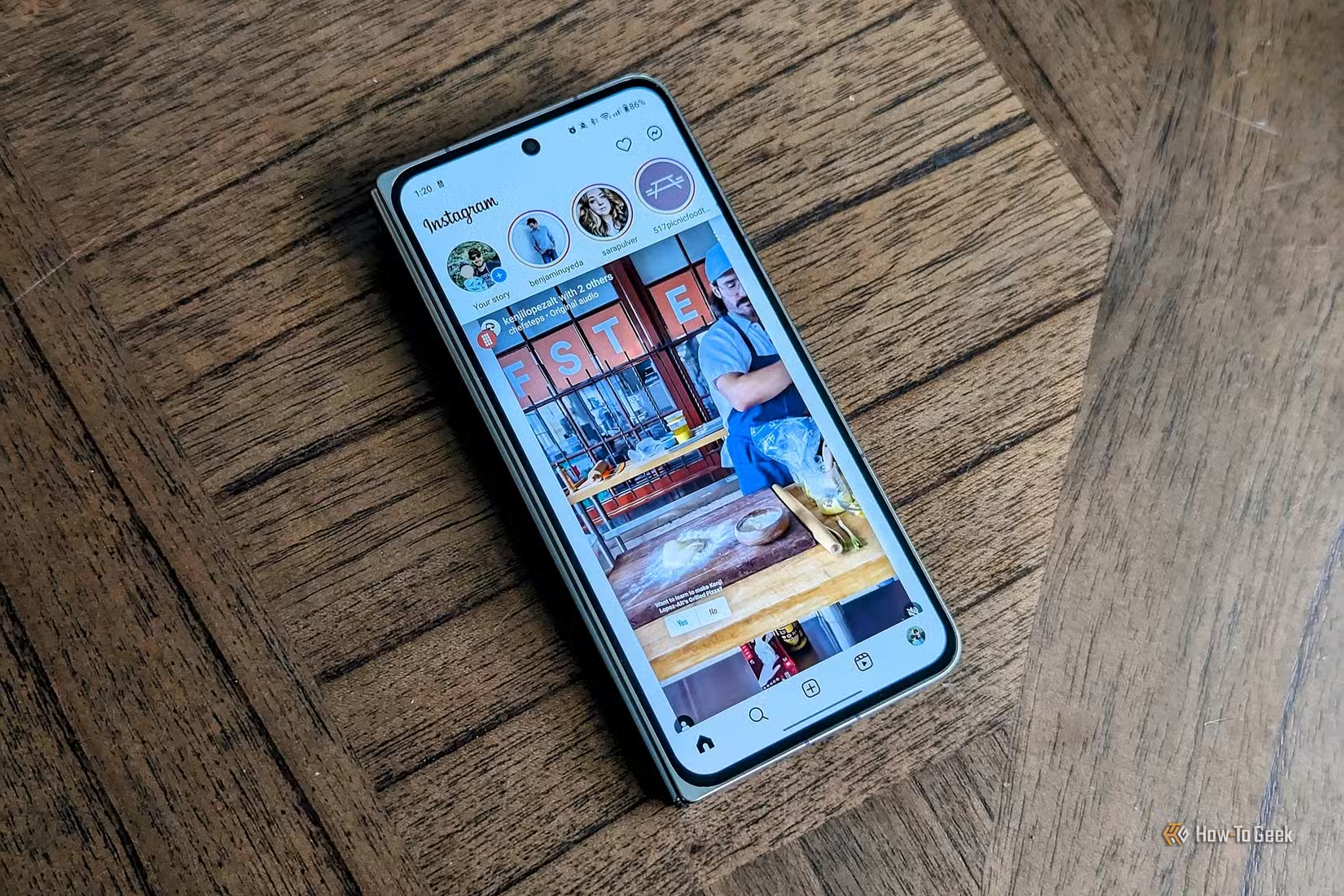
Ten seconds doesn't sound like much, but research on habit formation suggests small friction points can break automatic behaviors. If you've ever opened Instagram without thinking, only to realize you didn't want to be there, this feature targets exactly that moment.
4. Rambler: Voice Dictation That Understands How Humans Actually Talk
Rambler is a new Gboard feature that handles natural speech patterns. Instead of requiring clean, deliberate dictation, it processes speech with all the "ums," "actuallys," and mid-sentence corrections that come with thinking out loud.
“The 'Rambler' feature in Gboard is the first time voice dictation has actually felt human. It understands my 'ums' and 'actuallys' better than I do.”
— Dibakar Ghosh, Tech Journalist at How-To Geek
Previous voice dictation required users to speak like newsreaders. Rambler lets you speak like yourself. For anyone who's tried to compose emails or messages by voice and given up in frustration, this could make voice input genuinely usable.
3. Create My Widget: Describe It, Gemini Builds It
Create My Widget lets users describe a custom widget in natural language and have Gemini generate it instantly. MKBHD demonstrated this by creating a custom Spotify/Calendar hybrid widget in about five seconds.
"Android 17's 'Create My Widget' is actually magic. I just talked a custom Spotify/Calendar hybrid into existence in 5 seconds. This is the future," he posted on X.
The implications go beyond convenience. Users are no longer limited to what developers ship. If you want a widget that shows your next three meetings alongside weather and your step count, you just ask for it. The phone becomes customizable in ways that previously required coding knowledge or third-party apps.
2. Deep Gemini Integration: AI That Runs the System, Not Just Apps
Previous Android versions had AI features. Android 17 makes AI the foundation. Gemini integration runs through the entire system, enabling features like app automation and widget creation. The AI isn't an add-on. It's the infrastructure.
This marks the end of what Google calls the "siloed app" era. Instead of AI living inside individual apps like Google Assistant or ChatGPT, it now operates across the entire device. Your phone can coordinate between calendar, email, browser, and messaging apps as a unified agent.
Samsung users will want to know how One UI features complement or conflict with Android 17's new capabilities
1. The Shift from OS to "Intelligence System"
The top feature isn't a feature at all. It's the conceptual shift. Google is repositioning Android from something you operate to something that operates on your behalf. The phone becomes an agent rather than a tool.
Whether this is exciting or concerning depends on how much you trust AI to make decisions for you. The features in Android 17 are opt-in for now. But the trajectory is clear: Google envisions a future where your phone handles tasks proactively, not just reactively.
Who Actually Benefits from These Features?
App automation and agentic AI features seem designed for people who already have assistants handling logistics. If you're the type who enjoys comparing flight options and making your own decisions, delegating to Gemini might feel like losing control rather than gaining convenience.
The features that will impact the most users are probably the smaller ones: Rambler making voice dictation usable, Pause Point reducing mindless scrolling, and Create My Widget removing barriers to customization. These solve real friction points in how people actually use phones.
For readers interested in how AI agents are changing other domains beyond mobile

Logicity's Take
Frequently Asked Questions
When is Android 17 coming out?
Google announced Android 17 on May 12, 2026. The full release timeline hasn't been confirmed, but developer previews are typically available several months before the public launch.
What is Android 17's codename?
Android 17 is codenamed "Cinnamon Bun," continuing Google's dessert-themed naming convention.
What is Agentic AI in Android 17?
Agentic AI refers to Android 17's ability to perform multi-step tasks autonomously across different apps. Instead of just responding to commands, the phone can complete sequences like booking rides or ordering food on your behalf.
Will Android 17 work on my phone?
Device compatibility depends on your manufacturer. Google typically supports Pixel devices for several years. Samsung, OnePlus, and other manufacturers will announce their own update timelines after the public release.
What is the Liquid Glass design in Android 17?
Liquid Glass is Android 17's new visual style featuring 3D, translucent elements across the system UI. Google redesigned over 4,000 emojis in this style.
Need Help Implementing This?
Source: How-To Geek
Launch Debut on Samsung Foldables
The new article reports that Gemini Intelligence will debut on Samsung's upcoming Galaxy Z Fold8 and Z Flip8 foldables, likely in July, rather than starting with the Galaxy S26 and Pixel 10. It also specifies that these features will be part of Samsung's One UI 9, which is currently undergoing testing.
Manaal Khan
Tech & Innovation Writer
Produced with AI assistance and reviewed by the Logicity editorial team. Learn more in our Editorial Policy.






