
Key Takeaways

- Codex is delegation-only with stronger security defaults; Cursor is a full IDE with optional agent workspace
- Cursor indexes your codebase once for instant context; Codex clones fresh for each task, trading speed for isolation
- Codex locks you into OpenAI models; Cursor lets you pick from multiple providers
How comfortable are you leaving the room while AI writes your code? That question now defines the split between two of the most capable AI coding tools available. OpenAI's Codex wants you to describe a task, walk away, and come back to review a pull request. Cursor, a VS Code fork with deep AI integration, started as a pair programmer that keeps you in the loop. But with its new agent workspace, Cursor is chasing the same delegation dream.
On the surface, these tools are converging. Dig deeper, and you find different assumptions about how developers should work with AI. After dozens of hours testing both for personal projects and structured comparisons, here's what separates them and which one fits different workflows.
The Core Philosophy Divide
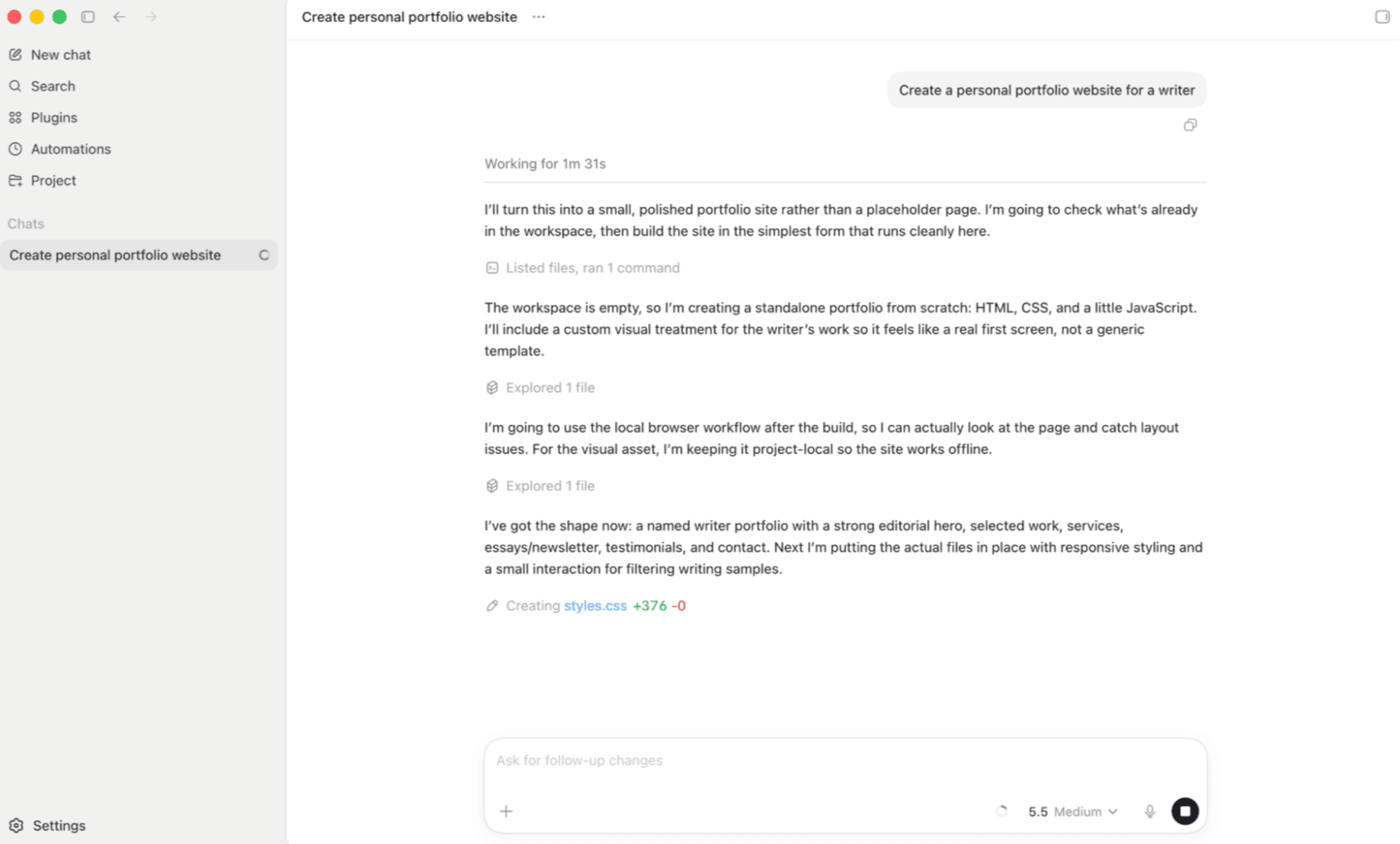
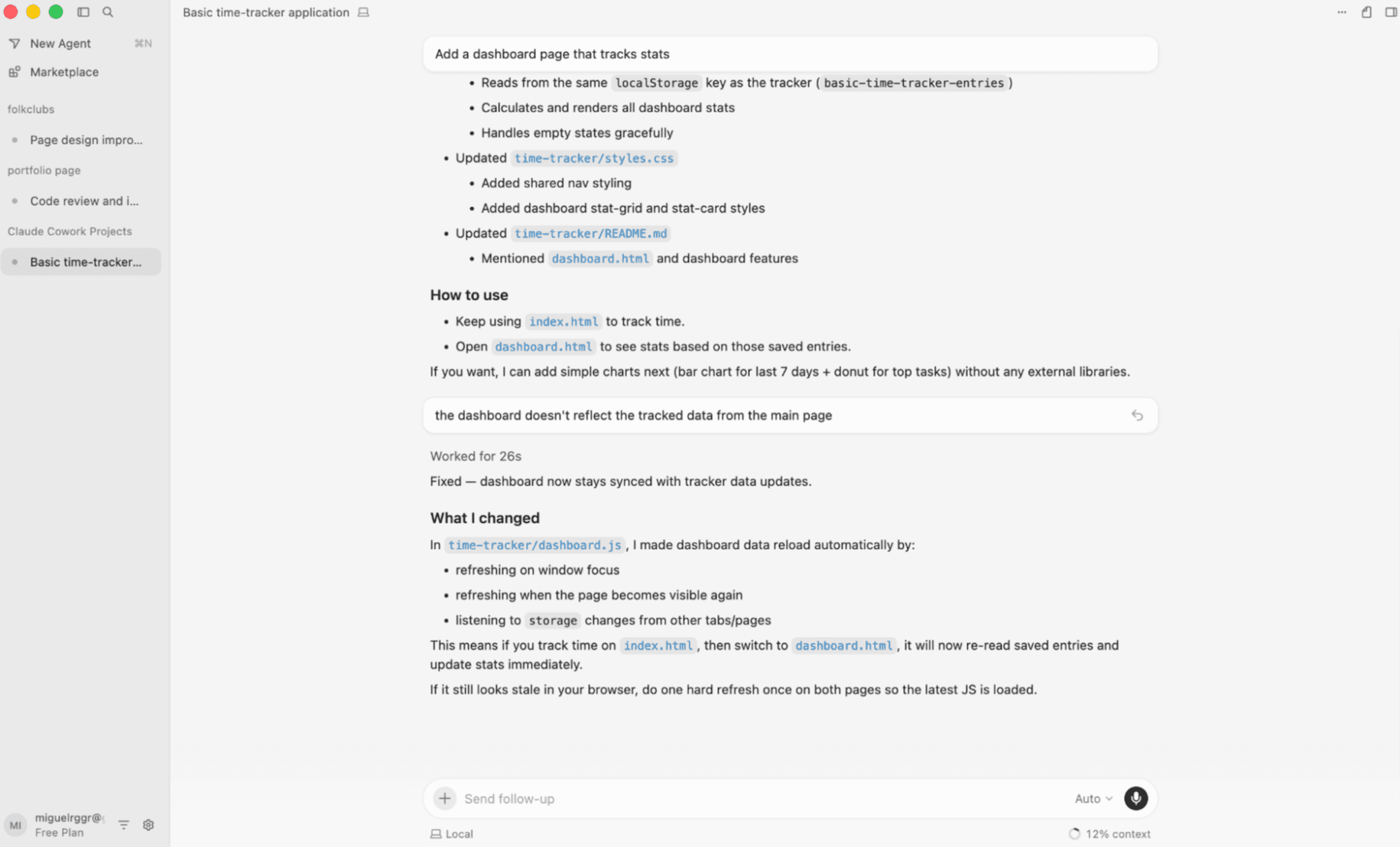
Codex is a coding agent built entirely around delegation. You describe what needs to be done in a web app, command line interface, or macOS desktop app. It spins up an isolated environment, works through the code on its own, and hands you back a result to review. There is no code editor. You're reviewing output, not writing alongside the AI.
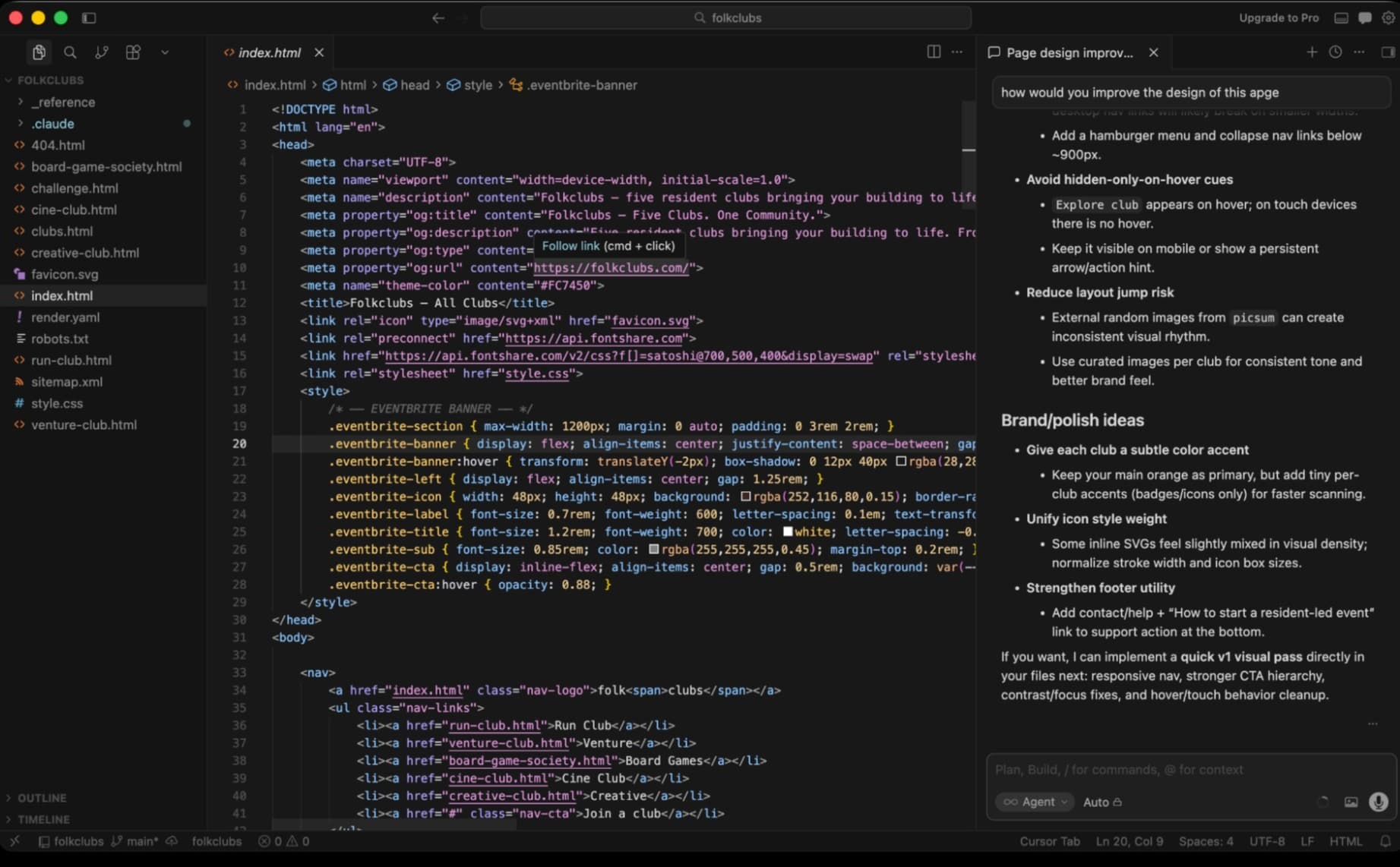
Cursor is an AI-powered IDE. It's a fork of VS Code with AI tab autocomplete, inline diffs, and an agent chat inside the editor. With the Cursor 3 release, it added an agent workspace where you can delegate tasks and review them once complete. But the IDE is still the center of the experience.
Both expect you to know how to code and think like an engineer. This is a barrier for non-technical users. But if you have patience and curiosity, both are accessible enough to learn.
Codebase Understanding: Index vs Clone
How each tool understands your codebase reveals their different design priorities.
Cursor builds a persistent semantic index from embeddings before you even ask a question. This gives instant context across files and functions. The index is shared across your team, so everyone benefits from the same understanding. When you ask Cursor about a function buried three directories deep, it already knows where to look.
Codex takes a different approach. It clones your repository fresh for each task, then runs targeted searches to find relevant code. This gives you clean isolation. Every task starts from a known state. But it's slower to start, especially on larger codebases.
The tradeoff is clear. Cursor is faster for iterative work where you're making many small changes. Codex is safer when you want each task completely sandboxed from previous ones.
Agent Execution and Security
Both tools now offer parallel agent execution. You can spin up multiple agents working on different parts of a problem simultaneously. But their security defaults differ significantly.
Codex has stronger security defaults out of the box. Because it clones fresh and runs in isolated environments, there's less risk of an agent accidentally modifying files you didn't intend. The isolation is the product.
Cursor's agent workspace supports up to 8 parallel agents with local-to-cloud handoff. It's more agile. You can start a task locally, push it to cloud execution, and pull results back. But with that flexibility comes more responsibility to configure guardrails.
Model Selection and Token Efficiency
Codex defaults to OpenAI models. This makes sense since OpenAI builds it. You get tight integration with GPT-4 and its successors. But you're locked into that ecosystem.
Cursor lets you pick your favorite model. Want to use Claude for certain tasks and GPT-4 for others? You can. This flexibility matters if you've found that different models excel at different types of coding problems.
In terms of token usage, Codex is more efficient than Cursor. The fresh-clone approach means it's not carrying forward context from previous tasks. Each task gets exactly the context it needs. Cursor's persistent index is faster but can lead to higher token consumption over time.
Pricing Stability
Cursor's pricing has been more unstable in the past. The company has adjusted tiers and limits as usage patterns emerged. This isn't unusual for a fast-moving startup, but it makes budgeting harder for teams planning longer-term adoption.
Codex, backed by OpenAI's infrastructure and pricing models, has been more predictable. You're essentially paying for API usage with a product layer on top. The costs scale more linearly with usage.
Integration and Automation
Both tools can connect to external services through automation platforms. You can wire either into workflows that trigger code generation, testing, or deployment based on events in other apps. This extends their utility beyond the editor or web interface.
| Feature | Codex | Cursor |
|---|---|---|
| Coding workflow | Delegation-only (web, CLI, macOS); no editor | Full IDE with tab autocomplete, inline diffs, agent workspace |
| Codebase understanding | Fresh clone per task; slower start, cleaner isolation | Persistent semantic index; instant context, shared across team |
| Parallel agents | Strong security defaults | Up to 8 agents, local-to-cloud handoff |
| Model selection | OpenAI models only | Multiple model providers |
| Token efficiency | More efficient (fresh context per task) | Higher consumption (persistent index) |
| Pricing stability | More predictable | Has changed more frequently |
Which Should You Choose?
The decision comes down to how you want to work.
Choose Codex if you're comfortable fully delegating tasks. You describe what needs to happen, go do something else, and come back to review. It's like being a senior developer reviewing a junior's pull request, except the junior is a machine. If you trust the async review workflow and want maximum isolation between tasks, Codex is built for that.
Choose Cursor if you want AI assistance while staying close to the code. The IDE experience means you can use AI suggestions inline, see diffs as they're proposed, and intervene quickly. The agent workspace adds delegation capabilities, but the editor remains the home base. If you're making frequent small changes and want instant codebase context, Cursor's approach will feel more natural.
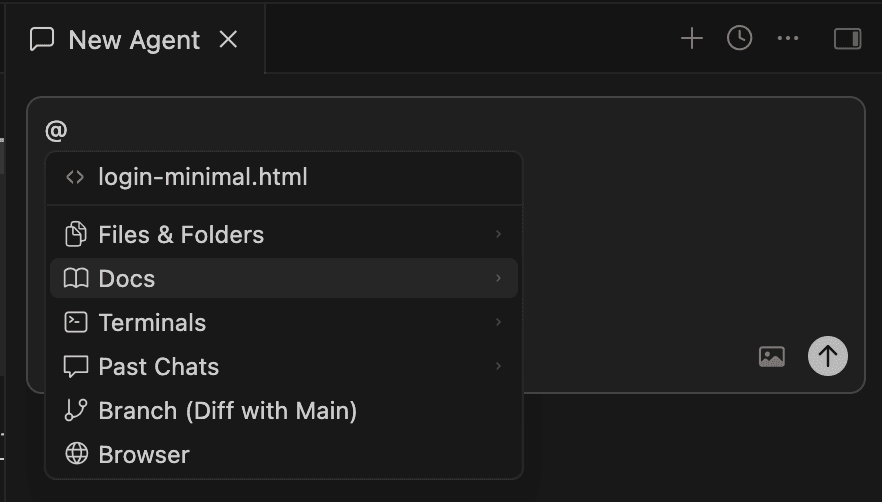
Teams using multiple AI models for different tasks will prefer Cursor's flexibility. Teams standardizing on OpenAI and prioritizing security isolation will prefer Codex's defaults.
Both tools assume you can code. Neither will turn a non-developer into a developer overnight. But they can make experienced developers significantly more productive, each in their own way.
✅ Pros
- • Codex: Maximum task isolation, stronger security defaults, predictable pricing, efficient token usage
- • Cursor: Full IDE experience, persistent codebase index, model flexibility, faster iterative workflows
❌ Cons
- • Codex: No editor, slower cold starts, locked to OpenAI models
- • Cursor: Higher token consumption, pricing has been less stable, requires more security configuration
Logicity's Take
Frequently Asked Questions
Can I use Codex without knowing how to code?
Both Codex and Cursor expect you to think like an engineer and understand code well enough to review AI output. They're not no-code tools. You need enough knowledge to catch mistakes and guide the AI when it goes wrong.
Does Cursor work with models other than GPT-4?
Yes. Cursor lets you pick from multiple model providers, so you can use Claude, GPT-4, or other models depending on the task. Codex defaults to OpenAI models only.
Which tool is more secure for sensitive codebases?
Codex has stronger security defaults because it clones fresh and runs in isolated environments for each task. Cursor is more flexible but requires more configuration to achieve similar isolation.
How do Codex and Cursor handle large codebases?
Cursor builds a persistent semantic index that provides instant context across your entire codebase. Codex clones fresh each time, which is slower to start but ensures clean isolation between tasks.
Can I try both tools before committing?
Both offer trial periods or free tiers with limited usage. Testing both on a real project is the best way to see which workflow fits your team.
Need Help Implementing This?
Source: The Zapier Blog
Huma Shazia
Senior AI & Tech Writer
Produced with AI assistance and reviewed by the Logicity editorial team. Learn more in our Editorial Policy.






