Key Takeaways
- Googlebook will use Android as its foundation instead of Chrome OS, giving access to Google Play apps
- The security update cliff-edge that plagued Chromebooks must be fixed for enterprise trust
- Google needs to clearly define what a Googlebook is and who it's for
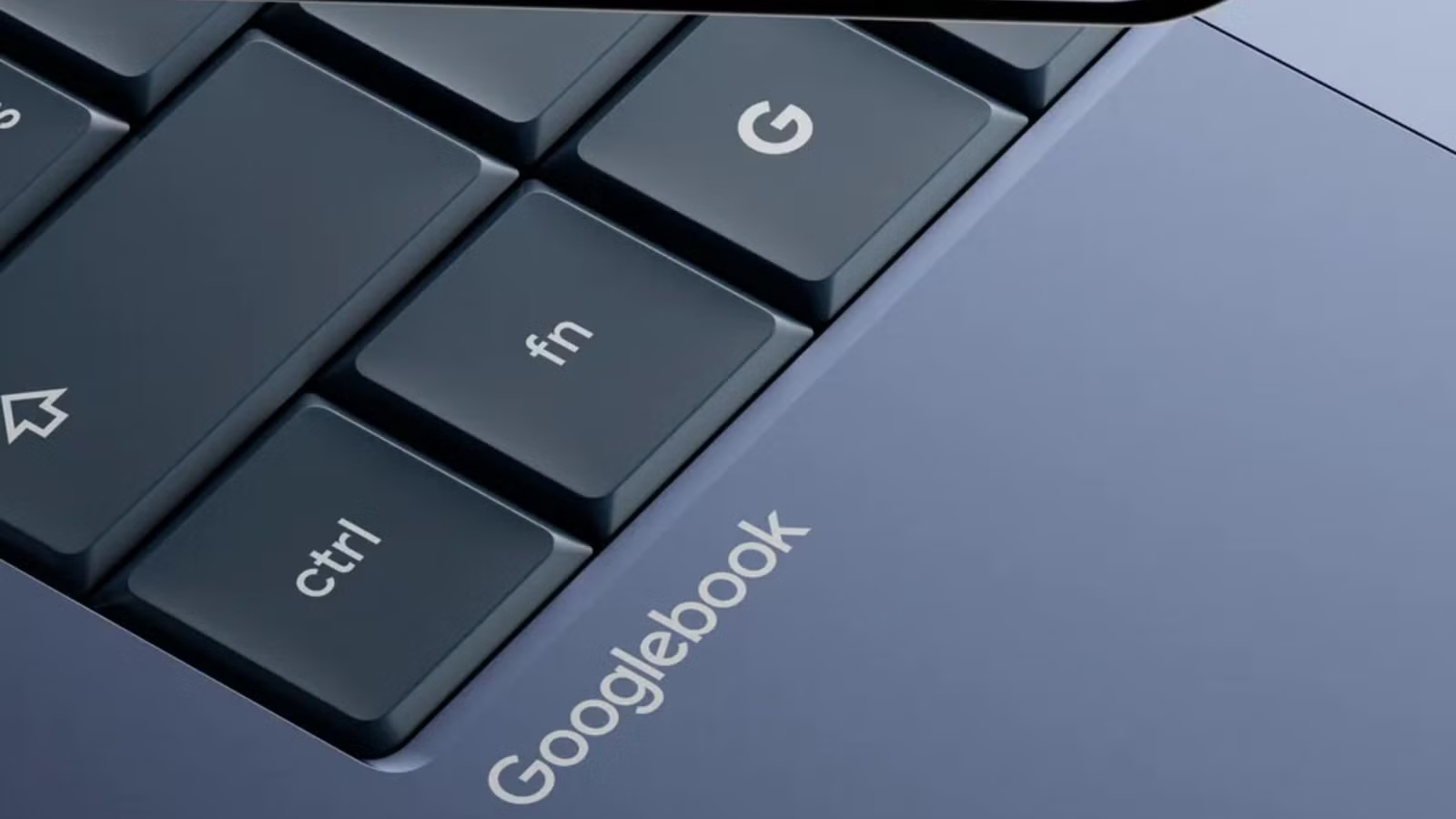
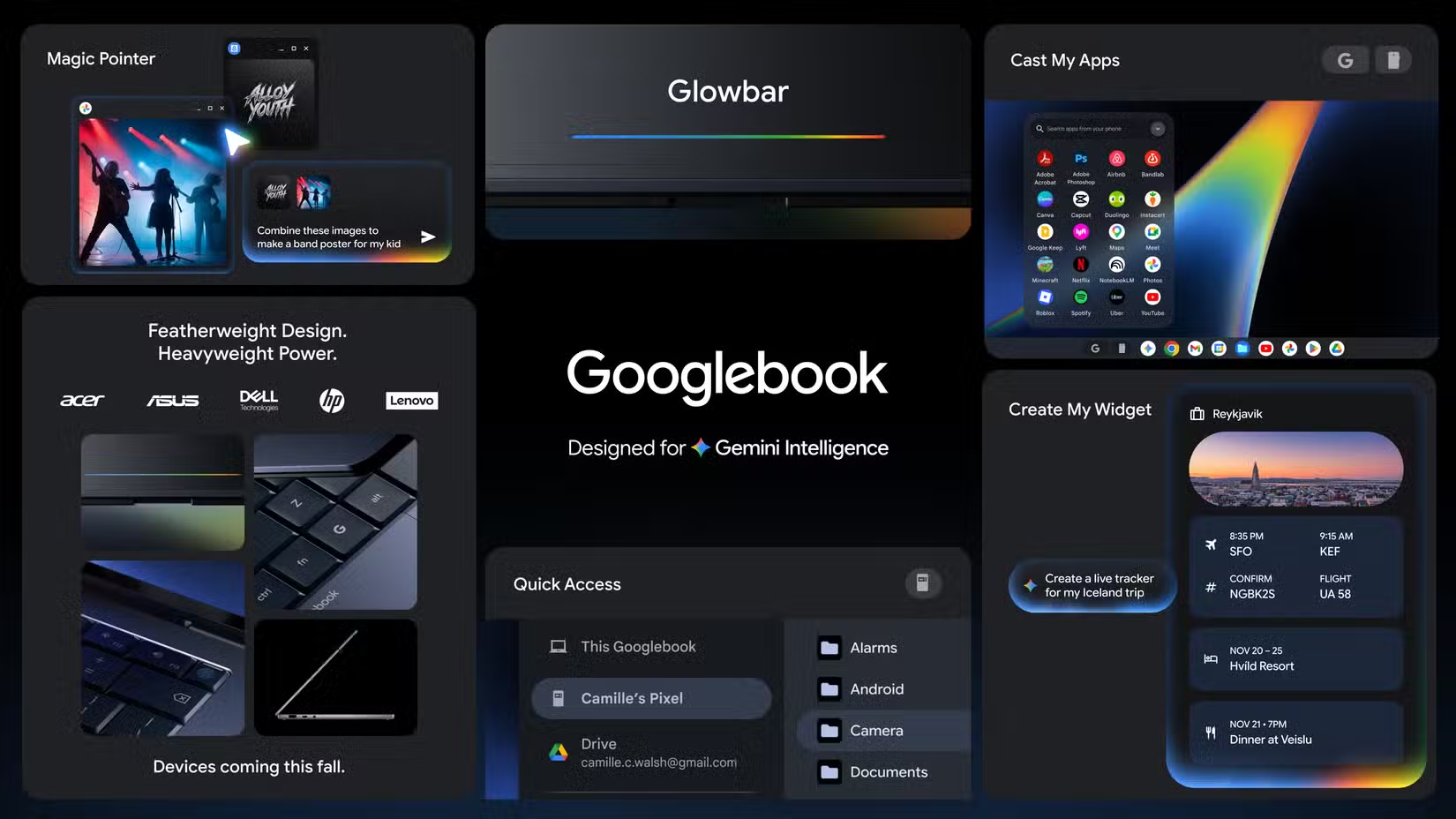
After 15 years, Google is pulling the plug on Chromebooks. The replacement? A new laptop line called Googlebook, launching this fall with Google Gemini AI built into every layer of the operating system.
Major manufacturers are already signed up. Acer, Asus, Dell, HP, and Lenovo will all produce Googlebook hardware. That's a promising start. But promise means nothing if Google repeats the mistakes that kept Chromebooks from ever truly competing with Windows and Mac laptops.
Here are four lessons Google should take from the Chromebook era.
1. Be Honest About What the Device Actually Is
Chromebooks had an identity crisis. On one hand, the pitch was clear: fast, simple, secure, browser-first computing. On the other hand, Google never fully admitted what Chromebooks couldn't do.
Could a Chromebook replace a Windows laptop? Not really. Was it better for creative work than a MacBook? No. Chrome OS had performance gaps and application limitations that made head-to-head competition impossible. But marketing materials often danced around these realities.
The early days were worse. Chrome OS lacked a proper offline mode for many apps. Local file management was an afterthought. The promise that "everything works in the browser" constantly fell short when users actually tried to work offline or manage files locally.
If rumors hold true, Googlebook laptops will run on Android as their foundation. That means deep integration with Google Play and its massive app library. Chrome OS also had Android app access, so the question remains: what exactly is a Googlebook for? Google needs a clear answer this time.
2. Fix the Security Update Cliff-Edge
For years, Chromebooks had a security update problem that frustrated buyers and embarrassed Google.
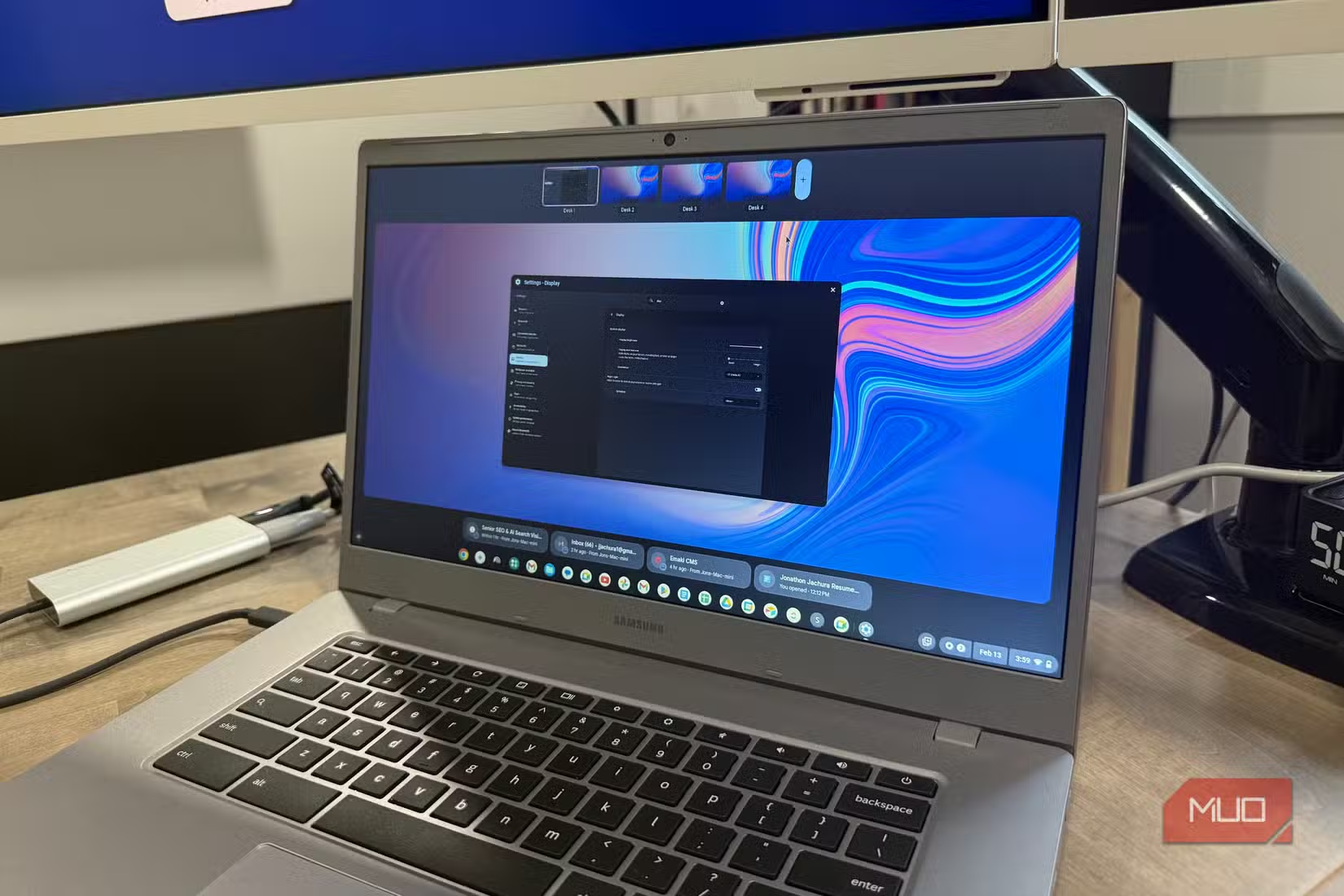
The scenario happened constantly: someone would walk into a store, buy what looked like a brand-new Chromebook, and discover their device was already approaching its Auto Update Expiration (AUE) date. Once that date passed, no more security patches. A "new" laptop could become a security liability within months of purchase.
This wasn't a bug. It was policy. Google set AUE dates based on hardware platform, not purchase date. Retailers kept selling devices with short remaining support windows, and most buyers had no idea to check.
For enterprise buyers, this was a dealbreaker. IT departments need predictable support timelines. Schools buying fleets of devices need to know they'll receive security updates for the full expected lifespan of the hardware. Googlebook must solve this from day one.
3. Stop Competing With Yourself
Google has a history of launching products that cannibalize each other. Chrome OS, Android, and various tablet initiatives often overlapped awkwardly. Users were never quite sure which Google platform to commit to.
With Googlebook reportedly built on Android, Google has a chance to consolidate. One platform. One app ecosystem. One clear path forward. But that only works if Google actually retires Chrome OS cleanly rather than keeping it alive in some zombie state that confuses the market.
4. Set Realistic Performance Expectations
Chromebooks were often sold as cheap alternatives. That's fine. Budget devices have a real market. The problem was when marketing suggested these budget machines could handle tasks they couldn't.
Entry-level Chromebooks with minimal RAM struggled with more than a few browser tabs. Android apps often ran poorly. The experience soured users who expected more based on advertising.
Googlebook needs honest spec sheets and honest marketing. If a $200 device handles email and documents well, say that. If it struggles with video editing, don't pretend otherwise. Users will figure it out, and their trust is hard to rebuild.
Logicity's Take
What This Means for IT Buyers
If you're managing device fleets, wait for clarity on security update policies before committing to Googlebook orders. The hardware partnerships look solid, but policy details matter more than specs for enterprise deployment.
Existing Chromebook users don't need to panic. Google hasn't announced end-of-life dates for Chrome OS devices. But if you're planning hardware purchases for late 2026 or 2027, factor in the platform transition when calculating total cost of ownership.
Microsoft's browser AI shows how competitors are approaching AI integration
Frequently Asked Questions
When does Googlebook launch?
Google's Googlebook series is set to launch in Fall 2026, with devices from Acer, Asus, Dell, HP, and Lenovo.
Will Googlebook replace Chromebook?
Yes. While Google hasn't stated it explicitly, Googlebook is functionally the successor to the Chromebook line after 15 years.
What operating system will Googlebook use?
Reports indicate Googlebook will run on Android as its foundation, with Google Gemini AI integrated throughout the system.
Can I still buy Chromebooks after Googlebook launches?
Google hasn't announced Chrome OS end-of-life dates. Existing Chromebooks should continue receiving updates according to their current AUE schedules.
Need Help Implementing This?
Source: MakeUseOf
Huma Shazia
Senior AI & Tech Writer
Produced with AI assistance and reviewed by the Logicity editorial team. Learn more in our Editorial Policy.






