Key Takeaways
- Strava sets profile visibility, activity feeds, and GPS start points to public by default
- Researchers have identified user residences with 37.5% accuracy using aggregated heatmap data
- OpenTracks stores all fitness data locally on your device with no cloud sync or social features
Running season has arrived in the Northern Hemisphere. Mild spring weather before the summer heat has brought runners back outside. Fitness tracking apps have surged in popularity alongside them. Strava, in particular, has become a social media fixture, with users posting personal records on Instagram.
But Strava's social-first design comes with a cost. The app logs and shares far more data than many users realize, including GPS coordinates that can pinpoint your home address.
The Default Settings Problem
When you create a Strava account, your profile and activities are visible to everyone by default. The app prioritizes social features over privacy. Profile visibility, activity feeds, group activities, heatmaps, and personal information all start public.
The privacy options are buried and confusing. Some require manual opt-out. It's easy to share more than you intended without realizing it.
The most concerning issue: starting points aren't hidden by default. If you begin tracking a run at home, Strava logs and potentially exposes your home address. The Flyby feature made headlines a few years ago for mapping strangers who crossed paths during workouts.
“The convenience of social fitness features has historically come at the cost of your personal privacy, often by default. Users shouldn't need a degree in cybersecurity to keep their home address private.”
— Elena Rodriguez, Privacy Researcher at Digital Rights Watch
125 Million Users, Many Unaware
Strava now has over 125 million active users. Many don't know about the default visibility settings. The platform offers "Privacy Zones" that can hide start and end points within a radius of your home. But this feature is rarely enabled by default.
The problem is structural. Strava's business model depends on social networking and data aggregation. Private-by-default design conflicts with that model. Users who care about privacy have to work against the app's natural settings.
The Open-Source Alternative: OpenTracks
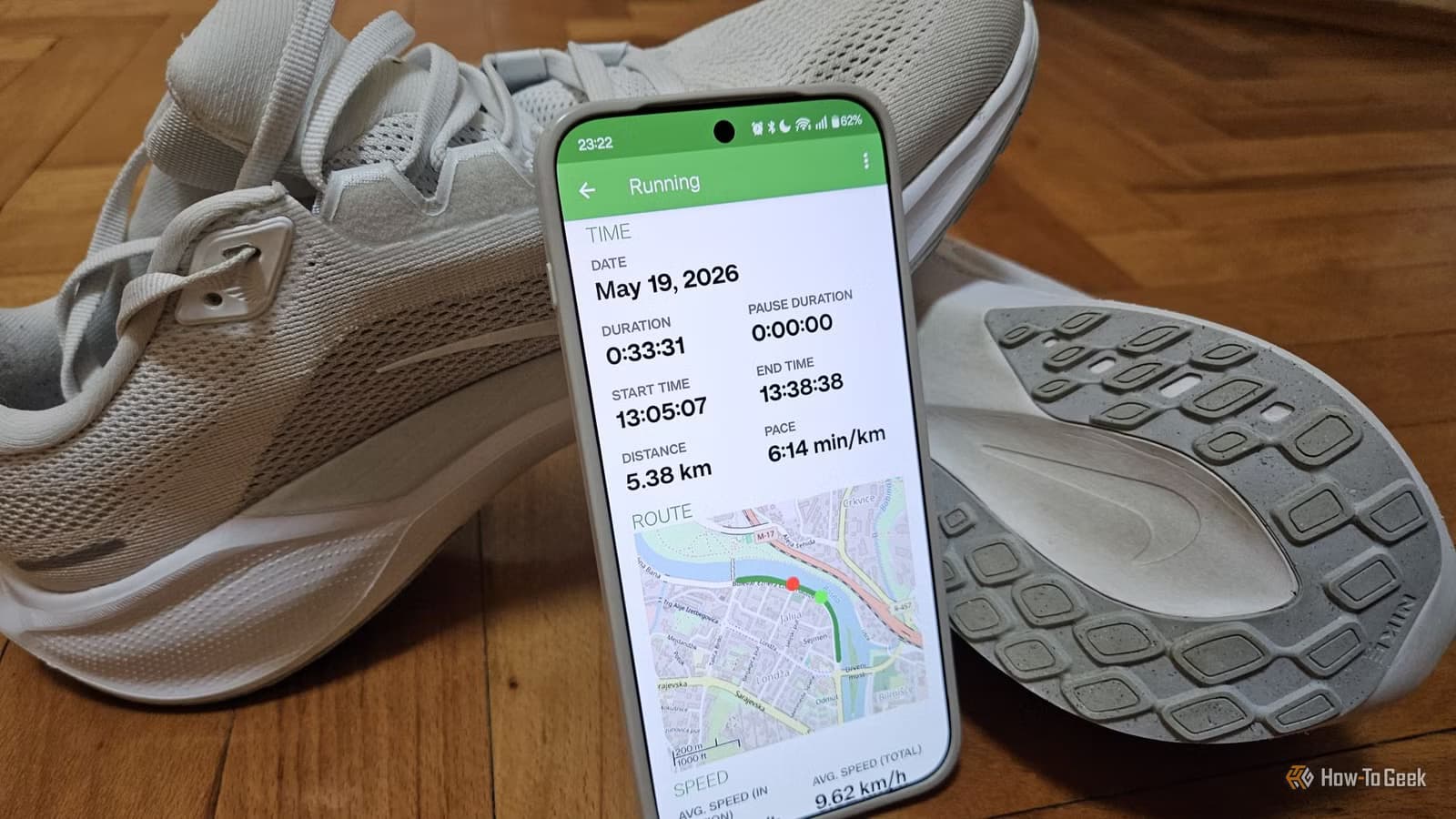
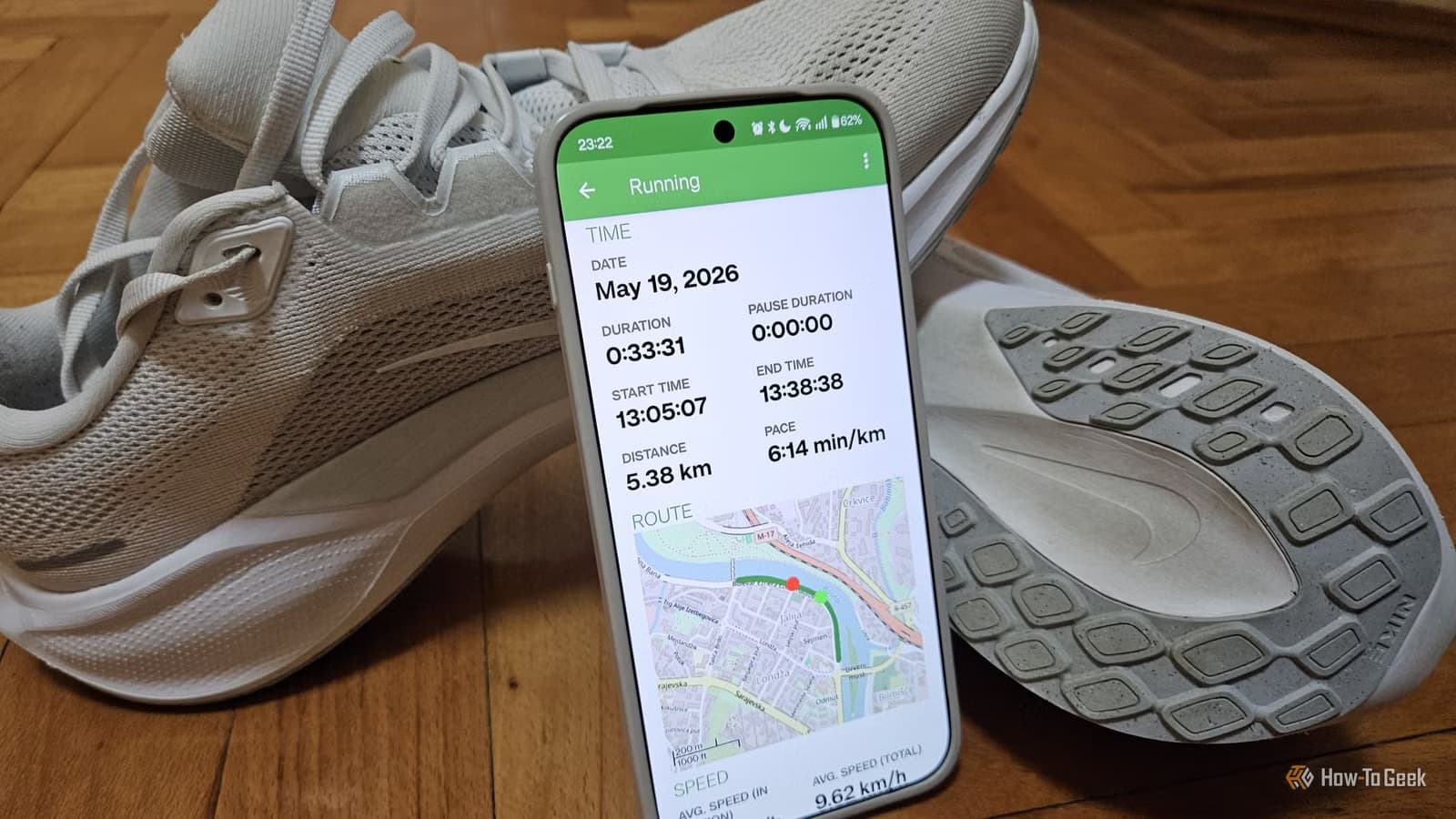
OpenTracks is a free, open-source fitness tracking app. It stores all data locally on your device. No cloud sync. No social features. No data leaves your phone unless you explicitly export it.
The app tracks GPS routes, speed, elevation, and distance. It works with Bluetooth heart rate monitors and other sensors. It does what Strava does for workout logging without the social layer or privacy concerns.
✅ Pros
- • All data stays on your device
- • No account required
- • Free with no ads or premium tiers
- • Open-source code can be audited
❌ Cons
- • No social features or leaderboards
- • Manual export required for backup
- • Less polished interface than Strava
- • No integration with fitness communities
The Community Split
Discussions on HackerNews and Reddit show a clear divide. Long-time Strava users argue the privacy features work fine if configured properly. Security-focused users say the heatmap risk makes cloud-based tracking unacceptable.
The core tension: Strava's value proposition is social. Comparing times with friends, joining challenges, seeing who else runs your routes. That requires sharing data. OpenTracks offers privacy at the cost of those features.
How to Lock Down Strava (If You Stay)
For users who want Strava's social features but better privacy, here's what to change:
- Set profile visibility to "Followers Only" or "Only You"
- Enable Privacy Zones around your home and workplace
- Turn off Flyby in settings
- Review activity visibility for each workout type
- Disable heatmap contributions in Metro settings
These steps reduce exposure but don't eliminate it. Aggregated data from other users can still reveal patterns in your area.
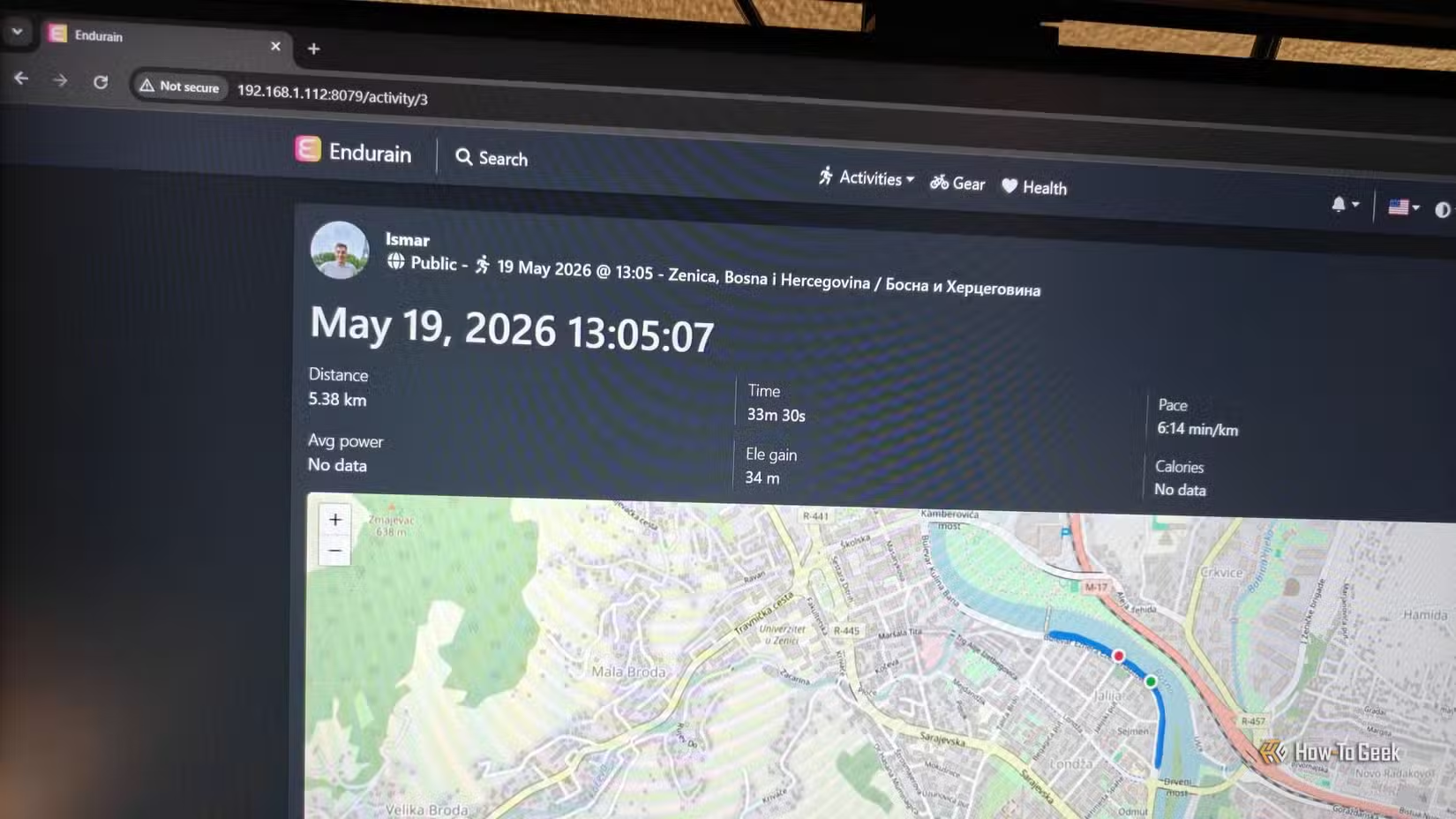
Another look at switching tools when privacy and design philosophy matter
Logicity's Take
Frequently Asked Questions
Does Strava share my home address with other users?
Not directly, but GPS start and end points are visible by default. If you start runs at home, other users can see that location on your activity maps.
What is a Privacy Zone in Strava?
A Privacy Zone hides the start and end of your activities within a radius you set, typically around your home or workplace. It must be manually enabled.
Is OpenTracks available for iPhone?
OpenTracks is Android-only. iOS users can look at similar local-first apps like WorkOutDoors or export Strava data for offline storage.
Can researchers really identify my home from Strava data?
Studies have shown 37.5% accuracy in identifying residences from aggregated heatmap data. Individual activity maps with visible start points are more revealing.
Does turning off Flyby prevent all location tracking?
No. Flyby only affects whether other users can see your route overlaps. Your activities, heatmap contributions, and GPS data are controlled by separate settings.
Need Help Implementing This?
Source: How-To Geek
Manaal Khan
Tech & Innovation Writer
Produced with AI assistance and reviewed by the Logicity editorial team. Learn more in our Editorial Policy.