Key Takeaways
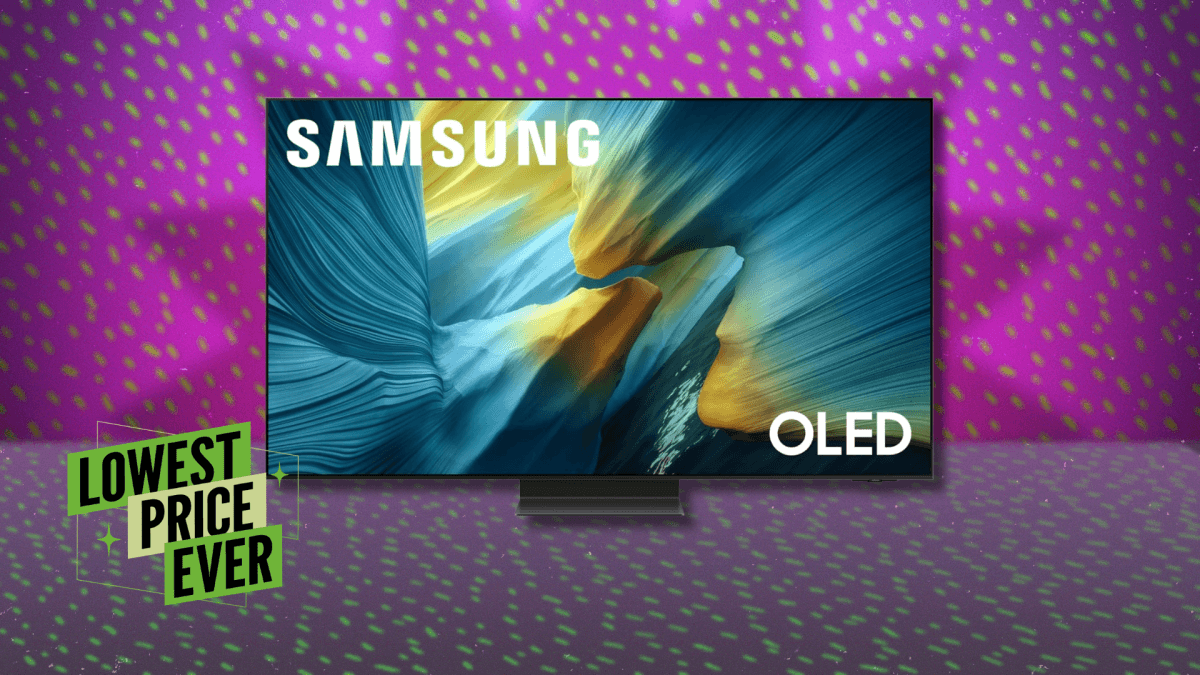
- Samsung S95F 55-inch OLED now $1,599 (lowest price ever, down from $2,197)
- Anti-reflective matte coating makes it ideal for bright office environments
- 4.8ms input lag supports smooth video conferencing and presentations
- Savings up to $700 across different screen sizes through current promotion
Read in Short
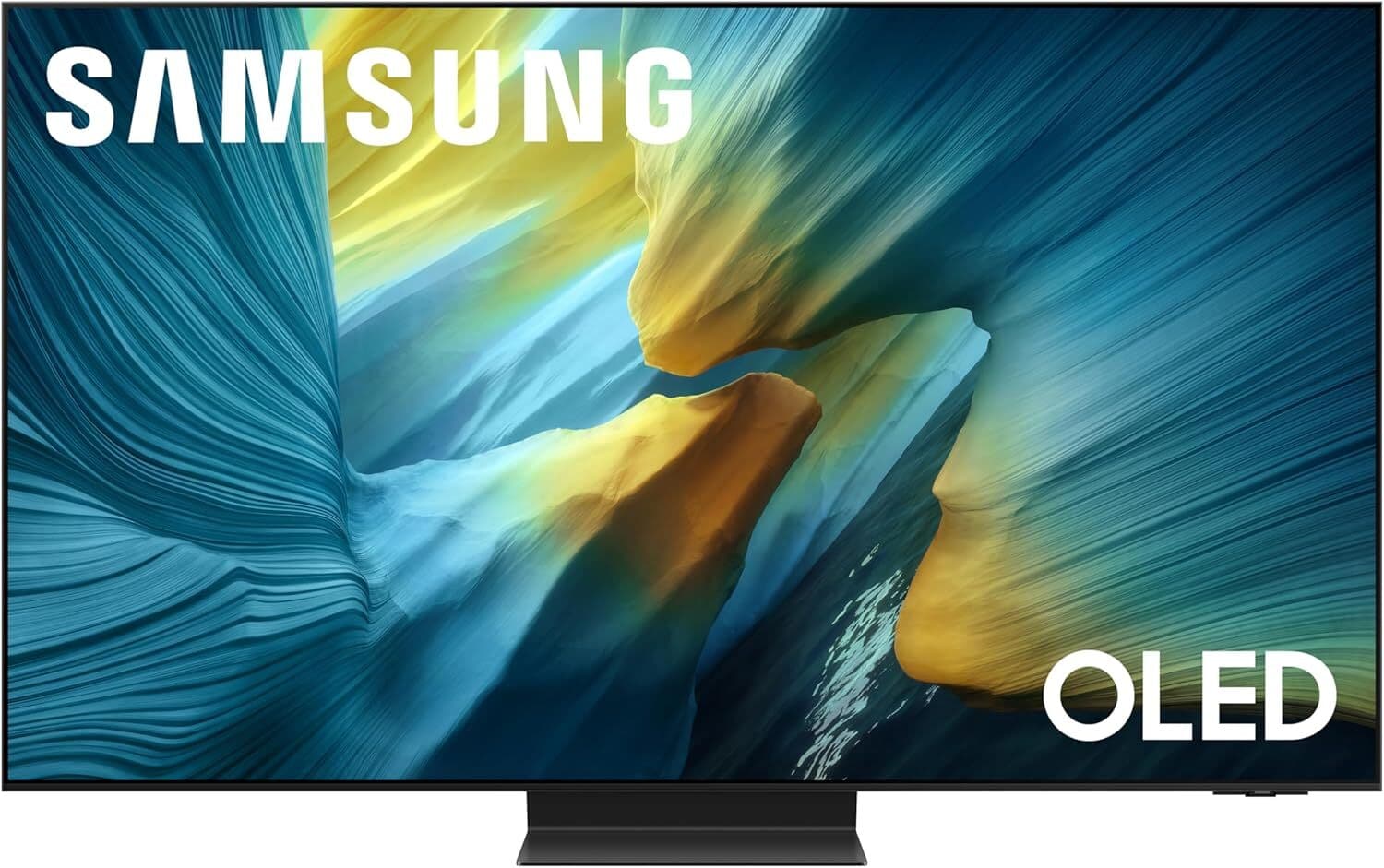
Samsung's flagship S95F OLED TV just dropped to its lowest price ever. The 55-inch model is now $1,599 (down $600), with discounts up to $700 on larger sizes. For executives building home offices or upgrading conference rooms, the S95F's anti-reflective matte coating and 1,364-nit brightness make it uniquely suited for daytime work environments. If you've been waiting for premium OLED pricing to make sense, this is your window.
Why Are Samsung OLED TV Deals Worth Your Attention Now?
Let's cut to the chase: premium display technology rarely goes on sale like this. The Samsung S95F represents the company's top-tier 2025 OLED lineup, and hitting the lowest price ever just months after launch signals either aggressive market positioning or inventory clearing before newer models. Either way, buyers win.
For business leaders specifically, the timing matters. Q2 is when many companies finalize home office stipends and equipment budgets. If you're allocating funds for executive home offices or planning conference room upgrades, locking in these prices now beats paying full retail when budgets reset.
What Makes the S95F Different for Business Use?
Most TV reviews focus on movie watching and gaming. But executives using displays for video calls, presentations, and document review have different priorities. Here's why the S95F specs translate to business value:
The matte anti-reflective coating is the headline feature for office use. Traditional OLED panels are essentially mirrors when the room lights are on. The S95F solves this with Samsung's glare-free technology, making it the least reflective OLED TV on the market. If your home office has windows or overhead lighting, this matters more than any other spec.
Brightness backs it up. At 1,364 nits, the S95F isn't the brightest OLED available, but it's well above average. Combined with the anti-glare coating, you're getting a display that actually works in a sunlit room. That's a genuine productivity feature, not a nice-to-have.
The 4.8ms input lag at 4K/60Hz means video conferencing feels natural. There's no perceptible delay between your movements and what appears on screen. For executives who spend hours in Zoom calls, that responsiveness reduces fatigue and makes presentations smoother.
Samsung OLED TV Deals: All Current Prices Compared
Samsung is discounting the entire S95F lineup right now. Here's how the pricing breaks down across sizes, because the right choice depends on your viewing distance and room setup:
| Screen Size | Sale Price | Original Price | Savings | Best For |
|---|---|---|---|---|
| 55 inch | $1,599 | $2,197 | $598 (27%) | Home offices, small conference rooms |
| 65 inch | $2,497 | $2,997 | $500 (17%) | Executive offices, medium rooms |
| 77 inch | $2,999 | $3,497 | $498 (14%) | Large conference rooms, boardrooms |
| 83 inch | $5,297 | $5,997 | $700 (12%) | Executive suites, presentation halls |
The 55-inch model offers the best percentage discount at 27% off. For a typical home office with a 6-8 foot viewing distance, it's the sweet spot. The 65-inch makes sense if you're mounting it in a larger space or want the extra screen real estate for split-screen productivity work.
Should You Choose OLED or QLED for Your Office?
This is the question I hear most from executives shopping for displays. Samsung sells both OLED and QLED TVs, and the choice isn't obvious. Here's the business leader's framework:
Quick Decision Guide
Choose OLED (S95F) if: Your office has controlled or moderate lighting, you prioritize color accuracy for design review, or you want the anti-reflective coating. Choose QLED (QN90F) if: Your space has intense direct sunlight, maximum brightness is critical, or budget is tighter. The QN90F is also on sale and costs less.
The OLED advantage comes down to perfect blacks and infinite contrast ratio. When you're reviewing presentations, spreadsheets, or design mockups, the clarity is noticeably superior. Text rendering is crisper. Colors are more accurate. If your work involves any visual evaluation, OLED pays dividends.
The QLED advantage is pure brightness and durability. If you're worried about burn-in from static elements like news tickers or dashboards running constantly, QLED removes that concern entirely. It also gets brighter, which can matter in south-facing offices with floor-to-ceiling windows.
Pair your new Samsung display with intelligent home automation
The Burn-In Question: Real Risk or Overblown?
Every OLED article mentions burn-in, so let's address it directly. Burn-in occurs when static images displayed for thousands of hours permanently mark the screen. Think cable news logos, always-on dashboards, or video game HUDs.
For typical business use, burn-in is a non-issue. You're switching between applications, taking calls, reviewing documents. The content changes constantly. Samsung also includes pixel-shifting and refresh features that mitigate risk during normal use.
Where you should be cautious: don't use an OLED as a digital signage display showing the same image 24/7. Don't leave your desktop with static icons visible for weeks without screen savers. Basic awareness eliminates the risk entirely for 99% of business users.
What's Missing: The Dolby Vision Trade-Off
The S95F supports HDR10 and HDR10+, but not Dolby Vision. For business use, this barely matters. Dolby Vision is primarily relevant for streaming movies and premium content. Your Zoom calls, PowerPoint presentations, and Excel spreadsheets don't use HDR at all.
If you're building a dual-purpose home theater and office space, and you specifically want Dolby Vision for evening movie watching, the LG G5 OLED is the alternative to consider. But you'll lose the matte anti-reflective coating that makes the S95F so office-friendly.
Beyond TVs: Other Tech Deals Worth Considering
While you're optimizing your setup, several other deals align with executive home office upgrades. Apple's AirPods Pro 3 are down to $199 (from $249), which matters if you're taking calls in shared spaces. The noise cancellation and transparency modes are productivity tools, not just audio accessories.
The Fire TV Stick 4K Plus at $29.99 (40% off) is worth grabbing as a backup streaming device or for secondary displays. Having reliable streaming hardware in conference rooms prevents those awkward moments when the main system fails during a presentation.
Display optimization matters for your engineering team too
Installation and Setup Considerations
A few practical notes for business buyers. The 55-inch S95F weighs 35 pounds, manageable for two-person installation. Wall mounting requires a compatible bracket (not included) and ideally a professional installer if you're running cables through walls.
The built-in speaker system received praise from PCMag, described as advanced for a TV. For solo video calls, it's adequate. For conference room use or presentations to groups, you'll still want external speakers or a soundbar. Budget an additional $100-300 for audio if this is going in a professional space.
Setup time is minimal. Samsung's smart TV platform handles most streaming apps natively, and screen mirroring from laptops works reliably. Expect 30 minutes from unboxing to fully operational.
✅ Pros
- • Lowest price ever on Samsung's flagship 2025 OLED
- • Anti-reflective matte coating ideal for bright offices
- • Excellent color accuracy for design and presentation review
- • Low input lag enhances video conferencing quality
- • Strong built-in speakers reduce accessory needs
❌ Cons
- • No Dolby Vision support for home theater purists
- • Burn-in risk exists for always-on dashboard use cases
- • Premium pricing even at discount versus budget alternatives
- • 65-inch and larger sizes still carry significant price tags
Frequently Asked Questions
Frequently Asked Questions
Is the Samsung S95F OLED worth $1,599 for a home office?
Yes, if you value display quality and work in a room with ambient light. The matte anti-reflective coating and 1,364-nit brightness make it uniquely suited for daytime productivity. Cheaper options exist, but they'll struggle with glare and color accuracy. This is a premium tool at a rare discount.
How long will these Samsung OLED TV deals last?
Price-tracking data shows this is the lowest price ever, typically indicating a limited-time promotion. Samsung tends to run TV deals in 1-2 week windows. If you're serious about buying, don't wait for a better price that may not come.
Should I buy the 55-inch or 65-inch S95F for my office?
Measure your viewing distance. At 5-7 feet, the 55-inch is ideal. At 7-10 feet, go with the 65-inch. Buying too large for your space causes eye strain; too small wastes the resolution. The 55-inch offers better value with a higher percentage discount.
Will an OLED TV work for video conferencing and presentations?
Absolutely. The 4.8ms input lag ensures responsive video calls with no perceptible delay. The 4K resolution handles presentation details and small text clearly. Just ensure you have adequate lighting for your camera. The TV's brightness won't affect your video quality.
Is OLED burn-in a real concern for business use?
For typical business use with varied content, no. Burn-in requires static images displayed for thousands of cumulative hours. If you switch between apps, take calls, and use screen savers, you'll never encounter this issue. Avoid using it as a 24/7 digital signage display.
Making data-driven decisions about your technology investments
The Bottom Line for Decision-Makers
The Samsung S95F at $600 off represents a genuine opportunity. Premium OLED technology, purpose-built features for daytime use, and the lowest price ever recorded. If you've budgeted for a home office display upgrade or conference room refresh, executing now makes financial sense.
The anti-reflective matte coating alone differentiates this from every other OLED on the market. For executives who work during daylight hours in real offices (not darkened home theaters), that's the killer feature that justifies the still-premium pricing.
These deals won't last indefinitely. If you're in the market, move while the pricing holds.
Need Help Optimizing Your Executive Tech Setup?
Logicity helps business leaders make informed technology decisions. From home office configurations to enterprise display deployments, we provide the analysis and recommendations that save time and budget. Subscribe to our newsletter for weekly insights on technology investments that matter.
Source: Lifehacker
Manaal Khan
Tech & Innovation Writer
Produced with AI assistance and reviewed by the Logicity editorial team. Learn more in our Editorial Policy.