Key Takeaways
Zapier vs Power Automate Comparison | Best Workflow Automation Tool Explained

- Power Automate comes bundled with Microsoft 365 but requires IT involvement for complex flows
- Zapier connects 9,000+ apps versus Power Automate's 1,400 connectors
- Hidden costs in Power Automate licensing can exceed Zapier's transparent pricing for non-Microsoft workflows
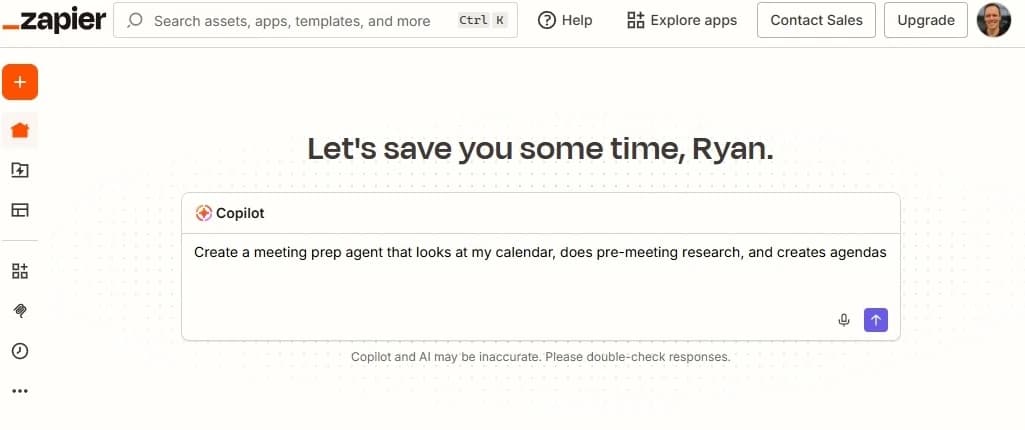
If your company runs on Microsoft 365, Power Automate is already in your toolkit. It connects tightly with Teams, SharePoint, and Dynamics. But the moment your tech stack includes Salesforce, Slack, or any of the dozens of SaaS tools most operations teams juggle, Zapier's 9,000+ integrations pull ahead. The choice comes down to ecosystem depth versus ecosystem breadth.
Disclosure
Some links in this post are affiliate links — Logicity earns a commission if you sign up, at no extra cost to you. We only link products we have used or actively recommend.
Zapier published an updated comparison in early 2026, and while the source is obviously partial, the technical details hold up. Here's what operations and RevOps teams should weigh before committing to either platform.
Who actually builds the automations?
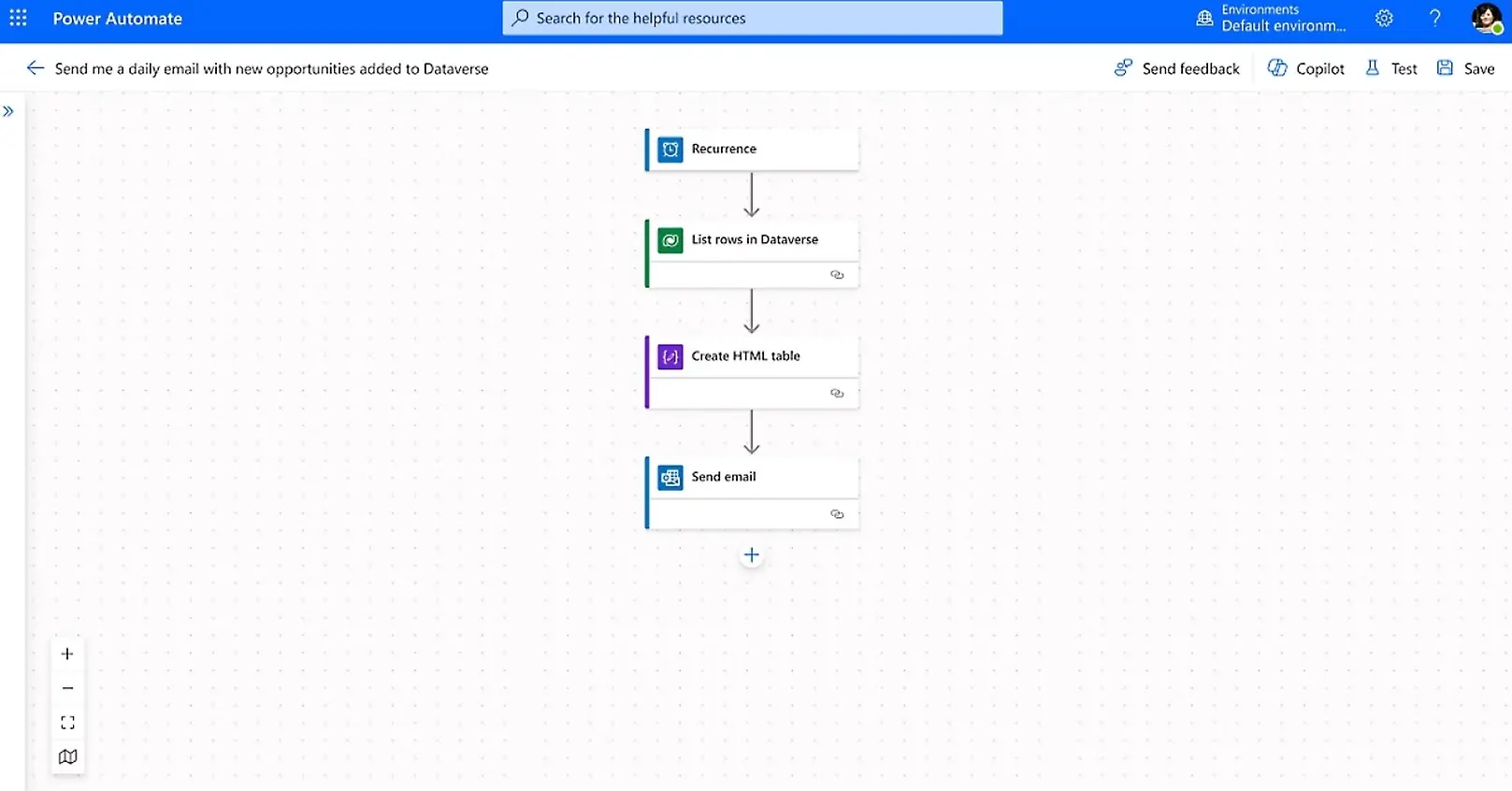
Power Automate bills itself as no-code, but Microsoft's own documentation describes a three-person handoff for anything beyond the basics: a business analyst sketches the process, a developer customizes and tests it, and an IT admin deploys and monitors it. That workflow makes sense for regulated industries or company-wide rollouts. It also means a two-week wait when marketing needs a lead-routing fix.
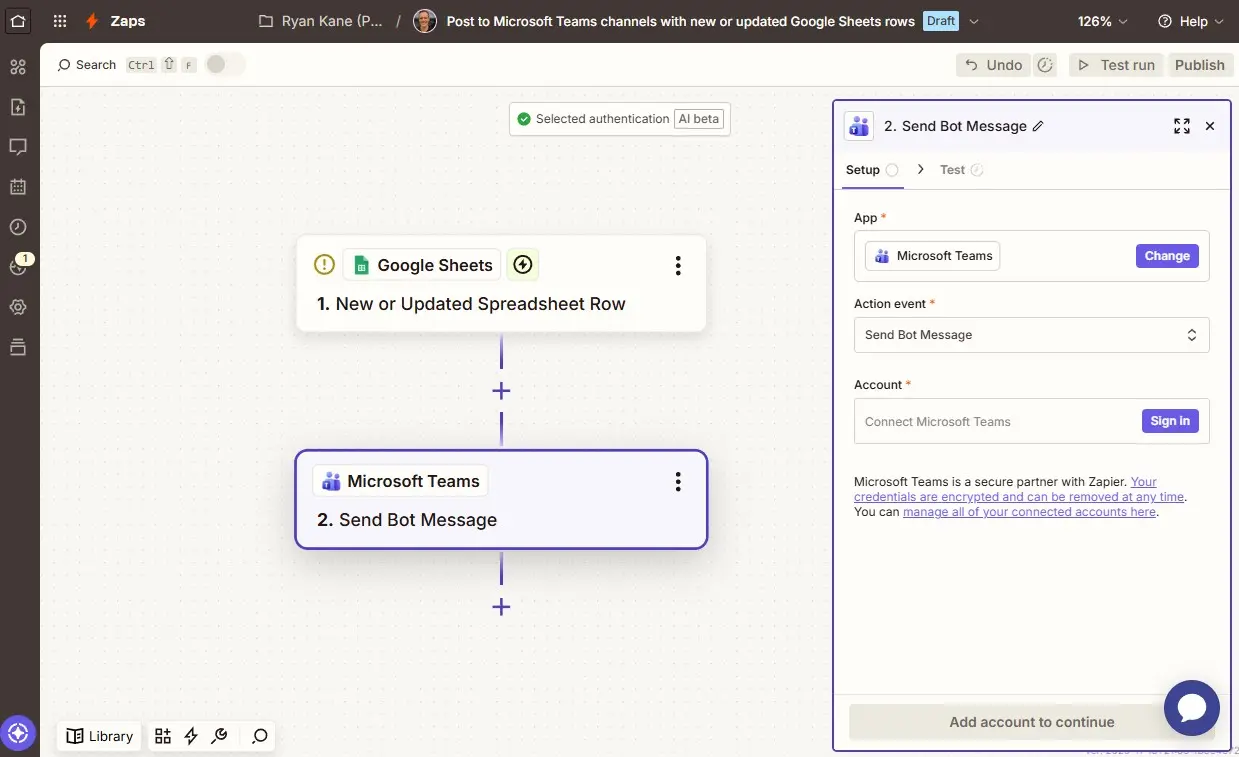
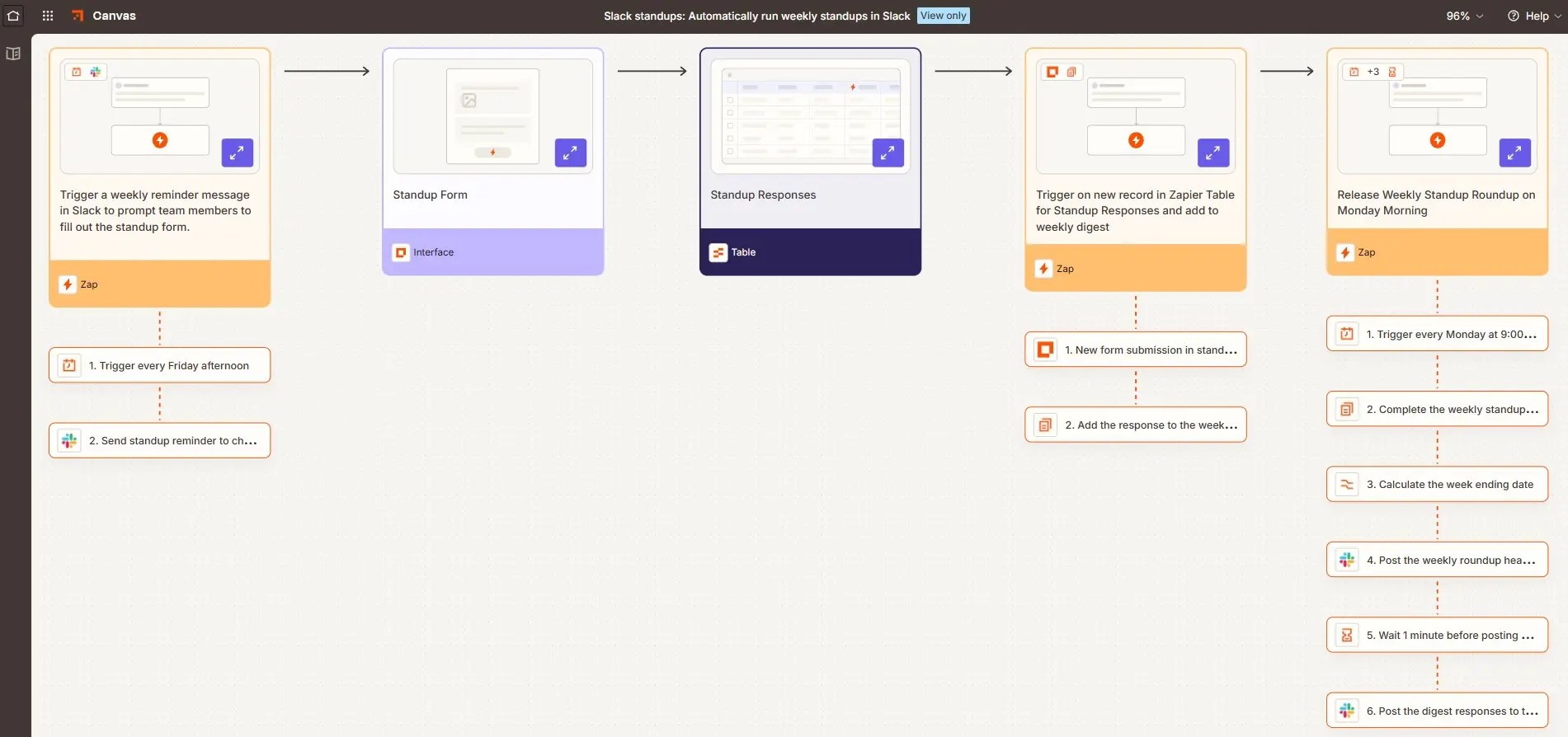
Zapier flips the model. A RevOps manager can wire up HubSpot to Slack to a Google Sheet, test it, and ship it the same afternoon. IT still sets guardrails through Zapier's Admin Center, role-based permissions, and app restrictions. The difference is who initiates: the person closest to the problem, not a ticketing queue.
Integration count: 9,000 vs 1,400
Power Automate lists roughly 1,400 connectors. Many are Microsoft first-party: Outlook, OneDrive, Dataverse, Azure services. Third-party connectors exist, but depth varies. Zapier claims over 9,000 integrations, covering everything from enterprise CRMs like Salesforce and HubSpot to niche tools like Runway for video generation or Looker Studio for dashboards.
For a company standardized on Microsoft, 1,400 connectors may be plenty. For a startup running Pipedrive, Notion, Slack, and a half-dozen point solutions, Zapier's library is the safer bet.
Pricing: bundled vs transparent
Power Automate's basic tier ships with Microsoft 365, which sounds free until you need premium connectors or unattended bots. Premium runs $15 per user per month, billed annually. Unattended RPA bots cost $150 to $215 per month each. For a 50-person ops team running a few bots, that adds up fast.
Zapier uses usage-based pricing. The Starter plan is $19.99 per month. The Team plan at $69 per month covers up to 25 users. Enterprise pricing is custom. No hidden connector tiers, no per-bot fees. For teams automating across non-Microsoft apps, Zapier's model is usually cheaper and easier to forecast.
| Factor | Zapier | Power Automate |
|---|---|---|
| Entry price | $19.99/month | Included with M365 (basic) |
| Premium features | Team plan $69/month | $15/user/month |
| Unattended RPA | Not applicable | $150-215/bot/month |
| App integrations | 9,000+ | 1,400+ |
| Primary users | Business users, RevOps | IT, Power Platform devs |
| AI capabilities | Copilot, agentic AI | AI Builder, Copilot |
RPA and desktop flows: Power Automate's edge
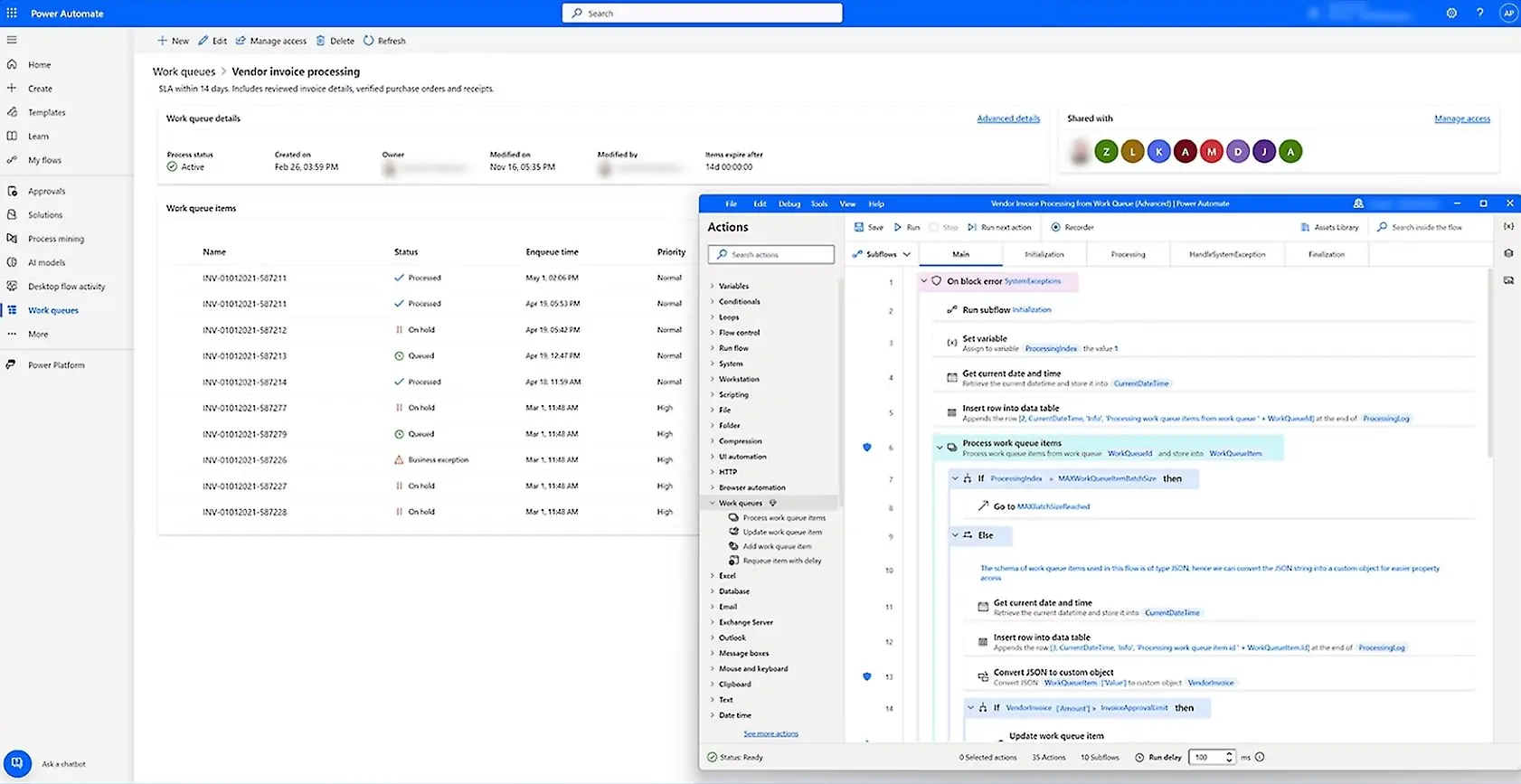
Power Automate includes desktop flows for robotic process automation. If your operations still touch legacy desktop apps, green-screen terminals, or on-prem software, that capability matters. Zapier focuses on cloud-to-cloud workflows and doesn't offer RPA.
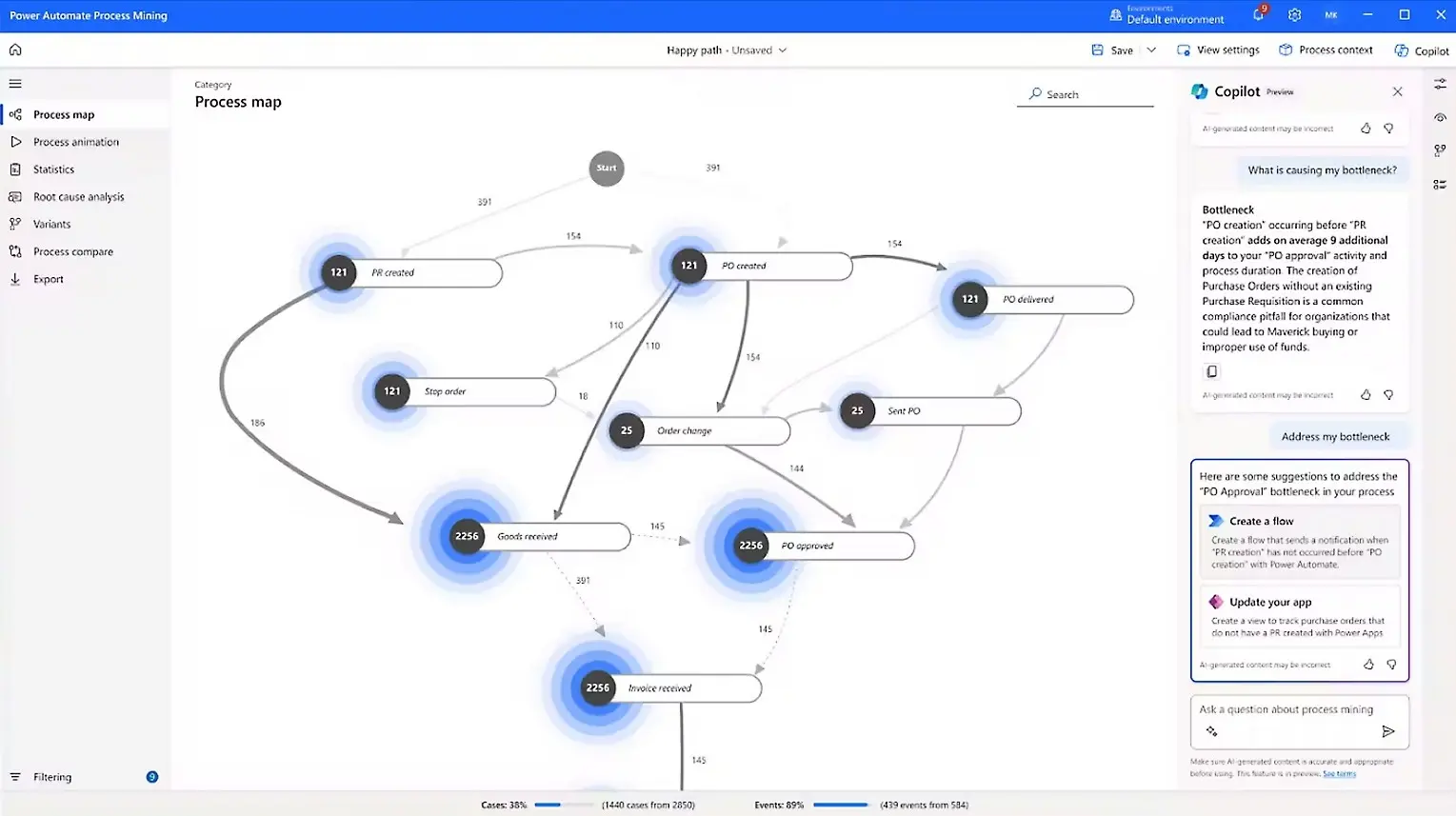
Power Automate also bundles process mining and task mining, letting IT teams map existing workflows before automating them. For large-scale digital transformation projects, those tools reduce guesswork. Zapier counters with its own process-mapping features and agentic AI, but RPA remains a gap.
Security and compliance
Both platforms hold SOC 2 Type II certification, support SSO, and provide audit logs. Power Automate adds HIPAA compliance, which matters for healthcare organizations. Zapier notes its SDK is still in open beta, a flag for teams building custom integrations in regulated environments.
For most RevOps use cases, both platforms meet enterprise requirements. The tiebreaker is usually which ecosystem your security team already trusts.
When to pick each platform
Choose Power Automate if your stack is 80%+ Microsoft, you need RPA for legacy apps, or your IT team prefers centralized control over citizen development. Choose Zapier if your stack spans multiple vendors, your ops team wants to ship automations without IT tickets, or you need integrations with newer SaaS tools.
Some enterprises run both. Power Automate handles internal Microsoft-to-Microsoft workflows, while Zapier connects customer-facing tools. That's not elegant, but it's pragmatic.
Logicity's Take
For RevOps teams, the real question is time-to-automation. Power Automate's IT-centric model protects governance but slows iteration. Zapier's self-serve model accelerates delivery but requires clear guardrails. If your team already uses [Make](https://logicity.in/r/make) or [n8n](https://logicity.in/r/n8n), consider those as middle-ground options: Make offers visual workflows at lower price points, while n8n provides open-source flexibility for teams with developer resources. The best tool is the one your team actually ships with.
Frequently Asked Questions
Is Power Automate really free with Microsoft 365?
The basic version is included, but premium connectors and unattended RPA bots require separate licensing at $15/user/month or $150-215/bot/month.
Can Zapier replace Power Automate for Microsoft workflows?
Zapier connects to Microsoft 365 apps, but Power Automate offers deeper native integration with SharePoint, Dynamics, and Azure services.
Which platform is better for non-technical users?
Zapier is designed for business users to build and deploy automations independently. Power Automate typically requires IT involvement for anything beyond simple flows.
Does Zapier offer RPA capabilities?
No. Zapier focuses on cloud-to-cloud automation. For desktop or legacy app automation, Power Automate's RPA features are the stronger choice.
Need Help Implementing This?
Logicity helps operations teams design automation strategies that fit their actual stack. Reach out for a workflow audit or tool selection consultation.
Source: The Zapier Blog
Manaal Khan
Tech & Innovation Writer
Produced with AI assistance and reviewed by the Logicity editorial team. Learn more in our Editorial Policy.