Key Takeaways
- Mailspring provides native conversation view that Thunderbird lacks without plugins
- The app is open-source, cross-platform, and completely ad-free on the free tier
- Thunderbird's resource consumption can drain laptop batteries without warning
Why Thunderbird Wasn't the Answer
The journey started with Outlook, which served as the default email client for years. Mozilla's Thunderbird seemed like a logical next step. It's free and open-source. But it has a critical flaw: no native conversation view.
Conversation view groups related emails into a single thread. A back-and-forth exchange reads like a chat instead of a pile of separate messages. Thunderbird can add this through a plugin, but plugins break. That's exactly what happened after an update.
There's another problem. Thunderbird is resource-hungry. It can quietly drain your laptop battery without any warning. Time to look elsewhere.
The Search for a Better Client
Several alternatives got a trial run: Blue Mail, Spark Mail, and eM Client. None stuck. Then came Mailspring.
Mailspring is a cross-platform, ad-free application that works on Windows, Mac, and Linux. Despite a few quirks, it handles daily email needs better than both Outlook and Thunderbird.
Modern UI Without the Open-Source Clunkiness
Many open-source email clients look like they were designed a decade ago and never updated. Mailspring doesn't have that problem. The interface is polished and modern.
The layout follows a classic three-pane design. Folders sit on the left. The message list runs down the middle. The opened email takes up the right side. Nothing feels cramped. Everything has room to breathe.
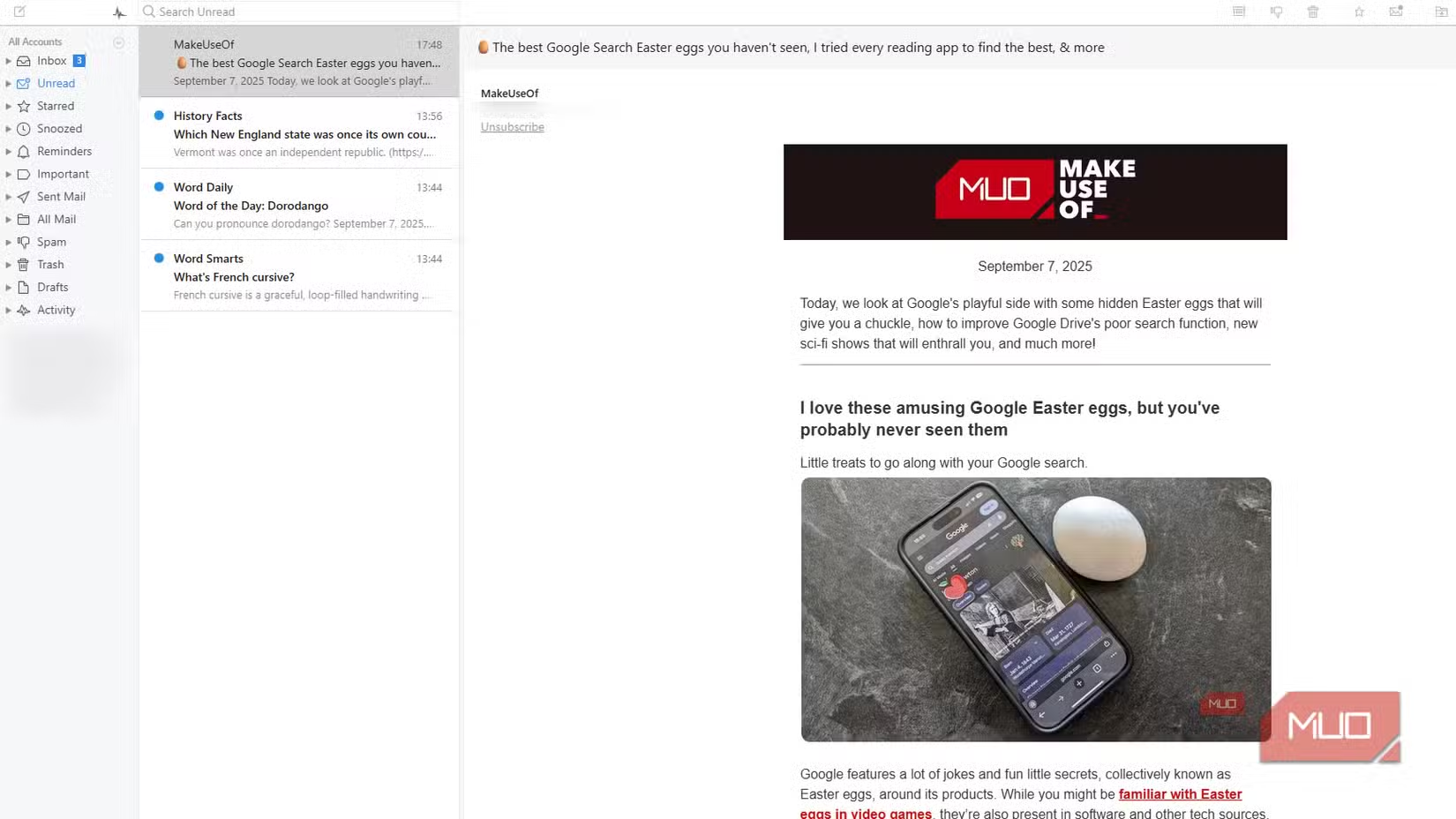
When you reply to an email, a rich-text editor opens inline in the same pane. You can format your message and send it without jumping to a separate window. There's also a contact sidebar that shows information about the sender along with your past conversations with them. It's a small touch, but it provides context without cluttering the screen.
The Feature That Sealed the Deal
Native conversation view. Mailspring groups related messages into a single thread automatically. No plugins required. No worrying about updates breaking the functionality.
For anyone who handles dozens of email threads daily, this feature alone makes the switch worthwhile. Reading through a discussion as one continuous flow beats hunting through individual messages in a crowded inbox.
Customization Options
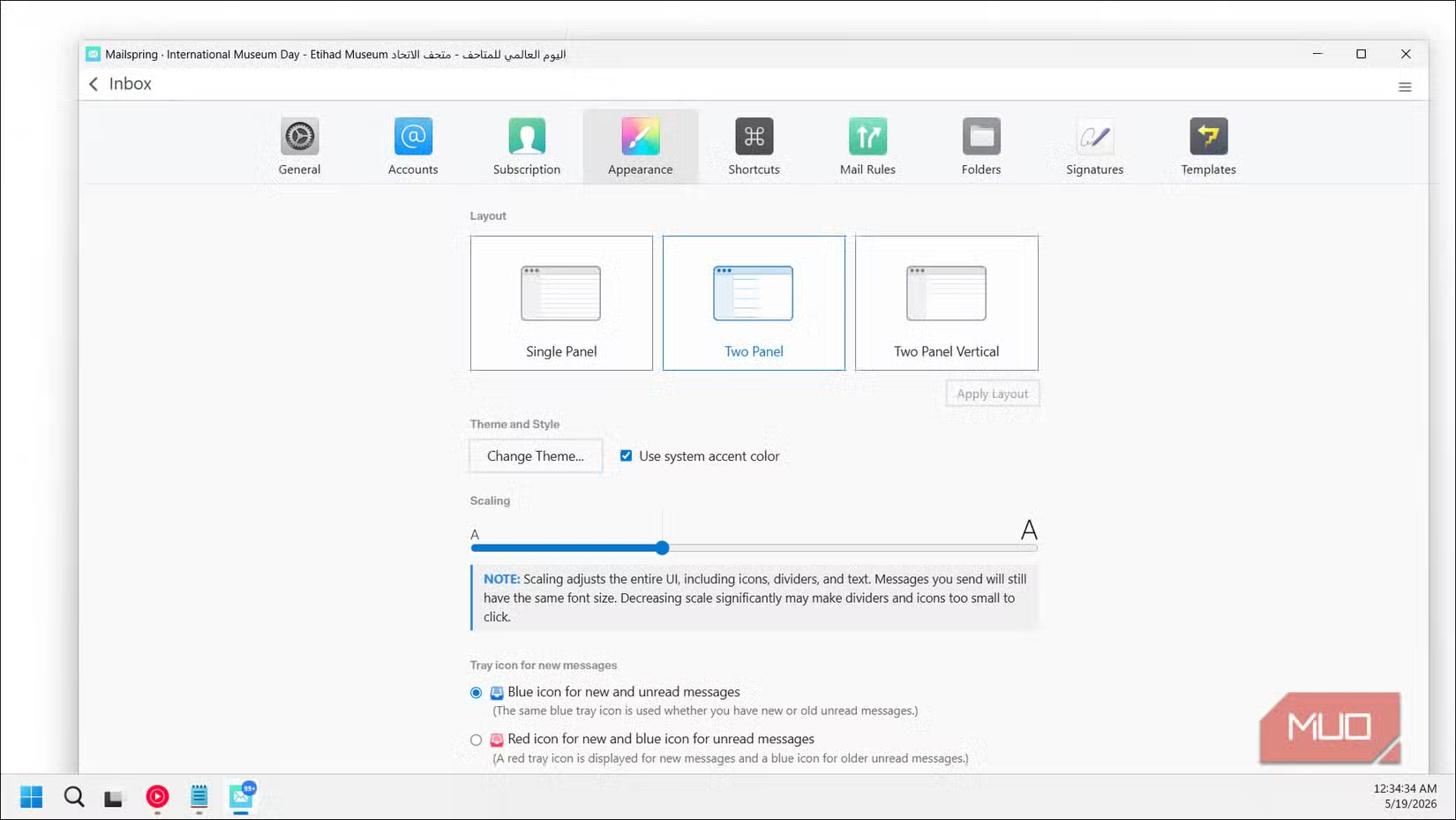
Mailspring offers appearance settings that let you adjust the interface to your preferences. Themes, layouts, and density options are available without digging through config files.
The Quirks You Should Know
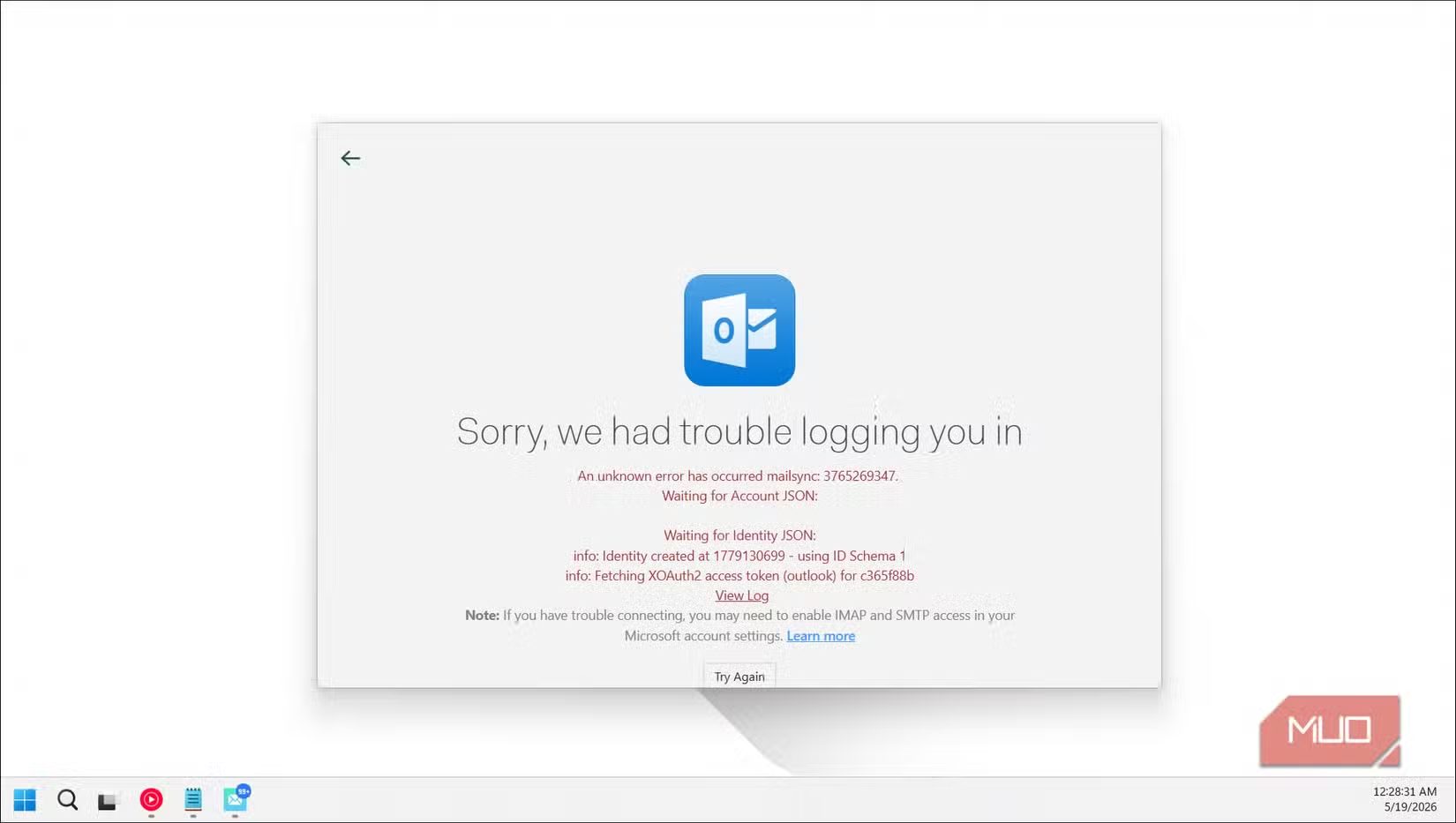
No software is perfect. Mailspring occasionally shows upgrade dialogs for its Pro tier. These aren't aggressive, but they exist. Some users have reported login errors during initial setup, though these are typically resolved by re-entering credentials.
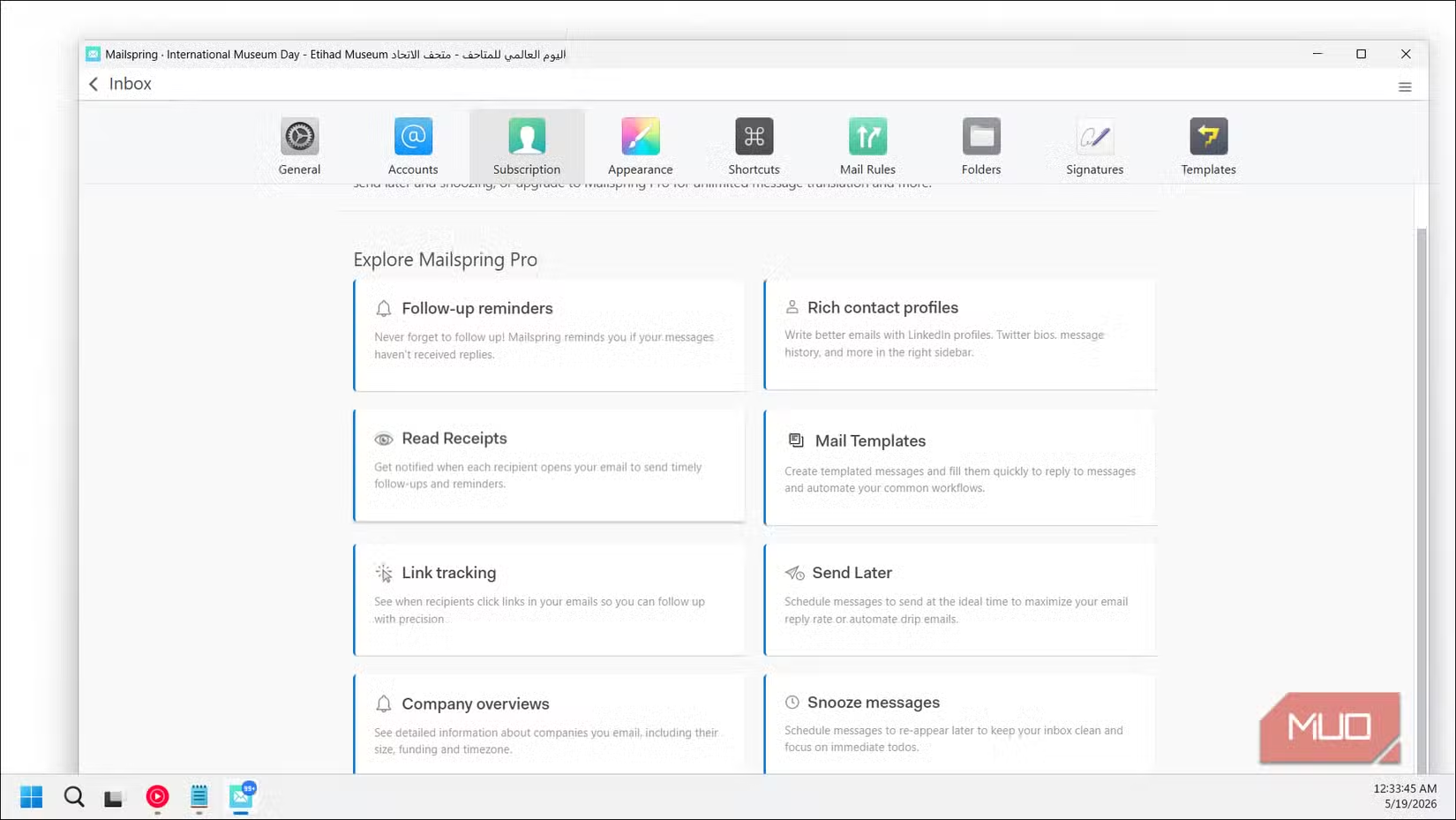
The Pro version adds features like read receipts, link tracking, and send later scheduling. The free tier covers everything most users need for personal and professional email.
How the Three Compare
| Feature | Outlook | Thunderbird | Mailspring |
|---|---|---|---|
| Price | Microsoft 365 subscription | Free | Free (Pro tier available) |
| Native Conversation View | Yes | No (plugin required) | Yes |
| Ad-Free | No (free version has ads) | Yes | Yes |
| Open Source | No | Yes | Yes |
| Resource Usage | Moderate | High | Low to Moderate |
| Cross-Platform | Windows, Mac, Web | Windows, Mac, Linux | Windows, Mac, Linux |
✅ Pros
- • Native conversation view without plugins
- • Modern, clean interface that doesn't look dated
- • Completely ad-free on free tier
- • Cross-platform support for Windows, Mac, Linux
- • Lower resource consumption than Thunderbird
❌ Cons
- • Occasional upgrade dialogs for Pro features
- • Some users report login errors during setup
- • Smaller community than Thunderbird or Outlook
Who Should Consider Switching
Mailspring fits users who want a desktop email client without subscription costs or ads. If conversation view is essential to your workflow and you've been frustrated by Thunderbird's plugin dependency, this is worth a try.
It's also a solid choice for anyone running Linux who wants an email client that doesn't feel like an afterthought. The same polished experience carries across all three operating systems.
Another productivity tool comparison for daily workflows
Logicity's Take
Frequently Asked Questions
Is Mailspring really free?
Yes. The core application is free and ad-free. A Pro tier adds advanced features like read receipts and send scheduling, but the free version handles all standard email functions.
Does Mailspring work with Gmail and Outlook accounts?
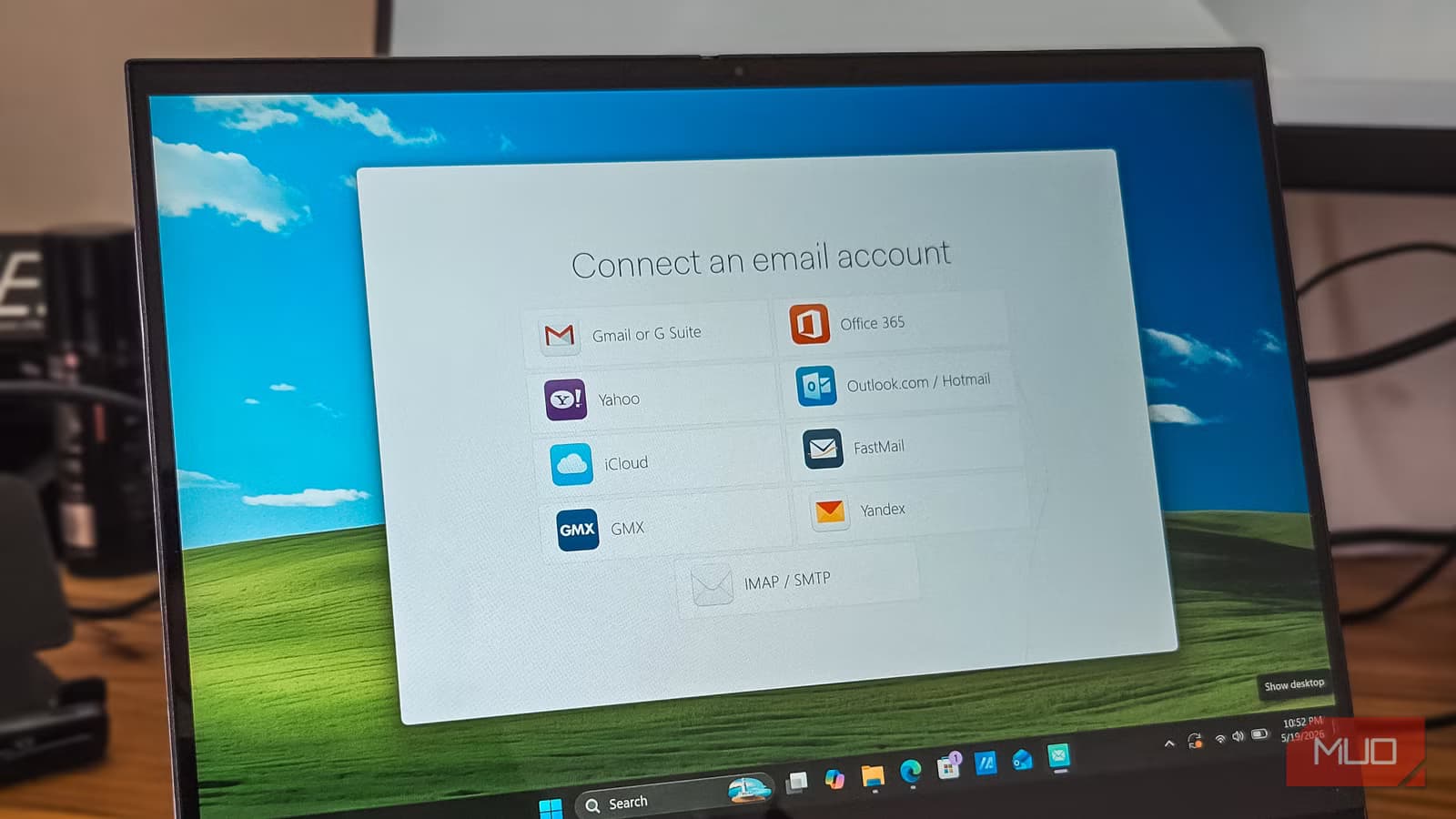
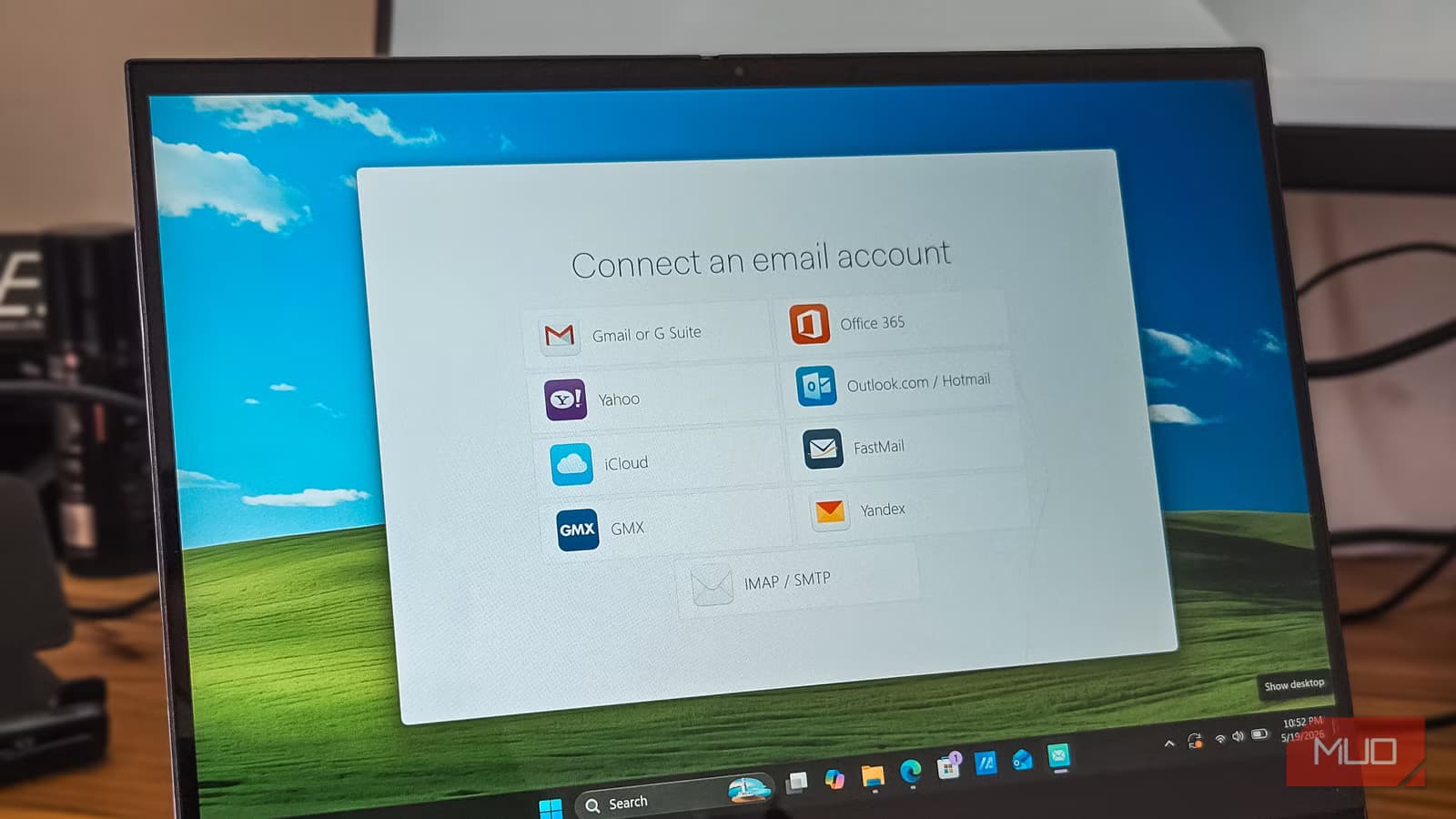
Mailspring supports IMAP and SMTP, which means it works with Gmail, Outlook, Yahoo, and most other email providers.
Why doesn't Thunderbird have native conversation view?
Mozilla has not implemented conversation view as a built-in feature. Users must install third-party plugins, which can break after updates.
Is Mailspring open source?
Yes. Mailspring is open-source software, allowing developers to inspect the code and contribute to the project.
Does Mailspring use less battery than Thunderbird?
Users report lower resource consumption with Mailspring compared to Thunderbird, which can help extend laptop battery life during heavy email use.
Need Help Implementing This?
Source: MakeUseOf
Manaal Khan
Tech & Innovation Writer
Produced with AI assistance and reviewed by the Logicity editorial team. Learn more in our Editorial Policy.