Key Takeaways
- monday.com leads for visual customization, while Asana stands out for AI-assisted coordination
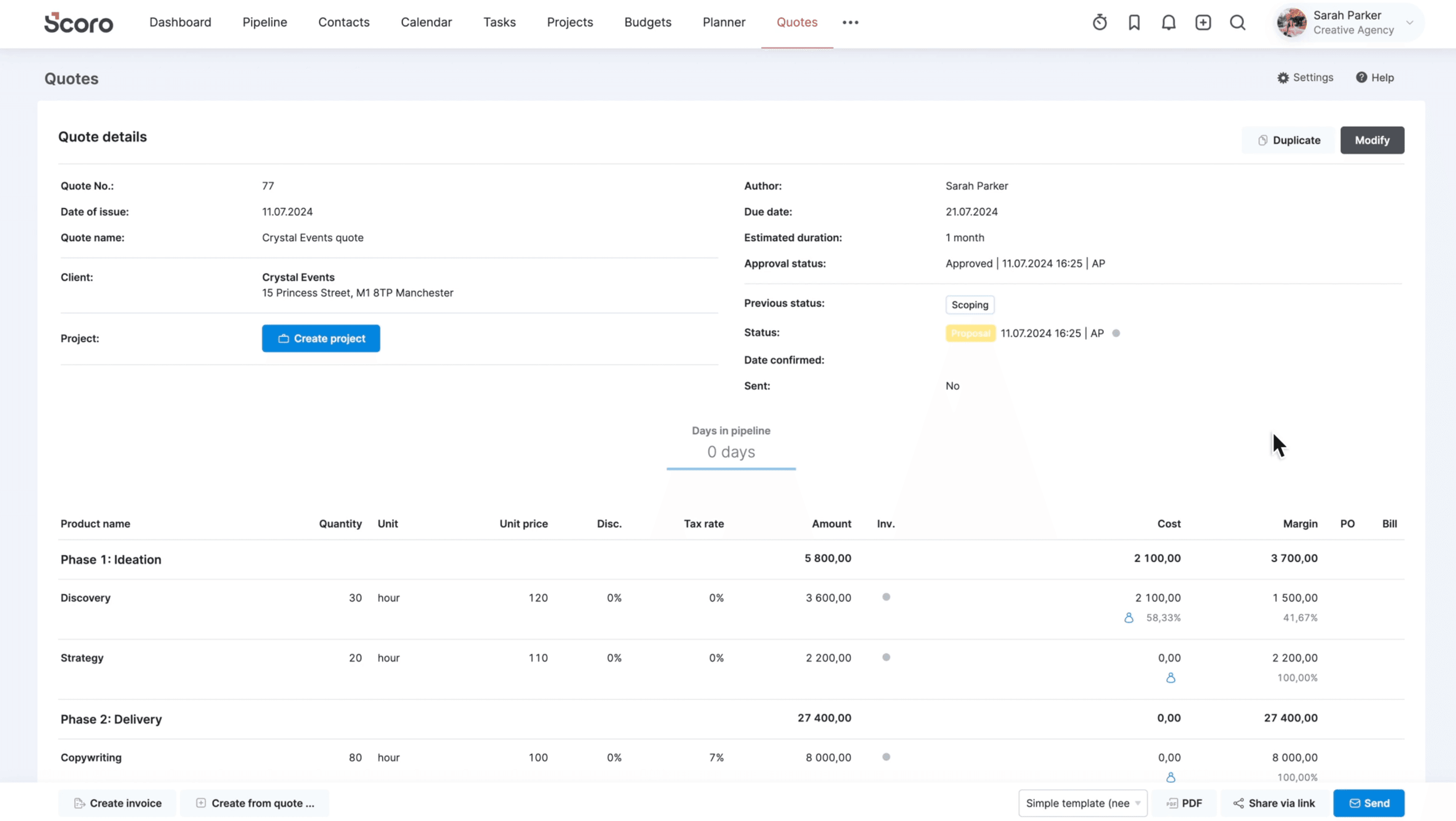
- Productive and Scoro focus on the financial side: profitability tracking and quote-to-cash workflows
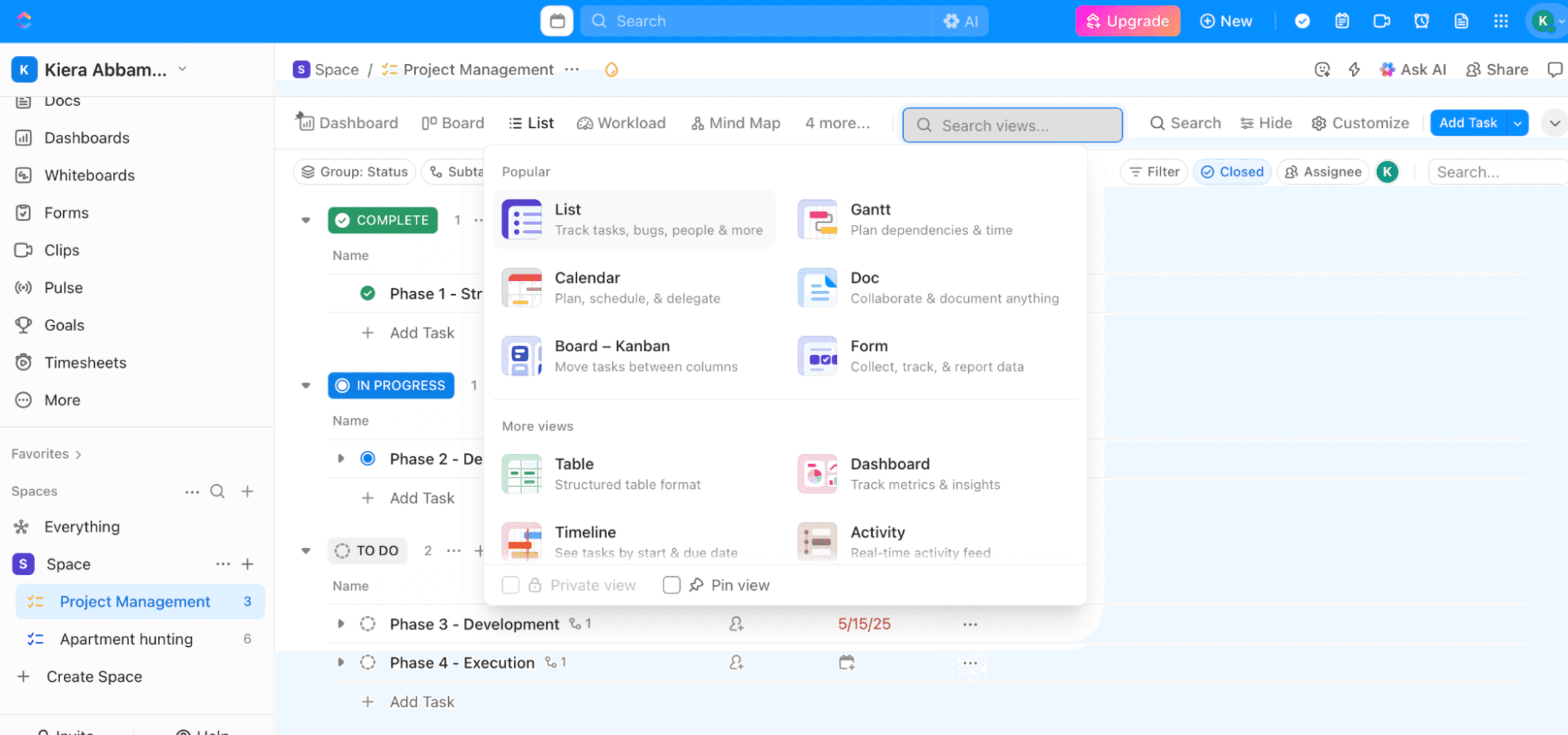
- ClickUp offers built-in creative review features, reducing the need for separate proofing tools
A deliverable can be "done" and still waiting on a fifth round of feedback. A project can be on time and quietly over budget. A team can look fully booked on paper while sitting there twiddling their thumbs because the client can't decide what they want.
That's the reality of creative work. Standard project management tools treat tasks as binary: done or not done. Creative agencies need something that handles the messy middle, where a logo revision isn't just a checkbox but a negotiation between art director, client stakeholder, and legal review.
Zapier's latest roundup tests seven platforms built for this chaos. The evaluation focused on tools suitable for content, graphic, branding, and marketing agencies, ones that manage client deliverables while keeping scheduling, timelines, and financials on track.
The Seven Picks
Each tool in the roundup targets a different pain point in the creative workflow. Here's how Zapier categorized them:
- monday.com: Visual customization for teams that need flexible board layouts
- Asana: AI-assisted coordination for managing complex project dependencies
- ClickUp: Built-in creative review tools for proofing and approval workflows
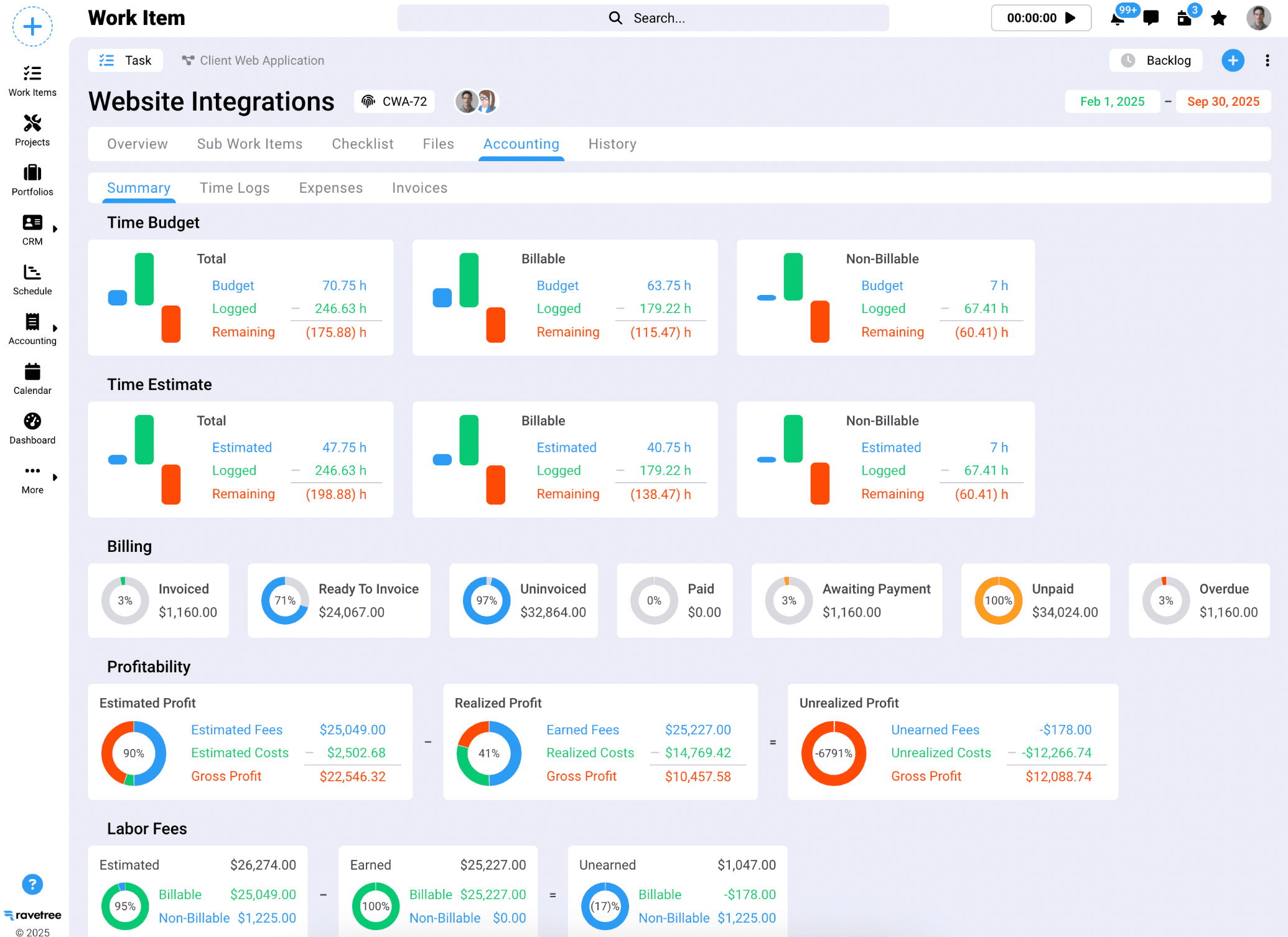
- Productive: Profitability tracking to see which projects actually make money
- Scoro: Quote-to-cash workflows connecting estimates to invoices
- Ravetree: Retainer management for agencies with ongoing client contracts
- Zapier: AI automation to connect tools and reduce manual work
Visual Customization vs. Financial Tracking
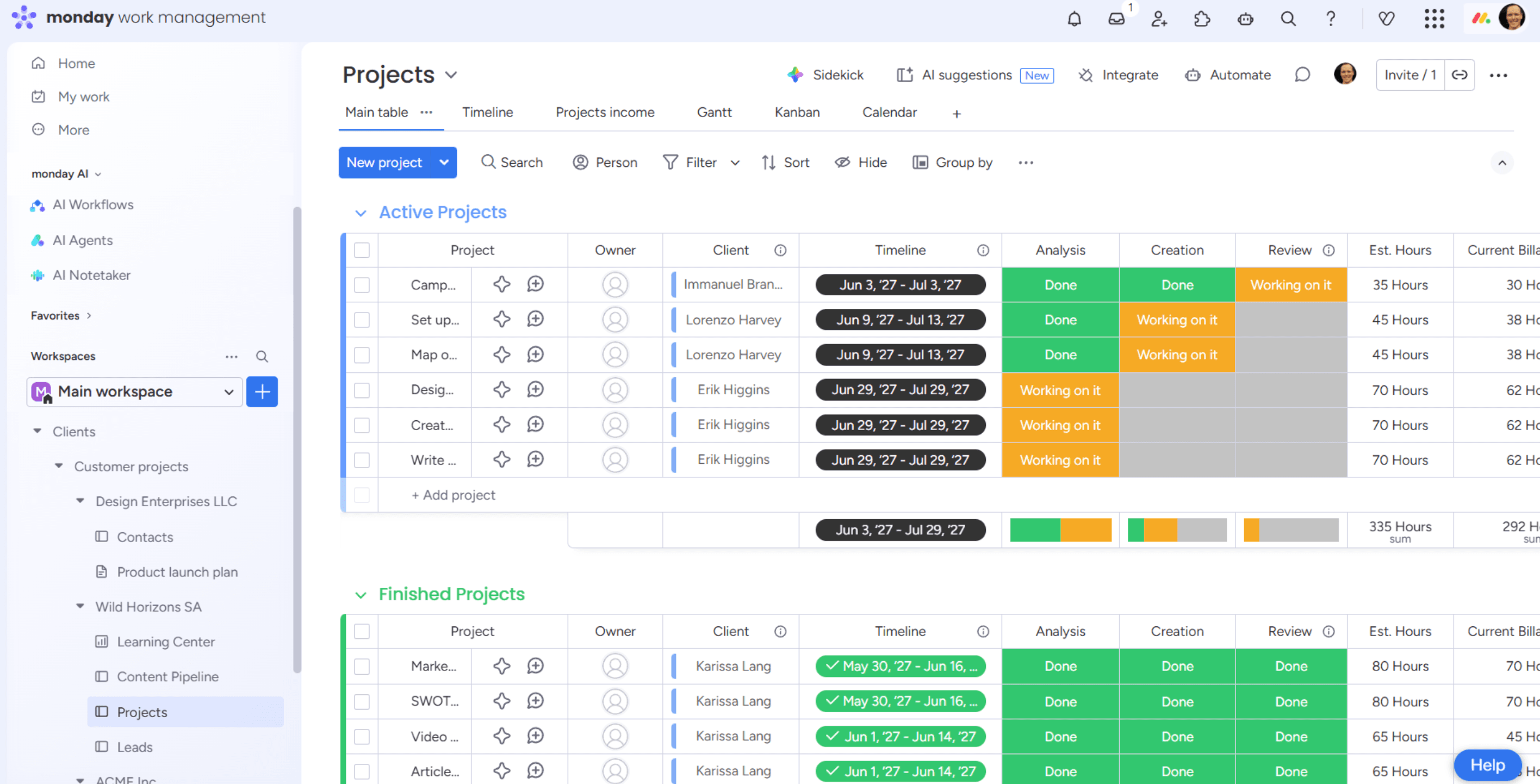
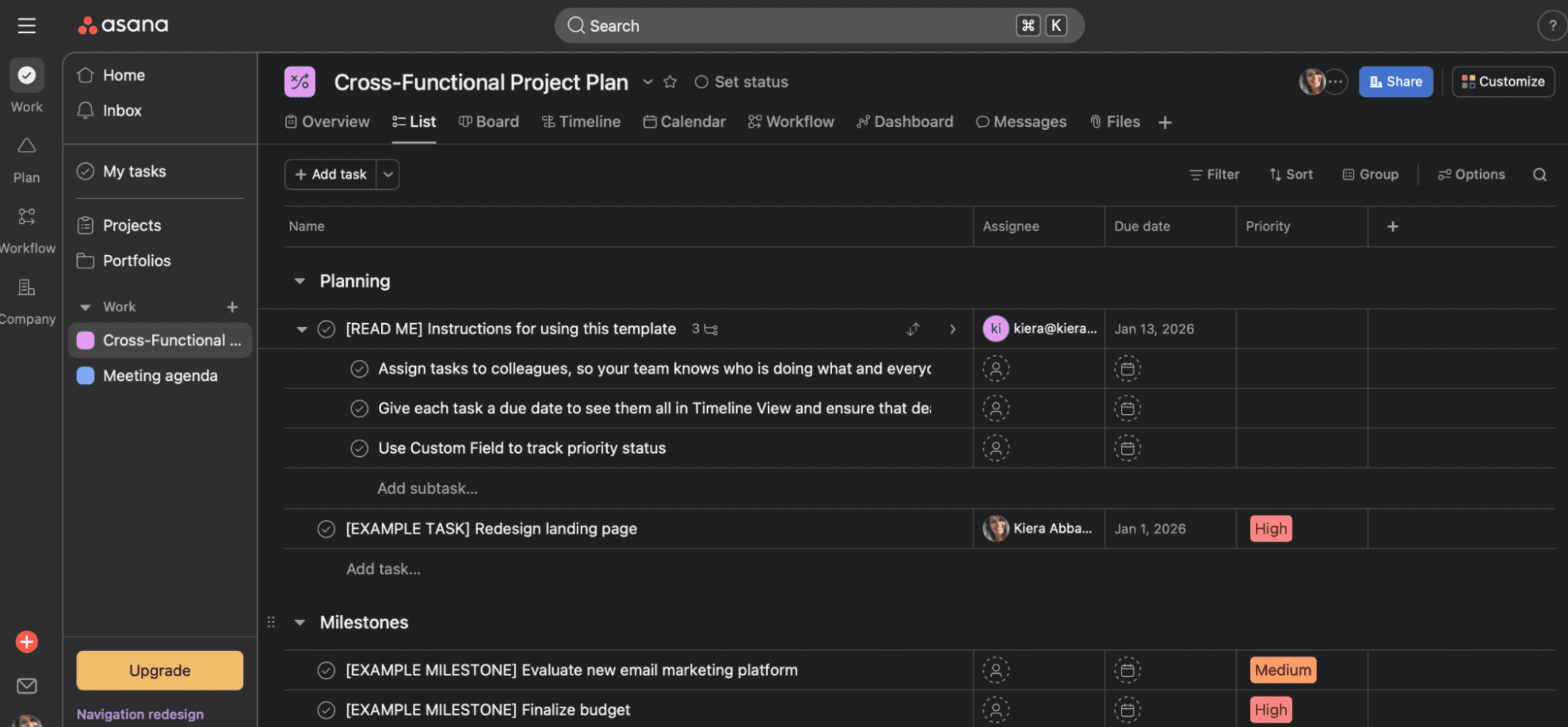
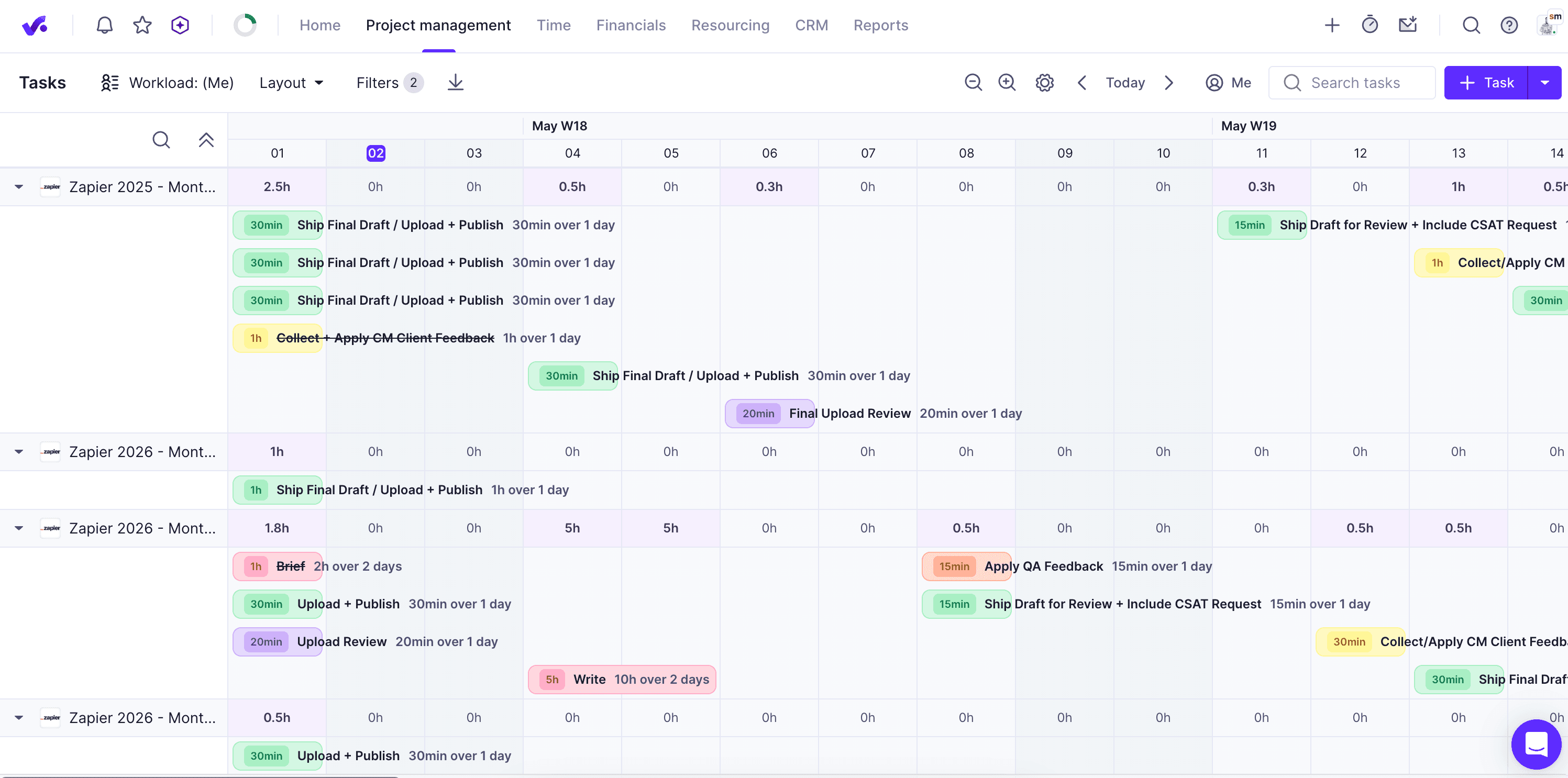
The split between tools reveals two camps in creative project management. monday.com, Asana, and ClickUp focus on the work itself: task views, dependencies, review cycles, and team coordination. They're built for project managers who need to see everything at a glance and move pieces around.
Productive, Scoro, and Ravetree tackle a different problem: making sure the work is profitable. These platforms connect project hours to budgets and budgets to invoices. They're for agency owners and finance teams who've watched too many projects go over budget without anyone noticing until the quarterly review.
The AI Factor
Two entries highlight how AI is reshaping this category. Asana earned its spot specifically for AI-assisted coordination, using machine learning to surface bottlenecks and suggest task assignments. Zapier made the list for AI automation, letting agencies build custom workflows that connect their existing tools.
This matters for creative teams drowning in tool fragmentation. A typical agency might use Figma for design, Google Docs for copy, Slack for communication, and QuickBooks for billing. None of these talk to each other natively. Automation platforms bridge those gaps without requiring a full software switch.
Creative Review: The Hidden Feature
ClickUp's inclusion for creative review addresses a specific workflow that general PM tools ignore. Approving visual work requires markup, version comparison, and stakeholder commenting. Most teams bolt on separate proofing tools like Ziflow or Frame.io. ClickUp builds this into the platform.
For agencies running lean, consolidating review workflows into the main PM tool reduces both cost and context switching. Designers stay in one place instead of bouncing between apps.
Logicity's Take
What Zapier's Methodology Reveals
Zapier's evaluation criteria focused on tools that handle both client deliverables and internal operations: scheduling, timelines, and financials. The distinction matters. Generic PM software can track tasks, but creative agencies face specific challenges: scope creep disguised as "one more revision," utilization rates that look healthy while hiding unbillable hours, and clients who treat deadlines as suggestions.
The overlap with general project management software is significant. A good PM tool should handle creative work. But these seven earned their spots by addressing the peculiarities of agency life specifically.
Frequently Asked Questions
What's the difference between creative project management software and regular PM tools?
Creative PM software adds features for visual review workflows, profitability tracking, and client management. General tools treat tasks as binary. Creative tools handle the messy middle: multiple revision rounds, scope changes, and approval chains.
Which tool is best for small creative agencies?
ClickUp offers the most features in a single platform, including built-in creative review. For agencies that need profitability tracking, Productive balances project management with financial visibility without enterprise complexity.
Can I use monday.com or Asana for a creative agency?
Yes. Both handle creative workflows well. monday.com offers more visual customization for teams that think in boards and timelines. Asana's AI features help coordinate complex projects with many dependencies.
How do retainer management features work in PM software?
Ravetree and similar tools track hours against monthly retainer budgets, alert you when utilization drops or exceeds allocation, and simplify billing for ongoing client relationships versus project-based work.
Is Zapier a project management tool?
Zapier is an automation platform, not a PM tool. It made this list because it connects creative tools, automating workflows between design apps, communication platforms, and billing systems that otherwise don't talk to each other.
Need Help Implementing This?
Source: The Zapier Blog
Huma Shazia
Senior AI & Tech Writer
Produced with AI assistance and reviewed by the Logicity editorial team. Learn more in our Editorial Policy.






