Key Takeaways
- ChatGPT now offers native image generation with 2K resolution and conversational iteration
- Midjourney v7's Draft Mode generates images 10x faster than previous versions
- The market has shifted from raw quality to workflow integration and licensing clarity
AI image generators have moved past the novelty stage. In 2026, these tools are standard equipment for marketing teams, product designers, and content creators. The global market hit an estimated $1.54 billion this year, growing at a 32.5% compound annual rate.
The shift is less about whether AI can generate good images. It can. The real questions now: Which tool fits your workflow? Which one won't create licensing headaches? And which actually follows your prompts instead of ignoring half of what you asked for?
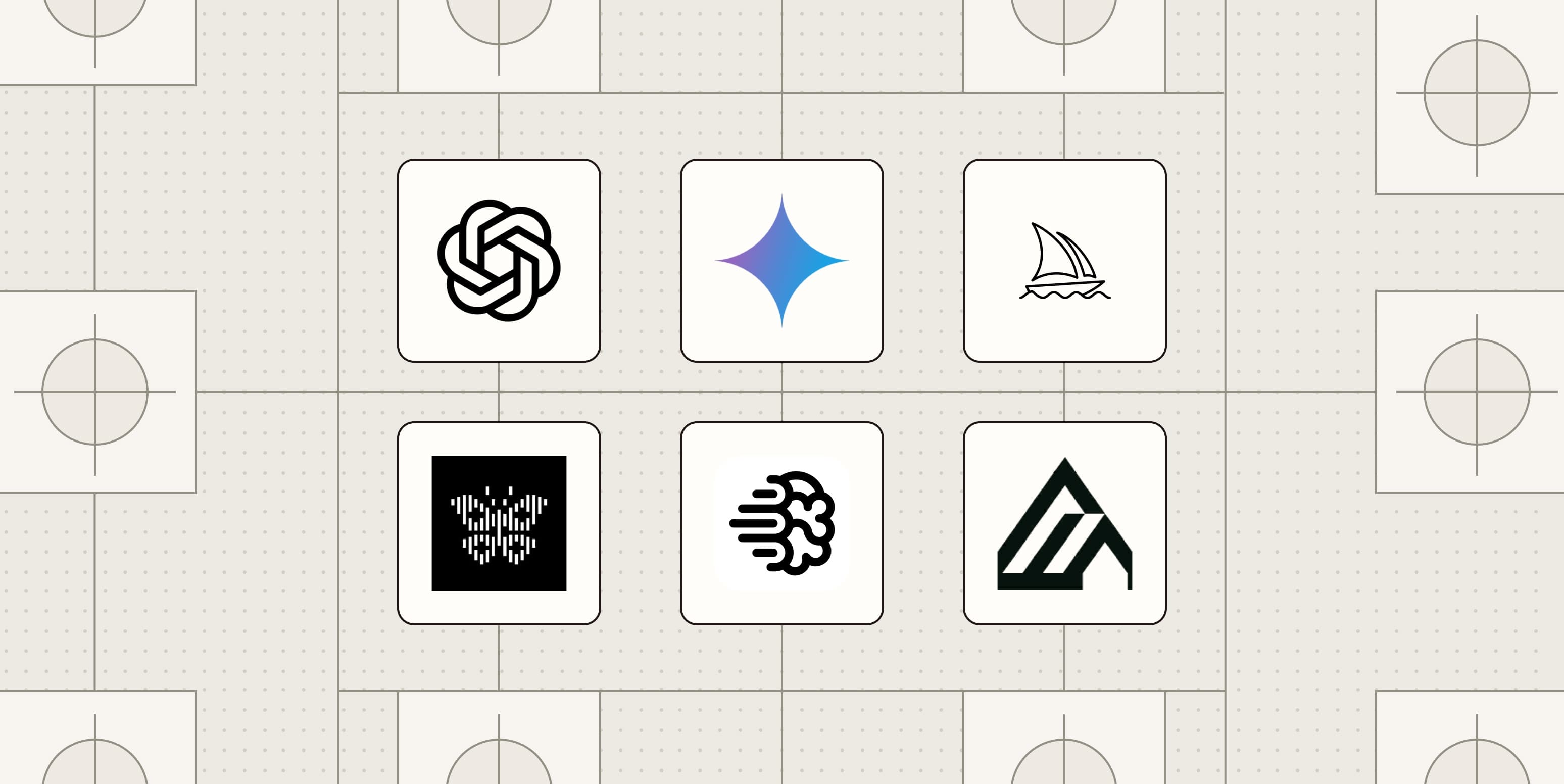
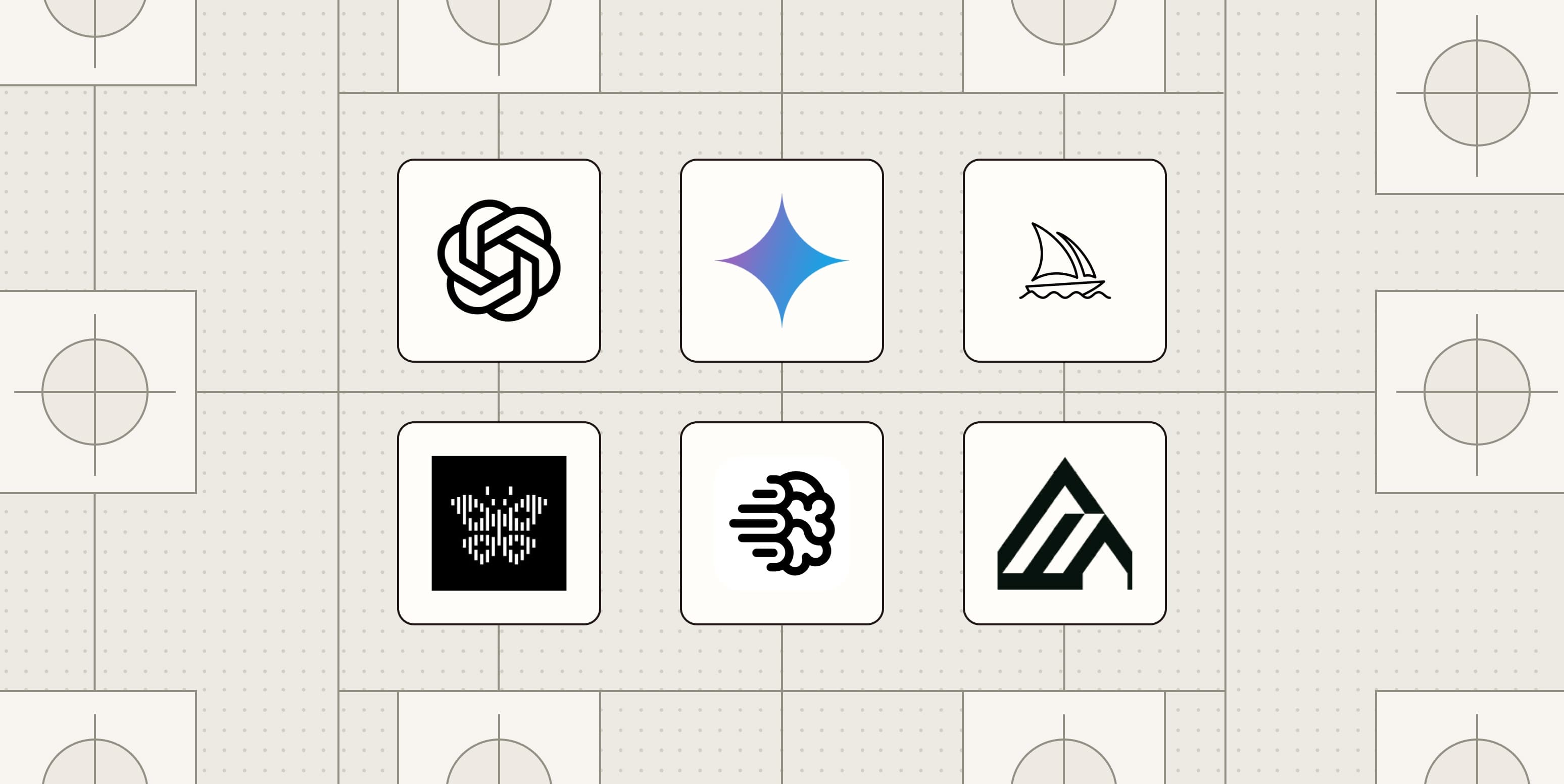
Zapier's team has been testing AI image generators since Google Deep Dream launched in 2015. Their latest roundup covers eight tools worth your time, each with a distinct strength.
The Complete List
| Tool | Best For | Key Feature |
|---|---|---|
| ChatGPT | Overall best | Native image generation with conversational iteration |
| Nano Banana | Google users | Deep Google Workspace integration |
| Midjourney | Artistic results | v7 with Draft Mode (10x faster) |
| Reve | Prompt adherence | Follows complex instructions accurately |
| Ideogram | Text in images | Accurate text rendering |
| FLUX | Customization | Fine-grained control over output |
| Adobe Firefly | Photo integration | Seamless Photoshop workflow |
| Recraft | Graphic design | Vector and brand-ready output |
ChatGPT: The New Default
ChatGPT's image generation capabilities have improved enough to earn the top spot. The tool now supports native 2K resolution output and what OpenAI calls "Thinking Mode," which reasons through complex prompts before generating.
The real advantage is conversational iteration. You describe what you want, see the result, then say "make the background darker" or "add a third person on the left." The model remembers context and adjusts. This feels more like working with a designer than fighting a text box.
Midjourney v7: Speed Meets Style
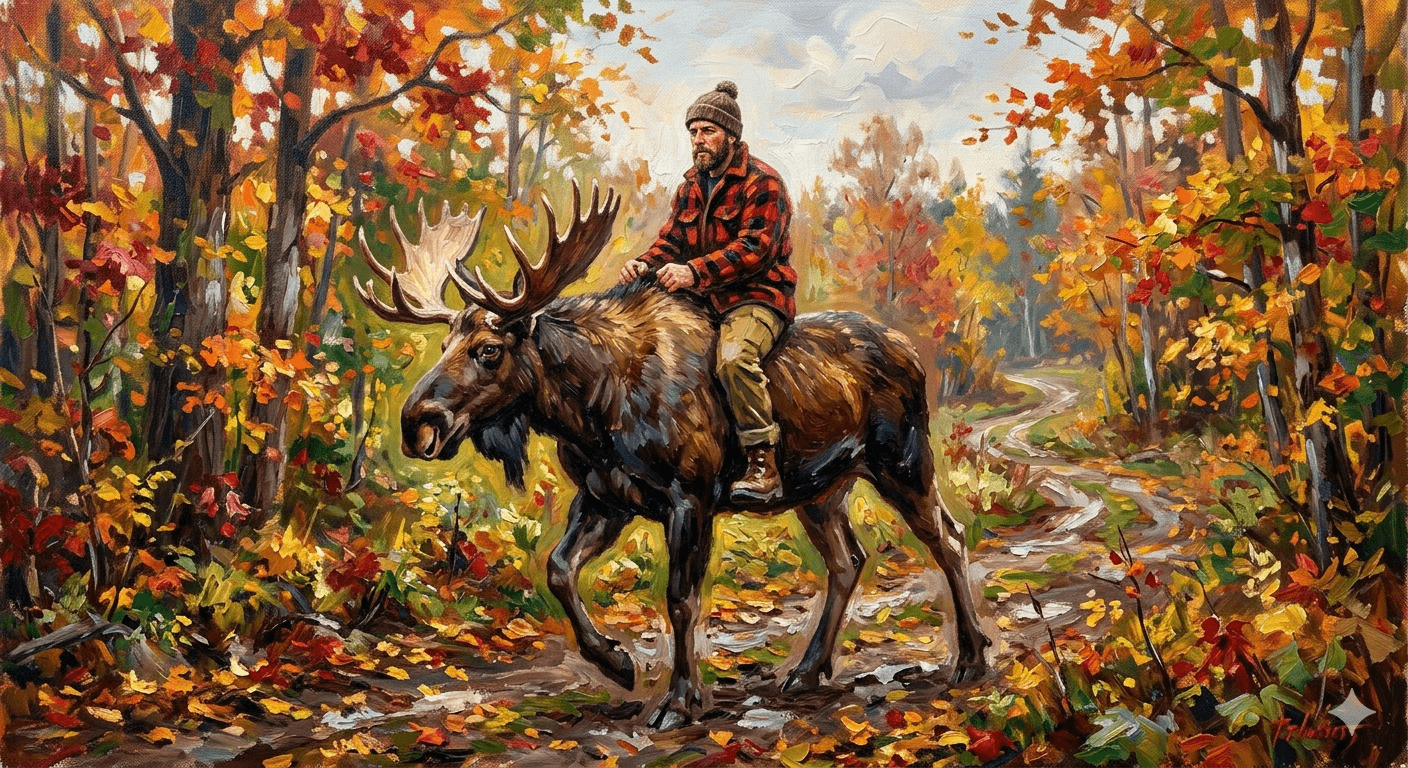
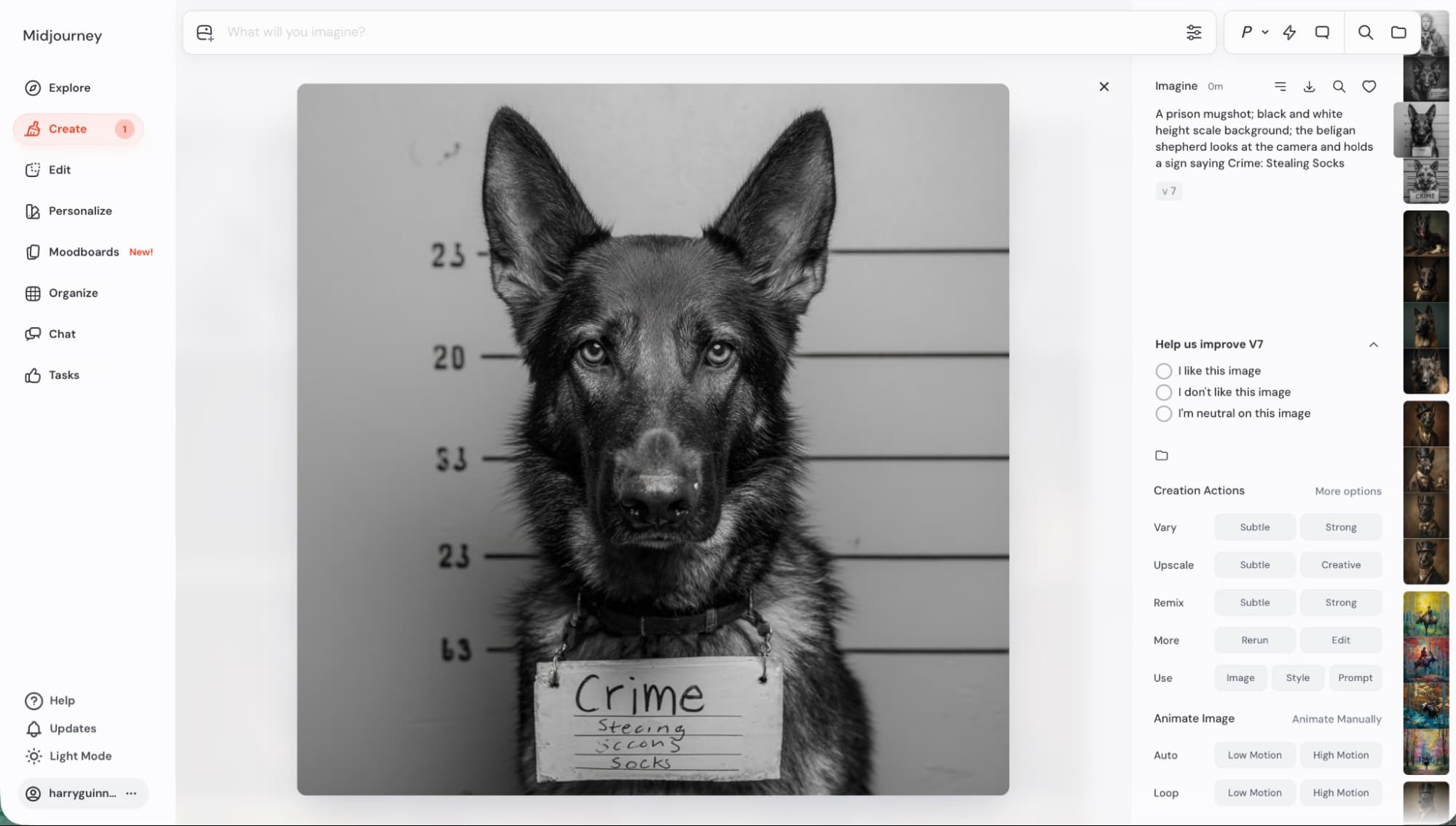
Midjourney built its reputation on aesthetic quality. Version 7 keeps that edge while addressing the tool's biggest complaint: generation time.
The new Draft Mode generates images 10x faster than standard mode. You sacrifice some detail, but for brainstorming or rapid iteration, it's a meaningful improvement. Once you find the direction you want, switch to full quality for the final output.
The v7 release also introduced "Personalization by Default," which learns your aesthetic preferences over time. Reddit's r/midjourney community is split on this. Some users find it accelerates their workflow. Others worry it creates homogeneous output. You can disable it in settings.
Nano Banana: Built for Google Workflows
If your team lives in Google Workspace, Nano Banana makes sense. The tool integrates directly with Docs, Slides, and Drive. Generate an image, and it drops into your document without the download-upload dance.
The Pro tier outputs at 4K native resolution, matching the current top-tier standard. Quality is competitive with Midjourney for most business use cases, though artistic stylization isn't quite as refined.
Reve: When Prompts Actually Work
Most AI image generators ignore parts of complex prompts. Ask for "a red bicycle leaning against a blue wall with three yellow flowers in a window box above," and you might get two flowers, or purple ones, or no bicycle at all.
Reve's architecture handles compositional prompts better than competitors. In Zapier's testing, it delivered on multi-element requests that tripped up other tools. If your use case involves precise specifications, Reve is worth the learning curve.
Ideogram: Text That Actually Reads
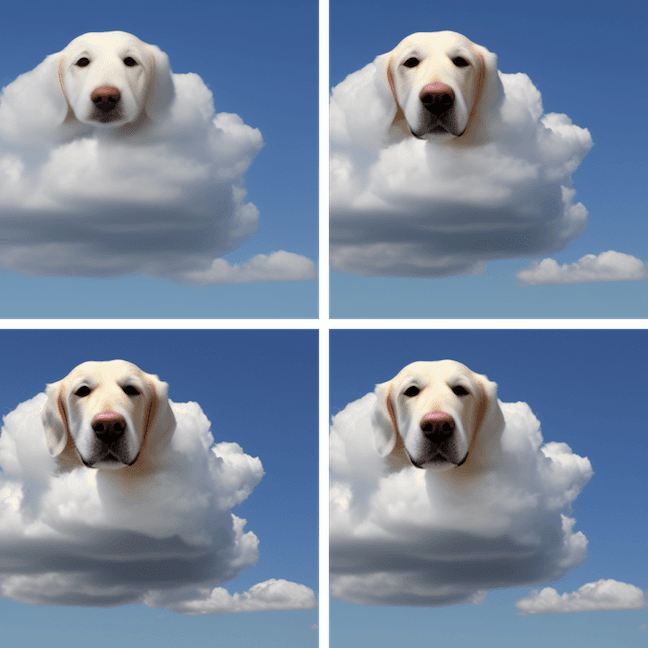
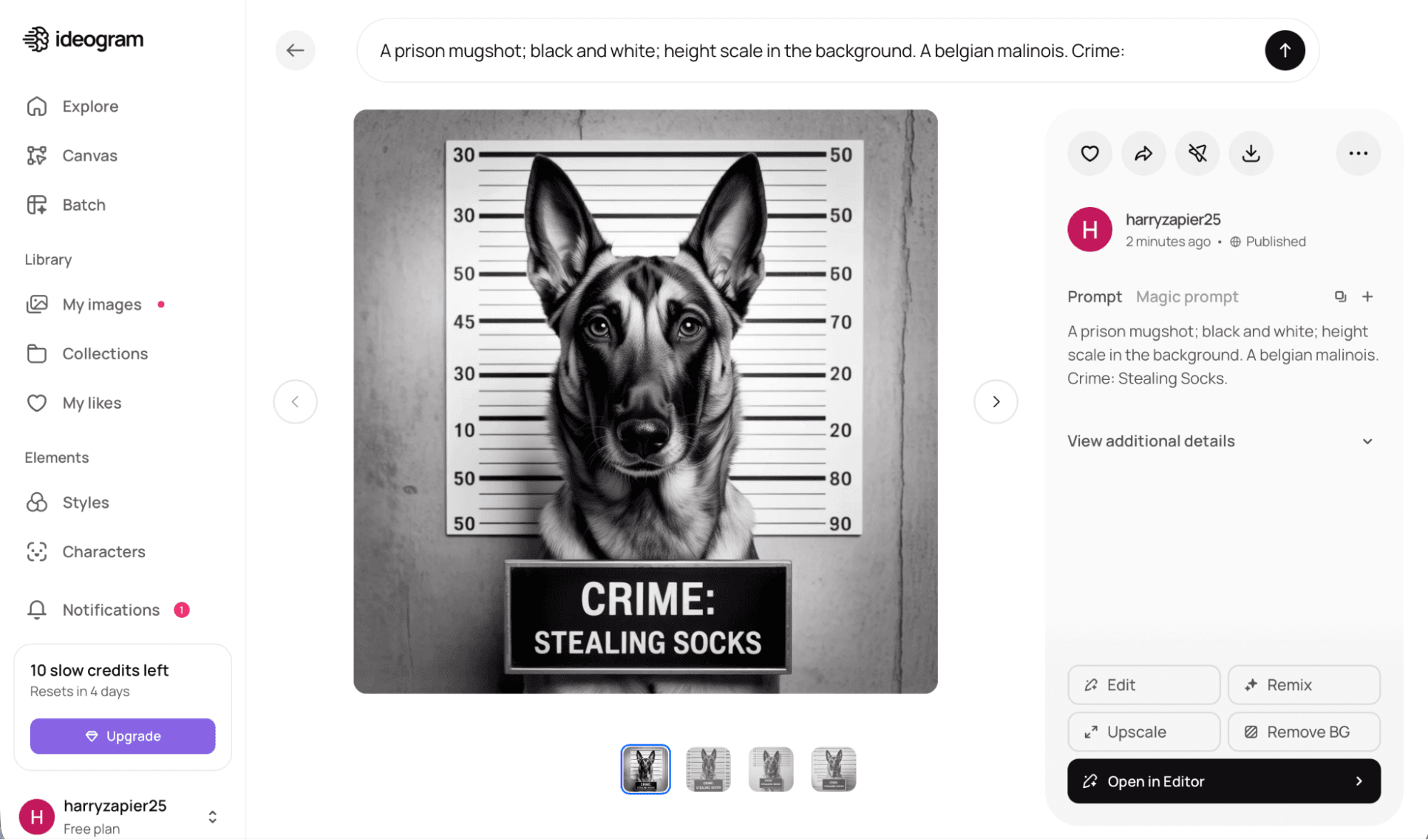
Text rendering has been AI image generation's persistent weakness. Ask for a sign that says "Open 24 Hours" and you'd get "Opne 2A Horus" or something equally garbled.
Ideogram solved this. The tool renders text accurately and consistently. For social media graphics, mock signage, or anything with words in the image, it's the clear choice.
FLUX: Maximum Control
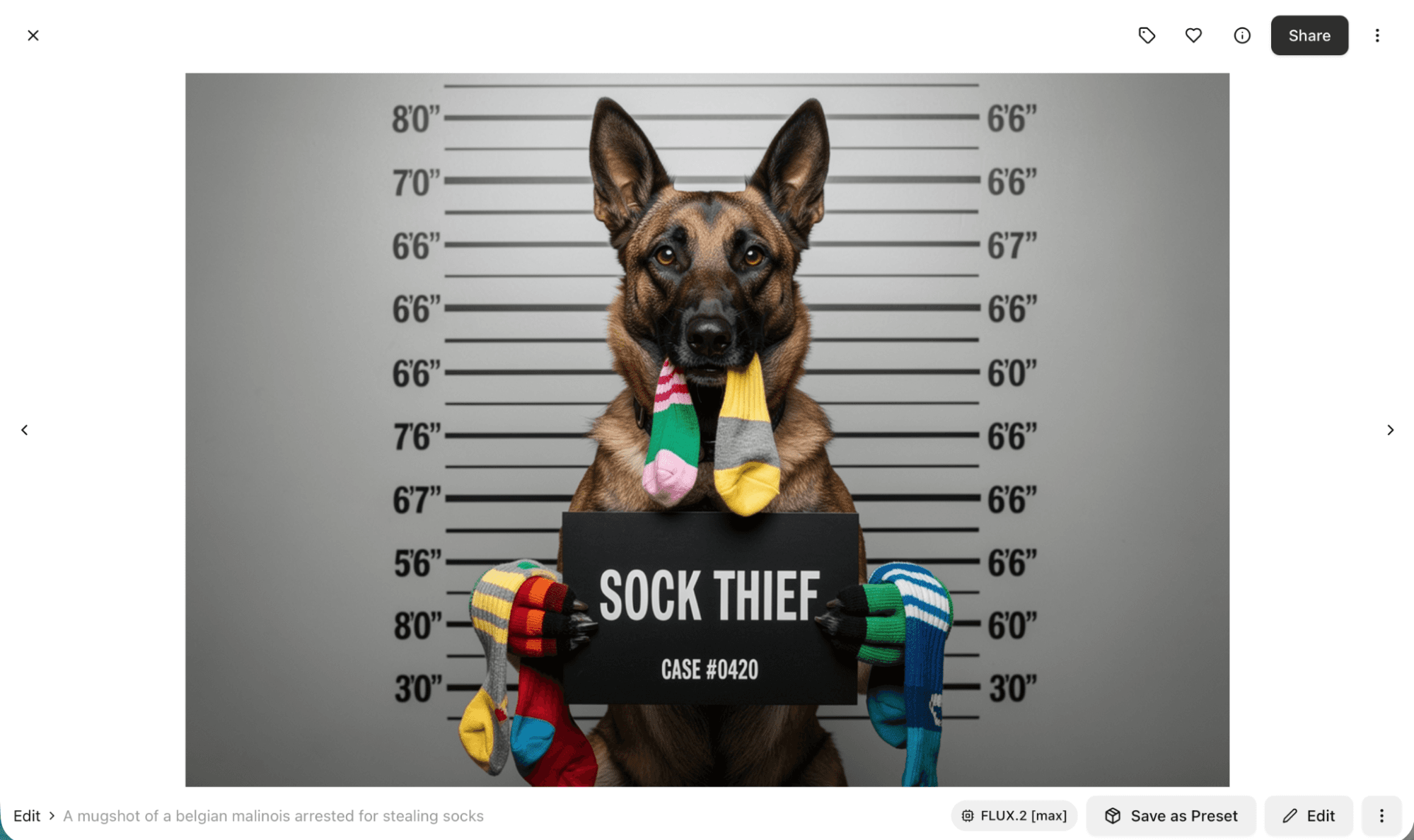
FLUX appeals to users who want granular control over generation parameters. The tool exposes more settings than competitors, letting you adjust everything from sampling methods to noise schedules.
The FLUX Max tier outputs at 4K native resolution. The learning curve is steeper, but technical users who understand diffusion models can achieve results that other tools can't match.
Adobe Firefly: The Photoshop Bridge
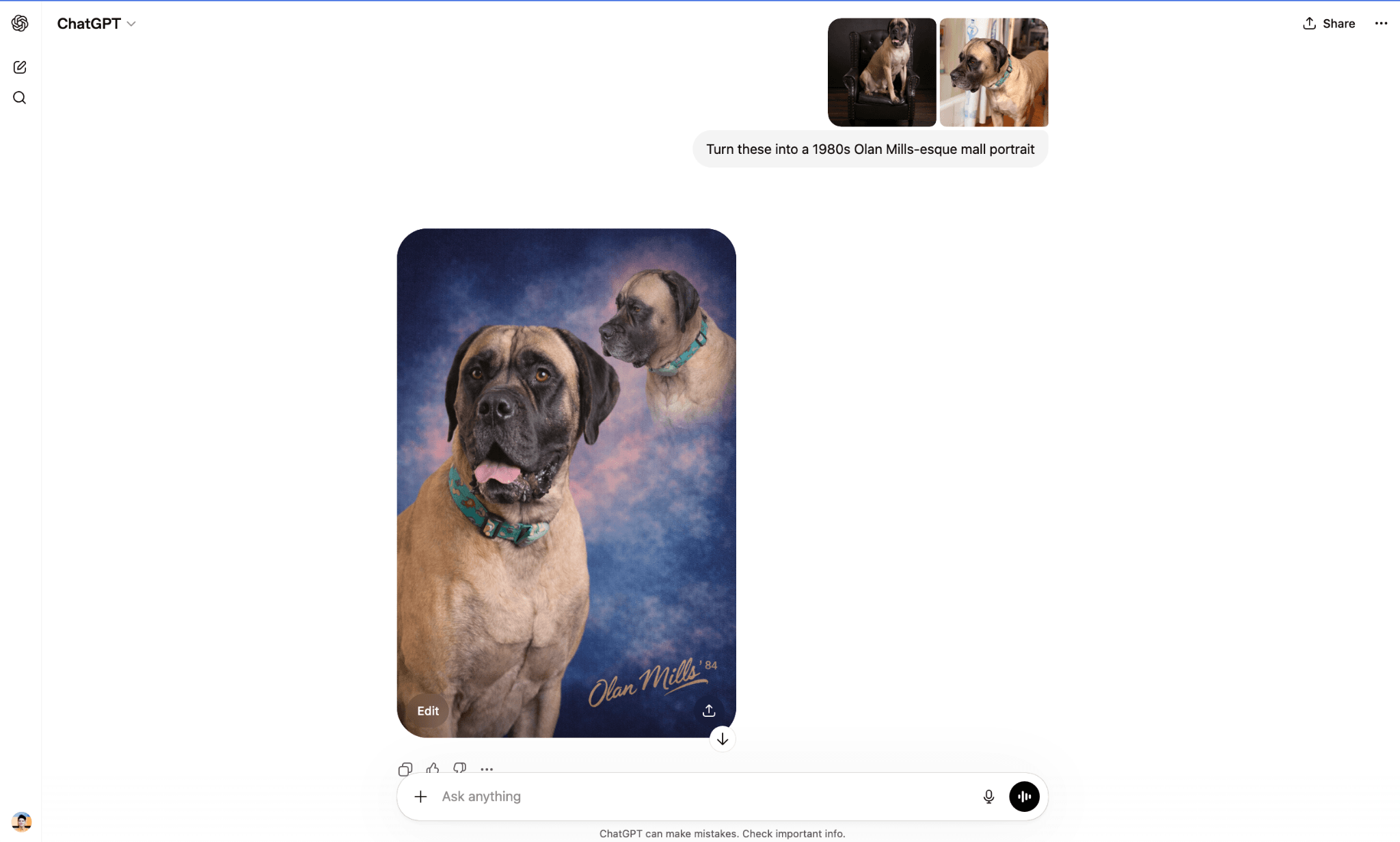
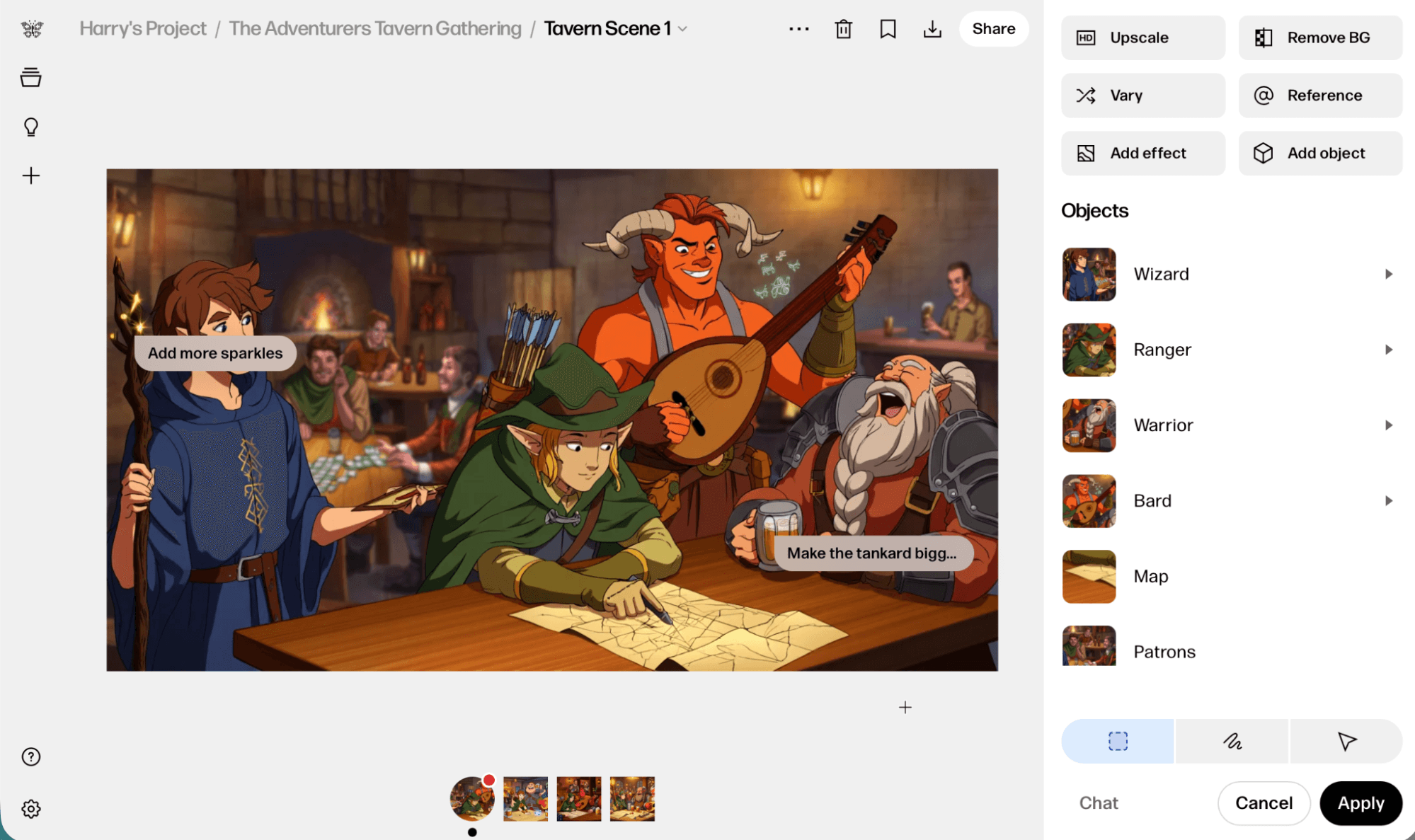
Firefly's advantage isn't raw image quality. It's integration. The tool lives inside Photoshop, letting you generate elements directly into layered compositions.
Need to extend a background? Add an object to a scene? Firefly handles these tasks without leaving your editing environment. For teams already paying for Creative Cloud, it's the path of least resistance.
Adobe also emphasizes training data transparency. Firefly uses licensed content and Adobe Stock, which matters for commercial work where copyright questions could become expensive.
Recraft: Vectors and Brand Assets
Most AI image generators output raster files. Recraft generates vectors. This makes it useful for logos, icons, and graphics that need to scale without pixelation.
The tool also supports brand guidelines, generating assets that match specified color palettes and style rules. For design teams maintaining visual consistency across outputs, this saves cleanup time.
How These Tools Actually Work
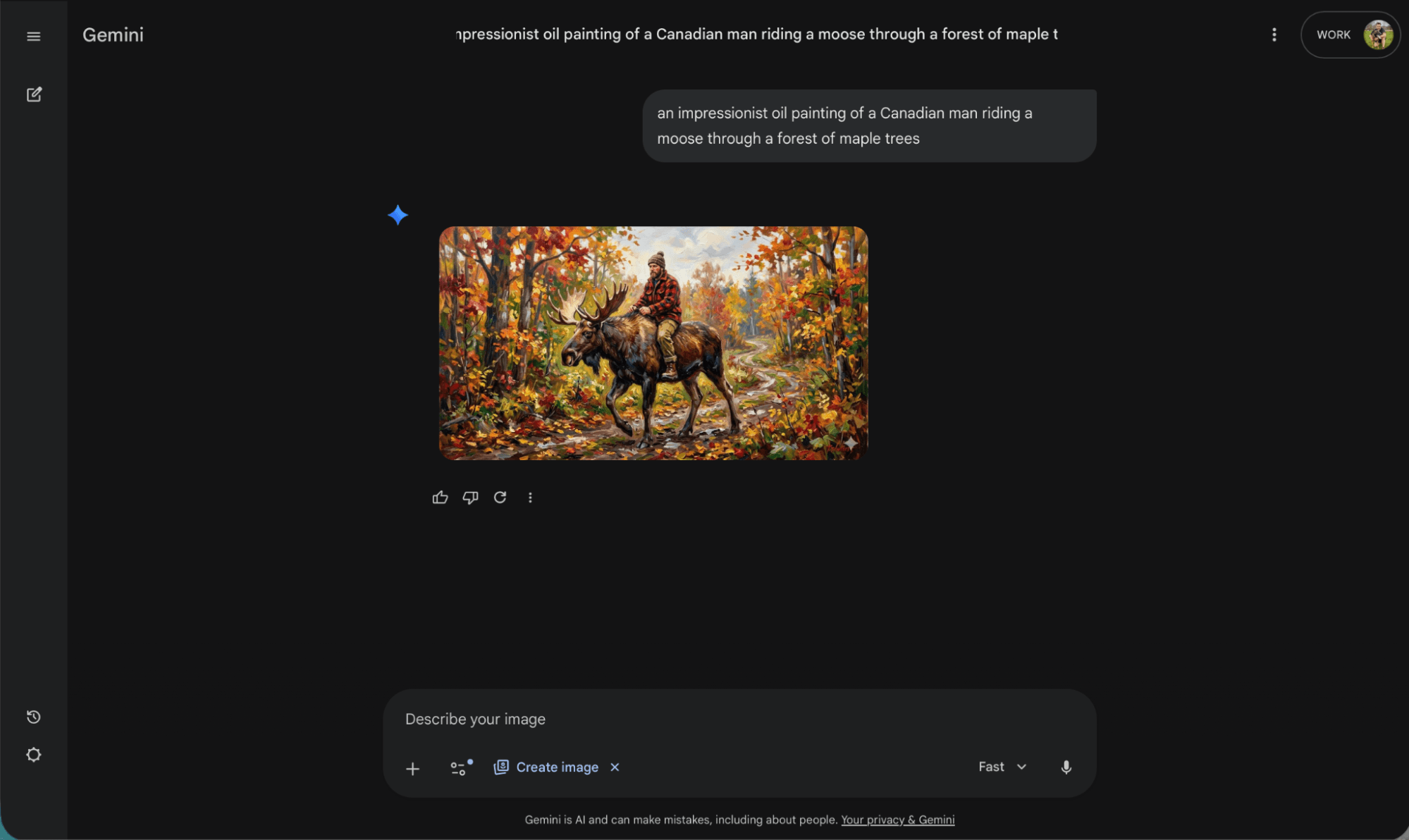
All eight tools follow the same basic pattern. You provide a text prompt. The model interprets it. An image appears.
The underlying technology is diffusion. The model starts with random noise and progressively refines it, guided by your prompt, until a coherent image emerges. Billions of image-text pairs trained these models to understand what "impressionist painting" or "product photography" should look like.
Content filters limit what you can generate. Every tool blocks violence, NSFW content, and attempts to create images of real people in compromising situations. Some filters are stricter than others.
“Visual quality is now table stakes; the real winners in 2026 are defined by licensing clarity and workflow integration.”
— Hacker News community consensus
Choosing the Right Tool
The "best" tool depends on your context. A few decision shortcuts:
- General use with iteration needs: ChatGPT
- Artistic direction and style: Midjourney
- Google Workspace integration: Nano Banana
- Complex multi-element prompts: Reve
- Text in images: Ideogram
- Technical control: FLUX
- Photoshop workflows: Adobe Firefly
- Vector graphics and brand assets: Recraft
Most teams will use two or three tools. ChatGPT or Midjourney as the primary generator, plus a specialist like Ideogram or Firefly for specific tasks.
Explores other AI tools beyond image generation
The Licensing Question
Copyright and training data remain unresolved. Lawsuits from artists and photographers are working through courts. Some tools, like Adobe Firefly, sidestep this by training only on licensed content. Others use broader datasets with unclear provenance.
For commercial use, check each tool's terms of service. Most grant you commercial rights to generated images, but indemnification varies. Adobe offers stronger protection. Open-source models like FLUX offer none.
Logicity's Take
What's Next
Video generation is the obvious frontier. Several of these tools have announced video features in beta. Expect text-to-video to follow the same trajectory: impressive demos, gradual improvement, then sudden ubiquity.
Real-time generation is also advancing. The draft modes in current tools hint at a future where image generation happens as fast as you can type. That changes how creative teams will use these tools, from batch generation to live collaboration.
“We are at the iPhone moment of AI.”
— Jensen Huang, CEO of NVIDIA
Frequently Asked Questions
Which AI image generator has the best free tier?
ChatGPT offers solid free access with daily limits. Ideogram and FLUX also have usable free tiers. Midjourney requires a paid subscription for all access.
Can I use AI-generated images commercially?
Most tools grant commercial rights, but terms vary. Adobe Firefly offers the strongest indemnification for commercial use. Always check the specific terms of service.
Which AI image generator is best for realistic photos?
ChatGPT and FLUX currently produce the most photorealistic output. Midjourney excels at stylized realism but leans toward artistic interpretation.
How do I get text to render correctly in AI images?
Use Ideogram. It was specifically designed to handle text rendering, which remains a weakness in most other tools.
What resolution do AI image generators output?
Top-tier tools like Nano Banana Pro, FLUX Max, and ChatGPT now output at 2K to 4K native resolution. Lower tiers typically max out at 1024x1024.
Need Help Implementing This?
Source: The Zapier Blog
Manaal Khan
Tech & Innovation Writer
Produced with AI assistance and reviewed by the Logicity editorial team. Learn more in our Editorial Policy.