Key Takeaways
- A bug in the April 2026 Android update prevents Pixel CPUs from entering deep doze mode, causing rapid battery drain even when idle
- Affected users report losing several percentage points every 2-3 minutes and up to 50% screen-on time reduction
- Google has acknowledged the issue and plans a fix in the May update. Until then, disabling always-on display and enabling battery saver mode can help
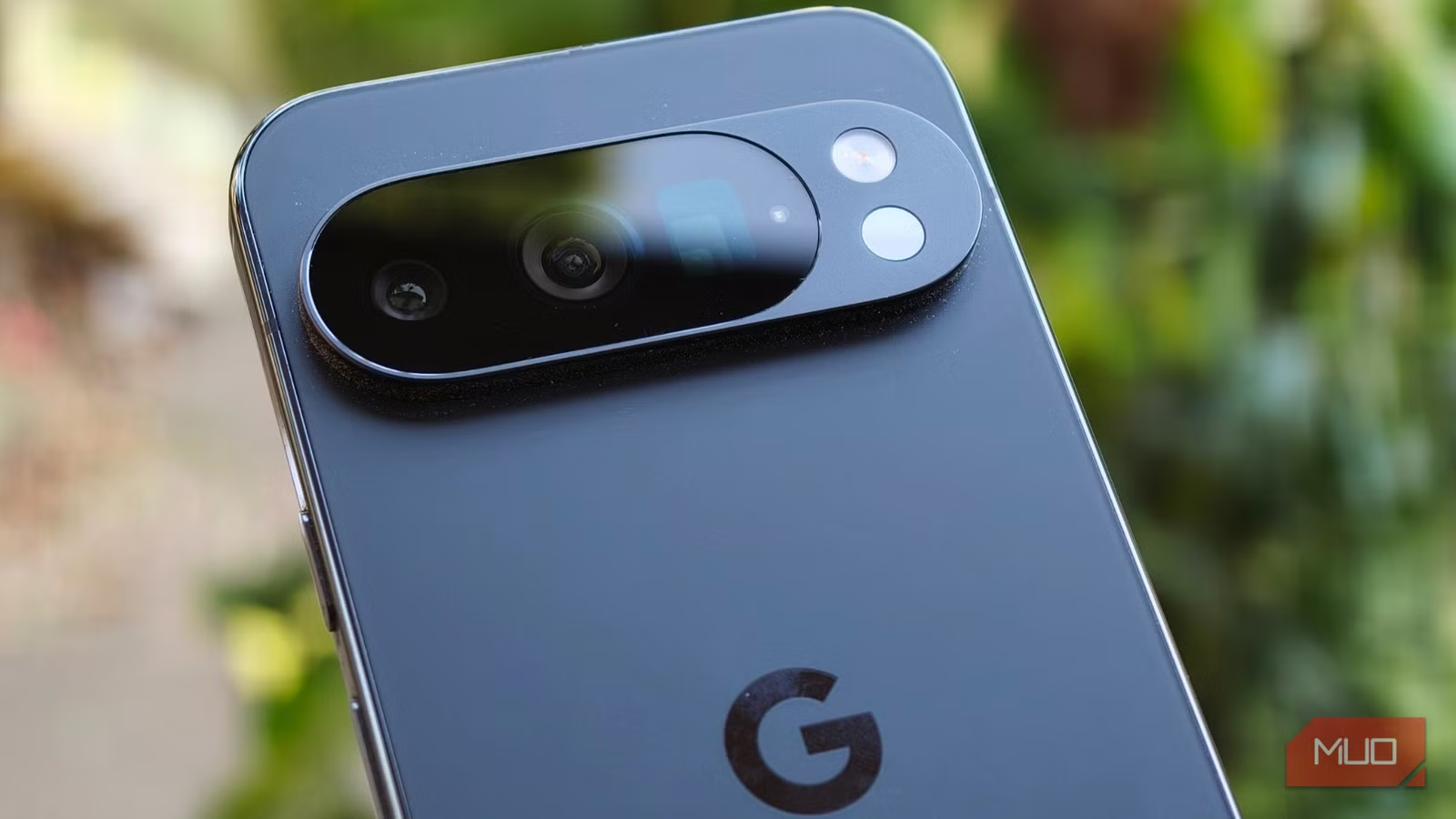
If your Pixel phone has been dying overnight despite sitting on a charger, you're not imagining things. A bug in the April 2026 Android update is preventing Pixel devices from entering deep sleep mode, and it's hitting users hard.
According to reports from 9to5Google and posts on Google's support forums, users with Pixel 6 through Pixel 10 devices are losing several percentage points of battery every 2 to 3 minutes while their phones sit idle. Some users report their screen-on time has dropped by 50%.
The real-world consequences go beyond inconvenience. Users have reported missing morning alarms because their phones died overnight. Others lost GPS navigation mid-trip. Many find themselves hunting for a charger by early afternoon.
What's Causing the Drain
Google has acknowledged the problem. The culprit is a glitch that prevents the CPU from entering "deep doze," a power-saving state that normally kicks in when your phone is idle. Without deep doze, the processor keeps running background tasks at higher power levels than necessary.
A permanent fix is expected in the May 2026 update. But if you can't wait, and you probably can't, here are five workarounds that can help.
1. Switch to Wi-Fi When Possible
Your phone already has a battery problem. Don't make it worse by forcing it to maintain a cellular connection. Wi-Fi uses less power than mobile data, especially when signal strength is weak.
For maximum savings at night, enable Airplane Mode before bed. This cuts all radio connections and can significantly reduce overnight drain. Just remember you won't receive calls or messages until you turn it off.
2. Enable Battery Saver Early
Most people wait until their phone hits 20% before turning on battery saver. Right now, that's too late. Enable it as soon as you notice drain starting, or even preemptively in the morning.
Pixel phones running Pixel 3 or later have an extreme battery saver mode that can stretch battery life to over 100 hours. It pauses most non-essential apps, holds notifications, and reduces processor speeds. Go to Settings > Battery > Battery Saver to enable it.
3. Disable Always-On Display
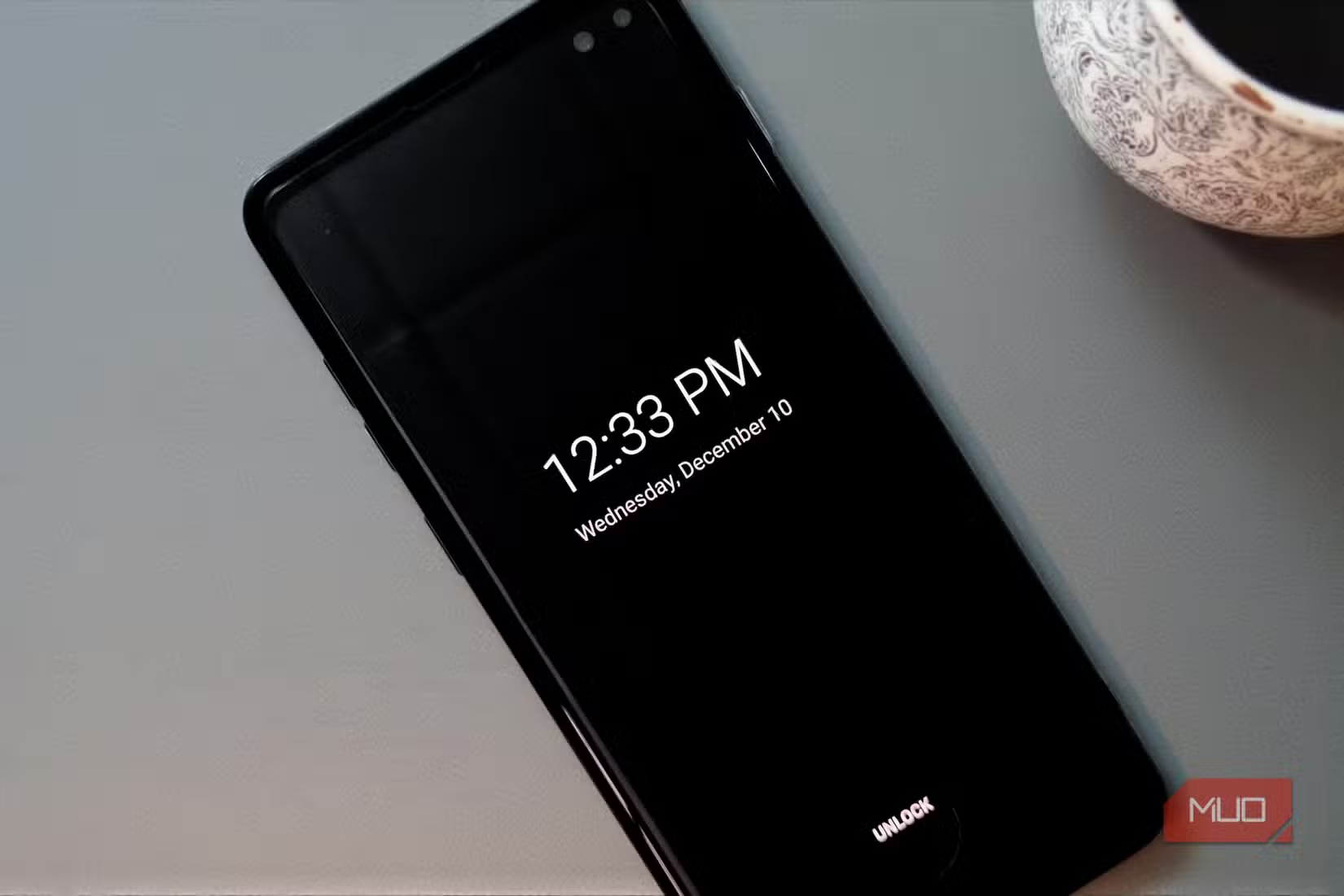
The always-on display is one of the Pixel's best features. It's also a constant drain on your battery, even under normal conditions. With the current deep doze bug, it makes things worse.
To disable it, go to Settings > Display > Lock Screen and turn off "Always show time and info." You'll lose the convenience of glancing at your phone for the time, but you'll gain meaningful battery life until Google fixes the underlying issue.
4. Limit Background Activity for Problem Apps
The core issue is that the CPU isn't sleeping properly. But some apps make this worse by constantly running background processes. Social media apps, news apps, and anything with frequent sync intervals are common offenders.
Go to Settings > Apps, select an app you suspect is draining battery, tap Battery, and choose "Restricted." This prevents the app from running in the background. Start with apps you don't need real-time updates from.
Another guide to fixing annoying tech problems with simple adjustments
5. Use Airplane Mode at Night
This is the nuclear option, but it works. If your phone is dying overnight even while charging, Airplane Mode eliminates all wireless activity. Combined with battery saver mode, it minimizes what your phone can do while you sleep.
The downside is obvious. You won't get calls, texts, or notifications until morning. If you rely on your phone as an alarm clock, set a backup. If you're expecting an important call, this isn't the fix for you.
When to Expect a Real Fix
Google hasn't given a specific date, but the company indicated the May 2026 security update should include a patch. Pixel security updates typically arrive in the first week of each month, so the fix should land around early May.
Until then, these workarounds are your best options. None of them are ideal. All of them involve trading convenience for battery life. But when the alternative is a dead phone by lunch, the trade-off is worth it.
Logicity's Take
Frequently Asked Questions
Why is my Pixel battery draining so fast after the April 2026 update?
A bug in the April 2026 Android update prevents the CPU from entering deep doze mode. This means your phone keeps running background processes at higher power levels even when idle, causing rapid battery drain.
Which Pixel phones are affected by the battery drain bug?
Users with Pixel 6, Pixel 7, Pixel 8, Pixel 9, and Pixel 10 devices have reported the issue. The bug appears to affect all Pixel phones running the April 2026 security update.
When will Google fix the Pixel battery drain issue?
Google has acknowledged the problem and indicated a fix will come in the May 2026 update. Pixel security updates typically arrive in the first week of each month.
Does disabling always-on display help with Pixel battery drain?
Yes. The always-on display constantly draws power. Disabling it via Settings > Display > Lock Screen can help reduce drain until Google patches the deep doze bug.
Will a factory reset fix the Pixel battery drain bug?
No. The issue is in the Android system software, not your personal settings or apps. A factory reset won't help. You'll need to wait for the May update or use the workarounds described above.
Need Help Implementing This?
Source: MakeUseOf
Manaal Khan
Tech & Innovation Writer
Produced with AI assistance and reviewed by the Logicity editorial team. Learn more in our Editorial Policy.






