Key Takeaways
- Powerful components generate more heat and noise, but poor setup makes it worse
- Case placement and airflow configuration are often the real culprits
- Check your setup before spending money on replacement fans or coolers
The Expensive Lesson
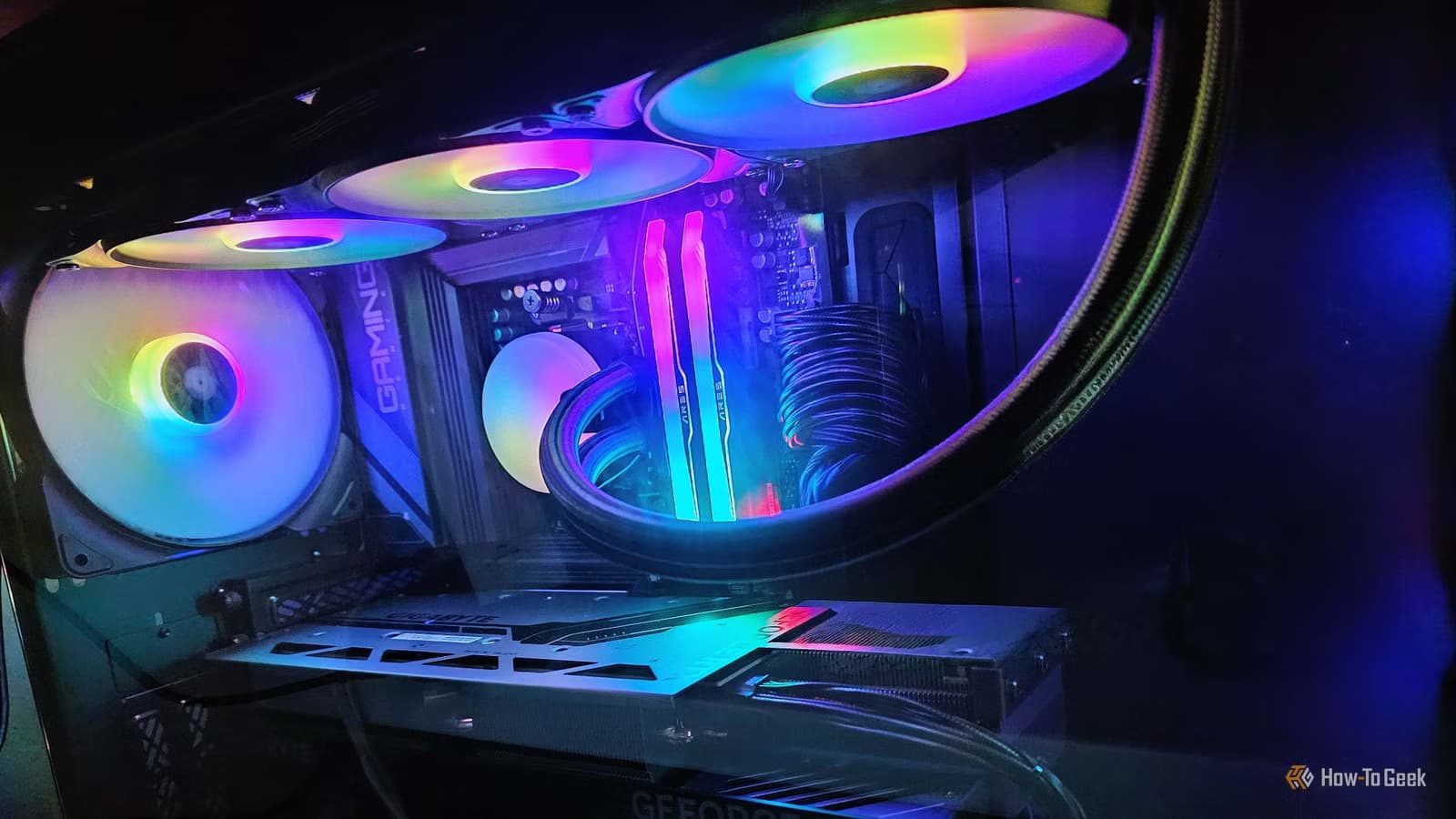
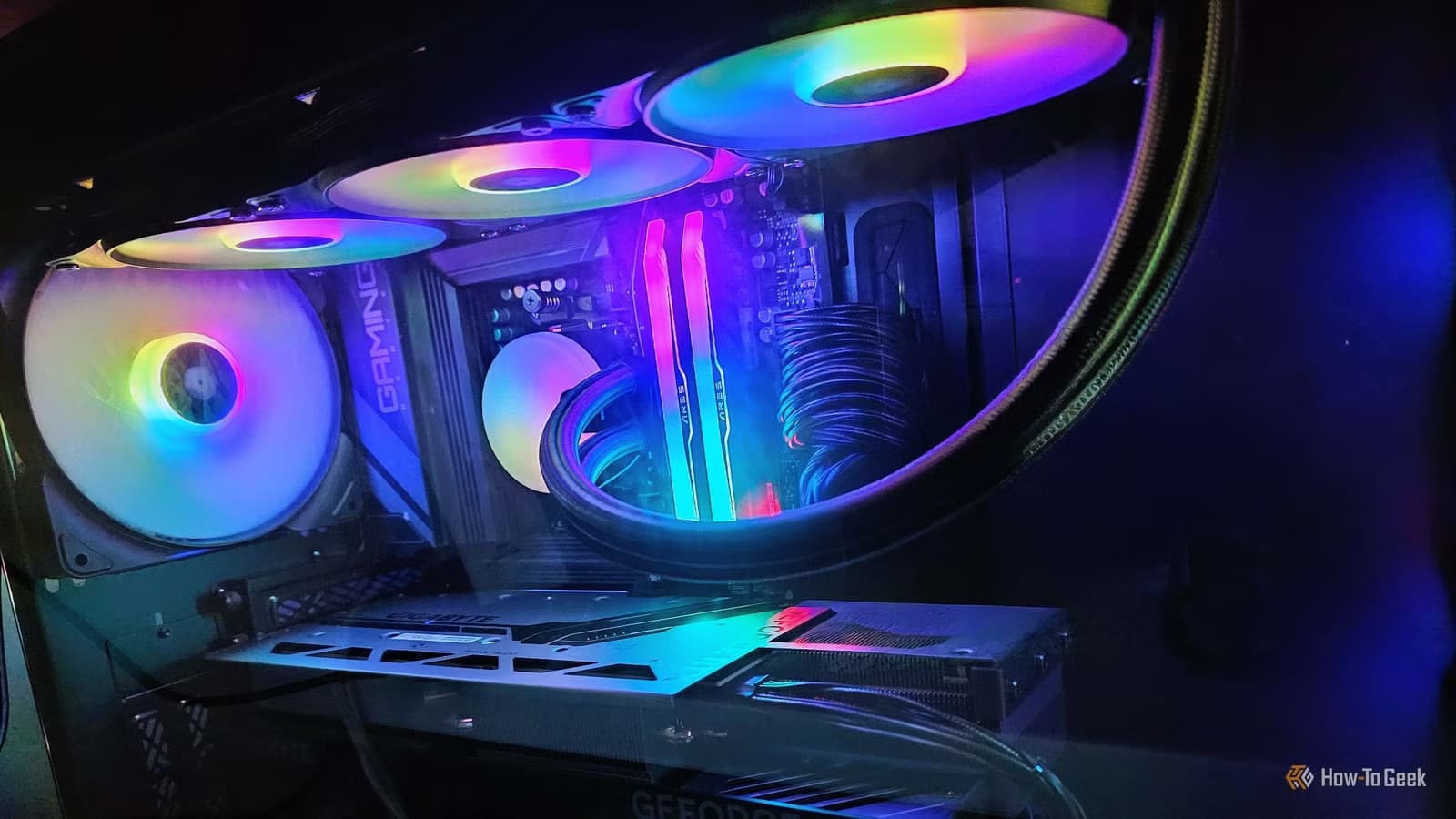
Monica J. White, a tech journalist at How-To Geek, recently shared a confession that will resonate with anyone who has ever thrown money at a PC problem. After upgrading her system a couple of years ago, she noticed the noise levels were unbearable. Powerful GPU. Liquid cooling. Lots of heat. She assumed loud fans were the price of better hardware.
She bought new fans. She accepted the noise as inevitable. She reached for noise-cancelling headphones. None of it addressed the real issue.
The actual problem? Her setup. Case placement, airflow configuration, and maintenance habits were forcing her fans to work harder than necessary. The fix cost her nothing.
Why Powerful PCs Get Loud
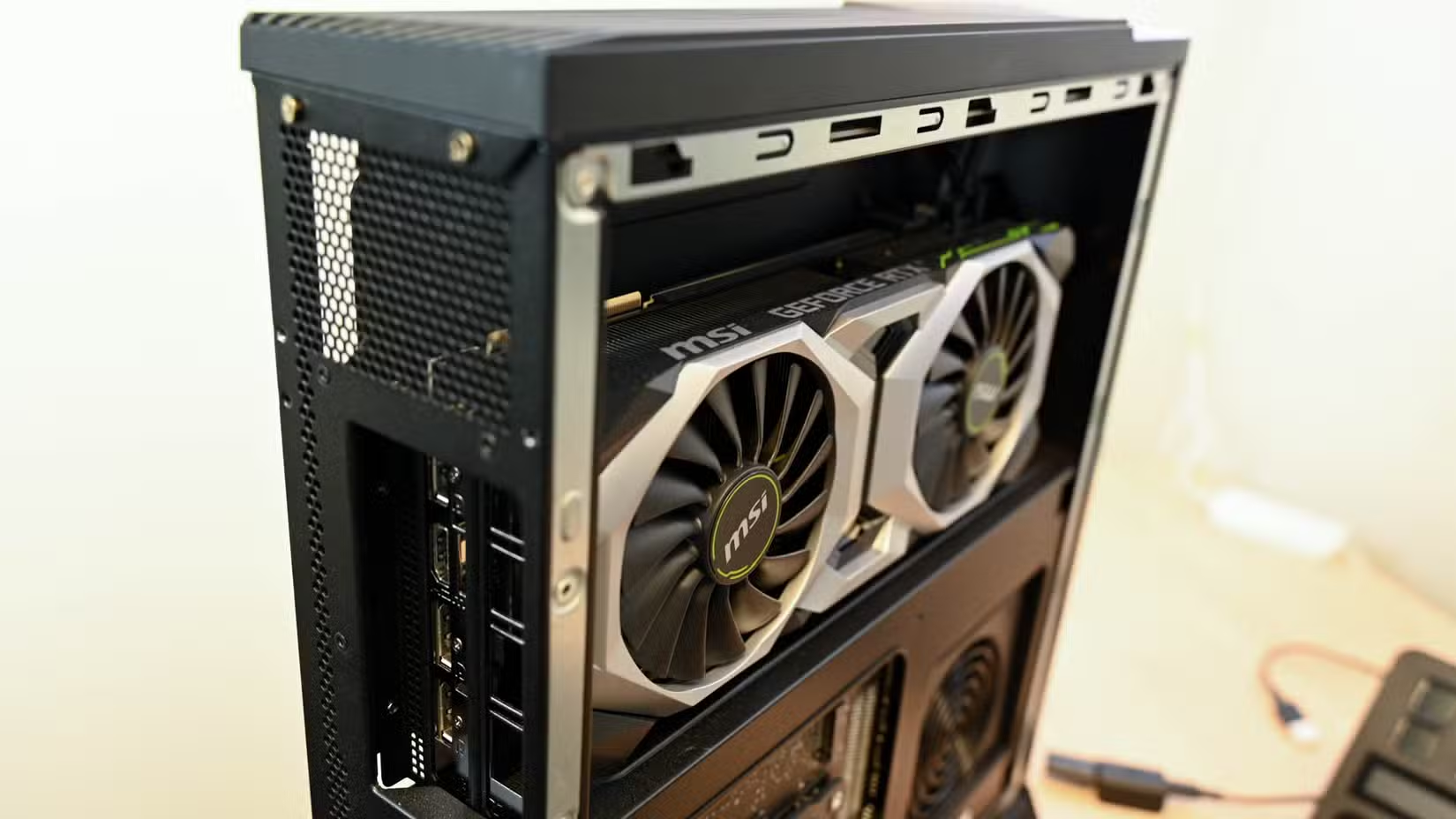
High-performance components generate more heat. That's physics. A modern GPU under load can draw 300+ watts. CPUs in demanding workloads push similar numbers. All that power becomes heat, and heat needs to go somewhere.
Fans spin faster to move hot air out. Liquid cooling systems have pumps and radiator fans that add their own noise. The more heat your components produce, the harder your cooling system works.
But here's what White discovered: component power draw is only part of the equation. How you configure your system determines whether those fans run at 30% or 80%.
The Free Fixes Most People Miss
White identified several setup mistakes that amplified her noise problem. These are the same issues I see in office builds and home workstations regularly.
Case Placement
A PC shoved into a desk cubby or placed against a wall restricts airflow. The case pulls in warm, recirculated air instead of cool room air. Fans spin faster to compensate. Moving the case a few inches can drop temperatures by 5-10 degrees Celsius.
Airflow Configuration
Fans need to work together. Front fans pull cool air in. Rear and top fans push hot air out. If your fans are fighting each other or creating dead zones, temperatures rise. Check that your intake and exhaust fans are oriented correctly and positioned to create a clear path for air.
Dust and Maintenance
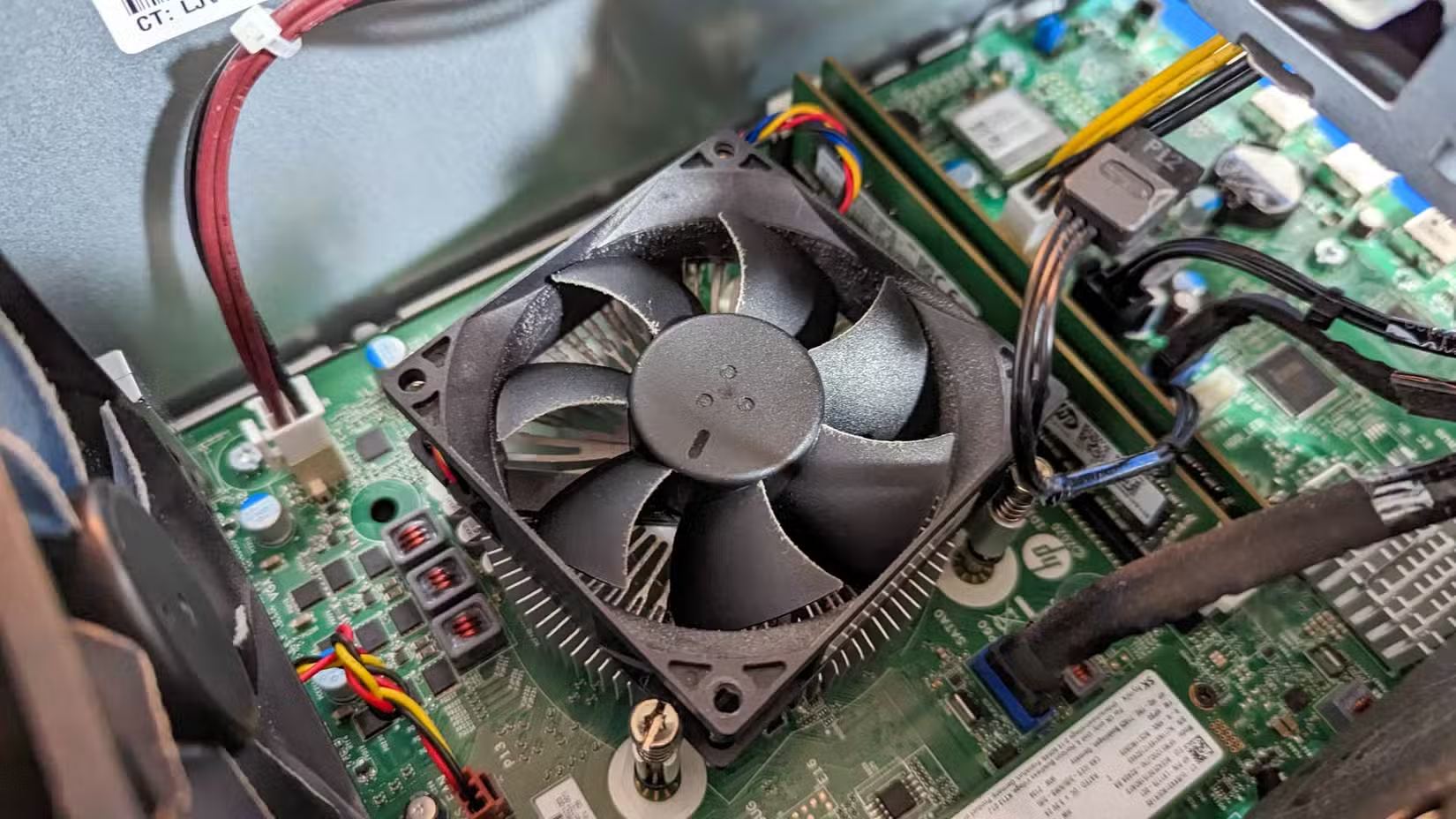
Dust clogs filters, coats heatsinks, and blocks airflow. A dusty PC runs hotter. Hotter components trigger faster fan speeds. Cleaning your system every few months can restore quiet operation without any hardware changes.
Fan Curves
Most motherboards let you adjust fan curves in BIOS or through software. Aggressive default curves spin fans to maximum at moderate temperatures. A custom curve that ramps up more gradually can cut noise without meaningful temperature increases.
Before You Buy New Fans
White's experience is a useful reminder: diagnose before you spend. Run a temperature monitoring tool like HWiNFO or Core Temp. Check what temperatures trigger your fans. Look at where your case sits and how air moves through it.
- Pull your PC away from walls and enclosed spaces
- Verify fan orientation matches your airflow plan
- Clean dust filters and heatsinks
- Adjust fan curves to reduce aggressive ramping
- Check that cable management isn't blocking airflow paths
If temperatures stay reasonable after these changes, your fans can spin slower. If they don't, at least you've ruled out the free fixes before spending on replacements.
Logicity's Take
Frequently Asked Questions
How do I know if my PC noise is a setup problem or a hardware problem?
Monitor temperatures under load. If components stay cool but fans run loud, check fan curves. If temperatures spike, look at airflow and dust buildup before replacing cooling hardware.
Where should I place my PC for best airflow?
Keep it away from walls, out of enclosed desk cubbies, and off carpet. The case needs clear access to cool room air at intake points and space for hot air to exhaust.
How often should I clean my PC to reduce noise?
Every 3-6 months for most environments. Dusty rooms, homes with pets, or industrial settings may need monthly cleaning. Focus on filters, heatsinks, and fan blades.
Can adjusting fan curves damage my components?
Not if you monitor temperatures after changes. Start with small adjustments. If temperatures climb too high under load, revert to more aggressive cooling.
More practical optimization tips that cost nothing to implement
Need Help Implementing This?
Source: How-To Geek
Huma Shazia
Senior AI & Tech Writer
Produced with AI assistance and reviewed by the Logicity editorial team. Learn more in our Editorial Policy.






