Key Takeaways
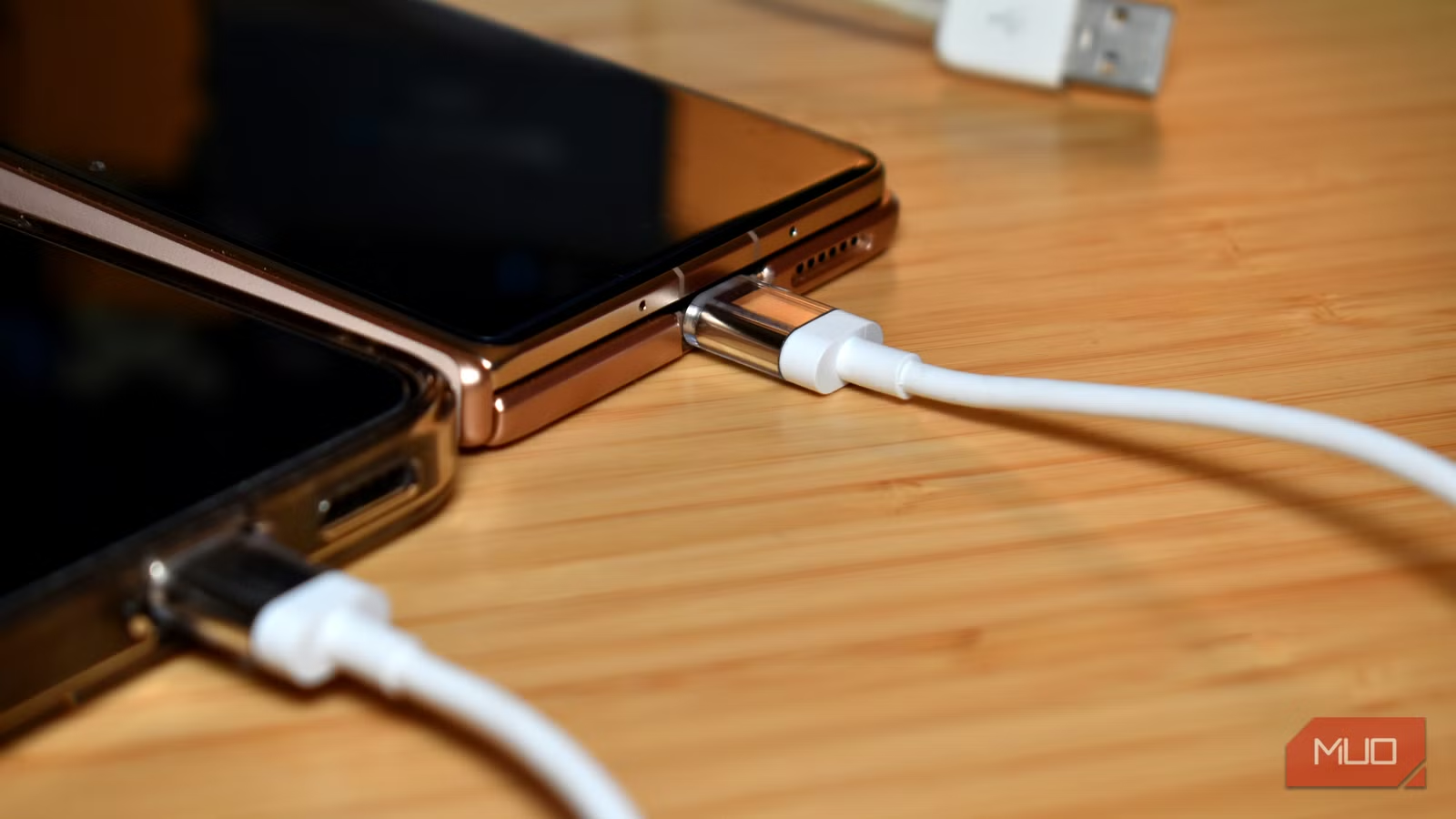
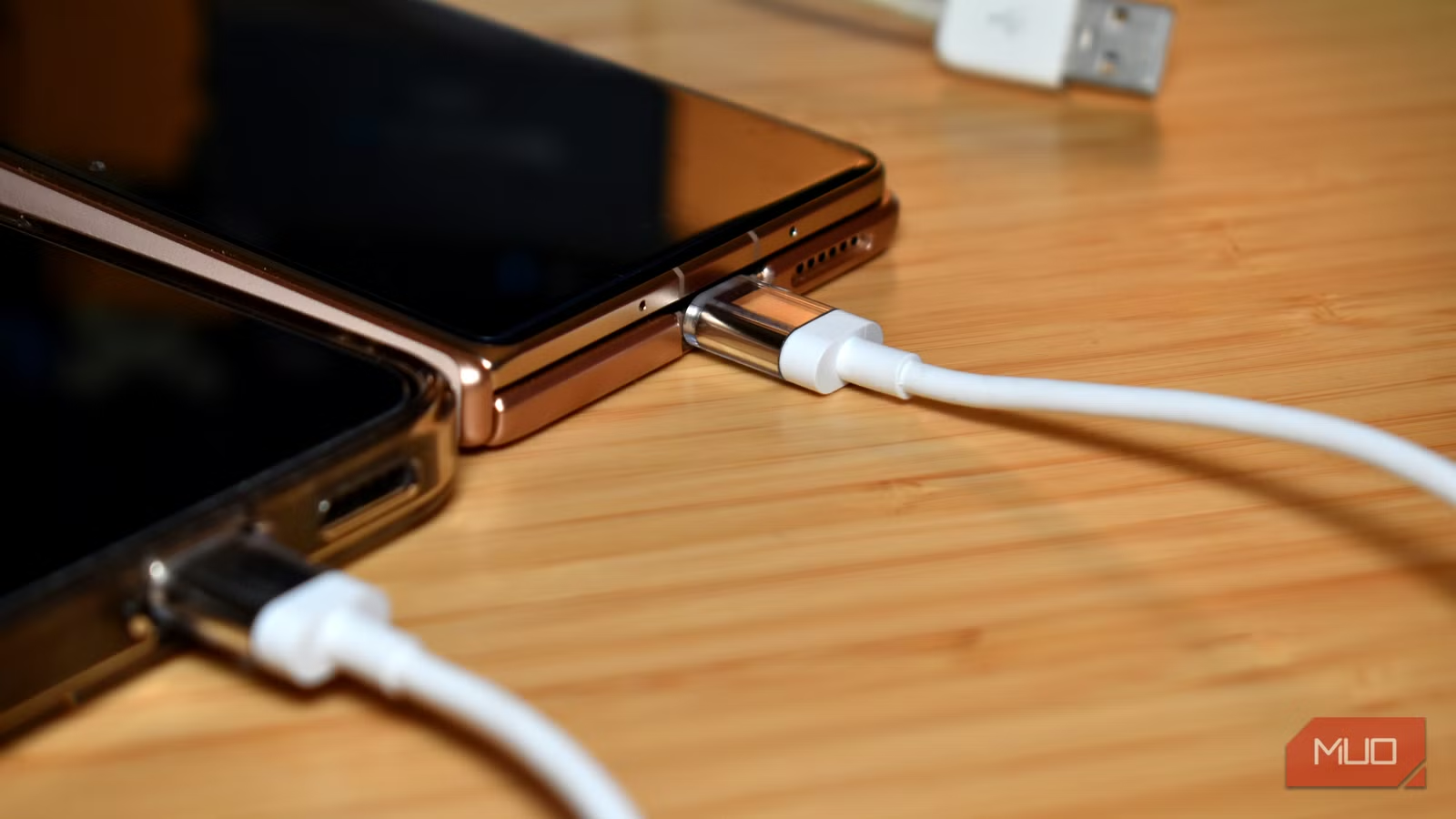
- You can charge another phone directly from your phone using USB-C reverse charging
- Smartphones support wired Ethernet connections through a simple USB-C adapter
- USB-C Alt Mode lets you output DisplayPort video through the same connector
Why USB-C Is More Than a Charging Port
Most people treat USB-C as a charging port or a data transfer cable. Plug in, charge up, move files, done. But the oval-shaped connector hides several specifications that expand its usefulness well beyond these basics.
USB Power Delivery handles negotiating power flow between devices. Alt Mode tunnels other protocols like DisplayPort through the same pins. USB4 provides raw bandwidth at the high end. Together, these features make USB-C one of the most versatile connectors available.
Here are five USB-C capabilities that feel counterintuitive until you actually try them.
1. Charge Another Phone From Yours
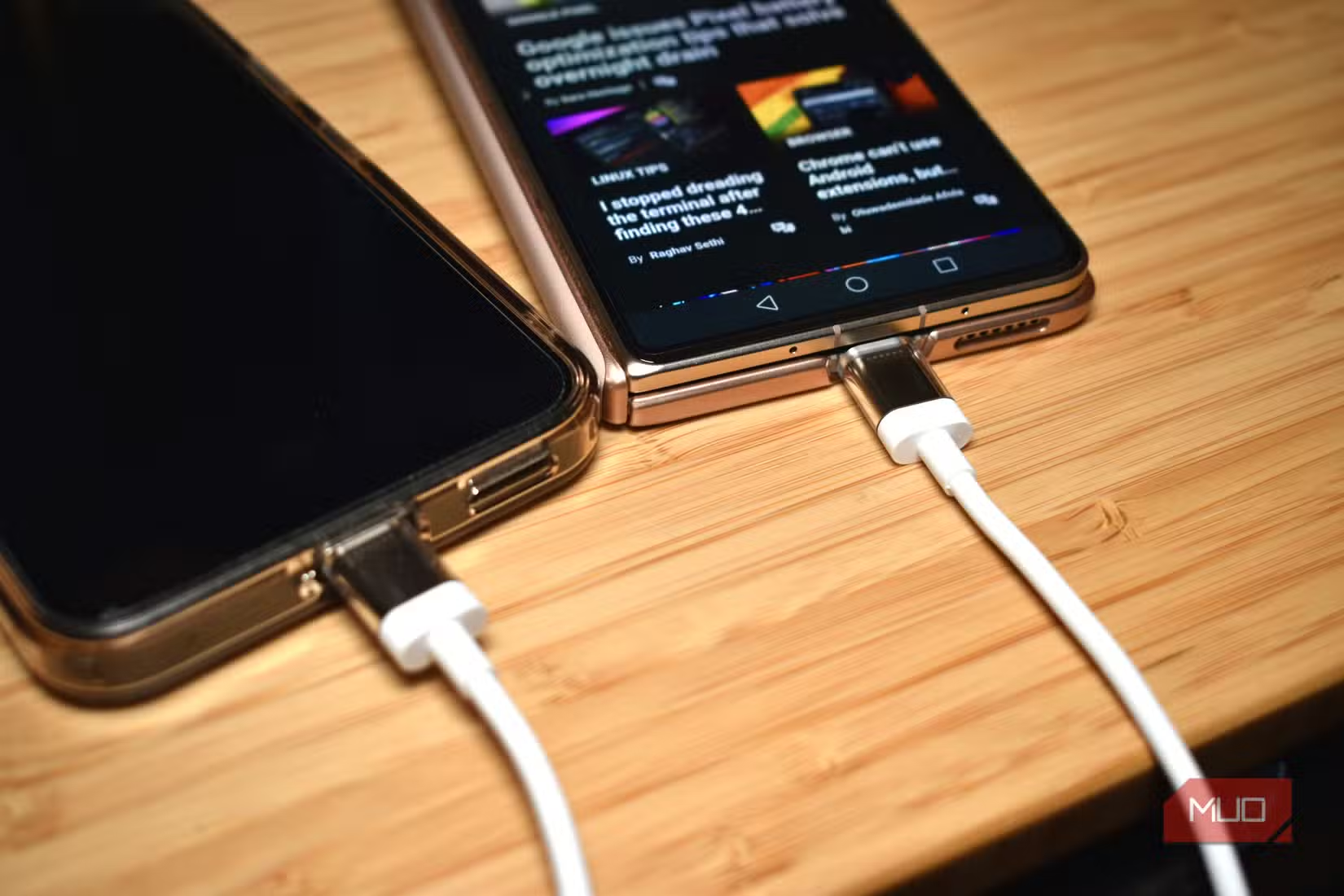
Reverse charging sounds backwards. Your phone is supposed to receive power, not give it away. But USB Power Delivery is a bidirectional negotiation. When you connect two devices, they communicate, determine which one has more power to offer, and set the direction of flow accordingly.
Support varies by manufacturer and model. Samsung calls it Wireless PowerShare for wireless reverse charging and handles wired reverse charging through Power Delivery on most S and Z series flagships. Google's Pixel line has been inconsistent. Some models support it, others don't, and it's not always clearly advertised. OnePlus, Xiaomi, and Oppo flagships generally support it.
Apple enabled USB-C Power Delivery output starting with the iPhone 15 range. All four iPhone 15 models support it, not just the Pro versions. Earlier iPhones with Lightning couldn't do it at all.
The catch: reverse charging isn't fast. You're typically capped at 4.5W or 7.5W, which is slow compared to a 20W wall charger. But it works for an emergency top-up when someone's phone is about to die.
Related tips for Pixel users managing battery life
2. Get Wired Gigabit Ethernet on Your Phone
Smartphones actually support incoming Ethernet connections. It sounds unnecessary when Wi-Fi is everywhere, but wired connections offer lower latency and more stable throughput. This matters for video calls in noisy wireless environments or when hotel Wi-Fi is overloaded.
You need a USB-C to Ethernet adapter. Plug it in, connect an Ethernet cable, and most Android phones will recognize the wired connection automatically. iPhones with USB-C also support this. The adapter typically costs between $15 and $30.
This works because USB-C can carry USB 3.0 or USB 3.1 data, which is more than enough bandwidth for gigabit Ethernet. The adapter handles the protocol conversion.
3. Output DisplayPort Video Through USB-C
USB-C Alt Mode lets the connector tunnel protocols other than USB through its pins. The most common use is DisplayPort. You can connect a monitor directly to your laptop, tablet, or phone using a USB-C to DisplayPort cable.
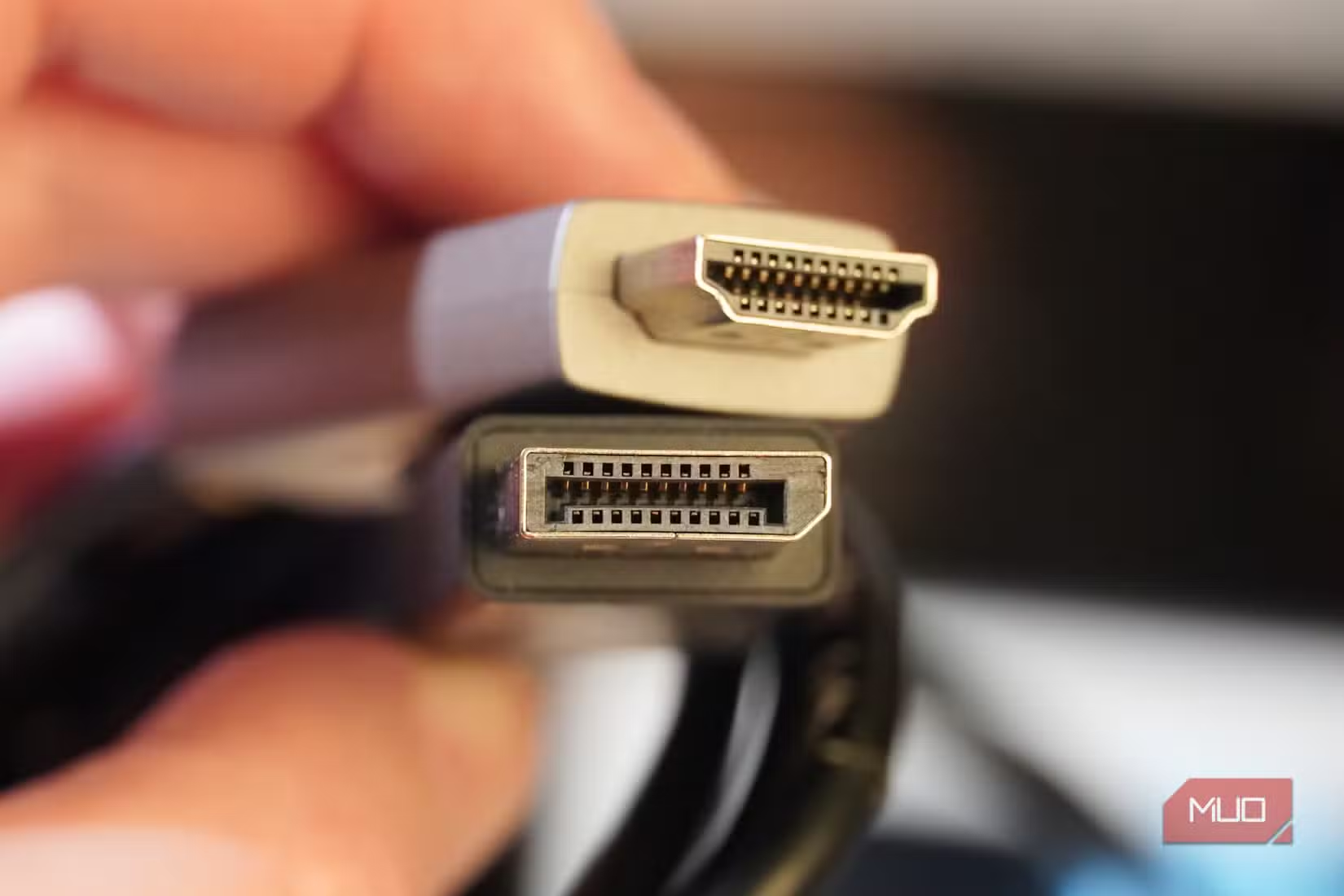
This isn't the same as HDMI, though some adapters convert the signal. Native DisplayPort output tends to support higher resolutions and refresh rates. Many monitors now include USB-C inputs that accept DisplayPort Alt Mode directly.
Not every USB-C port supports Alt Mode. On laptops, Thunderbolt ports always do. On phones, flagship Android devices from Samsung, Google, and others generally support it. Check your device specifications to confirm.
4. Charge a Laptop From a Phone Power Bank
USB Power Delivery can push enough wattage to charge laptops. A power bank rated for 45W, 65W, or higher can charge many ultrabooks and thin-and-light laptops. Some gaming laptops support USB-C charging as a secondary option.
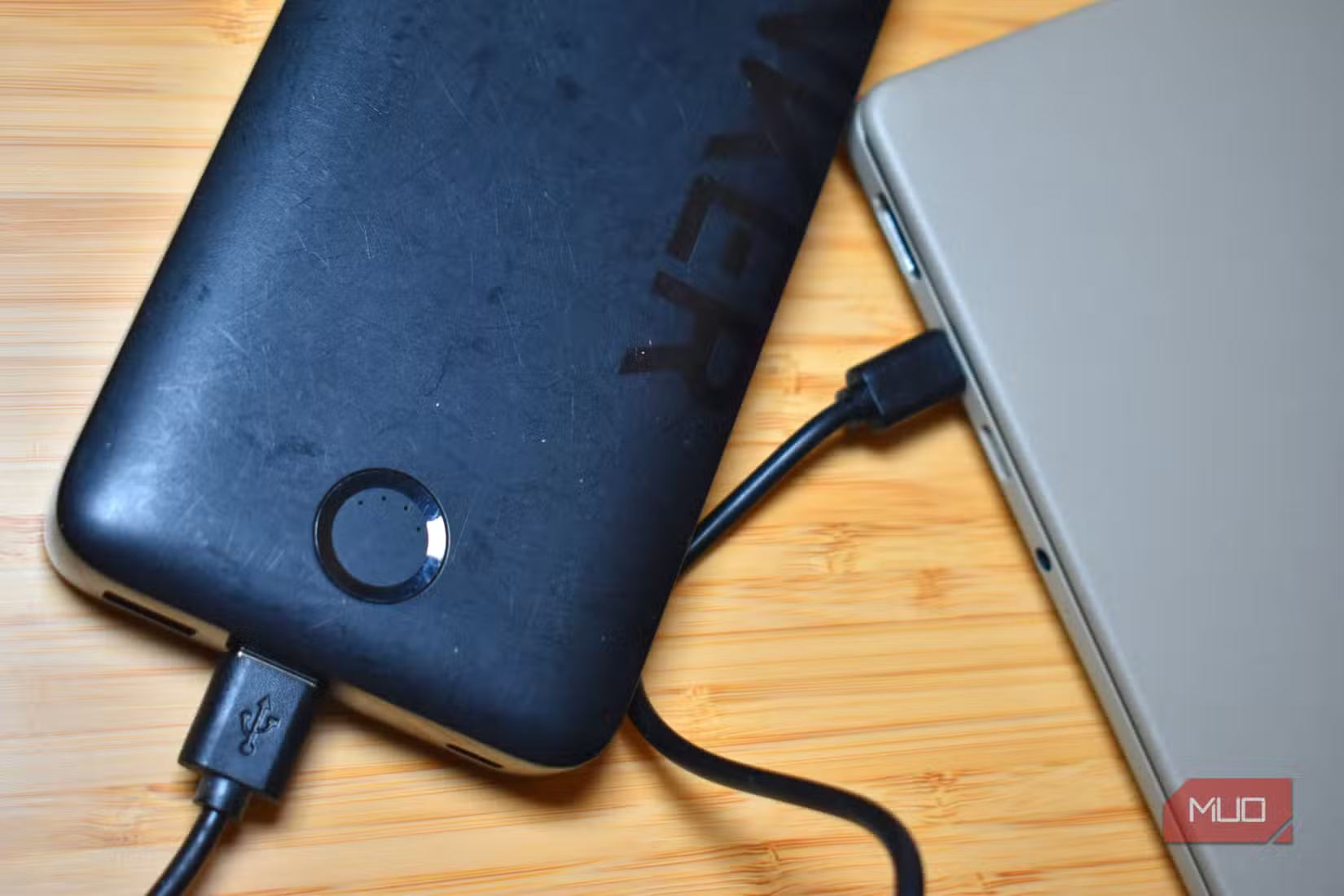
The laptop and power bank negotiate the power level automatically. If your power bank outputs 65W and your laptop accepts 65W, you get full-speed charging. If the power bank only outputs 45W, the laptop will charge more slowly but still work.
This changes how you pack for trips. Instead of carrying a separate laptop charger, a high-wattage USB-C power bank can charge your laptop, phone, tablet, and earbuds. One cable, one brick.
5. The Bidirectional Negotiation That Makes It Work
All of these tricks rely on the same underlying capability: USB Power Delivery is a two-way conversation. When you connect two USB-C devices, they exchange information about what each one can provide and accept. Then they configure the connection accordingly.
This is different from older USB standards, where power flowed in a fixed direction based on which device was the host. With USB-C and Power Delivery, the cable itself is reversible, and the power direction is negotiable.
The practical result: you can connect devices in combinations that would have failed with older connectors. Phone to phone. Power bank to laptop. Laptop to monitor. The same cable type handles all of them.
Logicity's Take
What You Need to Try These
- A USB-C to USB-C cable that supports data and Power Delivery, not just charging
- For Ethernet: a USB-C to Ethernet adapter ($15-30)
- For DisplayPort: a USB-C to DisplayPort cable or adapter, and a device that supports Alt Mode
- For laptop charging: a power bank rated for 45W or higher with USB-C Power Delivery
Cheap cables often skip the data pins or cap power delivery at 15W. Spending $15-20 on a quality cable with full USB 3.1 and 100W Power Delivery support opens up all these capabilities.
Frequently Asked Questions
Can I charge my iPhone from an Android phone using USB-C?
Yes, if the Android phone supports reverse charging and both devices use USB-C. The iPhone 15 and later models accept USB-C Power Delivery input. The Android phone will provide 4.5W to 7.5W, enough for an emergency charge.
Does every USB-C port support DisplayPort output?
No. The port must support Alt Mode, which is common on Thunderbolt ports and flagship smartphones but not universal. Check your device specifications to confirm DisplayPort Alt Mode support.
Why does my USB-C cable only charge slowly?
Many cheap USB-C cables only support USB 2.0 data speeds and limited power delivery. For fast charging and full functionality, use a cable rated for USB 3.1 and 100W Power Delivery.
Can I use a phone power bank to charge my laptop?
Yes, if the power bank supports USB-C Power Delivery at 45W or higher and your laptop accepts USB-C charging. Many ultrabooks and thin laptops support this. Gaming laptops may require their dedicated chargers for full performance.
Will connecting my phone to Ethernet drain battery faster?
Generally no. Wired Ethernet can use less power than Wi-Fi because the radio doesn't need to manage signal strength variations. However, the difference is usually minor in practice.
Need Help Implementing This?
Source: MakeUseOf
Huma Shazia
Senior AI & Tech Writer
Produced with AI assistance and reviewed by the Logicity editorial team. Learn more in our Editorial Policy.






