Key Takeaways
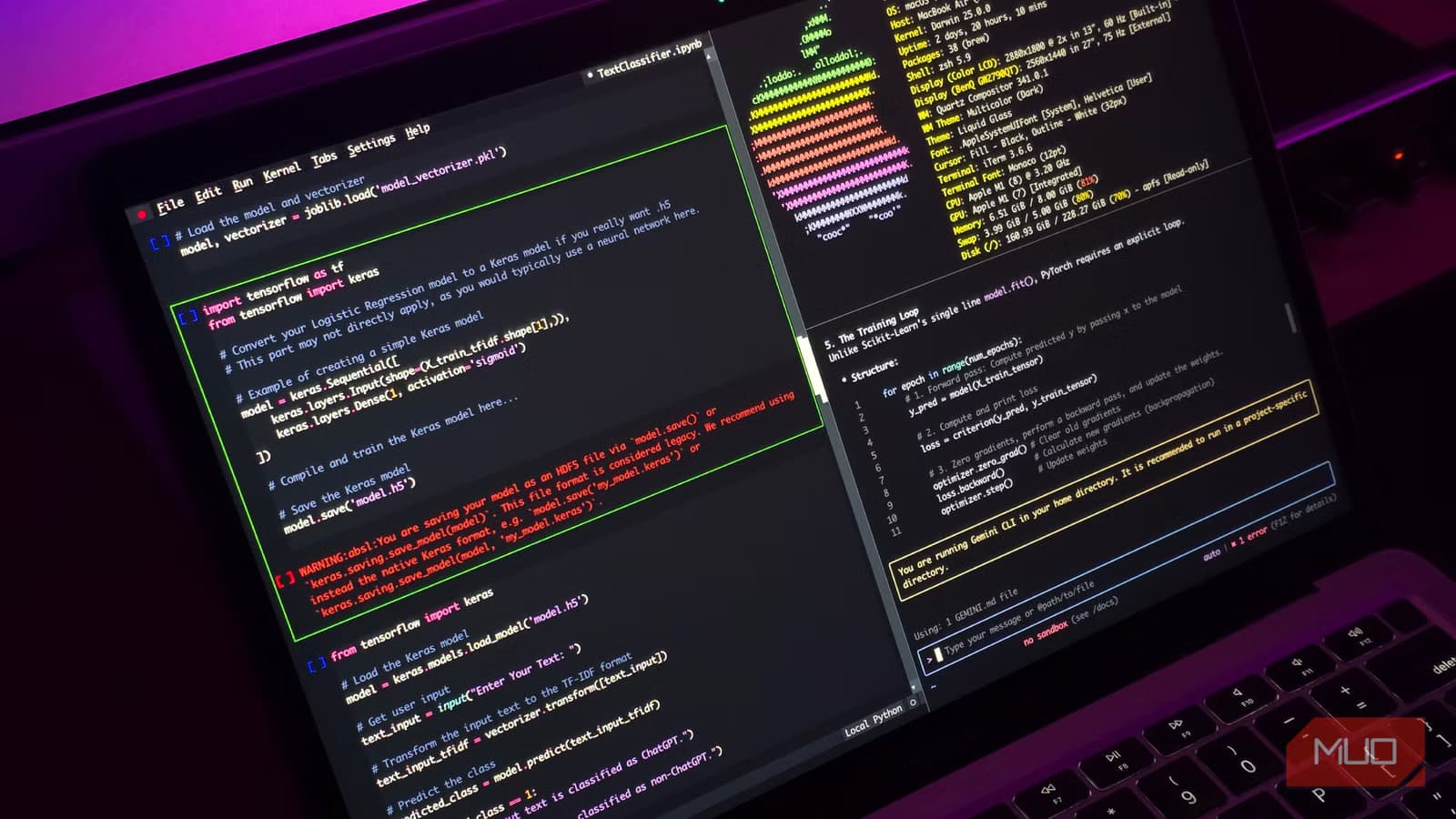
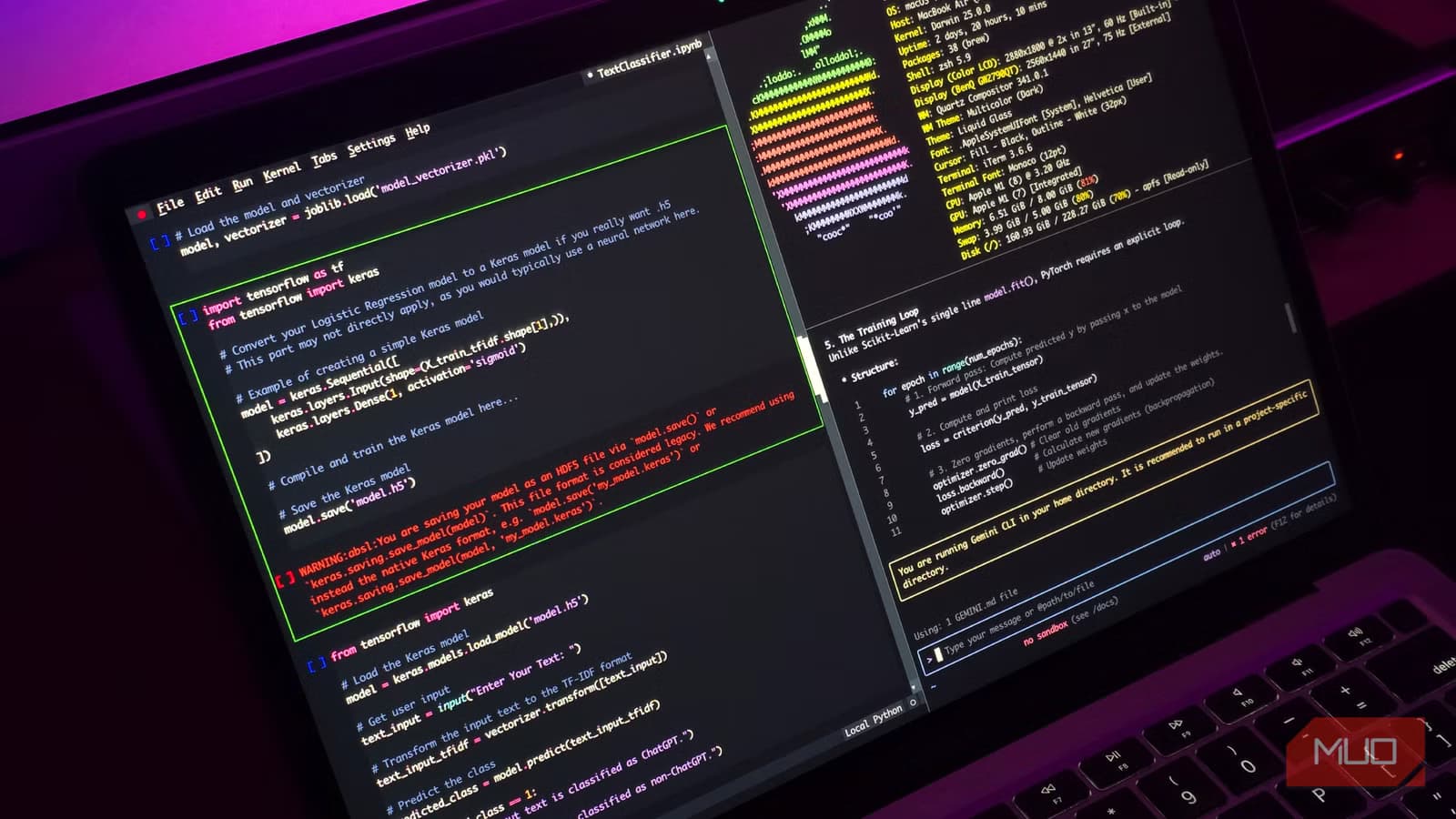
- Claude Code lets you describe tasks in plain English and executes the shell commands for you
- Free alternatives like Codex CLI, Gemini CLI, and OpenCode offer similar AI-powered command generation
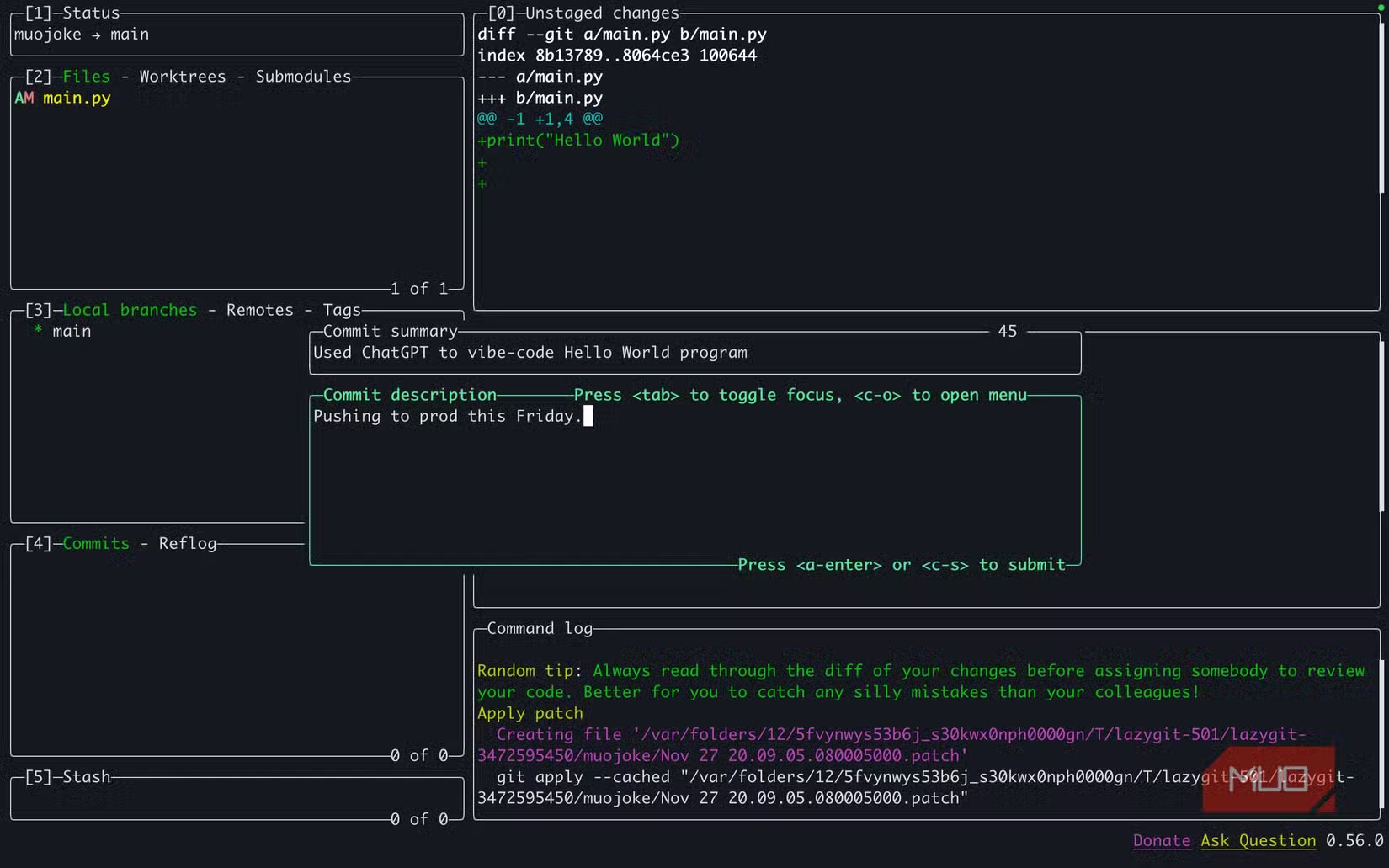
- Always read AI-suggested commands before running them since terminal mistakes can be destructive
Why the Terminal Still Scares People
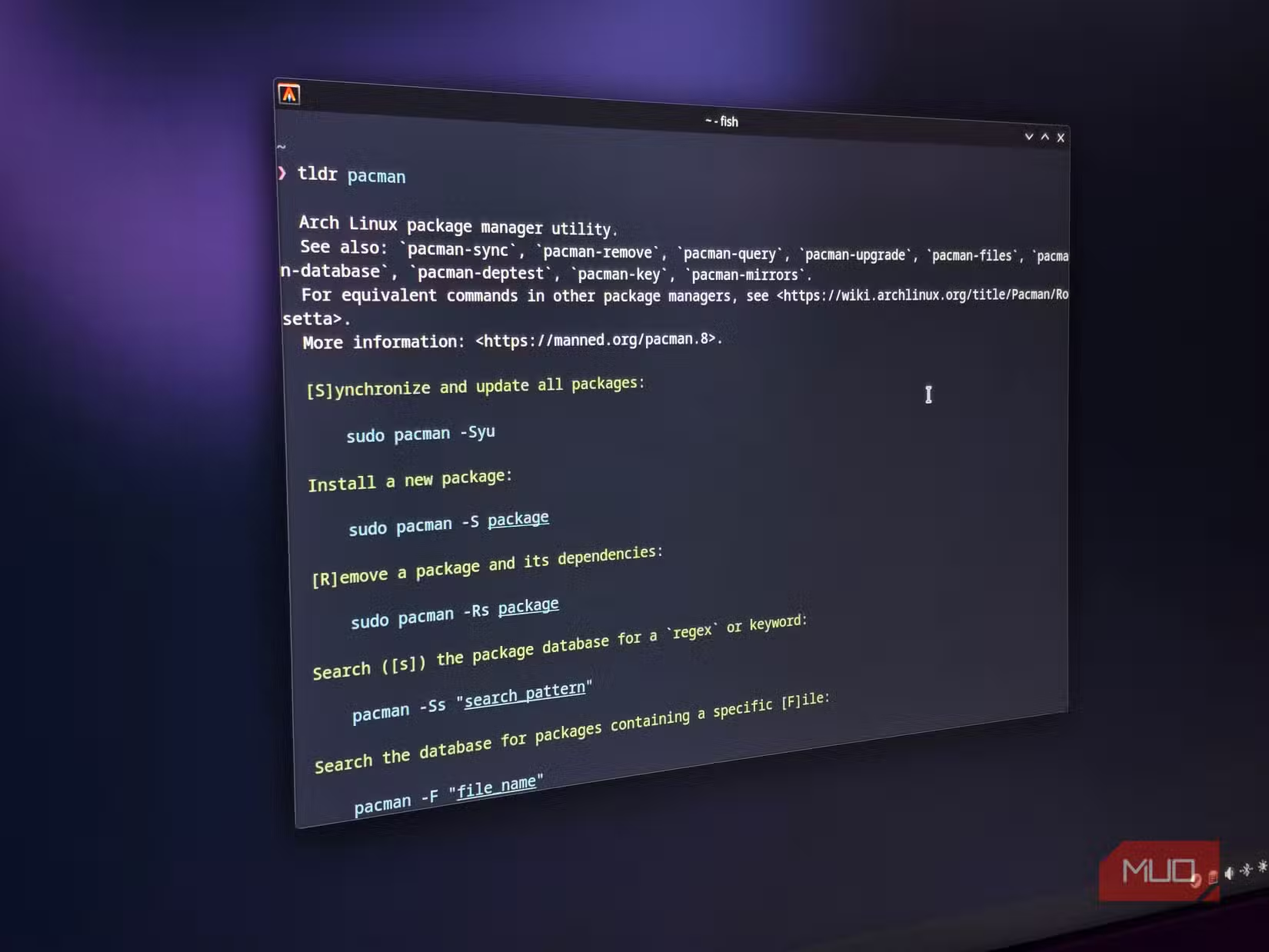
The command line has a learning cliff, not a curve. New users face a blinking cursor and a blank prompt with no hints about what to type next. Unlike graphical interfaces that surface options through menus and buttons, the terminal demands you already know what you want to do and exactly how to phrase it.
Raghav Sethi, a tech writer at MakeUseOf who uses the terminal as his primary development environment, recently shared the tools that made his workflow less painful. His list focuses on practicality over power-user bragging rights.
Claude Code: An AI That Speaks Shell
Claude Code is marketed as a development tool, but its real superpower is simpler. It has full shell access and can translate plain English into working commands. Want to find all files over 100MB in a directory you've never touched? Just say that. Need to kill a process eating your CPU but have no idea what 'ps aux' means? Tell it that too.
Sethi uses it regularly for tasks he technically knows how to do but would need to look up the exact syntax for. Setting up SSH configs, bulk renaming files with specific patterns, chaining together commands. That last one alone, he admits, saves more time than he'd like to acknowledge.

Safety Warning
Free Alternatives to Claude Code
Claude Code requires a paid Claude subscription. For users who want the same functionality without the cost, several open alternatives exist.
- Codex CLI: OpenAI's command-line coding assistant
- Gemini CLI: Google's terminal-based AI tool
- OpenCode: An open-source alternative that works with multiple AI backends
These tools follow the same pattern. Describe what you want in natural language, review the suggested command, then run it. The quality of suggestions varies by model, but all of them beat staring at a blank prompt while hunting through Stack Overflow.
The Broader Trend: AI as Training Wheels
What makes these tools interesting is that they're not replacing terminal knowledge. They're accelerating its acquisition. When you see the command Claude generates, you learn the syntax. After asking the same question three or four times, you start typing the command directly.
This is different from GUI wrappers that hide complexity entirely. AI assistants show their work. You build mental models of how the shell operates while getting immediate results.
Another practical guide to fixing common computing frustrations
Getting Started
For developers and engineers already comfortable with the command line, these tools eliminate grunt work. For beginners, they provide a safety net that makes experimentation less risky. The key is using them as a bridge, not a crutch.
Start by asking the AI to explain the commands it generates, not just execute them. Most of these tools can break down complex pipelines into their component parts. That's where the actual learning happens.
Logicity's Take
Frequently Asked Questions
Is Claude Code free to use?
No. Claude Code requires a paid Claude subscription. Free alternatives include Codex CLI, Gemini CLI, and OpenCode.
Is it safe to let AI run terminal commands?
Only if you review every command before execution. AI can suggest destructive commands by mistake. Always read what's about to run.
Will using AI tools prevent me from learning the terminal properly?
Not necessarily. These tools show the commands they generate, so you learn syntax through exposure. Ask them to explain commands for faster learning.
What's the best AI tool for terminal beginners?
Claude Code has strong shell integration, but Gemini CLI and Codex CLI offer similar functionality for free. Try whichever fits your existing accounts.
Need Help Implementing This?
Source: MakeUseOf
Manaal Khan
Tech & Innovation Writer
Produced with AI assistance and reviewed by the Logicity editorial team. Learn more in our Editorial Policy.






