Key Takeaways
- Spotify's Claude integration launched in mid-April 2026, available to both Free and Premium users worldwide
- Premium users can describe moods or vibes for custom playlists; Free users get basic recommendations
- Claude's recommendations draw from Spotify's personalization technology and catalog expertise
Spotify Adds Claude to Its AI Toolkit
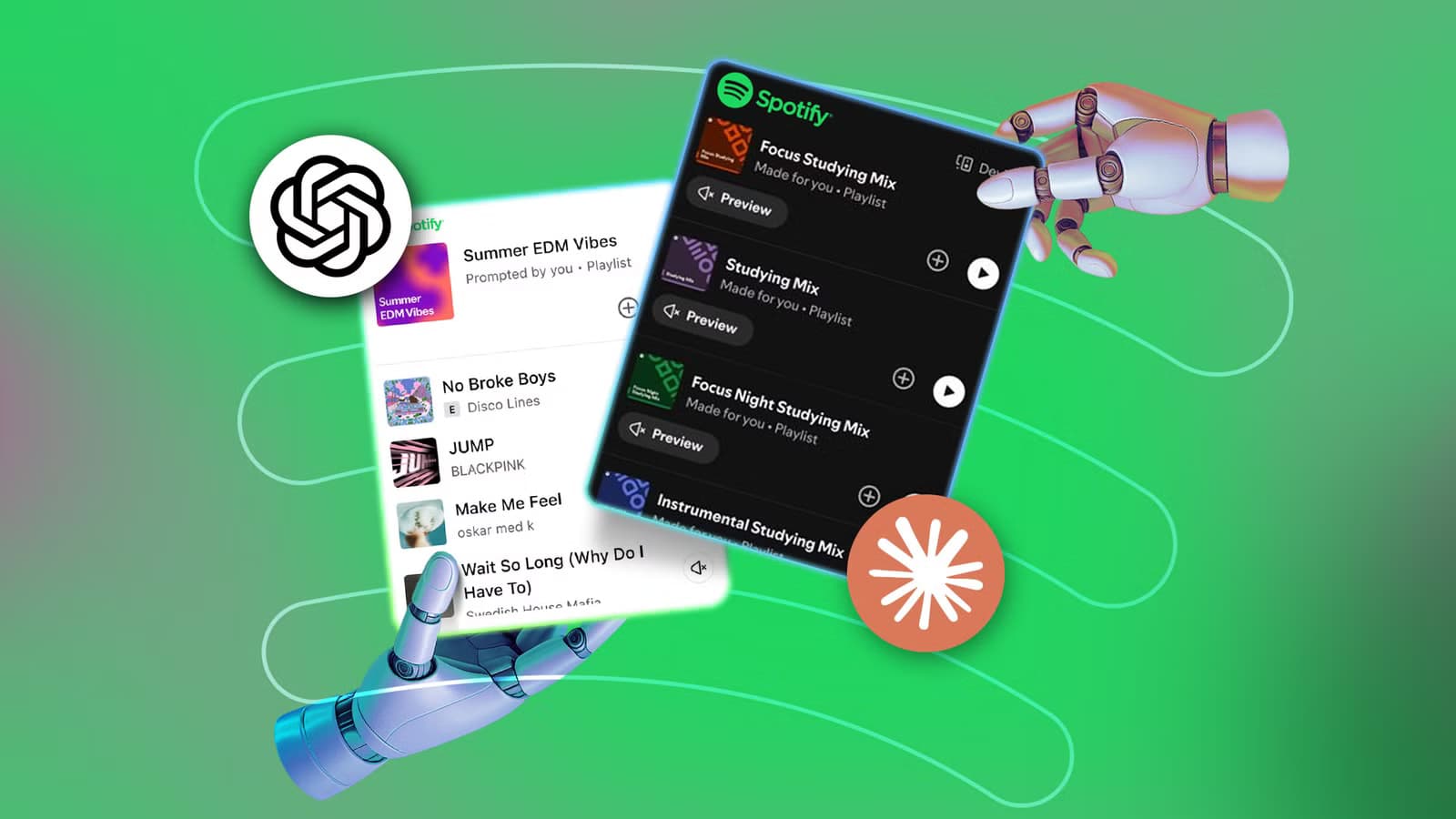
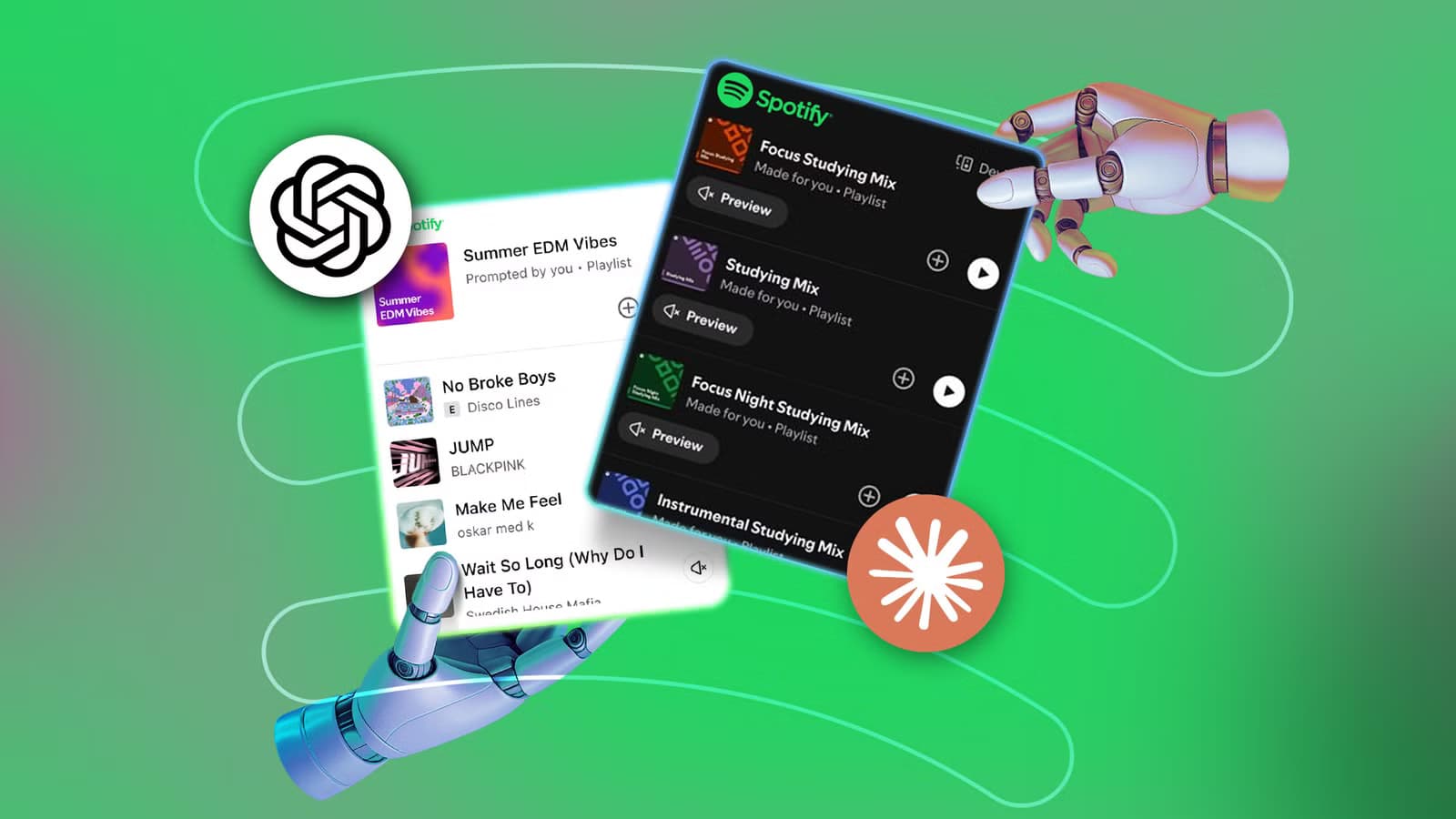
Spotify announced its Claude integration in mid-April 2026. The feature lets you connect your Spotify account to Anthropic's Claude and get personalized music and podcast recommendations based on your listening history and taste profile.
This arrives months after Spotify rolled out its ChatGPT integration, which offers similar playlist creation and music discovery features. Now users have two AI assistants competing for the same job.
According to Spotify, Claude's recommendations come from Spotify's personalization technology and "deep catalog expertise." The integration is available worldwide for Claude users on web, mobile (iOS and Android), and desktop who have an existing Spotify account.
Who Can Use It?
Both Free and Premium Spotify users can access the Claude integration. Premium subscribers get an advantage: they can describe a vibe or mood and receive a playlist tailored to that specific prompt. Free users get basic recommendations without the custom playlist generation.
On the Claude side, the integration works for Free, Pro, and Max users. You'll need an existing Spotify account to connect.
How to Link Spotify to Claude
Setting up the connection takes about a minute. Sign into your Claude account and open a new chat. Type a prompt that addresses Spotify directly. Something like "Spotify, can you recommend me some upbeat songs for my morning workout?" works.
Claude will ask you to allow search on Spotify. Accept that, and you'll see preview recommendations. Click "Link your Spotify account" to unlock the full experience, then follow the sign-in instructions.
Testing Both AI Assistants
To compare the two integrations fairly, you need to give both the same prompts. Ask each assistant for playlists based on specific moods, activities, or genres. Try requests like a focus playlist for deep work, something energetic for a morning run, or a chill selection for Sunday evening.
The key differences emerge in how each AI interprets your prompts and how well its selections match your existing taste. Both pull from your listening history, but their approaches to finding new music within your preferences vary.
What Sets the Claude Integration Apart
Spotify's description of Claude's "deep catalog expertise" suggests the integration may surface less obvious tracks that still fit your taste profile. The ChatGPT integration, by comparison, has been available longer and has more user feedback built into its recommendations.
For Premium users, the vibe-based playlist generation is where Claude shows its strength. Describing abstract moods or scenarios gives Claude more creative room to work with than simple genre or artist requests.
| Feature | ChatGPT Integration | Claude Integration |
|---|---|---|
| Availability | Launched earlier | Mid-April 2026 |
| Free Spotify Users | Basic recommendations | Basic recommendations |
| Premium Spotify Users | Playlist creation | Mood/vibe-based playlists |
| Platforms | Web, mobile, desktop | Web, mobile, desktop |
| AI Tier Requirements | ChatGPT account | Free, Pro, or Max Claude |
Which One Should You Use?
If you already use Claude for other tasks, adding Spotify to your workflow makes sense. The integration keeps everything in one place. The same logic applies if you're a ChatGPT user.
For users who don't have a preference between AI assistants, try both. The results will depend heavily on your specific music taste and how you phrase your requests. Some users find one AI better understands their preferences, even with identical prompts.

Logicity's Take
More on how AI integrations are changing major platforms
Frequently Asked Questions
Is Spotify's Claude integration free?
Yes, both Free and Premium Spotify users can access it. You need a Claude account (Free, Pro, or Max tier) and an existing Spotify account to connect.
What's the difference between Claude and ChatGPT for Spotify?
Both offer music recommendations and playlist creation. Claude emphasizes mood and vibe-based playlists for Premium users, while ChatGPT's integration has been available longer with more user feedback incorporated.
Can I use both ChatGPT and Claude with Spotify?
Yes, you can connect your Spotify account to both AI assistants and use whichever you prefer for different requests.
Does Claude create playlists directly in my Spotify?
Yes, with a Premium Spotify account and a linked Claude account, you can generate playlists that appear directly in your Spotify library.
Need Help Implementing This?
Source: How-To Geek
Huma Shazia
Senior AI & Tech Writer
Produced with AI assistance and reviewed by the Logicity editorial team. Learn more in our Editorial Policy.