Key Takeaways
- HDDs cost 4x less per terabyte than SSDs at high capacities, saving thousands on bulk storage
- Backup and archival systems rarely need SSD speeds, making HDDs the smarter financial choice
- A hybrid storage strategy lets businesses optimize both speed and budget
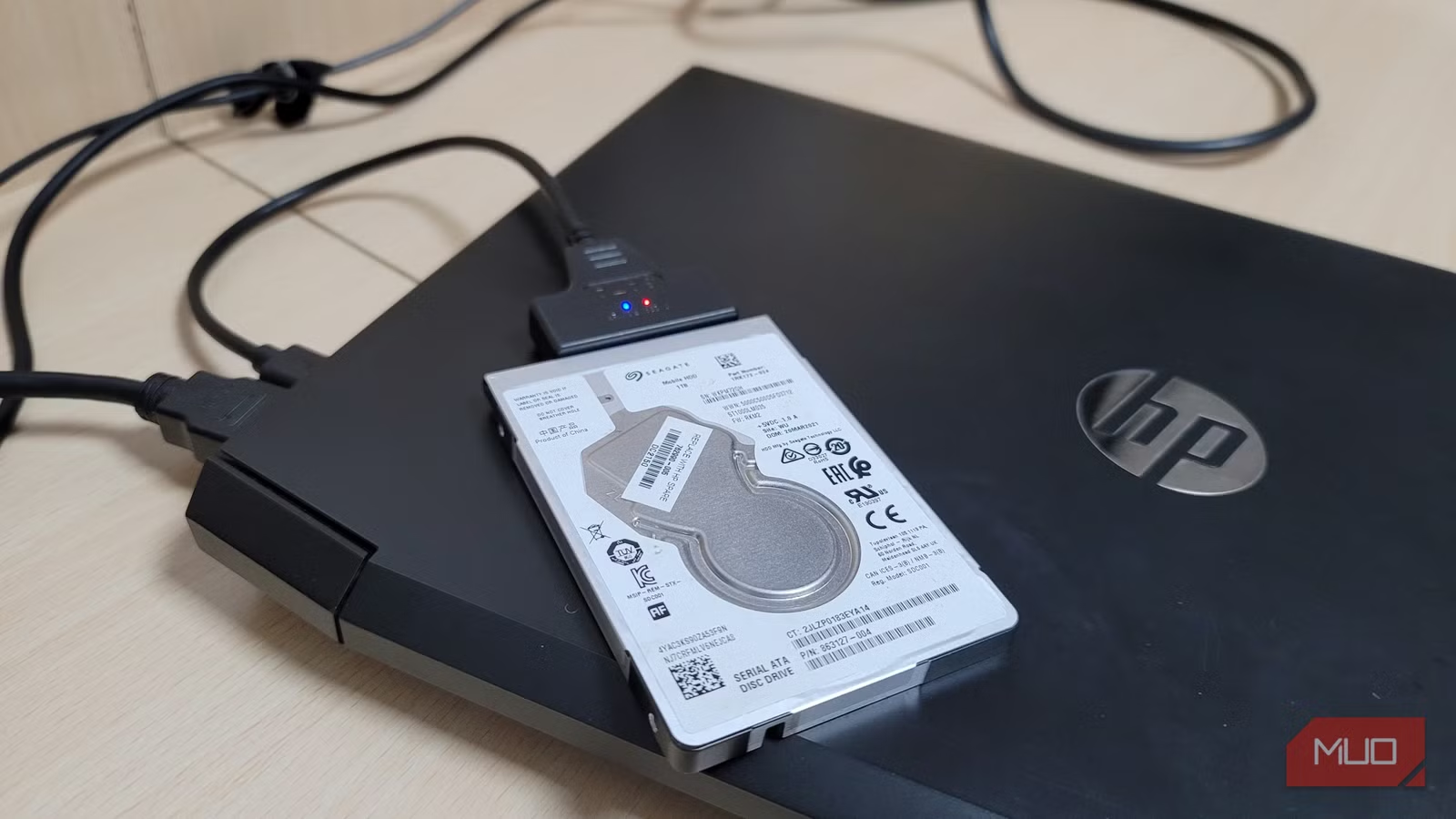
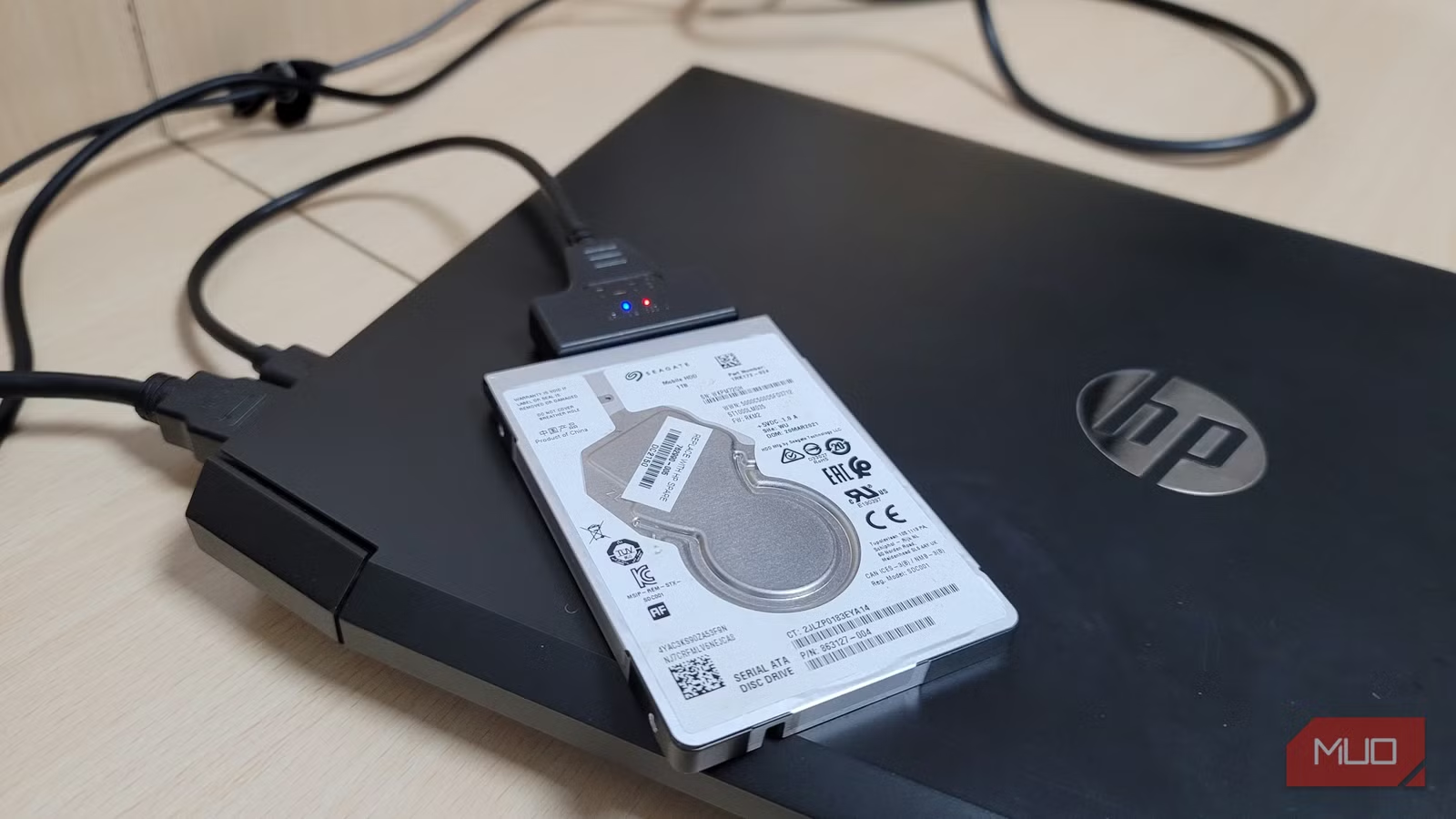
According to [MakeUseOf](https://www.makeuseof.com/scenarios-where-id-pick-an-hdd-over-an-ssd-every-time/), there are still compelling scenarios where traditional hard disk drives outperform SSDs as the better tool for the job, particularly for bulk storage and long-term backups. This runs counter to the prevailing wisdom that SSDs are always the superior choice.
Here's a number that should make any CFO pause: a 4TB SSD costs roughly four times what a 4TB HDD costs. When you're building out storage infrastructure that requires 50TB, 100TB, or more, that gap translates to tens of thousands of dollars. The question isn't whether SSDs are faster. They are. The question is whether you're paying for speed you'll never use.
Why Should Your Business Still Consider HDDs in 2026?
The SSD marketing machine has been remarkably effective. Flash storage is quieter, faster, more power-efficient, and has no moving parts to fail. For your primary workstations, servers running active databases, and any system where latency matters, SSDs are the obvious choice.
But business storage isn't monolithic. Your company likely has three distinct storage needs: active working data (where speed matters), backup systems (where reliability and capacity matter), and archives (where cost-per-gigabyte is king). Treating all three the same way is like buying a Ferrari for your delivery fleet.
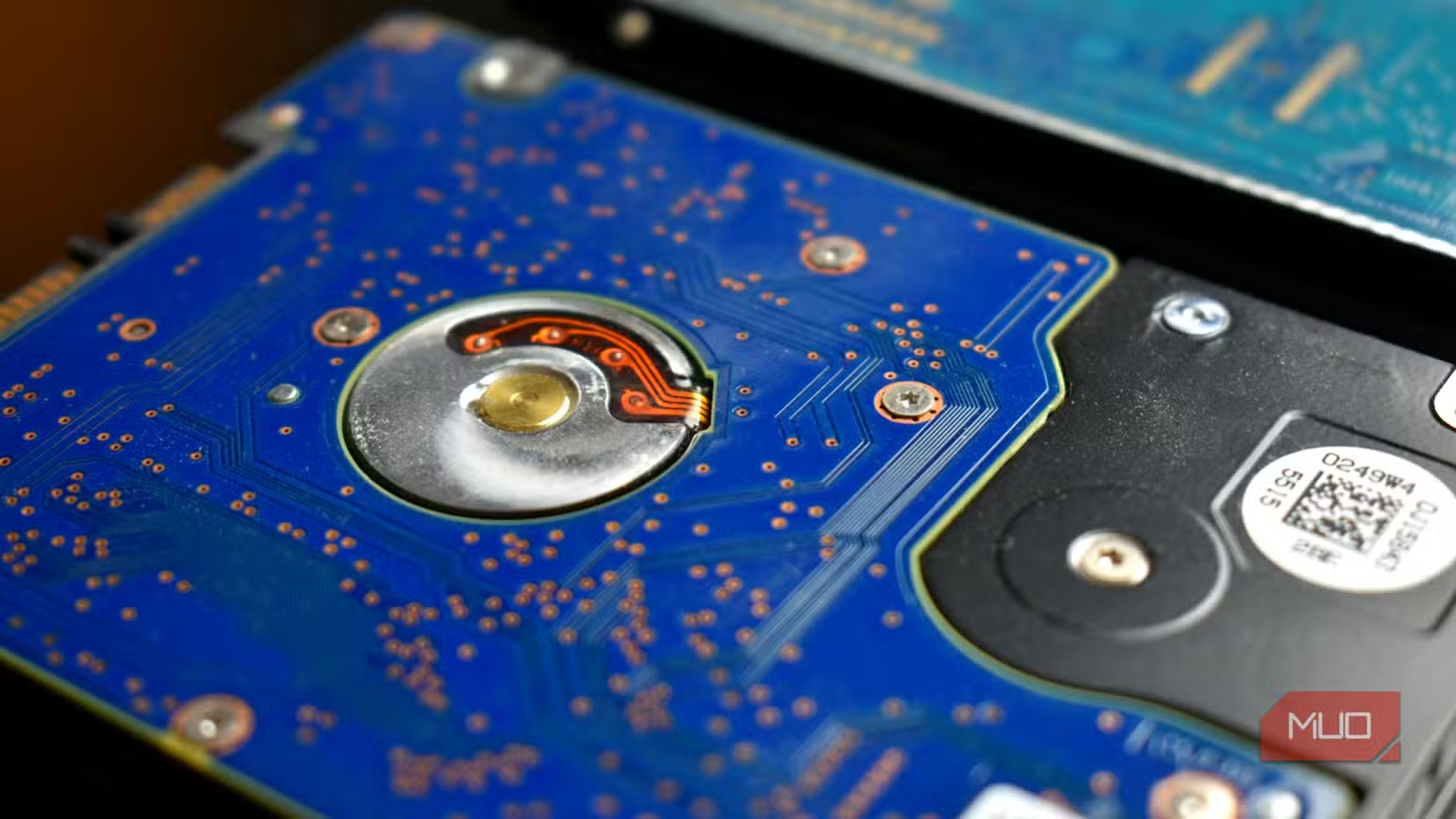
The Executive Summary
SSDs belong on active systems where speed impacts productivity. HDDs belong on backup arrays, media servers, and archival storage where you're optimizing for capacity and cost. A hybrid approach can cut your total storage budget by 40-60% while maintaining performance where it counts.
How Much Does HDD vs SSD Storage Actually Cost?
Let's talk real numbers. At the time of writing, enterprise-grade 4TB HDDs run $80-120. Comparable 4TB SSDs start at $320 and climb quickly for enterprise-rated drives with better endurance ratings. At 20TB, you're looking at roughly $300-400 for an HDD versus $1,500+ for an SSD.
| Storage Type | 4TB Cost | 20TB Cost | Cost per TB | Best Use Case |
|---|---|---|---|---|
| Enterprise HDD | $80-120 | $300-400 | $15-20 | Backup, archives, media |
| Enterprise SSD | $320-500 | $1,500+ | $75-100 | Active databases, VMs, OS drives |
| NVMe SSD | $400-600 | $2,000+ | $100-150 | High-performance workloads |
Now multiply these differences across a 100TB NAS deployment. With HDDs, you're looking at roughly $1,500-2,000. With SSDs, that same capacity runs $7,500-10,000. That's not a rounding error. That's a budget line item that requires CFO approval.
3 Business Scenarios Where HDDs Beat SSDs
1. Building Out Backup Infrastructure
Your backup system has one job: store data reliably until you need it. The operative word is "until." You're not constantly reading and writing to backup drives. You're writing once (during backup windows) and reading rarely (during disaster recovery or occasional restores).
SSD speed advantages simply don't matter here. Whether your nightly backup completes in 2 hours or 3 hours is irrelevant if it runs during off-peak hours. What matters is having enough capacity to maintain multiple backup generations and paying a reasonable price for that insurance policy.
2. Media and Content Archives
Creative agencies, video production houses, and marketing teams accumulate massive libraries of raw footage, project files, and final deliverables. A single 4K video project can generate 500GB of data. A year's worth of content? You're easily looking at 20-50TB.
This content sits dormant 99% of the time. When someone needs to pull an asset from two years ago, they can wait 30 seconds longer for the file to load. They can't wait for budget approval to buy more storage because you ran out of capacity.
Securing your storage infrastructure starts with network fundamentals
3. Home Office and Remote Worker Storage
With hybrid work now standard, many businesses equip remote workers with secondary storage for local backups and working files. These drives need capacity and reliability. They don't need to be the fastest drives money can buy.
Equipping 50 remote workers with 4TB backup drives? HDDs cost roughly $4,000-6,000. SSDs run $16,000-25,000. That's real money that could fund additional hires, software licenses, or other infrastructure.
Is HDD Reliability Still a Concern for Business?
The "HDDs fail more often" narrative needs updating. Yes, HDDs have moving parts. Yes, they can fail. But enterprise-grade HDDs from Seagate, Western Digital, and Toshiba are rated for 1 million hours MTBF (mean time between failures). That's over 100 years of continuous operation.
More importantly, proper backup strategy assumes drives will fail. You're running RAID configurations, maintaining off-site copies, and testing restore procedures. Whether the drive that fails is an HDD or SSD is irrelevant if your redundancy strategy works.
✅ Pros
- • 4x lower cost per terabyte than SSDs
- • Proven 1M+ hour MTBF ratings
- • Ideal for write-once, read-rarely workloads
- • Available in massive capacities (20TB+)
- • Lower replacement costs when drives fail
❌ Cons
- • Slower read/write speeds than SSDs
- • More susceptible to physical shock
- • Higher power consumption
- • Generates heat and noise
- • Not suitable for databases or VMs
How to Build a Hybrid Storage Strategy
Smart CTOs aren't choosing HDD or SSD. They're deploying both, matched to workload requirements. Here's a framework that works for most mid-sized businesses:
- Tier 1 (SSD/NVMe): Operating systems, databases, virtual machines, active project files. Budget: 10-20% of total capacity.
- Tier 2 (SSD): Frequently accessed files, recent projects, shared drives with active collaboration. Budget: 20-30% of capacity.
- Tier 3 (HDD): Backup systems, archives, media libraries, cold storage. Budget: 50-70% of capacity.
This tiered approach means you're buying SSD speed only where it delivers productivity gains. Everything else sits on cost-efficient HDDs.
Understanding hardware pricing cycles helps time major purchases
What About Cloud Storage vs On-Premise HDDs?
Cloud storage seems like it solves the capacity problem. Just pay monthly and scale as needed. But the math gets ugly at scale.
AWS S3 Standard charges roughly $0.023 per GB per month. That's $23 per TB per month, or $276 per TB per year. A 20TB HDD costs $300-400 once and lasts 5-7 years. The break-even point is roughly 14-18 months. After that, you're paying a premium for someone else to host your HDDs.
Cloud makes sense for disaster recovery, geographic redundancy, and variable workloads. It doesn't make sense as your primary bulk storage if you have predictable, stable capacity needs.
HDD vs SSD for Business: Key Questions Answered
Frequently Asked Questions
When is it worth paying more for SSD storage?
SSDs are worth the premium for any workload where speed impacts productivity or user experience. This includes database servers, virtual machine hosts, operating system drives, and active project files. If employees are waiting on storage, you're paying for that wait time in lost productivity.
How long do enterprise HDDs actually last?
Enterprise-grade HDDs are rated for 1 million+ hours MTBF (mean time between failures), with warranties typically covering 5 years. In practice, annual failure rates run 1-3% for quality drives operated within specifications. Budget for replacements, but don't expect frequent failures.
Should we use HDDs or SSDs for our NAS?
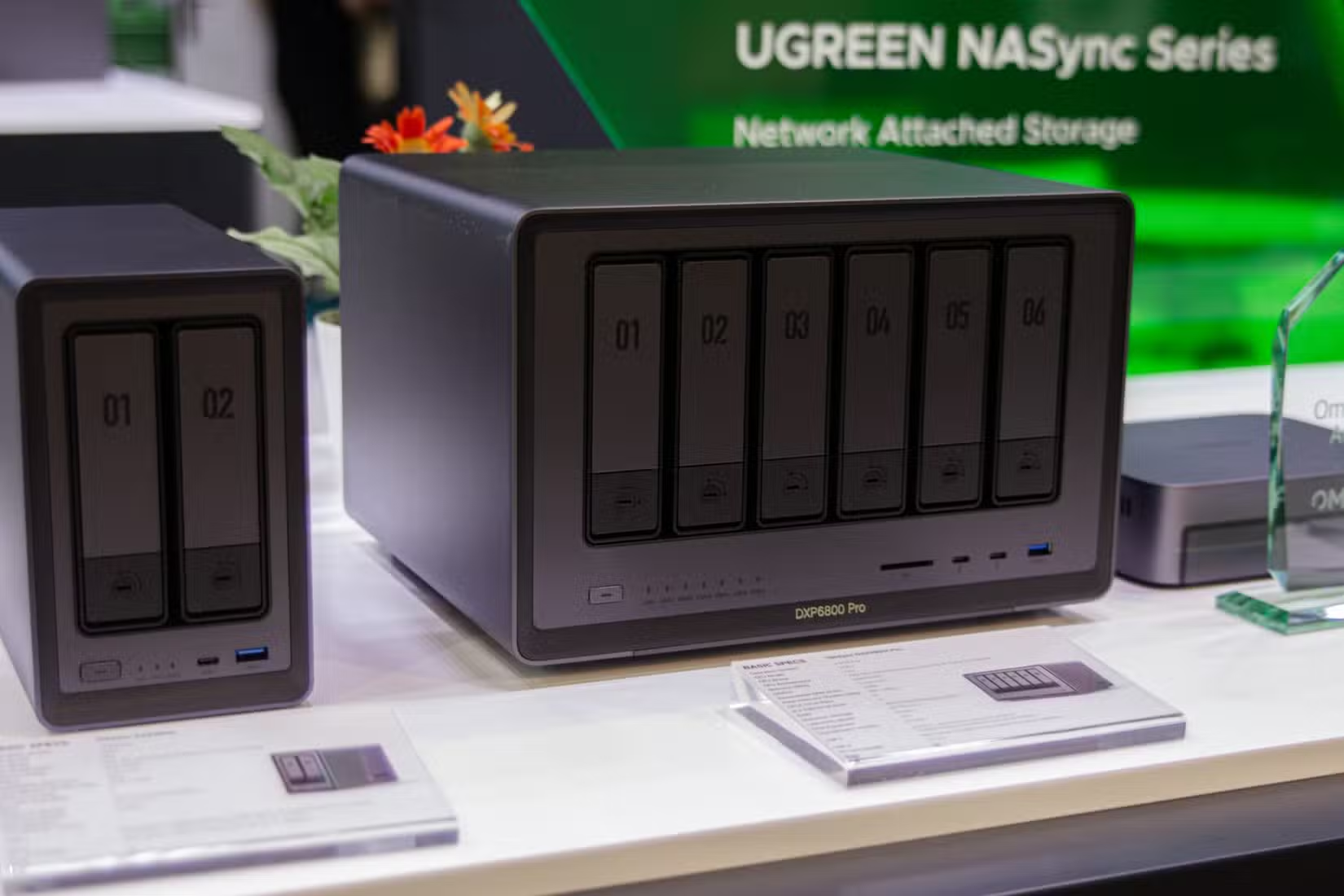
It depends on the NAS purpose. For media serving, backup targets, and archival storage, HDDs offer dramatically better cost efficiency. For NAS systems supporting active collaboration or hosting virtual machines, SSDs justify the premium. Many businesses run hybrid NAS with SSD caching and HDD bulk storage.
How much can we save by switching backup systems to HDD?
Most businesses can reduce backup storage costs by 60-75% by moving from SSD to HDD arrays. A 50TB backup system costs roughly $750-1,000 with HDDs versus $3,750-5,000 with SSDs. The savings compound as capacity requirements grow.
Are HDDs still being manufactured and improved?
Yes. Major manufacturers continue investing in HDD technology, with Seagate and Western Digital both shipping 20TB+ drives. New technologies like HAMR (heat-assisted magnetic recording) are pushing capacities toward 30TB+ per drive. HDDs remain the backbone of cloud provider storage infrastructure.
Logicity's Take
As an agency that manages significant data for client projects, including AI training datasets, media assets, and development backups, we've lived this decision. Our production workstations run NVMe SSDs for active development. But our backup infrastructure and project archives sit on a HDD-based NAS array. The math simply works better. For Indian startups and SMBs watching every rupee, the HDD vs SSD decision hits harder. Cloud storage pricing often assumes US/EU bandwidth costs, which don't translate well to Indian infrastructure realities. A well-configured on-premise HDD array with proper backup procedures can serve a 50-person company for 5+ years at a fraction of equivalent cloud costs. That said, don't cheap out on the wrong layer. Your developers' workstations need SSDs. Your database servers need SSDs. Saving money on storage that directly impacts daily productivity is false economy. The skill is knowing which storage tier each workload belongs in.
Understanding mobile-first infrastructure trends
The Bottom Line on Business Storage Decisions
The technology industry loves declaring winners. SSDs won, HDDs are dead, case closed. Reality is messier. Both technologies have optimal use cases, and smart infrastructure planning deploys both.
For business leaders, the takeaway is simple: audit your storage by workload type. Identify what needs speed versus what needs capacity. Stop paying SSD prices for backup drives that get written to once a night and read once a year during disaster recovery tests.
The money you save on intelligent storage tiering can fund actual competitive advantages: better tools, more talent, faster product development. That's a better use of capital than buying speed you'll never notice.
Need Help Implementing This?
Logicity helps businesses design cost-efficient infrastructure that scales. Whether you're building out backup systems, planning a NAS deployment, or optimizing your cloud-to-on-premise balance, we bring practical experience to the table. Reach out to discuss your storage strategy.
Source: MakeUseOf
Manaal Khan
Tech & Innovation Writer
Produced with AI assistance and reviewed by the Logicity editorial team. Learn more in our Editorial Policy.