Key Takeaways
- Adobe Acrobat costs at least $180 per year, with monthly plans running even higher
- BentoPDF is free, open-source, and works without cloud uploads or account creation
- The tool can be self-hosted for private network access across teams
Adobe Acrobat's Price Problem
Adobe Acrobat has been the default PDF tool for decades. Need to edit a PDF? Sign a document? Merge files? Acrobat handles it all. But that capability comes with a price tag that keeps climbing.
The math gets worse if you pay month-to-month instead of committing annually. Acrobat Pro costs $20 per month, and Acrobat Studio runs $25. For occasional PDF work, these numbers are hard to justify.
Nick Lewis, an editor at How-To Geek, finally walked away from Adobe after years of intermittent use. His reasoning was simple: paying $15 or more monthly for software he used a few times per month made no sense.
The Privacy Issue with Cloud-First Software
Cost was only half the problem. Adobe's push toward cloud services created a second concern: privacy.
Acrobat does not force you to upload documents to Adobe's servers. But the software nudges you toward cloud storage and syncing at every opportunity. For documents containing social security numbers, tax information, or other sensitive data, that constant push feels uncomfortable.

Lewis wanted three things: lower cost, simpler workflow, and local-only file handling. Adobe Acrobat offered none of them at a price he was willing to pay.
BentoPDF: The Free Alternative
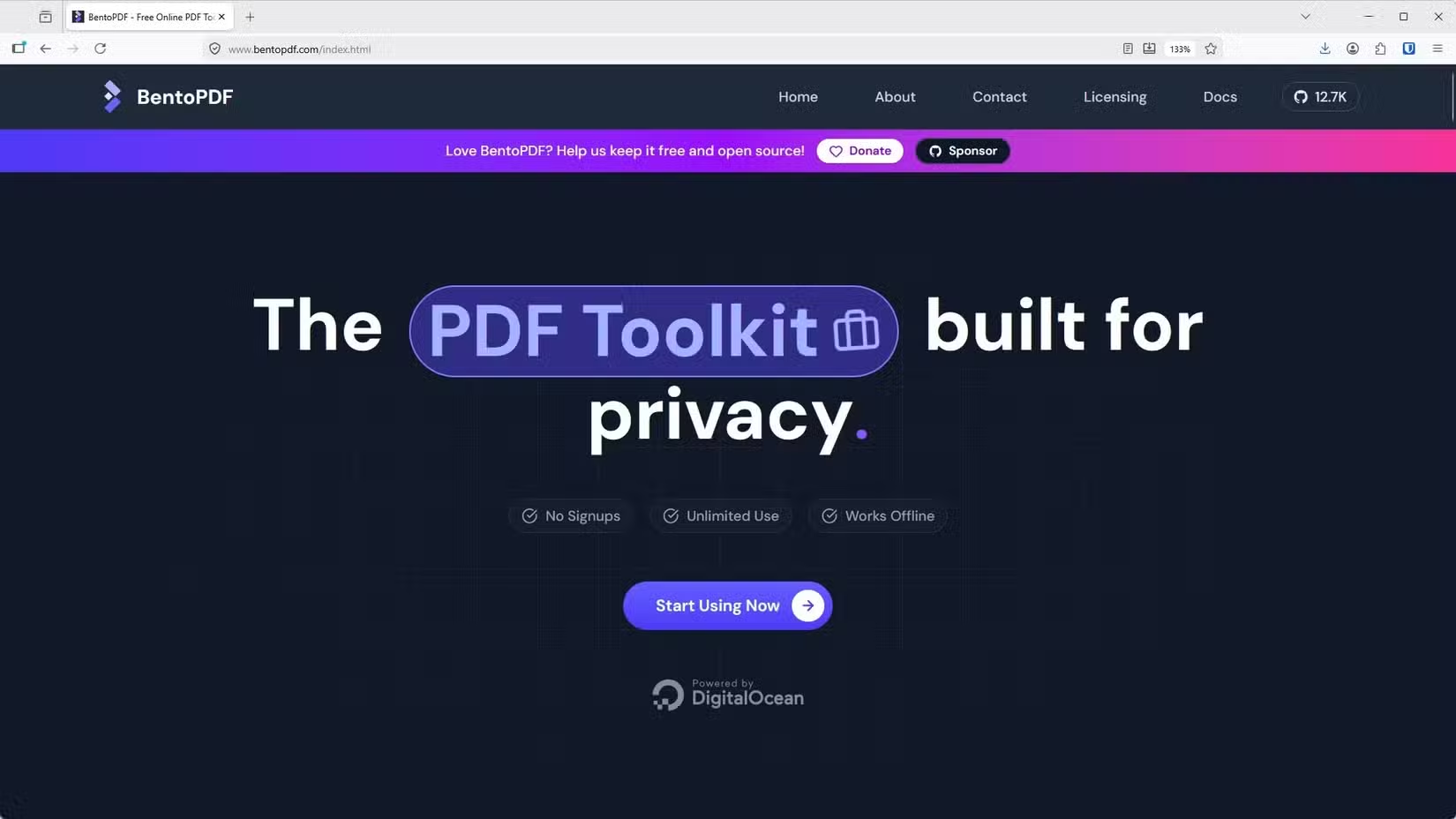
BentoPDF is an open-source PDF tool that handles the tasks most people actually need. No subscription. No account creation. No cloud uploads unless you explicitly choose them.
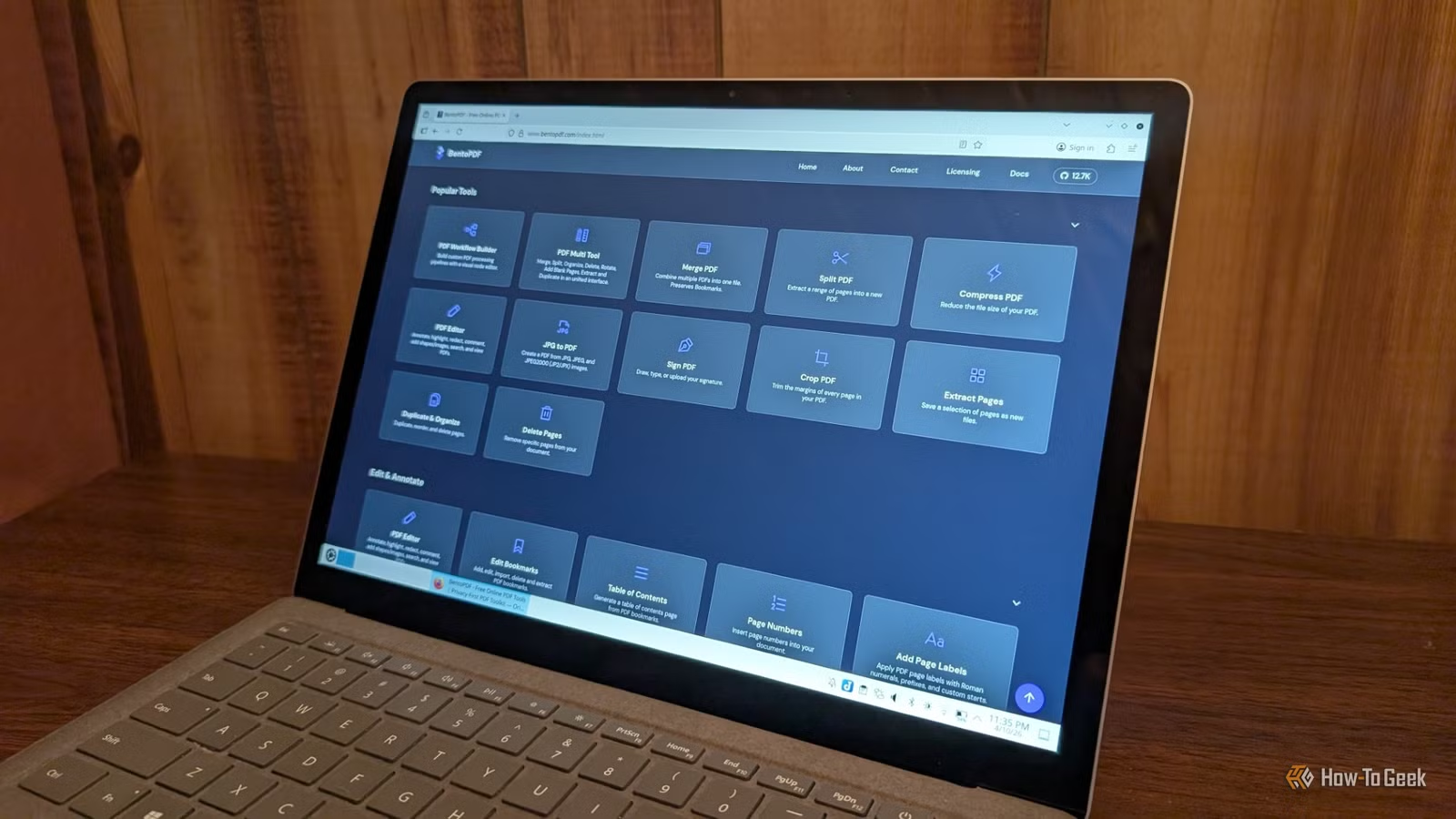
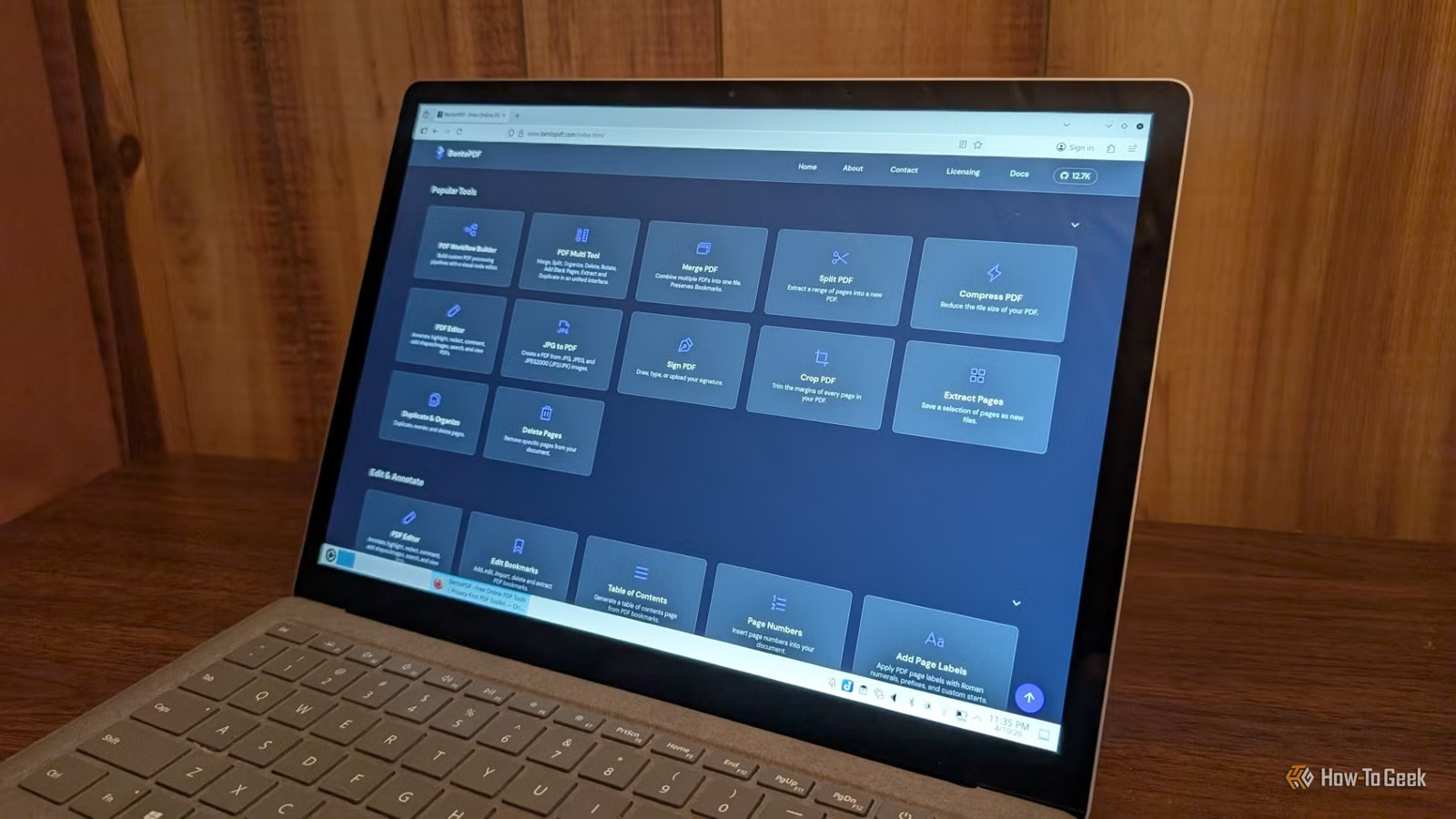
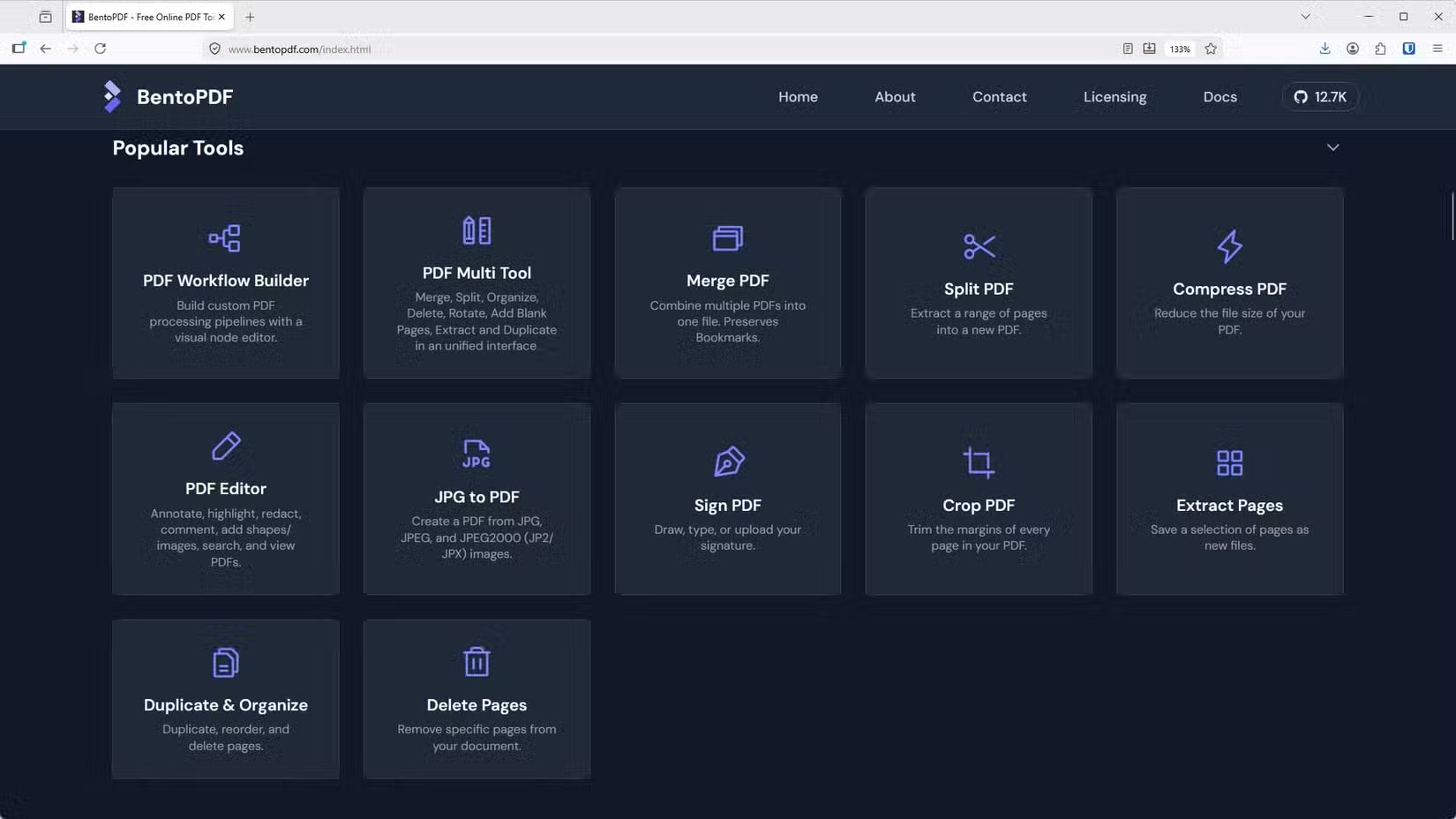
The tool works as an all-in-one replacement for Acrobat's core features. You can edit existing PDFs, merge multiple documents, split files, add signatures, and convert between formats. The interface runs in a browser, making it accessible from any device without installing software.
Self-Hosting for Teams
BentoPDF's most interesting feature for technical users is self-hosting. You can run the entire application on your own server, giving everyone on your network access to PDF tools without any external dependencies.
For small businesses or home networks, this means documents never leave your infrastructure. Tax forms, contracts, and sensitive files stay on hardware you control. Lewis runs it through Proxmox alongside other self-hosted services like Jellyfin and NextCloud.
Who Should Make the Switch
BentoPDF is not for everyone. If you work with PDFs daily, need advanced features like form creation or OCR, or require enterprise support, Adobe Acrobat's subscription might still make sense.
But most people do not need daily PDF access. They sign a document once a month. They merge files quarterly. They convert a Word document to PDF a few times per year. For this usage pattern, paying $180 annually is overkill.
✅ Pros
- • Completely free with no subscription or hidden costs
- • No account or login required
- • Documents stay local, no forced cloud uploads
- • Can be self-hosted for team or network access
- • Open-source code allows community auditing
❌ Cons
- • Missing advanced features like OCR and form building
- • No enterprise support or SLA
- • Self-hosting requires technical knowledge
- • Less polished interface than Adobe's desktop app
Another free tool that replaces expensive software for technical users
The Broader Subscription Fatigue Trend
Lewis's decision reflects a growing backlash against subscription-based software. Microsoft 365, Adobe Creative Cloud, and dozens of smaller tools have shifted from one-time purchases to recurring payments. The cumulative cost adds up fast.
Open-source alternatives have matured enough to handle most common tasks. GIMP replaces Photoshop for casual editing. LibreOffice handles documents and spreadsheets. BentoPDF now covers basic PDF needs. For users willing to trade polish for savings, the free tier is increasingly capable.
Logicity's Take
Frequently Asked Questions
Is BentoPDF completely free?
Yes. BentoPDF is open-source software with no subscription fees, premium tiers, or hidden costs. You can use it in-browser or self-host it on your own server.
Can BentoPDF replace Adobe Acrobat for business use?
For basic tasks like editing, signing, merging, and converting PDFs, yes. For advanced features like OCR, form creation, or enterprise support with SLAs, Adobe Acrobat still has advantages.
Does BentoPDF upload my documents to the cloud?
No. BentoPDF processes documents locally in your browser. If you self-host the tool, files never leave your own infrastructure.
How do I self-host BentoPDF?
BentoPDF can run on any server that supports Docker or similar containerization. Users with home labs running Proxmox, Unraid, or basic Linux servers can deploy it alongside other self-hosted services.
How much does Adobe Acrobat cost per year?
Adobe Acrobat starts at $15/month ($180/year) for the base tier. Acrobat Pro costs $20/month ($240/year), and Acrobat Studio runs $25/month ($300/year).
Need Help Implementing This?
Source: How-To Geek
Huma Shazia
Senior AI & Tech Writer
Produced with AI assistance and reviewed by the Logicity editorial team. Learn more in our Editorial Policy.






