Key Takeaways
- Globalping tests connections from global locations to your servers, not just from your machine outward
- The tool runs ping, traceroute, MTR, DNS, and HTTP tests without requiring an account
- It reveals why your internet can feel fast on speed tests but slow in actual use
Speed tests lie. Not deliberately, but by design. They measure your connection to a nearby server and declare everything fine. Meanwhile, your video calls stutter, games lag, and websites load slowly. The issue is not your connection to the speed test server. It is the route your data takes to reach everywhere else.
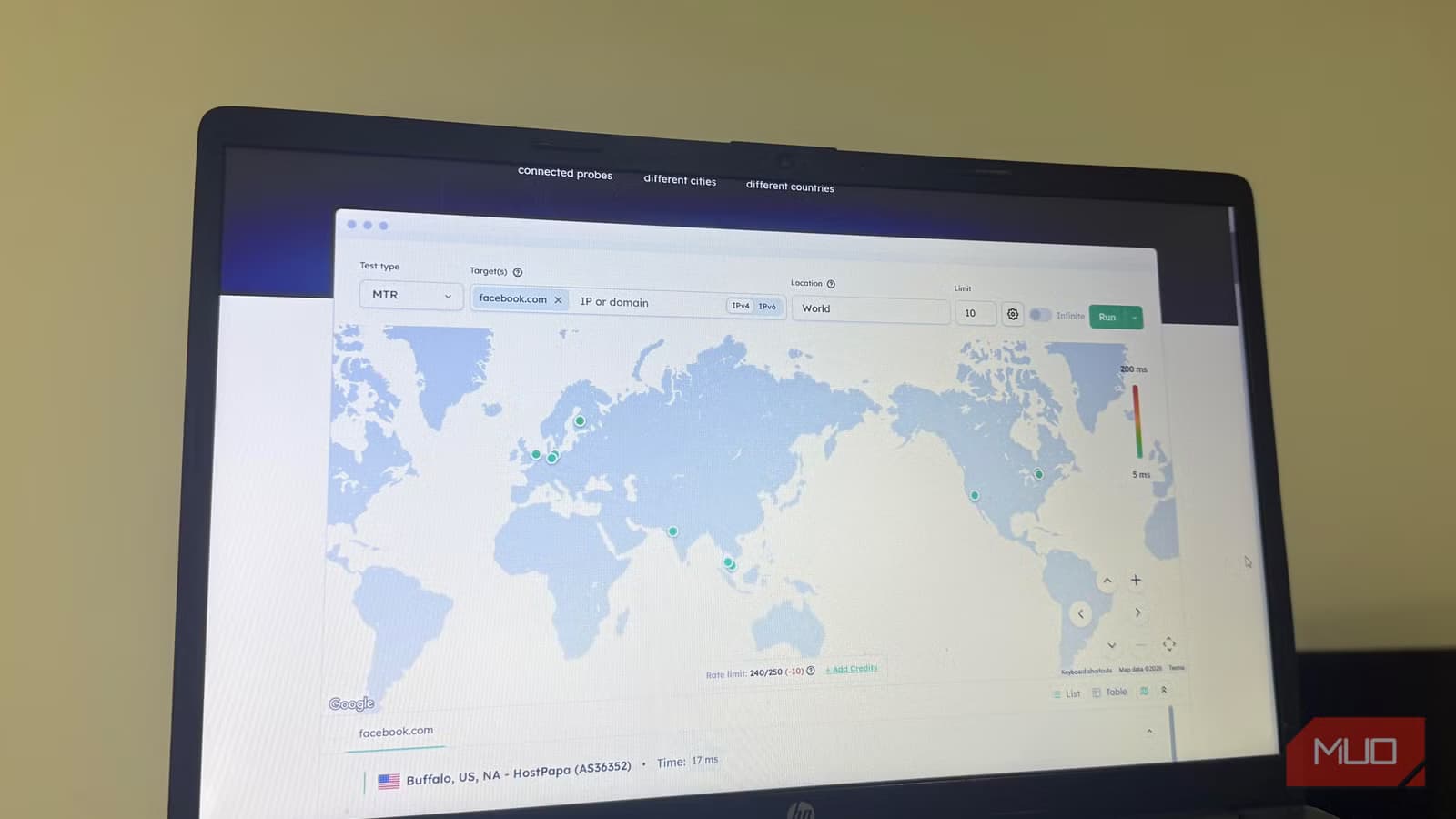
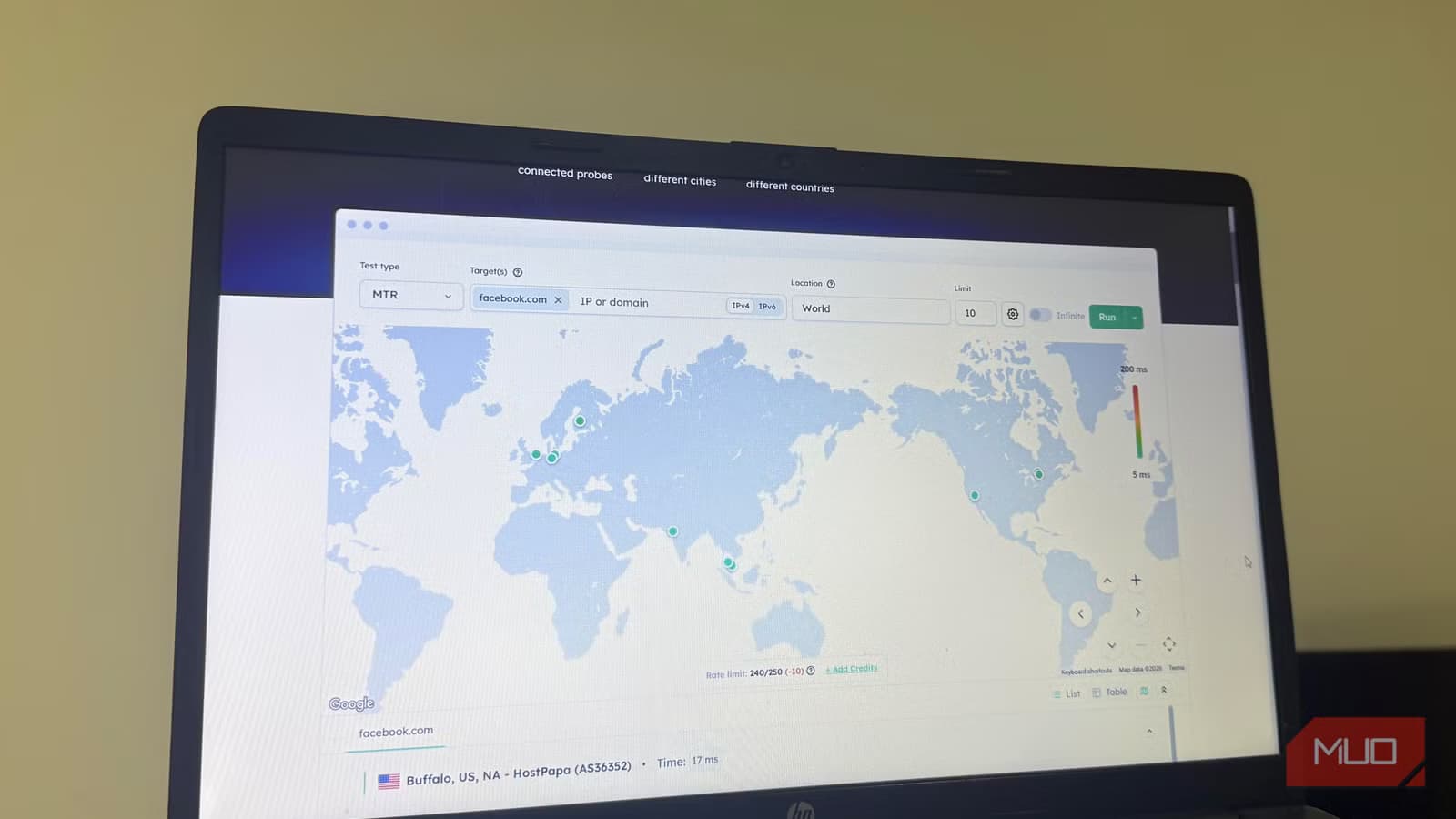
Globalping addresses this blind spot. The free tool runs network tests using real machines scattered across the world. Instead of testing from your location outward, it tests from other locations toward any server, website, or service you specify.
How Globalping differs from standard speed tests
Traditional speed tests work in one direction: they measure how fast your machine connects to their server. This tells you whether your ISP is delivering the bandwidth you pay for. It does not tell you whether users in Singapore can reach your API, or why your game server feels sluggish to players in Europe.
Globalping flips the perspective. The service maintains probes, which are real devices connected to the internet in different parts of the world. When you run a test, these probes initiate connections to your target. You see what users in those locations actually experience.
This matters if you run any online service. A successful ping from your office shows your server is up. It does not show whether customers in Mumbai or Montreal can reach it quickly. Globalping lets you test the exact conditions those users face.
Five test types, each with a specific purpose
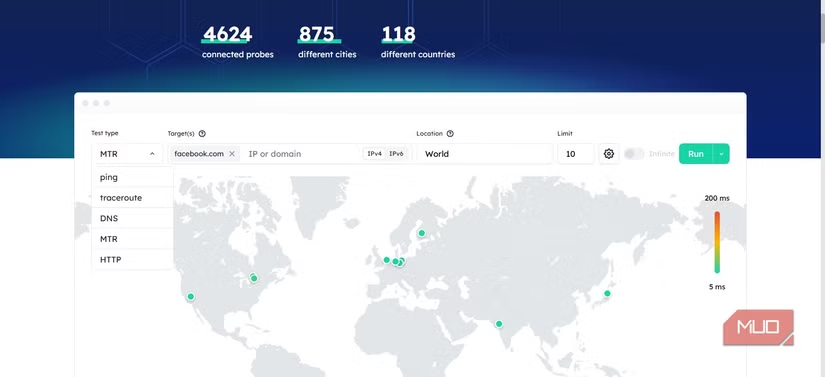
The tool offers several test types, each revealing different network behavior:
- Ping measures round-trip response time. It answers: is the server reachable, and how quickly does it respond?
- Traceroute maps the path your data takes between networks. It shows at which hop a slowdown occurs.
- MTR combines ping and traceroute, measuring response time and stability over repeated attempts. It reveals whether issues are consistent or intermittent.
- DNS tests how a domain name resolves across regions. It confirms whether your domain is reachable and resolving correctly worldwide.
- HTTP tests how a web server responds to an actual page request. It shows whether your site loads properly, not just whether it is pingable.
You do not need all five for every diagnostic session. Ping and traceroute handle most cases. The full set is there when simpler tests come back clean but something still feels wrong.
Why your internet can feel fast and slow simultaneously
Speed test results create a false sense of security. Your connection might handle 500 Mbps to a server 50 miles away. But the game server you play on sits in Frankfurt. The CDN serving your video content routes through a congested exchange point. The API your app depends on resolves to a server with routing issues.
Local speed tests cannot detect these problems. They measure capacity, not path quality. Your pipe might be wide, but if the road to a specific destination is broken, that width does not help.
Globalping reveals these routing issues. By testing from probes in different locations, you can identify where slowdowns occur in the network path. A traceroute might show packets flowing smoothly until they hit a specific autonomous system, then jumping from 20ms to 200ms latency. That pinpoints where the problem lives.
Practical uses for the tool
Website operators can verify their site loads quickly for users across regions. Before assuming your CDN is working, run HTTP tests from probes in your key markets. You might discover that users in certain countries experience significantly higher latency.
DNS issues become visible when you test resolution from multiple locations. If your domain resolves correctly in North America but fails in parts of Asia, you will see it immediately.
For gamers, the tool helps identify whether lag stems from your connection or the game server's routing. A traceroute from probes near the server can reveal whether the problem is on your end or theirs.
Remote teams troubleshooting connectivity issues can use Globalping to test from locations matching where their users sit. This beats the usual approach of asking users to run tests and report back.
Another free tool solving a common workflow problem
No account required
Globalping works without signup. You can run tests immediately from the web interface. For heavier use or automation, the tool offers a CLI and API, but basic diagnostics need nothing more than a browser.
The probes are contributed by volunteers running the software on their devices. This distributed approach means tests reflect real network conditions, not synthetic benchmarks from data centers.
Logicity's Take
Frequently Asked Questions
Is Globalping really free?
Yes. Basic tests require no account and no payment. The service offers paid tiers for heavy API usage, but casual diagnostics cost nothing.
How accurate are Globalping's probe locations?
Probes run on real devices in actual locations, not simulated endpoints. This means results reflect genuine network conditions users in those regions experience.
Can Globalping replace traditional speed tests?
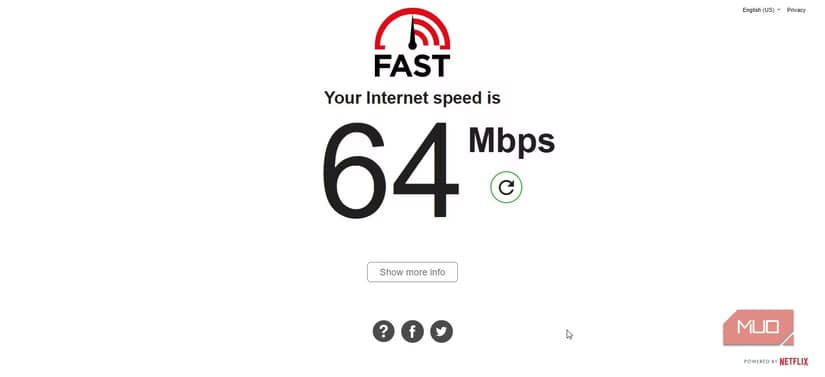
They serve different purposes. Speed tests measure your local bandwidth. Globalping tests connectivity between any two points on the internet. Use both for a complete picture.
What technical skill do I need to use Globalping?
Basic web interface usage requires no technical knowledge. Understanding traceroute output helps for deeper diagnostics, but ping and HTTP tests are straightforward.
Need Help Implementing This?
Source: MakeUseOf
Huma Shazia
Senior AI & Tech Writer
Produced with AI assistance and reviewed by the Logicity editorial team. Learn more in our Editorial Policy.






