Key Takeaways
- RAMMap is a free, portable tool from Microsoft Sysinternals that requires no installation
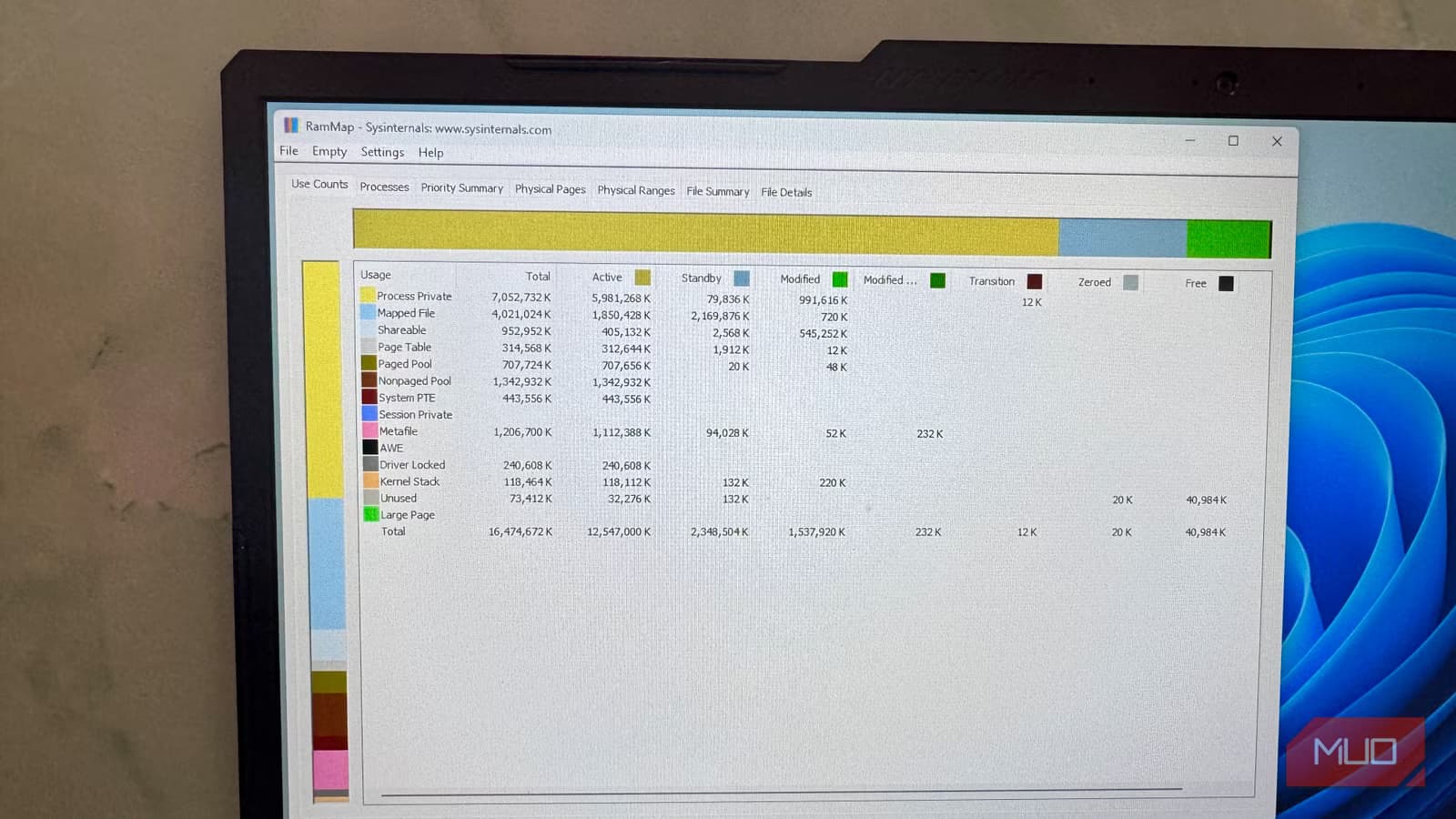
- The Use Counts tab reveals memory allocation types that Task Manager hides, including Metafile, Driver Locked, and Kernel Stack
- Each memory type is broken out by Active, Standby, Modified, and Free state for precise diagnosis
You open Task Manager. The RAM graph shows 85% usage. You scan the process list. Nothing adds up. Chrome is using 2 GB. A few background apps take another gig. But 16 GB is somehow spoken for, and the graph just keeps climbing with no explanation.
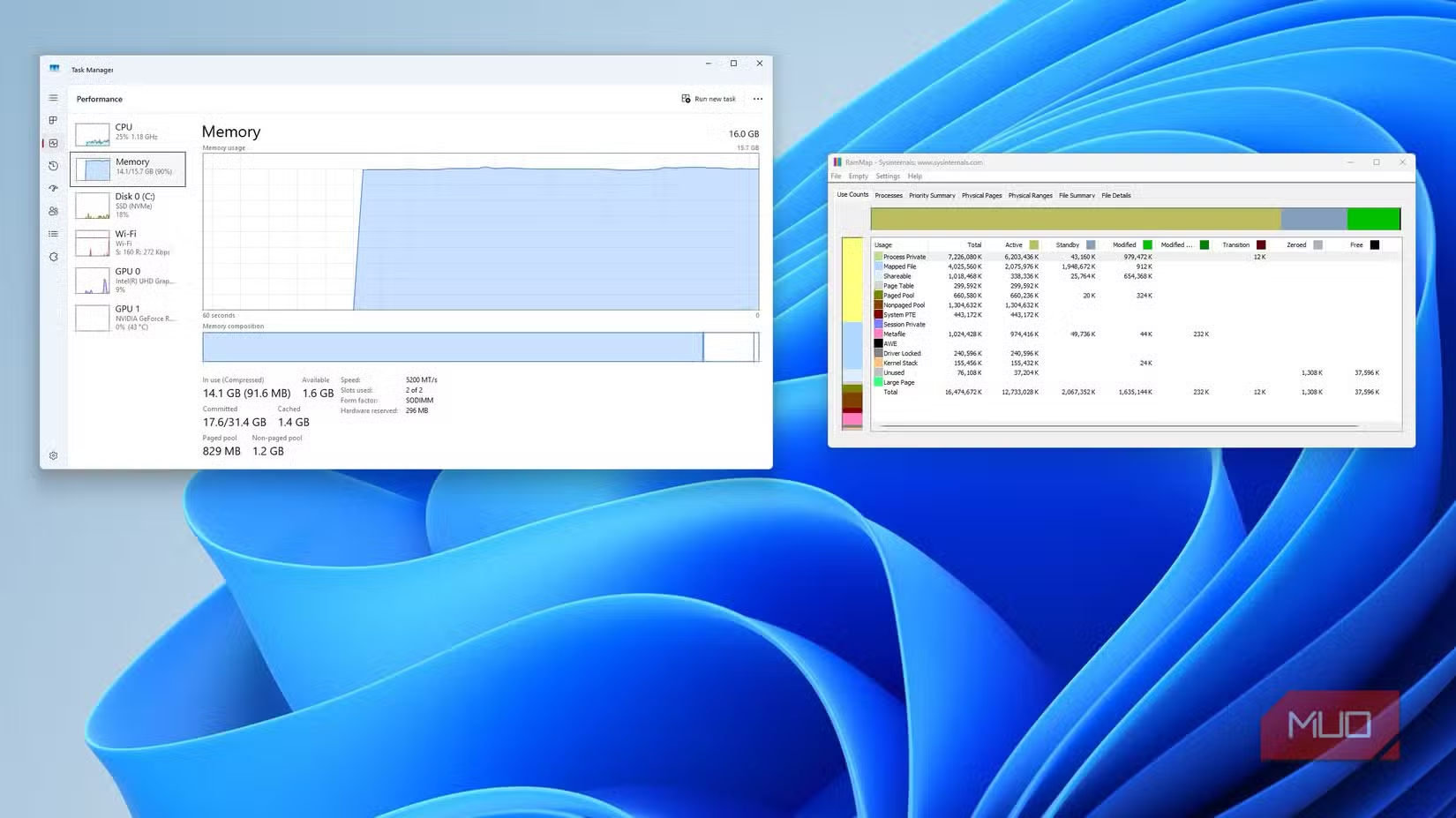
This is the daily frustration for anyone trying to diagnose memory issues on Windows. Task Manager's Memory tab in Performance view shows a single stacked graph of RAM in use, committed, cached, and paged. It looks detailed. It's not. The visualization collapses all memory allocation into one unhelpful visual that hides what's actually consuming your system resources.
Enter RAMMap: Microsoft's Hidden Diagnostic Tool
RAMMap is a free, portable tool from Microsoft's Sysinternals suite. It requires no installation. Download it, run it with admin rights, and within 30 seconds you'll see more about your RAM usage than Task Manager has ever shown you.
The difference is fundamental. Task Manager shows you who's using memory. RAMMap shows you what your memory is actually doing.
The Use Counts Tab Changes Everything
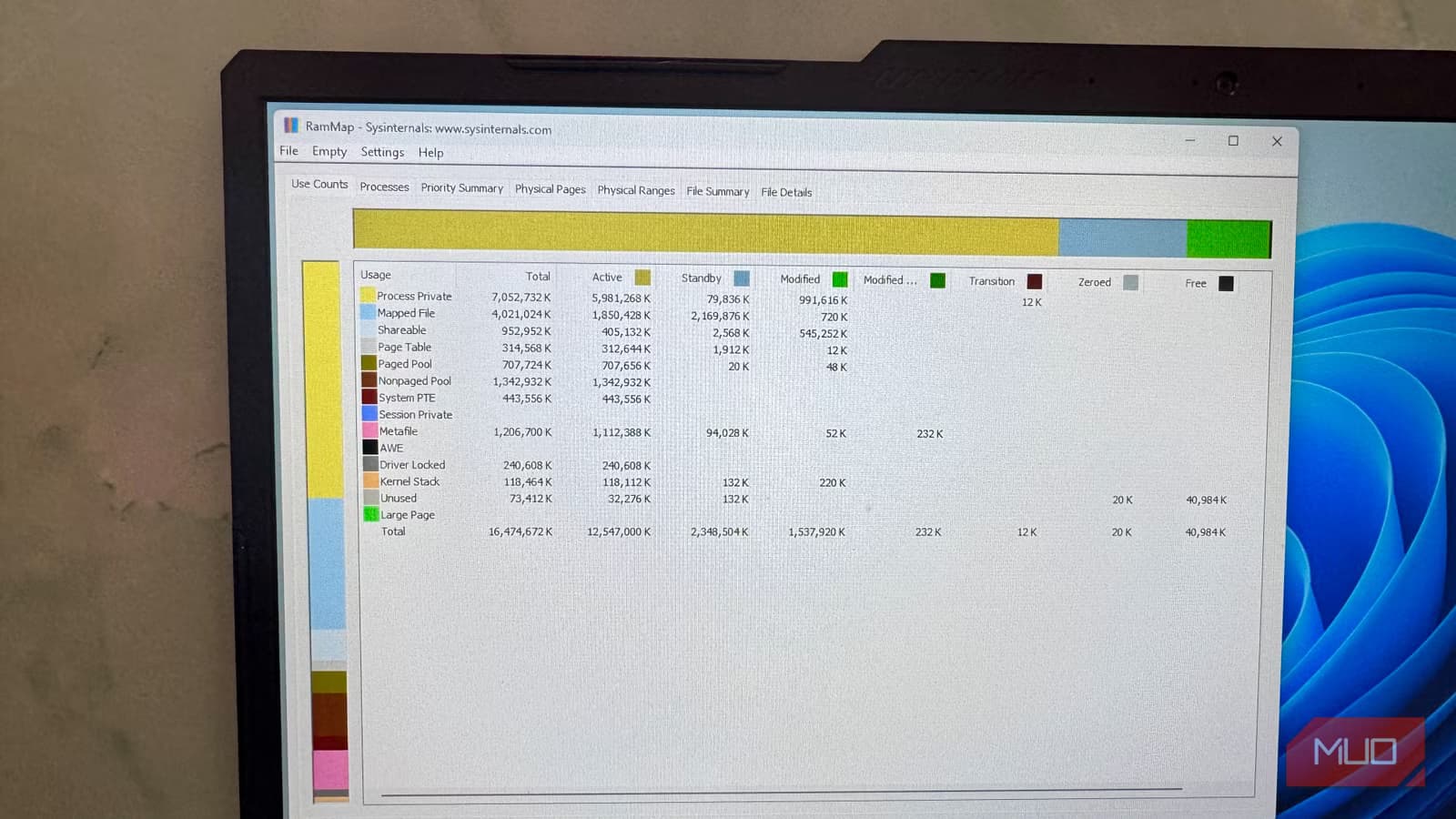
Open RAMMap and head to the Use Counts tab. Instead of Task Manager's single bar, you get a full matrix of memory allocation types: Process Private, Mapped File, Page Table, System, Driver Locked, Metafile, Kernel Stack, and more.
Each type is broken out by state: Active, Standby, Modified, and Free. This is where the mystery of your missing RAM gets solved.
That 85% usage? It might not be apps at all. It could be Metafile, which is the NTFS metadata cache. Or Standby, which is data Windows is holding in reserve but not actually using. Task Manager treats these the same as active process memory. RAMMap shows you the difference.
“Task Manager tells you your RAM is full; RAMMap tells you why Windows is lying about it.”
— Rob LeFebvre, Editor at MakeUseOf
Why Task Manager Fails at Memory Diagnosis
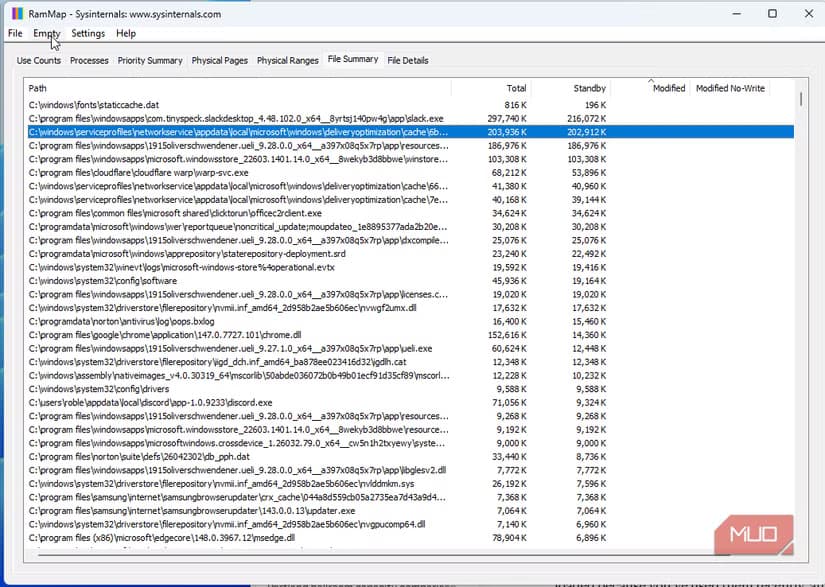
Resource Monitor adds some insight over Task Manager. It shows Working Set, Private, and Shareable columns per process. But it still won't tell you if a driver is locking memory, or if NTFS metadata is consuming gigabytes, or if the file cache has grown out of control.
Windows 11 25H2 averages 3.3 GB of idle RAM usage with around 85 background processes on a clean install. That overhead is often misattributed to user apps when the real culprits are system-level allocations that only tools like RAMMap can expose.
How to Get RAMMap
Download RAMMap only from the official Microsoft Sysinternals page. Third-party mirrors are a security risk. The tool is free, requires no installation, and runs as a portable executable.
- Download from Microsoft Sysinternals (direct link on Microsoft's site)
- Extract the ZIP file anywhere
- Right-click RAMMap.exe and run as administrator
- Navigate to the Use Counts tab for the full memory breakdown
The admin rights requirement is non-negotiable. RAMMap needs elevated privileges to read low-level memory allocation data from the Windows kernel.
When You Should Use This Tool
RAMMap is most useful when Task Manager shows high memory usage but the process list doesn't explain it. Common scenarios include:
- Memory usage climbs over time with no obvious process growth
- System feels sluggish despite closing applications
- You're troubleshooting a suspected memory leak
- Standby memory isn't being released when apps request RAM
For IT administrators and developers, RAMMap is essential for diagnosing driver issues, kernel memory problems, and file system cache behavior that no user-facing tool exposes.
Another overlooked productivity tool upgrade
Logicity's Take
Frequently Asked Questions
Is RAMMap safe to download?
Yes, but only from the official Microsoft Sysinternals page. Avoid third-party download sites.
Does RAMMap require installation?
No. It's a portable executable. Download, extract, and run. No installer needed.
Why does RAMMap need administrator rights?
It reads low-level memory allocation data from the Windows kernel, which requires elevated privileges.
Can RAMMap fix memory issues?
It's a diagnostic tool, not a fix. It shows you what's using memory so you can take appropriate action.
Does RAMMap work on Windows 10?
Yes. It works on Windows 10, Windows 11, and Windows Server editions.
Need Help Implementing This?
Source: MakeUseOf
Manaal Khan
Tech & Innovation Writer
Produced with AI assistance and reviewed by the Logicity editorial team. Learn more in our Editorial Policy.






