Key Takeaways
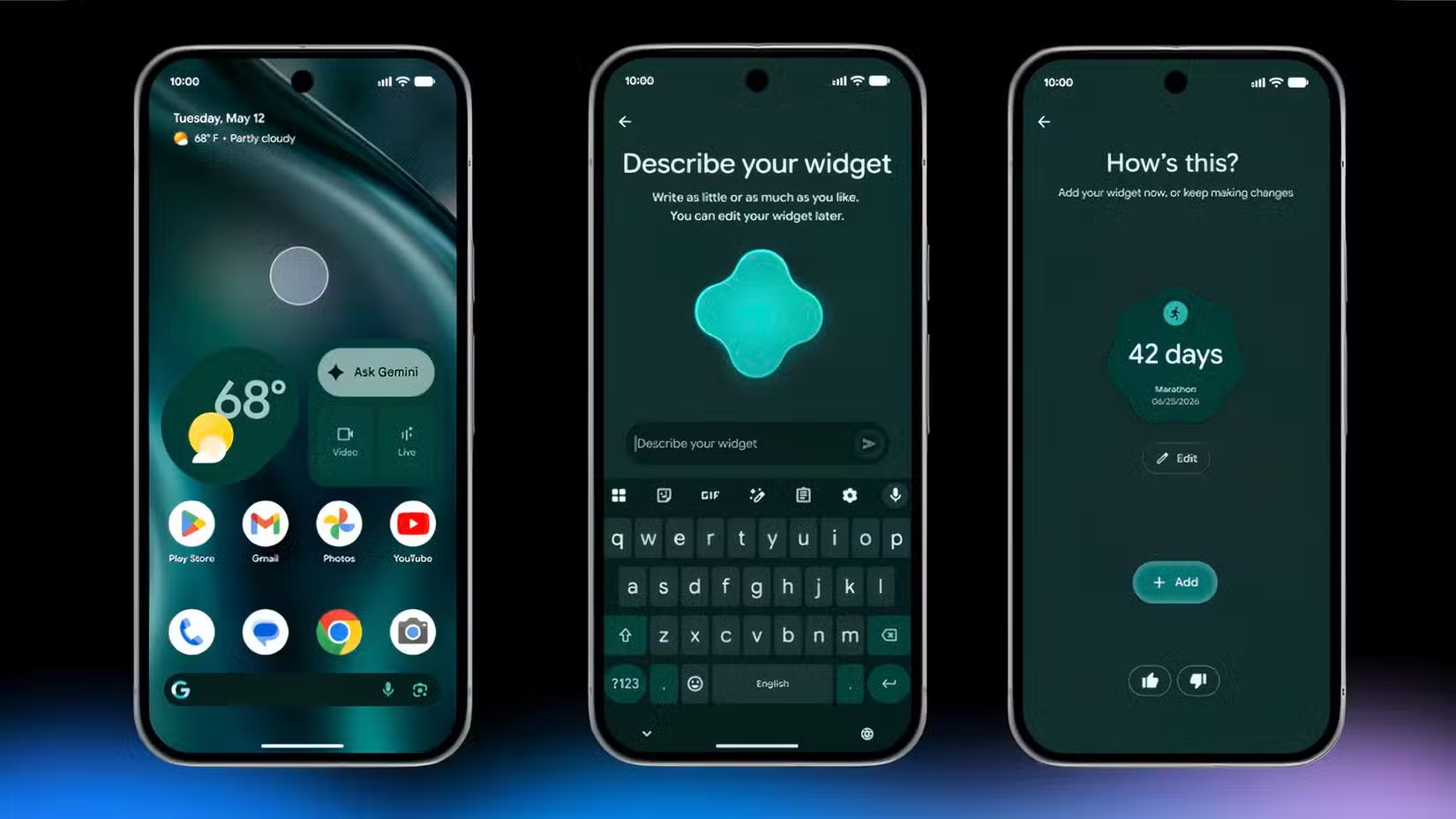
- Gemini intelligence is embedded throughout Android 17's UI, including system animations that show when AI is listening or generating
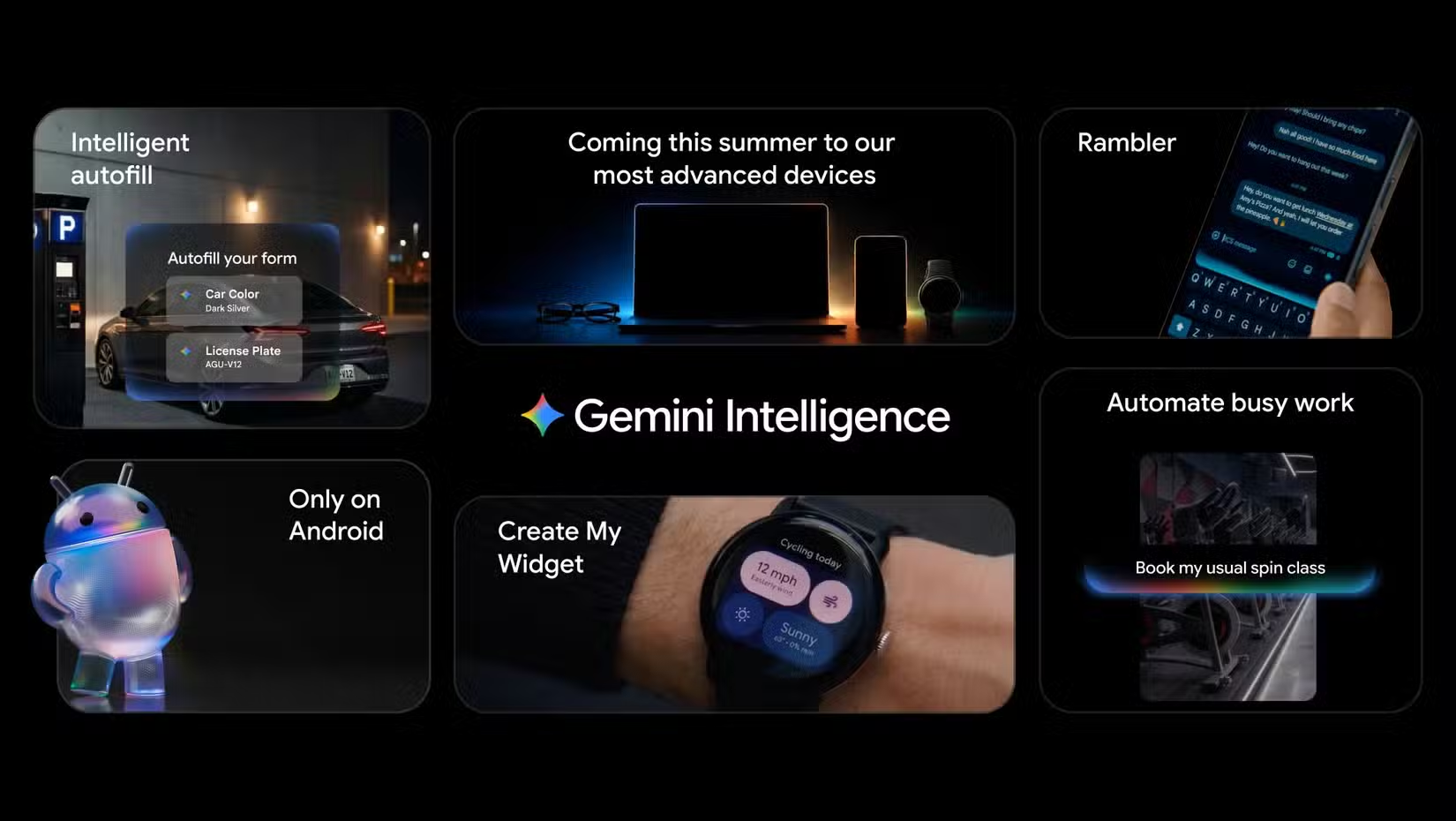
- Intelligent Autofill can now scan Google Photos, find your passport image, and pull data directly into booking forms
- Rambler, a new Gboard feature, converts messy voice dictation into polished text with corrected dates and names
Android updates rarely demand attention anymore. A new permission toggle here, a smoother animation there. But Android 17, codenamed Cinnamon Bun internally and expected to roll out to Pixel devices in June 2026, breaks that pattern.
Google is not shipping an incremental software update. It's redefining what a smartphone operating system does by embedding Gemini AI into nearly every layer of the experience. The result is genuinely useful. It's also a privacy decision that users will need to make with eyes open.
Gemini Is Now the Operating System
The centerpiece of Android 17 is what Google calls Gemini intelligence. This is not a chatbot you summon when you have a question. It's baked into Android's core UI. Even the system animations have changed to signal when Gemini is listening, thinking, or generating a response.
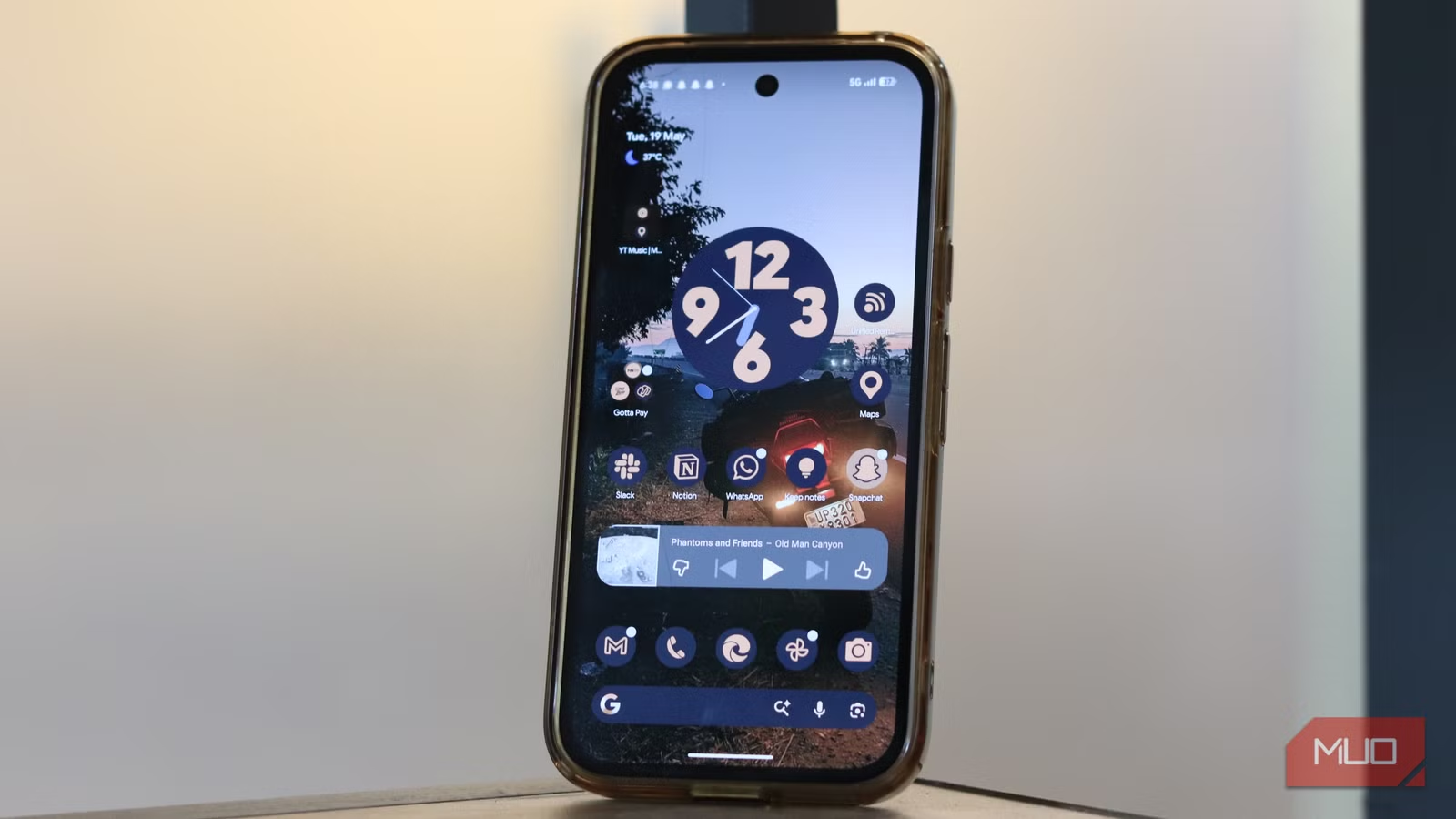
From what Google has shown, Gemini appears to be constantly active. That's what enables the most impressive features, but it's also what raises the most questions.
Intelligent Autofill Goes Deep
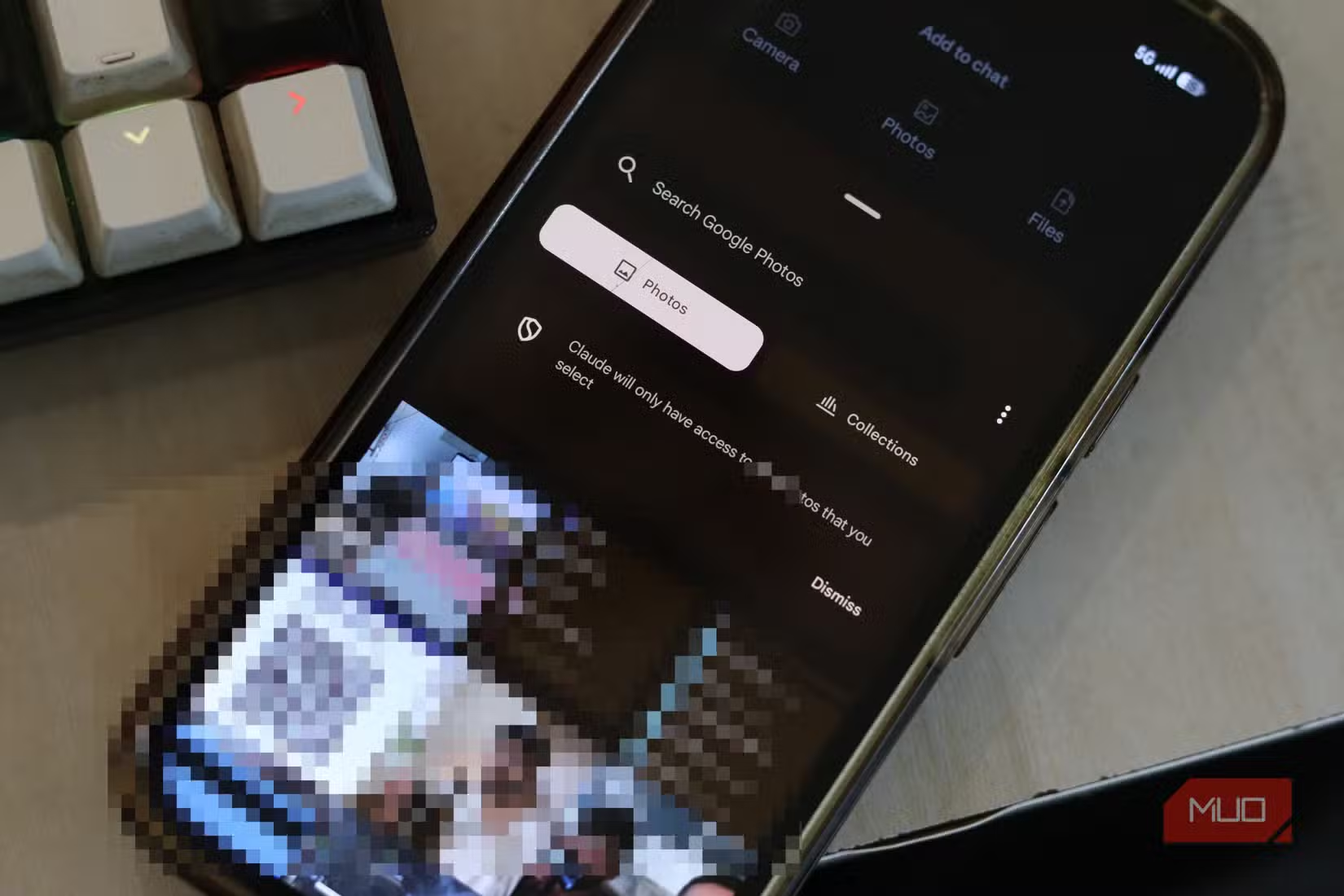
Autofill used to mean remembering your name, address, and email. Android 17's Intelligent Autofill goes much further. Gemini can now scan your Google Photos library, find a picture of your passport, and pull the information directly into an airline booking form. One tap.
Think about what that requires. The AI needs access to your photos. It needs to recognize document types. It needs to extract text accurately. And it needs to do all of this quickly enough to feel seamless during a booking flow.
Google has apparently solved the technical challenge. Whether users will be comfortable with an AI that can read their passport photos is a separate question.
Rambler Cleans Up Your Voice
The second standout feature is Rambler, a new addition to Gboard. It listens to your voice dictation and converts it into polished text. Not just transcription. Rambler corrects dates, names, and context in real time.
If you've ever sent a voice-dictated message and cringed at the garbled output, Rambler is designed to fix that. You speak naturally, pauses and corrections included, and the AI produces clean prose.
Again, the capability is impressive. And again, it requires the AI to listen constantly when the feature is active.
The Privacy Calculation
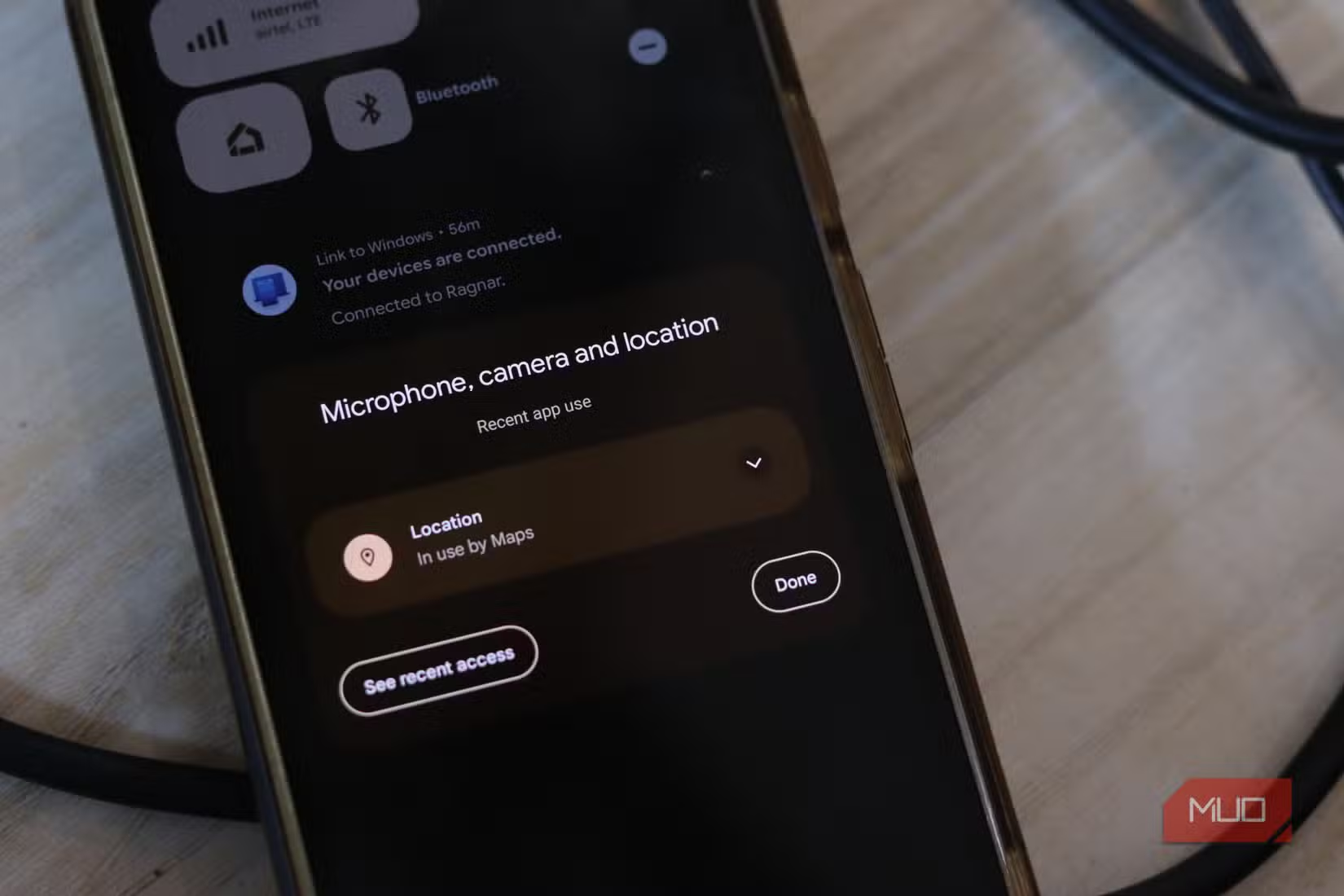
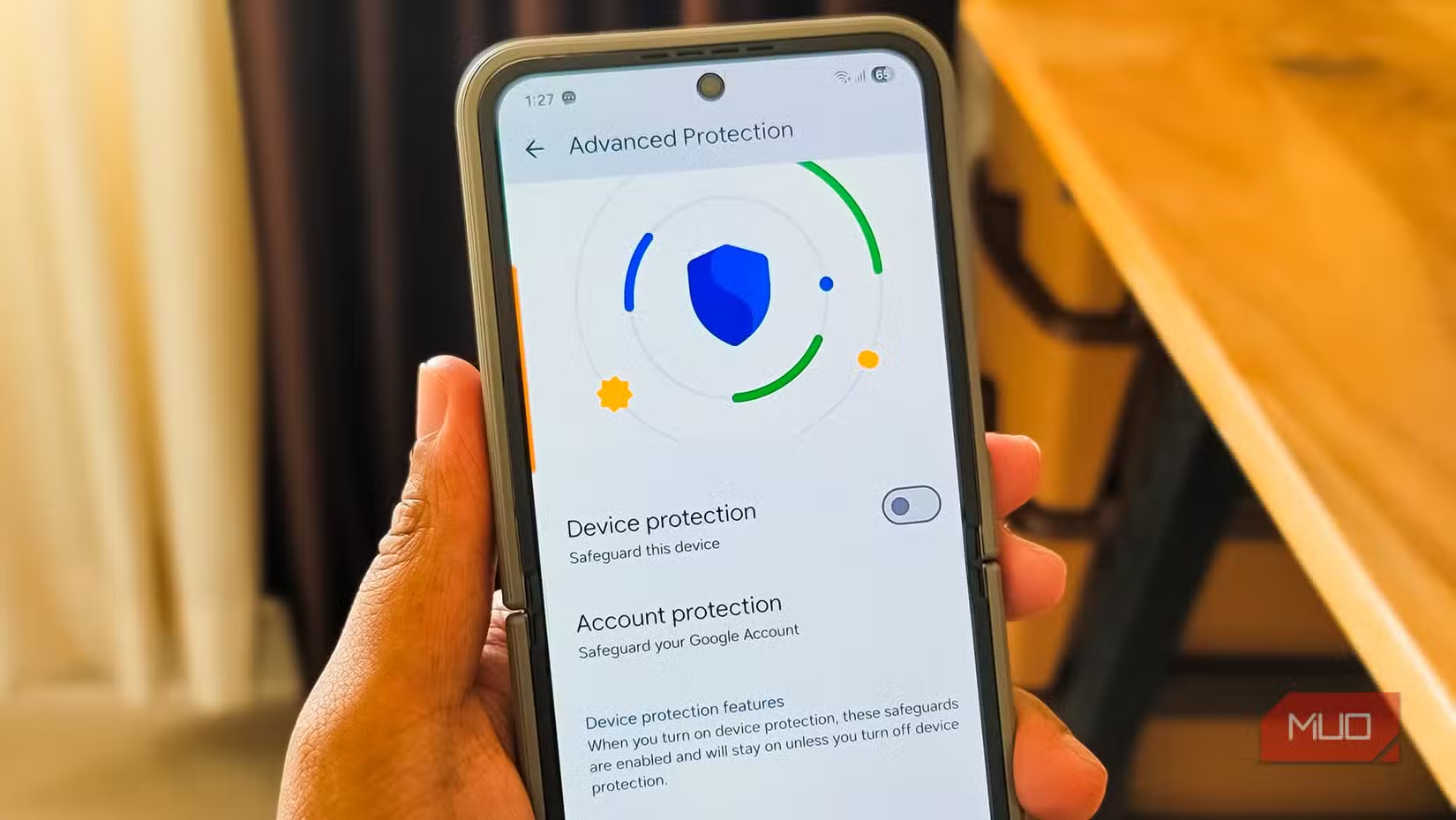
Android 17 forces a choice that previous updates let users avoid. The most useful features require giving Gemini access to photos, voice, and personal data. You can decline, but you lose the functionality that makes this update different.
Google has not yet detailed what data stays on-device versus what gets processed in the cloud. That distinction matters. On-device processing is more private but requires powerful hardware. Cloud processing is faster but sends your data to Google's servers.
For users who already share everything with Google, Android 17 is pure upside. For users who have been trying to limit what the company knows about them, this update is a test of how much convenience is worth.
Logicity's Take
When to Expect It
Android 17 is expected to roll out to Pixel devices in June 2026. Other Android manufacturers typically follow within a few months, though feature availability varies by device and region.
More on Google's expanding AI ambitions
The broader context for Gemini's evolution
Frequently Asked Questions
When will Android 17 be released?
Android 17, codenamed Cinnamon Bun, is expected to roll out to Pixel devices in June 2026. Other Android manufacturers typically follow within a few months.
What is Gemini intelligence in Android 17?
Gemini intelligence is Google's umbrella term for AI capabilities embedded directly into Android's operating system. It powers features like Intelligent Autofill and Rambler voice transcription.
Can I use Android 17 without enabling Gemini AI?
You can likely decline Gemini permissions, but you would lose access to the AI-powered features that define this update, including Intelligent Autofill and Rambler.
Does Android 17 Gemini process data on-device or in the cloud?
Google has not yet clarified what data stays on-device versus what gets processed on its servers. This distinction has significant privacy implications.
Need Help Implementing This?
Source: MakeUseOf
Wear OS 7: Bringing Android 17 Intelligence to Your Wrist
The new article introduces Wear OS 7, the smartwatch counterpart to Android 17, which includes platform-specific features like dynamic widgets, a 10% battery life improvement, and a new App Functions API for AI. It specifically details how Gemini will enable agentic experiences on wearables, such as using voice commands to automate tasks like food delivery orders.
Gemini AI Expands to Android Auto with Vehicle-Specific Controls
The new article introduces Gemini AI's integration into Android Auto and Google built-in for vehicles, specifically highlighting new capabilities like controlling car hardware via voice (e.g., dimming a sunroof) and analyzing live camera feeds. These automotive-focused features represent a significant expansion of Gemini's functionality beyond the mobile OS features previously reported.
Huma Shazia
Senior AI & Tech Writer
Produced with AI assistance and reviewed by the Logicity editorial team. Learn more in our Editorial Policy.