Key Takeaways
- Trello's free plan lacks custom fields. Competitors like Asana and monday.com include structured data by default.
- Dedicated to-do apps like Todoist and Any.do offer deeper personal productivity features than Trello's Inbox and Planner.
- For sales teams, Pipedrive provides purpose-built CRM features that Trello's Kanban boards cannot match.
Trello built its reputation on simple, drag-and-drop Kanban boards. You can organize content calendars, track goals, plan vacations, and even run a scrappy CRM. But as Zapier's 2026 comparison shows, Trello's strengths come with tradeoffs that push certain users toward alternatives.
The core issue: Trello's free plan doesn't include custom fields. Those structured data types, dropdown lists, dates, checkboxes, and numbers require a paid subscription. Other tools bundle them by default.
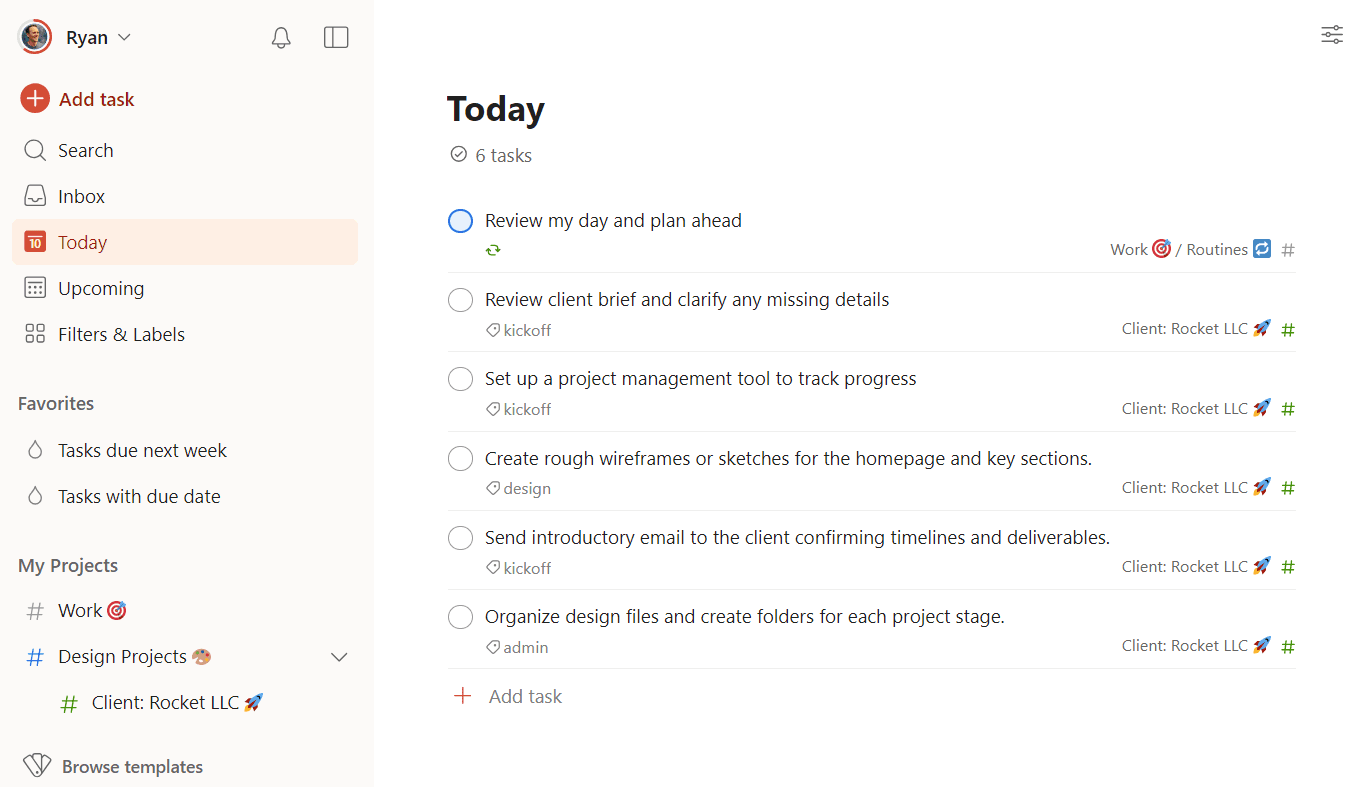
Trello has also leaned into personal productivity with features like Inbox (capturing to-dos from email, Slack, and Teams) and Planner (scheduling tasks on a calendar). But these remain shallow compared to dedicated task apps. If you want natural language input, recurring tasks, AI-suggested subtasks, or gamification, you'll need to look elsewhere.
The Nine Alternatives Worth Considering
Zapier's roundup groups alternatives by use case. Here's what each one does best.
Asana: For Scaling Teams
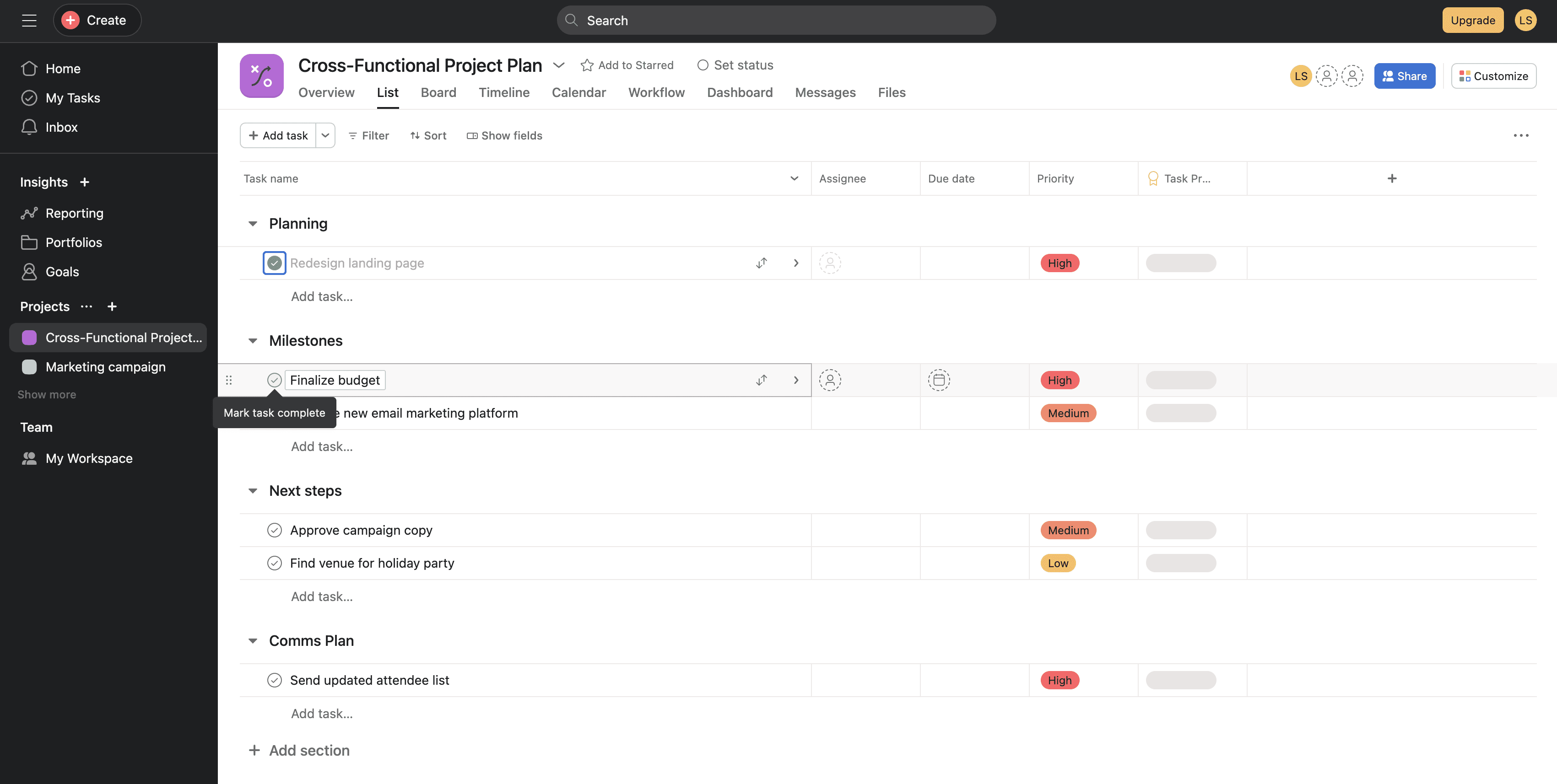
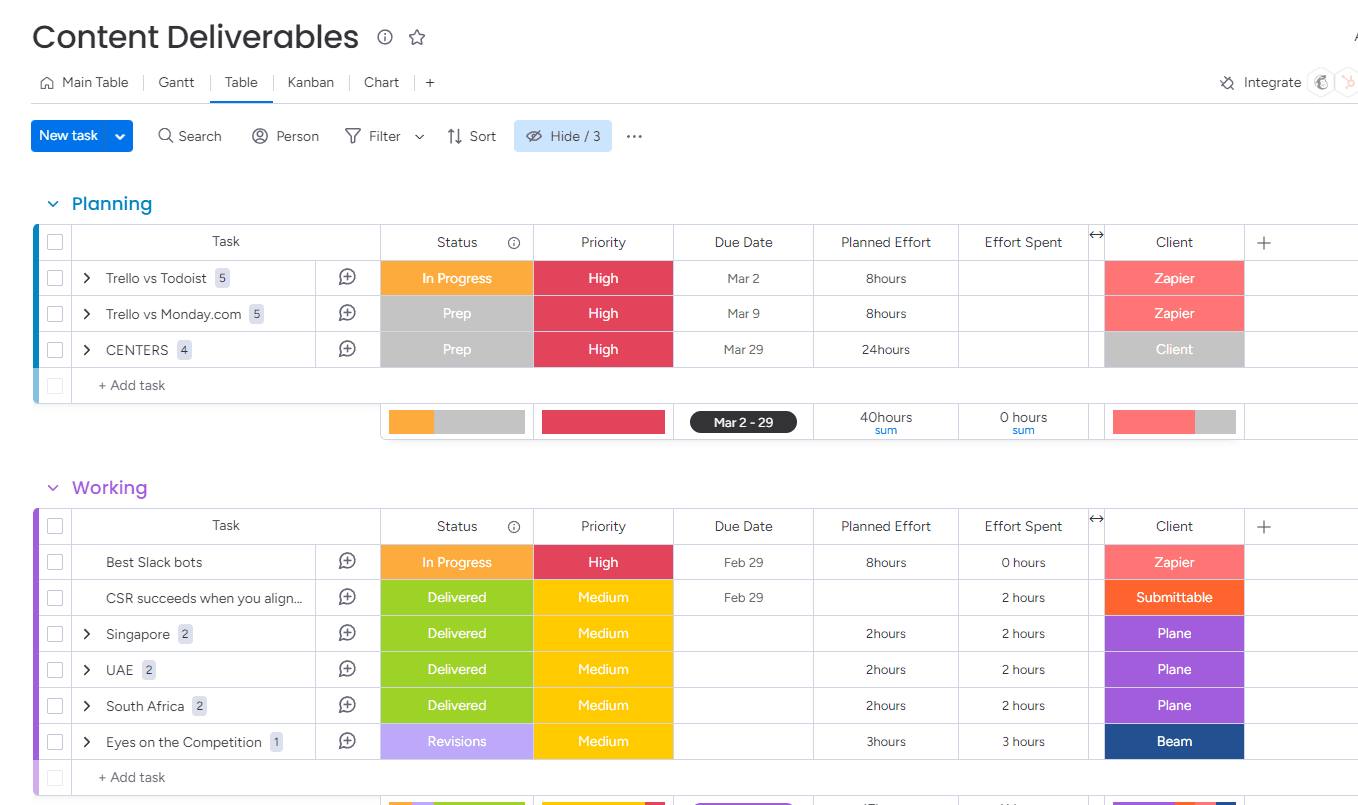
Asana targets teams that have outgrown basic Kanban boards. It offers list views, timeline views, and workload management alongside its board view. The free tier includes more structural features than Trello's, making it easier to scale without hitting a paywall.
Paymo: For Freelancers and Small Agencies
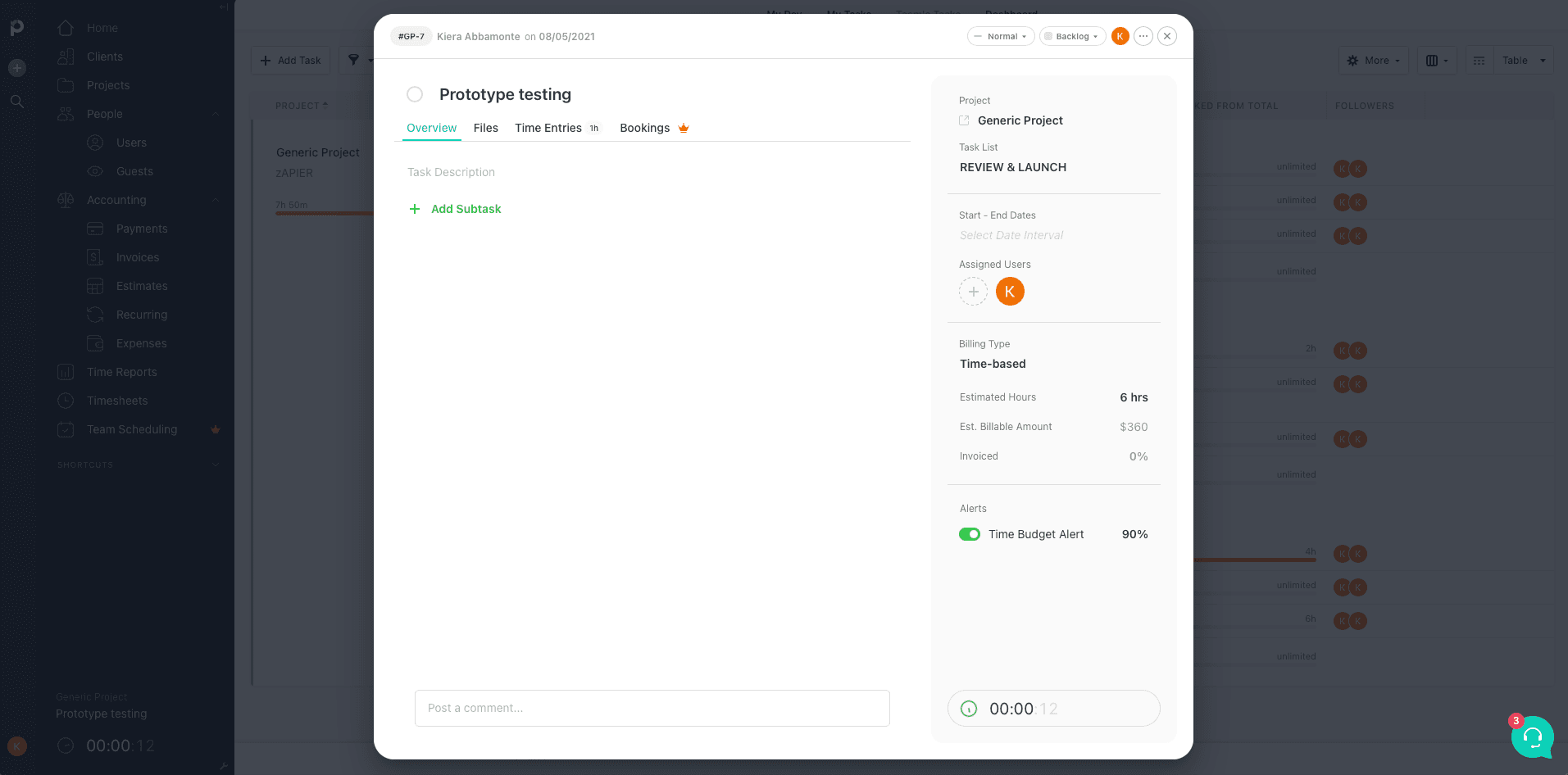
Paymo combines project management with time tracking and invoicing. Freelancers and small agency teams get an all-in-one workspace instead of juggling separate apps for tasks and billing.
monday.com: For Customization Needs
monday.com positions itself as a flexible work operating system. It offers more customization options than Trello, letting teams build workflows that match their processes rather than adapting to the tool's defaults.
Todoist: For Personal To-Do Management
Todoist focuses entirely on personal task management. It supports natural language input, recurring tasks, and productivity tracking. Where Trello's Inbox and Planner feel bolted on, Todoist builds everything around individual productivity.
Any.do: For Daily Planning
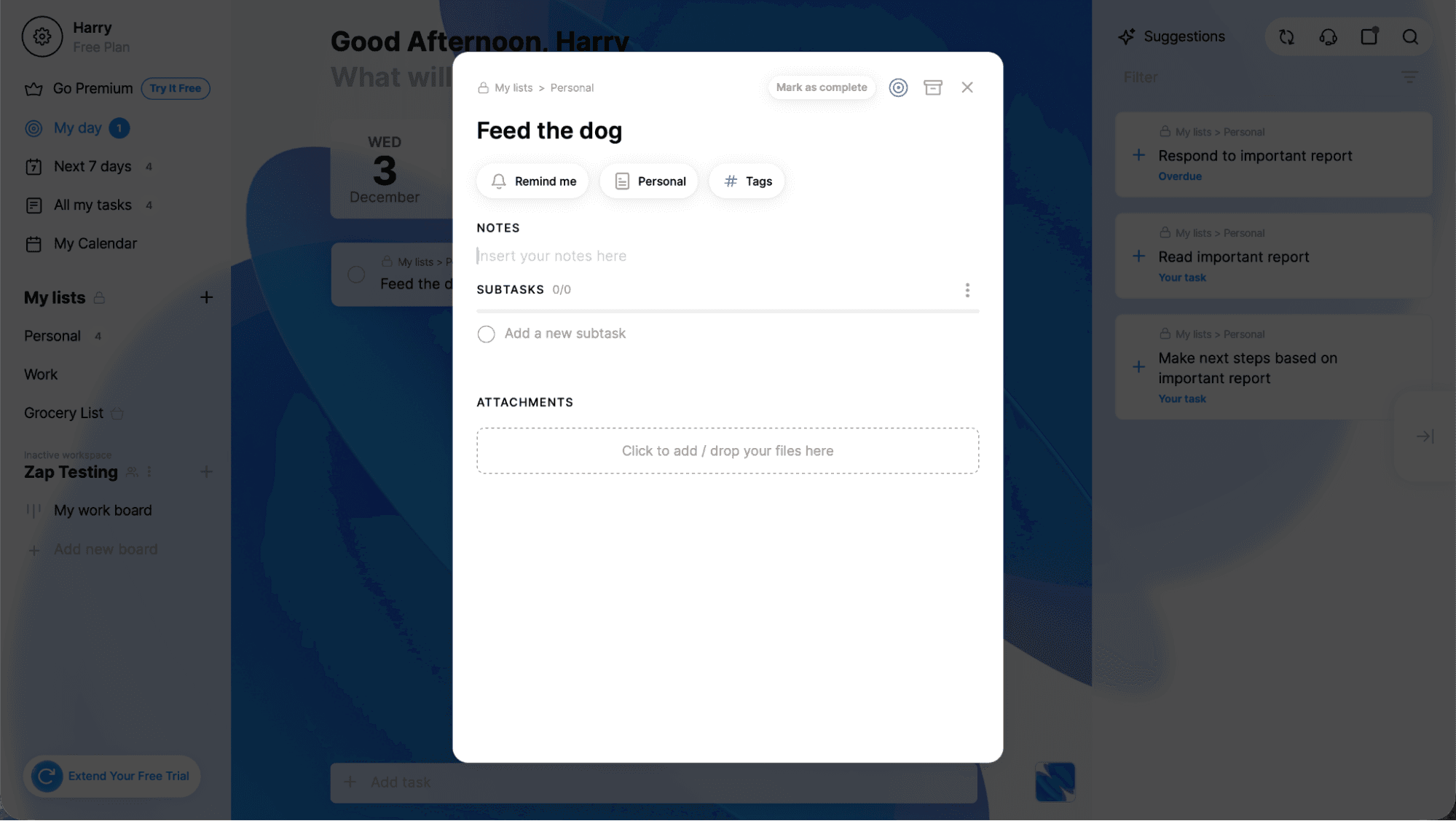
Any.do emphasizes day planning with a clean interface that helps users focus on immediate tasks. It's lighter than Trello but more purposeful for personal organization.
Airtable: For Complex Datasets
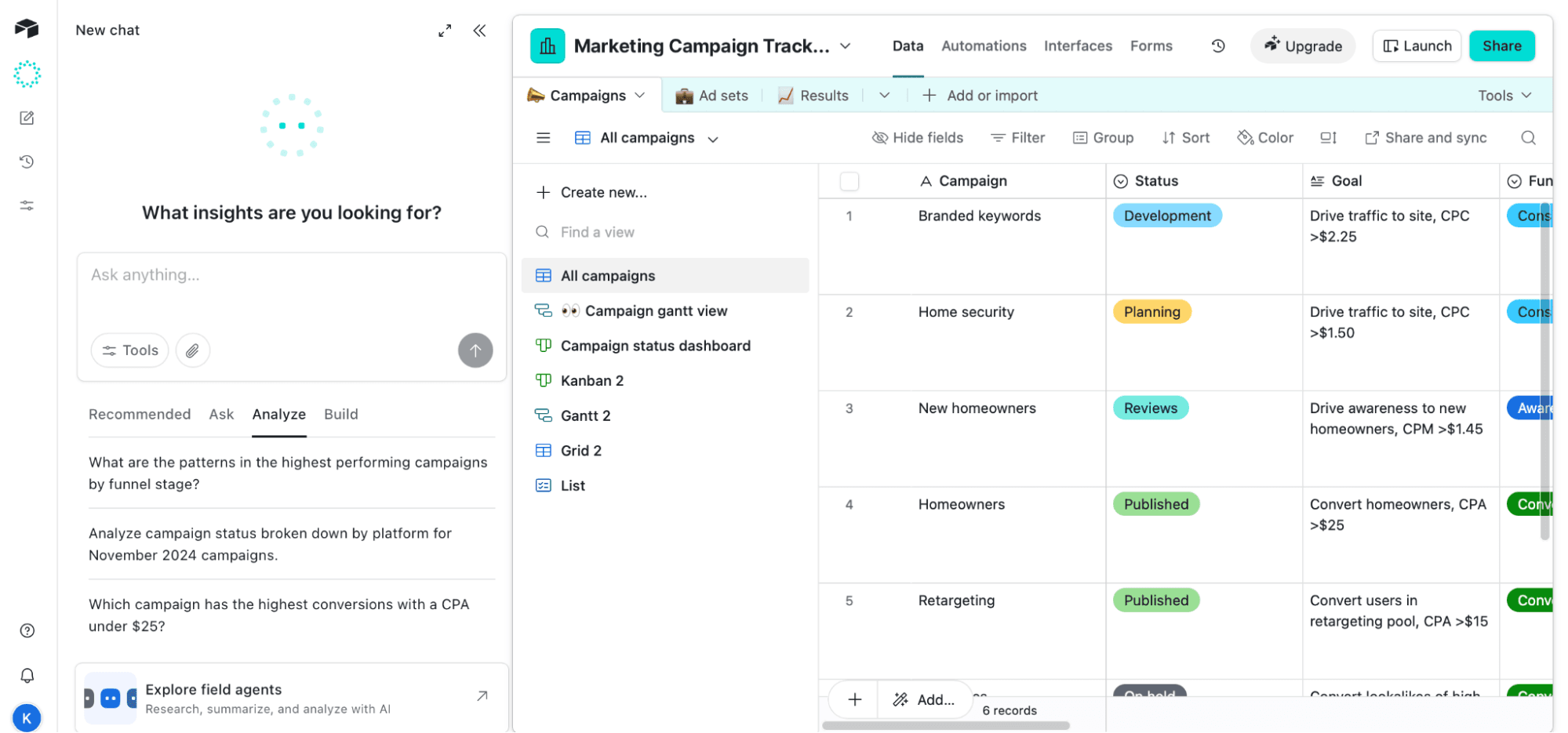
Airtable combines spreadsheet functionality with database power. It handles larger, more complex datasets than Trello's cards can manage. Teams tracking inventory, managing editorial calendars with hundreds of pieces, or running operations with multiple data relationships will find Airtable more capable.
Jira: For Agile Development
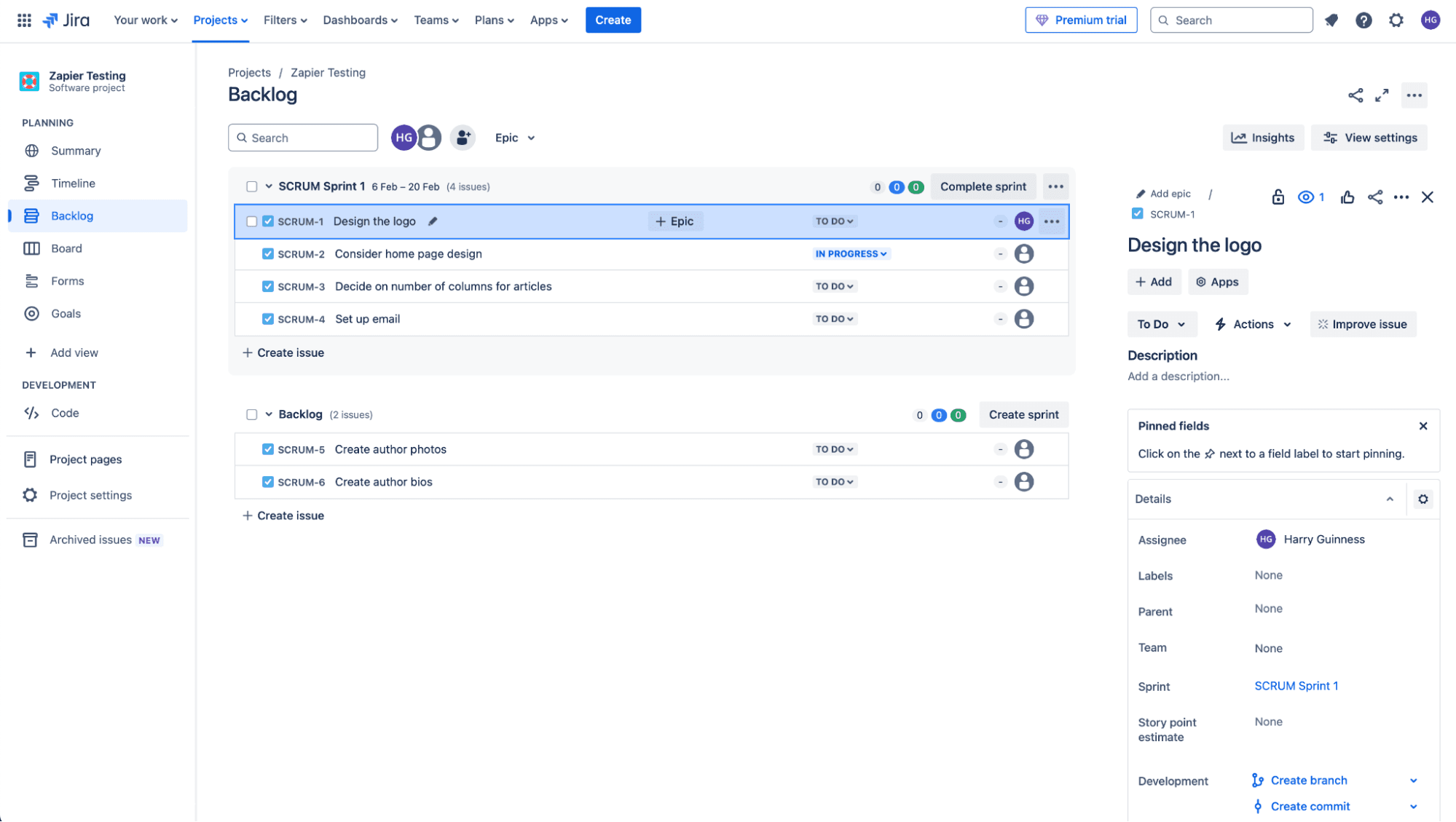
Jira remains the default for software development teams running Agile workflows. It supports sprints, backlogs, story points, and velocity tracking. Trello can simulate these patterns, but Jira builds them into its core.
Pipedrive: For Sales CRM
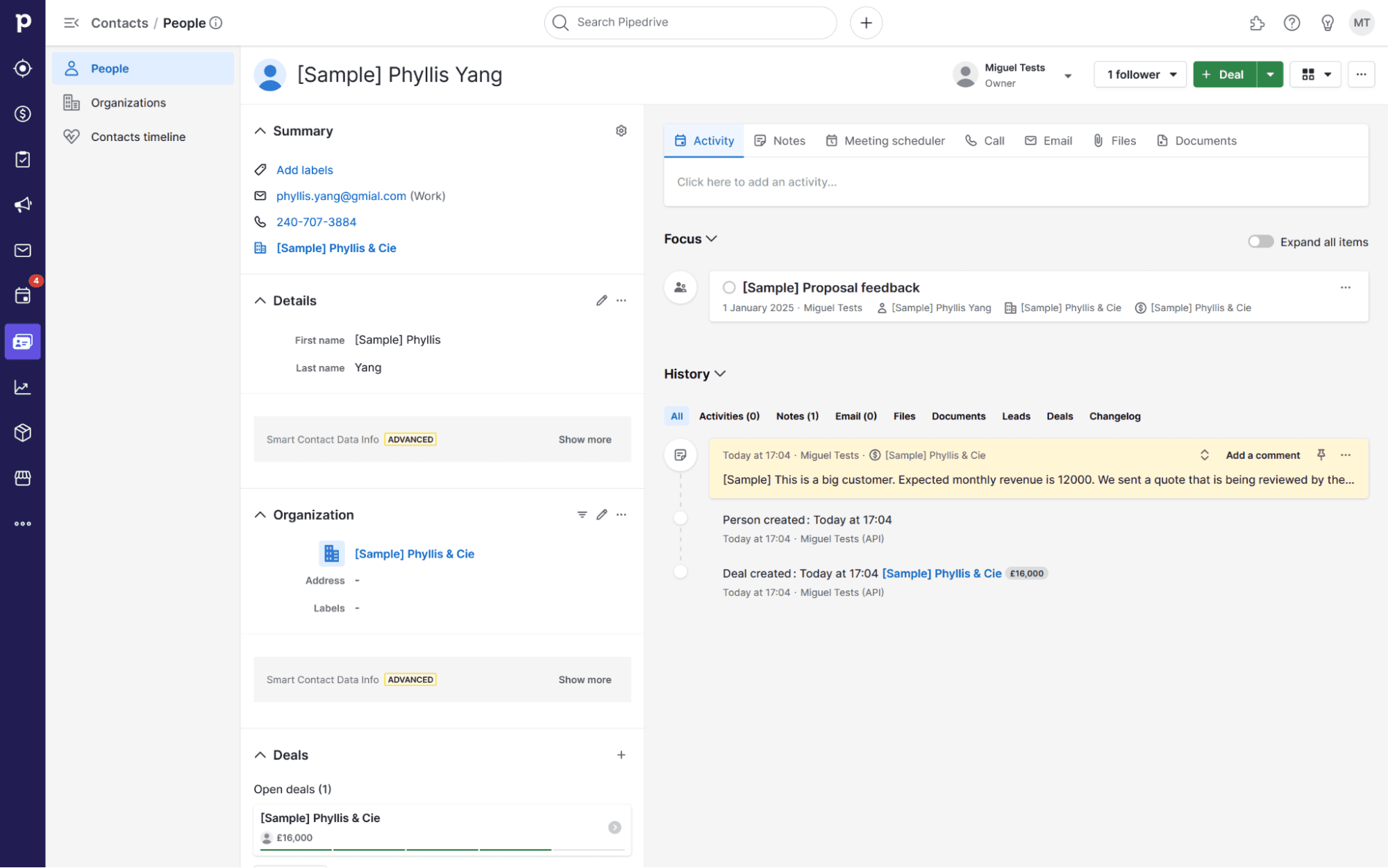
Trello's Kanban boards can function as a basic sales pipeline. But Pipedrive is built around contacts, deal stages, and follow-up tracking. Once your funnel gets even slightly complex, Pipedrive's purpose-built approach handles it better.
Microsoft Planner: For Microsoft Users
Microsoft Planner integrates with Teams, Outlook, and the rest of the Microsoft 365 suite. Organizations already invested in Microsoft's ecosystem get native project management without adding another vendor.
When Trello Still Makes Sense
Trello's simplicity remains its strength. If your team needs basic Kanban boards without complex workflows, Trello's free tier covers most use cases. The interface requires minimal training. Boards work intuitively.
The paid plans unlock custom fields, automation, and integrations. For teams willing to pay, Trello scales reasonably well. The question is whether you want a Kanban-first tool that adds features, or a feature-rich tool that includes Kanban views.
| Tool | Best For | Free Custom Fields | Core Strength |
|---|---|---|---|
| Trello | Simple Kanban | No | Ease of use |
| Asana | Scaling teams | Yes | Multiple views |
| monday.com | Customization | Limited | Flexibility |
| Todoist | Personal tasks | N/A | Natural language input |
| Airtable | Complex data | Yes | Database power |
| Jira | Agile dev | Yes | Sprint management |
| Pipedrive | Sales CRM | Yes | Deal tracking |
The Custom Fields Problem
Trello's paywall on custom fields creates a real gap. Custom fields let you add structured context to cards: dropdown menus for status, date fields for deadlines, number fields for budgets, checkboxes for completion states.
Without them, Trello cards stay unstructured. You can add labels and due dates, but richer data requires the paid tier. Competitors like Asana and Airtable include these by default, even on free plans.
This matters most for teams that need to filter, sort, or report on card data. A simple board works without custom fields. A board tracking 200 content pieces with different authors, statuses, and publication dates does not.
Logicity's Take
Choosing the Right Alternative
The best Trello alternative depends on what you're actually doing. Development teams running sprints should default to Jira. Sales teams need Pipedrive or a similar CRM. Freelancers billing clients will appreciate Paymo's integrated invoicing.
For general project management at scale, Asana and monday.com compete directly. Both offer more views and features than Trello while maintaining usable interfaces. The choice between them often comes down to existing workflows and personal preference.
Personal productivity users should skip project management tools entirely. Todoist and Any.do focus on individual tasks rather than team collaboration. They do one thing well instead of doing many things adequately.
Notion combines project management with AI-powered features, offering another Trello alternative worth considering
Frequently Asked Questions
Is Trello still free in 2026?
Yes, Trello offers a free tier with unlimited cards and boards. However, custom fields, advanced automation, and some integrations require paid plans starting at $5 per user per month.
What is the best free Trello alternative?
Asana's free plan includes more features than Trello's, including multiple views and basic custom fields. For personal task management, Todoist's free tier offers strong functionality.
Can Trello be used as a CRM?
Trello can function as a basic sales pipeline using Kanban boards. But it lacks contact management, deal tracking, and follow-up automation. Teams with complex sales processes should use a dedicated CRM like Pipedrive.
Which is better for software development: Trello or Jira?
Jira is purpose-built for Agile development with sprint planning, backlog management, and velocity tracking. Trello can approximate these workflows but requires more manual setup and lacks native Agile features.
Does Airtable replace Trello?
Airtable handles complex datasets better than Trello but has a steeper learning curve. Teams managing large amounts of structured data will prefer Airtable. Teams wanting simple Kanban boards may find it overkill.
Need Help Implementing This?
Source: The Zapier Blog
Huma Shazia
Senior AI & Tech Writer
Produced with AI assistance and reviewed by the Logicity editorial team. Learn more in our Editorial Policy.






