Key Takeaways
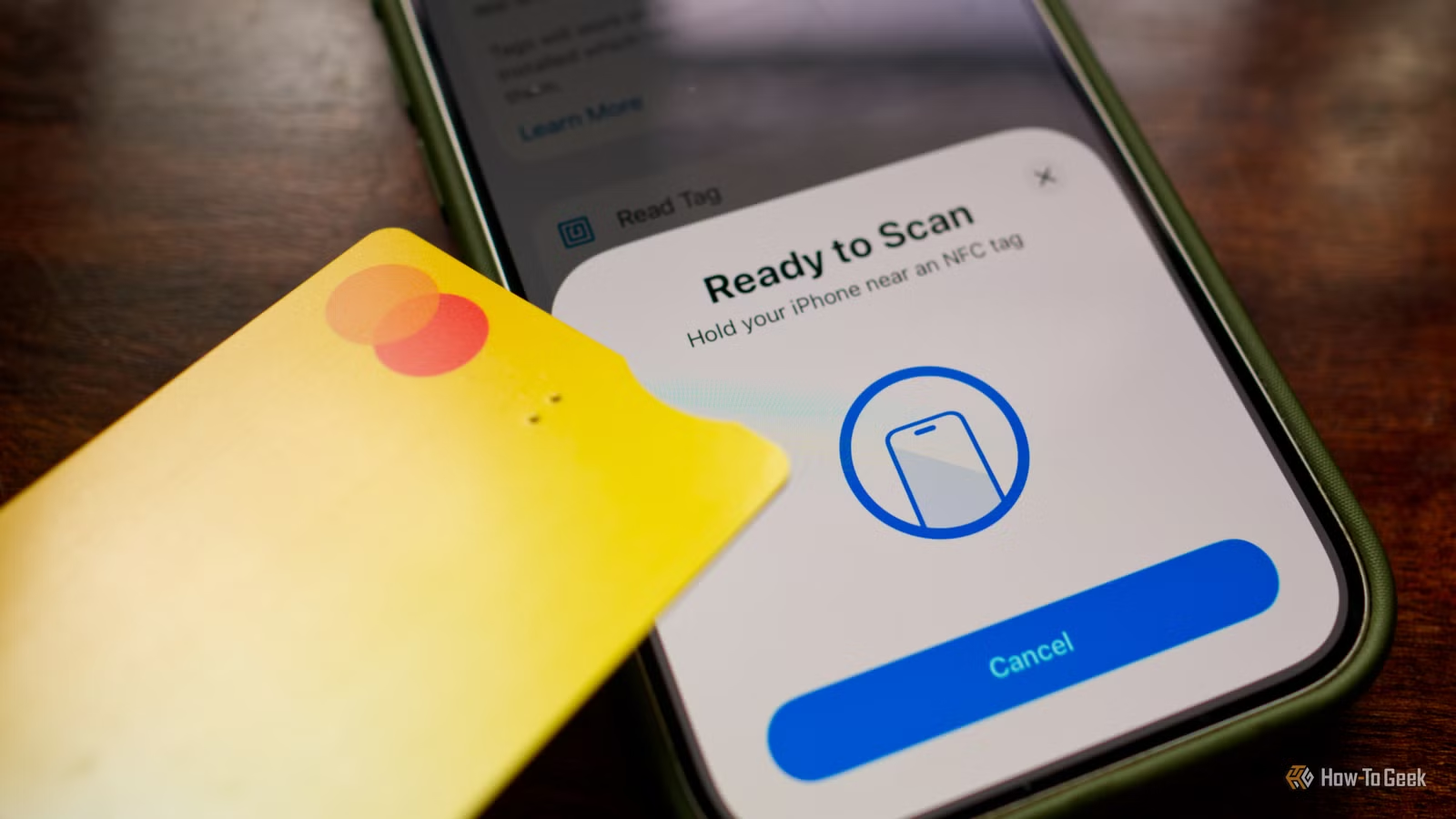
- Credit cards, transit passes, and old phones contain NFC chips that can trigger smart home automations
- Home Assistant offers the most powerful NFC integration, while Apple Home uses Shortcuts and Google Home requires Tasker
- NFC triggers require a smartphone scan to activate, making them ideal for location-based routines like arriving home or starting work
NFC tags cost next to nothing. A pack of 50 runs about $10 on Amazon. But before you buy any, check your wallet and junk drawer. You already own several NFC-enabled items that can trigger smart home automations right now.
The concept is simple: scan an NFC tag with your phone, and a chain of smart home events fires. Lights turn on, thermostats adjust, music starts. The tag itself does nothing but identify itself. Your phone and smart home platform handle the rest.
How to Set Up NFC Triggers
The setup process varies by platform, but the core steps are the same: scan the tag, create an automation, link them together.
Home Assistant
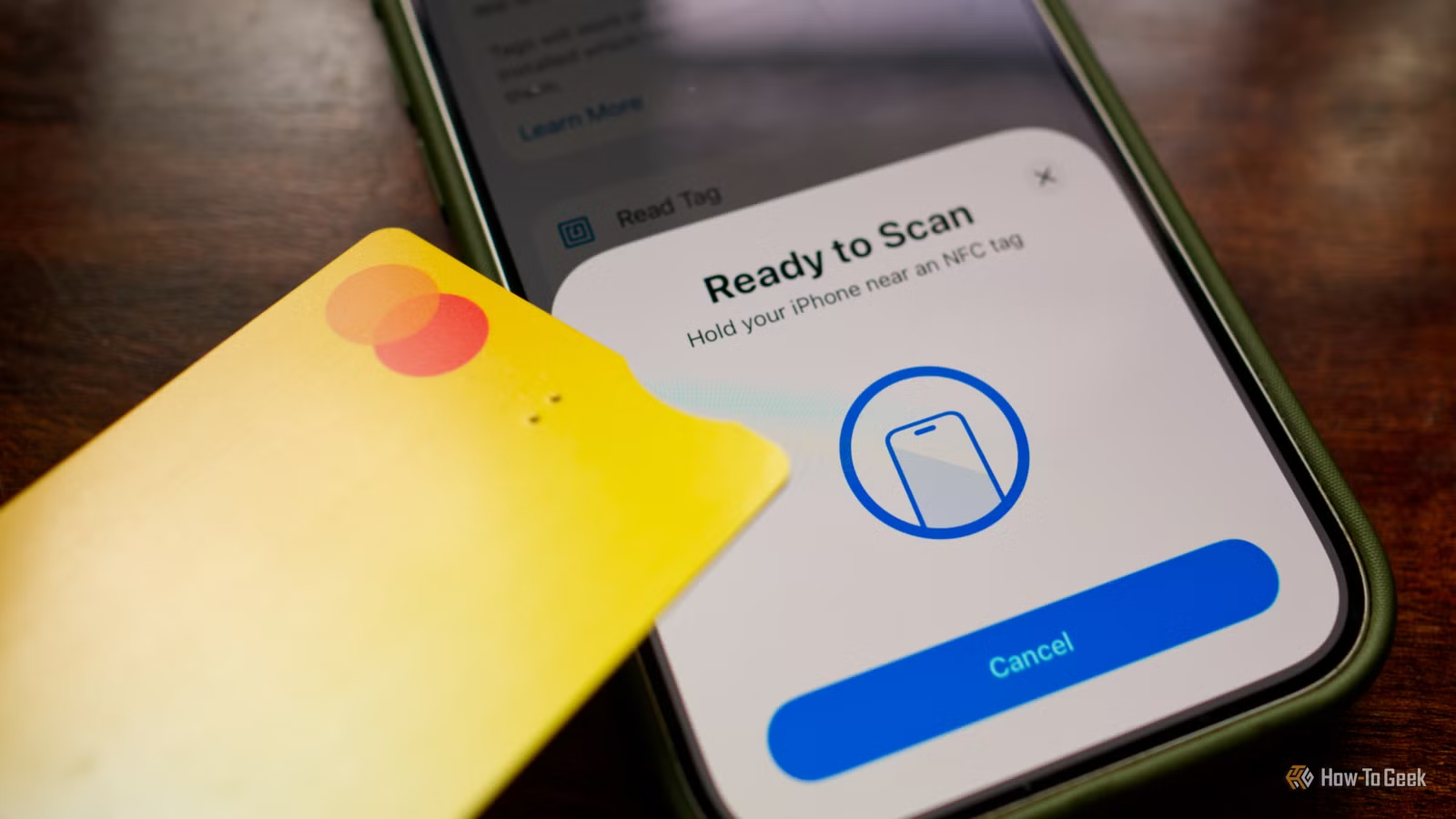
Home Assistant offers the deepest NFC integration of any smart home platform. Download the companion app for iPhone or Android, then log in to your server. Navigate to Settings > Companion App > NFC Tags and tap "Read Tag" to register your item.
Label each tag clearly. "Front Door Card" beats "NFC Tag 7" when you're debugging why your porch lights won't turn on. Once registered, you can use that tag as a trigger in any automation.
Apple Home
Apple routes NFC triggers through the Shortcuts app rather than Home directly. Open Shortcuts, tap the Automation tab, create a new automation, and select NFC as the trigger. For complex workflows, build the full Shortcut first, then create a simple NFC automation that launches it.
Google Home
Google Home doesn't natively support NFC triggers. You'll need to build your routine in the Google Home app first, then use a third-party app like Tasker to connect the NFC scan to the routine. Samsung users have it easier. Modes and Routines includes a built-in "NFC tagged" trigger.
9 Everyday Items That Work as NFC Triggers
Not sure if something has NFC? Just try scanning it. Your phone will either recognize the tag or nothing will happen. No harm in testing.
1. Credit and Debit Cards
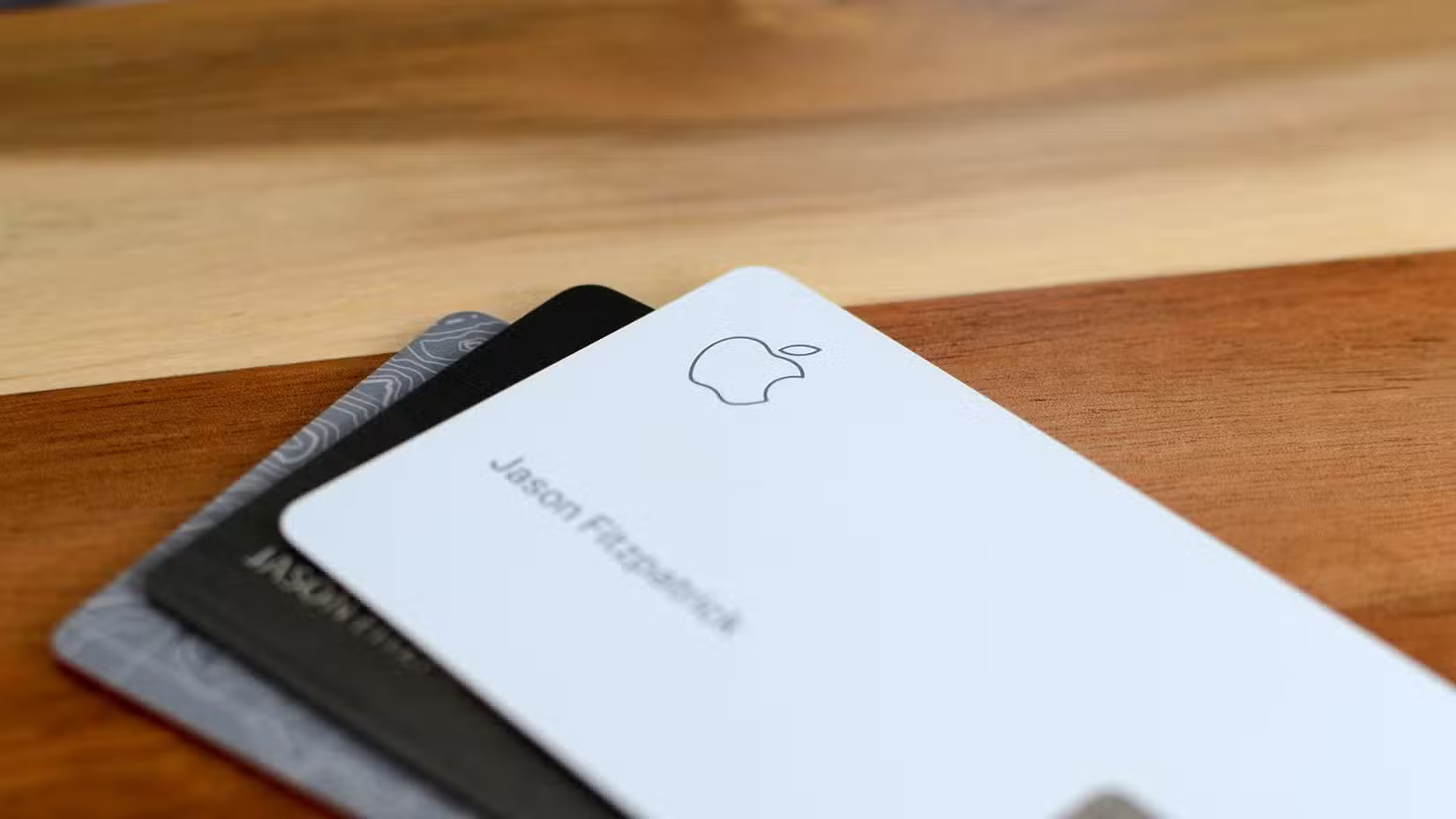
Any card with a contactless payment symbol contains an NFC chip. You tap it to pay at terminals. You can also tap it to your phone and trigger automations. The obvious use case: scan your wallet when you get home to disable the alarm, turn on lights, and adjust the thermostat.
2. Transit Cards
Metro cards, bus passes, and commuter rail cards typically use NFC. If you keep a spare card at home, it becomes a permanent trigger point. Stick it near your front door or on your nightstand.
3. Hotel Key Cards
Kept a hotel key card as a souvenir? It likely still has a working NFC chip, even if it no longer opens anything. The card is already the perfect size to stick somewhere unobtrusive.
4. Library Cards
Many modern library cards include NFC for self-checkout. Check if yours works by trying to scan it. If your library still uses barcodes only, you're out of luck.
5. Old Smartphones
Any Android phone from the last decade and any iPhone from the 6 onward has NFC. Even with a dead battery, the passive NFC chip in some phones can still respond to a scan. Try that old iPhone 6 in your drawer.
6. Gaming Amiibo Figures
Nintendo Amiibo figures and cards contain NFC chips. They're designed for gaming, but nothing stops you from using them as smart home triggers. Kids might actually remember to tap Mario when they come home.
7. Pet Microchips
Your dog or cat's microchip is technically NFC, but it operates at a different frequency than phones use. Most smartphones can't read pet microchips without specialized equipment. This one is more theoretical than practical.
8. Ski Passes
Lift tickets from recent ski trips often contain NFC. The resort might have deactivated gate access, but the chip itself remains functional for other purposes.
9. 3D Printer Filament Spools
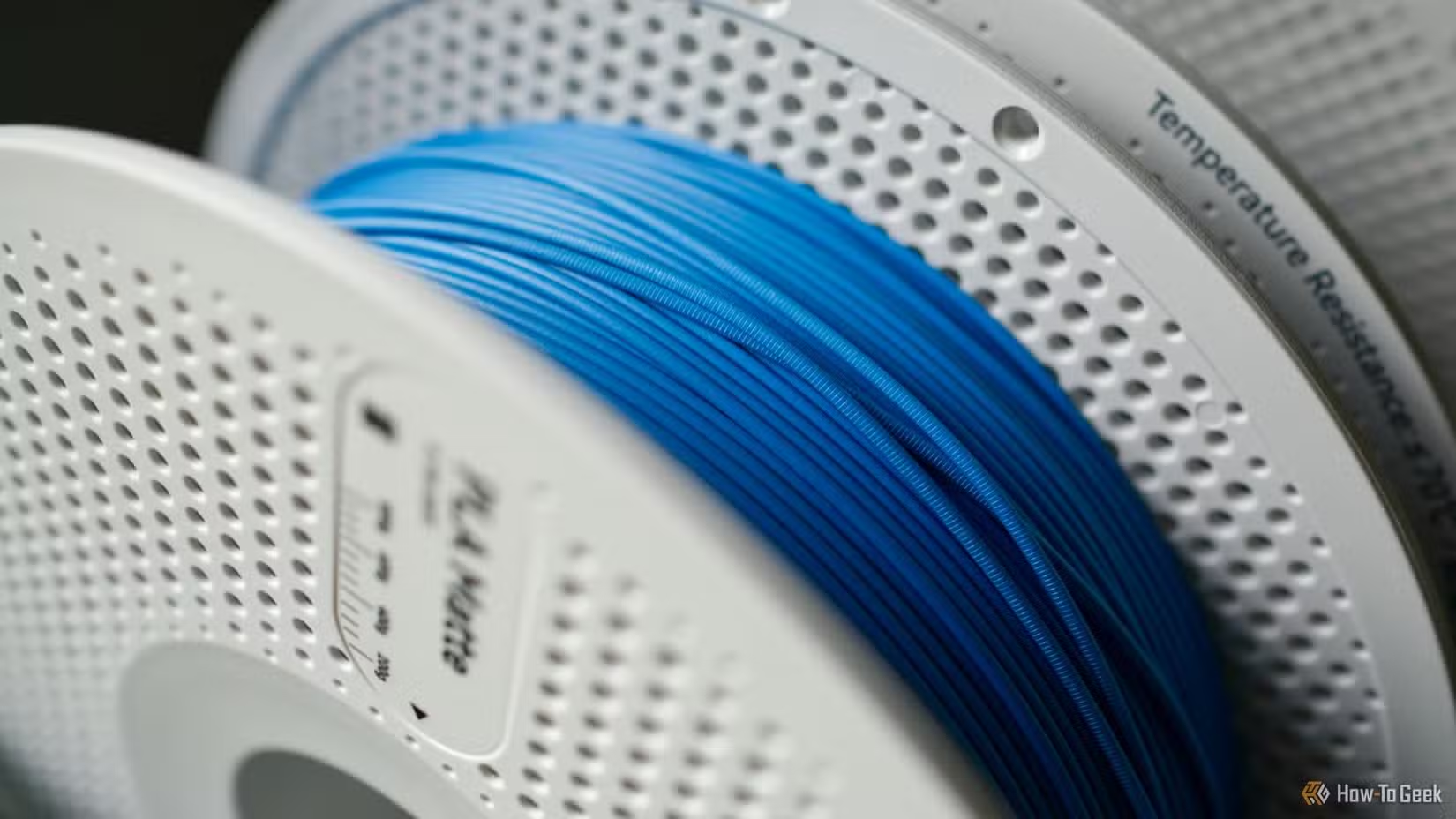
Some 3D printer brands like Bambu Lab embed NFC tags in their filament spools. The printer uses them to identify material type and color. You can repurpose spent spools as workshop triggers. Scan an empty spool to log printing time or reorder materials.

Practical Automation Ideas
- Scan your wallet at the front door to run an "arriving home" routine
- Tap a card on your nightstand to activate sleep mode across all devices
- Use an Amiibo in a home office to start a focus timer and enable Do Not Disturb
- Scan a transit card in the kitchen to start a coffee maker and read out the weather
- Tap an old phone by the garage to open the door and turn on workshop lights
The limitation here is that you need your phone to do the scanning. NFC triggers won't work if your phone is dead or across the room. They're best for routines you'd naturally run while holding your phone anyway.

Logicity's Take
Frequently Asked Questions
Do NFC triggers work without my phone?
No. You need to scan the NFC tag with your smartphone to trigger the automation. The tag itself has no power or connectivity.
Can I use the same credit card for payments and smart home triggers?
Yes. The NFC chip in your card simply identifies itself. Using it as a smart home trigger doesn't affect its ability to process payments.
Which smart home platform has the best NFC support?
Home Assistant offers the most powerful and flexible NFC integration. Apple Home works well through Shortcuts. Google Home requires third-party apps like Tasker.
How do I know if an item has NFC?
Try scanning it with your phone. If your phone recognizes a tag, it has NFC. If nothing happens, it either lacks NFC or uses an incompatible frequency.
More underrated tech tools to improve your setup
Need Help Implementing This?
Source: How-To Geek
Manaal Khan
Tech & Innovation Writer
Produced with AI assistance and reviewed by the Logicity editorial team. Learn more in our Editorial Policy.