Key Takeaways
- FxSound adds a free equalizer to Windows, which still lacks a built-in one
- PotPlayer handles nearly every video and audio format without codec packs
- File Converter adds right-click conversion for images, audio, video, and documents
The Usual Suspects Aren't the Only Options
If you spend time in Windows productivity forums, you've seen the same recommendations. PowerToys. ShareX. Ditto. LocalSend. They're good tools. But they're not the only good tools.
Pankil Shah, a tech writer with over 1,200 articles across MakeUseOf, GuidingTech, and TechWiser, recently shared the apps he uses daily that rarely get mentioned. These aren't obscure experiments. They're polished utilities that solve real problems.
Google App: Search Without Opening a Browser
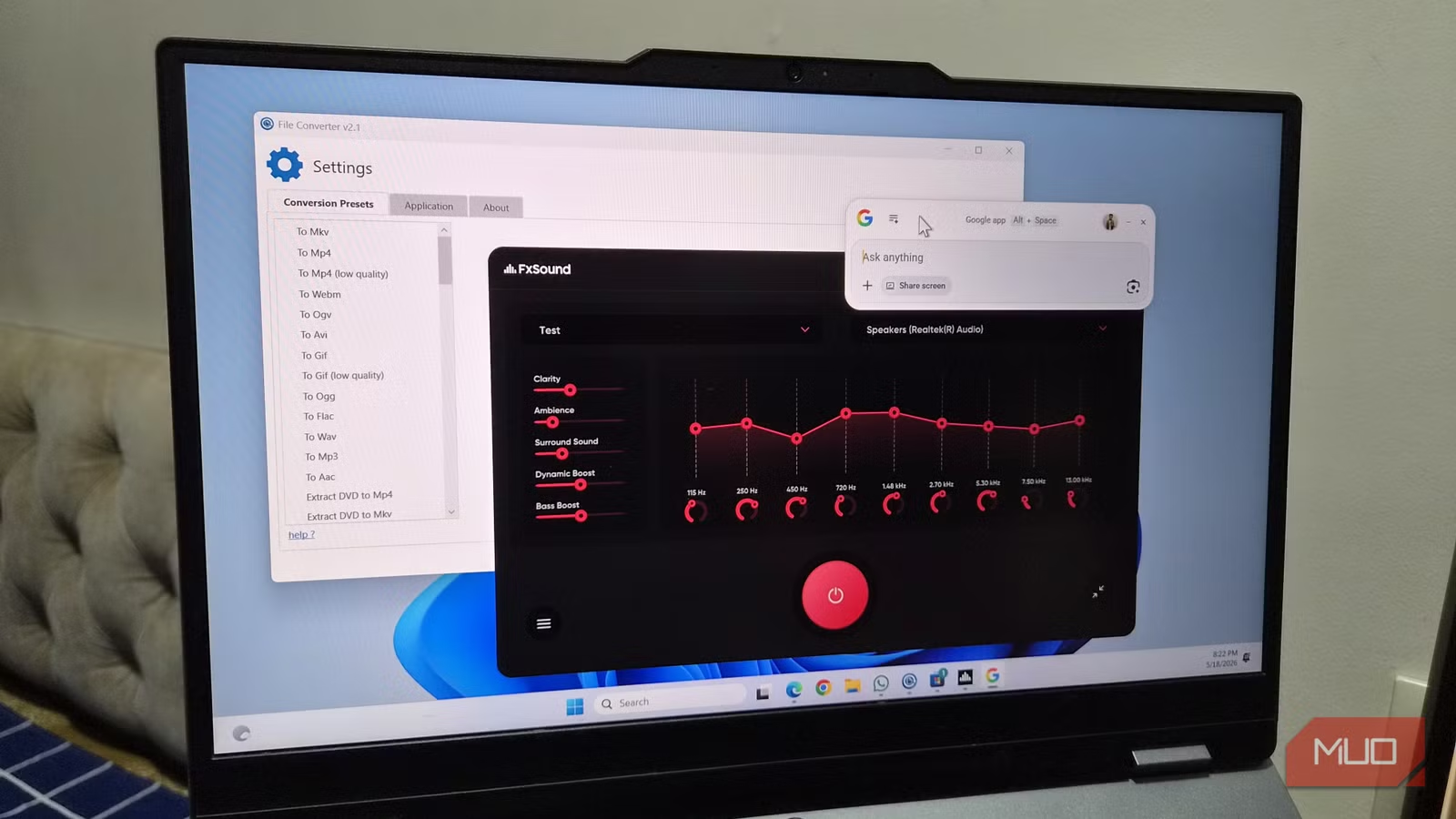
The Google app for Windows lets you search from anywhere using Alt + Space. No browser required. The search window disappears when you switch to another app.
The standout feature is screen search. If you're in an app and see something unfamiliar, you can capture a screenshot and ask questions about it. You can switch to AI mode for follow-up questions.
Unified search is also useful. It pulls results from your local files and Google Drive, which means less reliance on Windows Search.
FxSound: The Equalizer Windows Should Have
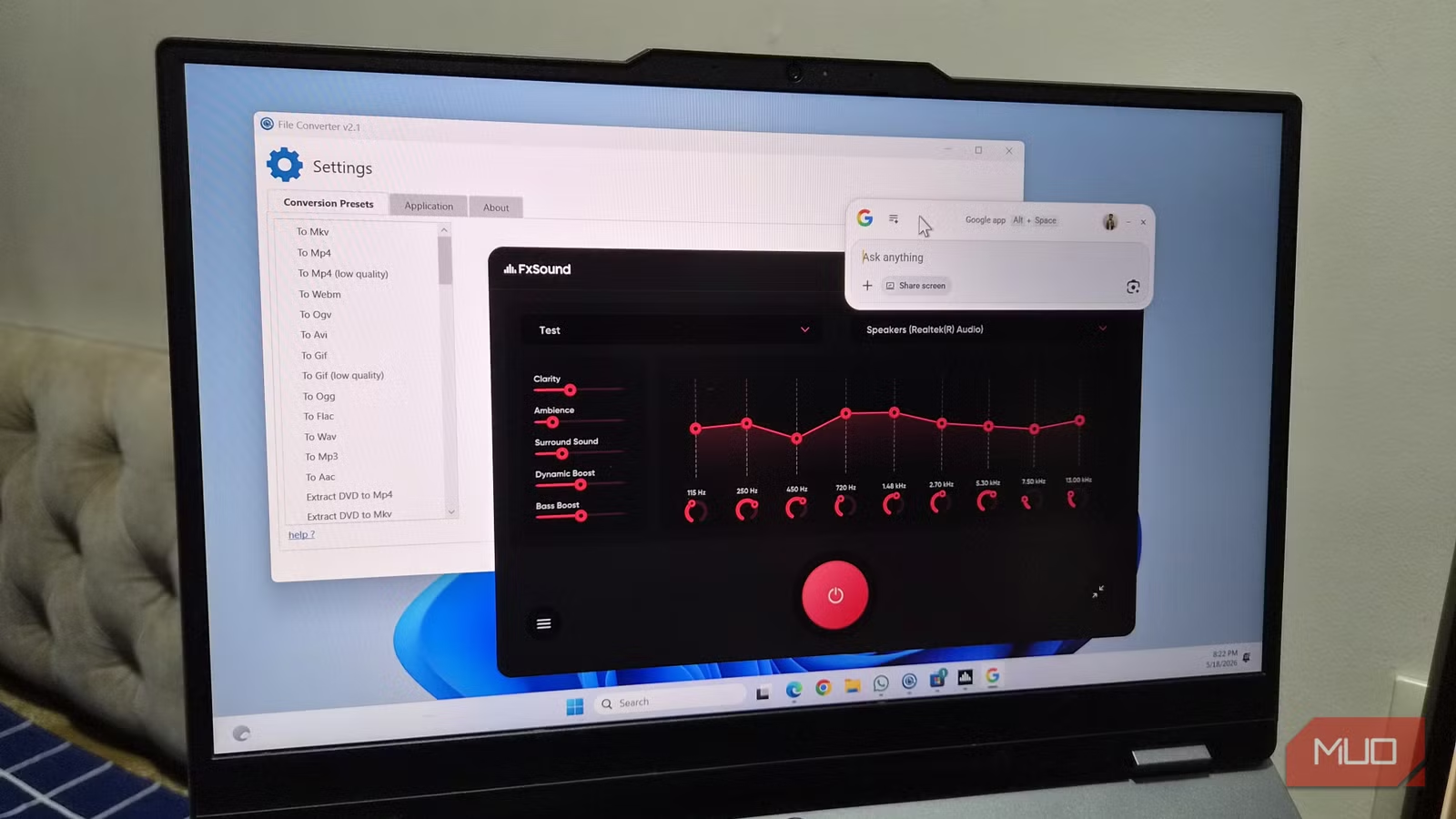
Windows still doesn't include a built-in equalizer. FxSound fills that gap. It's a lightweight app that improves audio quality on headphones and laptop speakers alike.
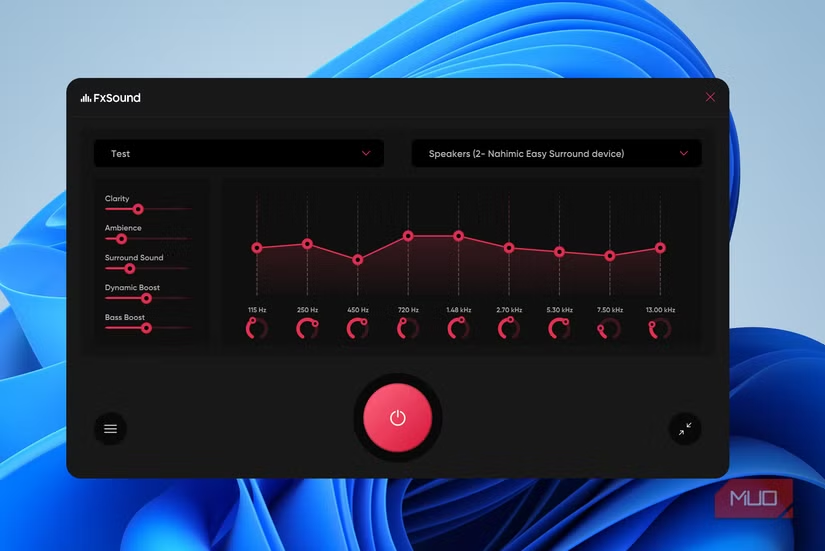
You can adjust frequencies manually or use presets for gaming, music, movies, and voice clarity. Hotkey support lets you toggle the equalizer or switch presets without touching the mouse.
PotPlayer: A Media Player That Just Works
PotPlayer handles nearly every audio and video format without additional codec packs. It's fast, customizable, and doesn't nag you with updates or upsells.
For anyone tired of VLC's interface or Windows Media Player's limitations, PotPlayer is worth a look. It handles subtitle syncing, playback speed adjustments, and hardware acceleration without fuss.
File Converter: Right-Click Conversions
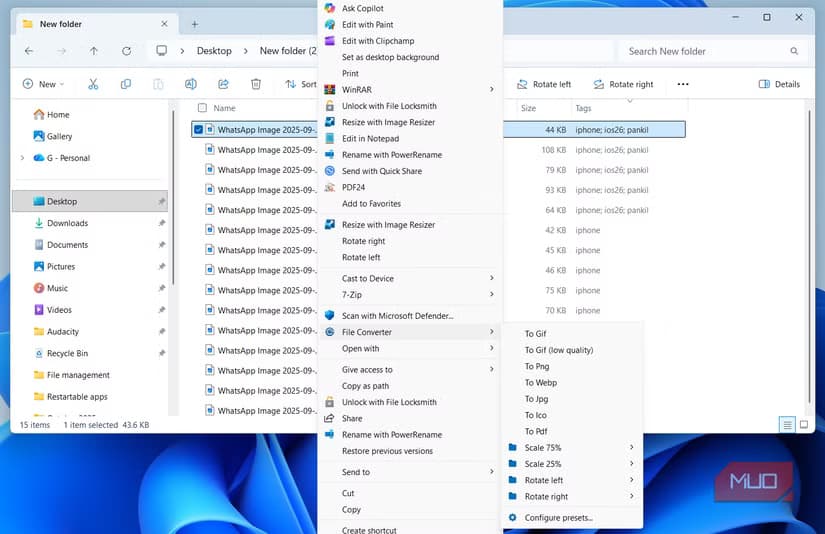
File Converter adds conversion options to your right-click context menu. Select a file, right-click, and convert. It works with images, audio, video, and documents.
This replaces the usual workflow of opening a web tool, uploading a file, waiting for conversion, and downloading the result. Everything happens locally on your machine.
PortableApps: No Installation Required
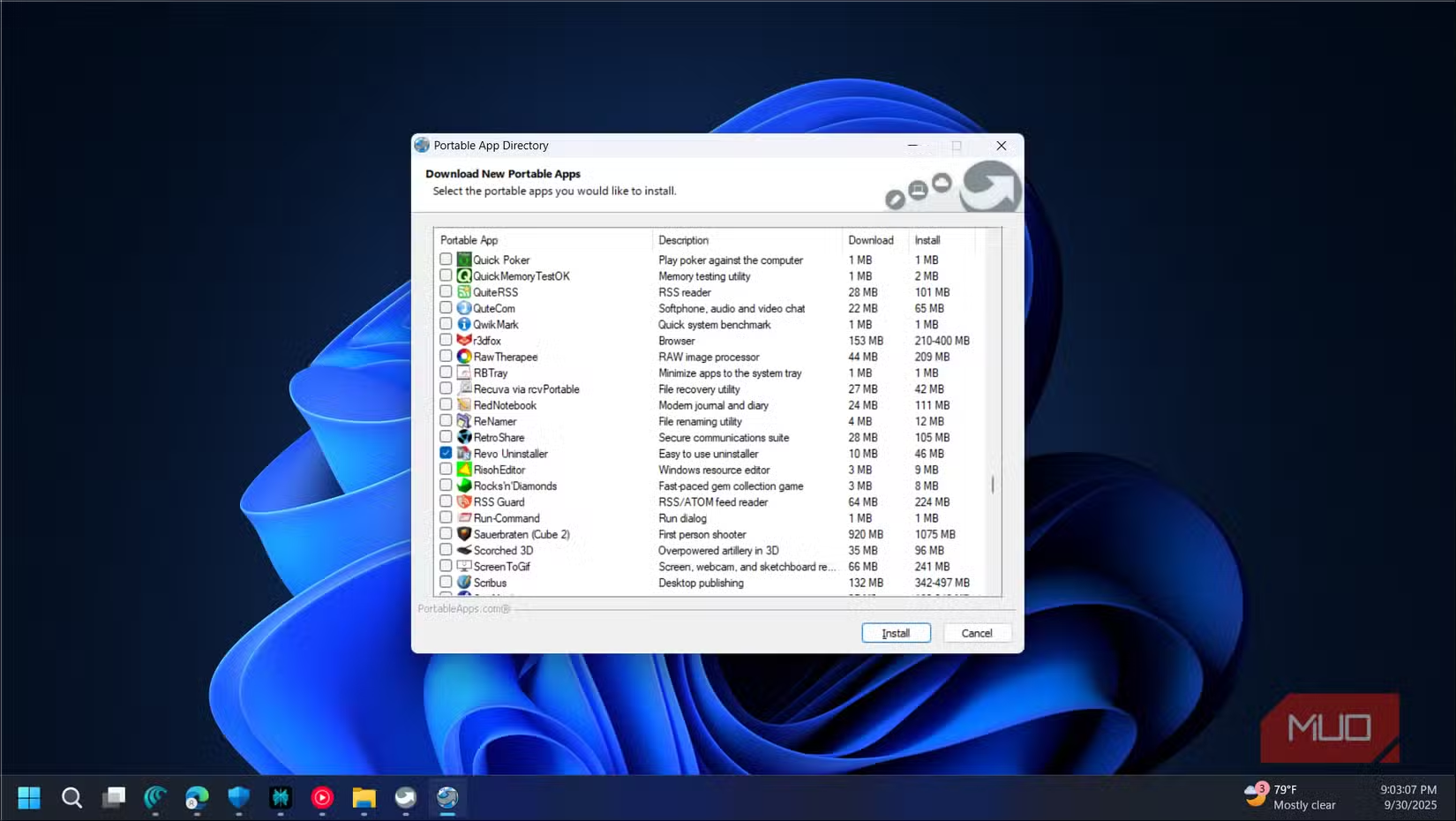
PortableApps.com offers a platform for running software without installation. You can put apps on a USB drive and use them on any Windows PC.
The catalog includes portable versions of Firefox, LibreOffice, VLC, and hundreds of other tools. For IT teams or anyone who works on multiple machines, it's a practical alternative to installing software everywhere.
Why These Apps Stay Under the Radar
Popular apps get recommended because they're already popular. It's a feedback loop. When someone asks for Windows app suggestions, people recommend what they've seen recommended before.
These five apps don't have the same visibility, but they solve problems just as well. FxSound fixes a genuine gap in Windows. File Converter removes friction from a common task. PotPlayer handles media without drama.
None of them cost anything. All of them work.
Logicity's Take
Frequently Asked Questions
Is FxSound really free?
Yes. FxSound is completely free with no paid tier. It's open-source and available on GitHub.
Does PotPlayer support 4K video?
Yes. PotPlayer handles 4K and HDR content with hardware acceleration support.
Can I use PortableApps on a work computer?
Generally yes, since portable apps don't require admin privileges to install. Check your company's IT policy first.
Does the Google app for Windows require a Google account?
You can search without signing in, but Google Drive integration and AI features require a Google account.
Is File Converter safe to use?
File Converter is open-source and processes files locally. No data leaves your machine.
Need Help Implementing This?
Source: MakeUseOf
Manaal Khan
Tech & Innovation Writer
Produced with AI assistance and reviewed by the Logicity editorial team. Learn more in our Editorial Policy.