Key Takeaways
- Most Claude users waste time re-uploading files and re-explaining context in every new chat
- The Projects feature maintains persistent memory across sessions for ongoing work
- This approach works best for multi-week reports, codebases, and semester-long courses
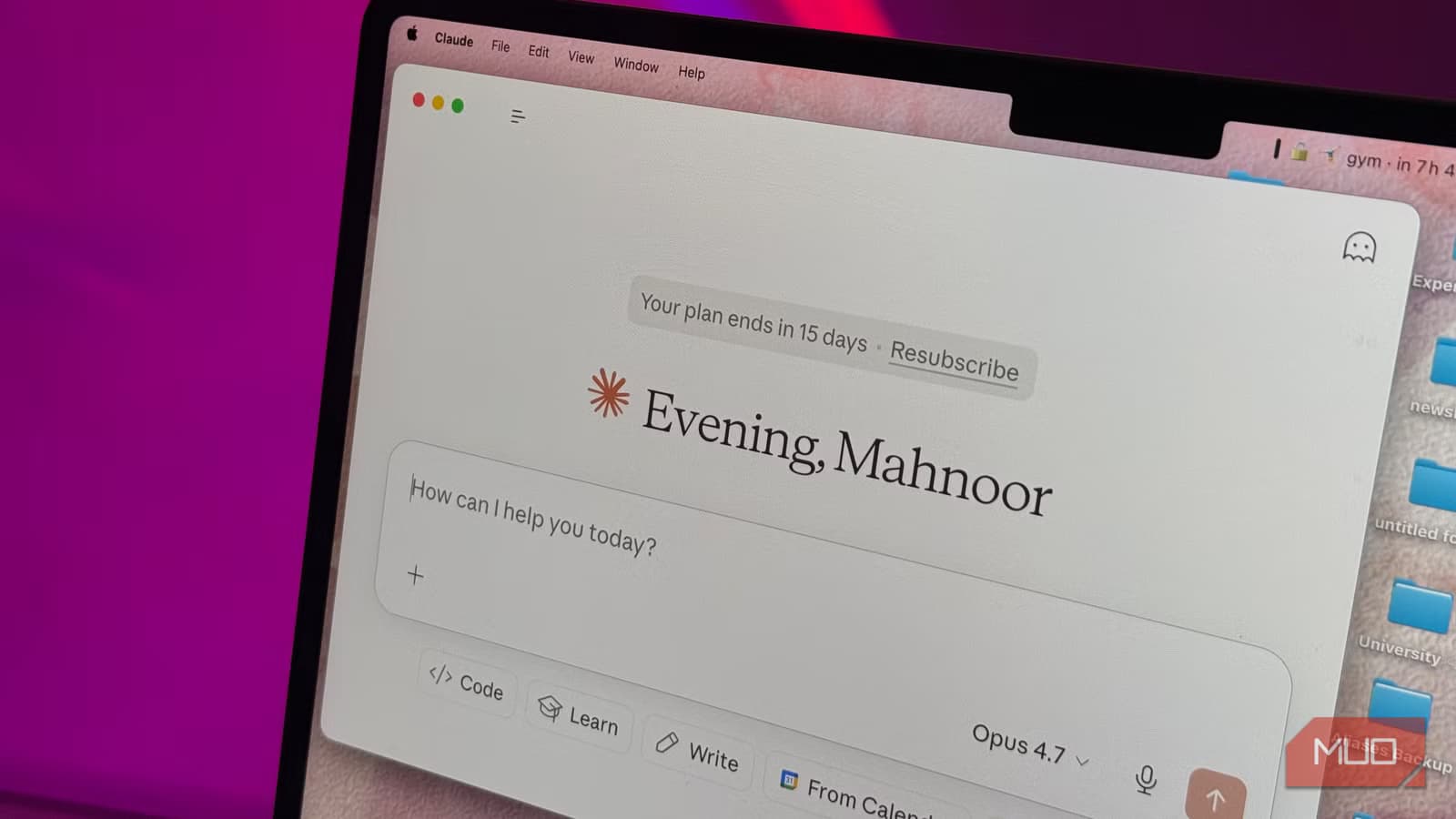
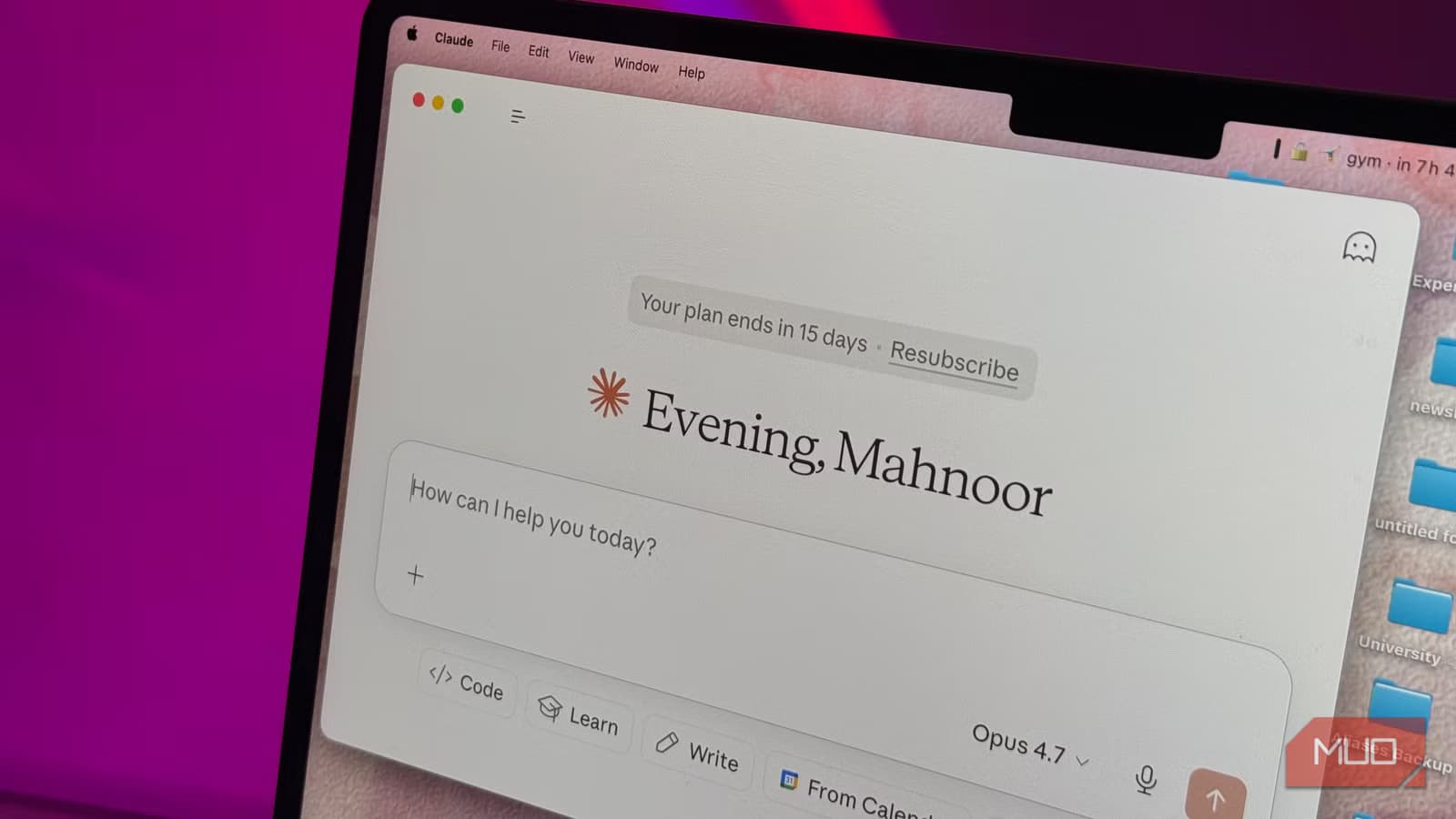
If you use Claude the way most people do, you're probably working harder than you need to. You open a new chat, upload your files, explain what you're working on, remind the AI of your preferences, get your answer, and then close the tab. Tomorrow, you do it all over again.
This workflow is fine for one-off questions. Checking the weather in Dubai. Getting a quick definition. Drafting a single email. But most ongoing work doesn't fit that pattern.
The Real Problem With Fresh Chats
Think about the projects that actually take up your time. The report you've been writing for three weeks. The codebase you've been debugging for months. The course materials you've been studying all semester. Every time you start a new chat for these, you're starting from zero.
As MakeUseOf's Mahnoor Faisal puts it: "Every single time you start a new chat for it, you're essentially starting from zero. You're re-uploading the same files, re-explaining the same context, and constantly reminding Claude of the same preferences you've already laid out a dozen times before."
This isn't just inefficient. It actively degrades the quality of responses you get. Without context from previous conversations, Claude can't build on earlier work, remember your preferred writing style, or recall decisions you made last week.
What Projects Actually Does
The Projects feature has been sitting in Claude's interface for a while now, but most users either don't know it exists or haven't explored what it can do. It lets you create persistent workspaces that maintain context across sessions.
Instead of re-uploading your 50-page report every time you want Claude to help with the next section, you upload it once to a Project. Instead of explaining that you prefer concise technical writing with minimal jargon, you set that preference once. Claude remembers.
- Upload files once, reference them across multiple conversations
- Set persistent instructions that apply to every chat within the Project
- Build on previous conversations without losing context
- Organize different workstreams into separate Projects
Who Should Actually Use This
Projects makes the biggest difference for people doing sustained work. Software developers maintaining a codebase. Writers working on long-form content. Students working through course material over a semester. Analysts building reports that evolve over weeks.
If you're asking Claude the same types of questions about the same body of work, you're a candidate for Projects. If you've ever thought "I wish Claude remembered what we talked about yesterday," this is the feature you've been missing.

How to Get Started
Creating a Project takes about 30 seconds. In Claude's sidebar, look for the Projects option. Create a new one, give it a name that reflects the work you're doing, and upload any relevant files. You can also add custom instructions that tell Claude how you want it to behave within this context.
- Click Projects in the Claude sidebar
- Create a new Project with a descriptive name
- Upload relevant files (documents, code, reference materials)
- Add custom instructions for how Claude should respond
- Start chatting within the Project context
The key insight is that a tool is only as good as you make it. Claude ships features constantly, and it's easy to miss them. But Projects isn't buried in some settings menu. It's been visible in the interface all along.
Logicity's Take
More on how the AI infrastructure landscape is evolving
Frequently Asked Questions
Is Claude Projects available on the free plan?
Projects requires a Claude Pro subscription. Free users are limited to individual chats without persistent context.
How many files can I upload to a Claude Project?
Claude Projects supports multiple file uploads including documents, code files, and PDFs. The exact limits depend on your subscription tier and file sizes.
Does Claude Projects work on mobile?
Yes, Projects sync across devices. You can access your persistent context from Claude's mobile app just like on desktop.
What's the difference between Claude Projects and ChatGPT custom GPTs?
Projects maintain context across conversations with the base Claude model. Custom GPTs are separate applications built on top of ChatGPT. Projects are simpler to set up and don't require building a separate interface.
Need Help Implementing This?
Source: MakeUseOf
Huma Shazia
Senior AI & Tech Writer
Produced with AI assistance and reviewed by the Logicity editorial team. Learn more in our Editorial Policy.






