Key Takeaways
- The Seeed Studio XIAO RP2040 fits projects where the Pico's footprint is too large
- Adafruit Feather RP2040 includes built-in battery charging, eliminating custom power circuits
- Choosing the right board for your use case can save hours of design work
Why Look Beyond the Pico?
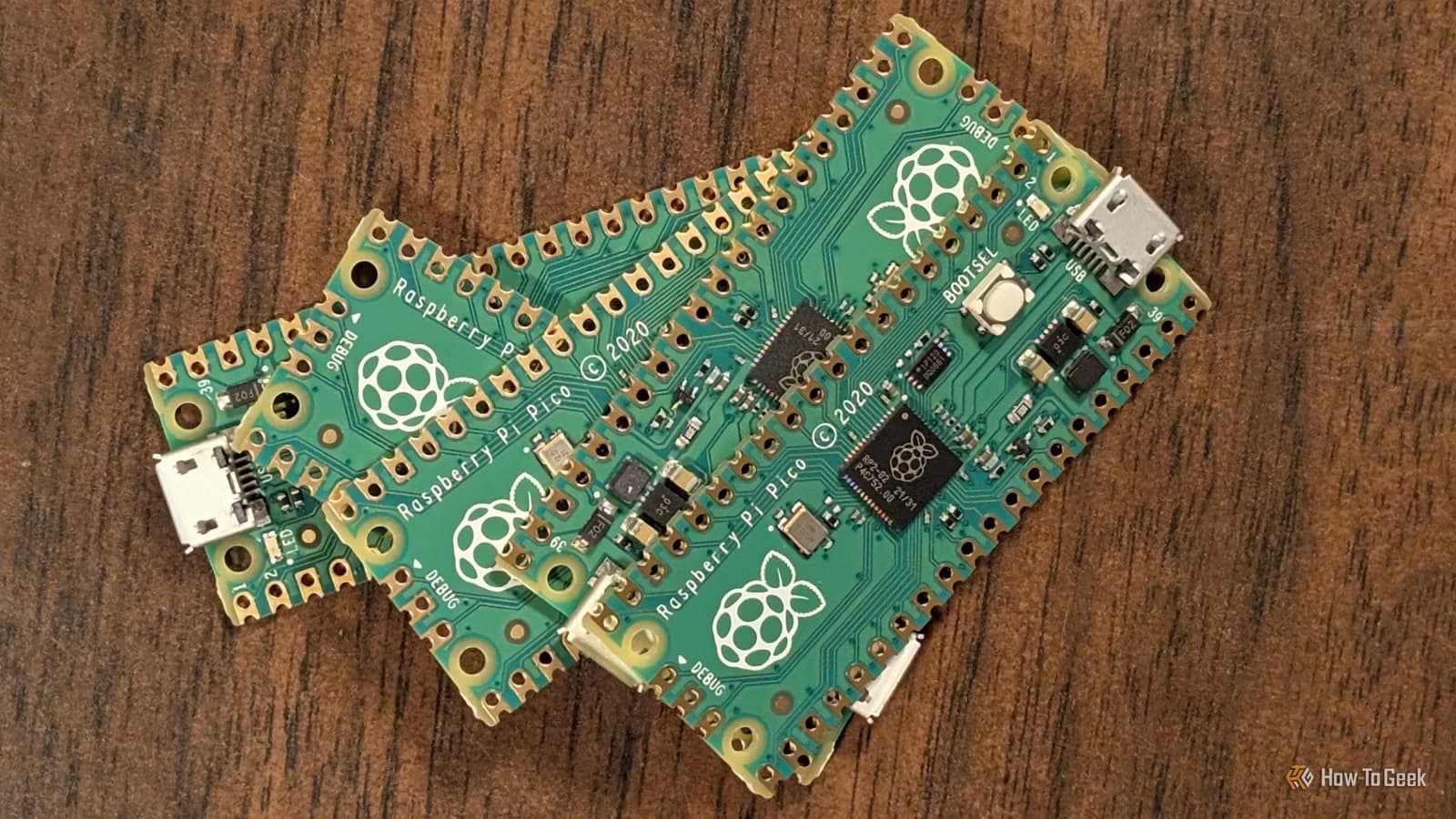
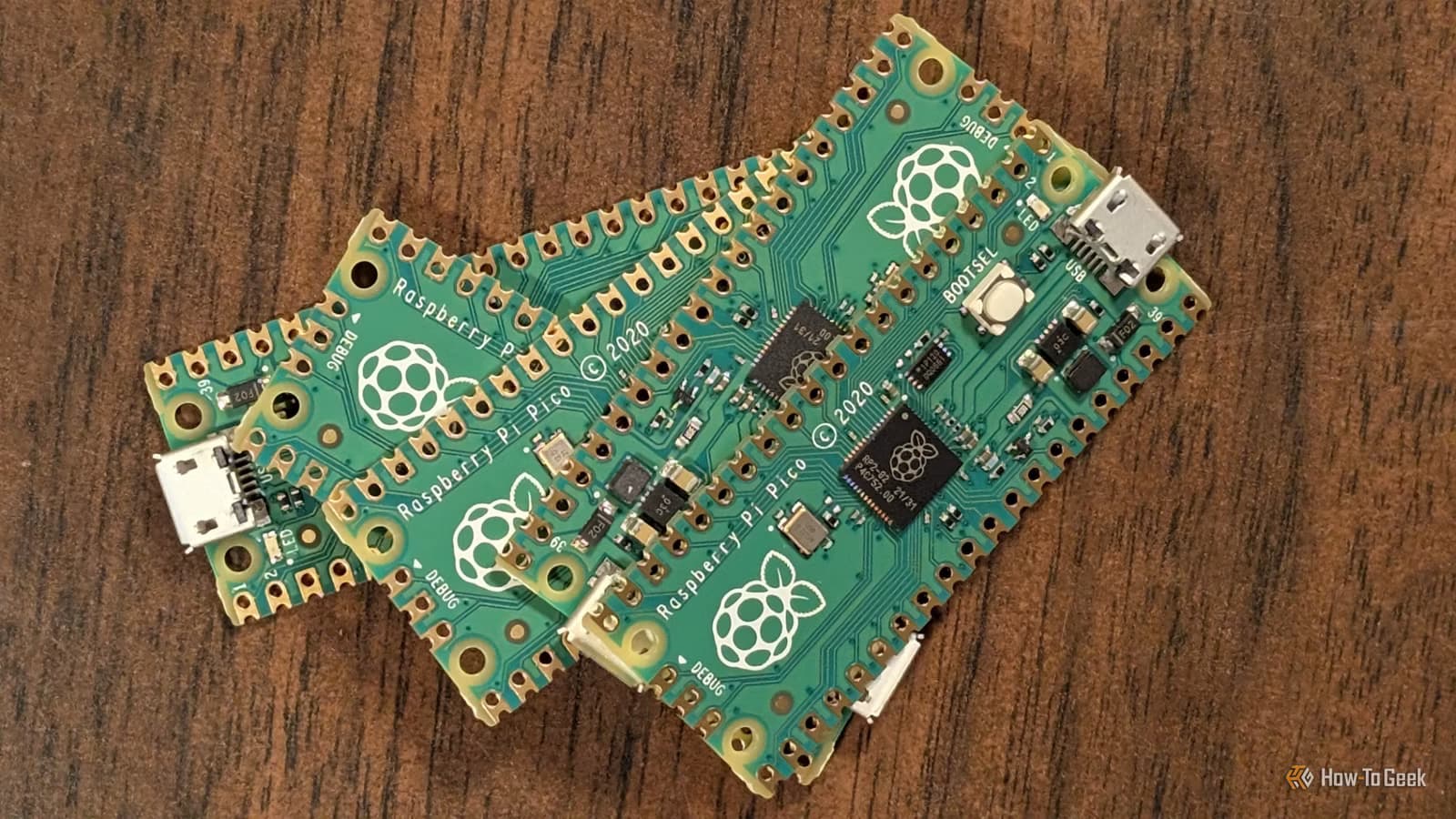
The Raspberry Pi Pico made the RP2040 microcontroller a household name among hobbyists. It's cheap, well-documented, and backed by a massive community. But here's the thing: Raspberry Pi designed the Pico as a general-purpose board. That means it doesn't excel at any specific use case.
Third-party manufacturers took the same RP2040 chip and built boards optimized for particular needs. Some are smaller. Some have batteries built in. Others pack in extra features the Pico lacks. If you know what you're building, these alternatives can save you hours of work.
Seeed Studio XIAO RP2040: When Size Matters
The Seeed Studio XIAO RP2040 targets projects where physical space is the main constraint. It's much smaller than the Pico, making it practical for wearables, compact drones, tiny home sensors, or any project with a tight enclosure.
That small size comes with trade-offs. The XIAO RP2040 only fits 14 GPIO pins compared to the Pico's 26. You can solder it directly into a finished product, which is useful for permanent installations. It also uses USB-C instead of micro USB, a welcome upgrade over the Pico's older connector.
For wearable projects or anything going into a small 3D-printed case, the XIAO RP2040 is worth considering. The reduced GPIO count won't matter if you're only reading a sensor and driving an LED strip.
More quick microcontroller project ideas
Adafruit Feather RP2040: Battery Power Included
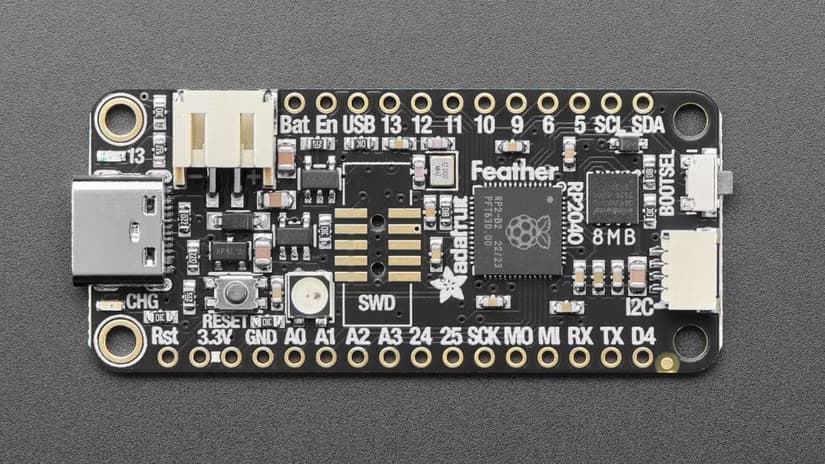
The Adafruit Feather RP2040 solves one of the most annoying problems in microcontroller projects: power. It has built-in battery charging circuitry. You plug in a LiPo battery and it just works.
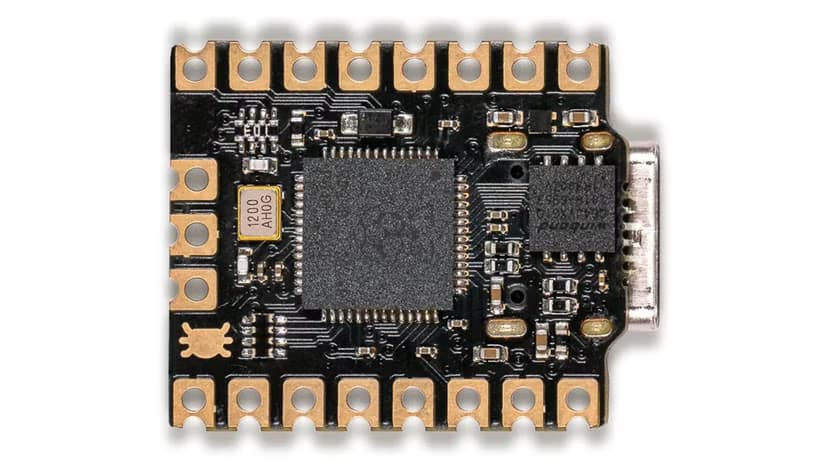
With a standard Pico, making a battery-powered project means designing your own charging circuit or hunting for compatible modules. Then you need to figure out how to fit everything together. The Feather skips all of that.
This board fits into Adafruit's broader Feather ecosystem, which includes stackable add-on boards called FeatherWings. You can add displays, sensors, motor drivers, and more without soldering. For rapid prototyping or one-off projects, that modularity saves real time.
Picking the Right Board for Your Project
The common thread here is fit. A general-purpose board like the Pico works fine for learning and experimentation. But once you know what you're building, a specialized board often makes the project easier.
- Building wearables or fitting into tiny enclosures? Look at the XIAO RP2040.
- Need battery power without designing your own charging circuit? The Feather RP2040 handles it.
- Want ecosystem compatibility with stackable add-ons? Feather's FeatherWing system offers quick expansion.
The RP2040 chip itself is the same across all these boards. Your code will transfer with minimal changes. What differs is the supporting hardware: connectors, power management, GPIO count, and physical size.
Pair your microcontroller project with custom printed enclosures
The Trade-Off Calculation
These specialized boards usually cost more than a Pico. The Pico runs about $4 to $6. Boards like the Feather RP2040 can cost $12 to $15. The XIAO RP2040 sits somewhere in between.
The question is whether the extra cost is worth skipping the DIY work. If you're building one project and your time has value, paying an extra $8 to avoid designing a power circuit is a good deal. If you're building 50 units and cost matters, the Pico plus custom circuitry might win.
| Board | Size | GPIO Pins | Battery Support | USB Type |
|---|---|---|---|---|
| Raspberry Pi Pico | Standard | 26 | No | Micro USB |
| Seeed XIAO RP2040 | Tiny | 14 | No | USB-C |
| Adafruit Feather RP2040 | Medium | 21 | Yes (built-in) | USB-C |
Logicity's Take
Frequently Asked Questions
Can I use the same code on different RP2040 boards?
Yes. The RP2040 chip is identical across boards. You may need to adjust pin numbers in your code, but the core functionality transfers directly.
Is the XIAO RP2040 powerful enough for real projects?
It runs the same chip as the Pico, so processing power is identical. The limitation is GPIO count. If 14 pins cover your needs, it's fully capable.
Why does the Feather RP2040 cost more than a Pico?
You're paying for built-in battery charging circuitry and compatibility with Adafruit's FeatherWing ecosystem. For battery-powered projects, this saves design time.
Are there other RP2040 boards worth considering?
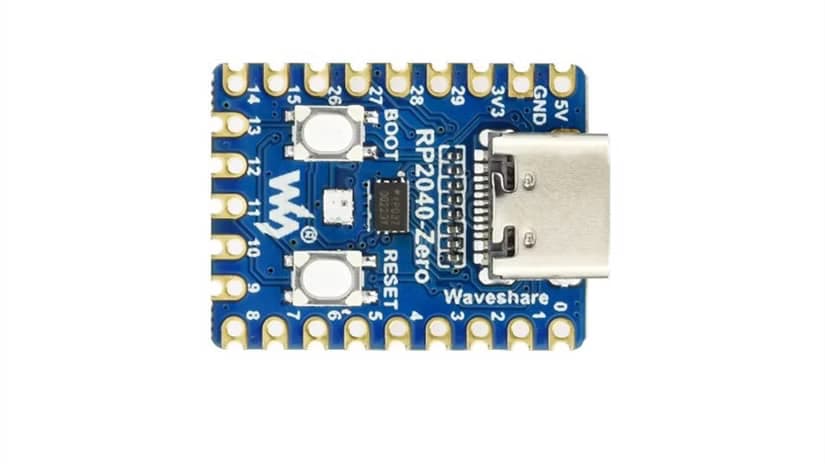
Yes. The Waveshare RP2040-Zero is another tiny option. Pimoroni makes several variants with different features. The market has expanded significantly since the Pico launched.
Need Help Implementing This?
Source: How-To Geek
Manaal Khan
Tech & Innovation Writer
Produced with AI assistance and reviewed by the Logicity editorial team. Learn more in our Editorial Policy.