Key Takeaways
- Lithophanes use varying material thickness to create images visible when backlit
- Filament painting layers thin prints to blend colors from just two filaments
- Free browser tools like ItsLitho let you create lithophanes without software installation
Beyond Flat Photos
Your 3D printer can turn photos into physical objects using techniques that range from a 19th-century art form to software that didn't exist five years ago. Lithophanes get most of the attention, but they're the starting point, not the whole story.
The common thread across all these methods: you're converting 2D image data into 3D geometry. The difference lies in how that conversion happens and what the final object looks like.
Lithophanes: The Classic Approach
A lithophane is an image molded onto translucent material. Thicker areas appear darker when backlit. Thinner areas appear lighter. The technique dates back to porcelain manufacturing in the 1800s, when artisans used it for lampshades and window panels.
3D printing has revived the art form. You can now design lithophanes that display any image you want, printed in white or light-colored filament. Place a light behind them and the photo appears.
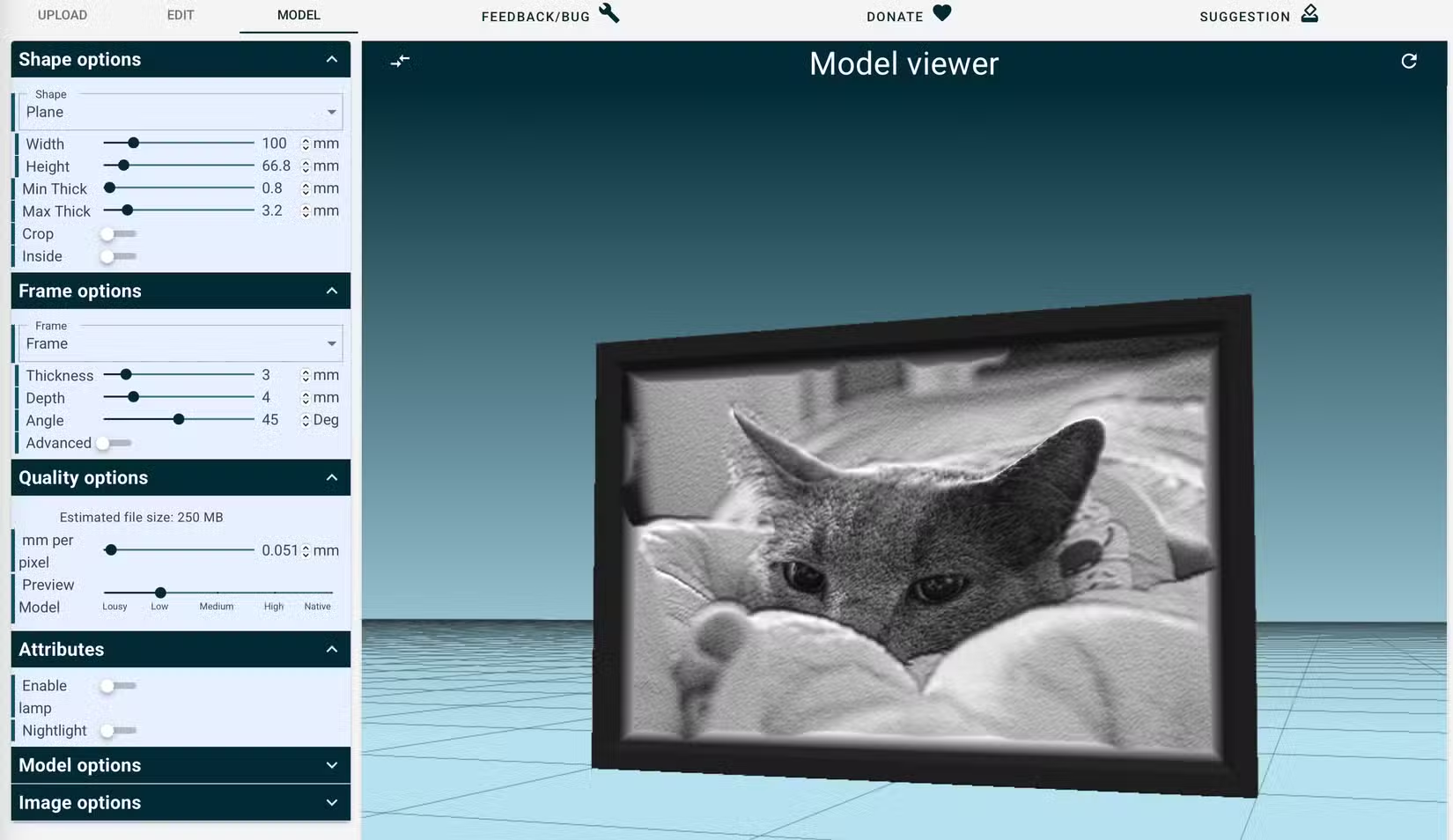
ItsLitho is the best free tool for creating lithophanes. It runs entirely in your browser with no account required. You upload an image, choose from designs including holiday-themed options, adjust size and quality settings, preview the 3D model, and download the file. The whole process takes minutes.
Filament Painting: Layered Color
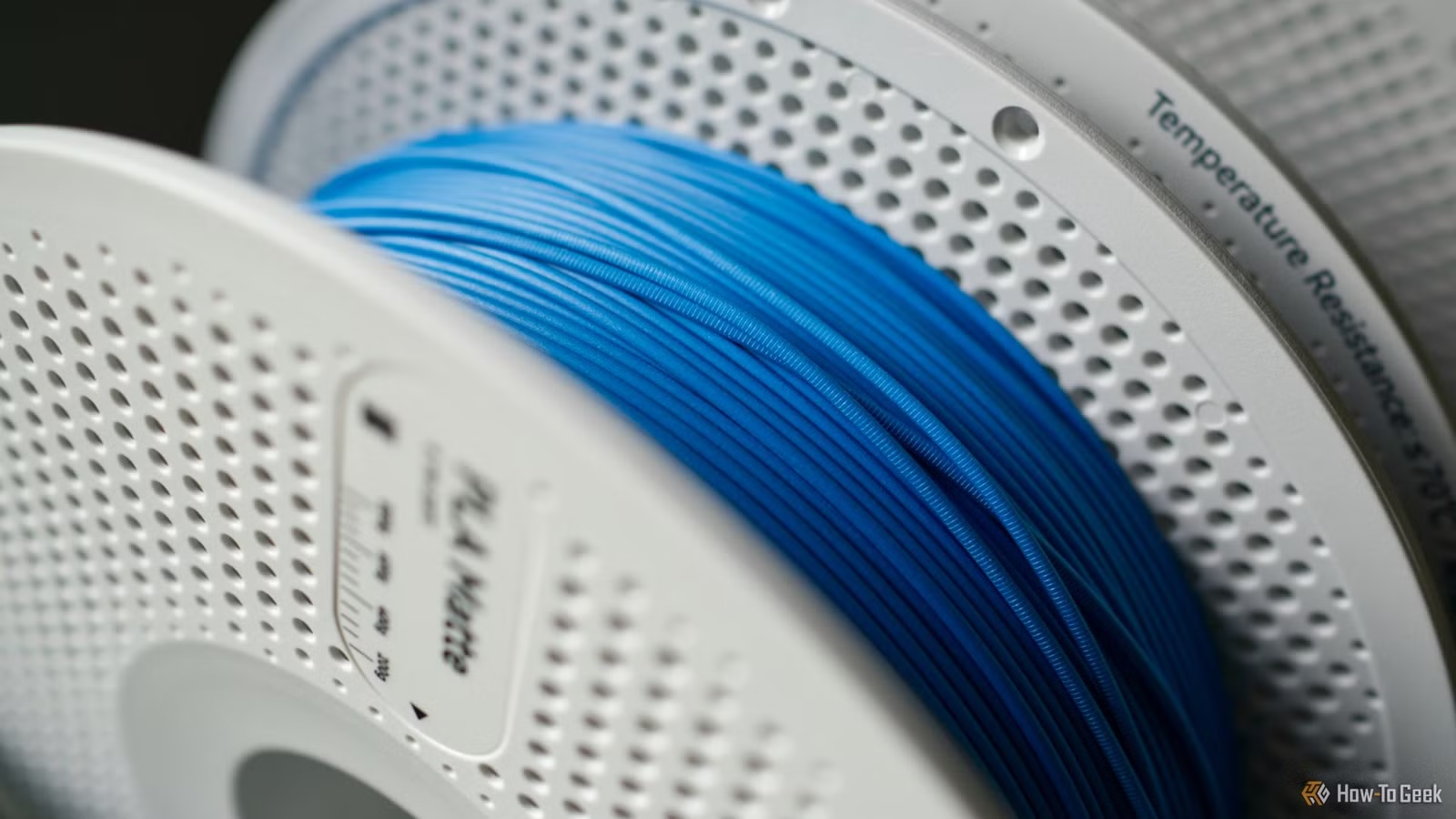
Filament painting creates artwork by layering thin prints to blend colors. The technique works because very thin layers allow underlying colors to show through, similar to watercolor painting. Two filaments can produce dozens of apparent shades and hues.
HueForge dominates this category. The personal license costs $24 and covers non-commercial use, including posting models to free repositories. The professional license runs $350 and allows you to sell your work.
The software analyzes your image and calculates which filament combinations and layer heights will reproduce it. You need a printer that can handle very thin layers consistently, and patience for prints that can run many hours.
Topographic Maps
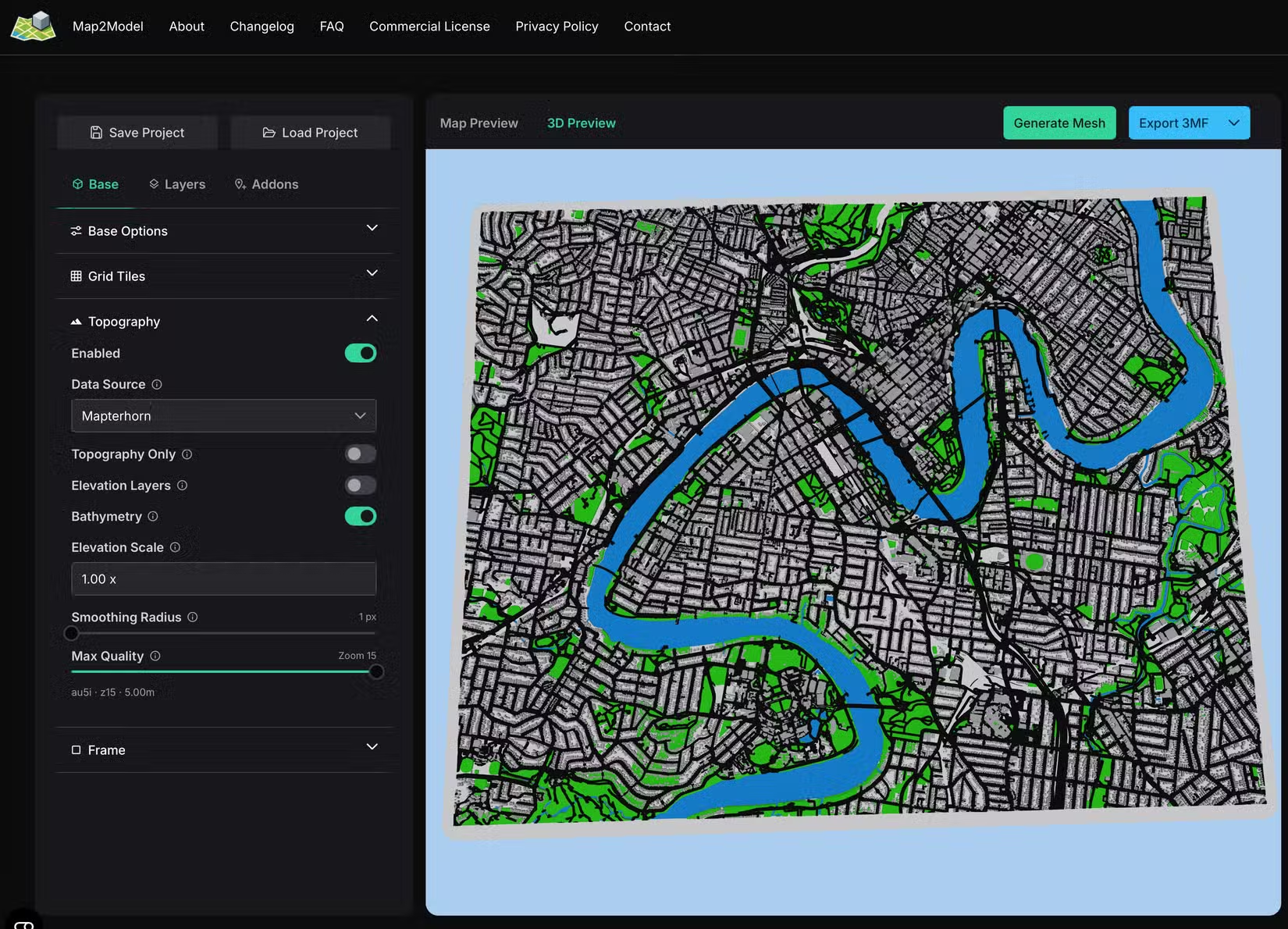
Maps aren't photos in the traditional sense, but they're 2D images converted to 3D objects using real elevation data. The result is a tactile representation of terrain that satellite images can't match.
Tools like Map2Model pull elevation data from public sources and generate printable files. You select a location, adjust the vertical exaggeration to make features visible at small scales, and export. The prints make excellent gifts for anyone attached to a particular landscape.
3D Scanning: Physical to Digital to Physical
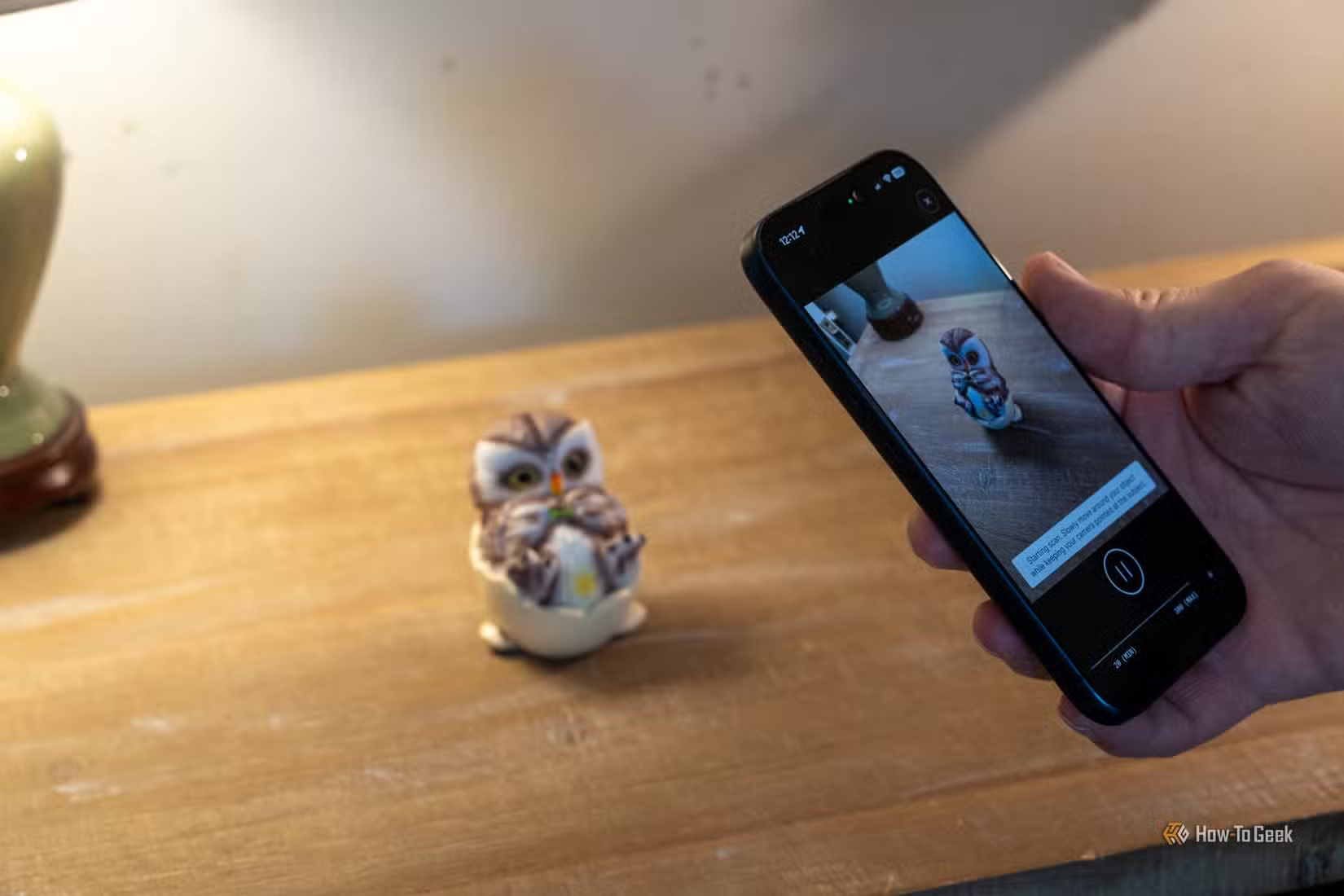
Your phone can now scan physical objects and convert them to printable 3D models. This isn't converting a flat photo, it's capturing depth data from multiple angles to reconstruct geometry.
The quality gap between phone scanning and dedicated hardware has shrunk dramatically. For many objects, especially those larger than a few inches, phone apps produce printable results. Smaller objects with fine detail still benefit from dedicated scanners.
Choosing the Right Technique
Each method suits different purposes. Lithophanes work best for portraits and high-contrast images displayed with backlighting. Filament paintings look good in ambient light and can reproduce color photographs. Topographic maps require geographic subject matter. 3D scanning needs a physical original.
- Lithophanes: portraits, silhouettes, images with strong contrast
- Filament painting: color photos, artwork reproduction
- Topographic maps: geographic locations, landscape gifts
- 3D scanning: existing physical objects you want to duplicate or modify
Print time varies widely. Simple lithophanes finish in a few hours. Complex filament paintings can run 20 hours or more. Topographic maps depend on size and detail.
Logicity's Take
Getting Started
Begin with lithophanes. The free tools work well, the technique forgives beginner mistakes, and you get visible results fast. Once you understand how layer height and infill affect the final image, move to filament painting if color matters to your projects.
Material choice affects all these techniques. White or light-colored PLA works for lithophanes. Filament painting requires specific colors in the HueForge database. Matte finishes generally photograph better than glossy ones if you plan to share your work.
More productivity techniques using tools you already own
Frequently Asked Questions
What filament works best for lithophanes?
White or very light-colored PLA. The translucency of the material matters more than the brand. Avoid opaque whites marketed for miniatures.
How long does a lithophane take to print?
A typical 4x6 inch lithophane prints in 2-4 hours depending on thickness settings and layer height. Larger sizes or finer detail take longer.
Is HueForge worth $24 for hobby use?
If you plan to make more than two or three filament paintings, yes. The color calculation alone saves hours of trial and error.
Can I 3D print a photo without special software?
Yes. ItsLitho runs in any web browser with no account required. Upload your image, adjust settings, and download the printable file.
What resolution photo do I need for a good lithophane?
Higher is better, but most phone photos work fine. The limiting factor is usually print resolution, not image resolution. Aim for at least 1 megapixel for small prints.
Need Help Implementing This?
Source: How-To Geek
Manaal Khan
Tech & Innovation Writer
Produced with AI assistance and reviewed by the Logicity editorial team. Learn more in our Editorial Policy.






