Key Takeaways
- Opera's Video Skip feature bypasses unskippable YouTube ads automatically
- The sidebar can replace standalone apps for WhatsApp, Telegram, Gmail, and music streaming
- Split Screen mode lets you view two tabs side by side for research and note-taking
Opera's Hidden Feature Set
Opera switched to a Chromium base years ago. That means you can install Chrome extensions if something's missing. But the browser still ships with integrated tools that most users never find. These aren't buried in obscure menus. They're just not obvious until someone points them out.
Here are the features worth knowing about, starting with the ones that save the most time.
1. Skip Unskippable YouTube Ads
Opera includes a "Video Skip" feature that bypasses unskippable video ads. This works on YouTube and other video platforms. The browser handles it automatically once enabled. No extension required.
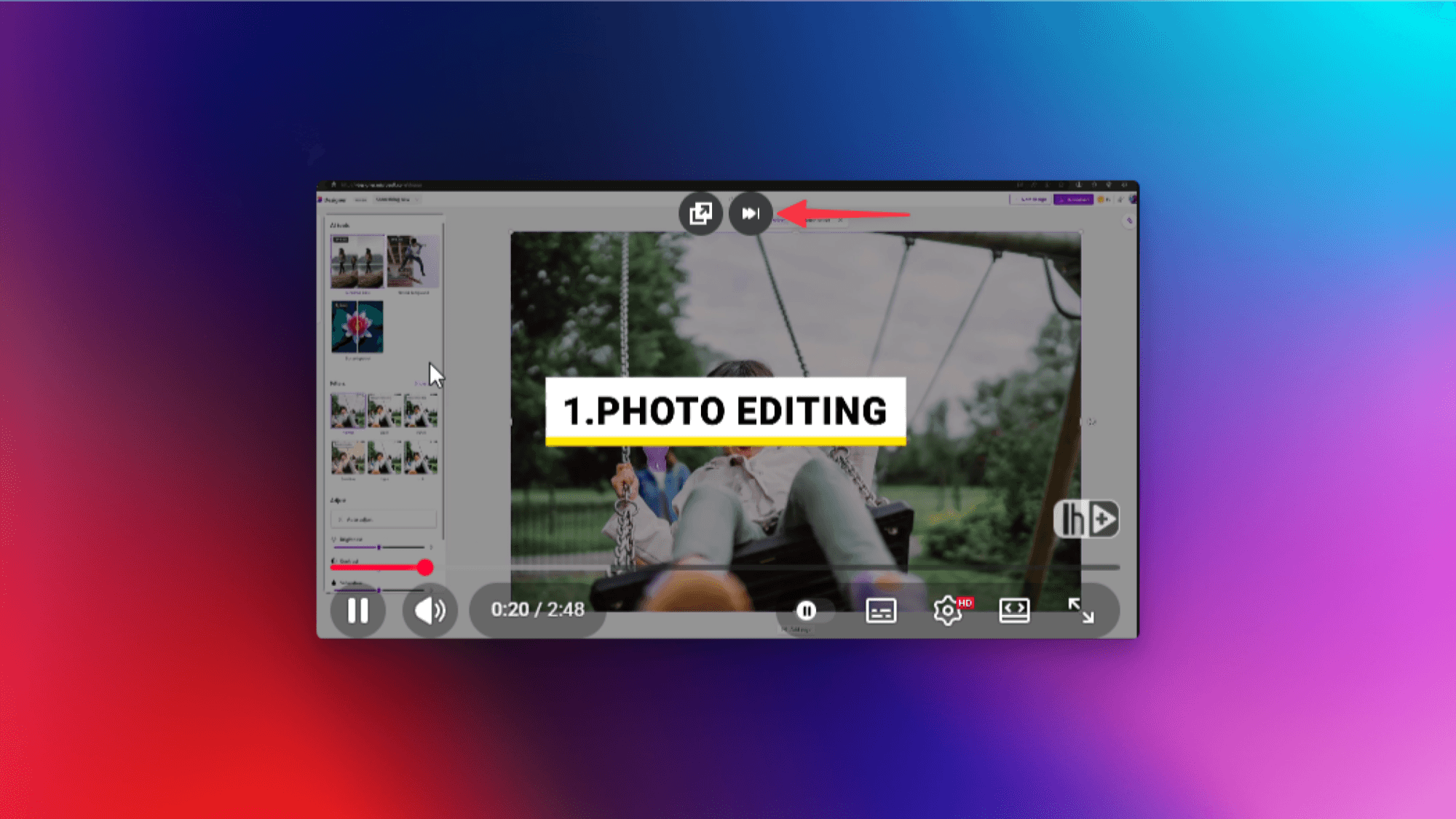
For anyone who watches lectures, tutorials, or long-form content, this removes a constant source of interruption. The feature sits in Opera's settings alongside other video controls.
2. Replace Desktop Apps With the Sidebar
Opera's sidebar pins web apps to the left side of your browser. It supports ChatGPT, Gemini, Gmail, Google Calendar, Google Translate, WhatsApp, Telegram, Instagram, Bluesky, and music streaming services like Apple Music and Spotify.
Think of these as pinned tabs, but stacked vertically and accessible from any tab you're viewing. Click the icon, and the app opens in a floating window. You can pin that window to stay visible while you work.
The sidebar versions lack some features of proper desktop apps. Spotify downloads, for example, won't work here. But for quick access to messages, calendar, or background music, the tradeoff is often worth it.
To configure the sidebar, click the three-dots button in the bottom-left corner of Opera.
More productivity hacks for communication tools
3. Split Screen for Side-by-Side Tabs
Opera lets you view two tabs simultaneously without resizing windows manually. Right-click an inactive tab and select "Create split screen." The browser places that tab next to your active tab in a side-by-side view.
This works well for research. Open a lecture or article in one pane. Put a search engine, AI chat, or notes app in the other. You can read or watch in the main pane while looking up information or taking notes in the secondary one.
4. Try Experimental Features With Early Bird
Opera's "Early Bird" setting unlocks experimental features before they ship to all users. To enable it: click the three-line menu, scroll to the bottom, select "Go to full browser settings," and toggle Early Bird on.
Current Early Bird features include Browser Connector, which links Opera to ChatGPT or Claude, and Sharing Point, which adds a button to share an Opera download link with contacts. These features can change or disappear at any time.
More on using AI assistants for productivity
5. Built-In Privacy Mode
Opera includes privacy features beyond standard incognito browsing. The browser has a built-in VPN and tracker blocking that work without extensions.
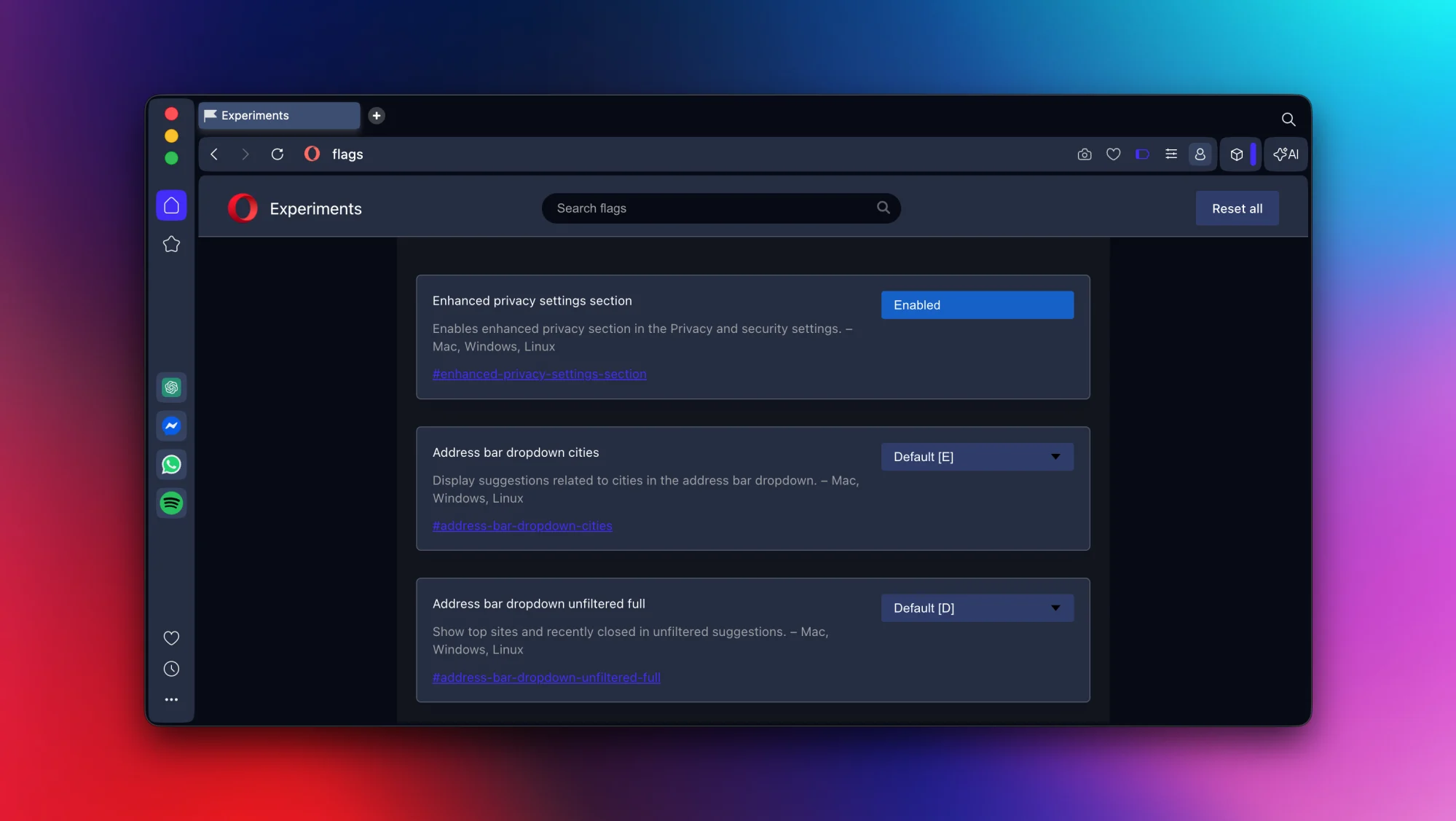
The VPN is free and doesn't require a separate account. It's limited compared to paid VPN services, but it works for basic privacy needs and accessing region-locked content.
6. Chrome Extensions Work Natively
Because Opera runs on Chromium, you can install extensions directly from the Chrome Web Store. No workarounds needed. If Opera lacks a feature you want, the Chrome extension probably exists.
This gives Opera users access to the largest extension library available while still benefiting from Opera's native features.
Why This Matters for Daily Workflows
Most of these features address the same problem: app sprawl. Running separate apps for email, chat, music, and calendar fragments your attention. Opera's approach consolidates these into the browser where you already spend hours each day.
The split screen and ad-skipping features address different friction points. Split screen eliminates the window-juggling that interrupts research. Ad-skipping removes the interruptions that break focus during video content.
None of these features are revolutionary on their own. Combined, they reduce the small interruptions that compound into lost hours each week.
Logicity's Take
Frequently Asked Questions
Does Opera's video skip feature work on all YouTube ads?
It handles most unskippable video ads on YouTube and other platforms. Some ads may still play, but the feature significantly reduces ad interruptions without requiring an extension.
Can I use Chrome extensions in Opera browser?
Yes. Opera is Chromium-based, so you can install extensions directly from the Chrome Web Store. They work the same as they would in Chrome.
Is Opera's built-in VPN free?
Yes, Opera includes a free VPN that doesn't require a separate account. It's more limited than paid VPN services but works for basic privacy and accessing region-locked content.
What apps work in Opera's sidebar?
The sidebar supports ChatGPT, Gemini, Gmail, Google Calendar, Google Translate, WhatsApp, Telegram, Instagram, Bluesky, Apple Music, Spotify, and several other services.
How do I enable Opera's experimental features?
Click the three-line menu, scroll down, select "Go to full browser settings," and enable "Early Bird." You can then toggle individual experimental features on or off.
Need Help Implementing This?
Source: Lifehacker
Manaal Khan
Tech & Innovation Writer
Produced with AI assistance and reviewed by the Logicity editorial team. Learn more in our Editorial Policy.






