Key Takeaways
- GPU-accelerated video compression can reduce storage needs by 75% or more, cutting cloud storage costs
- Local AI tools and transcription services can replace subscription software when you have a capable GPU
- An RTX 3060 (around $250) paid for itself in subscription savings within four months
The Hidden Cost of Subscriptions
Subscription costs stack up quietly. A cloud storage plan here, an AI writing tool there, a transcription service you forgot to cancel. Before you know it, you're spending hundreds of dollars a year on services your existing hardware could handle locally.
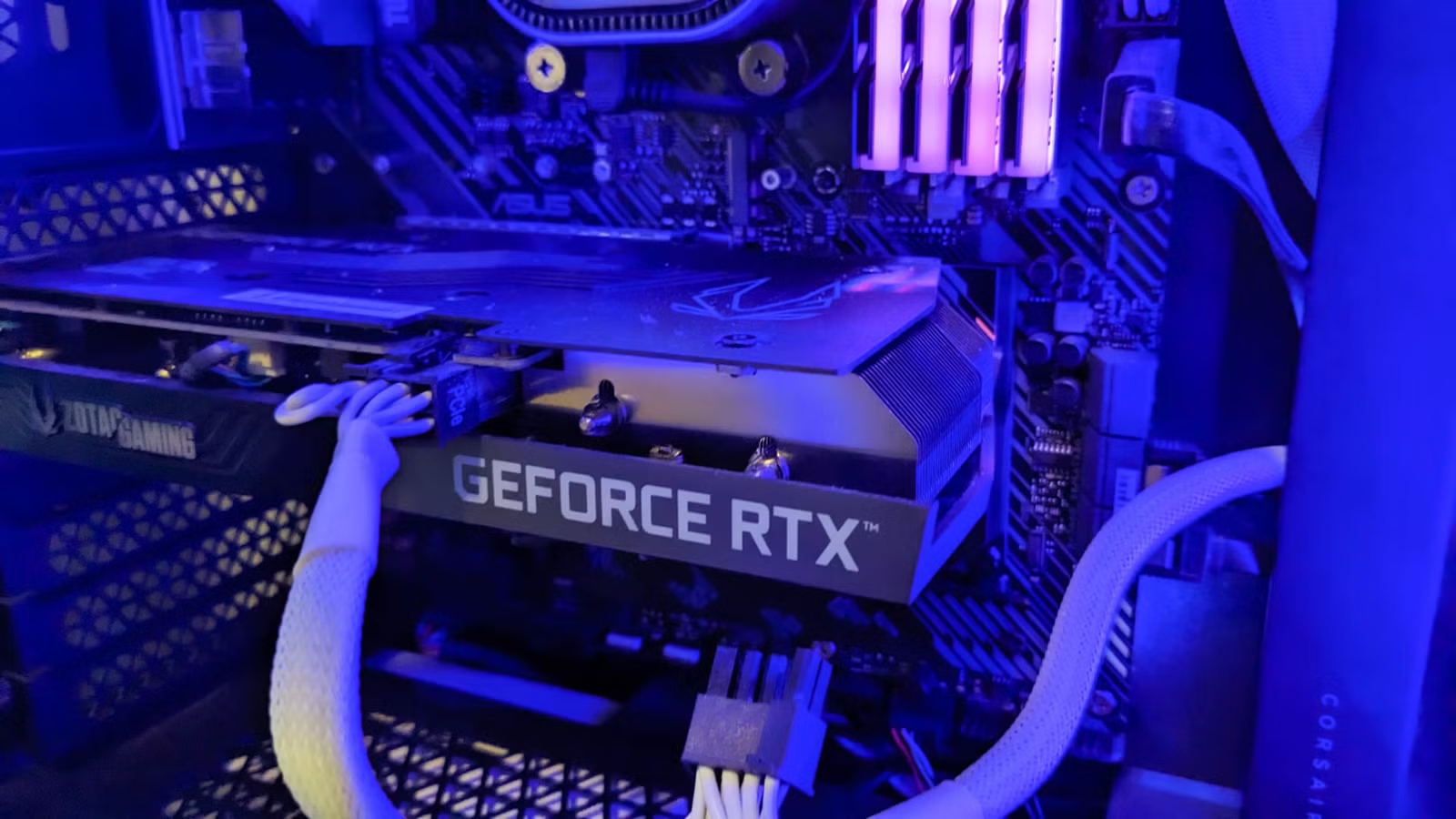
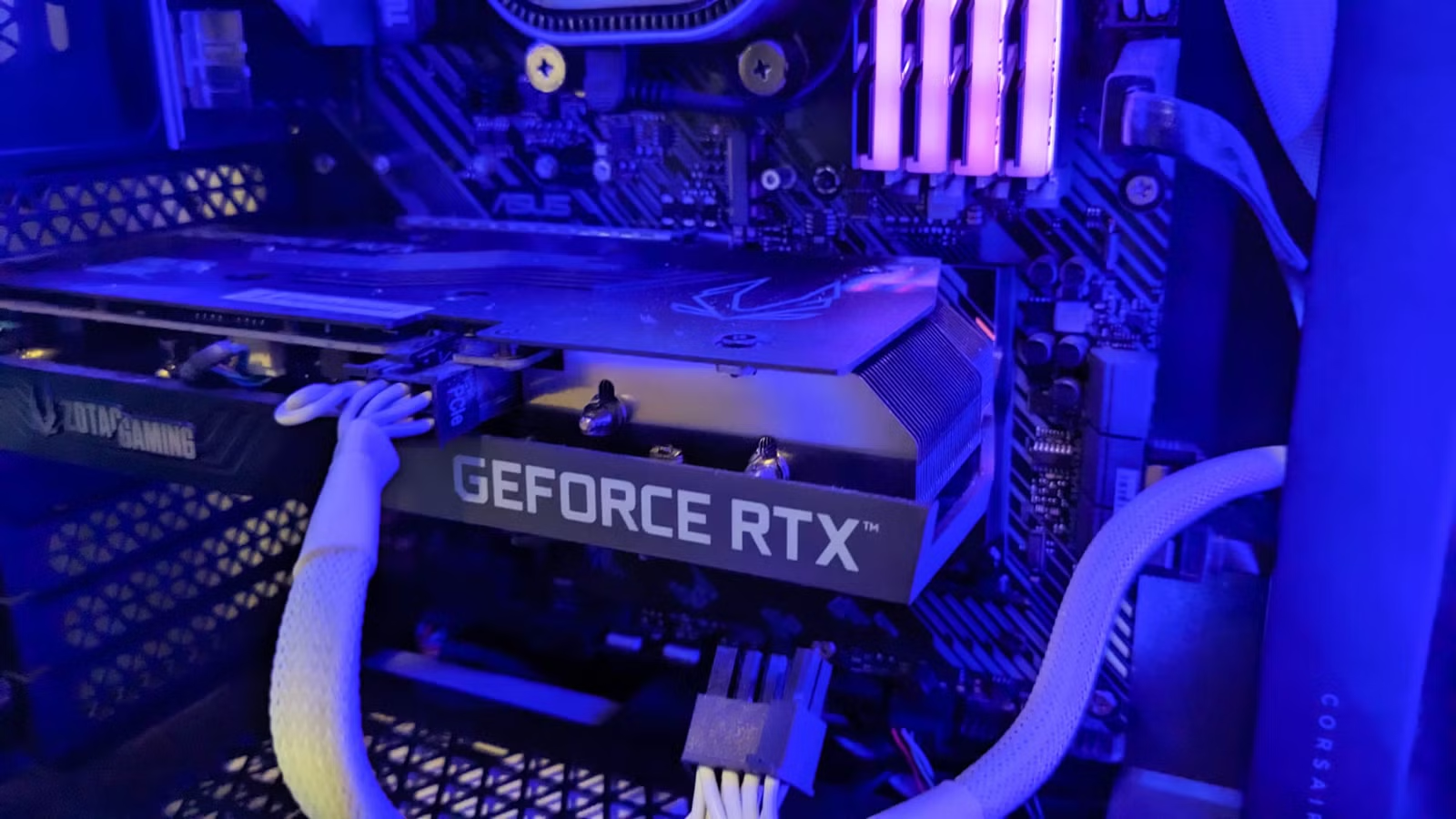
Tech journalist Dibakar Ghosh at How-To Geek ran the numbers on his own setup. His NVIDIA RTX 3060, a card that currently sells for around $250, saved him $819.96 in subscription costs last year. He did it by running free, open-source tools locally instead of paying for cloud services.
1. Video Compression Cuts Storage Costs
This one surprises most people. GPUs aren't the first thing you think of when solving storage problems. But modern GPUs excel at video compression, shrinking large files to a fraction of their original size.
Ghosh travels frequently and captures video footage on his trips. A typical trip generates 400-500GB of raw footage. Add his girlfriend's recordings, and they're looking at close to 1TB from a single trip. Across four or five trips a year, that's 4-5TB of video that needs a home.
Cloud storage for that volume gets expensive. Google One charges $10 a month for 2TB. Storing 4TB would cost about $240 a year. By using GPU-accelerated compression tools like HandBrake with NVENC encoding, Ghosh compresses his footage locally before backing it up, dramatically reducing the storage space needed.
2. Local AI Tools Replace Paid Services
The explosion of open-source AI models means you can run capable language models on your own hardware. Tools like Ollama, LM Studio, and text-generation-webui let you run models locally without sending data to external servers or paying monthly fees.
An RTX 3060 with 12GB of VRAM can run 7B and 13B parameter models comfortably. These models handle tasks like writing assistance, code generation, and document summarization that would otherwise require subscriptions to services like ChatGPT Plus or Claude Pro.
Local AI coding assistance without subscription costs
3. GPU-Accelerated Transcription
Transcription services charge by the minute or hour of audio. If you process interviews, meetings, or video content regularly, those costs add up fast. Services like Otter.ai, Rev, and Descript charge anywhere from $10 to $30 per month for their transcription tiers.
OpenAI's Whisper model runs locally on NVIDIA GPUs and produces transcriptions that rival paid services. Tools like Whisper.cpp and faster-whisper leverage GPU acceleration to transcribe audio in near real-time. You download the model once and run it forever at no additional cost.
4. Image Generation and Editing
Stock photo subscriptions and AI image generation services charge monthly fees. Adobe Stock, Shutterstock, and Midjourney all require ongoing payments. But Stable Diffusion and similar models run locally on consumer GPUs.
An RTX 3060 generates 512x512 images in a few seconds. For marketing assets, concept art, or personal projects, local generation eliminates the need for image subscription services entirely.
The Hardware Math
Ghosh's RTX 3060 cost around $250. At $820 in annual savings, the card paid for itself in about four months. Every month after that represents pure savings.
The ZOTAC GeForce RTX 3060 Twin Edge OC 12GB, one of the cards Ghosh recommends, currently sells for $229 at Micro Center. The 12GB of VRAM matters for running larger AI models. Cards with 8GB or less hit memory limits faster.
Context on GPU market dynamics affecting availability
Logicity's Take
What You Need to Get Started
- An NVIDIA GPU with at least 8GB VRAM (12GB preferred for AI workloads)
- Latest NVIDIA drivers with CUDA support
- Familiarity with command-line tools or willingness to learn
- Time to set up and configure open-source alternatives
The setup isn't one-click. You'll spend a few hours installing drivers, downloading models, and configuring software. But once running, these tools require minimal maintenance and no ongoing payments.
More open-source tools replacing paid software
Frequently Asked Questions
What NVIDIA GPU do I need to run local AI tools?
An RTX 3060 with 12GB VRAM is the sweet spot for price and capability. Older cards like the GTX 1080 Ti work for basic tasks but struggle with larger AI models.
Is the quality of local AI tools comparable to paid services?
For most tasks, yes. Whisper transcription matches paid services. Local language models handle routine writing and coding tasks well, though they lag behind GPT-4 for complex reasoning.
How much technical knowledge do I need?
Basic comfort with installing software and following terminal commands. Most tools have community guides. Expect a few hours of setup time.
Do AMD GPUs work for these tasks?
AMD support is improving but lags behind NVIDIA. Many tools are optimized for CUDA. If buying specifically for local AI, NVIDIA remains the safer choice.
What about electricity costs from running local tools?
An RTX 3060 draws about 170W under load. Running it for an hour costs roughly $0.02 at average US electricity rates. Annual savings still far exceed power costs.
Need Help Implementing This?
Source: How-To Geek
Manaal Khan
Tech & Innovation Writer
Produced with AI assistance and reviewed by the Logicity editorial team. Learn more in our Editorial Policy.