Key Takeaways
- Windsurf offers unlimited autocomplete on its free tier, while Cursor charges for similar features
- The IDE launches faster and has a quieter, less cluttered interface than Cursor
- Windsurf's Cascade panel supports both Write and Chat modes with easy model switching
Why Developers Are Looking Beyond Cursor
AI-assisted coding has split into two camps. Tools like Lovable and Bolt let you describe what you want and watch an agent build it. Traditional AI IDEs like Cursor take an editor-first approach where AI assists your existing workflow. For developers who started with the former, Cursor can feel like a step backward.
That's the situation developer Tashreef Shareef found himself in. After using conversation-first tools, Cursor's workflow felt less fluid. Then Windsurf started appearing on his timeline. People praised its speed, cleaner interface, and a free tier with no usage cap on autocomplete. After a week of testing, Shareef replaced his paid Cursor subscription with the free alternative.
First Impressions: Speed and Simplicity
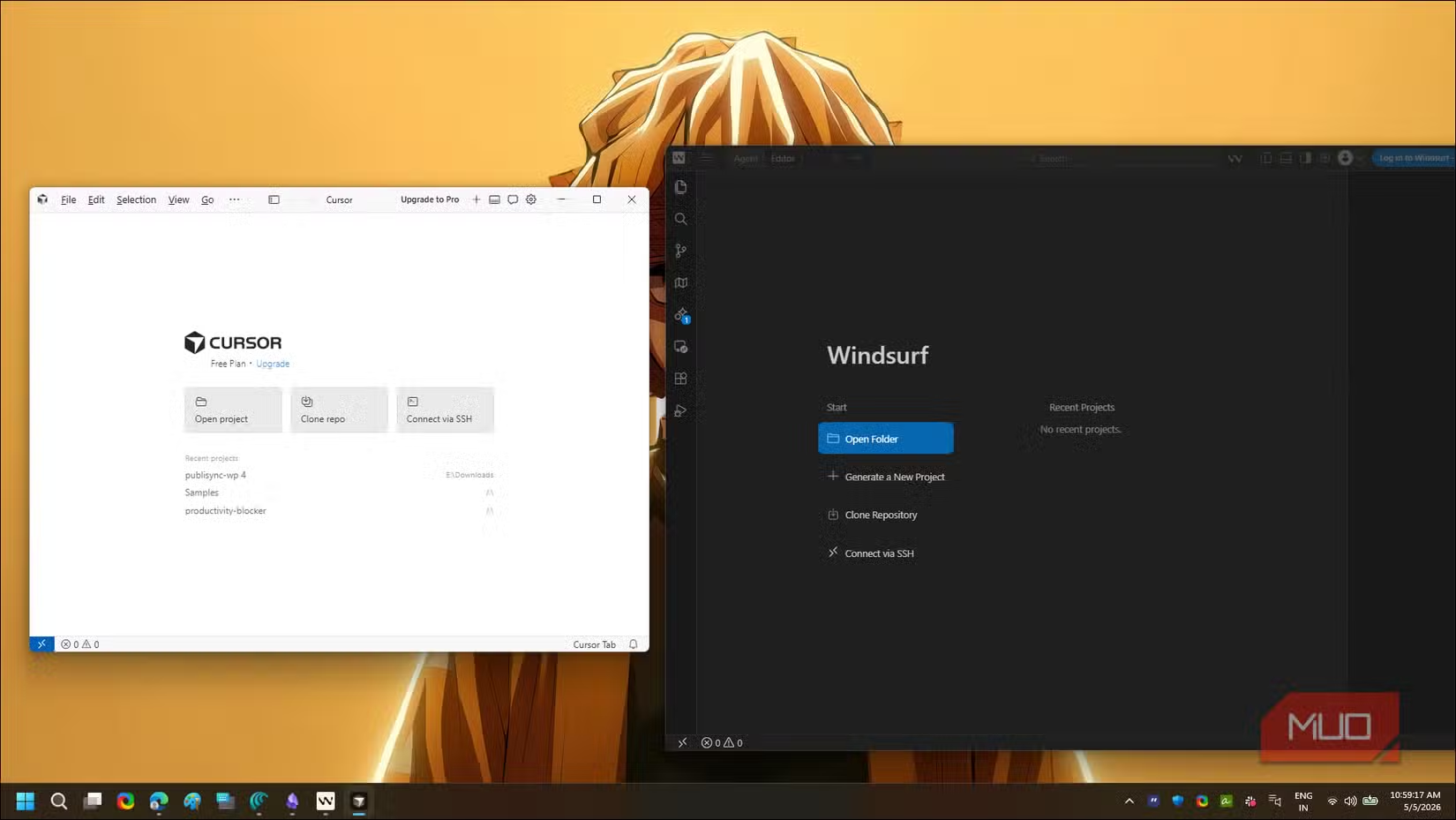
The first difference Shareef noticed was startup time. Most traditional IDEs take several seconds to load. Cursor has a noticeable pause. Windsurf launches noticeably faster, opening to a clean welcome screen with recent projects listed.
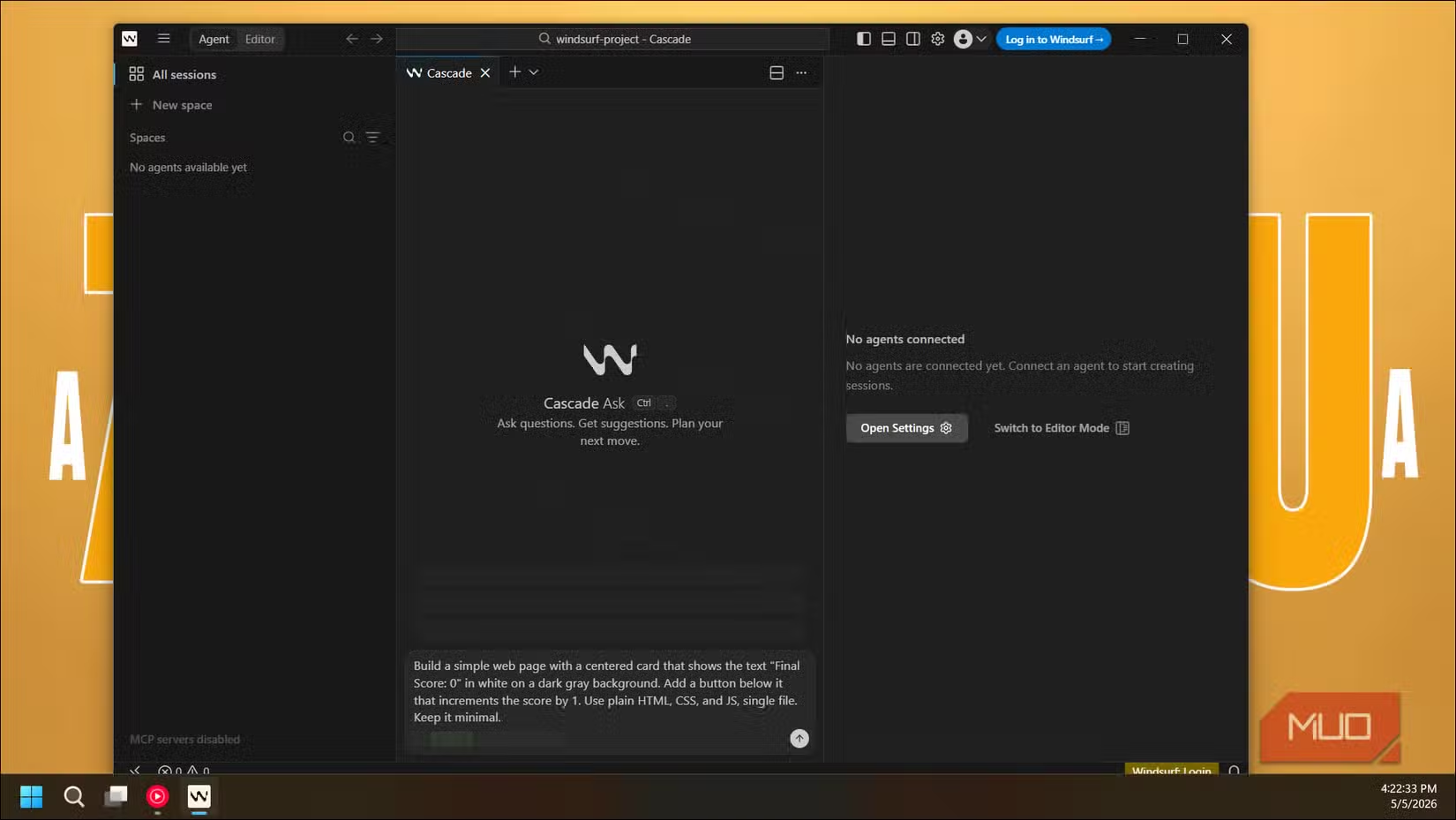
Inside the editor, the layout follows the VS Code arrangement most developers know. File tree on the left, editor in the middle. But the AI panel, called Cascade, sits on the right with a toggle between Write and Chat modes. A model dropdown lets you switch between Claude Sonnet, GPT, and Windsurf's own SWE models without leaving the editor.
The UI Philosophy: Less Is More
What stood out most to Shareef wasn't what Windsurf included. It was what it left out.
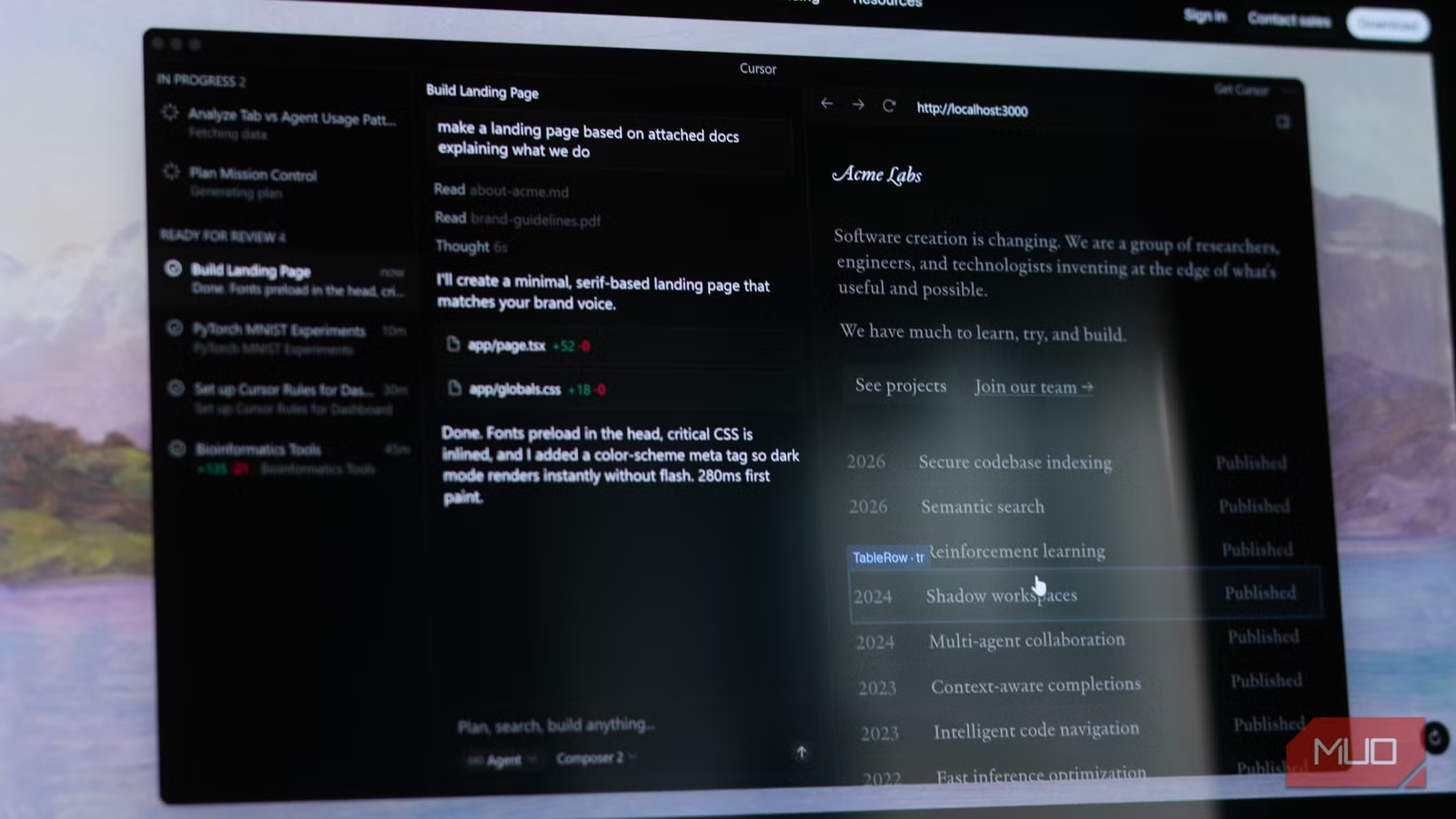
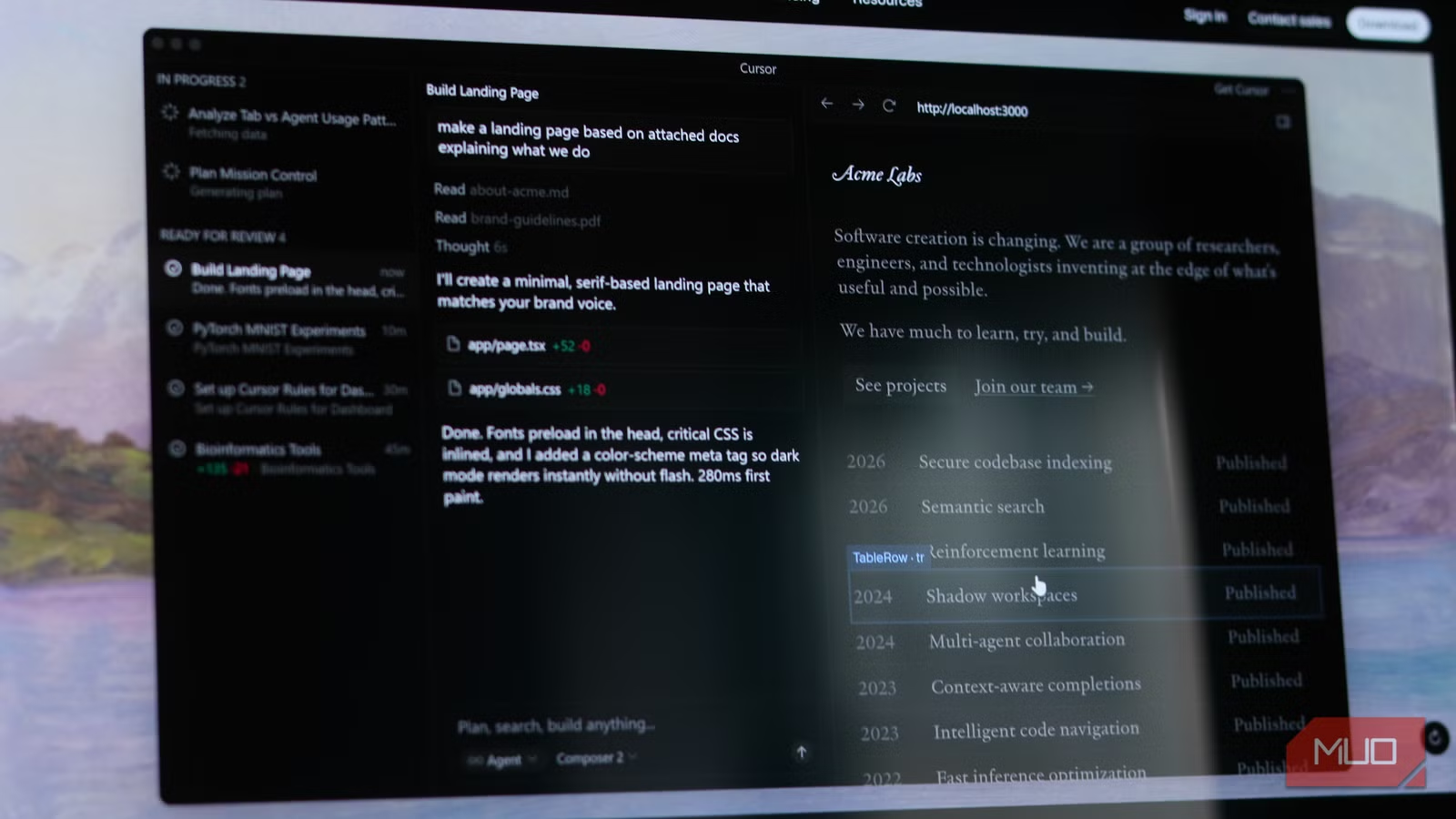
Cursor takes a kitchen-sink approach. Every error gets a "fix with AI" button. Every code region invites a "debug with AI" overlay. The interface is busy with AI affordances at every turn.
Windsurf hides most of those options by default. Inline diffs exist, but you click an "Open Diff" button to see them in a full pane. This keeps the editor quiet until you actually want to review changes. For developers who find constant AI suggestions distracting, this is a meaningful difference.
Agent Mode: The Lovable-Style Workflow
Windsurf's Cascade panel operates more like the agent-style tools that attracted many developers to AI coding in the first place. You can describe what you want in natural language and watch the agent work through the implementation. This conversation-first approach differs from Cursor's more traditional autocomplete-heavy workflow.
The Write mode handles code generation and editing. Chat mode lets you ask questions about your codebase, debug issues, or plan architecture. Switching between them takes one click.
The Pricing Difference
The most concrete difference between Windsurf and Cursor is cost. Windsurf's free tier includes unlimited autocomplete. Cursor charges for similar functionality.
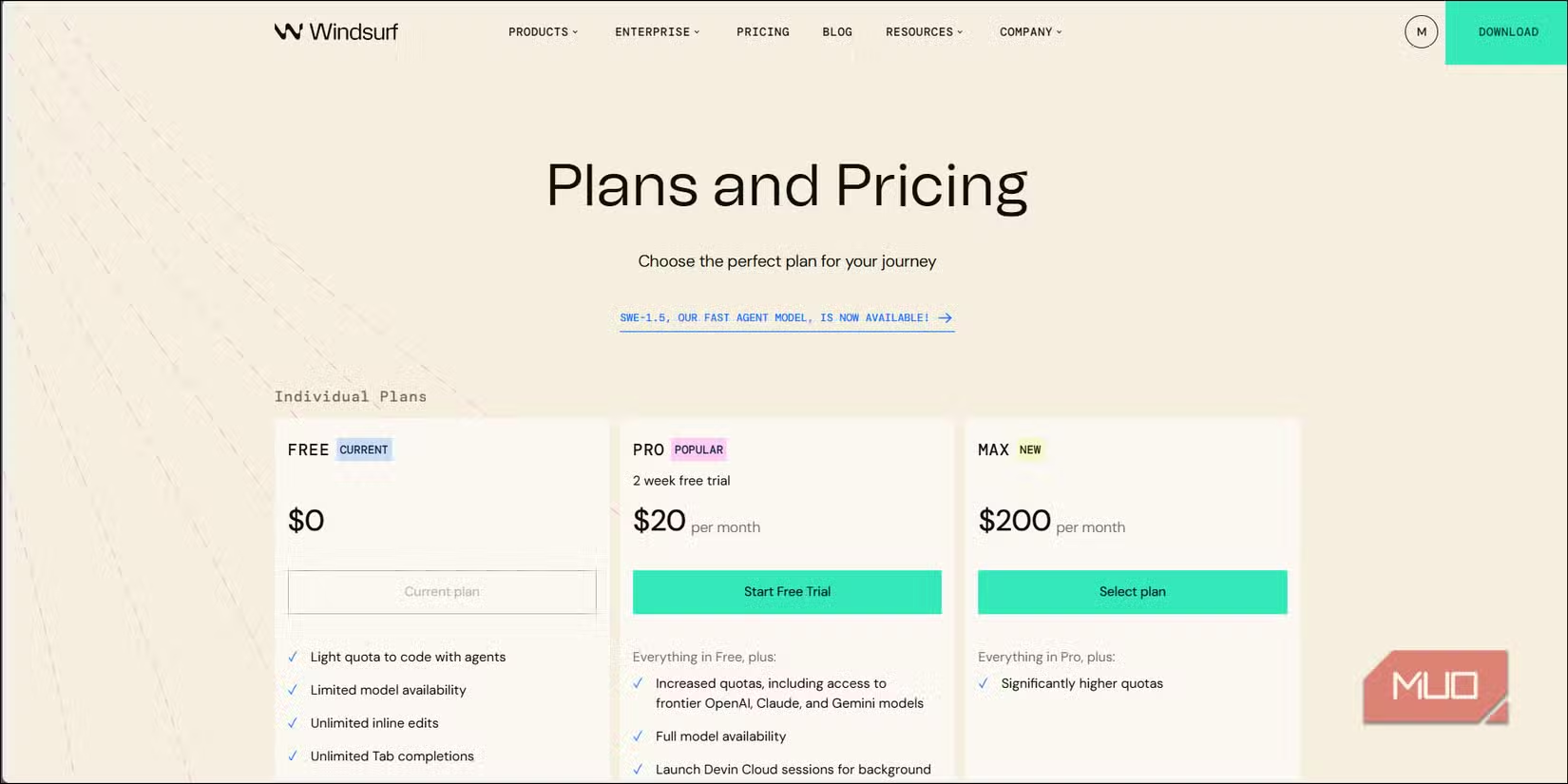
For individual developers or small teams watching expenses, this matters. You get access to multiple AI models, agent-style coding assistance, and a full IDE without a subscription. Pro plans exist for heavier usage, but the free tier covers most individual developer workflows.
| Feature | Windsurf (Free) | Cursor |
|---|---|---|
| Autocomplete | Unlimited | Usage limits on free tier |
| Startup Speed | Faster | Noticeable pause |
| AI Panel | Cascade with Write/Chat modes | Integrated throughout editor |
| UI Approach | Minimal, on-demand AI features | Prominent AI buttons everywhere |
| Model Selection | Claude, GPT, SWE models | Multiple models available |
Who Should Consider Switching
Windsurf makes the most sense for developers who prefer a conversation-first workflow. If you came to AI coding through tools like Lovable or Bolt, Windsurf's agent mode will feel familiar. If you find Cursor's constant AI suggestions overwhelming, Windsurf's quieter interface might be refreshing.
Developers deeply integrated into Cursor's ecosystem might not find enough reason to switch. The tools overlap significantly in core functionality. The differences come down to workflow preferences and whether you want to pay for features Windsurf offers free.
Compare how different AI tools handle creative and technical tasks
Logicity's Take
The Bottom Line
Windsurf delivers on its promise. It's a free IDE that matches Cursor's core AI coding features while offering a faster, cleaner experience. The agent-style Cascade panel feels more natural for developers used to conversation-first tools. Whether that's worth switching depends on how you work. But for anyone paying for Cursor and feeling frustrated by UI clutter, Windsurf is worth a week-long test.
Frequently Asked Questions
Is Windsurf completely free?
Windsurf offers a free tier with unlimited autocomplete. Pro plans exist for heavier usage and additional features, but the free tier covers most individual developer needs.
Can Windsurf use the same AI models as Cursor?
Yes. Windsurf supports Claude Sonnet, GPT models, and its own SWE models. You can switch between them from a dropdown in the editor.
Does Windsurf work with VS Code extensions?
Windsurf uses a VS Code-based layout and should support many VS Code conventions, though specific extension compatibility may vary.
What's the main difference between Windsurf and Cursor?
Windsurf takes a quieter, on-demand approach to AI features, while Cursor surfaces AI suggestions prominently throughout the editor. Windsurf also offers unlimited free autocomplete.
Need Help Implementing This?
Source: MakeUseOf
Huma Shazia
Senior AI & Tech Writer
Produced with AI assistance and reviewed by the Logicity editorial team. Learn more in our Editorial Policy.