Key Takeaways
- A complete UniFi setup can start at $279 with the Dream Router 7
- The system handles multiple platforms including Network, Protect, Talk, and Access
- Second-hand equipment can significantly reduce costs for advanced setups
UniFi has built a devoted following among networking enthusiasts. The Ubiquiti-owned brand sits in that sweet spot between consumer mesh systems and enterprise-grade gear. It's powerful enough to handle serious networking tasks, but accessible enough for home users willing to learn.
Patrick Campanale at How-To Geek recently documented his experience building a home UniFi network. His takeaways challenge some common assumptions about the platform's cost and complexity.
It's Cheaper Than You Think
The biggest surprise? Cost. Campanale expected to spend $1,000 or more on a solid UniFi setup. His actual build, which includes a UniFi Dream Router 7, a 48-port 500W PoE switch, two access points, and a UniFi Flex Mini 2.5G switch, came in under $700.
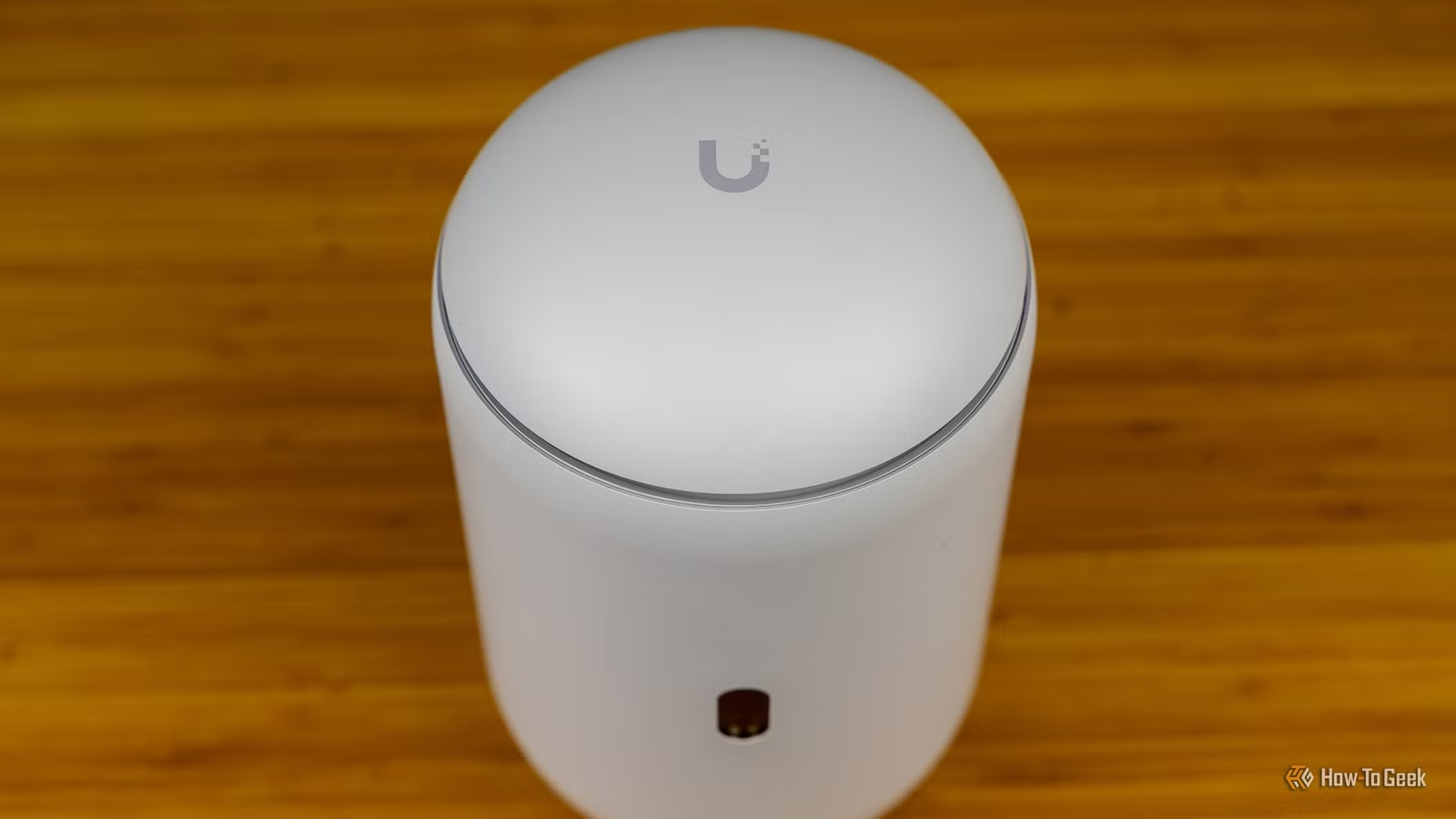
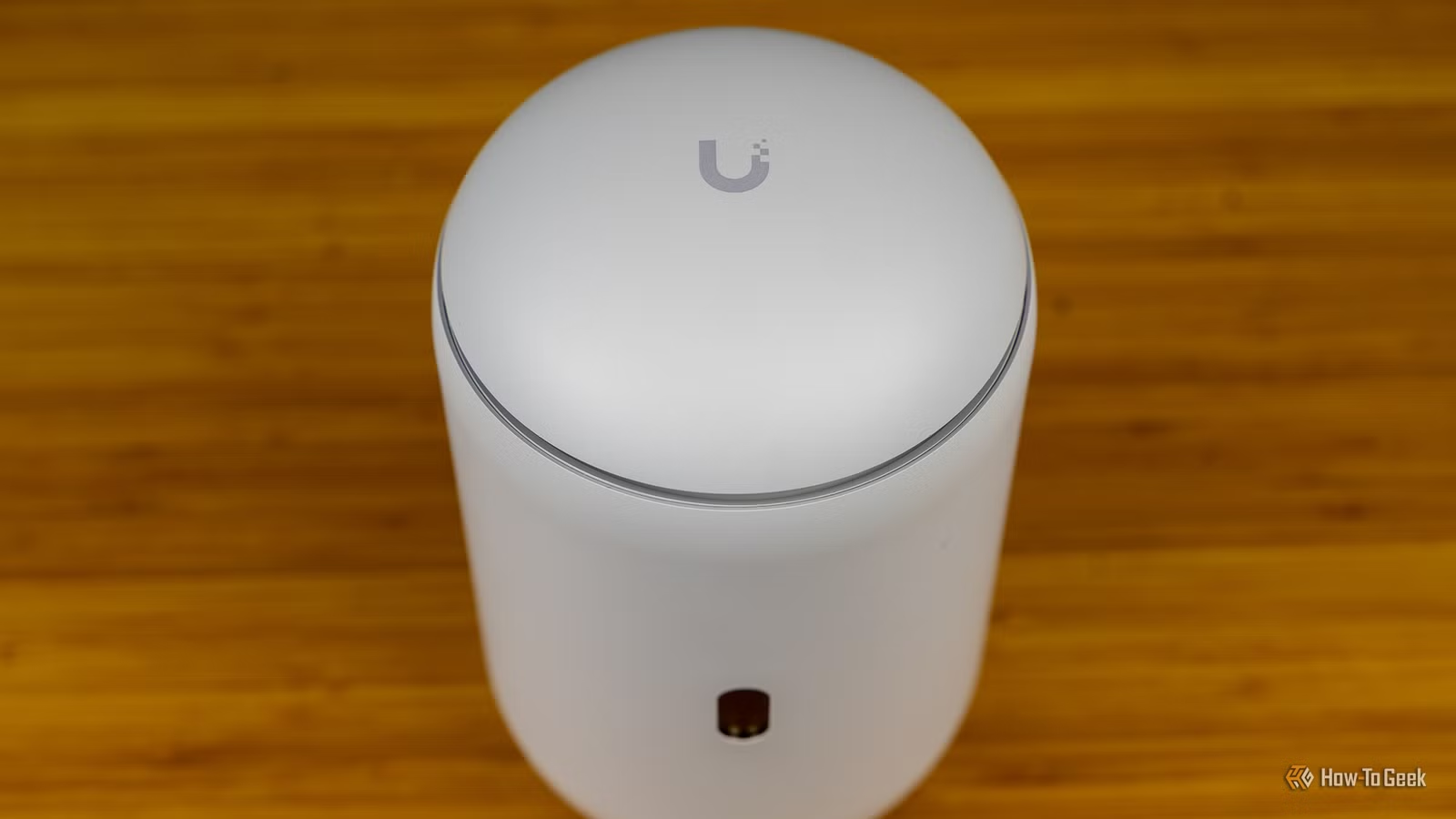
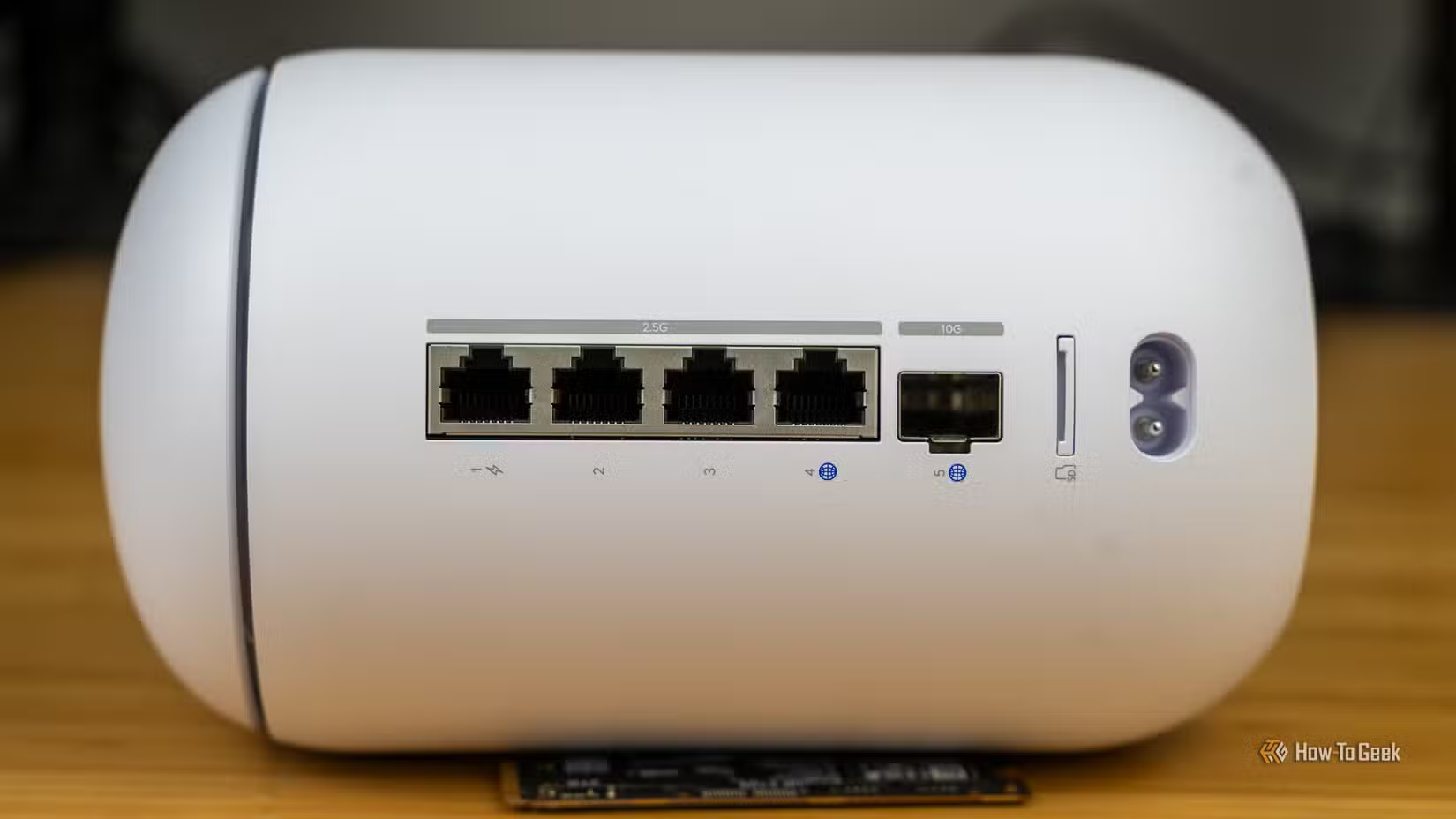
He calls that configuration "honestly overkill" for his needs. The entry point is even lower. A single Dream Router 7 costs $279 and handles the entire UniFi platform suite: Network, Talk, Protect, Connect, and Access. That's a managed network, VoIP, security cameras, IoT control, and physical access management from one device.
Second-Hand Gear Extends Your Budget
Campanale's 48-port switch was purchased second-hand. This is common in the UniFi community. The hardware is built to last, and enterprise customers regularly cycle out working equipment. A used PoE switch that sold for $800 new might go for $200-300 on eBay.
The Dream Router 7 covers 1,750 square feet on its own. For larger homes or those with challenging layouts, adding access points expands coverage. The modular approach means you can start small and grow.
The Platform Lock-In
UniFi's strength is also its constraint. The unified management interface only works with UniFi equipment. You can't mix in a random PoE switch and expect it to show up in the dashboard. For some users, this simplifies management. For others, it limits flexibility.
The ecosystem does have depth. Protect handles security cameras. Talk provides VoIP. Access manages door locks and badge readers. If you want all these under one interface, UniFi delivers. If you already own non-UniFi cameras or switches, integration gets complicated.
The Learning Curve Is Real But Manageable
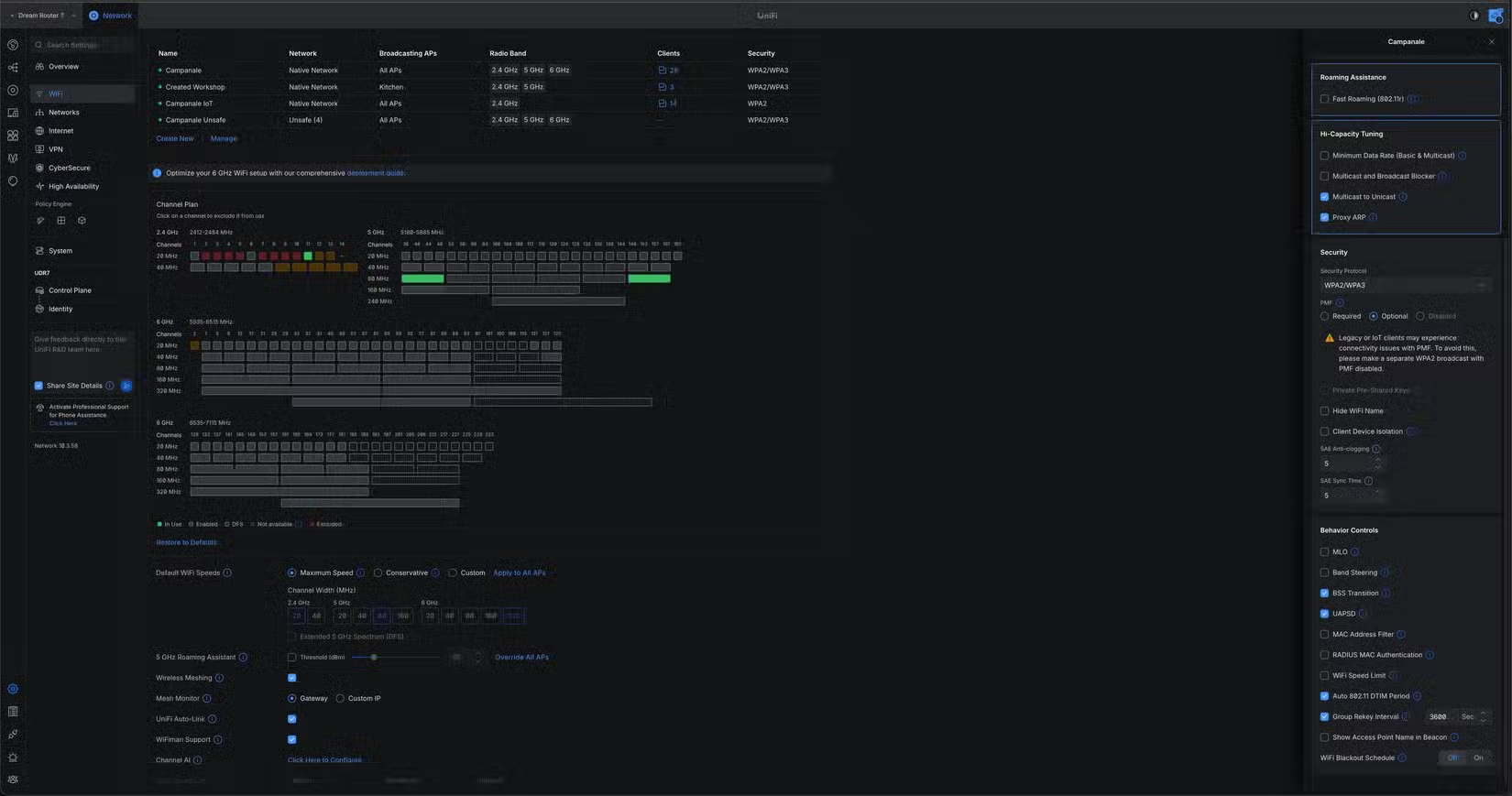
UniFi isn't plug-and-play like a consumer mesh system. You'll encounter concepts like VLANs, firewall rules, and traffic management. The interface exposes these features rather than hiding them.
For a basic home network, you can ignore most advanced settings. The defaults work. But the capability is there when you want to segment IoT devices onto their own network or set up guest access with bandwidth limits.
Weekend projects to make the most of your new network gear
Who Should Consider UniFi
UniFi makes sense if you want centralized management, room to grow, and don't mind learning some networking basics. It's overkill for a small apartment where a $100 mesh system would suffice.
It shines in homes with wired infrastructure, multiple access points, or security camera needs. Small offices with 10-50 employees often land here too. The prosumer label fits.
Understanding the network load from IoT devices
Logicity's Take
Frequently Asked Questions
How much does a basic UniFi setup cost?
The UniFi Dream Router 7 costs $279 and handles the complete platform. A more robust setup with switches and access points can run under $700, especially with second-hand equipment.
Can I mix UniFi with other networking equipment?
Non-UniFi devices will function on the network but won't appear in the unified management interface. The platform works best as a complete ecosystem.
Is UniFi hard to set up?
Basic setup is straightforward. Advanced features like VLANs and firewall rules require learning, but you can use defaults for a simple home network.
What's the coverage range of the Dream Router 7?
Ubiquiti rates the Dream Router 7 at 1,750 square feet. Larger spaces benefit from additional access points.
Need Help Implementing This?
Source: How-To Geek
Huma Shazia
Senior AI & Tech Writer
Produced with AI assistance and reviewed by the Logicity editorial team. Learn more in our Editorial Policy.






