Key Takeaways
- Enterprise AI agents require managed credentials, audit logging, and human-in-the-loop controls
- Zapier Agents, Claude Code/Cowork, ChatGPT Workspace Agents, and Lindy lead the general-purpose category
- The gap between consumer and enterprise agents comes down to permissions, oversight, and integration depth
AI agents grew up
AI agents were the promise of 2024, the hype of 2025, and are now the expectation of 2026. That's the framing from Zapier's latest analysis of the enterprise AI agent market. The company has published its picks for agents that are ready to deploy today, with real tool access, task completion, and data guardrails.
The list focuses on general-purpose agents that any team can use now. Zapier ranked them by how complete, secure, and easy to roll out they are for business use.
The four leaders
Zapier's picks for best general-purpose AI agents in 2026:
- Zapier Agents: Enterprise-ready automation across the full business stack
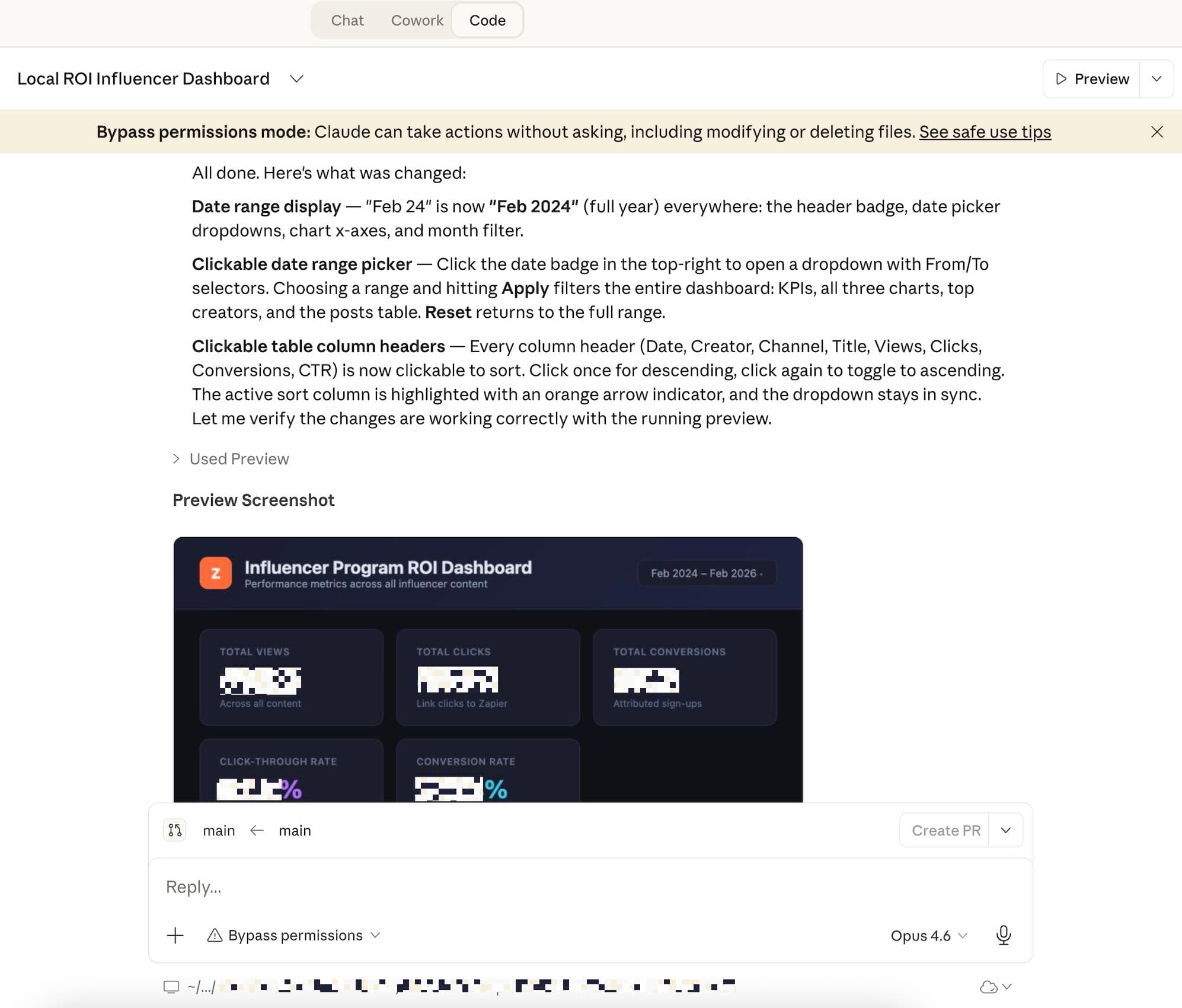
- Claude Code and Cowork: Agentic desktop and coding work
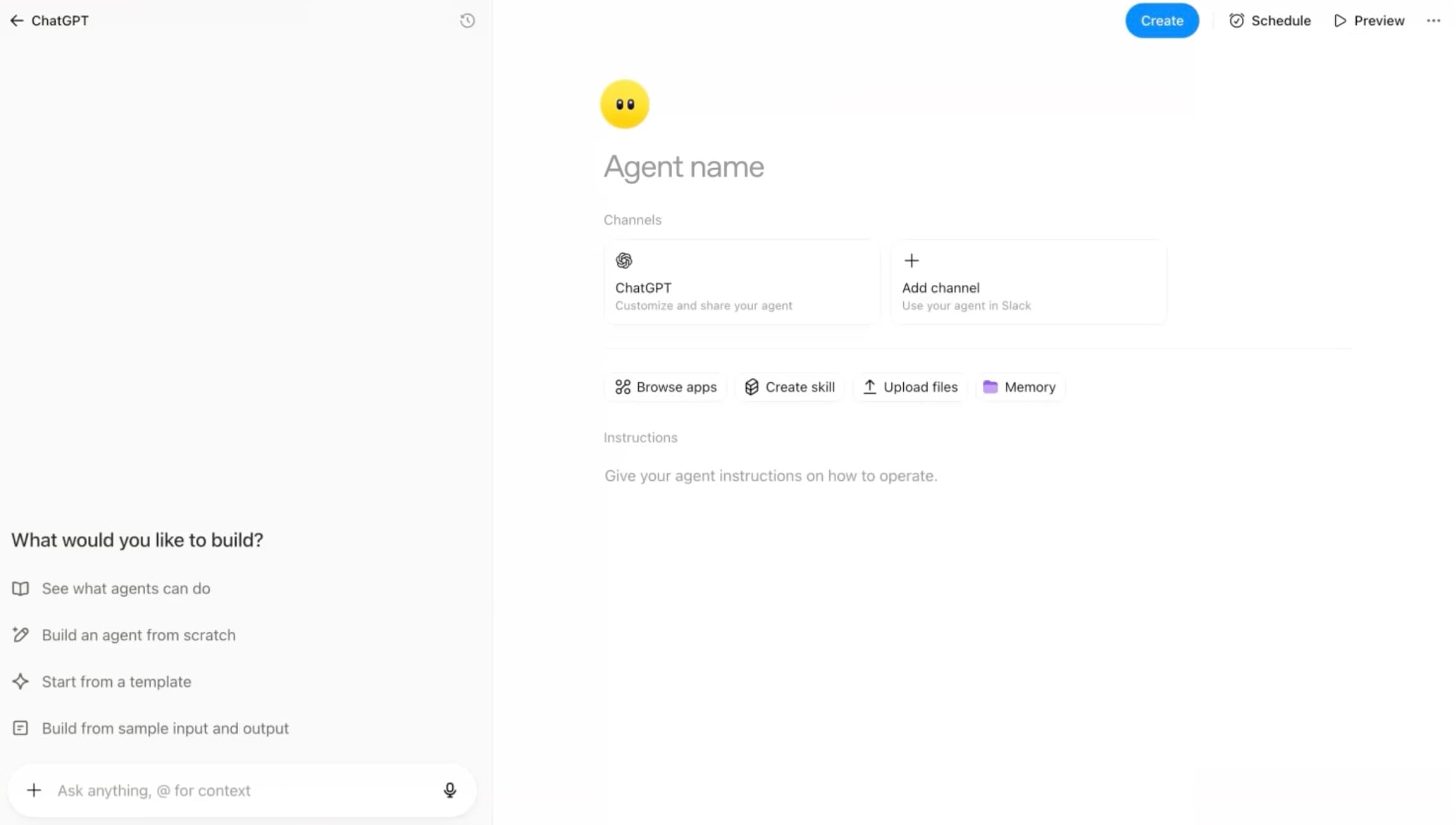
- ChatGPT Workspace Agents: Research and task completion inside ChatGPT
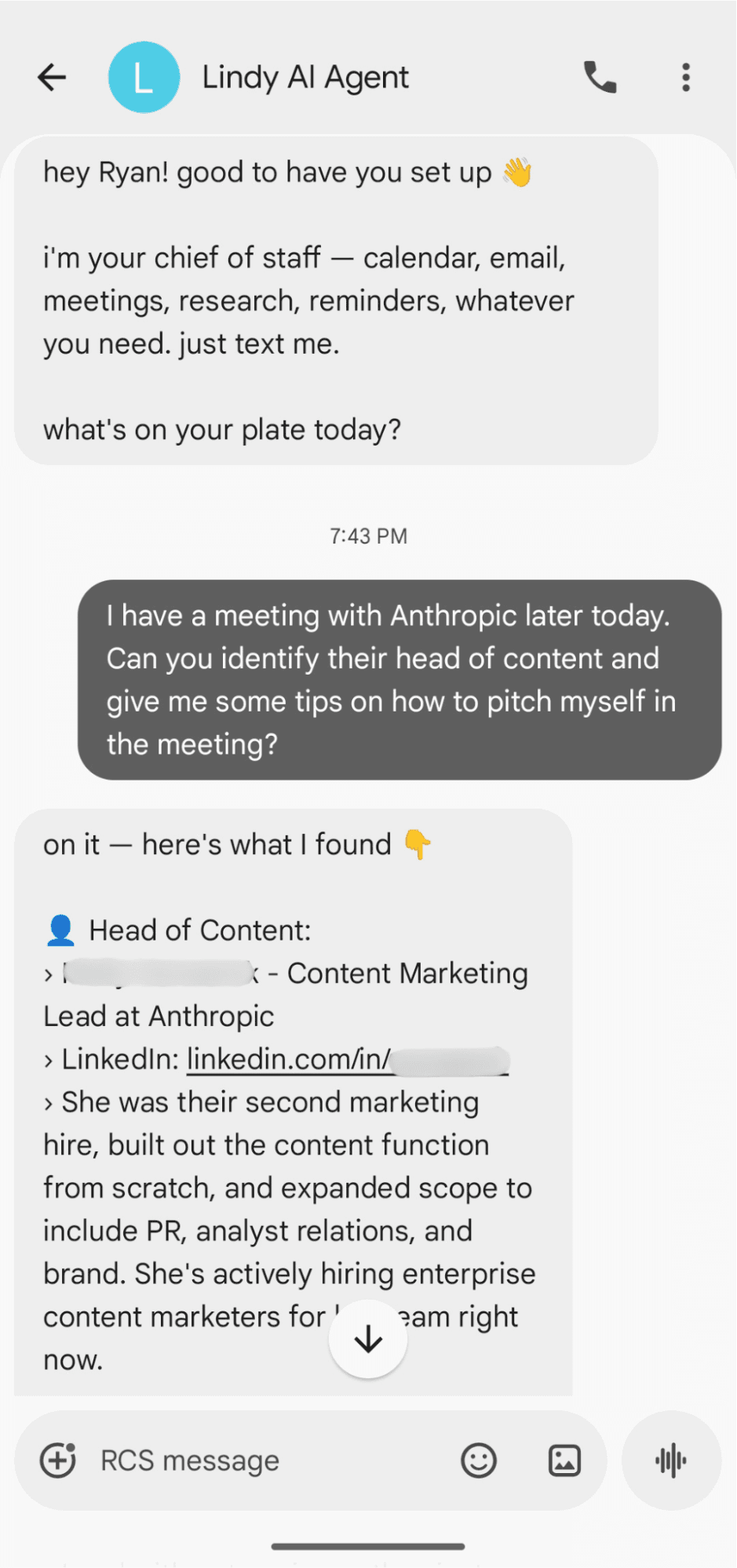
- Lindy: Personal AI assistant that lives in iMessage and your inbox
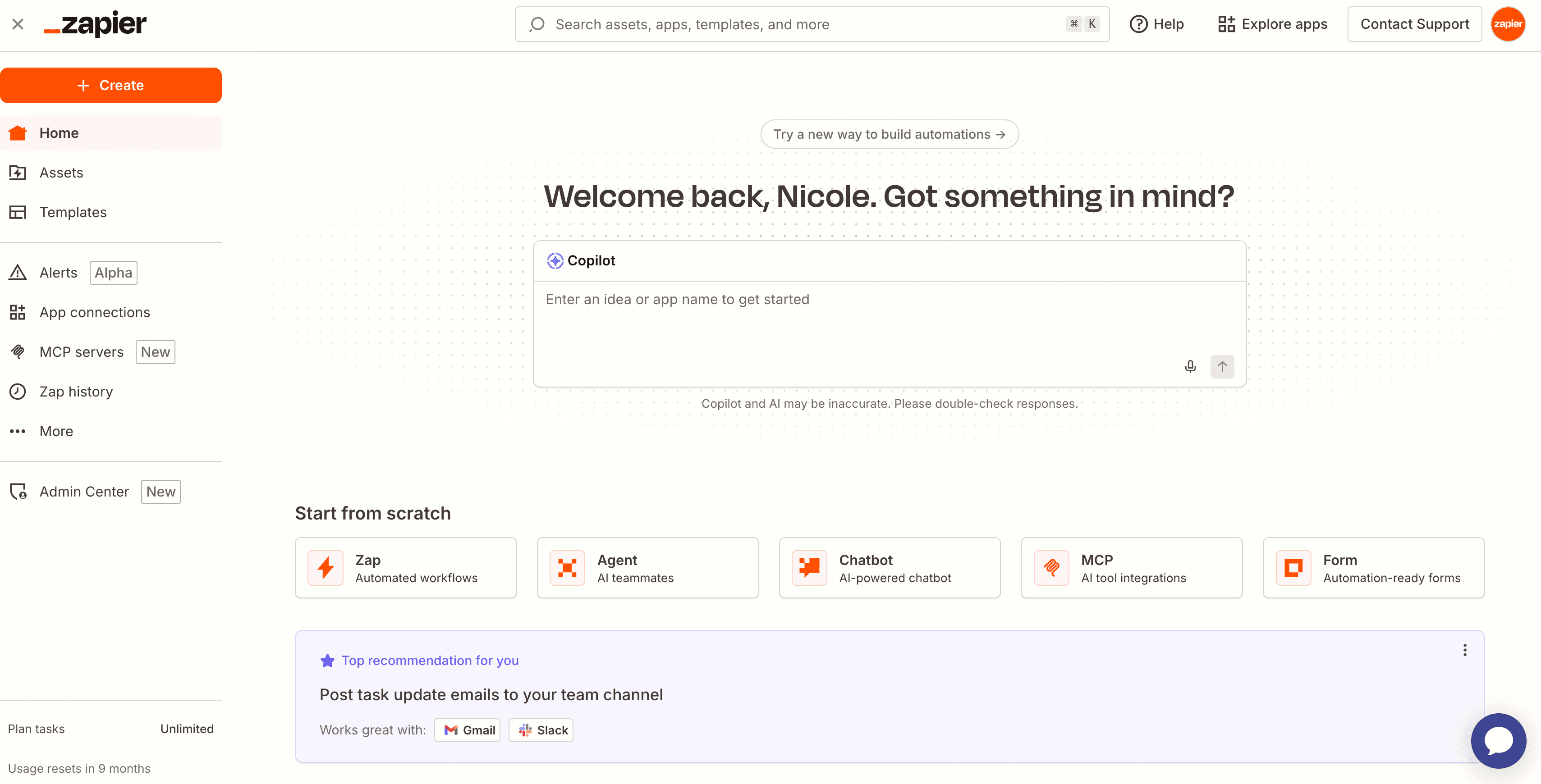
Beyond these four, Zapier notes that specialized agents exist for customer support and sales research. But the general-purpose category matters most for teams that need flexibility across departments.
What makes an AI agent an AI agent
Zapier defines an AI agent as software that takes a goal, plans the steps to reach it, and uses tools to carry those steps out. Unlike a chatbot that responds to one prompt at a time, an agent keeps working across multiple tool calls and conversation turns until the job is done.
In practice, an agent combines four things:
- A large language model as the reasoning engine
- A set of tools or app integrations it can call (email, CRM, database, browser, code execution)
- Memory or context so it can track what it already did
- A trigger that kicks it off, whether that's a user message, a schedule, or a signal from another app
The enterprise requirements
Here's what separates an agent you can deploy company-wide from one that should stay personal, according to Zapier's analysis:
Managed credentials and scoped permissions
Your agents need to access Gmail, Salesforce, Notion, and a dozen other systems. You don't want every agent holding long-lived tokens with full admin access. Enterprise-ready agents let you limit what apps an agent can touch and what actions it can take inside each one.
Audit logging
When an agent sends a message, updates a record, or spends money, someone needs to answer "what happened, and why?" after the fact. Built-in activity logs matter more than most teams realize. That changes after an incident forces the question.
Human-in-the-loop controls
Most real workflows have a step that should not be fully autonomous. A human-in-the-loop checkpoint, where a person reviews and approves the agent's output before it takes a consequential action, is the difference between a helpful teammate and a liability.
Logicity's Take
Compare automation platforms before choosing an AI agent layer
Integration depth matters
The source text cuts off before completing Zapier's full criteria list, but the pattern is clear. Consumer AI tools optimize for impressive demos. Enterprise agents optimize for boring reliability. The gap shows up in how they handle credentials, what they log, and where they pause for human approval.
Zapier Agents leads the list because it sits on top of Zapier's existing integration network. That's thousands of app connections that already exist. Claude Code and Cowork focus on developer workflows. ChatGPT Workspace Agents stay inside the ChatGPT environment. Lindy goes mobile-first with iMessage and email.
More options for enterprise AI tool evaluation
Specialized agents
Beyond the general-purpose picks, Zapier mentions agents built for specific use cases like customer support and sales research. These trade flexibility for depth in one domain. A support agent might understand ticket routing and escalation paths better than any general tool. A sales research agent might integrate with intent data sources that general agents can't access.
The choice between general and specialized depends on how varied your use cases are. Teams that need one agent to handle multiple departments lean general. Teams with a single high-volume workflow might get more value from a specialist.
Frequently Asked Questions
What is an AI agent vs a chatbot?
A chatbot responds to one prompt at a time. An AI agent takes a goal, plans steps, and uses tools across multiple turns until the job is done. Agents have memory, tool access, and can trigger themselves from schedules or events.
Which AI agents are enterprise-ready in 2026?
Zapier identifies four leaders: Zapier Agents for full-stack automation, Claude Code and Cowork for developer workflows, ChatGPT Workspace Agents for research tasks, and Lindy for mobile-first personal assistance.
What features do enterprise AI agents need?
Three requirements stand out: managed credentials with scoped permissions, audit logging for accountability, and human-in-the-loop controls for consequential actions.
Should I use a general-purpose or specialized AI agent?
General agents work across departments and handle varied tasks. Specialized agents (like those for support or sales) go deeper in one domain. Choose based on whether you need breadth or depth.
Need Help Implementing This?
Source: The Zapier Blog
Huma Shazia
Senior AI & Tech Writer
Produced with AI assistance and reviewed by the Logicity editorial team. Learn more in our Editorial Policy.






