Key Takeaways
- Edge Barrier causes a small delay when moving your cursor between screens. Disable it in Display Settings on KDE.
- KWin Tiling Editor replicates PowerToys FancyZones for window management.
- ddcutil lets you control monitor brightness from the terminal without touching physical buttons.
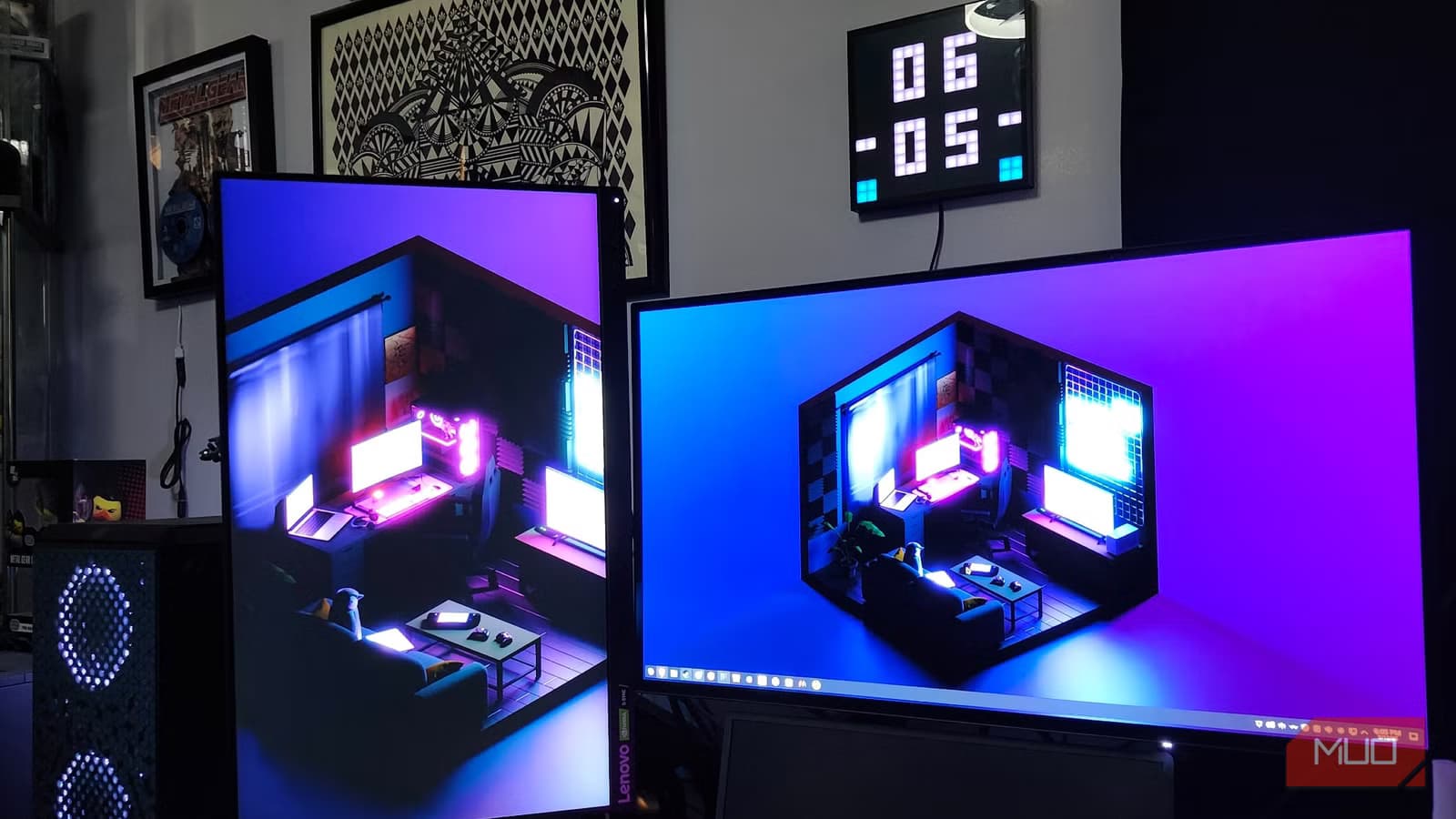
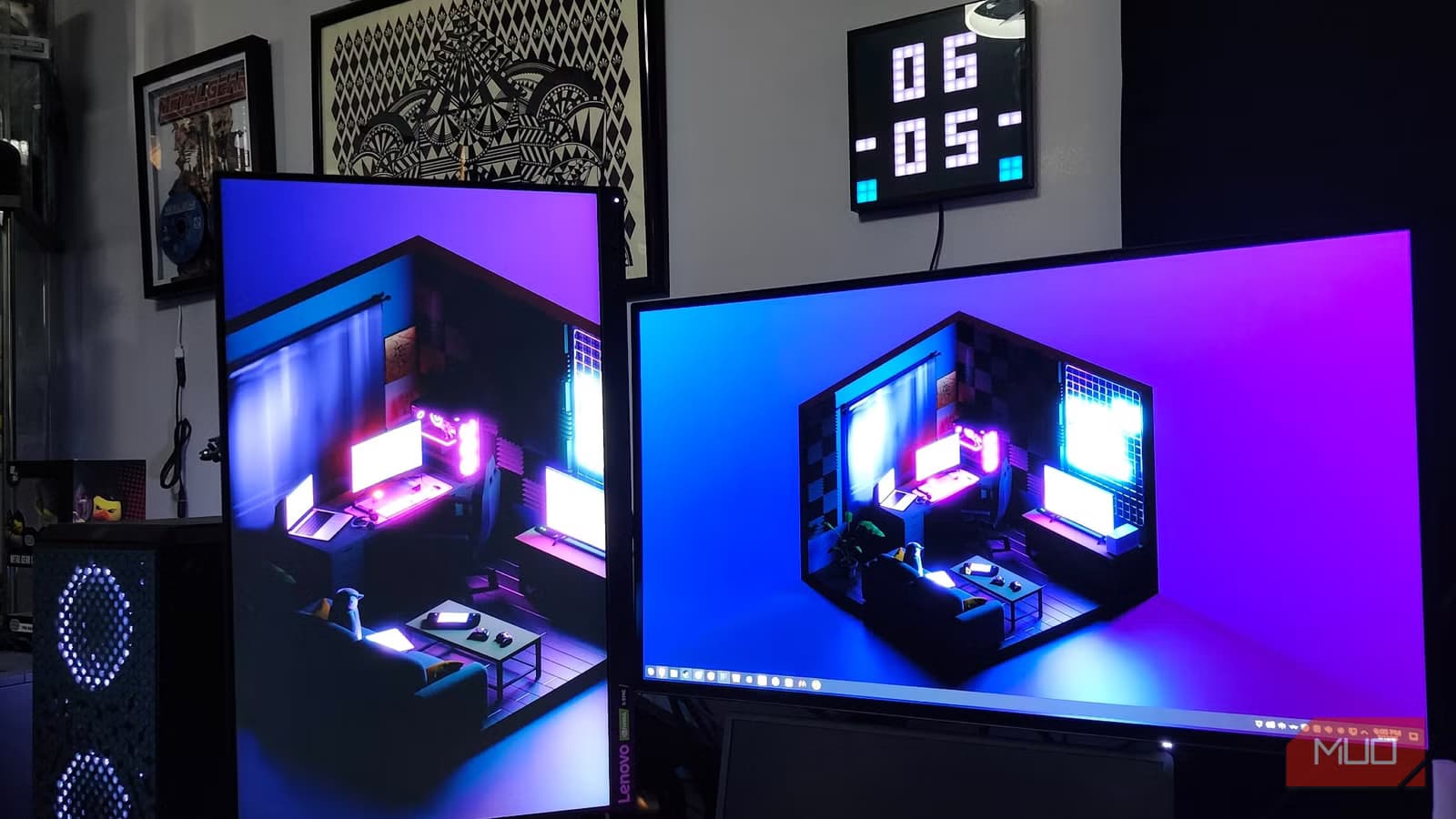
Switching to Linux as a daily driver is easier than ever. But if you run two monitors, you'll notice small behavior differences that Windows handles differently. A cursor that hitches between screens. Window snapping that doesn't match your muscle memory. Brightness controls that require you to reach for physical buttons.
Shaun Cichacki at MakeUseOf recently went "full nuclear" and replaced Windows 11 with Bazzite, an Arch-based Linux distribution. He documented the three fixes that made his dual-monitor setup feel as natural as Windows.
Edge Barrier: The Cursor Snag You Didn't Know Existed
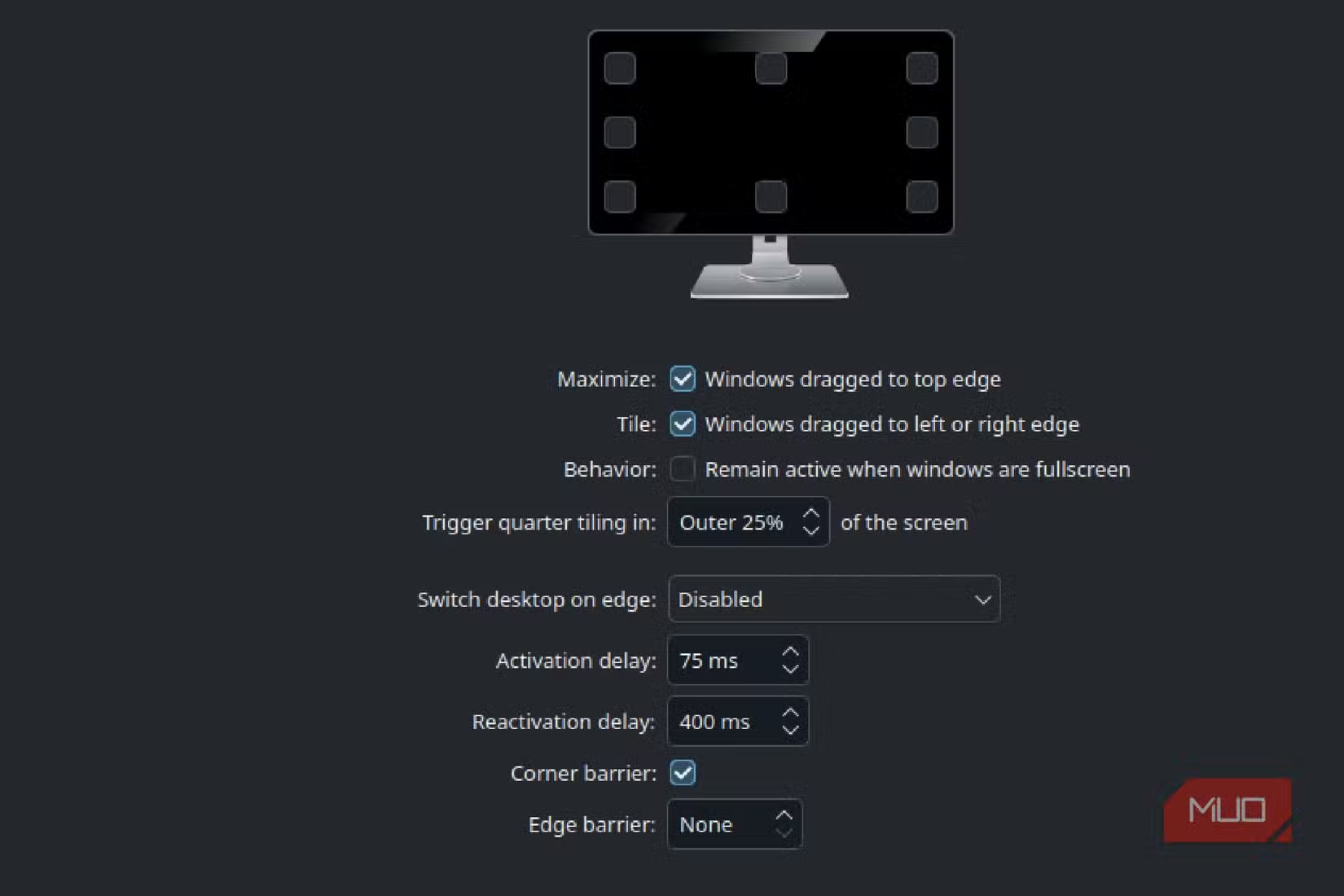
The first annoyance was a small delay when dragging the cursor from one screen to another. KDE Plasma calls this feature Edge Barrier. Its purpose is to prevent accidental screen swaps. In practice, it interrupts the muscle memory of anyone used to Windows.
The fix is simple. Open Display Settings in KDE and disable Edge Barrier. The setting hides under a menu with related options for customizable screen edges, tiles, and activation delays.
One note for GNOME users: the equivalent feature is called Sticky Edges. Despite the similar name, it does something different. Sticky Edges holds the cursor at screen boundaries to help with corner-based hot zones. Check your desktop environment's documentation for the exact behavior.
KWin Tiling Editor: PowerToys FancyZones for Linux
Windows users who relied on Microsoft PowerToys know FancyZones. It lets you define custom window-snapping regions so dragging a window to a specific spot resizes it to a preset layout. Linux has a native equivalent in KDE: the KWin Tiling Editor.
KWin Tiling Editor ships with KDE Plasma and requires no extra installation. You can define layouts per monitor, set gaps between windows, and configure keyboard shortcuts for moving windows between zones. The feature works with both X11 and Wayland sessions.
For users coming from Windows, this is the closest match to FancyZones without third-party software. GNOME users can look at extensions like Tiling Assistant for similar functionality.
More tools that ease the Windows-to-Linux transition
ddcutil: Control Monitor Brightness from Terminal
External monitors don't respond to software brightness controls the way laptop screens do. On Windows, third-party apps like Monitorian or Twinkle Tray handle this. On Linux, the answer is ddcutil.
ddcutil communicates with monitors over the DDC/CI protocol. This is the same interface that lets monitors receive commands through their video cable. With ddcutil, you can adjust brightness, contrast, and input source without touching the monitor's physical buttons.
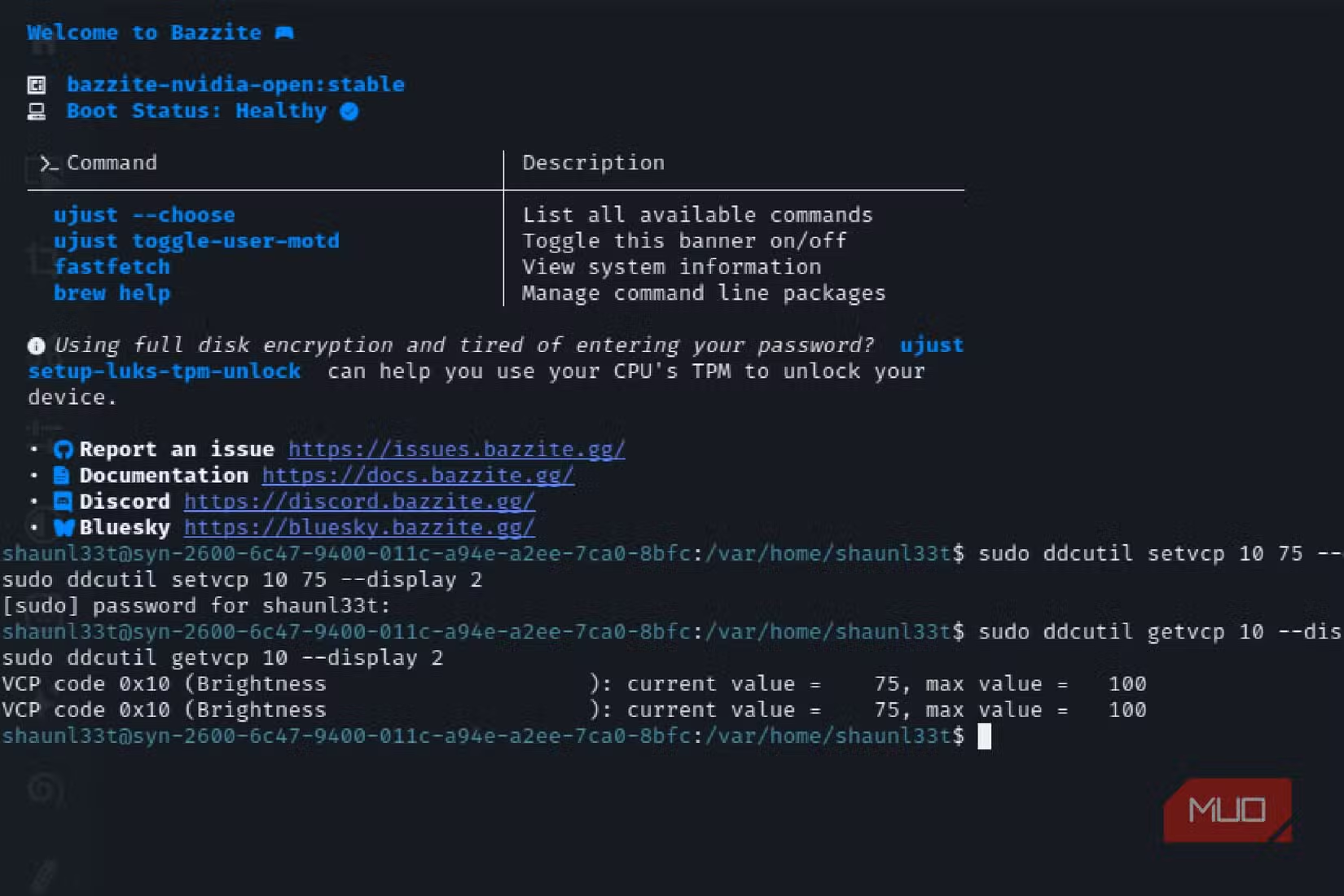
Installation varies by distribution. On Fedora and Bazzite, it's a single dnf command. Once installed, running ddcutil detect shows connected monitors. Then ddcutil setvcp 10 [value] sets brightness on a 0-100 scale.
Power users can bind these commands to keyboard shortcuts or integrate them with scripts that adjust brightness based on time of day.
Why These Fixes Matter
None of these are critical problems. A cursor delay of a few hundred milliseconds won't break your workflow. But small frictions add up. Every time your muscle memory expects one behavior and gets another, there's a cognitive cost.
The difference between "Linux works" and "Linux feels right" often comes down to these details. The good news is that most fixes are simple once you know where to look.
Logicity's Take
Frequently Asked Questions
Does Edge Barrier exist in GNOME?
GNOME uses a different feature called Sticky Edges. It serves a different purpose, holding the cursor at screen boundaries for corner hot zones rather than preventing accidental screen swaps.
Will ddcutil work with any monitor?
It depends on the monitor's DDC/CI support. Most modern monitors support it, but some budget models disable the protocol. Running ddcutil detect will show if your monitor responds.
Is KWin Tiling Editor available on X11?
Yes. KWin Tiling Editor works on both X11 and Wayland sessions in KDE Plasma.
What's the GNOME equivalent of KWin Tiling Editor?
GNOME doesn't have a built-in equivalent. Users typically install extensions like Tiling Assistant or use standalone tiling window managers.
Need Help Implementing This?
Source: MakeUseOf
Huma Shazia
Senior AI & Tech Writer
Produced with AI assistance and reviewed by the Logicity editorial team. Learn more in our Editorial Policy.






