Key Takeaways
- Fossify is a fork of Simple Mobile Tools, which was sold and later filled with ads and tracking
- The suite includes Phone, Contacts, Calendar, and Calculator apps, all available on F-Droid
- Each app focuses on core functionality without AI features or telemetry
If you've tried to avoid Google's default apps on Android, you know the pain. Finding trustworthy replacements for basic utilities means downloading a separate app for your dialer, another for contacts, another for calendar. Fossify simplifies this by bundling replacements for six core phone functions into one open-source suite.
The project is a fork of Simple Mobile Tools, a once-popular open-source suite that was sold to a company that promptly stuffed the apps with ads and tracking. Fossify picked up where Simple Mobile Tools left off, keeping the apps private, ad-free, and available through F-Droid.
What's in the Fossify Suite
The suite covers the basics: Phone, Contacts, Calendar, and Calculator. Each app does exactly what you'd expect and nothing more. There are no AI transcriptions, no cloud sync requirements, no hidden telemetry.
Fossify Phone
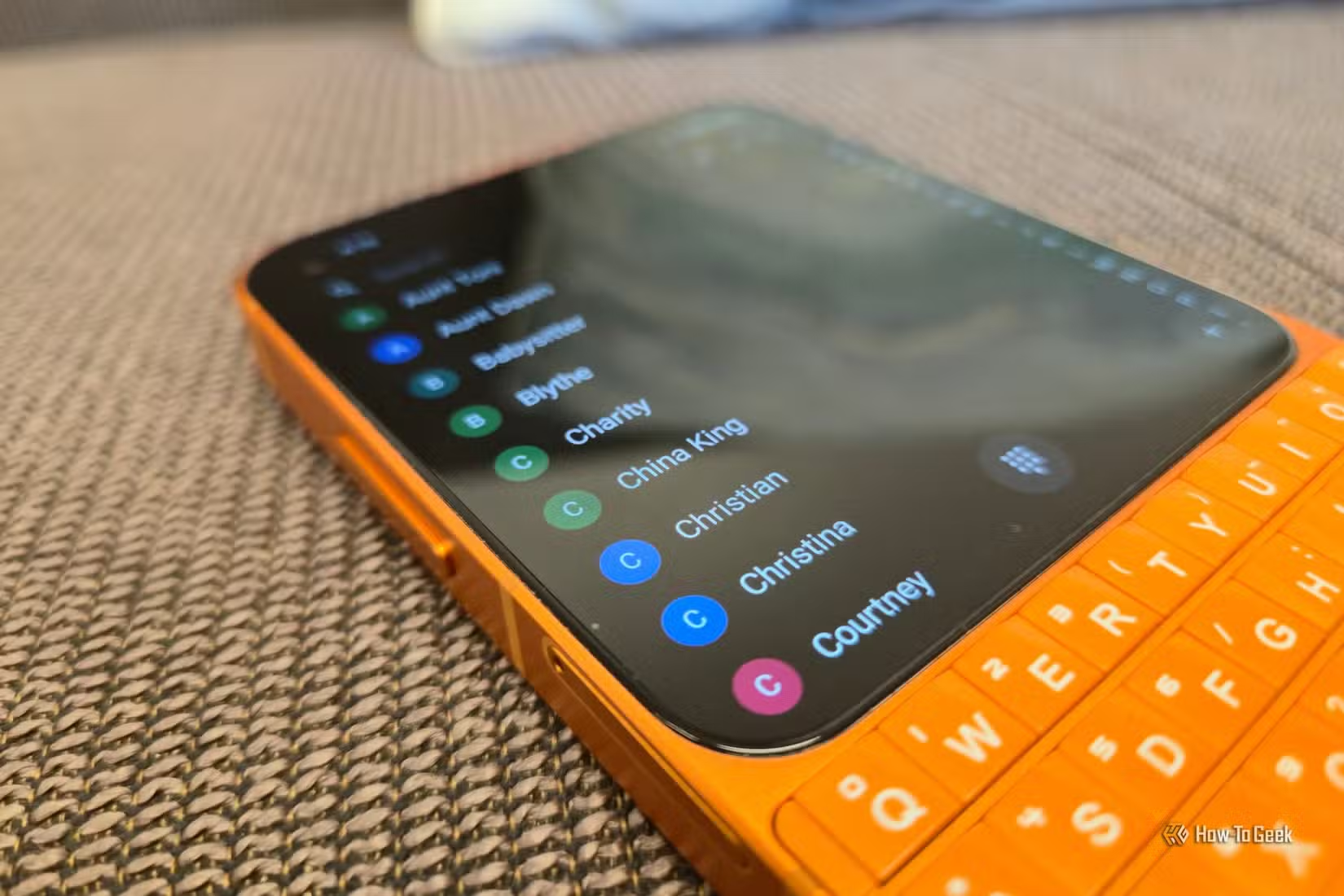
The dialer app displays contacts, saves favorites, and shows call history. It places calls. That's it. You can customize the icon color and the app's theme. OLED black is an option for battery savings on AMOLED screens.
Fossify Contacts
Contacts looks almost identical to the Phone app at first glance. The floating dialpad icon is present in both. The difference is that Contacts prioritizes adding new entries and organizing them into groups. If you don't use contact groups, you can remove that tab entirely.
Fossify Calendar
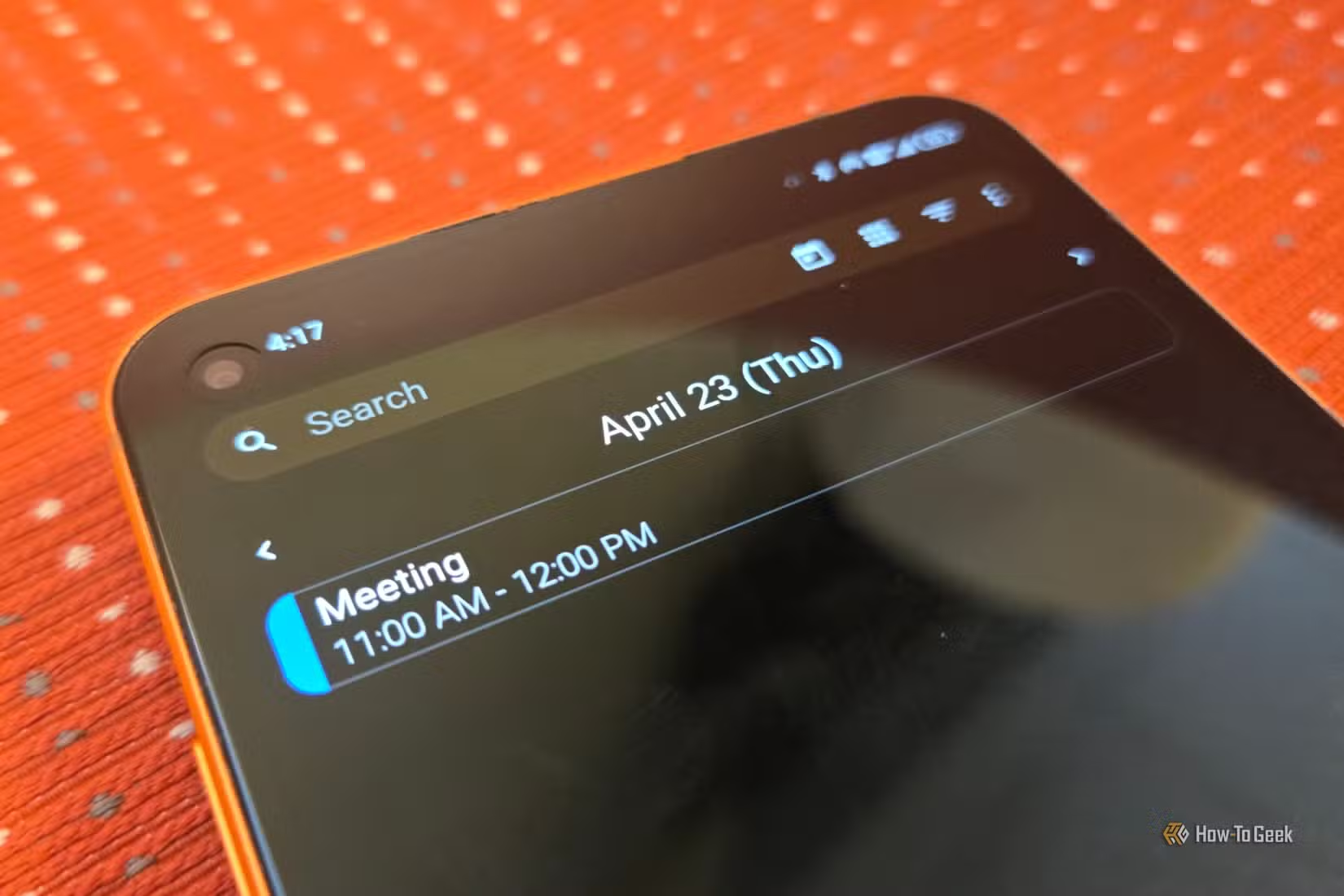
The calendar app handles events without requiring a Google account or syncing to any cloud service. It stores data locally. You get what you need from a calendar app and nothing else.
Fossify Calculator
This is a basic calculator for everyday math. It's not a scientific calculator, so don't expect trigonometric functions or complex equations. But it does include a built-in unit converter, which handles common conversions without needing a separate app.
Why Fossify Exists
Simple Mobile Tools built a loyal following among Android users who wanted clean, open-source alternatives to Google's apps. Then the project was sold. The new owners added advertising and tracking to apps that users had trusted specifically because they lacked those things.
Fossify forked the original codebase before those changes. The apps remain open source, private, and free. You can install them from F-Droid, the open-source app repository that verifies apps contain no proprietary tracking code.
Customization Without Complexity
Every Fossify app lets you change the theme and icon colors. You can match your home screen aesthetic or just pick a color you like. The apps also support removing tabs and features you don't use. If you never organize contacts into groups, that tab can go away.
This approach fits a philosophy: give users the fundamentals, let them strip away what they don't need, and never add features that compromise privacy or battery life.
✅ Pros
- • No ads, tracking, or telemetry
- • Available on F-Droid for verified open-source installs
- • Customizable themes and colors
- • Lightweight with minimal battery impact
- • Replaces multiple default apps with one suite
❌ Cons
- • Calculator lacks scientific functions
- • No cloud sync (you handle backups)
- • Missing advanced features like call transcription
- • Requires sideloading or F-Droid (not on Play Store)
Who Should Use Fossify
Fossify makes sense for Android users who want to minimize their exposure to Google services and data collection. It's also a good fit if you prefer apps that do one thing well instead of bundling features you'll never use.
The suite works on most Android phones, though the screenshots in the original How-To Geek article come from a Unihertz Titan 2 Elite, a niche phone with a physical QWERTY keyboard. Square screenshots aside, the apps work the same on any Android device.
Another comparison of open-source software alternatives
Logicity's Take
Frequently Asked Questions
Is Fossify available on the Google Play Store?
No. Fossify is available through F-Droid, the open-source app repository. You'll need to install F-Droid first, then search for Fossify apps within it.
What happened to Simple Mobile Tools?
Simple Mobile Tools was sold to a company that added ads and tracking to the apps. Fossify is a fork of the original open-source code before those changes.
Does Fossify Calendar sync with Google Calendar?
No. Fossify apps are designed to work locally without cloud services. If you need calendar sync, you'll need a different solution.
Can I use Fossify apps alongside Google's default apps?
Yes. You can set Fossify apps as your defaults and keep Google's apps installed, or use both side by side.
Need Help Implementing This?
Source: How-To Geek
Huma Shazia
Senior AI & Tech Writer
Produced with AI assistance and reviewed by the Logicity editorial team. Learn more in our Editorial Policy.