Key Takeaways
- Zapier offers 9,000+ app integrations versus Tray's 700+, with automatic connector maintenance
- Tray requires technical expertise and days-to-weeks deployment; Zapier deploys in minutes to hours
- Zapier starts at $19.99/month with transparent pricing; Tray uses custom enterprise pricing only
Enterprise automation decisions often come down to a false choice: power or accessibility. Tray positions itself as the technical powerhouse for developer-led teams, while Zapier bets that empowering everyone in an organization to build workflows creates more value than gatekeeping automation behind IT backlogs. Both platforms handle complex workflows and AI agents, but they serve fundamentally different operating philosophies.
Disclosure
Some links in this post are affiliate links — Logicity earns a commission if you sign up, at no extra cost to you. We only link products we have used or actively recommend.
The stakes are real. Pick a tool that's too technical, and you'll watch automation requests pile up in IT's queue. Pick one that's too simplistic, and you'll hit a ceiling when workflows get complex. Understanding where each platform excels helps RevOps and operations teams avoid both traps.
How do Zapier and Tray compare on core features?
The comparison breaks down across five dimensions that matter most for enterprise teams: ease of use, deployment speed, integration breadth, AI capabilities, and pricing transparency.
| Feature | Zapier | Tray |
|---|---|---|
| Target users | Anyone in the organization (no-code) | Developers and technical users |
| Implementation time | Minutes to hours | Days to weeks |
| App integrations | 9,000+ (auto-maintained) | 700+ (manual maintenance) |
| Starting price | $19.99/month (transparent tiers) | Custom enterprise pricing only |
| AI capabilities | Copilot for natural-language automation, 500+ AI app connections, MCP support | Agent builder, pre-built agents, vector tables |
| Enterprise security | SOC 2 Type II, GDPR, SSO, audit logs | SOC 2 Type II, GDPR, SSO, audit logs, HIPAA w/ PHI, data residency |
| MCP approach | Install once, immediate use | Admin-configured, allowlist-based access |
Tray does offer stronger compliance options for healthcare. If you're handling protected health information, Tray's HIPAA support and data residency controls matter. But for most RevOps teams connecting CRMs, marketing platforms, and internal tools, these extras rarely justify the added complexity.
Why does technical accessibility matter for automation adoption?
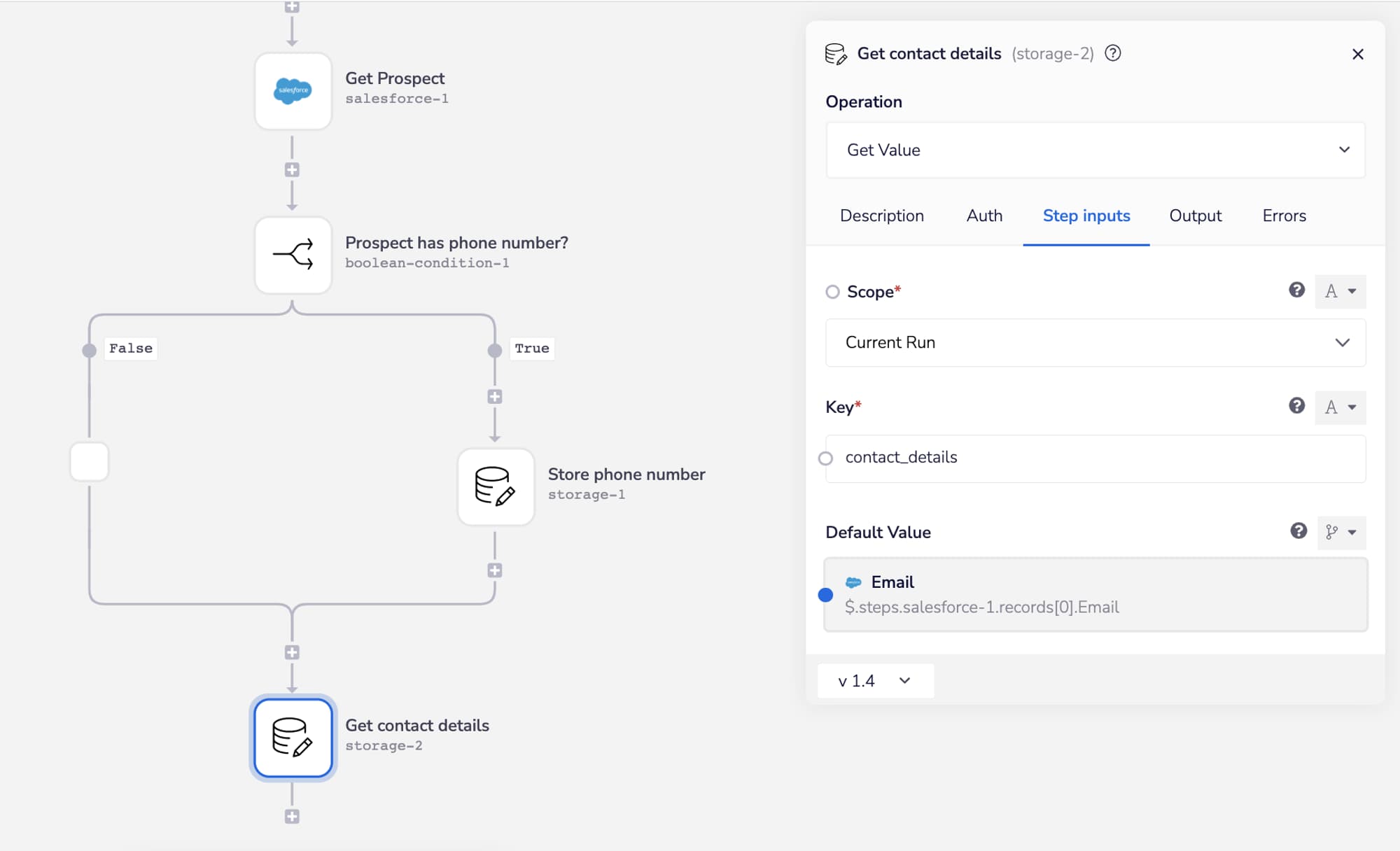
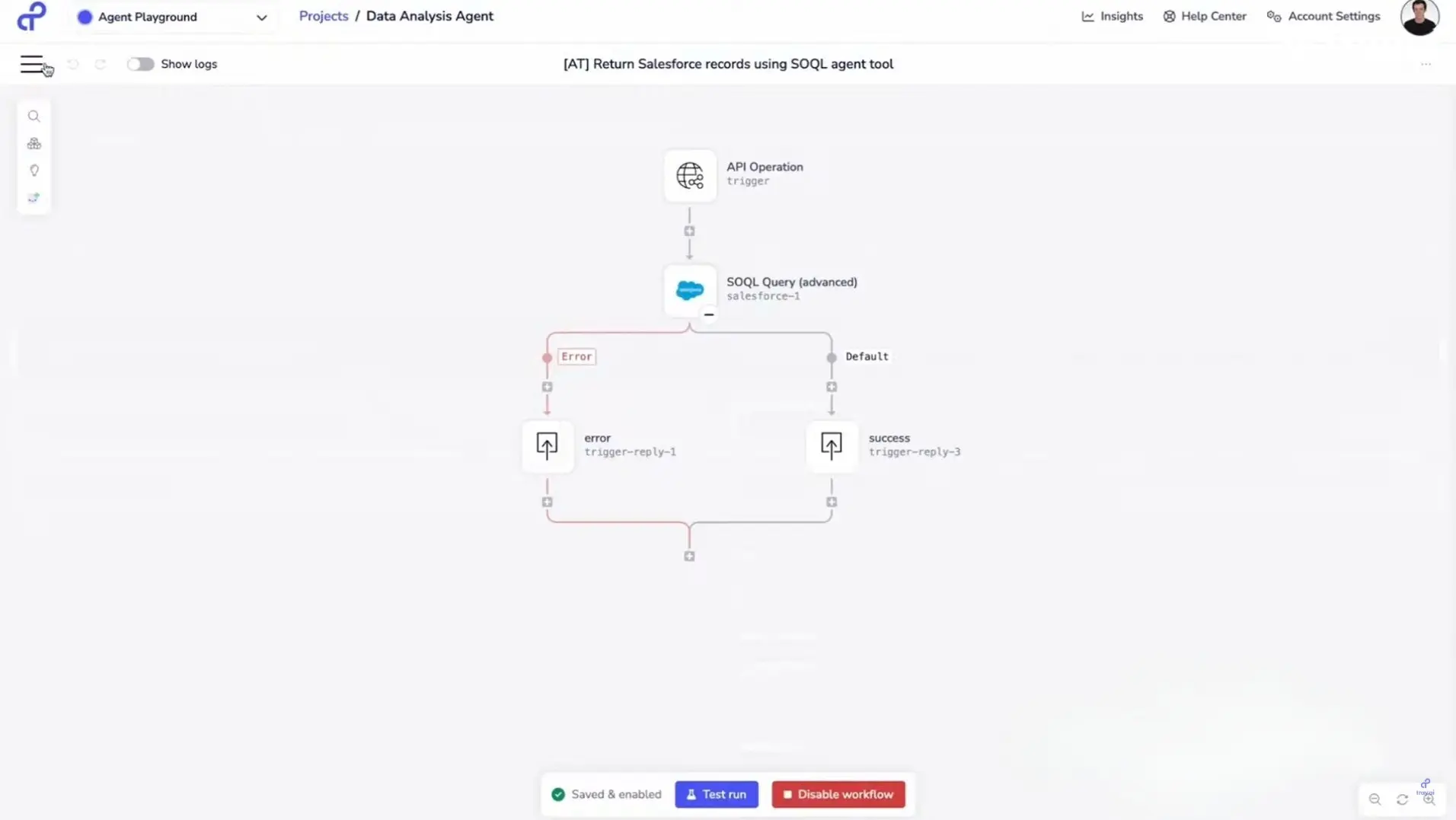
Tray's interface exposes booleans, query strings, batch sizes, and dependencies directly to users. That precision serves developers well. It also creates a hard wall for marketing managers, sales ops specialists, and finance teams who need automations but can't write code.
The result is predictable: every automation request flows through IT. Backlogs grow. The marketing team waits three weeks for a form-to-email-sequence workflow that should take 20 minutes. Meanwhile, the enthusiasm for automation dies in the queue.
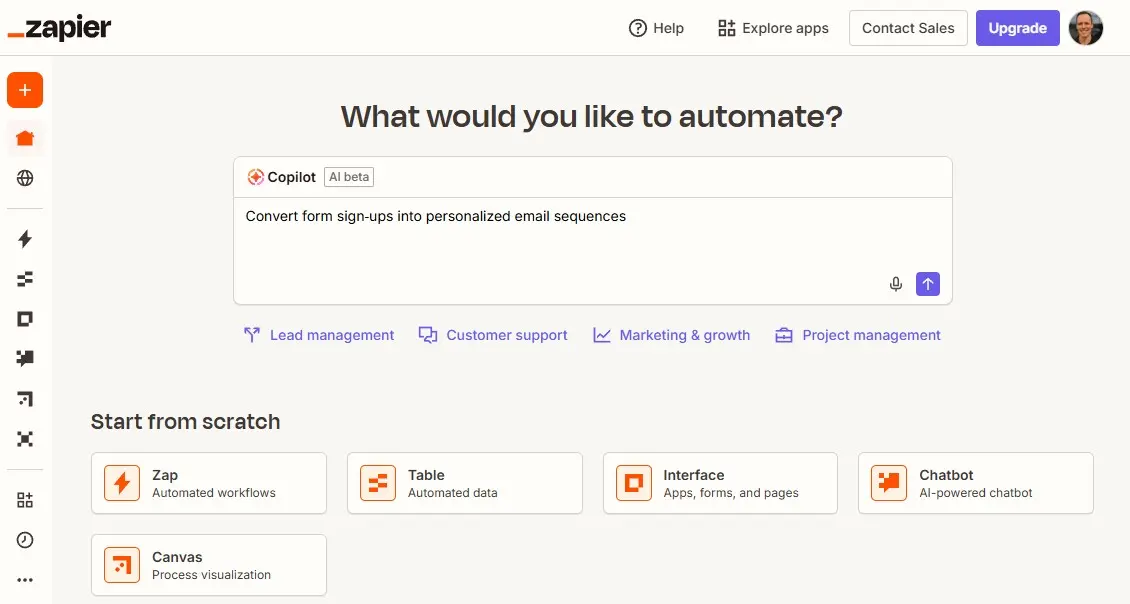
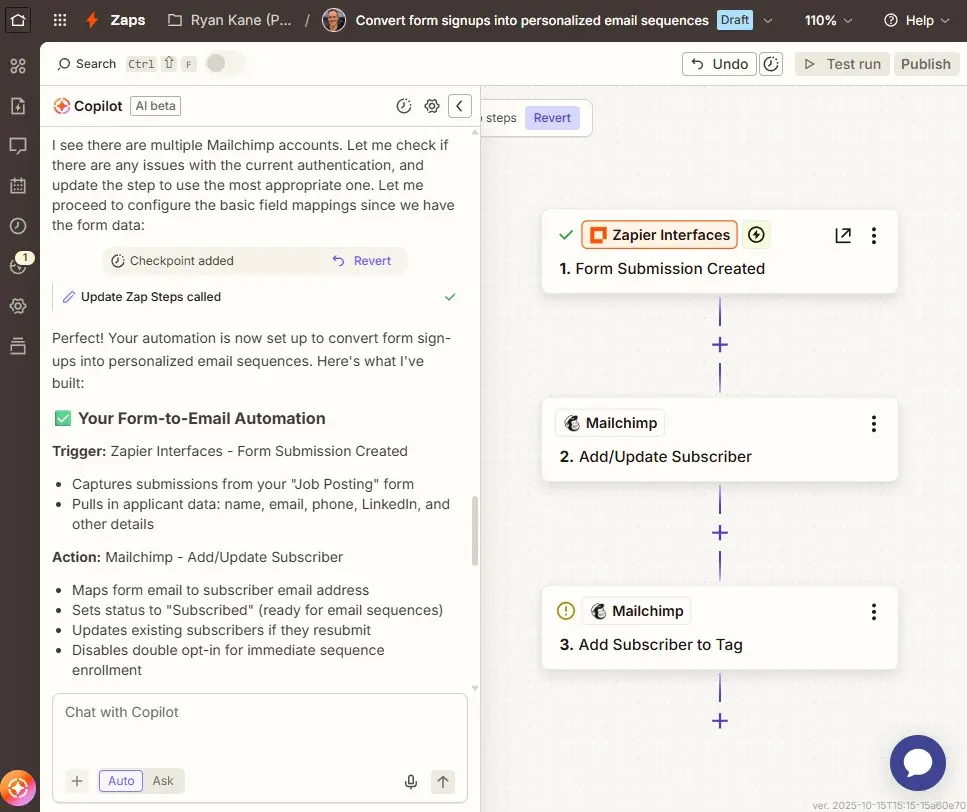
Zapier's Copilot takes the opposite approach. A user describes what they want in plain English: "Convert form sign-ups into personalized email sequences." Copilot asks clarifying questions, designs the workflow, and suggests next steps. No boolean logic required.
This isn't about dumbing down automation. Complex workflows still need oversight. But when non-technical teams can handle the 80% of requests that don't require custom development, IT can focus on the 20% that actually need their skills.
Compare how Zapier stacks up against another enterprise integration platform
How do deployment timelines differ?
Zapier advertises deployment in minutes to hours. Tray says days to weeks. That gap reflects more than interface complexity. It captures the entire procurement, configuration, and training cycle each platform demands.
Tray's MCP implementation illustrates the difference. In 2026, Tray launched Agent Gateway for MCP, letting IT teams publish workflows as governed MCP tools with role-based access control, audit logging, and versioning. Useful features. But getting there requires a workspace admin to request access, configure the server, define authentication for each tool, and add users to an allowlist.
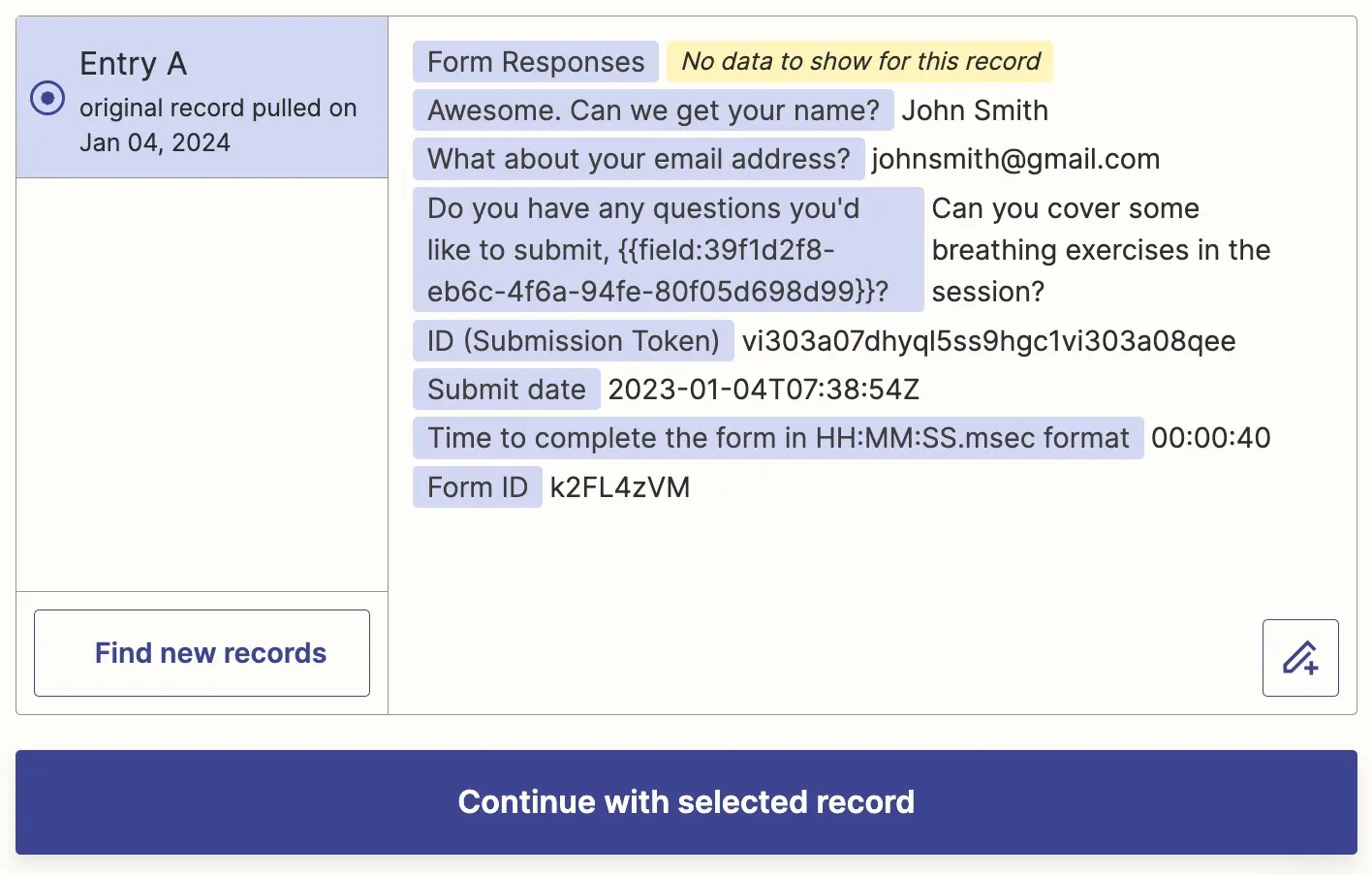
Zapier's MCP skips that build-out. Install it once, and it works. For teams that want AI clients to take actions across their tool stack without a multi-week configuration project, that simplicity matters.
What about integration coverage?
Zapier connects to over 9,000 apps. Tray offers around 700 connectors. That's a 12x difference. More importantly, Zapier automatically maintains its connections. When an API changes, Zapier's team updates the integration. Tray users maintain their connectors manually.
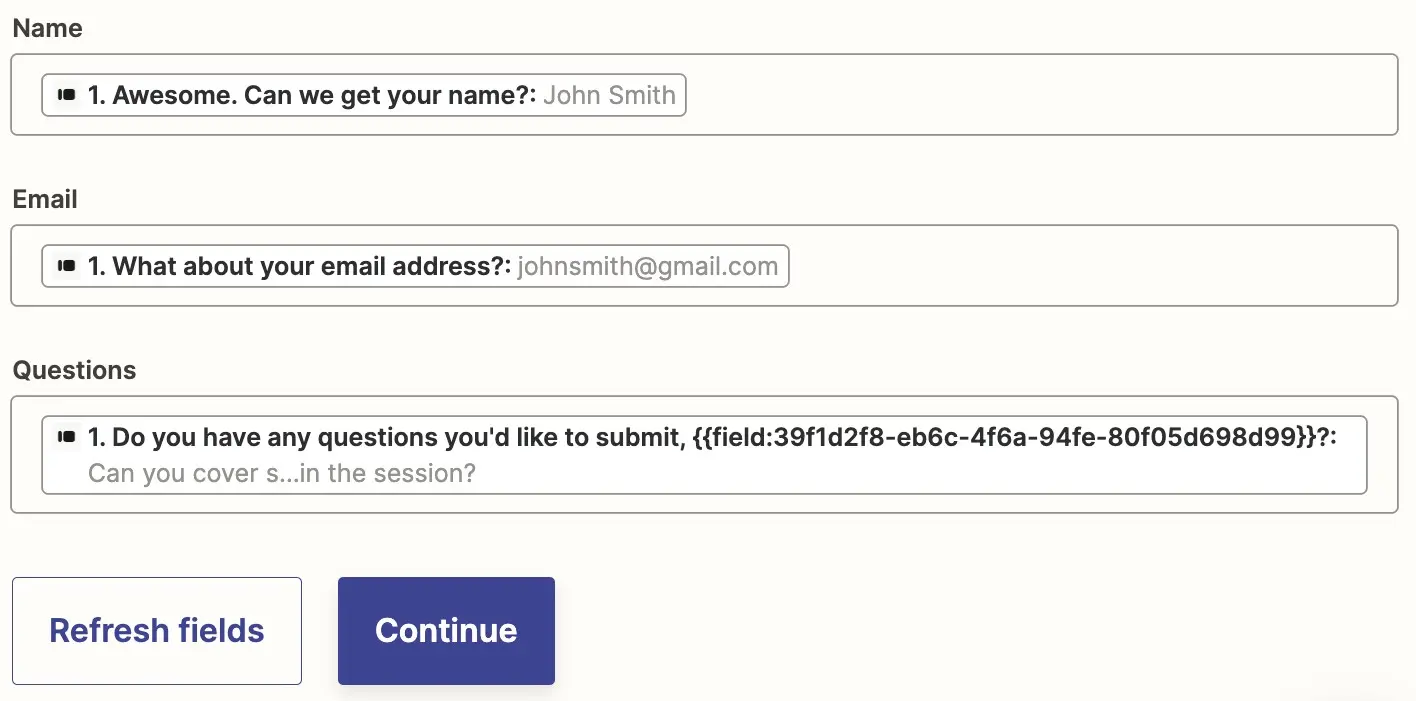
For RevOps teams juggling HubSpot, Salesforce, Slack, finance tools, and a dozen niche SaaS products, that maintenance burden adds up. Every broken connector means a ticket, troubleshooting time, and a workflow that's silently failing until someone notices.
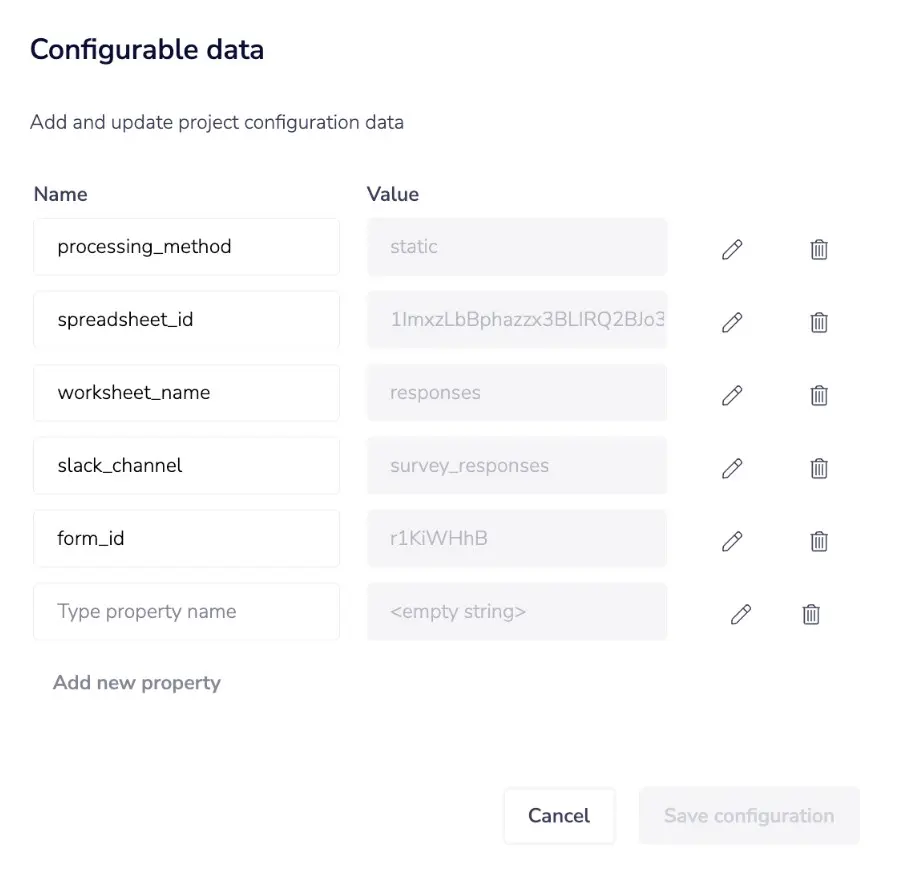
Tray's smaller connector library sometimes offers deeper functionality within the integrations it does support. If your enterprise runs entirely on a handful of major platforms and needs granular API access, that trade-off can make sense. But most operations teams value coverage and reliability over depth in individual connectors.
How do the AI capabilities compare?
Both platforms have invested heavily in AI features. Tray offers an agent builder, pre-built agents, AI connectors, and vector tables for AI data storage. Zapier counters with Copilot for natural-language automation building, connections to over 500 AI apps, and MCP support for taking actions from AI tools.
The philosophical difference carries through here. Tray's AI features give developers more control over agent behavior and data handling. Zapier's AI features make agent-building accessible to anyone who can describe what they want in a sentence.
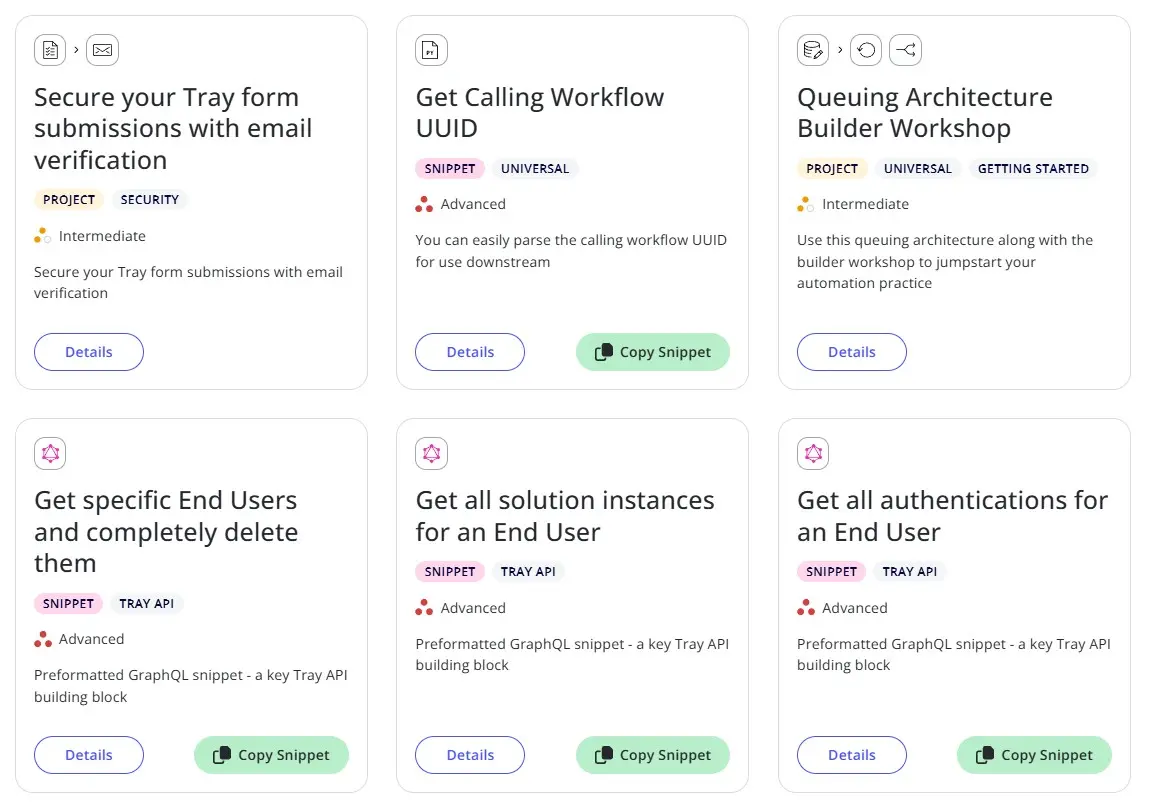
For teams building custom AI agents with specific data requirements, Tray's vector tables and fine-grained controls provide useful scaffolding. For teams that want to add AI to existing workflows without a development project, Zapier's approach removes friction.
What will each platform cost?
Zapier publishes its pricing: plans start at $19.99/month, with transparent tiers that scale by task volume and feature access. Enterprise plans use custom pricing, but the published tiers give teams a baseline for budgeting.
Tray uses custom pricing only. No public rates, no self-serve tiers. That opacity makes comparison difficult, but enterprise buyers consistently report Tray as significantly more expensive than Zapier for equivalent automation volume.
The pricing model also affects adoption patterns. Zapier's transparent pricing lets department heads budget for automation without procurement involvement. Tray's custom quotes route everything through enterprise sales, adding weeks to adoption timelines.
Understanding enterprise AI adoption challenges beyond feature comparisons
Which platform fits which team?
Tray makes sense for organizations with dedicated integration teams, compliance requirements that demand HIPAA or data residency controls, and workflows that genuinely require developer-level precision. If your automations involve complex nested loops, custom API manipulations, and technical teams to maintain them, Tray's power justifies its complexity.
Zapier fits organizations that want automation to spread beyond IT. If your goal is enabling marketing, sales, finance, and ops teams to build their own workflows, freeing developers for complex projects, Zapier's accessibility drives adoption. The integration breadth means fewer dead ends when connecting tools, and the transparent pricing simplifies budgeting.
For RevOps teams specifically, the question is often: who should own automation? If the answer is "a centralized technical team," Tray's model works. If the answer is "everyone who needs it," Zapier removes the bottleneck.
Logicity's Take
The source comes from Zapier's blog, so the framing obviously favors their product. But the underlying argument holds: most enterprise automation fails not from technical limitations but from adoption bottlenecks. Tray's power serves teams that already have automation culture. Zapier's accessibility builds it. For RevOps teams evaluating alternatives, also consider [Make](https://logicity.in/r/make) (mid-tier complexity, visual builder, €9/month starting) and [n8n](https://logicity.in/r/n8n) (open-source, self-hostable, free tier available). The right choice depends less on feature checklists than on who in your organization will actually build and maintain workflows.
Similar comparison framework for evaluating competing SaaS tools
Frequently Asked Questions
Can Tray handle workflows that Zapier cannot?
Tray offers more granular control over multi-level nested loops and data passing between workflows. For edge cases requiring developer-level precision, Tray provides options that Zapier's Sub-Zap workflows and Looping features don't fully replicate.
Is Zapier secure enough for enterprise use?
Zapier offers SOC 2 Type II compliance, GDPR support, SSO, and audit logs. However, Tray adds HIPAA with PHI handling and data residency options, which matter for healthcare organizations or companies with strict data localization requirements.
How long does it take to deploy Tray versus Zapier?
Zapier typically deploys in minutes to hours since non-technical users can build workflows immediately. Tray deployments take days to weeks due to configuration requirements, admin setup, and the technical expertise needed to build workflows.
Why does Zapier have so many more integrations than Tray?
Zapier maintains over 9,000 app integrations with automatic updates when APIs change. Tray's 700+ connectors require manual maintenance, which limits how quickly the platform can expand its integration library.
Can non-technical teams use Tray effectively?
Tray is expanding features for 'business technologists,' but its interface still exposes booleans, query strings, and dependencies that create barriers for non-technical users. Most Tray deployments require IT involvement for workflow creation.
Need Help Implementing This?
Choosing between automation platforms is just the first step. If you need guidance on building an automation strategy that fits your RevOps workflows, reach out to Logicity's consulting team for vendor-neutral recommendations.
Source: The Zapier Blog
Huma Shazia
Senior AI & Tech Writer
Produced with AI assistance and reviewed by the Logicity editorial team. Learn more in our Editorial Policy.