Key Takeaways
Zapier vs Power Automate Comparison | Best Workflow Automation Tool Explained
- Zapier connects to 9,000+ apps and deploys in minutes; MuleSoft offers ~300 connectors and takes weeks to months to implement
- MuleSoft's six-figure annual licensing suits enterprises with legacy systems needing HIPAA compliance; Zapier's $19.99/month entry point fits most RevOps workflows
- MuleSoft retired its low-code Composer tool, making it developer-only; Zapier's Copilot lets non-technical teams build production workflows
The gap between Zapier and MuleSoft isn't just pricing. It's a fundamental difference in who builds the integrations, how fast they ship, and what trade-offs your organization accepts. Zapier connects 9,000+ apps with a visual builder anyone can use. MuleSoft, owned by Salesforce, targets IT architects managing legacy infrastructure and demands mid-five to six-figure annual contracts. The right choice depends on whether your automation needs live in ops workflows or deep in core banking systems.
Disclosure
Some links in this post are affiliate links — Logicity earns a commission if you sign up, at no extra cost to you. We only link products we have used or actively recommend.
How do Zapier and MuleSoft compare on specs?
Before diving into use cases, here's a direct comparison of the two platforms' core capabilities.
| Feature | Zapier | MuleSoft |
|---|---|---|
| Best for | Teams needing governed access to 9,000+ apps | Enterprise IT managing legacy systems and AI sprawl |
| Ease of use | Visual builder, AI copilot, templates for non-technical users | Requires developers, engineers, or integration architects |
| Implementation time | Minutes to hours | Weeks to months |
| Pricing | Starting at $19.99/month; Teams at $69/month; enterprise custom | Mid-five to six-figure annual licensing plus ongoing dev costs |
| Integrations | 9,000+ apps with auto-maintained connections | ~300 prebuilt connectors with manual updates |
| Security certifications | SOC 2 Type II, GDPR, SSO, audit logging | SOC 2 Type II, GDPR, SSO, audit logging, PCI DSS, HIPAA |
| AI capabilities | Copilot for natural language workflows; MCP server for AI tool governance | Agent Fabric for orchestration; MuleSoft Vibes for AI coding |
Who actually uses each platform?
MuleSoft serves enterprises building strategic, core integrations. Royal Bank of Canada, for example, used MuleSoft to digitize account opening, a process that required accessing sensitive data in legacy systems via custom APIs. That's the sweet spot: multinationals setting up mission-critical infrastructure where HIPAA compliance matters and dedicated integration architects are already on staff.
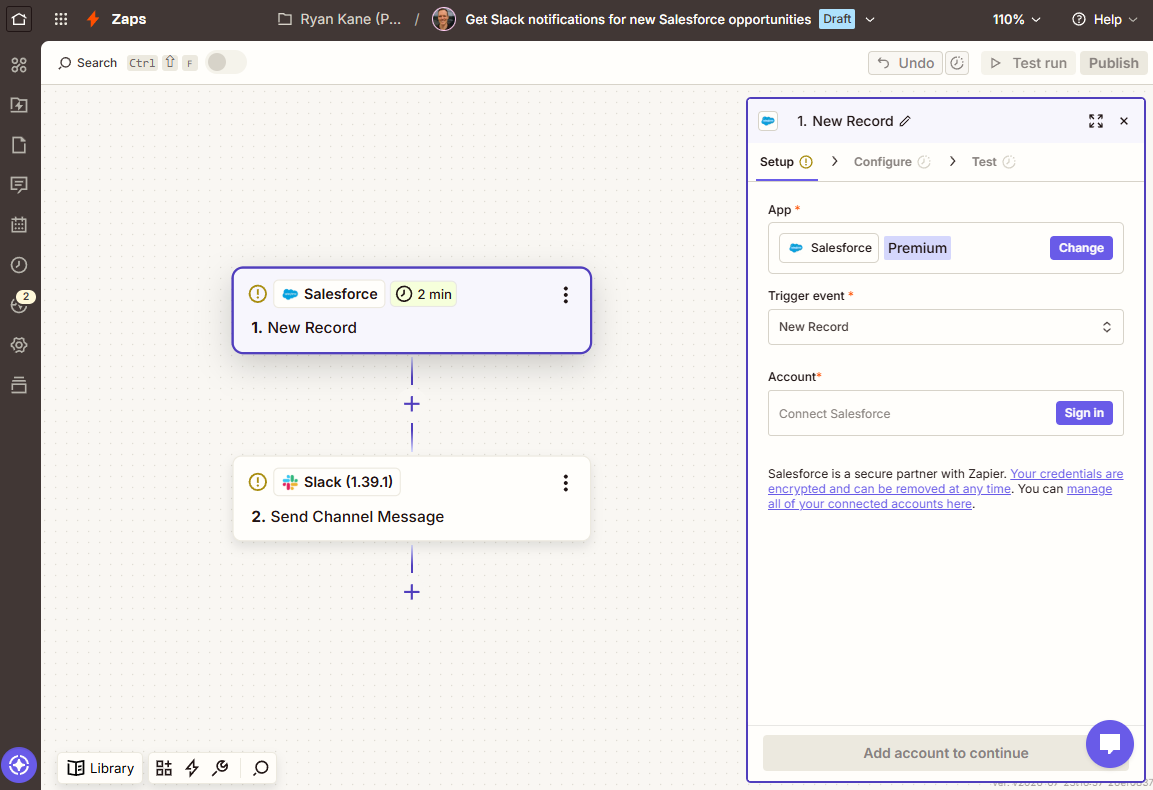
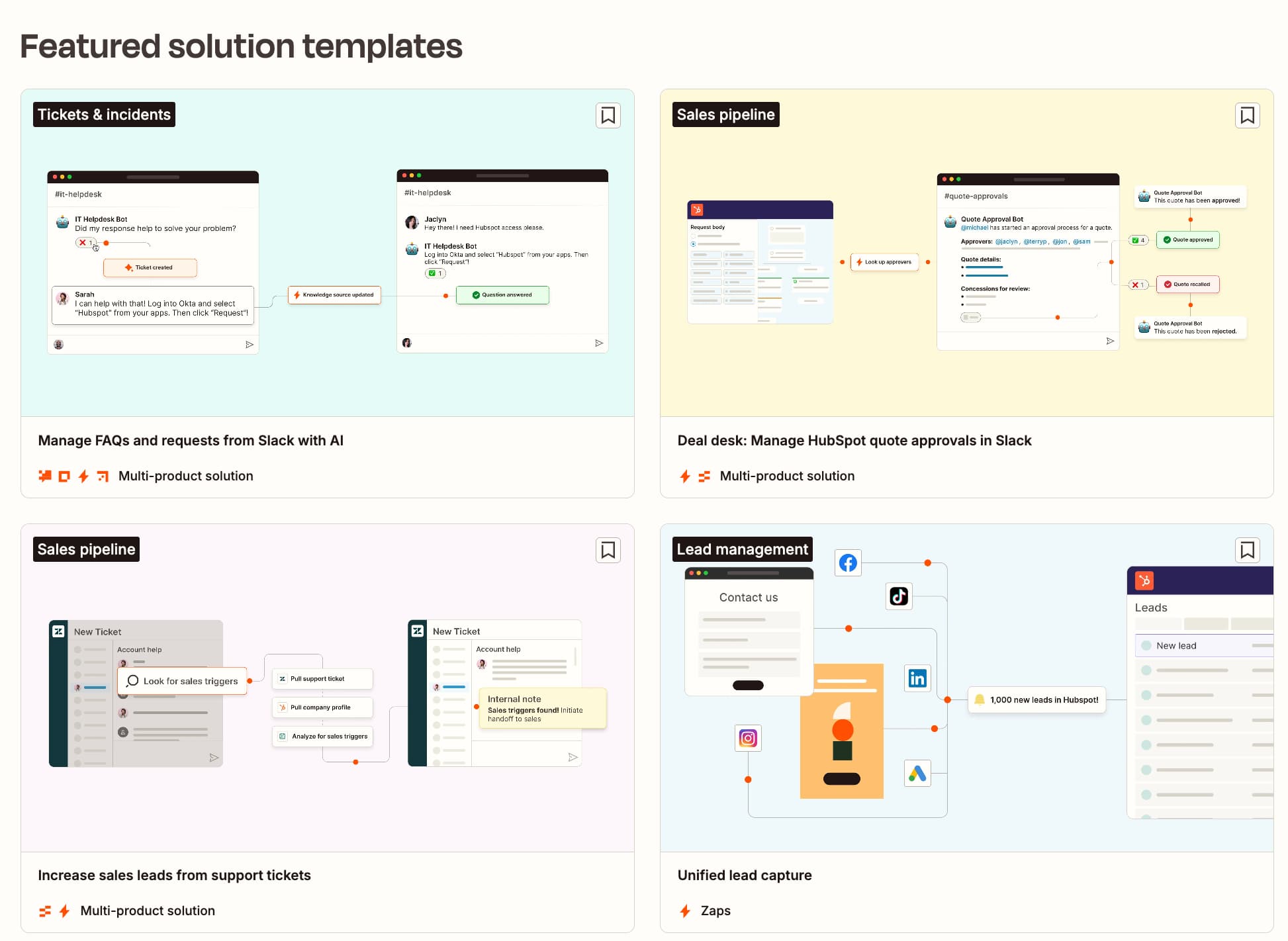
Zapier targets a different user entirely. Operations managers, RevOps leads, and marketing teams can build production workflows without writing code. The platform's Copilot walks users through decisions in a chat interface, and thousands of templates let you connect accounts, confirm triggers, and publish in minutes.
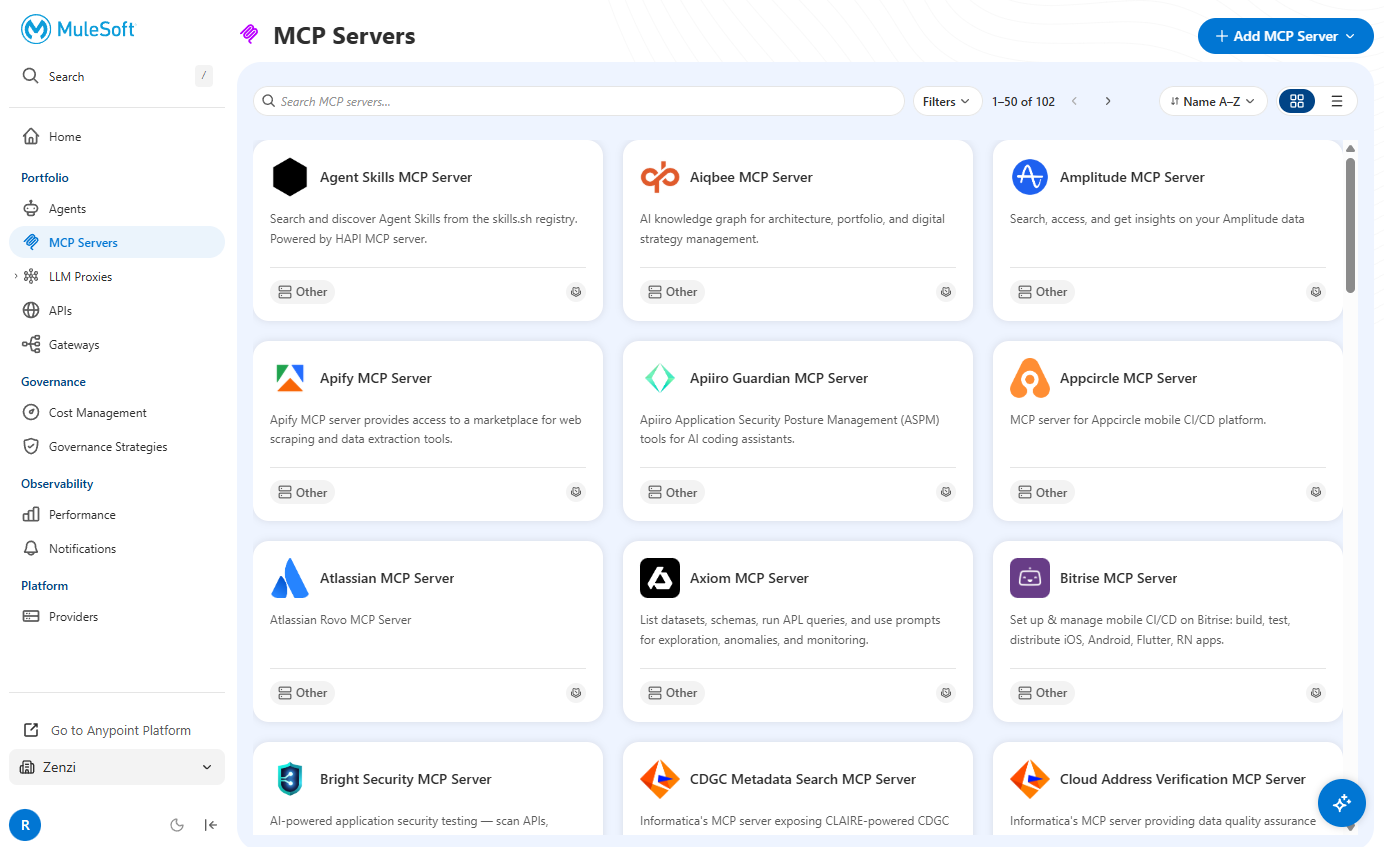
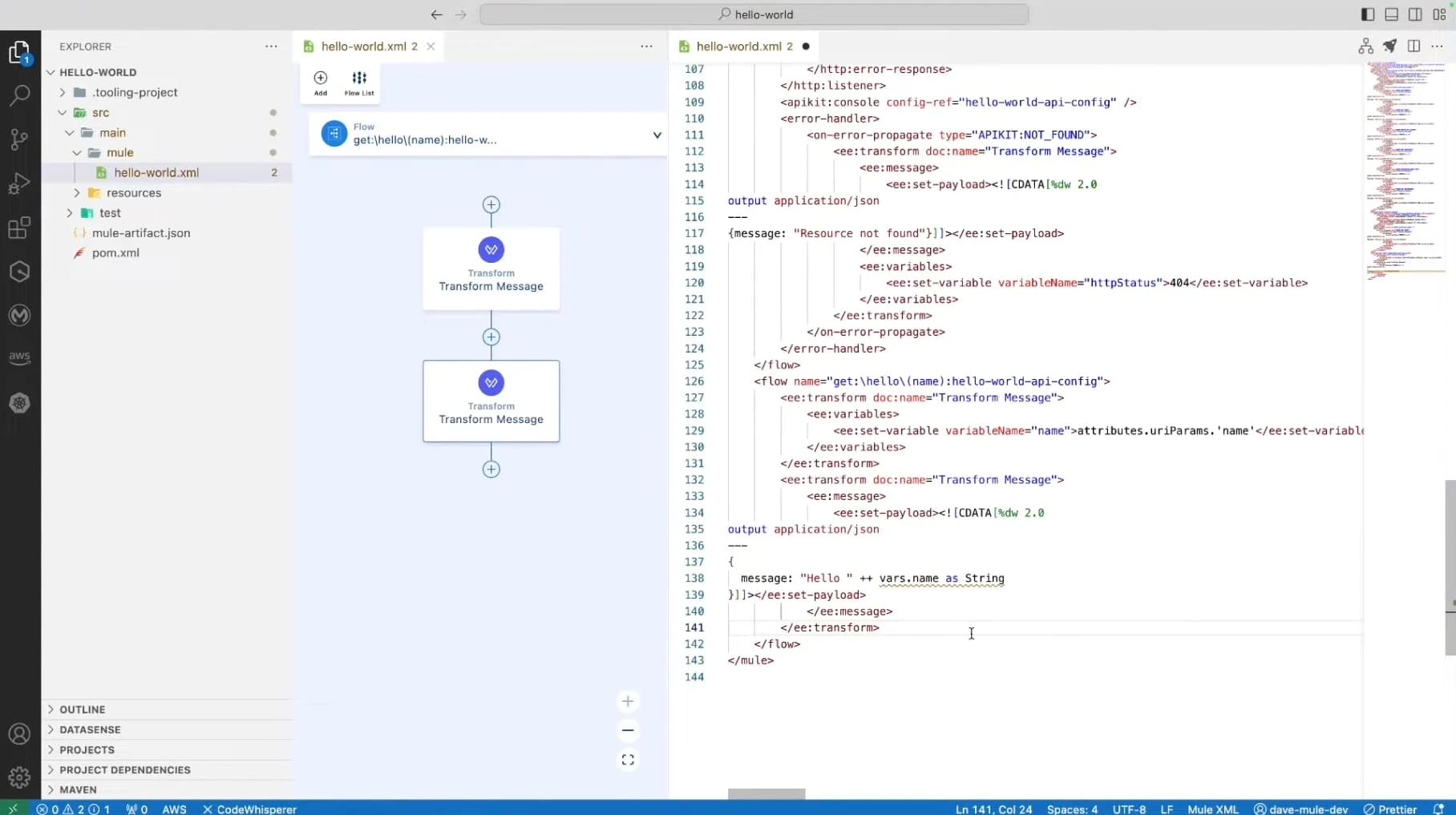
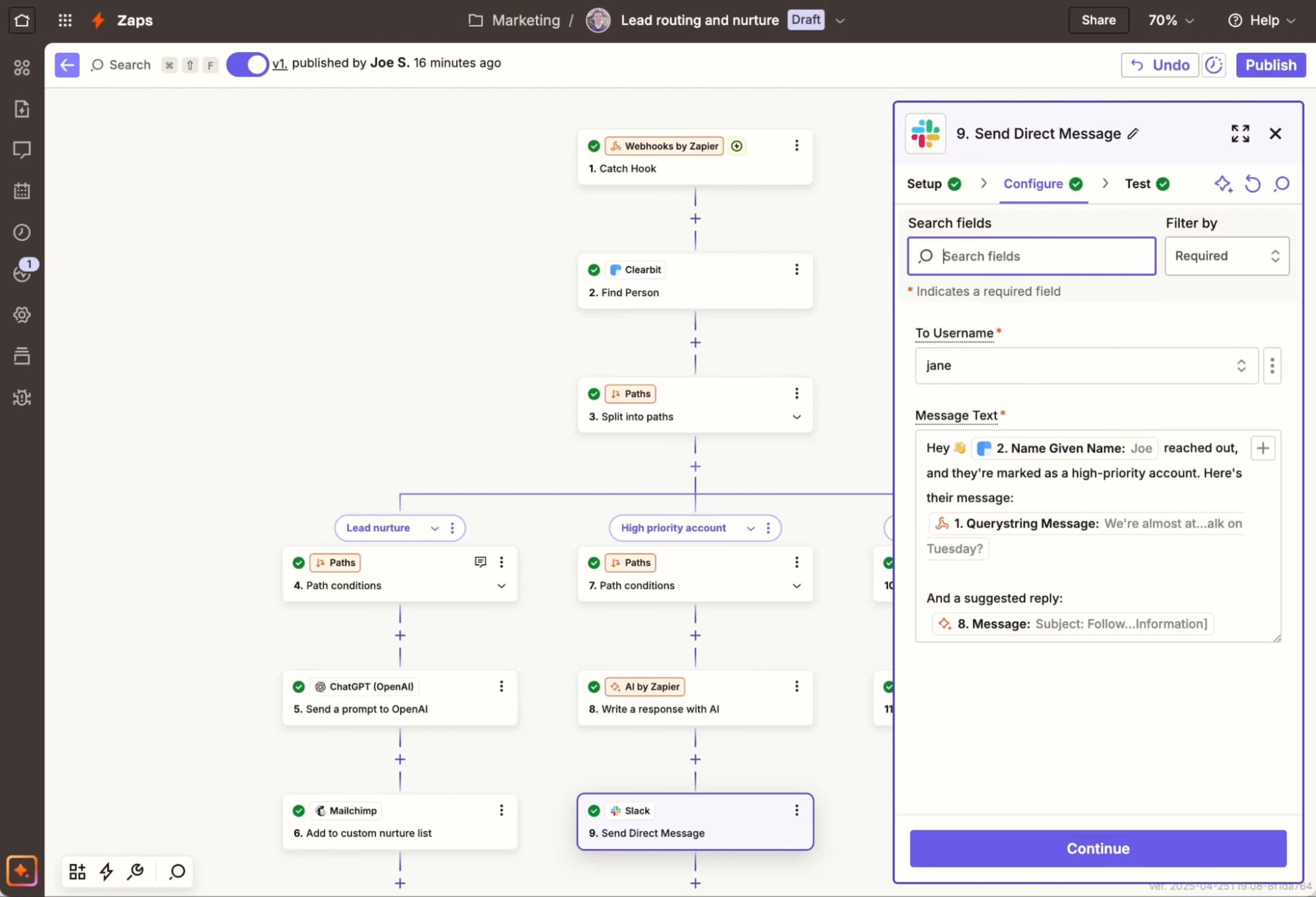
Consider a basic automation: sending Slack notifications for new Salesforce opportunities. MuleSoft's Anypoint Code Builder offers full control for data transformation, API work, and custom protocols. But that power creates friction for simpler tasks. Zapier handles the same workflow in a few clicks.
What happened to MuleSoft's low-code option?
MuleSoft used to offer Composer, a product aimed at less technical users. That's been retired. The only remaining low-code path is MuleSoft for Flow, which works exclusively within Salesforce. If your organization doesn't live in Salesforce, there's no business-user-friendly entry point to MuleSoft anymore.
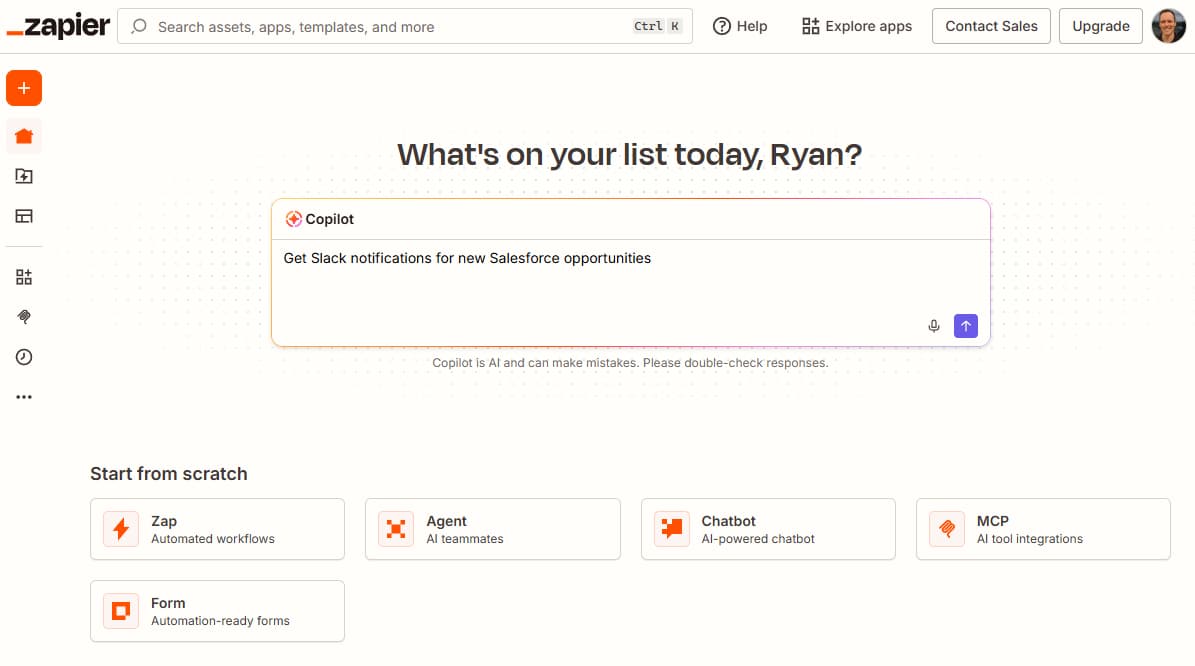
MuleSoft's new Omni Gateway handles governance for AI and API assets with a navigable interface, but it's designed for IT administrators, not RevOps teams. Business users have no real reason to log in. This makes MuleSoft more technical than it's ever been.
Enterprise infrastructure decisions often pair integration platforms with cloud services
How fast can you actually deploy?
Zapier deployments take minutes to hours. Connect your apps, configure the logic, publish. The platform maintains connections automatically, so you're not chasing broken integrations when APIs update.
MuleSoft implementations take weeks to months. That timeline reflects the complexity of what it's built for: mission-critical infrastructure, legacy system integration, and custom API development. But if you're automating lead routing or syncing data between HubSpot and your project management tool, that deployment window is hard to justify.
What's the real cost difference?
Zapier starts at $19.99 per month. Team plans run $69 per month, and enterprise pricing is custom but remains in a different stratosphere from MuleSoft.
MuleSoft's licensing falls in the mid-five to six-figure range annually. Add ongoing developer costs, platform maintenance, and the integration architects needed to run it. For organizations that need HIPAA compliance or are connecting banking infrastructure, that investment makes sense. For RevOps teams automating CRM workflows, it doesn't.
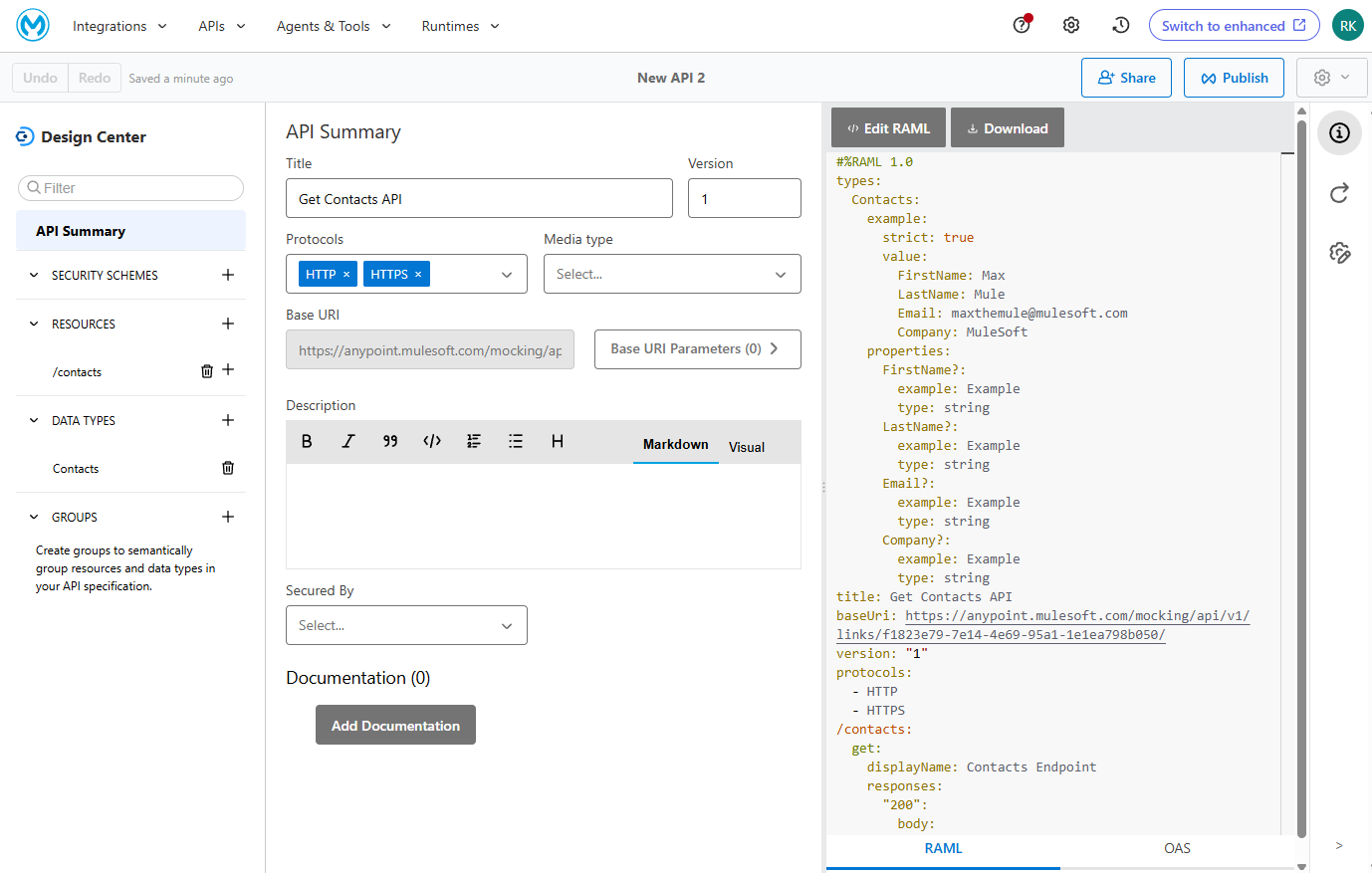
The 30x difference in available integrations compounds this. Zapier connects to 9,000+ apps; MuleSoft offers about 300 prebuilt connectors. Building custom connectors in MuleSoft is possible but adds developer time to the total cost.
How do AI features compare?
Both platforms have invested in AI capabilities, but they serve different purposes.
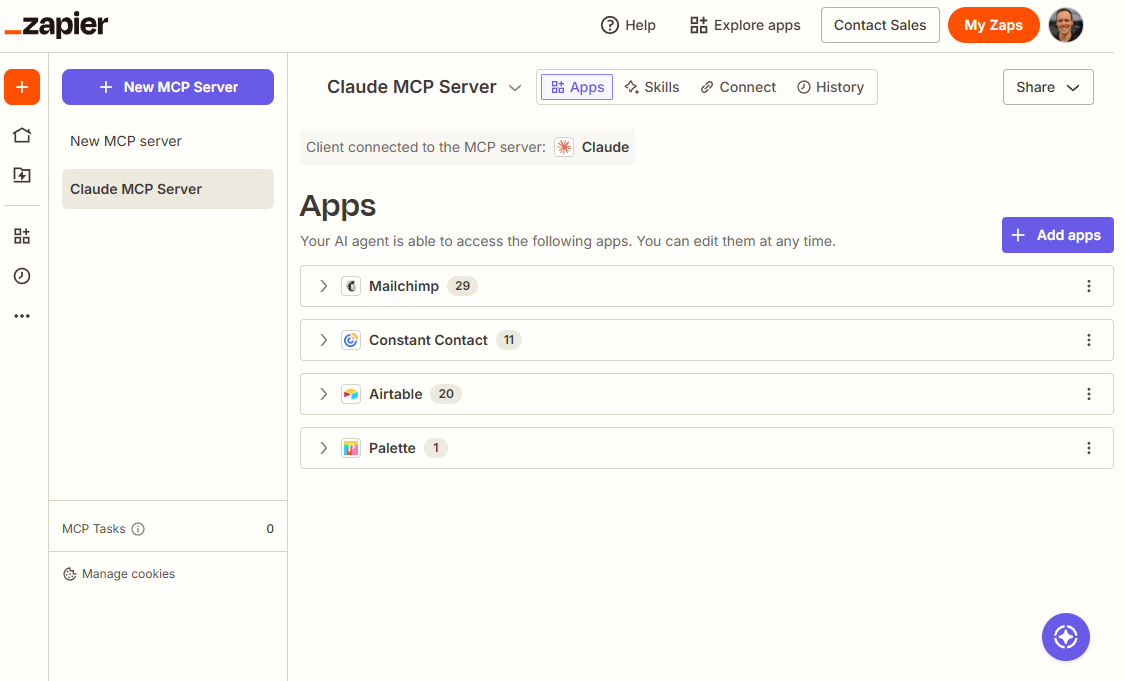
Zapier's Copilot lets users describe workflows in plain language and generates production-ready automations. The MCP server provides governed access for AI tools to interact with your app stack, with agentic tool calling built into automations. This addresses a growing problem: organizations declaring AI a priority without governance, leading to agent sprawl and credentials scattered across tools.
MuleSoft's Agent Fabric orchestrates and governs AI agents and other assets across an enterprise. MuleSoft Vibes offers AI-assisted coding, and the platform includes intelligent document processing. These features assume you have developers who'll use them.
When should you choose MuleSoft?
MuleSoft fits organizations with dedicated integration architects, legacy systems requiring custom APIs, and compliance requirements Zapier can't meet. If you're building infrastructure that handles sensitive financial or healthcare data, MuleSoft's HIPAA and PCI DSS certifications matter.
The platform also makes sense when you're already deep in the Salesforce ecosystem and can leverage MuleSoft for Flow without adding another vendor.
When does Zapier make more sense?
Zapier wins when speed, cost, and accessibility matter more than deep infrastructure control. RevOps teams, marketing ops, and operations managers can build and iterate on workflows without waiting for IT. The 9,000+ app library covers most SaaS tools an organization uses, and automatic connection maintenance reduces ongoing overhead.
For teams already using Make or n8n, Zapier offers a more polished interface with stronger enterprise governance features. The AI copilot and MCP server also position it better for organizations concerned about shadow AI.
Logicity's Take
For most RevOps and operations teams, this isn't a close decision. MuleSoft's six-figure price tag and developer dependency make it impractical unless you're connecting legacy banking systems or need HIPAA certification. Zapier's $69/month team tier handles 90% of what mid-market companies need. The gap may narrow as MuleSoft's Agent Fabric matures, but right now, the only real question is whether your compliance requirements force MuleSoft or your budget allows it as a luxury. For CRM automation specifically, pairing Zapier with [Pipedrive](https://logicity.in/r/pipedrive) or [Zoho CRM](https://logicity.in/r/zoho-crm) often costs less annually than a single MuleSoft implementation.
Frequently Asked Questions
Is MuleSoft better than Zapier for enterprise use?
MuleSoft offers deeper control for IT-led projects involving legacy systems and sensitive data, with HIPAA and PCI DSS compliance. Zapier better serves business teams needing fast, governed access to 9,000+ apps without developer involvement.
How much does MuleSoft cost compared to Zapier?
Zapier starts at $19.99/month with team plans at $69/month. MuleSoft requires mid-five to six-figure annual licensing plus ongoing developer and platform costs.
Can non-technical users build automations in MuleSoft?
Not anymore. MuleSoft retired Composer, its low-code tool. The only business-user option is MuleSoft for Flow, which only works within Salesforce.
How many apps does Zapier integrate with compared to MuleSoft?
Zapier connects to 9,000+ apps with automatically maintained connections. MuleSoft offers approximately 300 prebuilt connectors that require manual updates.
Does Zapier have AI features for building workflows?
Yes. Zapier's Copilot creates production-ready workflows from plain-language descriptions. The MCP server provides governed access for AI tools to interact with connected apps.
Need Help Implementing This?
Evaluating integration platforms for your team? Reach out to Logicity's ops consulting partners for a vendor-neutral assessment of your automation stack and implementation roadmap.
Source: The Zapier Blog
Manaal Khan
Tech & Innovation Writer
Produced with AI assistance and reviewed by the Logicity editorial team. Learn more in our Editorial Policy.